

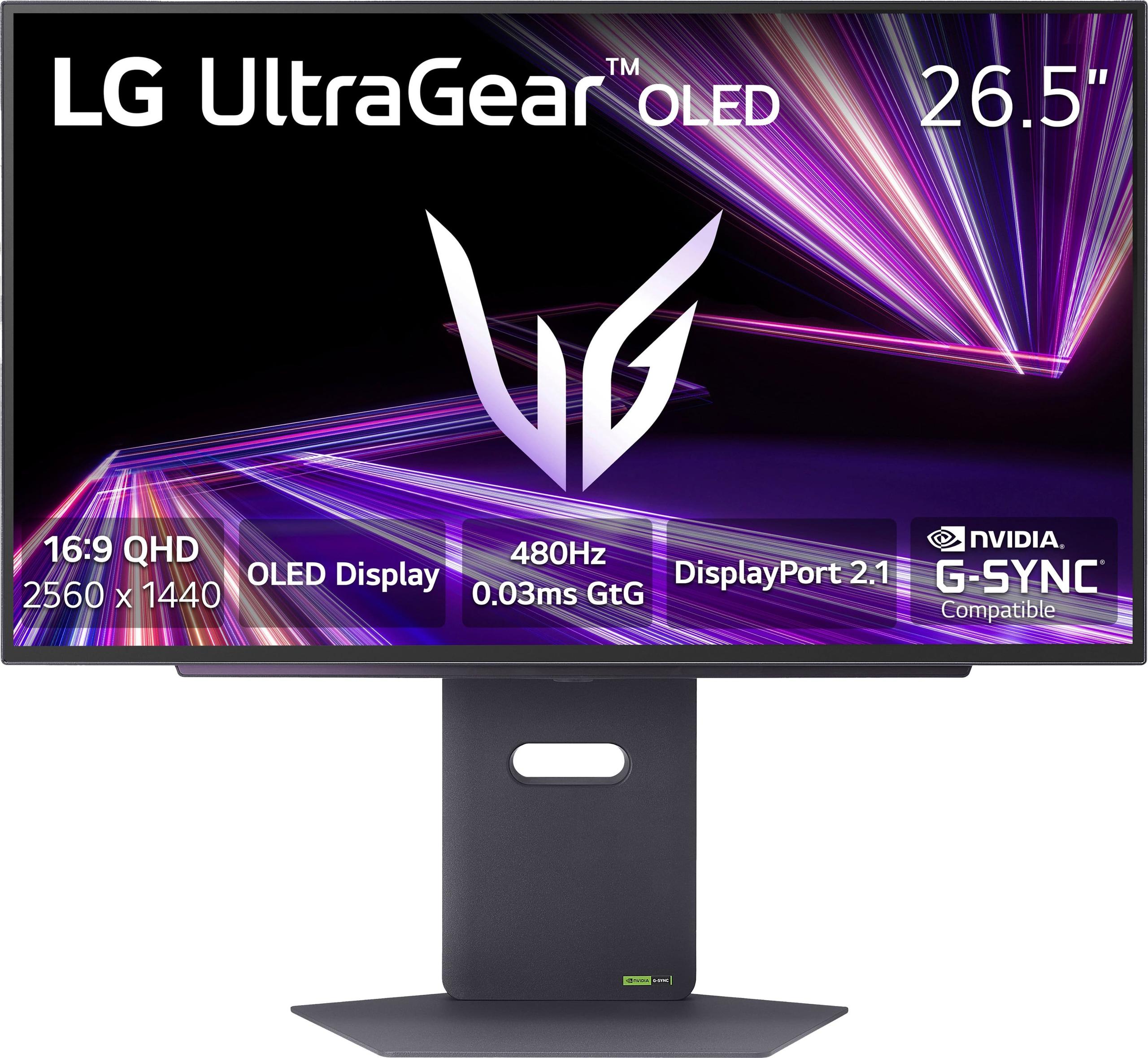





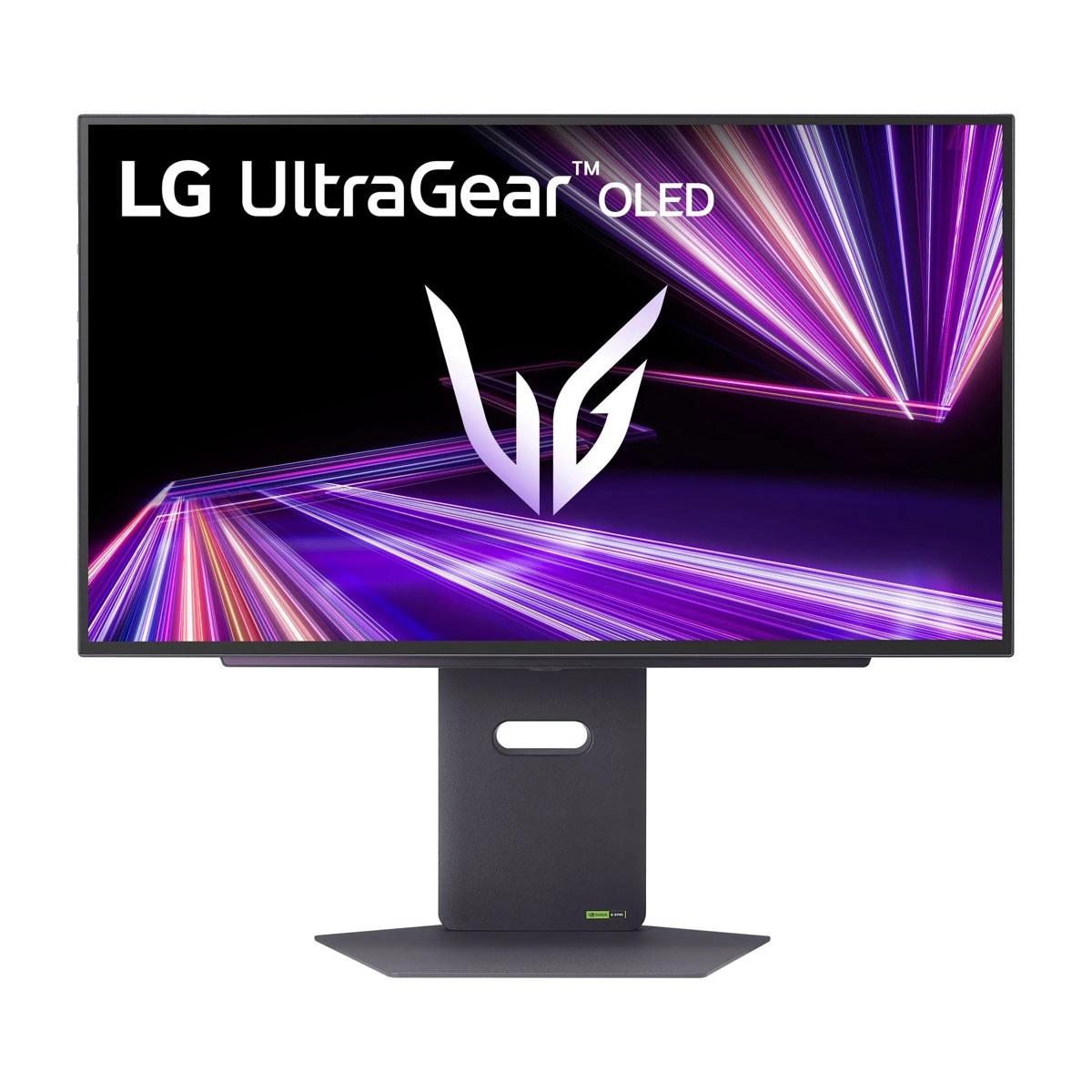
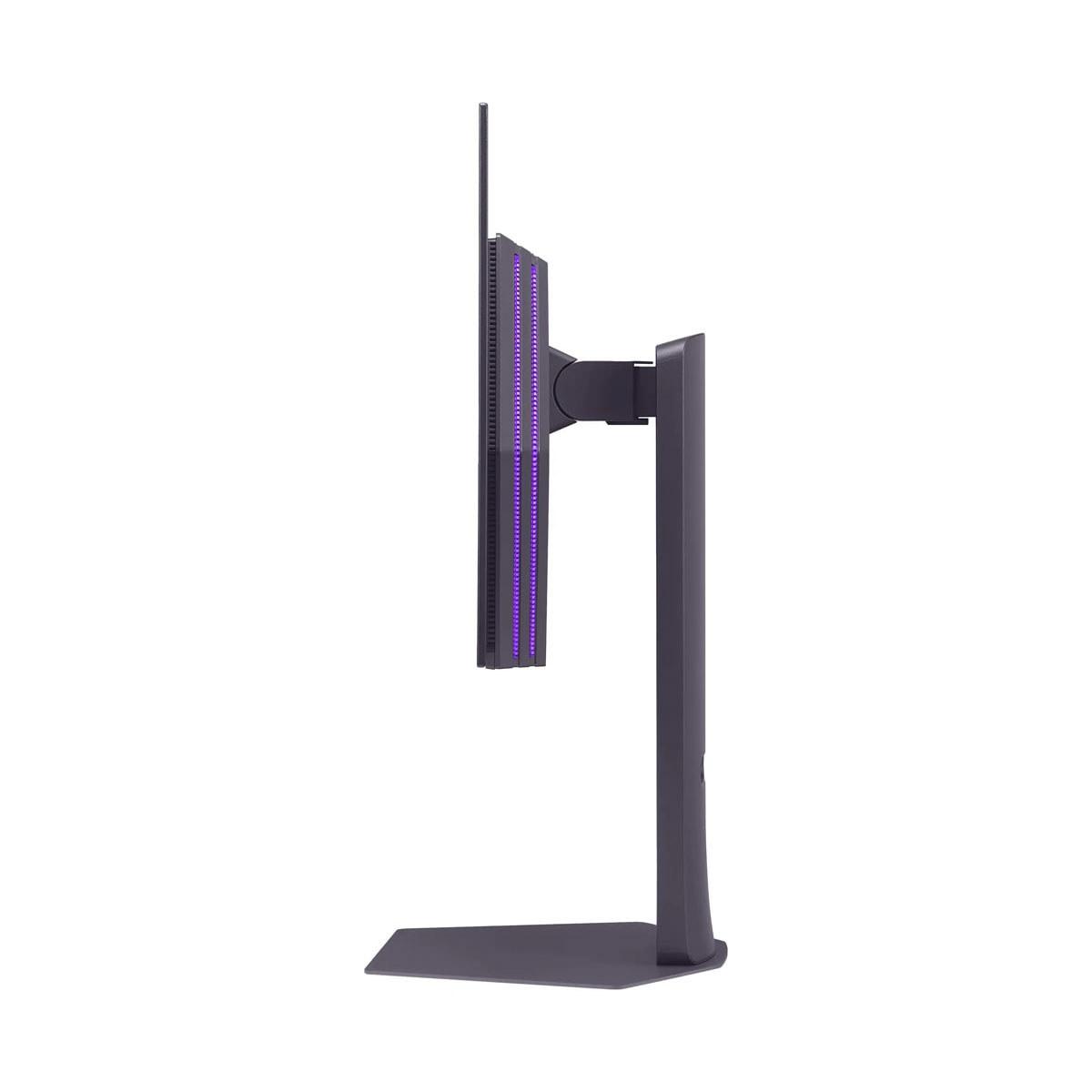
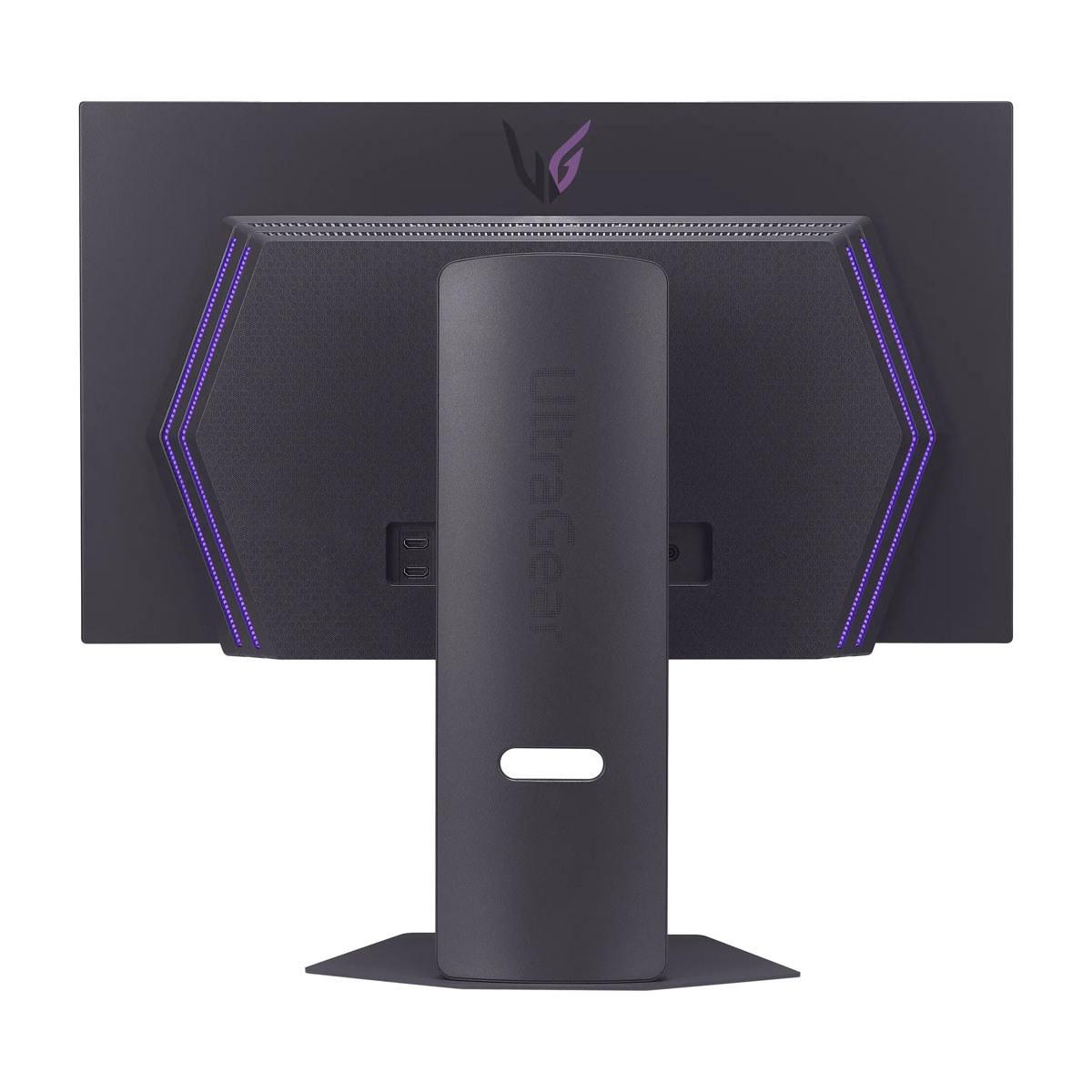
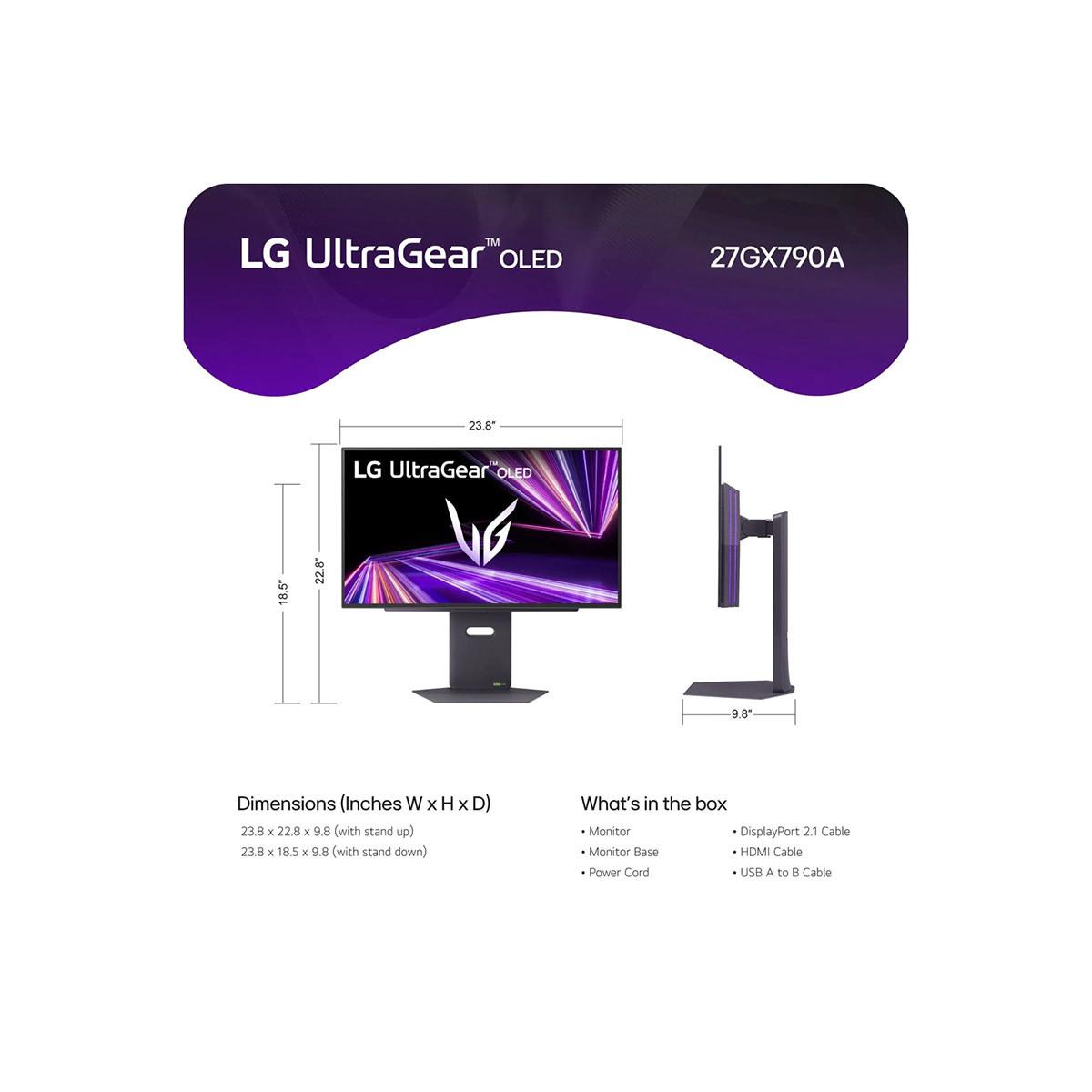












When it comes to high-end gaming monitors, we're living in what I'd call the golden age of display technology. Two monitors perfectly capture this moment: the LG UltraGear 27" OLED QHD 480Hz Gaming Monitor and the ASUS ROG Strix OLED XG27UCDMG 27" 4K 240Hz Gaming Monitor. Both represent cutting-edge OLED technology, but they take completely different approaches to what makes a great gaming display.
The gaming monitor world has evolved dramatically over the past few years. We've moved beyond the simple choice between "fast" TN panels and "pretty" IPS displays. Now, OLED technology has entered the mainstream gaming space, bringing the perfect blacks and vibrant colors we love from premium TVs to desktop monitors.
Modern gaming monitors face a fundamental trade-off that hasn't changed: you can prioritize refresh rate (how many times per second the screen updates) or resolution (how many pixels you get), but maximizing both requires serious hardware horsepower. Refresh rate determines how smooth motion appears, especially in fast-paced games, while resolution affects how sharp and detailed everything looks.
The key considerations when shopping for a premium gaming monitor include response time (how quickly pixels can change color), adaptive sync support (technology that prevents screen tearing by synchronizing your GPU's output with the monitor's refresh rate), and panel technology. OLED panels offer perfect contrast because they can turn individual pixels completely off, but they come with potential burn-in concerns where static images can permanently "ghost" on the screen.
The LG UltraGear 27" OLED QHD 480Hz Gaming Monitor launched in November 2024 at $999.99, representing LG's commitment to pushing refresh rate boundaries. This monitor uses WOLED (White OLED) technology with something called MLA+ (Micro Lens Array Plus), which uses microscopic lenses to direct more light toward your eyes, making the display brighter without increasing power consumption.
What makes this monitor special is its 480Hz refresh rate at 2560x1440 resolution. To put this in perspective, most gaming monitors max out at 144Hz or 240Hz. The difference between 240Hz and 480Hz might seem academic, but if you're playing competitive shooters like Counter-Strike 2 or Valorant at a high level, those extra frames can provide a meaningful advantage in tracking fast-moving targets.
The ASUS ROG Strix OLED XG27UCDMG 27" 4K 240Hz Gaming Monitor takes a different approach entirely. Released in early 2024, it prioritizes visual fidelity with a 4K (3840x2160) resolution while still maintaining an excellent 240Hz refresh rate. This monitor uses fourth-generation QD-OLED (Quantum Dot OLED) technology, which layers quantum dots over OLED pixels to produce more accurate colors and eliminate the text fringing issues that plagued earlier OLED monitors.
The ASUS model costs significantly more than the LG UltraGear, but it includes features like USB-C connectivity with 90W power delivery, meaning you can charge a laptop while using it as an external display.
For competitive gaming, the LG UltraGear holds a clear advantage. The 480Hz refresh rate means that in games like CS2, if you're getting 400+ fps (frames per second), you'll see nearly every frame your GPU produces. This reduces what's called "input lag" – the delay between when you move your mouse and when that movement appears on screen.
I've tested high refresh rate monitors extensively, and while the jump from 60Hz to 144Hz is immediately noticeable, and 144Hz to 240Hz is still significant, the difference between 240Hz and 480Hz is more subtle. You'll primarily notice it during rapid camera movements or when tracking fast-moving objects. For most players, 240Hz is already more than sufficient, but for professional esports players or serious enthusiasts, that extra smoothness can matter.
The ASUS monitor at 240Hz is no slouch either. Its 4K resolution can actually provide a competitive advantage in tactical shooters where you need to spot enemies at long distances. The extra pixel density means you can see more detail, potentially giving you the edge in spotting that sniper across the map.
Here's where things get interesting for single-player gaming. The ASUS ROG Strix with its 4K resolution delivers a dramatically more immersive experience in games like Cyberpunk 2077, Red Dead Redemption 2, or the latest Assassin's Creed titles. The difference in visual detail is substantial – textures look sharper, text is crisp and readable, and the overall image quality is simply stunning.
However, driving 4K at high frame rates requires serious hardware. Even with an RTX 4090, you'll struggle to maintain 240fps in demanding games at 4K. You'll likely be running games at 120-144fps, which is still excellent but not utilizing the monitor's full potential.
The LG UltraGear at QHD resolution strikes what many consider the sweet spot for high-end gaming. Modern GPUs can more easily push 1440p at very high frame rates, and the visual difference between 1440p and 4K on a 27-inch screen isn't as dramatic as you might expect. The pixel density of 108 PPI on the LG versus 163 PPI on the ASUS is noticeable, but not game-changing for most content.
Both monitors use OLED technology, which means they can achieve perfect blacks by completely turning off individual pixels. This creates an infinite contrast ratio – something LCD monitors simply cannot match. The difference is most noticeable in dark scenes where OLED monitors show subtle details in shadows that would be completely crushed on LCD displays.
The LG UltraGear uses WOLED with MLA+ technology. The MLA+ layer is particularly clever – it increases brightness without the typical OLED penalty of higher power consumption and heat generation. This monitor can hit up to 1,300 nits in small HDR highlights, which is impressive for OLED technology and helps it compete with brighter LCD displays.
The ASUS monitor uses fourth-generation QD-OLED, which has solved many early OLED issues. The quantum dot layer produces more accurate colors and eliminates the color fringing around text that made first-generation OLED monitors less suitable for productivity work. It covers 99% of the DCI-P3 color space with Delta E < 2 accuracy, meaning colors are professionally accurate.
Both monitors support HDR (High Dynamic Range), which expands the range between the darkest and brightest parts of an image. The LG model is VESA DisplayHDR True Black 400 certified, while the ASUS monitor supports HDR10 with peak brightness up to 1,000 nits.
In practice, both deliver excellent HDR gaming experiences. OLED's perfect blacks combined with bright highlights create stunning visuals in games that support HDR properly. However, HDR implementation in PC gaming is still inconsistent, so this feature is more of a nice-to-have than a must-have for most users.
The LG UltraGear includes DisplayPort 2.1, which is significant for future-proofing. DisplayPort 1.4, found on most current monitors including many ASUS models, requires compression (called DSC - Display Stream Compression) to achieve high refresh rates at higher resolutions. DisplayPort 2.1 has much higher bandwidth, eliminating the need for compression and ensuring you get a pristine signal.
This matters because compression, while generally invisible, can occasionally cause artifacts in specific scenarios. More importantly, DisplayPort 2.1 will be essential for next-generation GPUs that might push even higher resolutions and refresh rates.
Both monitors include HDMI 2.1 ports, making them excellent for PlayStation 5 and Xbox Series X gaming. The ASUS monitor can display 4K games from consoles at their native resolution, while the LG monitor will upscale console output to its QHD resolution.
For console gaming, the ASUS model has the advantage since consoles target 4K resolution. However, many console games run at lower internal resolutions and upscale to 4K anyway, so the difference isn't always dramatic.
While both monitors are designed primarily for gaming, they can serve double duty in home theater setups. The ASUS ROG Strix is particularly well-suited for this role due to its 4K resolution matching streaming content and Blu-ray discs.
Both monitors' OLED technology delivers the deep blacks and vibrant colors that make movies look spectacular. However, they lack some features you'd find on dedicated home theater displays, like extensive motion processing or multiple HDMI inputs. They also don't get as bright as premium TVs, which might be limiting in very bright rooms.
If you're considering using either monitor for movie watching, the ASUS model gets the nod for its higher resolution and more accurate color reproduction.
At $999.99, the LG UltraGear represents remarkable value for what you're getting. A 480Hz OLED monitor would have been unthinkable at this price point just a few years ago. You're paying for cutting-edge refresh rate technology that genuinely pushes the boundaries of what's possible.
The ASUS ROG Strix commands a premium price that reflects its 4K OLED technology and comprehensive feature set. While more expensive, it offers better versatility for users who want a single monitor that excels at gaming, productivity, and media consumption.
Prioritize competitive gaming performance above all else. If you play esports titles seriously and have the hardware to push 400+ fps, the 480Hz refresh rate provides a genuine competitive advantage. The $999.99 price point makes cutting-edge technology accessible to serious gamers without requiring a massive investment.
Want future-proofing for next-gen GPUs. DisplayPort 2.1 support means this monitor will work optimally with upcoming graphics cards that might struggle with DisplayPort 1.4's bandwidth limitations.
Prefer the QHD sweet spot. Many gamers find 1440p resolution offers the best balance of visual quality and performance on 27-inch displays.
Value visual fidelity and versatility. The 4K resolution delivers noticeably sharper images, especially for productivity work and cinematic gaming. If you want one monitor that does everything well, this is the better choice.
Need comprehensive connectivity. USB-C with power delivery, multiple USB ports, and extensive display inputs make this monitor more suitable for complex setups or laptop users.
Plan to use it for more than gaming. The higher resolution and color accuracy make this monitor excellent for photo editing, video work, or general productivity alongside gaming.
Both the LG UltraGear 27" OLED QHD 480Hz and ASUS ROG Strix OLED XG27UCDMG 27" 4K 240Hz represent the pinnacle of current gaming monitor technology. Your choice ultimately depends on whether you prioritize the ultimate in motion clarity and competitive gaming performance (LG) or prefer maximum visual fidelity and versatility (ASUS).
For most gamers, either monitor will provide an exceptional experience that's a significant upgrade from older LCD technology. The OLED panels in both deliver stunning visuals that make games more immersive and enjoyable. Consider your primary use cases, budget, and hardware capabilities when making your decision – both monitors will serve you well for years to come.
| LG UltraGear 27" OLED QHD 480Hz Gaming Monitor | ASUS ROG Strix OLED XG27UCDMG 27" 4K 240Hz Gaming Monitor |
|---|---|
| Resolution - Higher resolution means sharper images but requires more GPU power | |
| 2560 x 1440 (QHD) - Sweet spot for high refresh rate gaming | 3840 x 2160 (4K) - Maximum detail and sharpness |
| Refresh Rate - Higher rates provide smoother motion in fast-paced games | |
| 480Hz - Industry-leading for competitive esports | 240Hz - Excellent for all gaming types |
| Panel Technology - Different OLED types affect brightness and color accuracy | |
| WOLED with MLA+ - Enhanced brightness up to 1,300 nits | 4th-gen QD-OLED - Superior color accuracy and no text fringing |
| Response Time - Lower is better for eliminating motion blur | |
| 0.03ms (GTG) - Virtually instantaneous | 0.03ms (GTG) - Equally fast pixel response |
| Price - Consider value for your specific gaming needs | |
| $999.99 - Excellent value for cutting-edge speed | Premium pricing - Higher cost for 4K OLED technology |
| Connectivity - Future-proofing and device compatibility | |
| DisplayPort 2.1, 2x HDMI 2.1 - Next-gen ready | DisplayPort 1.4, 2x HDMI 2.1, USB-C 90W - More versatile |
| Color Coverage - Important for content creation and vibrant gaming | |
| 98.5% DCI-P3 - Excellent color reproduction | 99% DCI-P3, Delta E < 2 - Professional-grade accuracy |
| Adaptive Sync - Prevents screen tearing across different GPU brands | |
| G-SYNC Compatible, FreeSync Premium Pro | G-SYNC Compatible, FreeSync Premium Pro |
| Warranty - OLED panels need protection against burn-in | |
| 2-year OLED warranty with burn-in protection | 3-year warranty with comprehensive OLED care |
| Best For - Primary use case recommendation | |
| Competitive esports gaming and future-proofing | Versatile gaming, productivity, and content creation |
The LG UltraGear 27" OLED QHD 480Hz Gaming Monitor is superior for competitive gaming due to its industry-leading 480Hz refresh rate. This provides smoother motion tracking and reduced input lag compared to the ASUS ROG Strix OLED XG27UCDMG's 240Hz, which can give competitive players a meaningful advantage in fast-paced esports titles like Counter-Strike 2 and Valorant.
The LG UltraGear monitor at 480Hz can display twice as many frames per second as the ASUS ROG Strix at 240Hz. While 240Hz is already excellent for gaming, 480Hz provides even smoother motion clarity, especially noticeable during rapid camera movements or when tracking fast-moving objects in competitive games.
The ASUS ROG Strix OLED XG27UCDMG offers superior image quality with its 4K (3840x2160) resolution compared to the LG UltraGear's QHD (2560x1440) resolution. The ASUS monitor provides 78% more pixels, resulting in sharper text, more detailed textures, and better overall visual clarity for both gaming and productivity work.
The LG UltraGear 27" OLED QHD 480Hz Gaming Monitor is priced at $999.99, making it more affordable than the ASUS ROG Strix OLED XG27UCDMG, which commands a premium price for its 4K OLED technology. The LG offers better value for competitive gamers, while the ASUS justifies its higher cost with superior resolution and features.
The ASUS ROG Strix OLED XG27UCDMG is better for single-player gaming due to its 4K resolution, which provides more immersive visuals in story-driven games like Cyberpunk 2077 or Red Dead Redemption 2. While the LG UltraGear offers higher refresh rates, most single-player games benefit more from the enhanced visual detail of 4K resolution.
Yes, both the LG UltraGear and ASUS ROG Strix support console gaming with HDMI 2.1 ports. However, the ASUS monitor is better suited for PlayStation 5 and Xbox Series X gaming since it can display games at native 4K resolution, while the LG monitor will upscale console output to its QHD resolution.
The ASUS ROG Strix OLED XG27UCDMG offers more versatile connectivity with USB-C (90W power delivery), multiple USB ports, and comprehensive display inputs. The LG UltraGear features DisplayPort 2.1 for future-proofing but has fewer overall connection options, making the ASUS better for complex setups or laptop users.
The LG UltraGear uses WOLED with MLA+ technology for enhanced brightness up to 1,300 nits, while the ASUS ROG Strix uses 4th-generation QD-OLED for superior color accuracy and elimination of text fringing. Both are OLED technologies, but QD-OLED generally offers better color reproduction and text clarity.
The ASUS ROG Strix OLED XG27UCDMG is superior for productivity due to its 4K resolution providing sharper text and more screen real estate. Its QD-OLED panel eliminates text fringing issues and offers professional-grade color accuracy, making it better for photo editing, video work, and general office tasks compared to the LG UltraGear.
The LG UltraGear requires top-tier hardware like an RTX 4090 to approach 480fps in competitive games, while the ASUS ROG Strix needs similar high-end GPUs to drive 4K gaming at high frame rates. Both monitors demand powerful graphics cards, but the LG is more future-proof for upcoming GPU generations.
The ASUS ROG Strix OLED XG27UCDMG offers superior warranty protection with 3-year coverage and comprehensive OLED care features, compared to the LG UltraGear's 2-year OLED warranty. Both include burn-in protection, but the ASUS provides longer coverage and more advanced OLED care technologies like the Neo Proximity Sensor.
Choose the LG UltraGear 27" OLED QHD 480Hz Gaming Monitor if you prioritize competitive gaming performance and want cutting-edge refresh rate technology at $999.99. Select the ASUS ROG Strix OLED XG27UCDMG if you value visual fidelity, need versatility for gaming and productivity, and want the sharpest possible image quality with comprehensive connectivity options.
We've done our best to create useful and informative comparisons to help you decide what product to buy. Our research uses advanced automated methods to create this comparison and perfection is not possible - please contact us for corrections or questions. These are the sites we've researched in the creation of this article: bestbuy.com - bhphotovideo.com - engadget.com - newegg.com - youtube.com - bestbuy.com - techpowerup.com - techpowerup.com - rtings.com - lg.com - lgnewsroom.com - rtings.com - bestbuy.com - jonesapplianceandtv.com - thefrogpadappliances.com - lg.com - lg.com - lg.com - techpowerup.com - lg.com - lg.com - bestbuy.com - rog.asus.com - forum.pcmonitors.info - rog.asus.com - windowscentral.com - versus.com - youtube.com - youtube.com - rtings.com - rtings.com - rog.asus.com - rog.asus.com - rog.asus.com - tenforums.com - rog.asus.com - techpowerup.com - bestbuy.com - newegg.com - displayspecifications.com - youtube.com - tftcentral.co.uk - displayninja.com

Privacy Policy
Terms and Conditions - Affiliate Policy
Home Security
© Copyright 2008-2026.
11816 Inwood Rd #1211, Dallas, TX 75244