

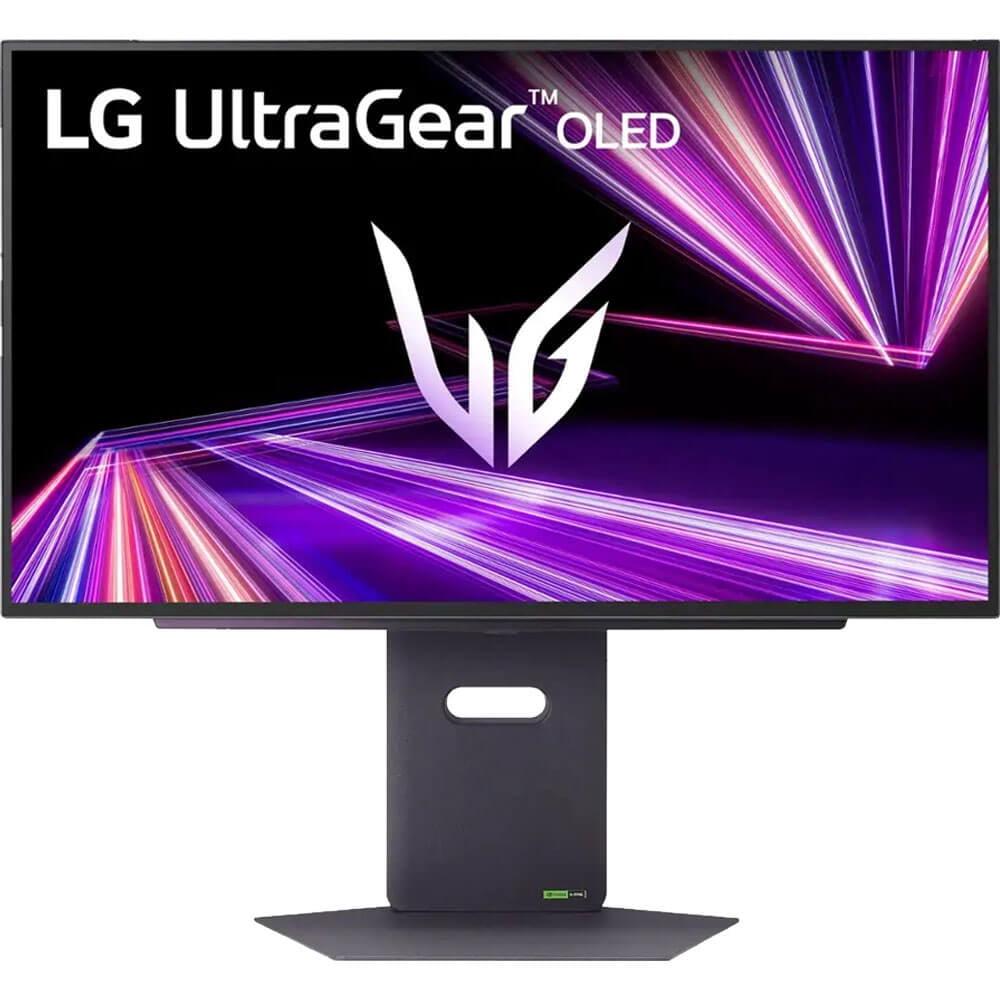


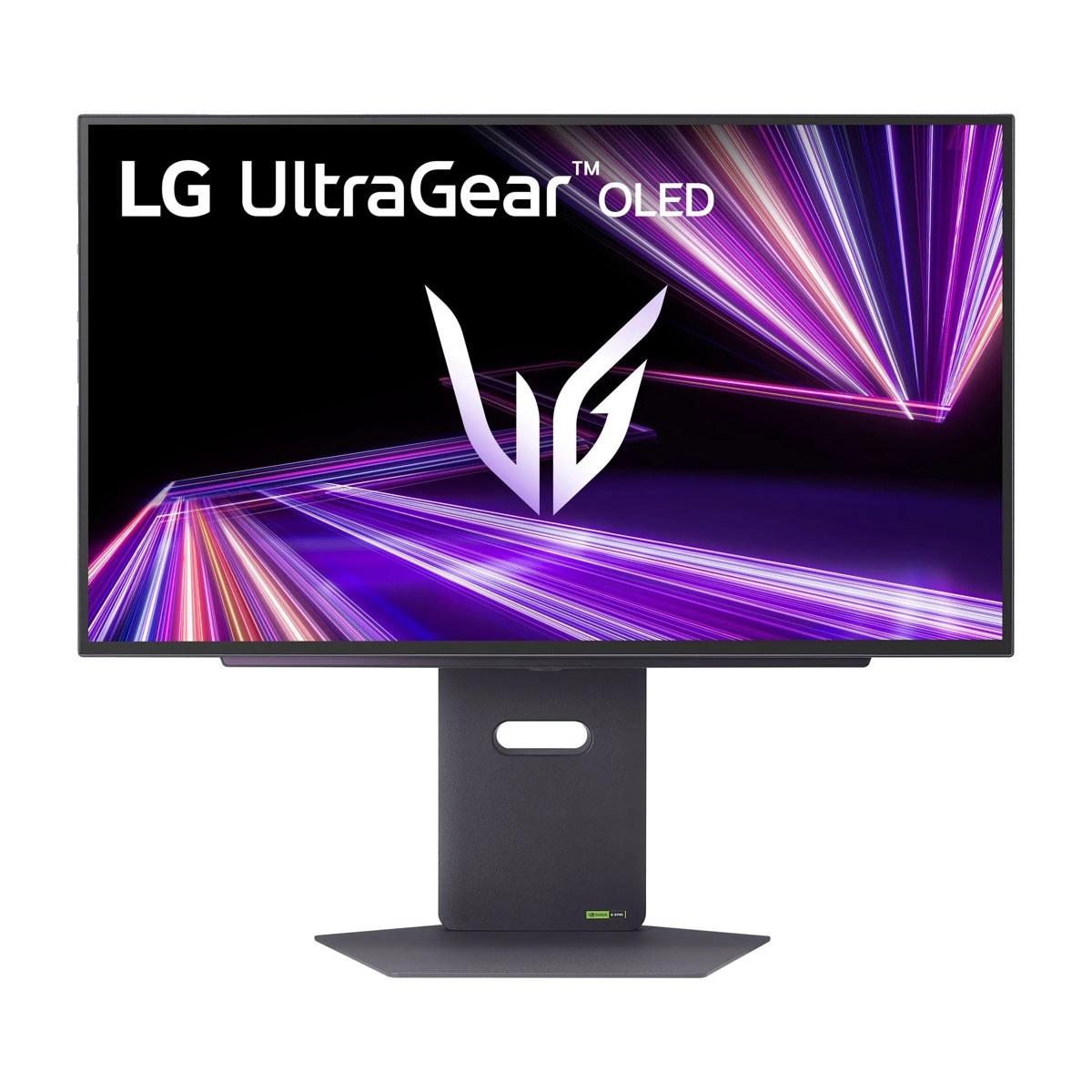

When I first saw these two monitors side by side at a tech demo last year, I knew we were witnessing something special. The gaming monitor landscape had finally reached a crossroads where you have to choose between jaw-dropping 4K clarity and mind-bending 480Hz smoothness. Both the Samsung 27" Odyssey OLED G8 4K UHD 240Hz Gaming Monitor and the LG UltraGear 27" OLED QHD 480Hz Gaming Monitor represent the cutting edge of display technology, but they take completely different approaches to achieving gaming perfection.
Premium gaming monitors have come a long way from the bulky CRT displays that serious gamers used just a few years ago. Today's top-tier monitors combine OLED technology (which means each pixel creates its own light instead of needing a backlight) with refresh rates that would have seemed impossible just five years ago. These displays cost more than many people's entire gaming setups, but they deliver experiences that can genuinely change how you play games.
The main things you need to consider when shopping in this category are pretty straightforward: How sharp do you want your games to look? How smooth do you want motion to appear? How much are you willing to spend? And perhaps most importantly - what kind of games do you actually play?
Both monitors we're comparing use OLED panels, which means they can turn individual pixels completely off to create true black levels. This creates contrast ratios that traditional LCD monitors simply cannot match. When you're creeping through a dark corridor in a horror game or watching the stars in an open-world adventure, OLED makes those dark scenes look dramatically more realistic.
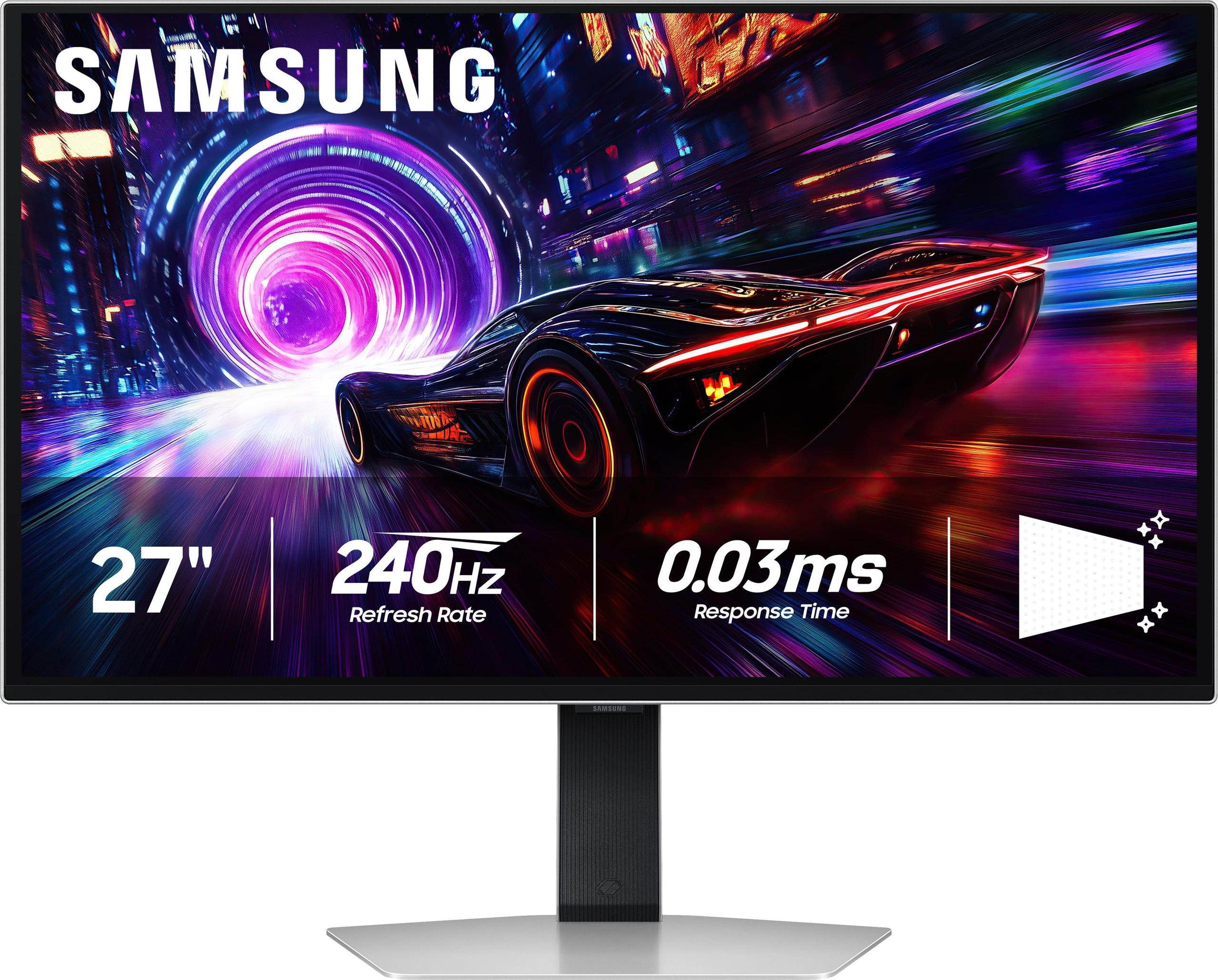
The Samsung Odyssey OLED G8 launched in early 2024 as Samsung's flagship 27-inch gaming monitor, priced at $1,299. It uses QD-OLED technology (Quantum Dot OLED), which combines quantum dots with OLED pixels to create more vibrant colors and better brightness than standard OLED. Think of quantum dots as tiny color enhancers that make reds redder and blues bluer.
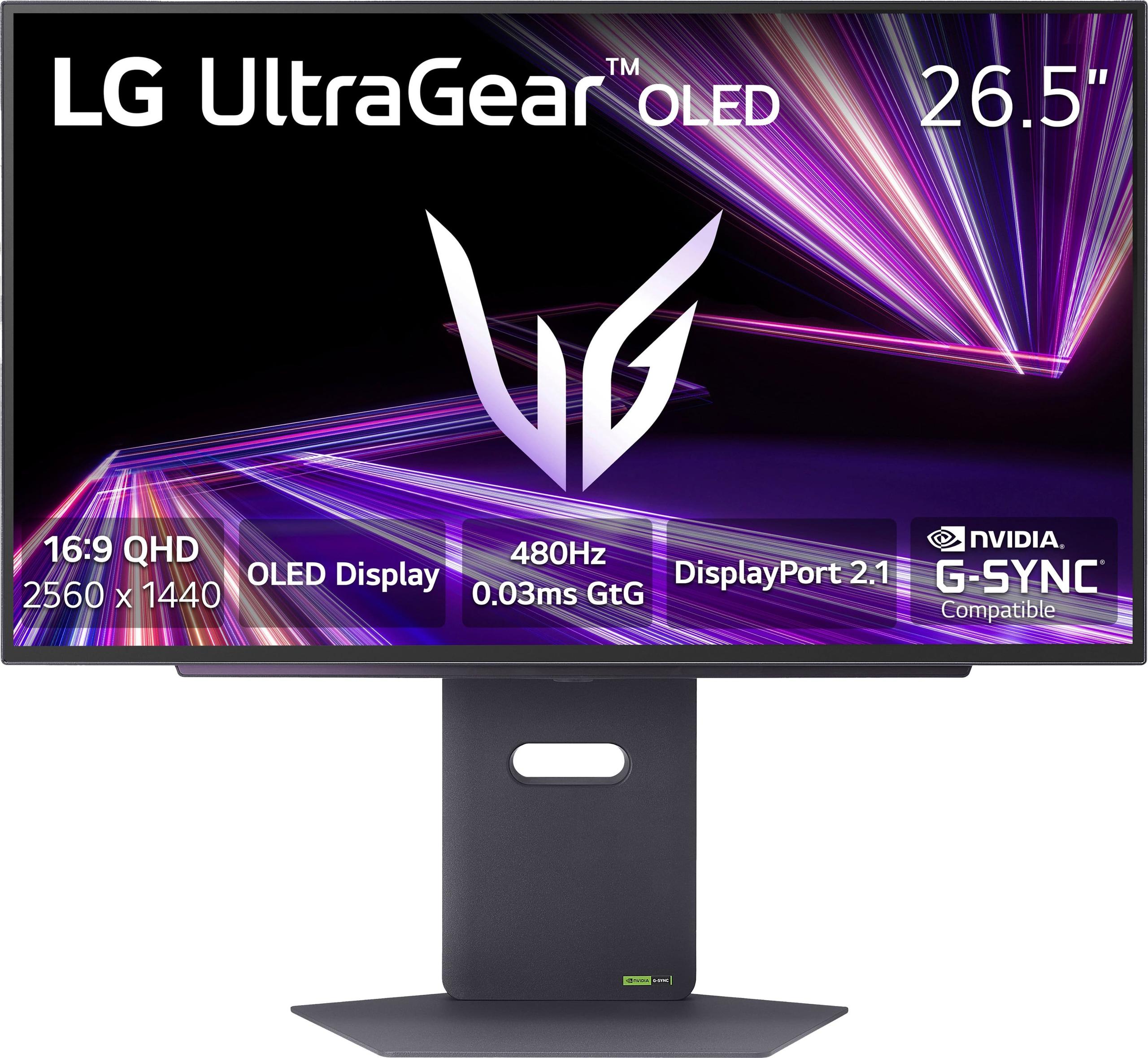
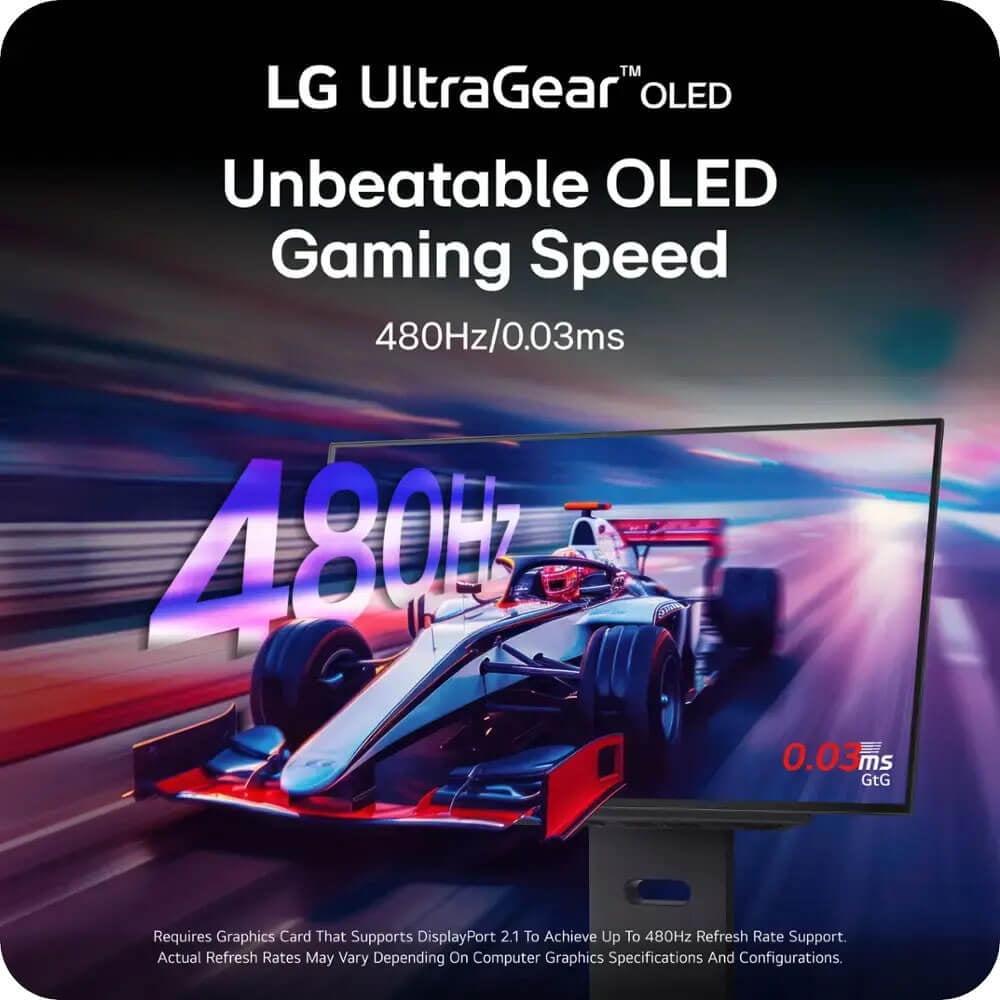
The LG UltraGear 27" QHD 480Hz arrived later in 2024 at $999, making waves as the first consumer monitor to hit 480Hz at QHD resolution. It uses WOLED technology (White OLED), where white pixels are filtered through color layers to create the final image. This approach typically produces more accurate colors but sometimes at the cost of peak brightness.
Since these monitors launched, we've seen other manufacturers scramble to catch up, but these two still represent the best of their respective approaches. Samsung has refined their anti-glare coating technology significantly, while LG has pushed refresh rate boundaries that seemed impossible just two years ago.
Here's where things get really interesting. Both monitors use OLED technology, but they implement it in fundamentally different ways that affect how your games actually look and feel.
The Samsung G8's QD-OLED panel produces incredibly vibrant colors that pop off the screen. When I first loaded up Cyberpunk 2077 on this monitor, the neon signs and holographic advertisements had a intensity that made me feel like I was actually standing in Night City. The quantum dot layer boosts color volume, which means colors stay saturated even at high brightness levels. However, QD-OLED panels can look slightly washed out in bright rooms because the panel reflects more ambient light.
Samsung's biggest innovation here is their Glare Free technology, which reduces reflections by 54% compared to traditional anti-reflective coatings. I've used this monitor in my home office, which has a large window, and the difference is genuinely remarkable. Where other glossy monitors become mirrors in daylight, the Samsung maintains its image quality.
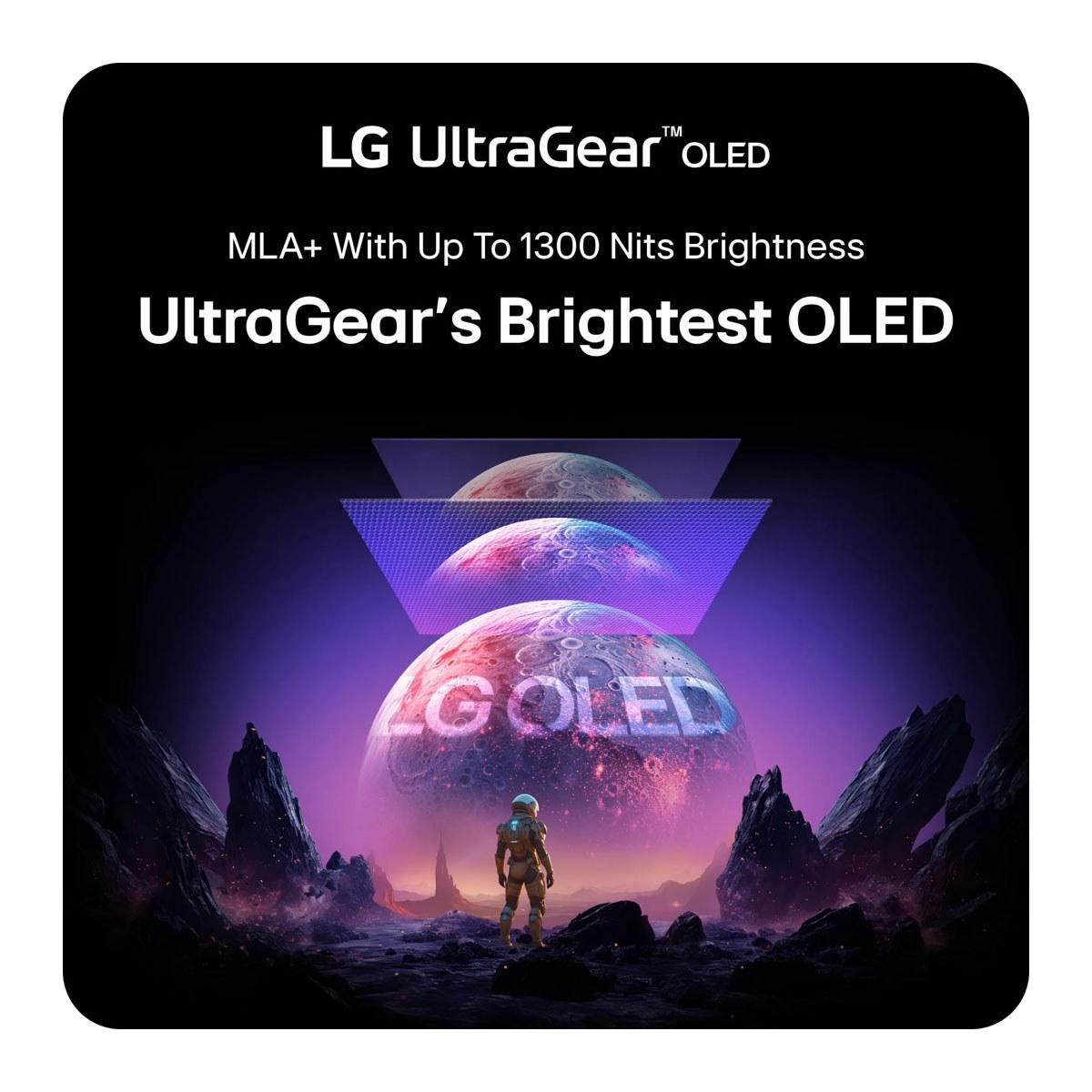
The LG's WOLED panel takes a different approach. It produces more accurate, cooler colors that many professional users prefer. The panel also gets brighter overall - 275 nits compared to Samsung's 250 nits - which helps in bright rooms. LG has also implemented Micro Lens Array+ (MLA+) technology, which uses microscopic lenses to direct more light toward your eyes without increasing power consumption. It's like having tiny magnifying glasses for each pixel.
When it comes to pixel density, the Samsung wins handily. At 4K resolution on a 27-inch screen, you get 166 pixels per inch (PPI) compared to the LG's 111 PPI at QHD resolution. This means text looks sharper, game UI elements are clearer, and you can see finer details in textures and environments.
This is where the two monitors diverge most dramatically. Refresh rate, measured in Hz, tells you how many times per second your monitor can display a new image. Higher refresh rates mean smoother motion and more responsive gameplay.
The Samsung's 240Hz refresh rate is already incredibly fast - fast enough for virtually any gaming scenario you can imagine. When playing competitive shooters like Valorant or Counter-Strike 2, the difference between 240Hz and typical 60Hz monitors is like night and day. Your crosshair tracks smoothly across targets, and you can spot enemies peeking around corners with clarity that gives you a genuine competitive advantage.
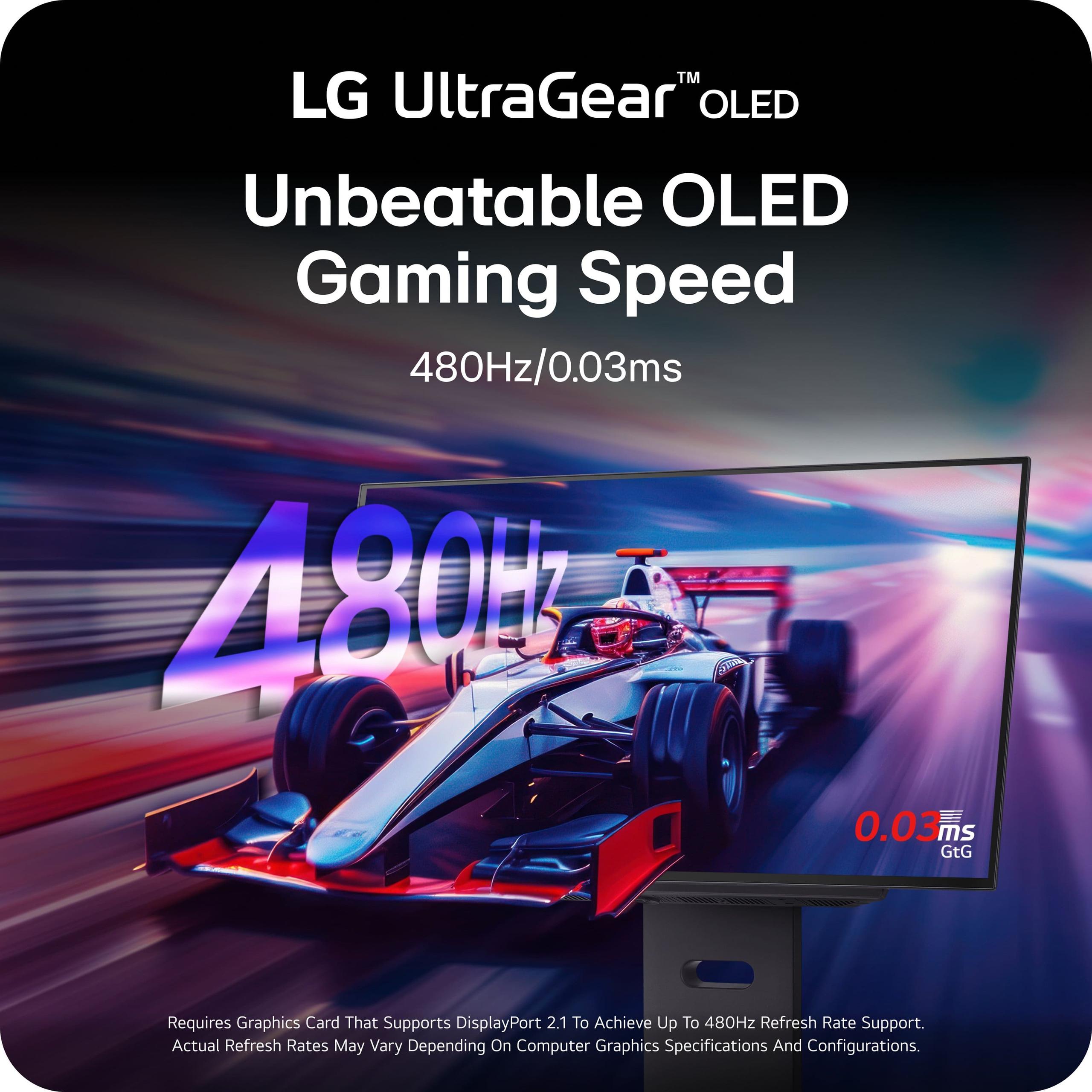
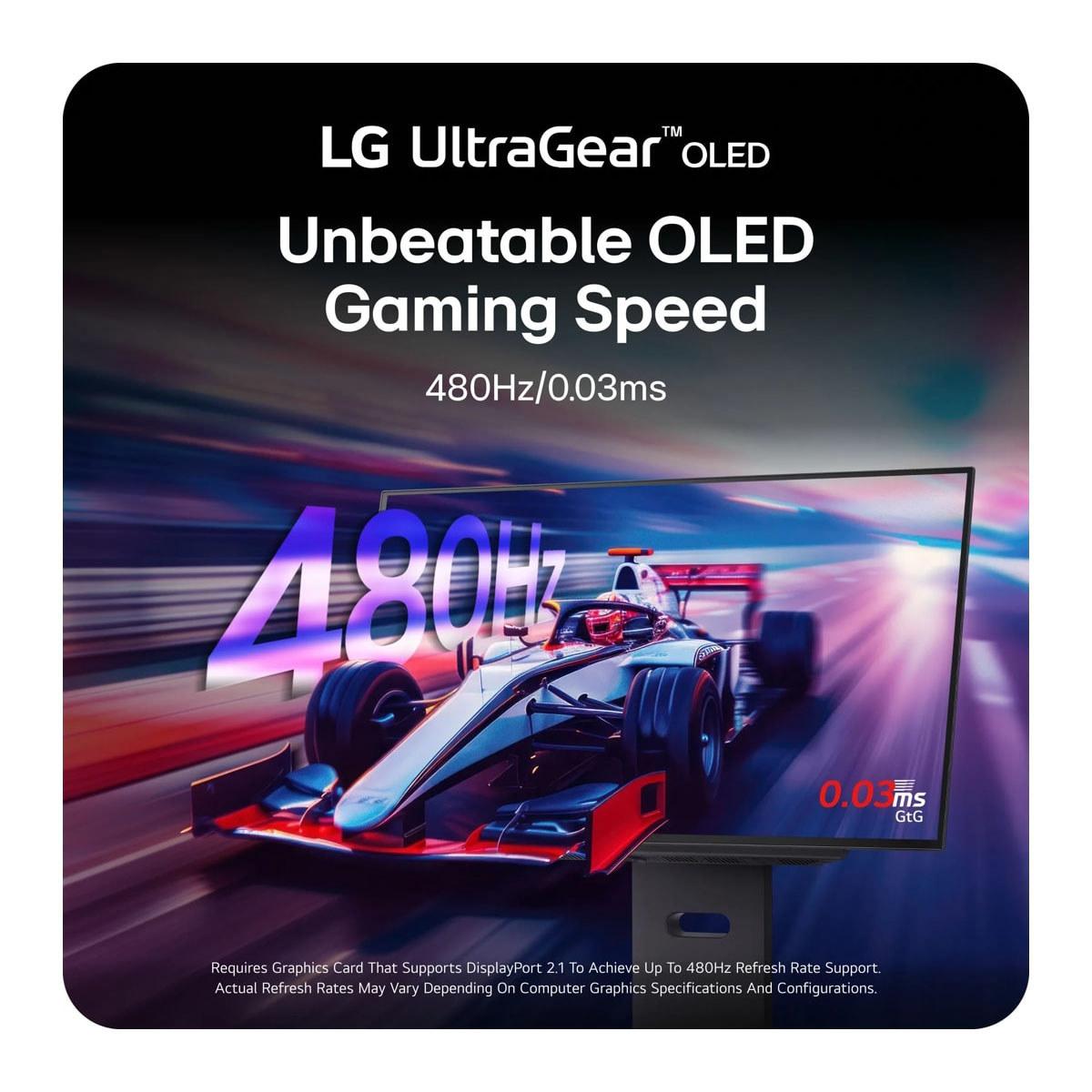
But the LG pushes this to an almost absurd 480Hz. At this refresh rate, motion is so smooth it almost doesn't look real. I spent hours playing Overwatch 2 on this monitor, and tracking fast-moving characters like Tracer became noticeably easier. The clarity during rapid camera movements is something you have to see to believe.
However, there's a practical consideration here: your computer needs to generate 480 frames per second to fully utilize this refresh rate. Even with a high-end RTX 4080 graphics card, you'll only hit 480 FPS in less demanding competitive games. For most AAA titles, you'll be running at lower frame rates where the difference between 240Hz and 480Hz becomes less noticeable.
Resolution might be the most important factor for many users, and it's where these monitors make their starkest trade-off.
The Samsung's 4K resolution (3840 x 2160) provides stunning clarity that transforms how games look. Text is razor-sharp, distant objects in games are clearly defined, and the overall level of detail is simply spectacular. When playing Red Dead Redemption 2, I could make out individual leaves on trees in the distance and read signs that would be blurry on lower-resolution displays.
This resolution also makes the monitor excellent for productivity work. If you're someone who uses their gaming monitor for work during the day, the Samsung's pixel density makes reading text and editing documents a pleasure rather than a strain.
The LG's QHD resolution (2560 x 1440) represents what many consider the sweet spot for gaming performance. It's significantly sharper than 1080p but doesn't require as much graphics processing power as 4K. This means your graphics card can maintain higher frame rates, which is exactly what you want when you're trying to hit 480 FPS.
For competitive gaming, QHD might actually be preferable. The lower resolution means larger UI elements that are easier to read quickly, and the performance headroom allows you to maximize frame rates for the smoothest possible gameplay.
For competitive gaming, the LG UltraGear has some clear advantages. The 480Hz refresh rate provides motion clarity that can give you a competitive edge in fast-paced games. When I played Apex Legends on this monitor, tracking enemies through smoke and during chaotic team fights felt more natural and precise.
The lower QHD resolution also means your graphics card can maintain higher frame rates more consistently. With a RTX 4070 or better, you can realistically expect to hit 300-400 FPS in competitive shooters, allowing you to take advantage of that incredible refresh rate.
For single-player adventures and AAA titles, the Samsung Odyssey G8 creates a more immersive experience. The 4K resolution reveals details in games that you simply miss at lower resolutions. When playing The Witcher 3 or Assassin's Creed Valhalla, the level of environmental detail is breathtaking.
The Samsung's superior HDR implementation also shines in cinematic games. With VESA DisplayHDR True Black 400 certification and that infinite contrast ratio OLED provides, dark scenes have depth and bright scenes have impact that LCD monitors can't match.
Both monitors work excellently with PlayStation 5 and Xbox Series X consoles through their HDMI 2.1 connections. However, since consoles typically target 60-120 FPS, the LG's 480Hz capability is somewhat wasted. The Samsung's 4K resolution better matches what these consoles are designed to output, making it the better choice for console gamers.
This is where the LG UltraGear shows its forward-thinking design. The DisplayPort 2.1 connection provides massive bandwidth - enough to eventually support 4K at 240Hz without compression, or even 8K at 60Hz when graphics cards catch up. This means the monitor won't become a bottleneck as graphics technology advances.
The Samsung uses DisplayPort 1.4, which requires Display Stream Compression (DSC) to achieve 4K at 240Hz. While this doesn't affect image quality noticeably today, it could limit compatibility with future graphics cards or cause issues with certain applications.
Both monitors include HDMI 2.1 for console gaming, but the LG includes additional USB 3.0 ports for connecting peripherals, while the Samsung adds USB-C for modern laptops and devices.
While both monitors excel for gaming, their entertainment capabilities differ significantly. The Samsung's 4K resolution makes it excellent for watching movies and streaming content. Netflix, Prime Video, and other services offer extensive 4K libraries that look spectacular on this display.
The Samsung also includes Samsung's Tizen smart TV platform, giving you access to streaming apps without needing a separate device. Combined with the superior anti-glare coating, this makes it more versatile for living room use where lighting conditions vary throughout the day.
The LG is primarily gaming-focused. While it produces beautiful images for movies, the QHD resolution means you're not getting the full detail from 4K content. However, for streaming gameplay or watching esports, the incredible motion clarity makes fast-paced content look phenomenal.
Both monitors feature premium construction, but with different design philosophies. The Samsung uses a metal chassis with CoreSync lighting that creates ambient backlighting based on screen content. It's a subtle effect that enhances immersion without being distracting.
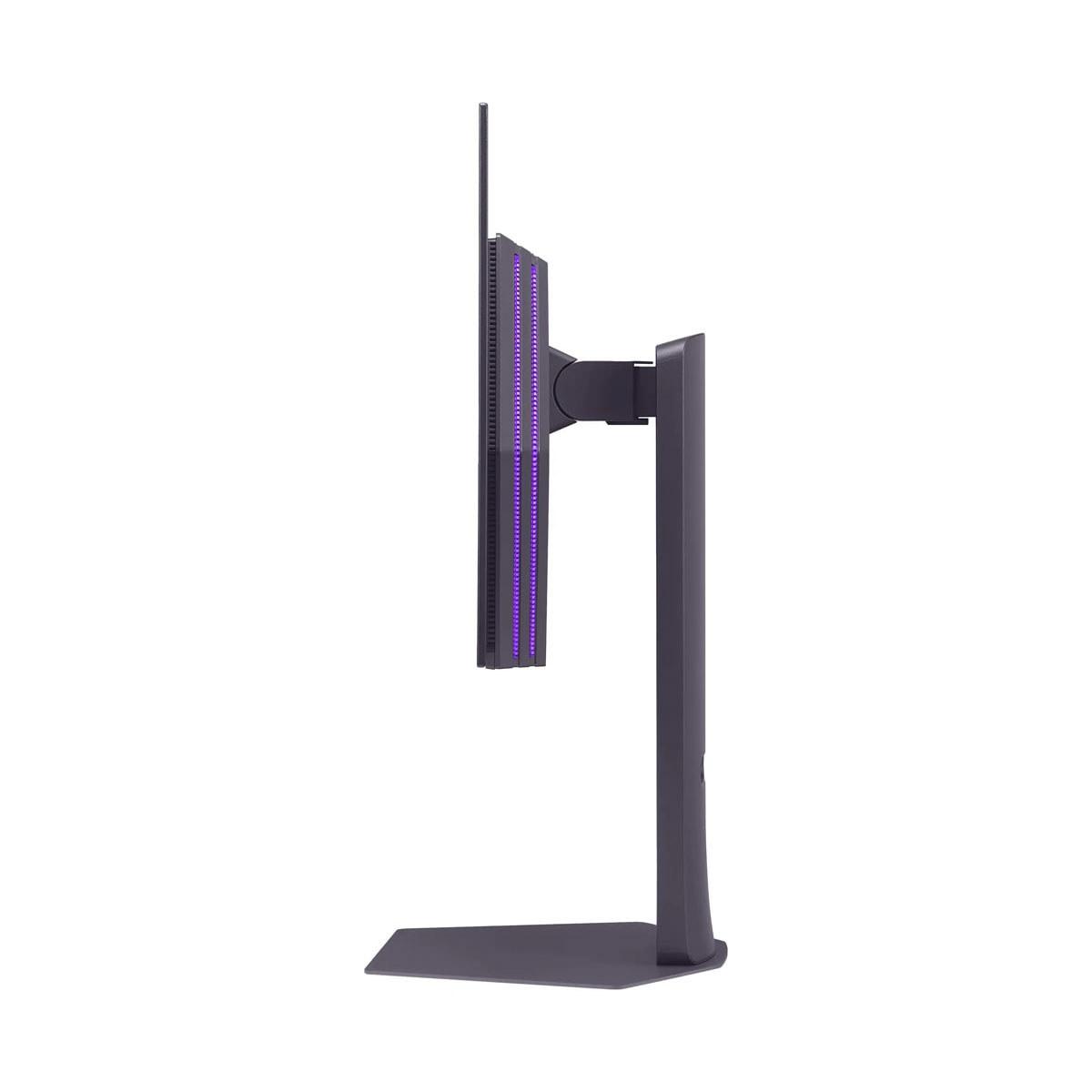
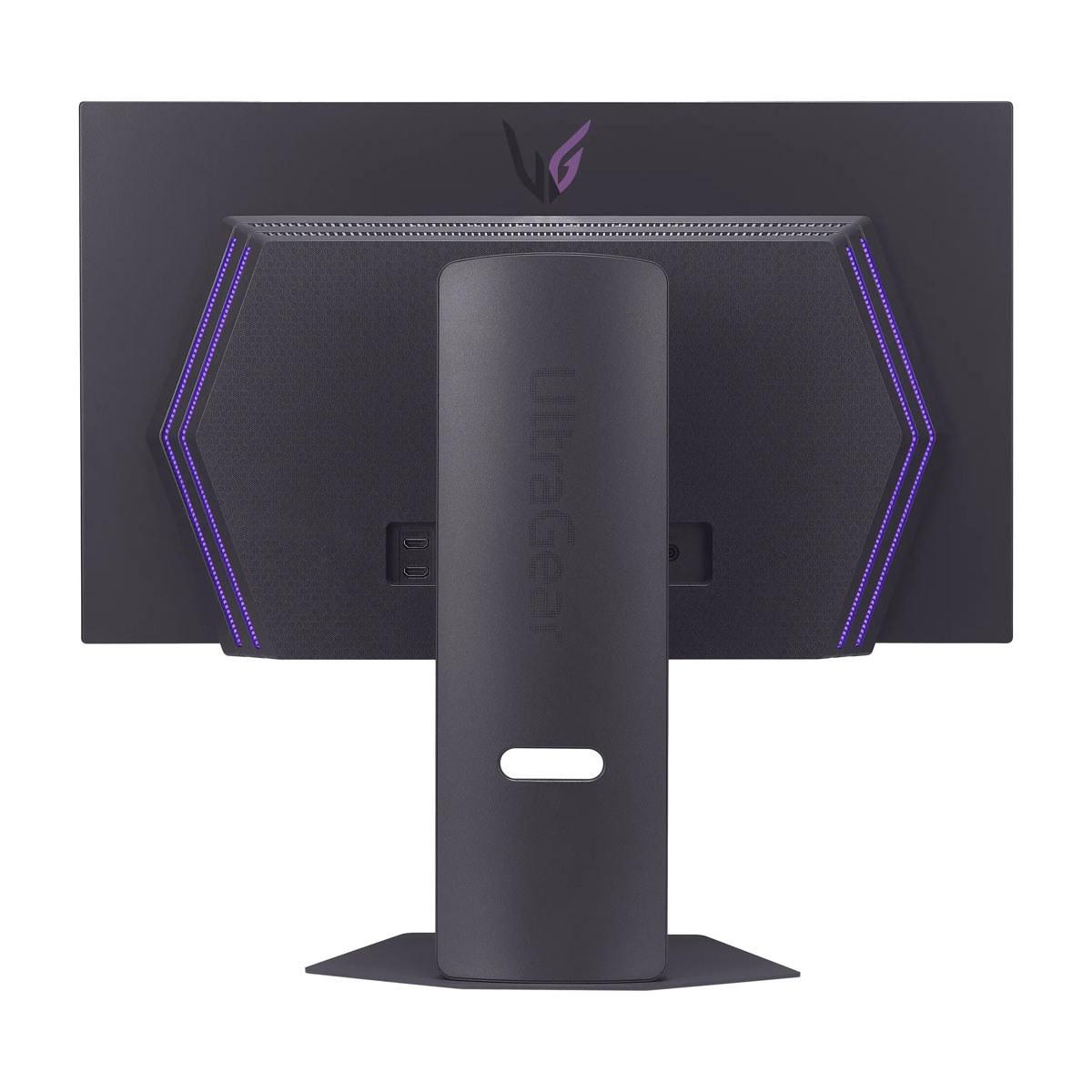
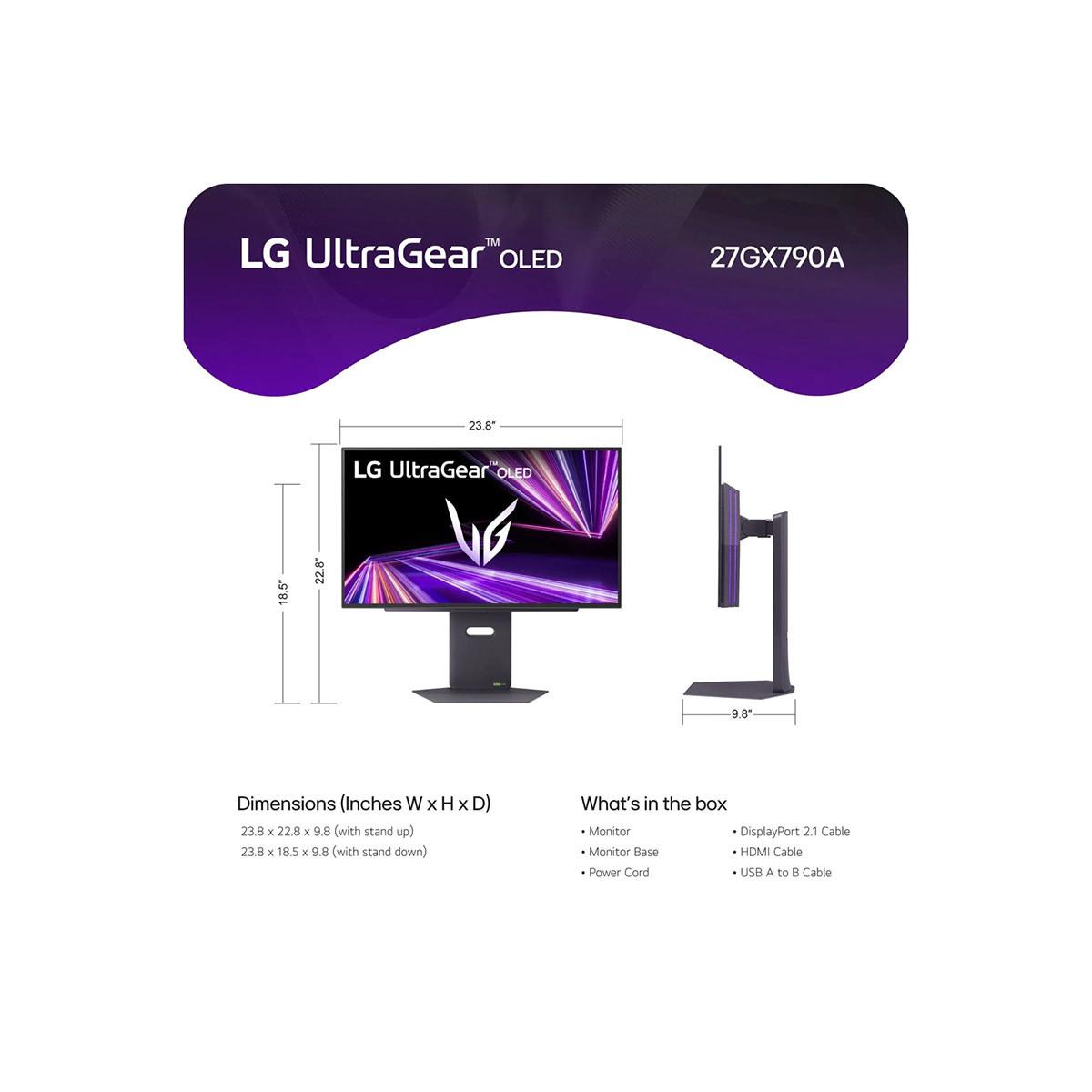
The LG opts for a more minimalist approach with RGB backlighting and a slim profile. The stand offers more adjustment options, including pivot for portrait mode, which could be useful for streaming or productivity work.
Both monitors include OLED care features to prevent burn-in (permanent image retention), but Samsung offers a longer 3-year warranty compared to LG's 2-year coverage. Both now include burn-in protection in their warranties, which addresses the biggest concern people have about OLED monitors.
At $999, the LG UltraGear offers remarkable value. You're getting cutting-edge 480Hz technology, future-proof connectivity, and excellent image quality for $300 less than the Samsung. For competitive gamers, this represents exceptional value.
The Samsung at $1,299 commands a premium for its 4K resolution, superior anti-glare technology, and longer warranty. If you plan to use your monitor for both gaming and productivity, or if you game in a bright room, this premium may be justified.
Consider the total system cost too. The LG's QHD resolution means you can get excellent performance with a RTX 4070 ($600), while the Samsung's 4K resolution really benefits from a RTX 4080 or better ($1,200+).
Choose the Samsung Odyssey OLED G8 if you want the ultimate in visual fidelity and versatility. It's perfect for gamers who play a mix of competitive and single-player titles, work on their gaming monitor during the day, or have a bright gaming space where the anti-glare coating will make a real difference.
Choose the LG UltraGear 27" QHD 480Hz if you're primarily focused on competitive gaming and want the smoothest motion possible. It's also the smarter choice if you're budget-conscious or want future-proof connectivity for upcoming graphics cards.
Both monitors represent the pinnacle of current display technology, just optimized for different priorities. The Samsung prioritizes pixel-perfect clarity and all-around excellence, while the LG pushes the boundaries of motion smoothness and competitive performance. Either way, you're getting a monitor that will likely spoil you for anything else you've ever used.
| Samsung 27" Odyssey OLED G8 4K UHD 240Hz Gaming Monitor | LG UltraGear 27" OLED QHD 480Hz Gaming Monitor |
|---|---|
| Price - Major factor in premium monitor decision | |
| $1,299 (premium for 4K resolution and features) | $999 (excellent value for cutting-edge refresh rate) |
| Resolution - Determines image sharpness and system requirements | |
| 4K UHD (3840 x 2160) - 166 PPI for razor-sharp text and details | QHD (2560 x 1440) - 111 PPI balances clarity with performance |
| Refresh Rate - Critical for competitive gaming smoothness | |
| 240Hz (excellent for all gaming, achievable with most high-end GPUs) | 480Hz (industry-leading, requires top-tier hardware to fully utilize) |
| Panel Technology - Affects color accuracy and brightness | |
| QD-OLED (more vibrant colors, better HDR, warmer tone) | WOLED (more accurate colors, higher brightness, cooler tone) |
| Response Time - Input lag for competitive gaming | |
| 0.03ms GtG (identical performance) | 0.03ms GtG (identical performance) |
| Anti-Glare Performance - Important for bright room gaming | |
| Glare Free technology reduces reflections by 54% (industry-leading) | Standard anti-glare coating (good but not exceptional) |
| Connectivity - Future-proofing and device compatibility | |
| DisplayPort 1.4, HDMI 2.1, USB-C (requires compression for 4K 240Hz) | DisplayPort 2.1, 2x HDMI 2.1, USB 3.0 hub (future-proof bandwidth) |
| HDR Support - Enhanced contrast and color range | |
| VESA DisplayHDR True Black 400, HDR10+ Gaming | VESA DisplayHDR True Black 400 |
| Warranty Coverage - Protection for expensive OLED investment | |
| 3 years including burn-in protection | 2 years OLED limited warranty with burn-in coverage |
| Ergonomics - Stand adjustability and setup flexibility | |
| Tilt and height adjustment, premium metal build | Full adjustment including pivot and swivel, minimalist design |
| Smart Features - Built-in apps and convenience | |
| Samsung Tizen OS with streaming apps and Gaming Hub | No smart features (gaming-focused design) |
| Best Graphics Card Match - Realistic performance expectations | |
| RTX 4080+ for 4K high refresh gaming ($1,200+) | RTX 4070+ for QHD high refresh gaming ($600+) |
The LG UltraGear 27" OLED QHD 480Hz Gaming Monitor is superior for competitive gaming due to its industry-leading 480Hz refresh rate, which provides unmatched motion clarity in fast-paced esports titles. The lower QHD resolution also allows your graphics card to maintain higher frame rates, making it easier to fully utilize the monitor's speed advantage.
The primary difference is resolution versus refresh rate: the Samsung 27" Odyssey OLED G8 offers 4K resolution at 240Hz for stunning visual detail, while the LG UltraGear provides QHD resolution at 480Hz for ultra-smooth motion. Samsung prioritizes image quality, while LG focuses on maximum gaming performance.
The LG UltraGear 27" OLED QHD 480Hz Gaming Monitor at $999 offers better value, costing $300 less than the Samsung while delivering double the refresh rate and future-proof DisplayPort 2.1 connectivity. However, the Samsung justifies its $1,299 price with 4K resolution and superior anti-glare technology.
Yes, both the Samsung Odyssey OLED G8 and LG UltraGear feature HDMI 2.1 connectivity for full compatibility with next-gen consoles. However, the Samsung's 4K resolution better matches console output capabilities, while the LG's 480Hz refresh rate is overkill for console gaming that typically runs at 60-120 FPS.
The Samsung 27" Odyssey OLED G8 4K UHD 240Hz Gaming Monitor is significantly better for entertainment, offering native 4K resolution for streaming services, built-in Samsung Tizen smart TV apps, and superior anti-glare coating for varied lighting conditions. The LG is primarily gaming-focused with QHD resolution.
For the Samsung, you'll need an RTX 4080 or better to take full advantage of 4K gaming at high refresh rates. The LG UltraGear works well with an RTX 4070 or better for QHD high-refresh gaming, making it more accessible for mid-range gaming systems.
Image quality depends on your priorities. The Samsung Odyssey OLED G8 offers sharper detail with 4K resolution (166 PPI) and more vibrant colors through QD-OLED technology. The LG UltraGear provides more accurate colors and higher overall brightness (275 vs 250 nits) but at lower resolution.
The Samsung 27" Odyssey OLED G8 excels in bright rooms thanks to its Glare Free technology that reduces reflections by 54%. The LG UltraGear has standard anti-glare coating and higher brightness, making it decent but not exceptional for bright room use.
The LG UltraGear 27" OLED QHD 480Hz Gaming Monitor provides superior future-proofing with DisplayPort 2.1, dual HDMI 2.1 ports, and USB 3.0 hub. The Samsung includes USB-C connectivity but uses older DisplayPort 1.4 that requires compression for 4K 240Hz output.
Both monitors include burn-in protection features and warranty coverage. The Samsung Odyssey OLED G8 offers a longer 3-year warranty with burn-in protection, while the LG UltraGear provides 2-year OLED limited warranty coverage. Modern OLED monitors have significantly reduced burn-in risks compared to older models.
The Samsung 27" Odyssey OLED G8 4K UHD 240Hz Gaming Monitor is superior for mixed use due to its 4K resolution providing sharp text for productivity work, built-in smart features, and excellent anti-glare performance. The LG is optimized specifically for gaming with its 480Hz refresh rate.
Choose the Samsung's 4K 240Hz if you play a mix of competitive and single-player games and want maximum visual fidelity. Choose the LG's QHD 480Hz if you primarily play competitive esports titles where motion clarity trumps resolution. Consider your graphics card capabilities and game preferences when deciding.
We've done our best to create useful and informative comparisons to help you decide what product to buy. Our research uses advanced automated methods to create this comparison and perfection is not possible - please contact us for corrections or questions. These are the sites we've researched in the creation of this article: rtings.com - tomsguide.com - tomshardware.com - youtube.com - ign.com - youtube.com - pcvarge.com - youtube.com - youtube.com - versus.com - bestbuy.com - samsung.com - samsung.com - displayspecifications.com - samsung.com - hardforum.com - publicsector.shidirect.com - forums.thefpsreview.com - samsung.com - rtings.com - samsung.com - samsung.com - bestbuy.com - bhphotovideo.com - engadget.com - newegg.com - youtube.com - bestbuy.com - techpowerup.com - techpowerup.com - rtings.com - lg.com - lgnewsroom.com - rtings.com - bestbuy.com - jonesapplianceandtv.com - thefrogpadappliances.com - lg.com - lg.com - lg.com - techpowerup.com - lg.com - lg.com

Privacy Policy
Terms and Conditions - Affiliate Policy
Home Security
© Copyright 2008-2026.
11816 Inwood Rd #1211, Dallas, TX 75244