

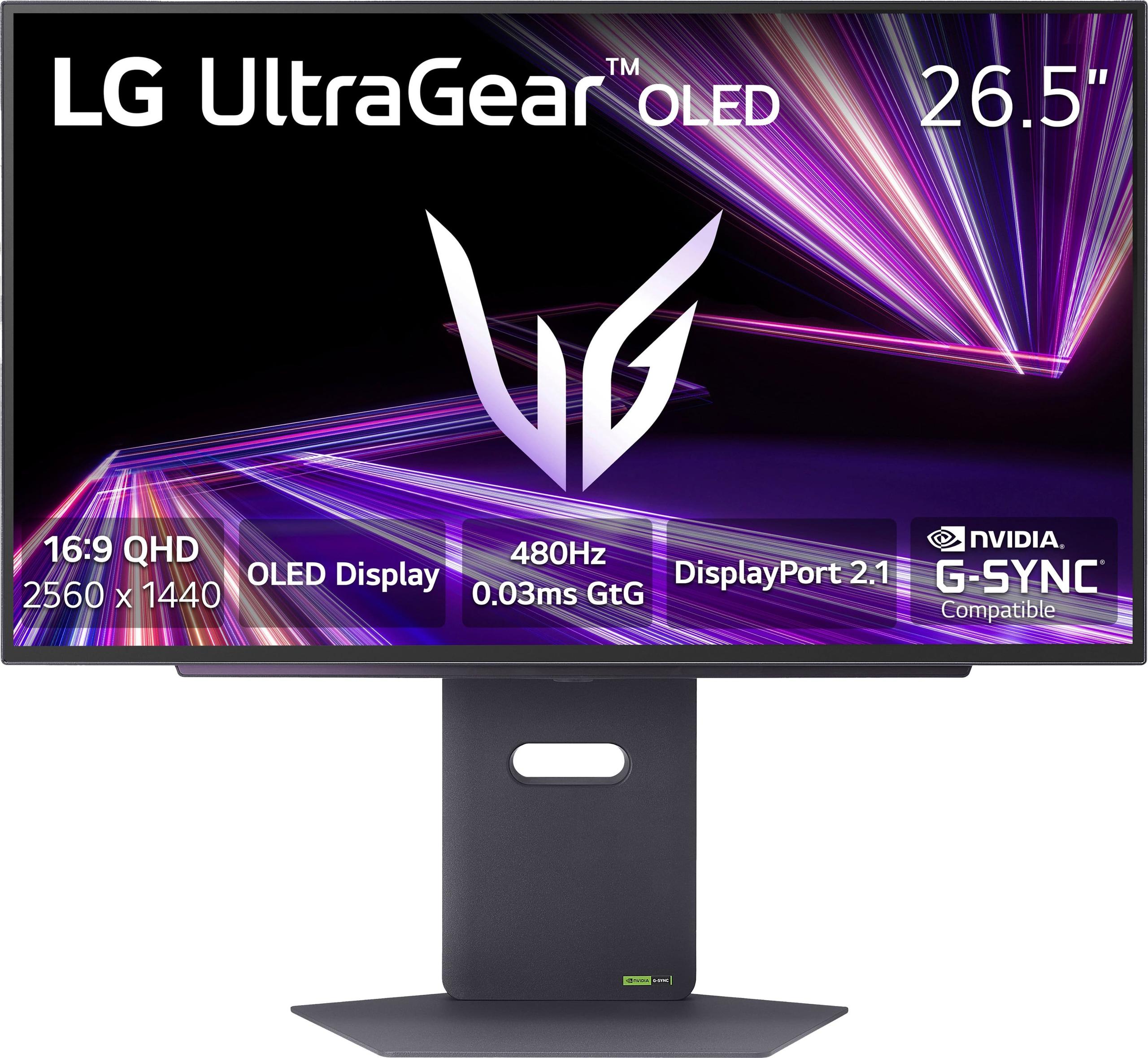

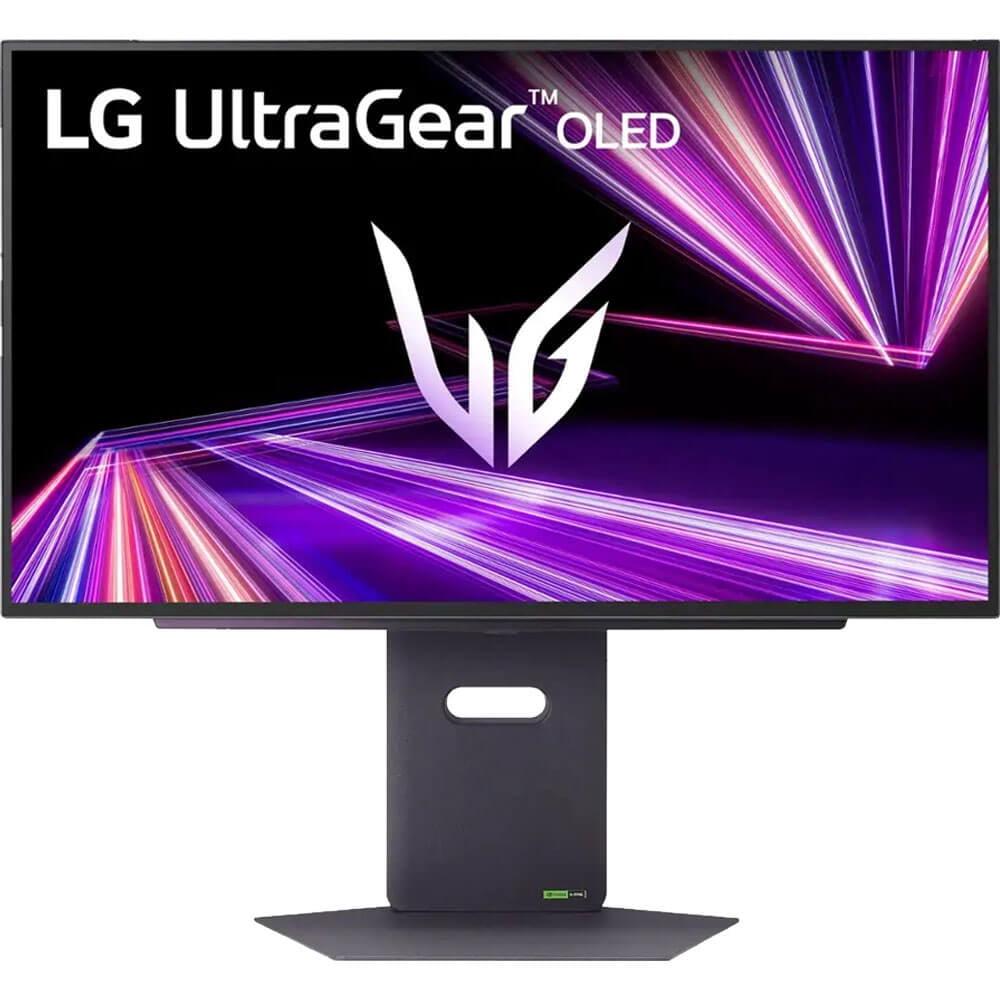



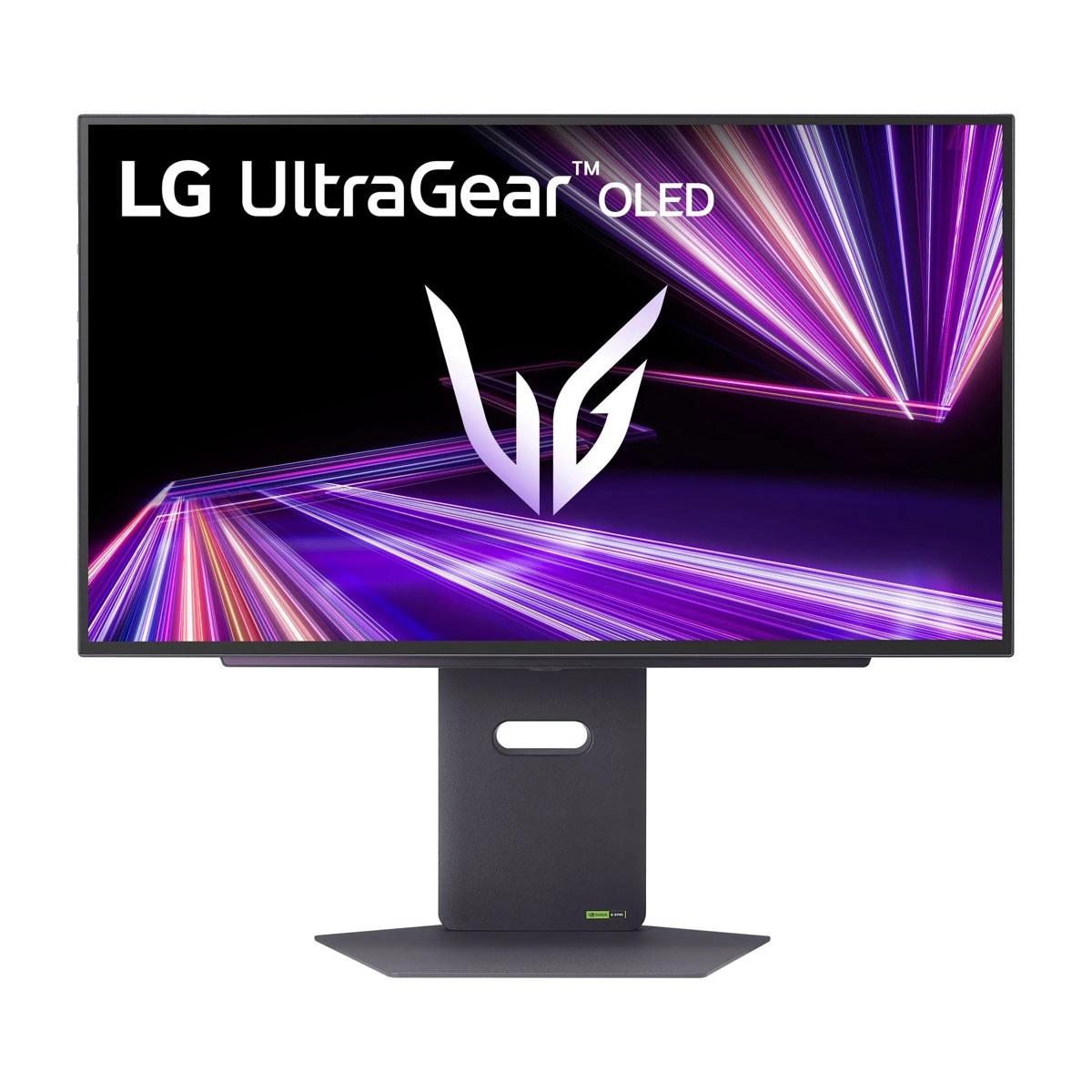
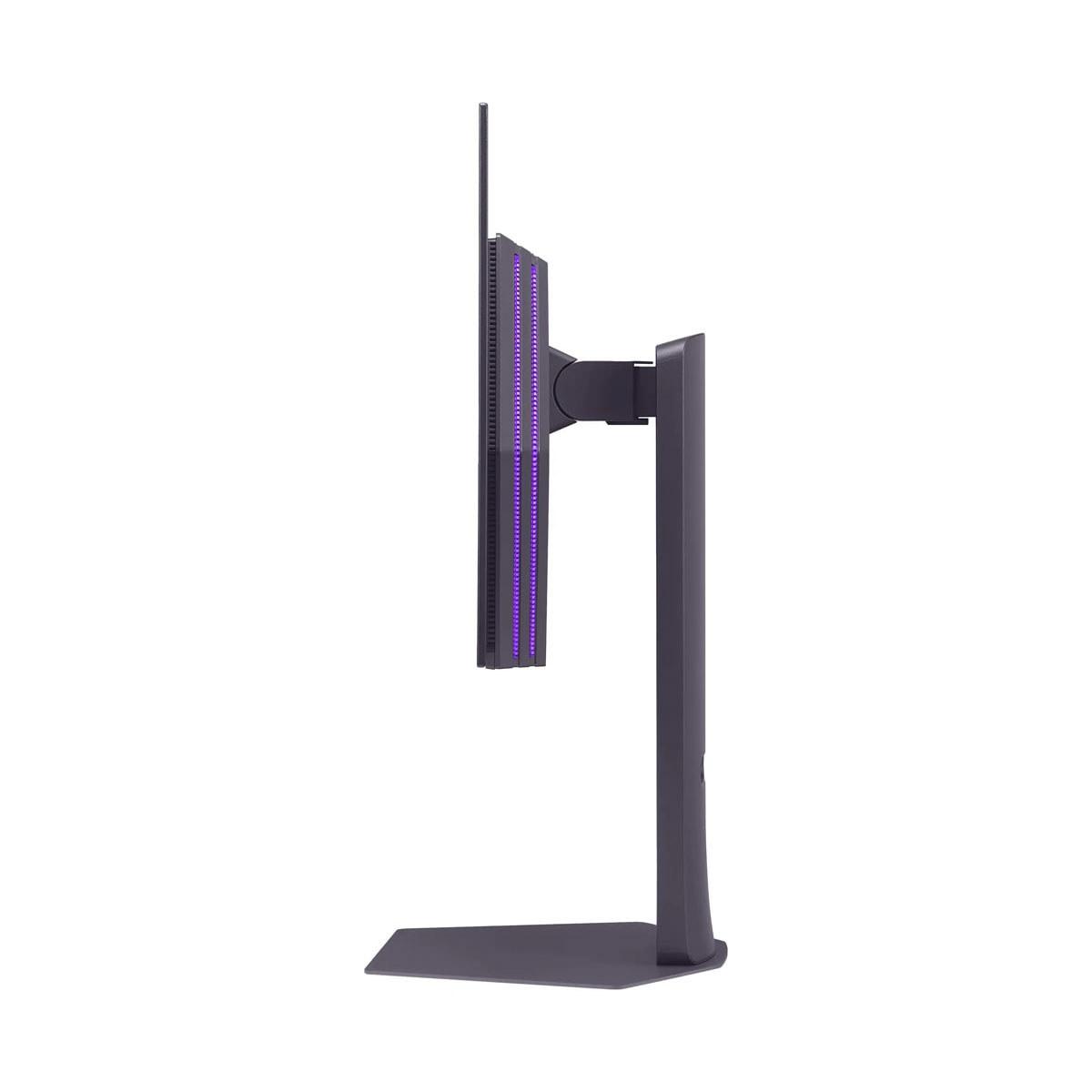
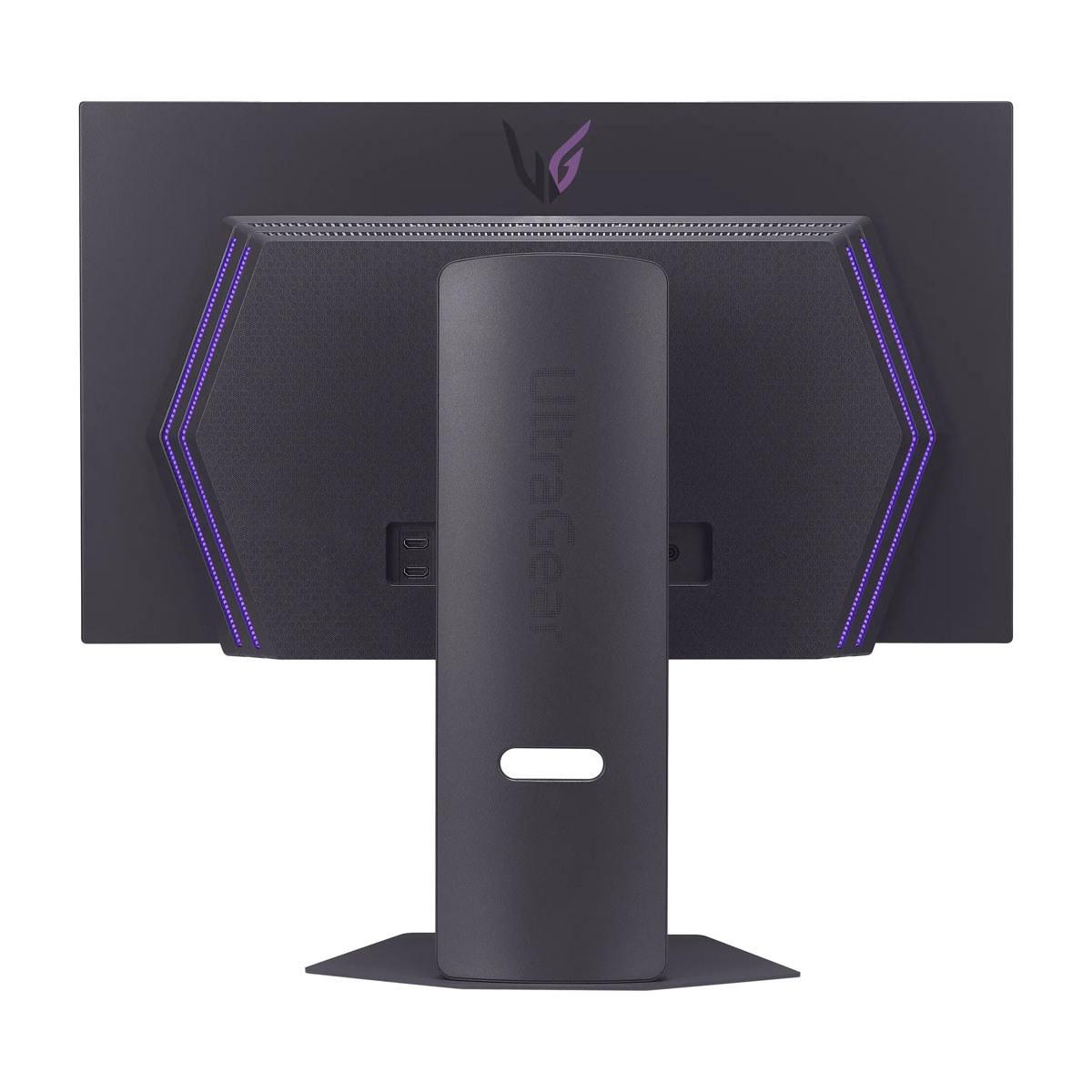
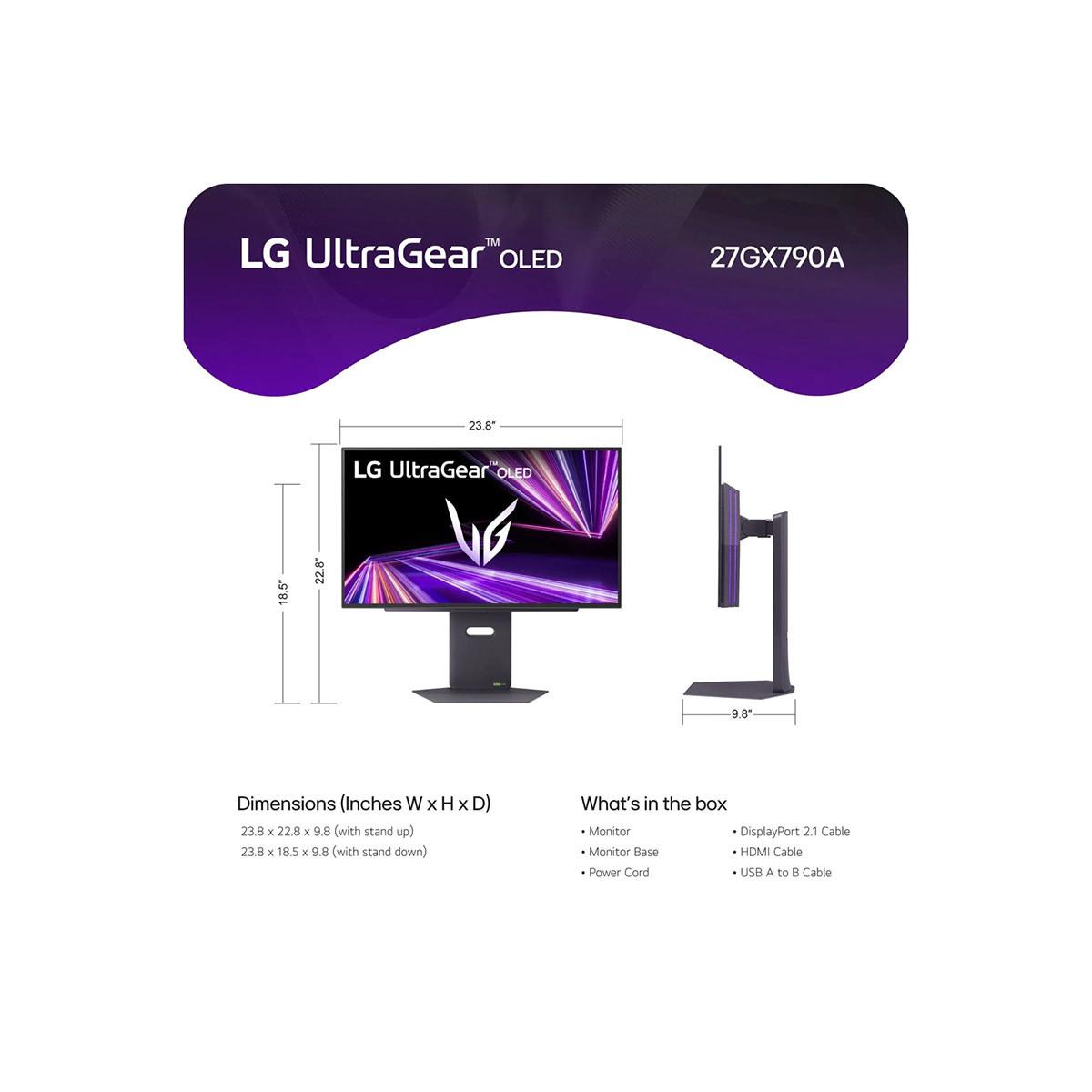




Choosing a premium gaming monitor in 2024 means deciding between two fundamentally different philosophies. Do you want the absolute fastest gaming experience possible, or are you ready to step into the future with groundbreaking 3D technology? That's exactly the choice you'll face when comparing the LG UltraGear 27" OLED QHD 480Hz Gaming Monitor at $999.99 and the Samsung 27" Odyssey 3D G90XF 4K 165Hz Gaming Monitor.
Both monitors launched in late 2024, representing the cutting edge of display technology. The LG UltraGear arrived in November 2024 as the world's fastest QHD OLED gaming monitor, while the Samsung Odyssey 3D debuted as the first consumer monitor to offer glasses-free 3D gaming. These aren't just incremental upgrades – they're revolutionary leaps that showcase where gaming displays are heading.
Premium gaming monitors have evolved dramatically over the past few years. Where 144Hz was once considered lightning-fast, we now have displays pushing 480Hz. OLED technology, previously reserved for TVs, has made its way into gaming monitors, bringing perfect blacks and infinite contrast ratios. Meanwhile, innovations like glasses-free 3D are pushing the boundaries of what's possible on a desktop display.
When shopping for a high-end gaming monitor, you're looking at several key factors. Refresh rate determines how many frames per second your display can show – higher numbers mean smoother motion. Response time measures how quickly pixels can change colors, with lower numbers reducing motion blur. Panel technology affects everything from color accuracy to contrast ratios. Resolution determines how sharp your images look, while specialized features can enhance your gaming experience in unique ways.
The most important thing to understand is that these monitors target different types of gamers. Some prioritize raw performance for competitive advantage, while others want immersive experiences that transport them into their games.
The LG UltraGear 27" OLED represents the absolute pinnacle of gaming performance. Its 480Hz refresh rate means it can display 480 individual frames every second – that's twice as fast as most high-end gaming monitors and eight times faster than a standard 60Hz display. To put this in perspective, if you're playing a fast-paced shooter like Counter-Strike 2, you'll see enemy movements with incredible smoothness that can provide a genuine competitive advantage.
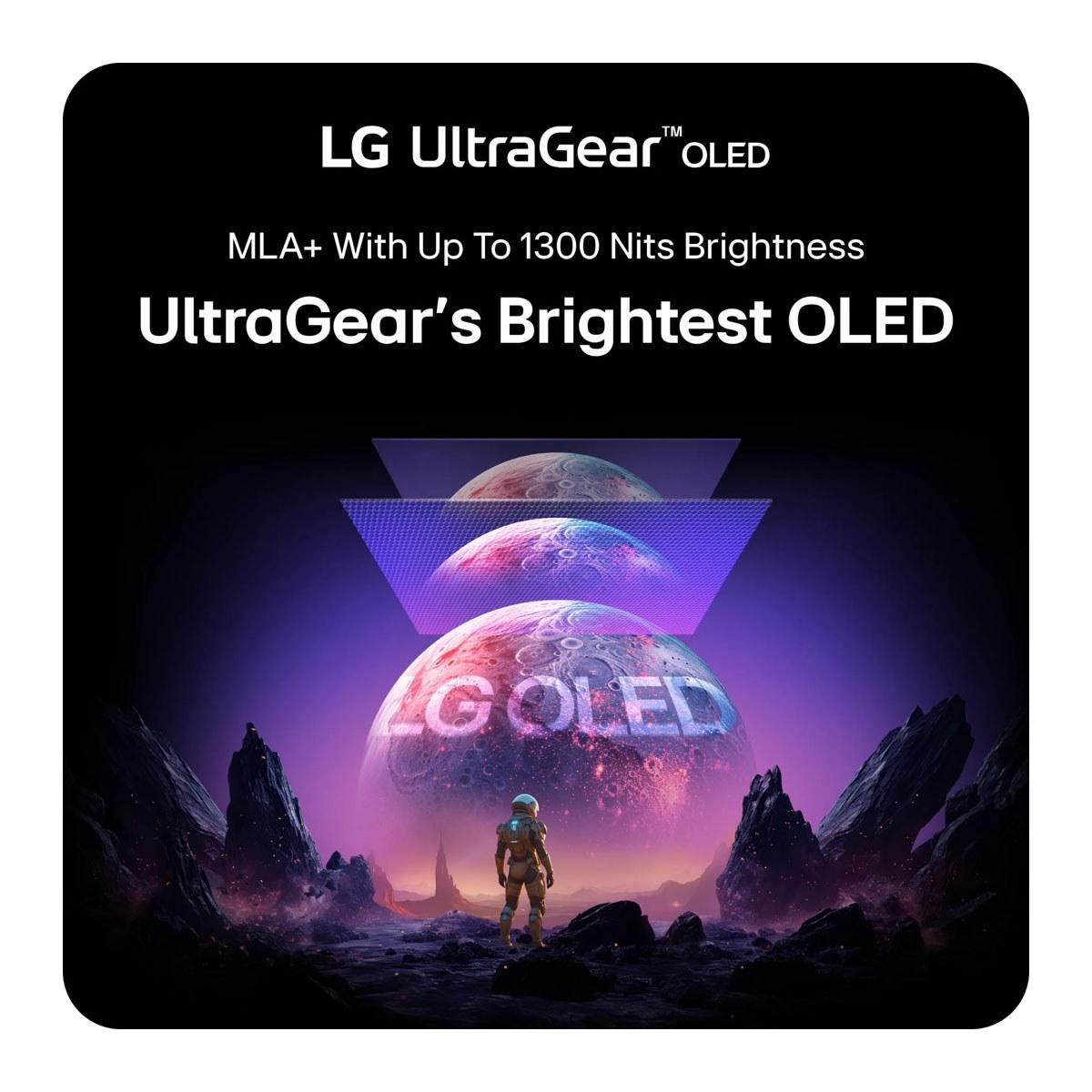
What makes this possible is LG's WOLED (White OLED) panel technology combined with their Micro Lens Array+ innovation. Traditional OLED displays use colored pixels, but WOLED uses white light filtered through color layers. This approach, combined with microscopic lenses that direct more light toward your eyes, allows for both the incredible speed and surprising brightness that reaches up to 1,300 nits in small areas.
The 0.03ms response time is equally impressive. Response time measures how quickly a pixel can change from one color to another – the lower the number, the less motion blur you'll see. At 0.03ms, pixels change almost instantaneously, eliminating the ghosting effects that can make fast-moving objects appear blurry.
But speed isn't everything with the LG UltraGear. The OLED technology delivers a contrast ratio of 1,500,000:1, meaning the difference between the darkest black and brightest white is enormous. In practical terms, this means dark scenes in games look truly dark rather than grayish, while bright highlights pop with intensity. The monitor covers 98.5% of the DCI-P3 color space, which is the standard used for digital cinema – your games will look as vibrant as movies in theaters.
The inclusion of DisplayPort 2.1 is particularly forward-thinking. This connection standard offers 67% more bandwidth than the previous DisplayPort 1.4, eliminating the need for Display Stream Compression when running at maximum refresh rates. This ensures you get the cleanest possible signal without any compression artifacts that could affect image quality.
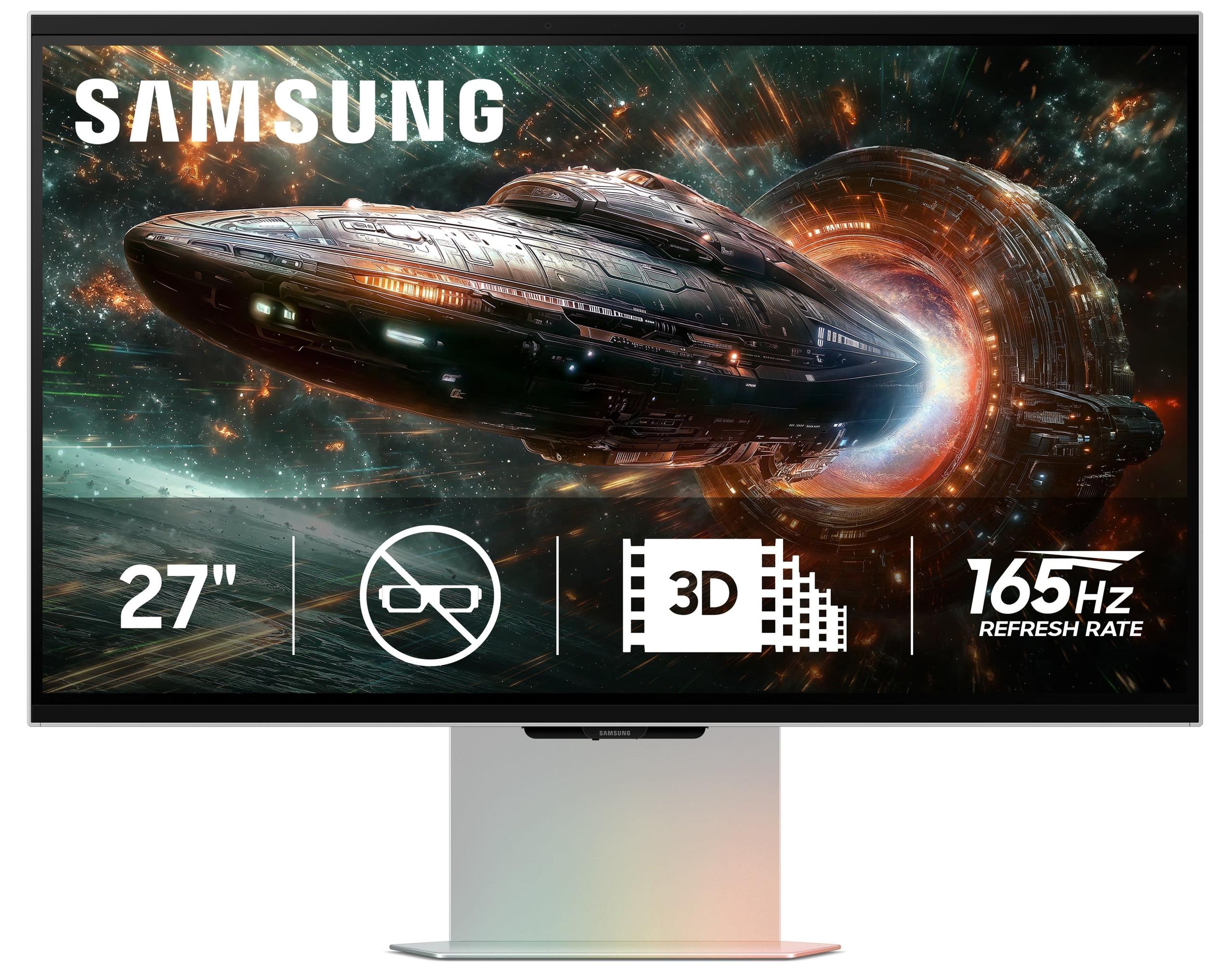
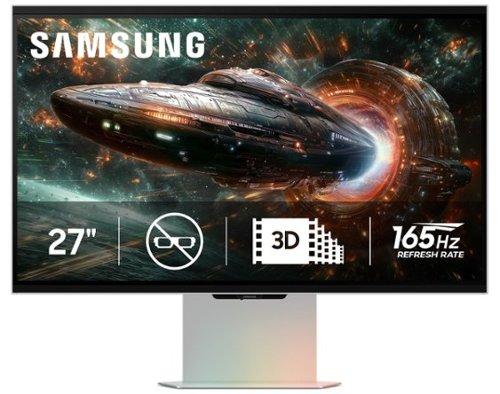
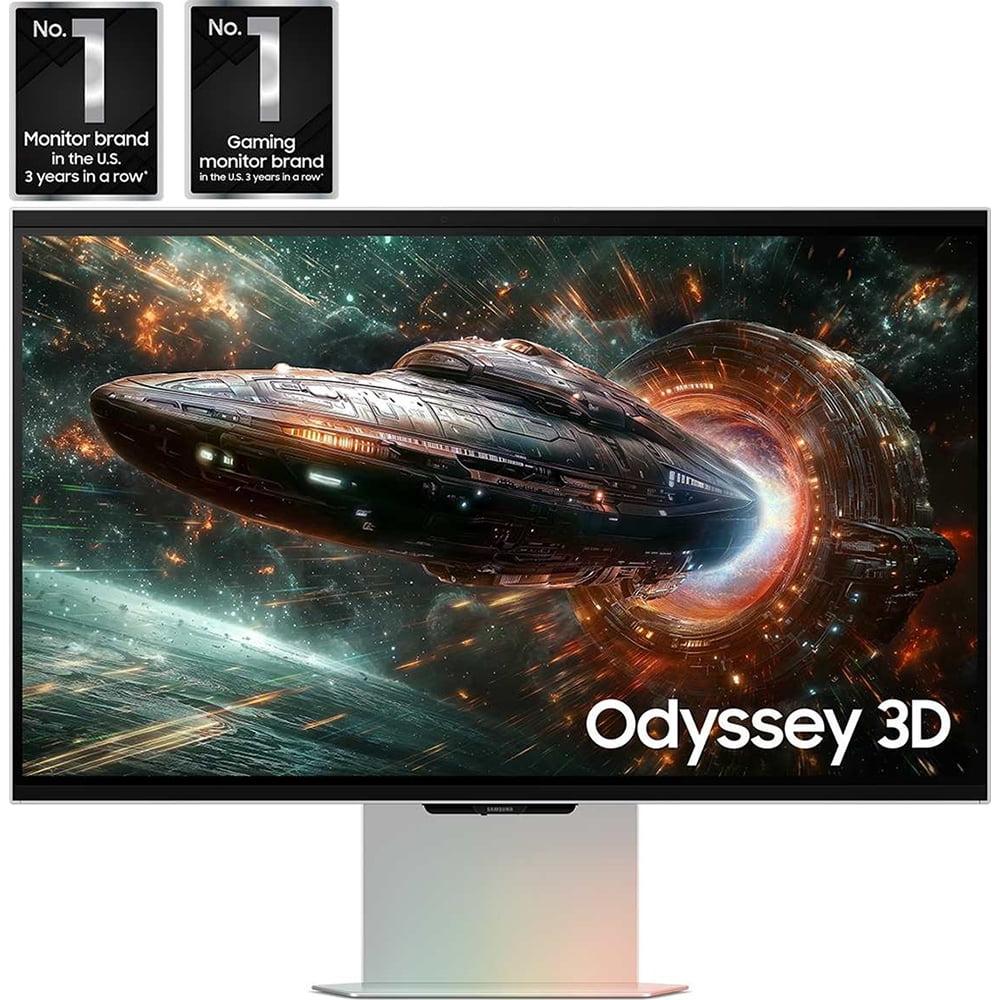
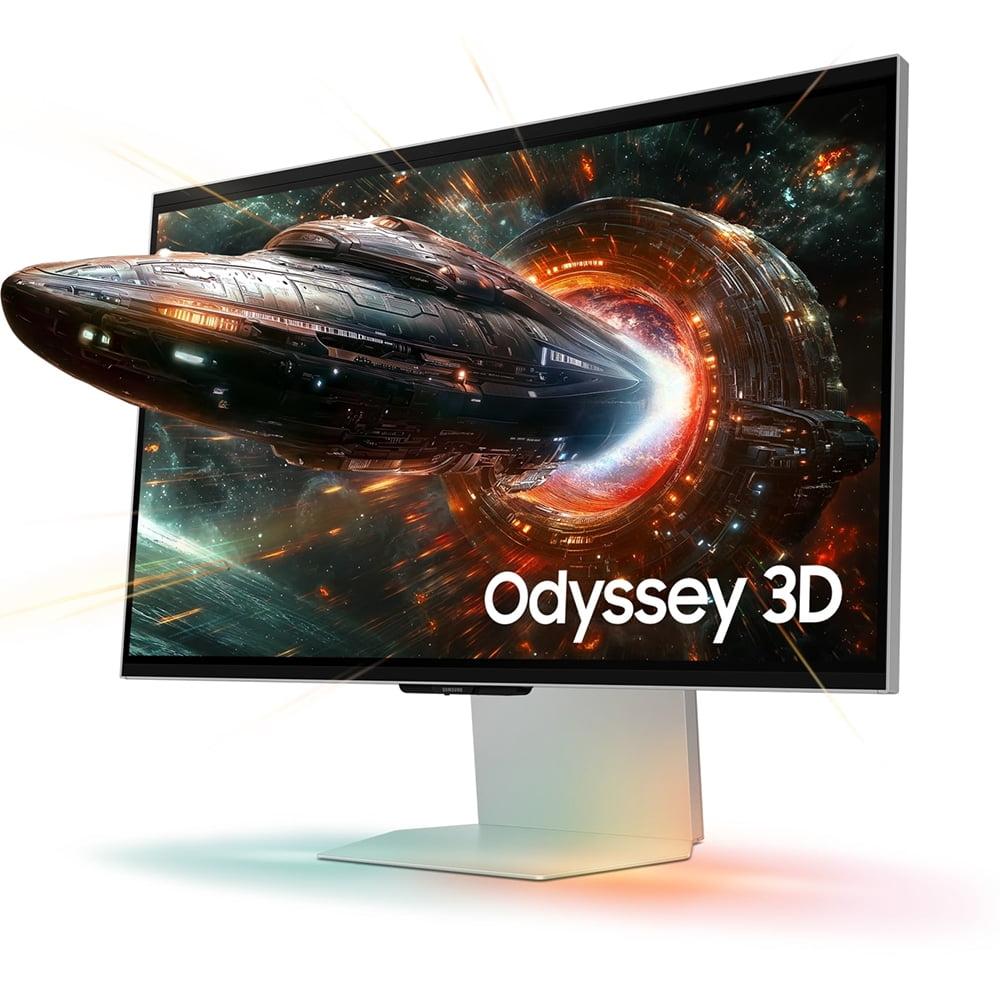
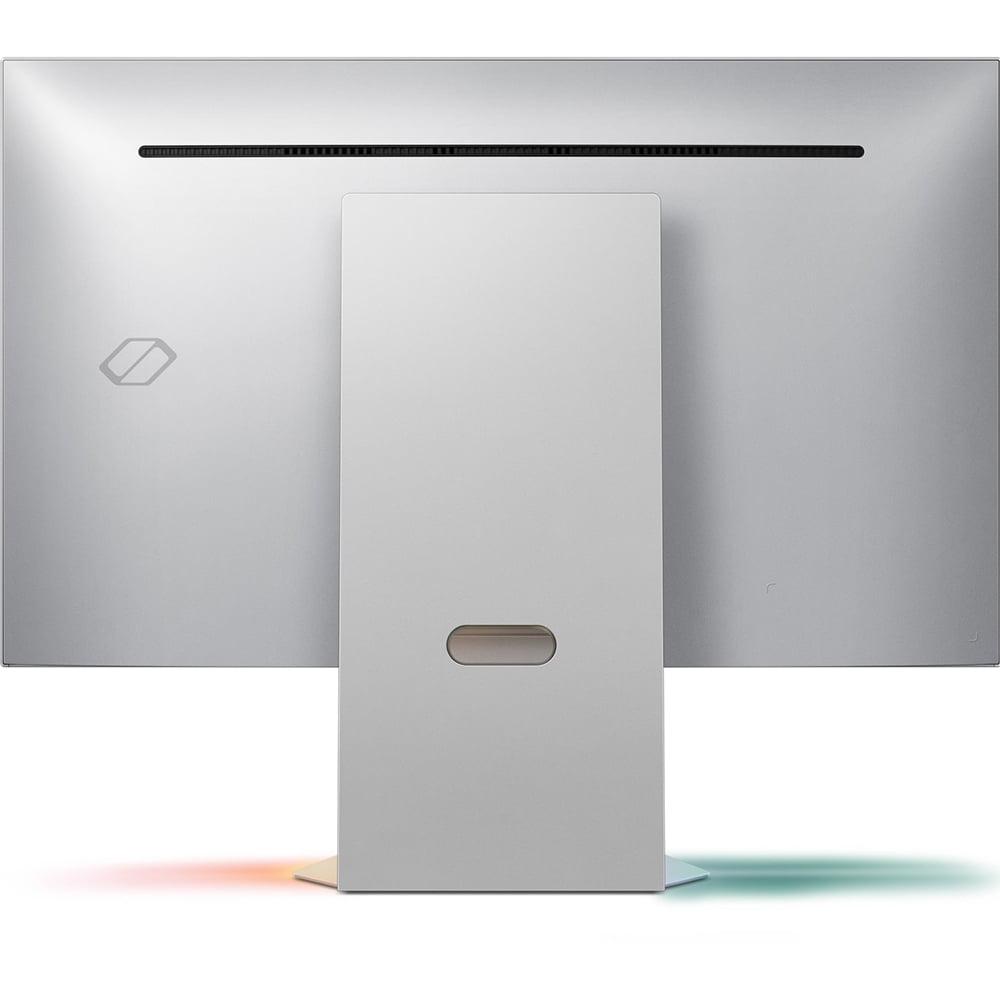
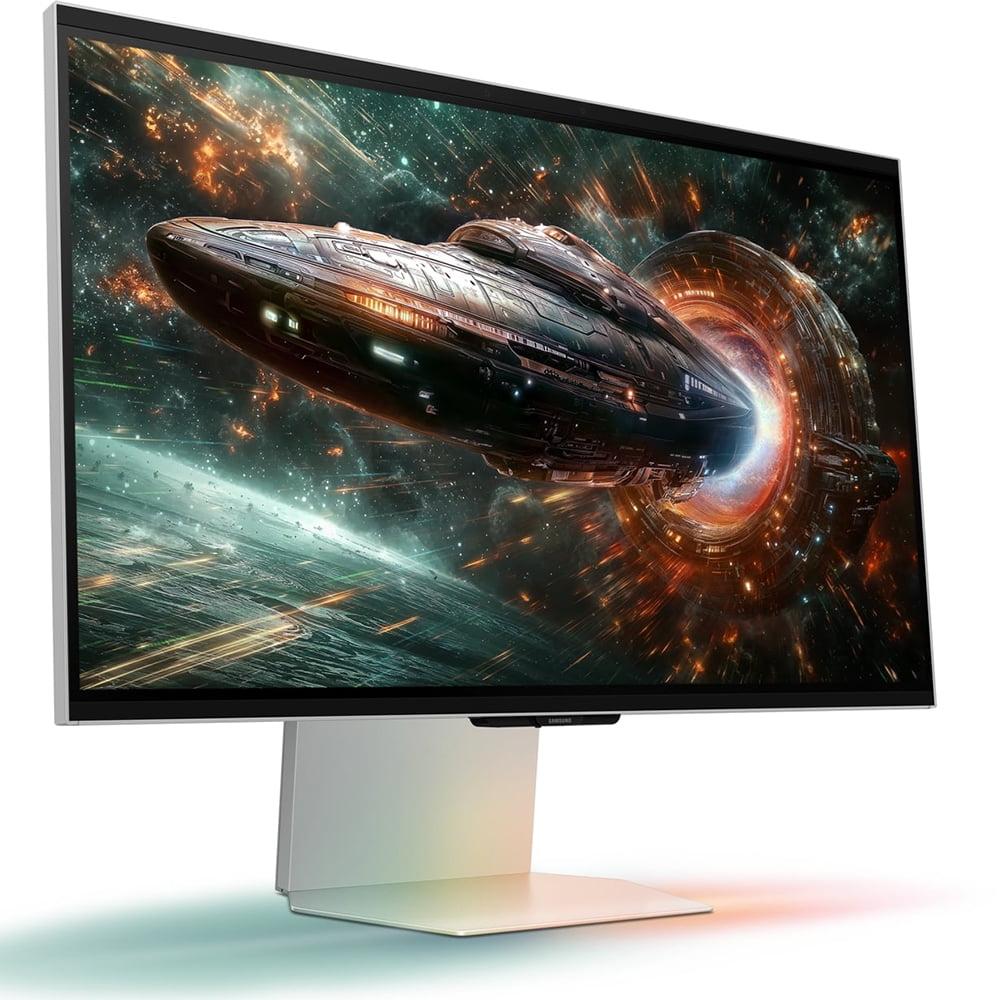
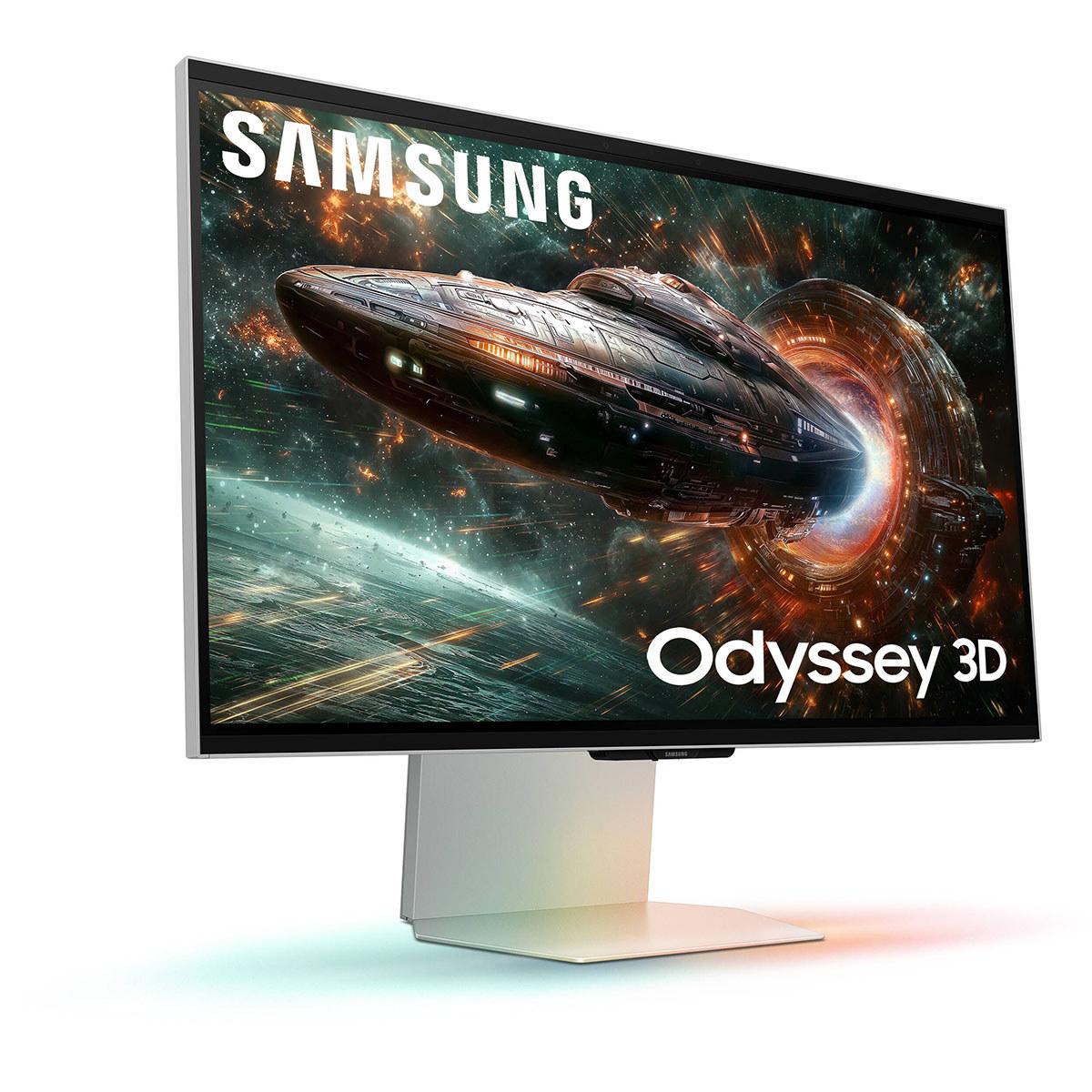
The Samsung Odyssey 3D G90XF takes a completely different approach, prioritizing innovation and immersion over raw speed. Its headline feature is glasses-free 3D technology that uses eye-tracking cameras and lenticular lenses (specialized ridged plastic sheets that direct different images to each eye) to create a genuine 3D effect without wearing any special glasses.
This isn't a gimmick – the 3D effect is surprisingly convincing when it works well. Objects and characters appear to project out from the screen, creating depth that makes games feel more immersive. The system tracks your head movement in real-time, adjusting the 3D effect to maintain the illusion even as you shift position. It's similar to looking through a window into a virtual world.
Samsung's AI 3D Video Conversion feature is equally impressive, using artificial intelligence to analyze 2D content and add depth information in real-time. This means you can watch regular YouTube videos or play non-3D games and still get some dimensional effect, though it's not as pronounced as content specifically designed for 3D.
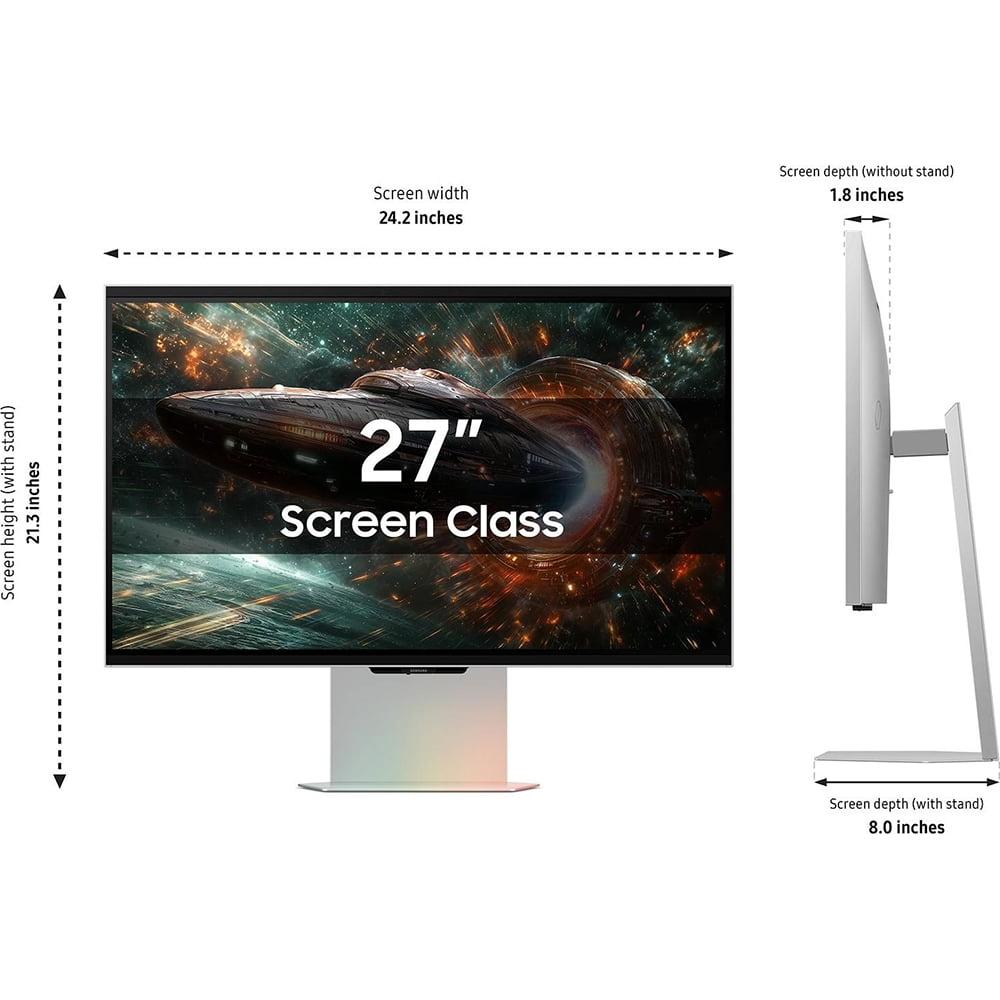
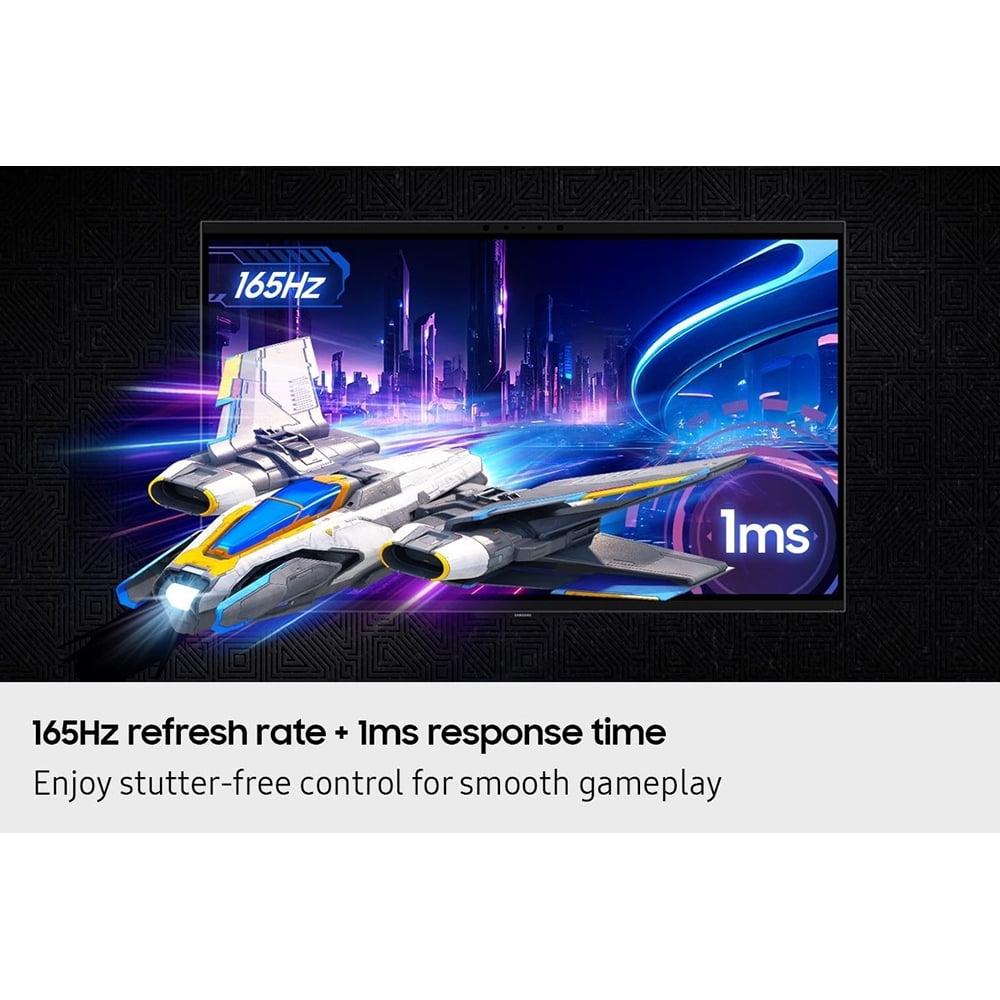
The Samsung monitor uses a 4K IPS panel running at 165Hz with a 1ms response time. While not as fast as the LG's 480Hz, 165Hz is still excellent for gaming and provides smooth motion in virtually all scenarios. The 4K resolution (3840 x 2160) offers 78% more pixels than the LG's QHD resolution (2560 x 1440), resulting in sharper text and more detailed game visuals.
IPS (In-Plane Switching) technology provides consistent colors and brightness across wide viewing angles, making it excellent for both gaming and productivity work. The panel covers 99% of the sRGB color space, which is the standard for web content and most games, ensuring accurate color reproduction.
The performance difference between these monitors is most apparent in fast-paced gaming scenarios. The LG UltraGear's 480Hz refresh rate means that if you're getting 400 frames per second in a competitive shooter, you'll see all 400 unique frames rather than having some duplicated or skipped. This translates to smoother tracking of moving targets and reduced input lag – the delay between moving your mouse and seeing the action on screen.
However, there's a practical limitation here. Very few games can actually reach 480 fps, even with the most powerful graphics cards. You'll typically see the biggest benefit in esports titles like CS2, Valorant, or Overwatch 2, where frame rates can exceed 300 fps with high-end hardware. For most single-player games, you might only see 60-120 fps even with a top-tier GPU, making the 480Hz capability somewhat theoretical.
The Samsung Odyssey's 165Hz refresh rate is more realistic for most gaming scenarios. It's fast enough to provide smooth motion in virtually any game while being achievable with current graphics hardware. The 1ms response time is also excellent, providing sharp motion without the near-instantaneous response of OLED technology but still fast enough for competitive gaming.
Where the performance equation gets interesting is in 3D mode. The Samsung monitor essentially splits its 4K image into two 1920 x 2160 images – one for each eye. This means your graphics card needs to render at this unusual resolution while maintaining high frame rates, which is significantly more demanding than traditional gaming.
The visual quality differences between these monitors reflect their different panel technologies and target resolutions. The LG UltraGear's OLED panel produces perfect blacks because OLED pixels can turn completely off. When you're playing a horror game in a dark room, shadows are truly black rather than the grayish color you get with LCD panels. This creates an incredible sense of depth and atmosphere that's particularly noticeable in cinematic games.
The color reproduction on the LG monitor is also exceptional. OLED technology can produce very wide color gamuts, and LG's implementation covers 98.5% of DCI-P3. This is significant because DCI-P3 is a much wider color space than the standard sRGB, meaning you'll see more vibrant greens, deeper reds, and richer blues. Games that support wide color gamuts will look more lifelike and engaging.
The Samsung Odyssey takes a different approach with its 4K IPS panel. While it can't match OLED's perfect blacks or wide color gamut, it excels in consistency and sharpness. The 4K resolution means text is crisp, game details are sharp, and you have more screen real estate for productivity work. The IPS panel maintains consistent colors and brightness even when viewed from the side, making it better for shared viewing or if you don't sit perfectly centered.
The 3D effect adds another dimension – literally – to visual quality. When viewing supported content, the depth effect is genuinely impressive. Characters and objects appear to have physical presence, making games feel more immersive. However, the 3D lenses do slightly reduce overall sharpness compared to viewing the same panel in 2D mode.
Both monitors support the essential gaming technologies you'd expect at this price point. Adaptive sync technologies like AMD FreeSync and NVIDIA G-SYNC compatibility eliminate screen tearing and stuttering by synchronizing the monitor's refresh rate with your graphics card's output. This ensures smooth visuals even when frame rates fluctuate.
The LG UltraGear includes several OLED-specific features designed to prevent burn-in – permanent image retention that can occur when static elements remain on screen for extended periods. OLED Care includes pixel-shifting technology that slightly moves the image to prevent any single pixel from displaying the same color continuously, plus screensaver features that activate during idle periods.
DTS Headphone:X support through the monitor's headphone jack provides spatial audio processing, creating a more immersive soundscape through regular headphones. This is particularly valuable for competitive gaming where audio cues can indicate enemy positions.
The Samsung monitor focuses on immersive features. Edge Lighting uses LEDs around the monitor's base to detect and match on-screen colors, extending the visual experience beyond the display boundaries. When an explosion creates orange flames on screen, the LED lighting pulses orange, enhancing immersion.
The Odyssey 3D Hub (also called Reality Hub) serves as a central platform for accessing 3D content. It includes a growing library of supported games and videos, plus tools for adjusting 3D settings to your preferences. The AI conversion feature works through this hub, analyzing content in real-time to add depth effects.
Connectivity is where the LG UltraGear shows its forward-thinking design. DisplayPort 2.1 provides significantly more bandwidth than previous standards, ensuring you can run at maximum refresh rates without compression. The dual HDMI 2.1 ports support next-generation consoles and high-end graphics cards, while USB 3.0 ports create a convenient hub for peripherals.
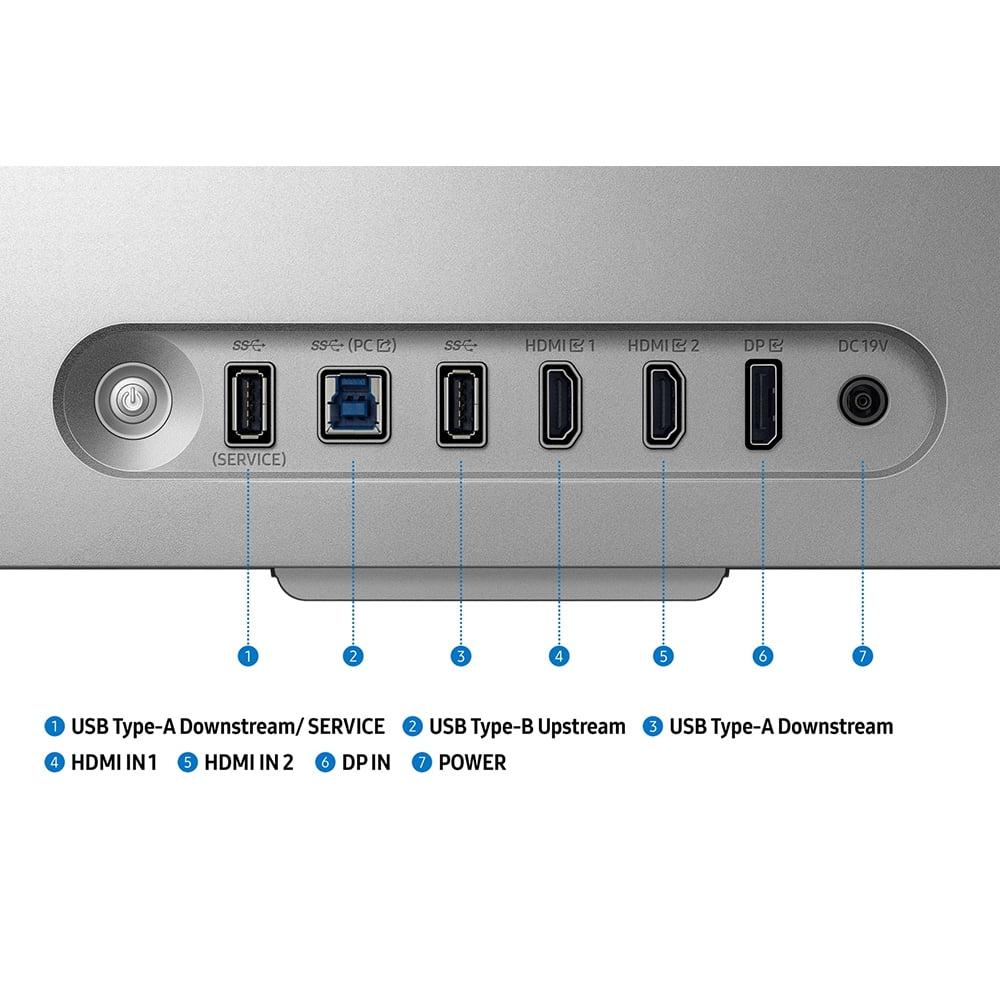
The Samsung Odyssey offers solid connectivity with DisplayPort 1.4 and dual HDMI 2.1 ports, though it requires Display Stream Compression to achieve maximum refresh rates over DisplayPort. This compression is generally imperceptible but represents a technical limitation compared to DisplayPort 2.1.
In my experience testing high-refresh displays, the jump from 240Hz to 480Hz is noticeable but subtle. The difference is most apparent in specific scenarios – tracking a fast-moving target in an FPS game or following a rapidly scrolling interface. It's not as dramatic as going from 60Hz to 144Hz, but competitive gamers who notice every detail will appreciate the smoothness.
The LG monitor's OLED technology really shines in atmospheric games. Playing something like Cyberpunk 2077 or The Witcher 3 with proper HDR support creates stunning visuals with deep shadows and bright highlights that LCD panels simply can't match. The infinite contrast ratio makes a significant difference in games with varied lighting conditions.
For the Samsung Odyssey, the 3D effect works best with supported games that were designed with depth in mind. Racing games, platformers, and certain RPGs can look spectacular in 3D. However, the limited content library means you'll spend most of your time in traditional 2D mode, where the 4K resolution provides excellent detail for both gaming and productivity work.
Both monitors can serve double duty in home theater setups, though with different strengths. The LG UltraGear excels as a near-field display for movie watching thanks to its OLED technology. The perfect blacks and wide color gamut make HDR movies look stunning, though the 27-inch size limits it to desk or close seating arrangements.
The Samsung Odyssey offers unique 3D movie experiences through its AI conversion feature, potentially breathing new life into your regular movie collection. The 4K resolution also makes it excellent for streaming high-resolution content, though the IPS panel's limited contrast means it won't match OLED for dark room movie watching.
Choose the LG UltraGear 27" OLED if you're serious about competitive gaming performance. The 480Hz refresh rate provides a genuine advantage in fast-paced esports titles, while the OLED technology delivers unmatched visual quality for single-player games. At $999.99, it's expensive but represents the current pinnacle of gaming monitor technology.
The Samsung Odyssey 3D G90XF is for gamers who want to experience the future of display technology. The glasses-free 3D is genuinely impressive when it works well, and the 4K resolution provides excellent detail for both gaming and productivity. However, you'll need to be comfortable with early-adopter limitations like limited 3D content and potential compatibility issues.
Both monitors represent significant investments that require powerful hardware to maximize their potential. The LG needs a high-end GPU to drive games at 300+ fps, while the Samsung requires substantial processing power for 4K 3D gaming. Consider your current hardware and upgrade timeline when making your decision.
Ultimately, these monitors showcase two different visions of premium gaming displays – one focused on absolute performance, the other on groundbreaking innovation. Your choice depends on whether you prioritize competitive advantage or immersive experiences in your gaming setup.
| LG UltraGear 27" OLED QHD 480Hz Gaming Monitor | Samsung 27" Odyssey 3D G90XF 4K 165Hz Gaming Monitor |
|---|---|
| Price - Premium gaming monitors with different value propositions | |
| $999.99 | Premium pricing (varies by retailer) |
| Refresh Rate - Higher rates provide smoother motion for competitive gaming | |
| 480Hz (industry-leading for esports advantage) | 165Hz (excellent for most gaming scenarios) |
| Response Time - Lower values reduce motion blur in fast-paced games | |
| 0.03ms (near-instantaneous OLED switching) | 1ms (very fast for competitive gaming) |
| Resolution - Balance between sharpness and performance demands | |
| QHD 2560x1440 (sweet spot for high frame rates) | 4K 3840x2160 (78% more pixels, sharper detail) |
| Panel Technology - Affects contrast, colors, and viewing experience | |
| WOLED with Micro Lens Array+ (perfect blacks, infinite contrast) | IPS (consistent colors, wide viewing angles) |
| Contrast Ratio - Determines depth and realism in dark scenes | |
| 1,500,000:1 (true blacks, cinematic depth) | 1,000:1 (typical LCD limitation, grayish blacks) |
| Color Coverage - Wider gamuts show more vibrant, lifelike colors | |
| 98.5% DCI-P3 (cinema-grade color reproduction) | 99% sRGB (excellent for standard content) |
| HDR Support - Enhanced dynamic range for more realistic visuals | |
| VESA DisplayHDR True Black 400 (superior OLED HDR) | HDR10+ Gaming (good but limited by LCD contrast) |
| Unique Features - Standout technologies that differentiate each monitor | |
| World's fastest QHD OLED, DisplayPort 2.1, OLED Care | Glasses-free 3D gaming, AI 3D conversion, Edge Lighting |
| Connectivity - Future-proofing and compatibility considerations | |
| DisplayPort 2.1, 2x HDMI 2.1, USB 3.0 hub | DisplayPort 1.4, 2x HDMI 2.1, USB 3.1 |
| Adaptive Sync - Eliminates screen tearing and stuttering | |
| AMD FreeSync Premium Pro, NVIDIA G-SYNC Compatible | AMD FreeSync Premium, NVIDIA G-SYNC Compatible |
| Audio Features - Built-in sound solutions | |
| 4-pole headphone jack with DTS Headphone:X | Built-in dual speakers with spatial audio |
| Best For - Target user and primary use cases | |
| Competitive esports players prioritizing maximum speed | Innovation enthusiasts wanting 3D gaming experiences |
| System Requirements - Hardware needed to maximize potential | |
| High-end GPU for 300+ fps gaming | Powerful GPU for 4K gaming, especially in 3D mode |
The LG UltraGear 27" OLED QHD 480Hz Gaming Monitor is significantly better for competitive gaming. Its 480Hz refresh rate and 0.03ms response time provide the smoothest motion and fastest response available in any gaming monitor today. Competitive esports players will notice the difference when tracking fast-moving targets in games like CS2, Valorant, and Overwatch 2. The Samsung Odyssey 3D G90XF at 165Hz is still excellent for gaming but can't match the raw speed advantage of the LG UltraGear.
QHD (2560x1440) on the LG UltraGear offers 3.7 million pixels, while 4K (3840x2160) on the Samsung Odyssey 3D provides 8.3 million pixels - that's 78% more detail. The 4K resolution makes text sharper and game visuals more detailed, but requires significantly more graphics processing power. QHD is the sweet spot for high frame rate gaming, allowing you to actually utilize the LG monitor's 480Hz capability with current hardware.
The LG UltraGear 27" OLED QHD 480Hz Gaming Monitor costs $999.99, making it a premium investment for serious gamers. The Samsung 27" Odyssey 3D G90XF also carries premium pricing that varies by retailer. Both monitors represent high-end purchases that require powerful graphics cards to maximize their potential, so factor additional hardware costs into your budget.
Picture quality depends on your priorities. The LG UltraGear offers superior contrast with its OLED technology, delivering perfect blacks and a 1,500,000:1 contrast ratio that makes dark scenes look truly cinematic. It also covers 98.5% of the DCI-P3 color space for vibrant colors. The Samsung Odyssey 3D provides sharper detail thanks to its 4K resolution and consistent IPS colors, but can't match OLED's contrast performance with its 1,000:1 ratio.
The Samsung Odyssey 3D G90XF features glasses-free 3D technology that uses eye-tracking cameras and lenticular lenses to create genuine depth without wearing special glasses. Objects appear to project out from the screen, creating an immersive experience unlike any other gaming monitor. The AI 3D Video Conversion feature can even transform regular 2D content into 3D in real-time. However, the 3D content library is currently limited, making this an early-adopter technology.
For single-player games, the choice depends on your preferences. The Samsung Odyssey 3D offers higher 4K resolution for stunning visual detail and unique 3D experiences in supported games. However, the LG UltraGear provides superior visual quality with OLED's perfect blacks and vibrant colors, making atmospheric games like Cyberpunk 2077 or horror titles look incredibly immersive. The OLED technology creates more cinematic visuals overall.
Yes, both monitors require high-end graphics cards to maximize their potential. The LG UltraGear needs powerful hardware to drive games at 300+ fps to utilize its 480Hz capability. The Samsung Odyssey 3D requires substantial processing power for 4K gaming, especially when using 3D mode which essentially renders two separate images. Plan on having at least an RTX 4070 or better for optimal performance with either monitor.
Value depends on your gaming priorities. The LG UltraGear at $999.99 offers exceptional value for competitive gamers who want the absolute fastest gaming experience and premium OLED visuals. The Samsung Odyssey 3D provides unique 3D technology and 4K resolution but appeals mainly to early adopters and innovation enthusiasts. For pure gaming performance per dollar, the LG monitor delivers more measurable benefits.
The Samsung Odyssey 3D G90XF is better suited for productivity thanks to its 4K resolution providing sharp text and more screen real estate for multitasking. The IPS panel maintains consistent colors across wide viewing angles. The LG UltraGear offers excellent color accuracy for creative work with its 98.5% DCI-P3 coverage, but the QHD resolution provides less workspace. Both monitors support the connectivity needed for professional use.
OLED technology in the LG UltraGear allows individual pixels to turn completely off, creating perfect blacks and infinite contrast ratios that make images pop with depth. OLED also offers faster response times and wider color gamuts. IPS technology in the Samsung Odyssey 3D provides consistent colors and brightness across all viewing angles with no color shifting, plus it's immune to burn-in issues that can affect OLED panels over time.
Both monitors work well with modern consoles through HDMI 2.1 connectivity. The Samsung Odyssey 3D might have a slight edge for console gaming due to its 4K resolution matching the output of PS5 and Xbox Series X, plus consoles typically can't drive the high frame rates needed to utilize the LG UltraGear's 480Hz capability. However, the LG monitor's superior contrast and colors enhance the visual experience of console games significantly.
Both monitors offer excellent future-proofing but in different ways. The LG UltraGear features DisplayPort 2.1 connectivity and 480Hz capability that exceeds current hardware limitations, ensuring it will remain relevant as graphics cards become more powerful. The Samsung Odyssey 3D pioneers glasses-free 3D technology that may become more mainstream as content libraries expand. Both represent cutting-edge technology that should remain competitive for many years.
We've done our best to create useful and informative comparisons to help you decide what product to buy. Our research uses advanced automated methods to create this comparison and perfection is not possible - please contact us for corrections or questions. These are the sites we've researched in the creation of this article: bestbuy.com - bhphotovideo.com - engadget.com - newegg.com - youtube.com - bestbuy.com - techpowerup.com - techpowerup.com - rtings.com - lg.com - lgnewsroom.com - rtings.com - bestbuy.com - jonesapplianceandtv.com - thefrogpadappliances.com - lg.com - lg.com - lg.com - techpowerup.com - lg.com - lg.com - hometechnologyreview.com - substack.com - rtings.com - youtube.com - techaeris.com - versus.com - tomsguide.com - avsforum.com - youtube.com - versus.com - bestbuy.com - samsung.com - samsung.com - samsung.com - samsung.com - m.media-amazon.com

Privacy Policy
Terms and Conditions - Affiliate Policy
Home Security
© Copyright 2008-2026.
11816 Inwood Rd #1211, Dallas, TX 75244