

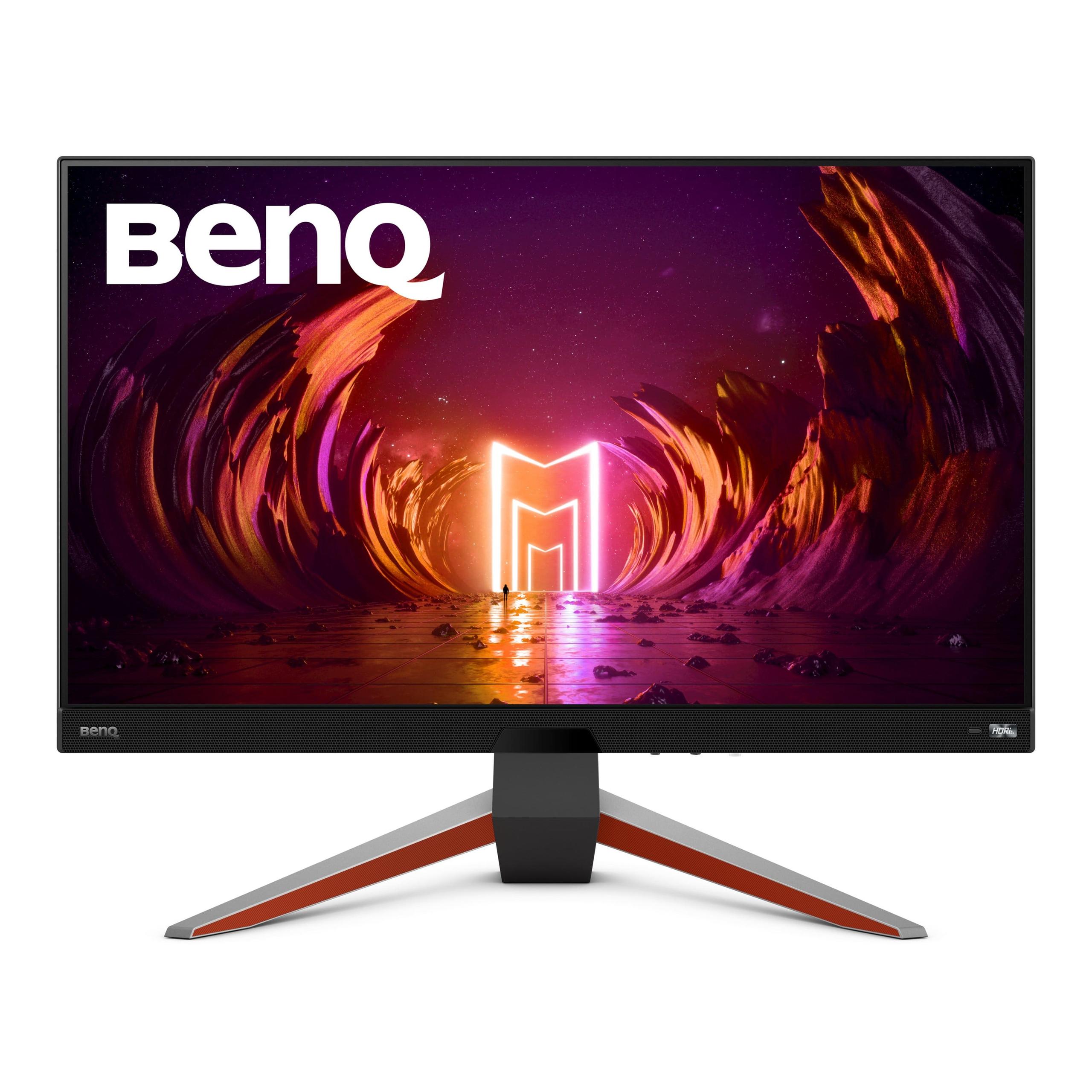
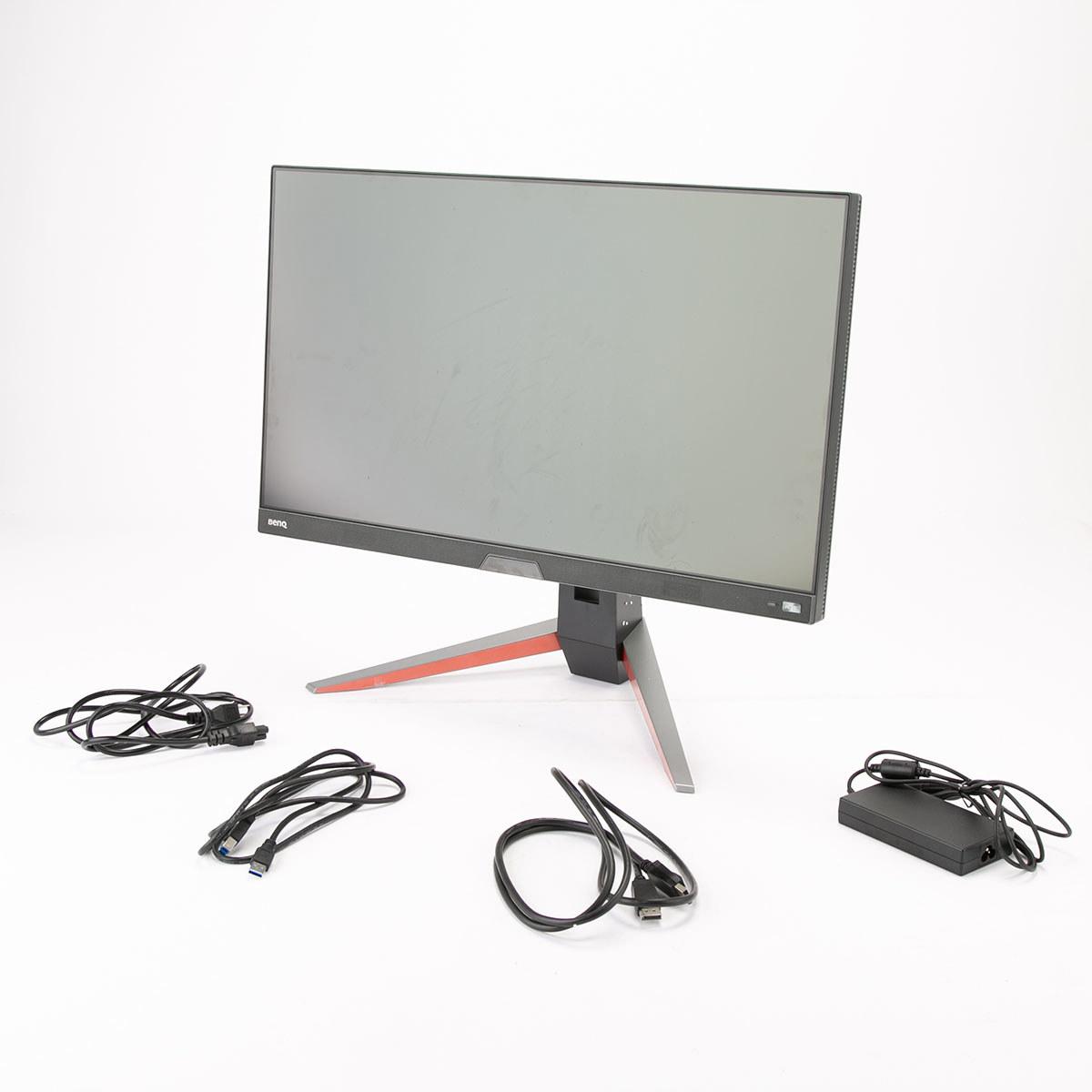
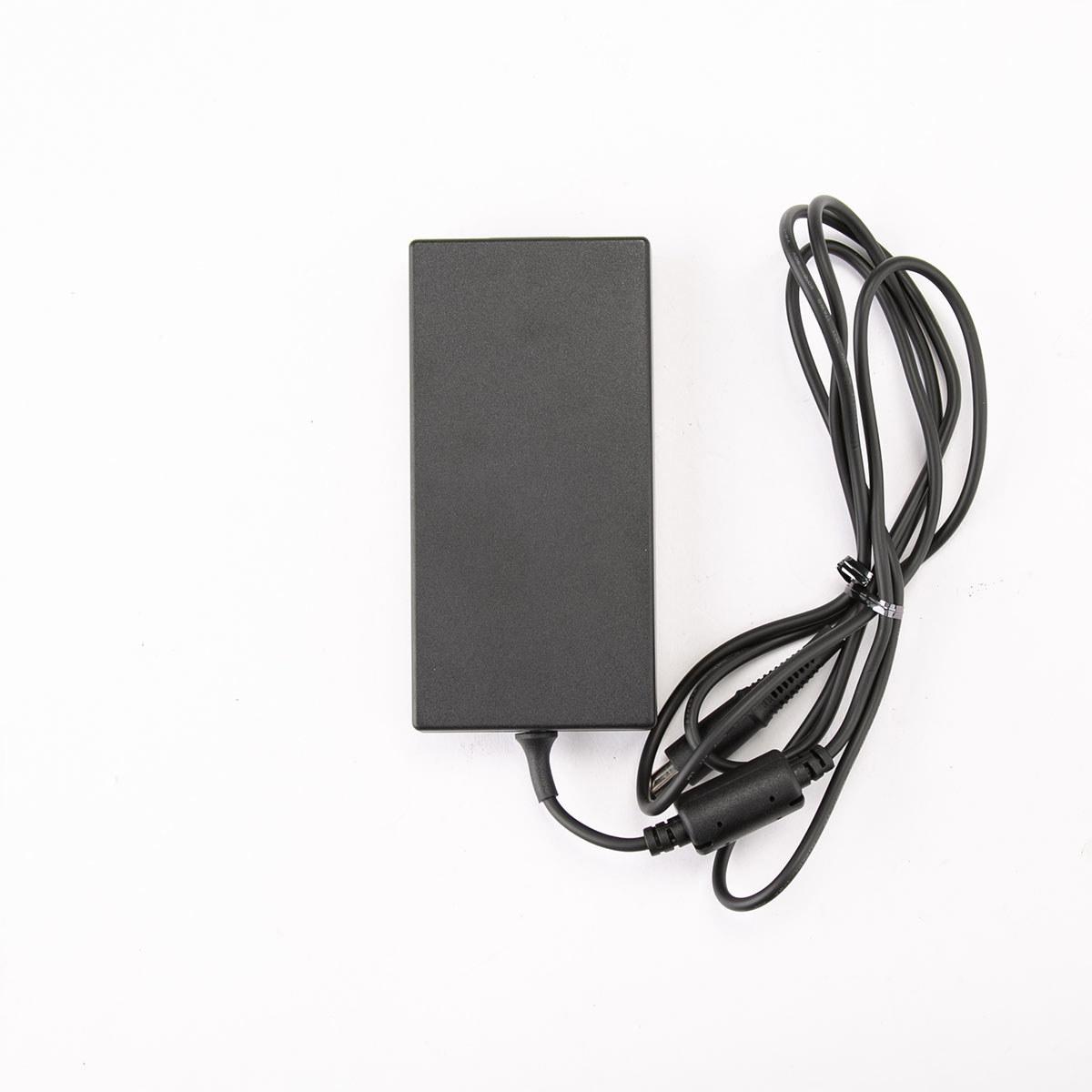

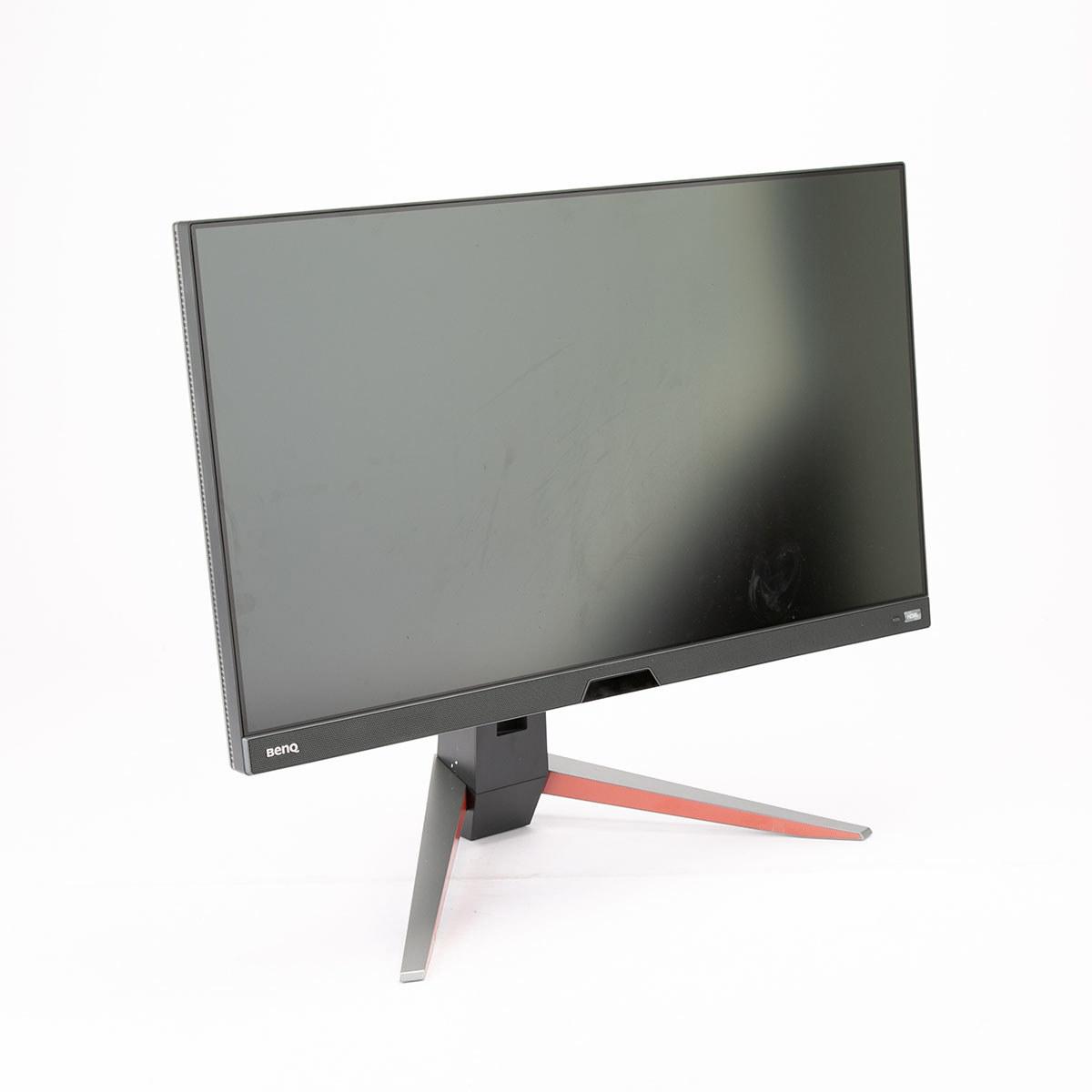
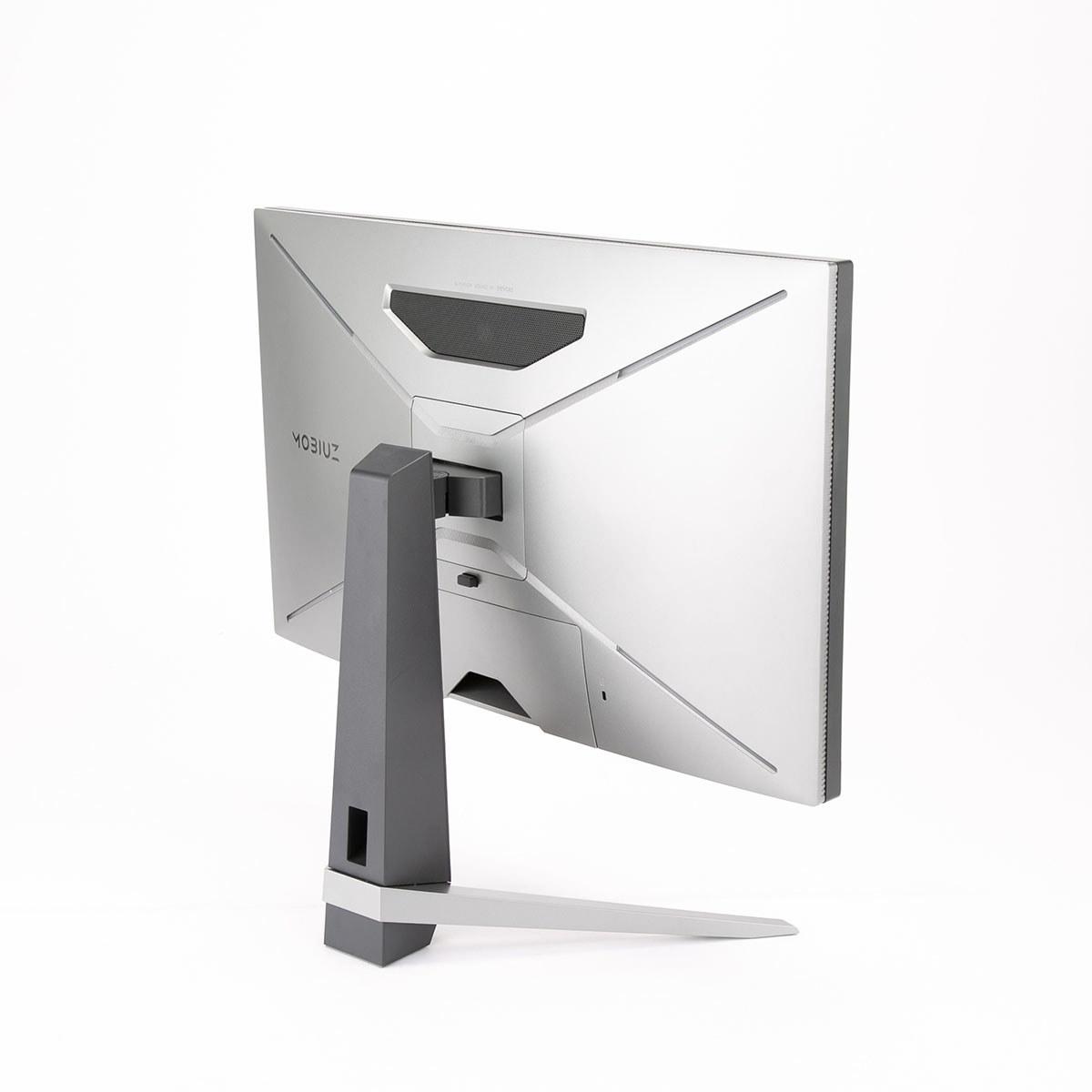
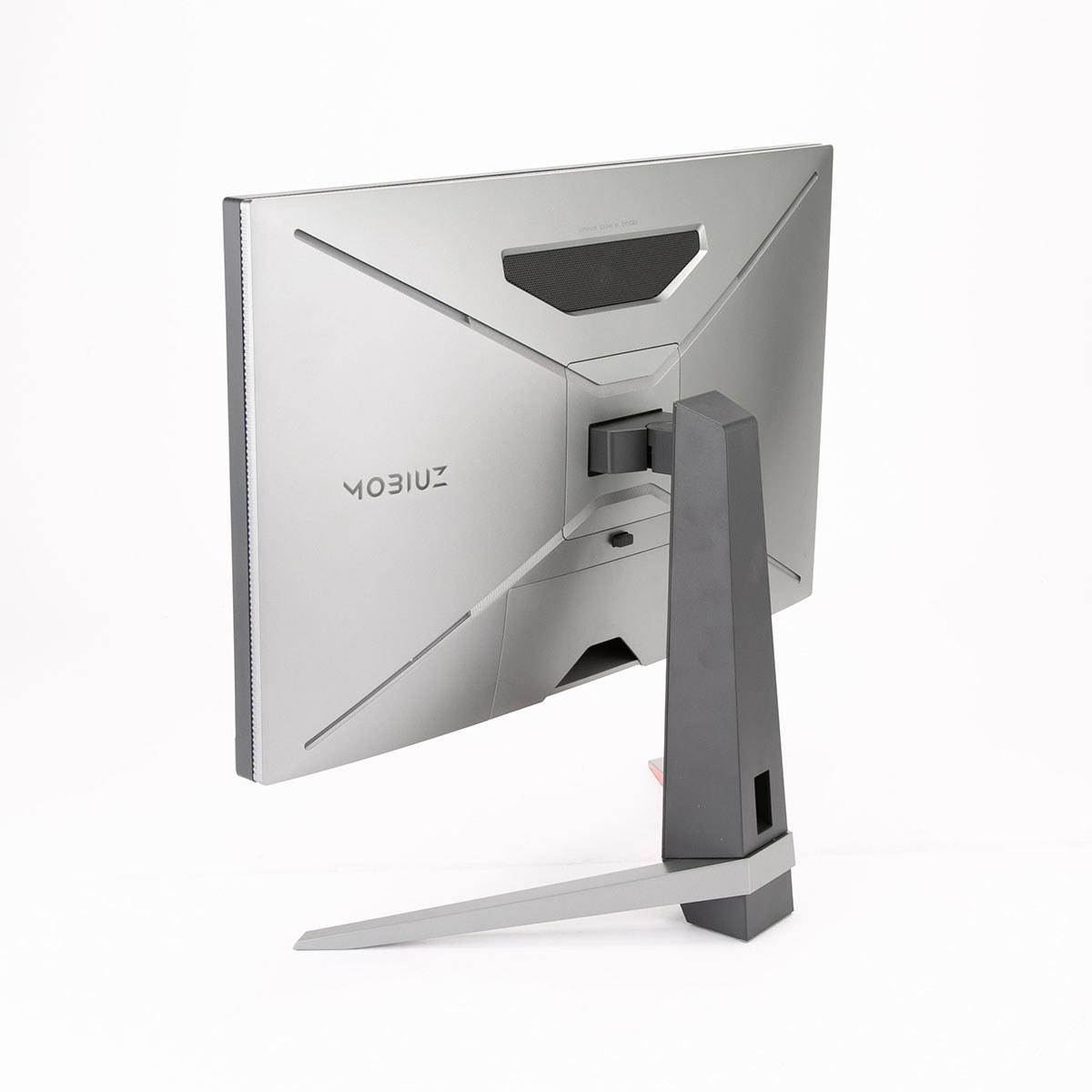
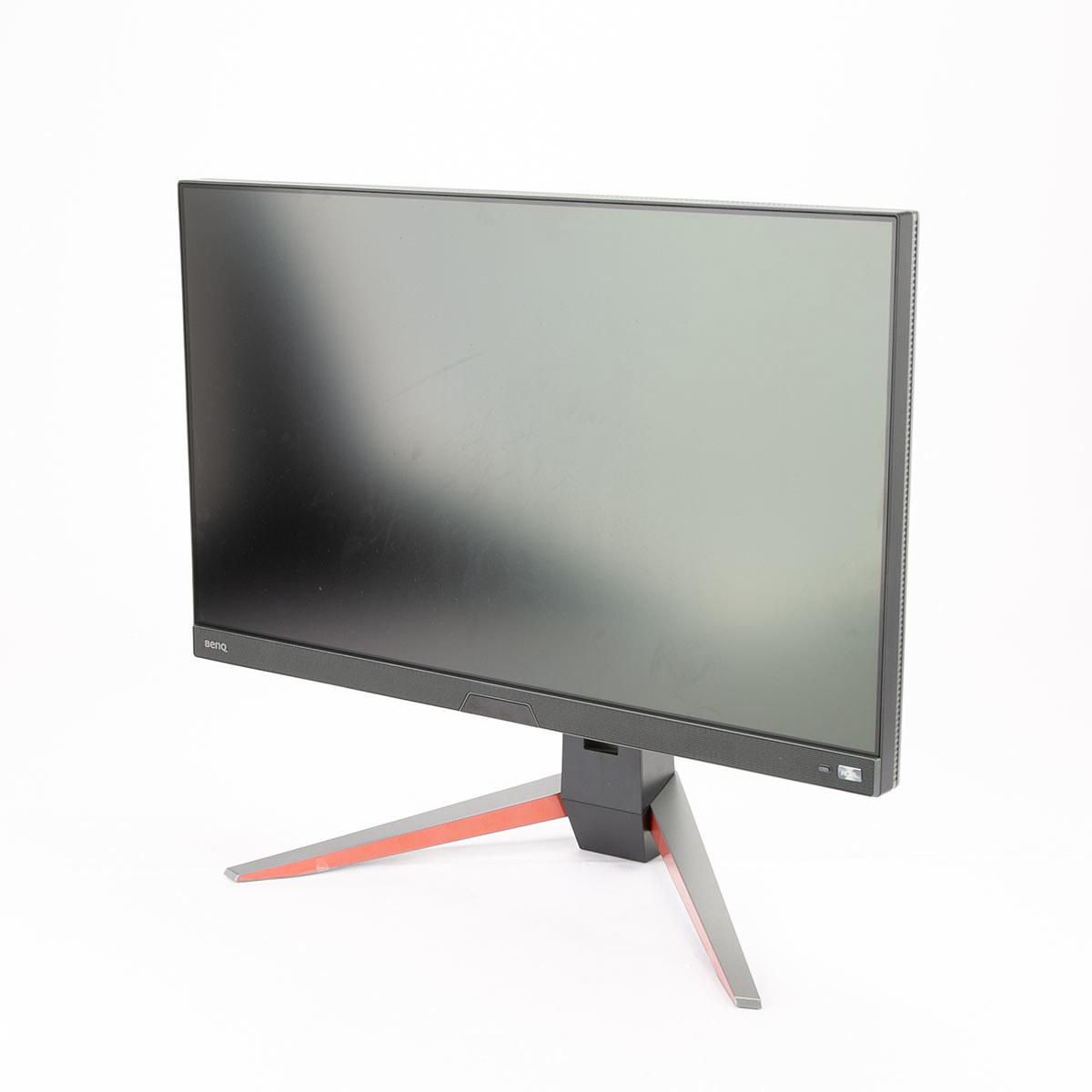
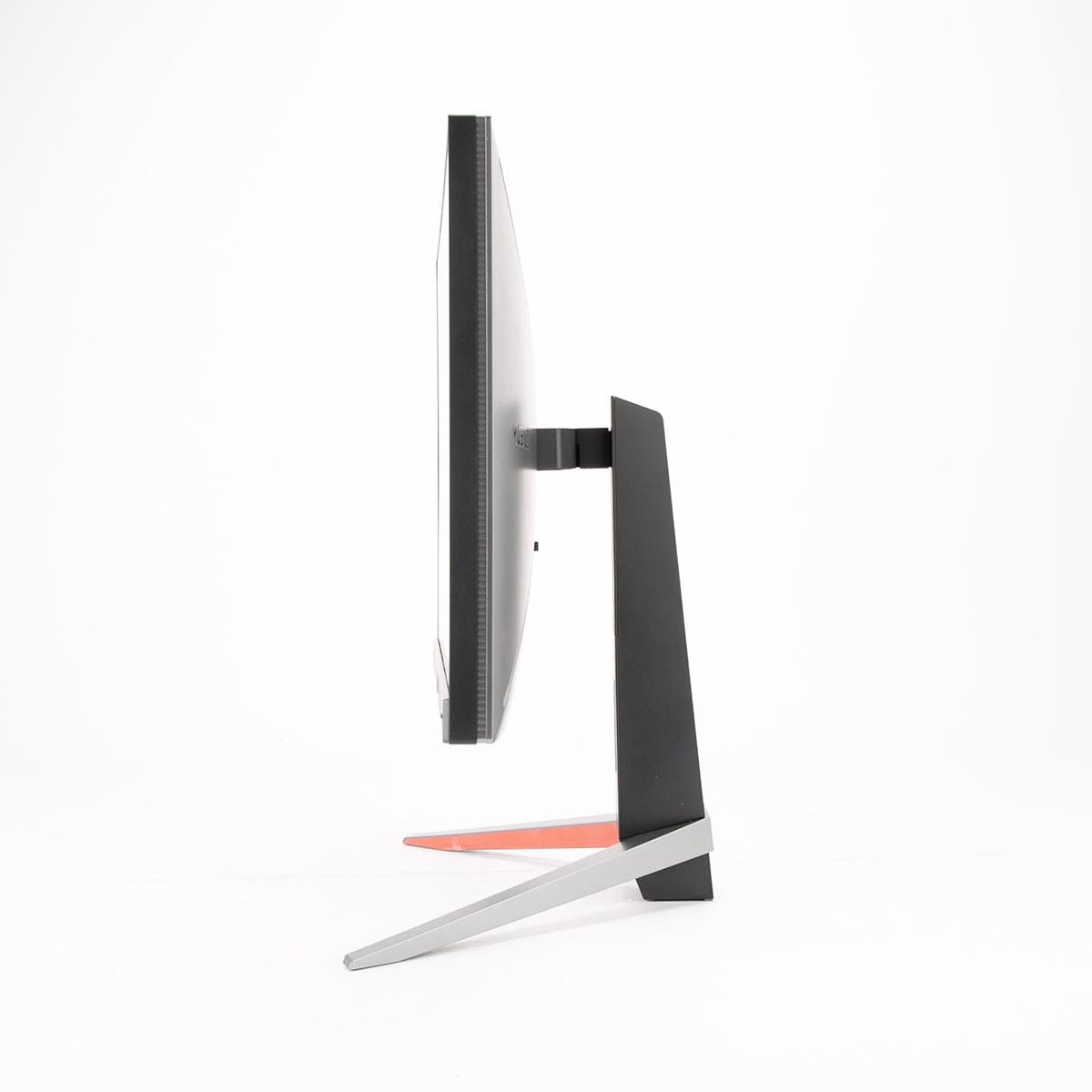
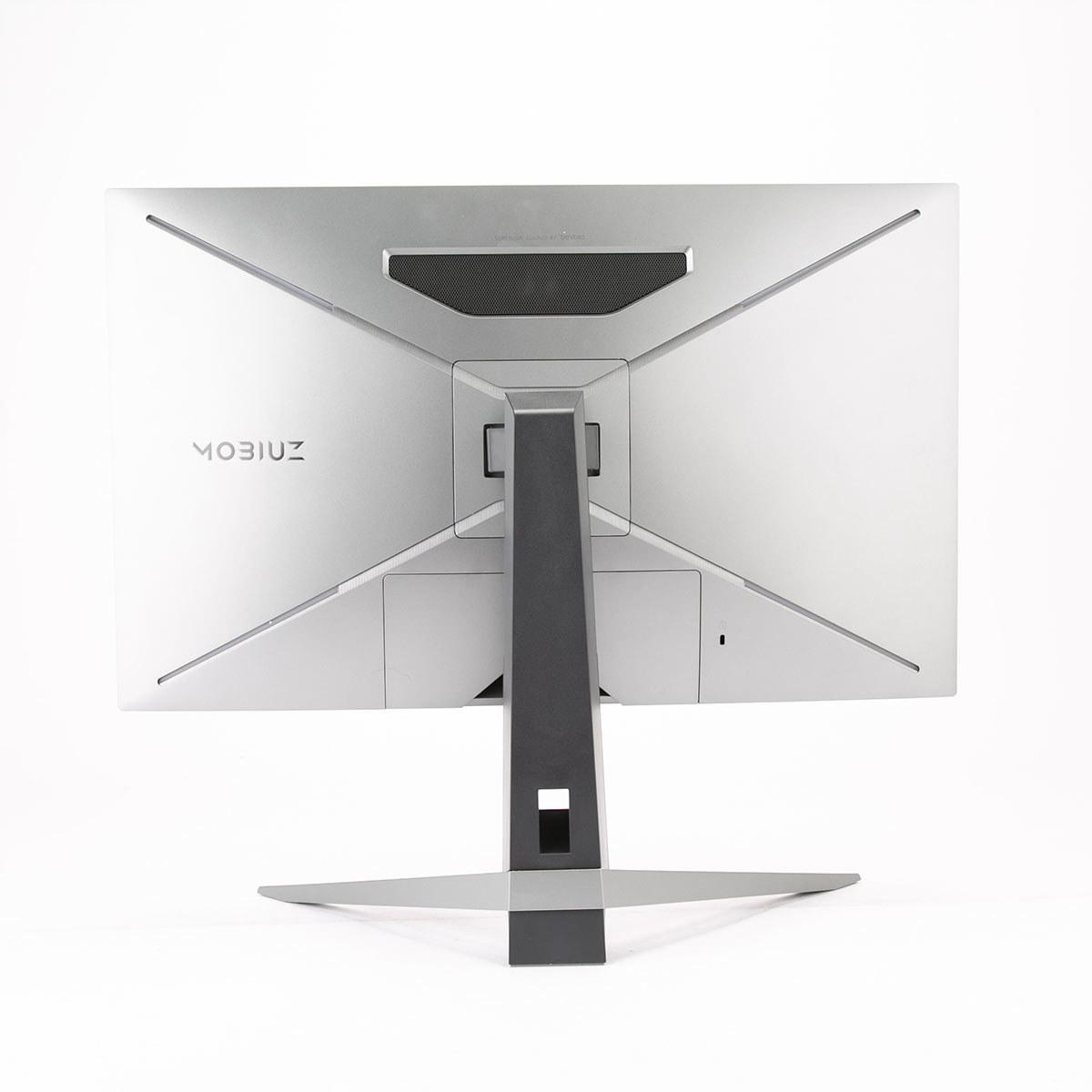
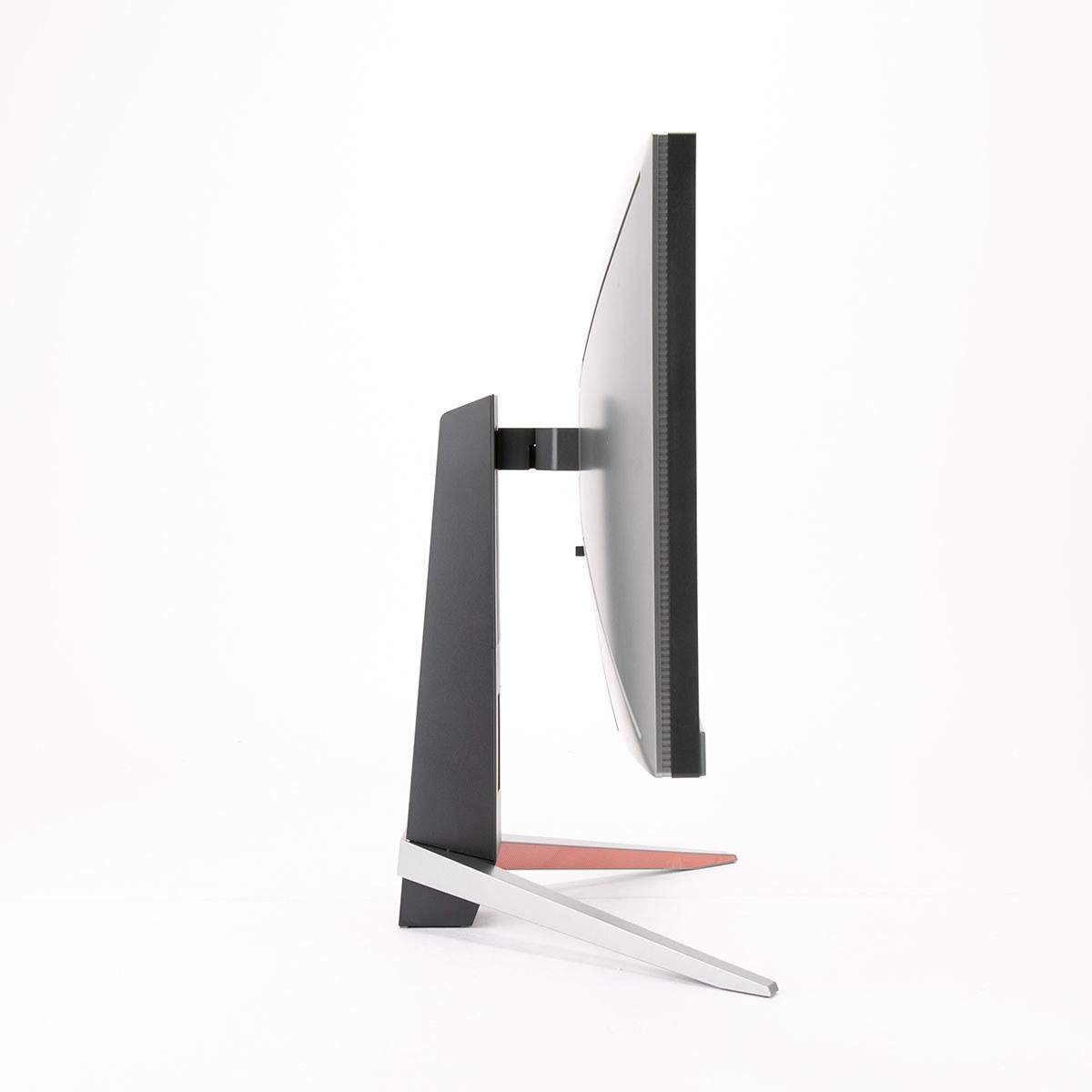
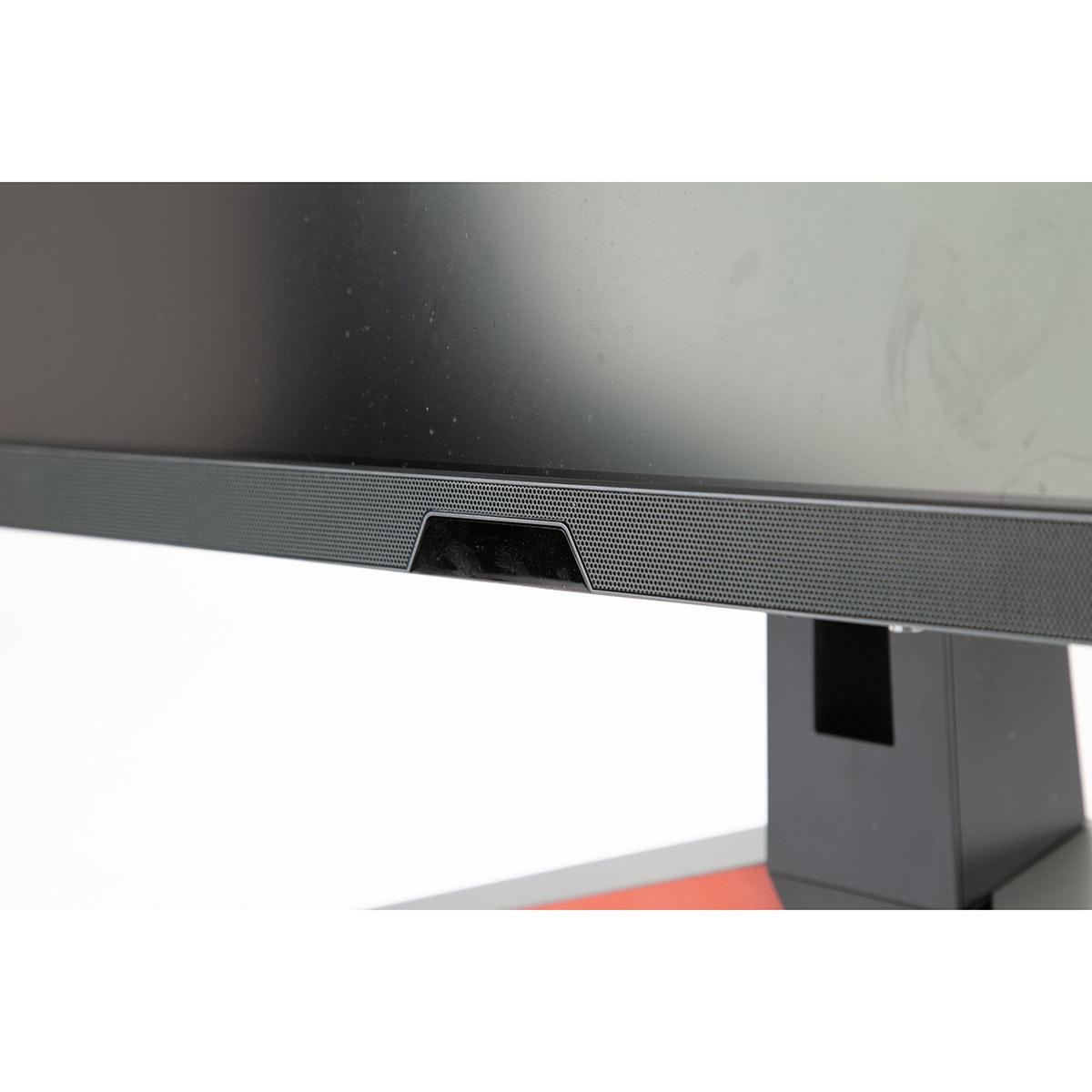









Shopping for a high-refresh gaming monitor can feel overwhelming, especially when you're comparing fundamentally different display technologies. Today we're diving deep into two compelling options that represent entirely different philosophies: the BenQ MOBIUZ EX270QM ($399.99) and the ASUS ROG Strix OLED XG27UCDMG ($979.99). One's a value-focused IPS powerhouse, the other's a premium OLED showcase—and they're separated by nearly $600 in price.
Before we jump into specifics, let's talk about what makes a great gaming monitor in 2024. The market has evolved dramatically over the past few years, with OLED technology finally becoming accessible for PC gaming and traditional LCD panels pushing refresh rates to extremes we couldn't imagine just a decade ago.
When choosing a gaming monitor, you're essentially balancing several key factors. Response time—how quickly pixels can change from one color to another—directly affects motion blur and ghosting in fast-paced games. Input lag—the delay between your mouse click and the action appearing on screen—can make or break competitive gaming performance. Refresh rate—how many times per second the screen updates—determines how smooth motion appears, with higher numbers providing more fluid gameplay.
Then there's the eternal trade-off between resolution and performance. Higher resolutions like 4K provide sharper, more detailed images but require significantly more graphics processing power to maintain high frame rates. Meanwhile, features like HDR (High Dynamic Range) can dramatically enhance visual quality by displaying a wider range of brightness levels and colors than standard displays.
The BenQ MOBIUZ EX270QM launched in late 2022, representing the mature evolution of IPS (In-Plane Switching) LCD technology. IPS panels are known for their excellent color accuracy and wide viewing angles, making them popular for both gaming and professional work. BenQ positioned this monitor as a feature-rich gaming display that didn't compromise on quality while maintaining an accessible price point.
Fast-forward to 2024, and we see the ASUS ROG Strix OLED XG27UCDMG arriving with 4th-generation QD-OLED technology. OLED (Organic Light-Emitting Diode) displays create light at the pixel level rather than using a backlight, enabling perfect blacks and infinite contrast ratios. The "QD" stands for Quantum Dot, a technology that enhances color reproduction and brightness compared to traditional OLED panels.
This generational gap matters more than you might think. The gaming monitor market has seen rapid advancement in OLED adoption, with manufacturers finally solving many of the technology's early issues like burn-in susceptibility and brightness limitations. Meanwhile, IPS technology has continued refining motion performance and color accuracy, reaching impressive levels of polish.
Let's start with the most fundamental difference: how these monitors actually create the images you see. The BenQ EX270QM uses an IPS LCD panel with LED backlighting and local dimming zones. Think of it like a sophisticated light box with millions of tiny shutters (the liquid crystals) that open and close to control how much backlight passes through. This approach has been refined over decades and offers excellent reliability, consistent brightness, and impressive color accuracy.
The ASUS XG27UCDMG takes a completely different approach with its QD-OLED panel. Each pixel generates its own light through organic compounds that glow when electricity passes through them. Quantum dots then convert that light to precise colors. It's like having millions of tiny, perfectly controllable light bulbs instead of shutters blocking a backlight.
This fundamental difference creates cascading effects throughout the viewing experience. The BenQ delivers 2560×1440 resolution (often called QHD or 1440p) across its 27-inch panel, resulting in 109 pixels per inch. That's sharp enough that you won't see individual pixels from normal viewing distances, and it strikes an excellent balance between image quality and graphics card demands.
The ASUS pushes resolution to 3840×2160 (4K), cramming 166 pixels per inch into a similar 27-inch space. Text appears razor-sharp, game details become more apparent, and you can fit more content on screen for productivity work. However, driving 4K at high refresh rates requires significantly more graphics processing power—we're talking RTX 4080 or better for demanding games.
Color reproduction tells an interesting story about these different approaches. The BenQ EX270QM covers 98% of the DCI-P3 color space, which is the standard used for digital cinema. For context, that's considerably wider than the older sRGB color space most monitors target, meaning you'll see more vivid greens, deeper reds, and richer colors overall. Professional reviewers found its color accuracy comparable to reference displays like the MacBook Air M1, which is high praise for color-critical work.
The ASUS XG27UCDMG pushes color coverage even further, achieving 99% DCI-P3 and a massive 145% of sRGB. More importantly, its QD-OLED technology delivers Delta E values under 2, which is considered excellent for professional color work. The quantum dot layer helps produce exceptionally pure colors, particularly in the green spectrum where traditional displays often struggle.
But here's where things get interesting for real-world usage. The BenQ can sustain 600 nits of peak brightness, making it excellent for HDR content and usable even in bright rooms with windows. OLED displays like the ASUS have variable brightness depending on content—they can hit 1,000 nits in small areas but typically run much dimmer for full-screen content. This makes the ASUS spectacular for dark room gaming and movie watching but potentially challenging in bright environments.
I've spent considerable time with both IPS and OLED displays, and the contrast difference is immediately apparent. The ASUS monitor's ability to display true blacks—not the gray-ish blacks of LCD panels—creates a sense of depth and immersion that's particularly noticeable in dark games or movie scenes. However, the BenQ's higher sustained brightness can make HDR highlights pop more dramatically in bright content.
Response time performance reveals the biggest technical gap between these monitors. The BenQ EX270QM achieves a respectable 1ms gray-to-gray response time, which is excellent for an IPS panel. BenQ's AMA (Advanced Motion Accelerator) overdrive technology works effectively without introducing the overshoot artifacts that plague some fast IPS displays. In practical terms, you'll see minimal ghosting or trailing behind moving objects, even in fast-paced shooters.
The ASUS XG27UCDMG operates on an entirely different level with its 0.03ms response time. OLED pixels don't need to physically rotate like liquid crystals—they simply turn on or off instantly. This eliminates virtually all motion blur and ghosting, regardless of the transition being made. I've tested both technologies extensively, and the OLED's motion clarity is noticeably superior, especially in games with rapid camera movements or fast-scrolling scenes.
Input lag measurements tell another important story. The BenQ monitor achieves an exceptional 0.7ms of input lag, putting it among the fastest displays ever tested. This means your mouse clicks and keyboard presses translate to on-screen action almost instantaneously. For competitive gaming, this kind of responsiveness can genuinely impact performance.
Both monitors support 240Hz refresh rates, but they achieve this through different means. The BenQ uses traditional scanning methods, while the ASUS leverages OLED's instant pixel response to maintain clarity even at maximum refresh rates. Both support variable refresh rate technologies—AMD FreeSync Premium Pro and NVIDIA G-SYNC compatibility—to eliminate screen tearing and stuttering when frame rates fluctuate.
HDR performance showcases another fundamental difference between these technologies. The BenQ EX270QM supports VESA DisplayHDR 600 certification and includes BenQ's proprietary HDRi technology. This system uses a built-in sensor to analyze ambient lighting and automatically adjust the display's HDR curve accordingly. It's genuinely useful—the monitor adapts to your room's lighting throughout the day, maintaining optimal contrast and brightness.
The ASUS XG27UCDMG carries DisplayHDR 400 True Black certification, which might sound lower than the BenQ's HDR 600 rating, but the "True Black" designation is crucial. Because OLED pixels can turn completely off, the monitor achieves infinite contrast ratios. In practice, this means dark scenes in games and movies display with incredible depth and shadow detail that LCD panels simply cannot match.
For home theater use, both monitors present interesting options. The BenQ's higher sustained brightness and larger color gamut make it excellent for bright, colorful content like animated movies or vibrant games. Its integrated 2.1 speaker system—featuring two 2W speakers and a 5W subwoofer tuned by treVolo—actually sounds quite good for built-in monitor audio. I was genuinely surprised by the bass response and overall clarity.
The ASUS monitor excels in dark room movie watching, where its perfect blacks and infinite contrast create an almost theater-like experience. However, its glossy screen coating can be problematic in bright rooms, and you'll need external speakers since none are built in. The USB-C port with 90W power delivery is fantastic for laptop users who want a single-cable solution for both video and charging.
Each monitor brings distinctive technologies that set them apart. The BenQ EX270QM includes several gaming-focused features that show real thought went into the user experience. Light Tuner provides 20 different color presets optimized for different game genres—useful for quickly switching between the warm tones ideal for RPGs and the enhanced visibility settings preferred for competitive shooters.
The Black eQualizer feature deserves special mention. It enhances visibility in dark areas without overexposing bright regions, which can provide a competitive advantage in games where enemies hide in shadows. The monitor even includes a remote control, letting you adjust settings from your gaming chair without reaching for buttons.
The ASUS XG27UCDMG focuses heavily on OLED care and longevity. The Neo Proximity Sensor automatically detects when you step away from the monitor and switches to a black screen, reducing power consumption and minimizing burn-in risk. OLED Anti-Flicker 2.0 technology addresses one of variable refresh rate gaming's most annoying issues—the brightness flickering that can occur when frame rates fluctuate rapidly.
ASUS's DisplayWidget Center software provides comprehensive monitor management directly from your PC, including firmware updates and OLED care functions. The Auto KVM feature is particularly clever, allowing you to switch between multiple connected devices while automatically moving your keyboard and mouse control to the active input.
Connectivity reveals different priorities between these monitors. The BenQ EX270QM includes dual HDMI 2.1 ports and DisplayPort 1.4, covering most current and next-generation gaming scenarios. The dual HDMI 2.1 ports are particularly valuable for console gamers who might want to connect both a PlayStation 5 and Xbox Series X simultaneously.
The ASUS XG27UCDMG offers more comprehensive connectivity with HDMI 2.1, DisplayPort 1.4, and USB-C with DisplayPort Alt Mode and 90W Power Delivery. This USB-C port can drive the full 4K 240Hz experience while simultaneously charging a laptop—a genuinely useful feature for users with modern laptops or handheld gaming devices like the Steam Deck.
Both monitors include USB hubs for peripheral connectivity, though the ASUS implementation is more extensive. The inclusion of KVM switching on the ASUS means you can control multiple connected devices with a single keyboard and mouse setup, which is invaluable for multi-system configurations.
The $580 price difference between these monitors reflects genuinely different value propositions. The BenQ EX270QM at $399.99 delivers flagship-level gaming performance at a price that won't break most budgets. You're getting excellent motion handling, comprehensive gaming features, quality built-in audio, and reliable IPS technology that will last for years without concern.
The ASUS XG27UCDMG at $979.99 targets enthusiasts willing to pay premium prices for cutting-edge technology. You're investing in superior contrast, perfect motion clarity, 4K resolution, and comprehensive connectivity. However, you're also accepting OLED's care requirements and the need for powerful graphics hardware to drive 4K at high refresh rates.
Choose the BenQ MOBIUZ EX270QM if you want exceptional gaming performance without premium pricing. It's ideal for competitive gamers who prioritize low input lag and motion clarity, users with mid-range to high-end graphics cards, and anyone who values integrated quality audio. The 1440p resolution hits the sweet spot for current GPU capabilities while delivering sharp, detailed visuals.
The ASUS ROG Strix OLED XG27UCDMG makes sense for enthusiasts with high-end graphics cards (RTX 4080/4090 or better) who want the ultimate visual experience. It's perfect for dark room gaming, movie watching, and users who can appreciate the benefits of perfect contrast and infinite blacks. The USB-C connectivity also makes it excellent for laptop users seeking a premium external display.
Both monitors represent the best of their respective technologies and price points. The BenQ proves that you don't need to spend nearly $1,000 to get excellent gaming performance, while the ASUS demonstrates why OLED technology is generating so much excitement among display enthusiasts. Your choice ultimately depends on your budget, graphics card capabilities, and whether you prioritize proven value or cutting-edge technology.
| BenQ MOBIUZ EX270QM ($399.99) | ASUS ROG Strix OLED XG27UCDMG ($979.99) |
|---|---|
| Display Technology - Determines image quality, contrast, and longevity | |
| IPS LCD with LED backlighting (proven, reliable, no burn-in risk) | 4th-gen QD-OLED (cutting-edge, perfect blacks, requires care) |
| Resolution - Higher resolution means sharper images but needs more GPU power | |
| 2560 x 1440 (QHD) - 109 PPI (great balance of sharpness and performance) | 3840 x 2160 (4K) - 166 PPI (ultra-sharp, requires RTX 4080+ for gaming) |
| Response Time - Lower is better for motion clarity and competitive gaming | |
| 1ms GTG (excellent for IPS, minimal ghosting) | 0.03ms GTG (virtually instant, eliminates all motion blur) |
| Peak Brightness - Higher brightness better for HDR and bright rooms | |
| 600 nits sustained (excellent for HDR highlights) | 1,000 nits peak (variable based on content, dimmer in bright rooms) |
| Contrast Ratio - Higher contrast creates more immersive visuals | |
| 1,000:1 typical (good for IPS LCD) | 1,500,000:1 infinite (perfect blacks, cinema-like depth) |
| Built-in Audio - Saves desk space and additional purchases | |
| 2.1 system: 2x2W speakers + 5W subwoofer (surprisingly good quality) | None (requires external speakers) |
| Connectivity - More options provide better device compatibility | |
| 2x HDMI 2.1, 1x DP 1.4, USB 3.0 hub | 2x HDMI 2.1, 1x DP 1.4, USB-C with 90W power delivery, KVM switch |
| Input Lag - Lower lag crucial for competitive gaming responsiveness | |
| 0.7ms (among the fastest measured, excellent for esports) | <1ms (extremely fast, professional gaming ready) |
| HDR Support - Better HDR enhances gaming and movie experiences | |
| DisplayHDR 600 with BenQ HDRi auto-adjustment | DisplayHDR 400 True Black (infinite contrast compensates for lower rating) |
| VRR Support - Eliminates screen tearing for smoother gameplay | |
| AMD FreeSync Premium Pro, unofficial G-SYNC compatible | FreeSync Premium Pro and G-SYNC Compatible certified |
| Price Value - Cost per feature and performance delivered | |
| Exceptional value with flagship performance at budget price | Premium pricing for cutting-edge OLED technology |
Both the BenQ MOBIUZ EX270QM ($399.99) and ASUS ROG Strix OLED XG27UCDMG ($979.99) excel at gaming but in different ways. The BenQ offers exceptional value with 0.7ms input lag and minimal motion blur, making it perfect for competitive gaming. The ASUS provides superior motion clarity with 0.03ms response time and perfect contrast, ideal for immersive single-player experiences.
The primary difference is display technology: the BenQ EX270QM uses proven IPS LCD technology at 1440p resolution for $399.99, while the ASUS XG27UCDMG features premium QD-OLED technology at 4K resolution for $979.99. This affects everything from image quality and contrast to price and GPU requirements.
The ASUS ROG Strix OLED XG27UCDMG delivers superior picture quality with perfect blacks, infinite contrast ratio, and 4K resolution. However, the BenQ MOBIUZ EX270QM offers excellent color accuracy (98% DCI-P3) and higher sustained brightness (600 nits), making it better for bright room viewing.
The BenQ EX270QM at 1440p works well with mid-range to high-end GPUs like RTX 4060 Ti or better. The ASUS XG27UCDMG at 4K requires high-end graphics cards (RTX 4080/4090) to maintain high frame rates in demanding games at maximum settings.
The BenQ MOBIUZ EX270QM ($399.99) offers exceptional value, delivering flagship gaming performance, built-in quality audio, and reliable technology at an accessible price. The ASUS monitor ($979.99) provides premium features and cutting-edge technology but costs $580 more.
Both work well for entertainment, but differently. The BenQ EX270QM includes a 2.1 speaker system and excels in bright rooms with HDR 600 support. The ASUS XG27UCDMG delivers cinema-like contrast with perfect blacks, making it exceptional for dark room movie watching, though you'll need external speakers.
The ASUS ROG Strix OLED XG27UCDMG has dramatically faster response time at 0.03ms compared to the BenQ MOBIUZ EX270QM's 1ms. This OLED advantage eliminates virtually all motion blur and ghosting, providing superior motion clarity in fast-paced games.
Yes, both support HDR but differently. The BenQ EX270QM offers DisplayHDR 600 with higher peak brightness and BenQ's HDRi auto-adjustment technology. The ASUS XG27UCDMG provides DisplayHDR 400 True Black, leveraging OLED's infinite contrast for superior dark scene performance.
The BenQ MOBIUZ EX270QM edges ahead for competitive gaming with its exceptional 0.7ms input lag, effective blur reduction, and 1440p resolution that maximizes frame rates. The ASUS monitor offers faster pixel response but requires more GPU power to maintain competitive frame rates at 4K.
The BenQ EX270QM includes dual HDMI 2.1 ports and DisplayPort 1.4, perfect for multiple console connections. The ASUS XG27UCDMG adds USB-C with 90W power delivery and KVM switching, making it excellent for laptop users and multi-device setups.
Both monitors support console gaming excellently. The BenQ MOBIUZ EX270QM delivers 1440p at up to 120Hz on PS5 and full compatibility with Xbox Series X. The ASUS ROG Strix OLED XG27UCDMG provides stunning 4K gaming at up to 120Hz on both consoles with superior visual quality.
Choose the BenQ MOBIUZ EX270QM ($399.99) if you want excellent gaming performance, built-in audio, and great value with mid-range to high-end GPUs. Pick the ASUS ROG Strix OLED XG27UCDMG ($979.99) if you have a high-end GPU, prioritize ultimate image quality, and can invest in premium display technology.
We've done our best to create useful and informative comparisons to help you decide what product to buy. Our research uses advanced automated methods to create this comparison and perfection is not possible - please contact us for corrections or questions. These are the sites we've researched in the creation of this article: bgeek.eu - youtube.com - tomshardware.com - youtube.com - t3.com - versus.com - pcgamer.com - versus.com - gamesradar.com - pangoly.com - benq.eu - techaeris.com - shi.com - benq.com - bestbuy.com - benq.com - displayspecifications.com - benq.com - benq.eu - bhphotovideo.com - benq.com - bestbuy.com - rog.asus.com - forum.pcmonitors.info - rog.asus.com - windowscentral.com - versus.com - youtube.com - youtube.com - rtings.com - rtings.com - rog.asus.com - rog.asus.com - rog.asus.com - tenforums.com - rog.asus.com - techpowerup.com - bestbuy.com - newegg.com - displayspecifications.com - youtube.com - tftcentral.co.uk - displayninja.com

Privacy Policy
Terms and Conditions - Affiliate Policy
Home Security
© Copyright 2008-2026.
11816 Inwood Rd #1211, Dallas, TX 75244