

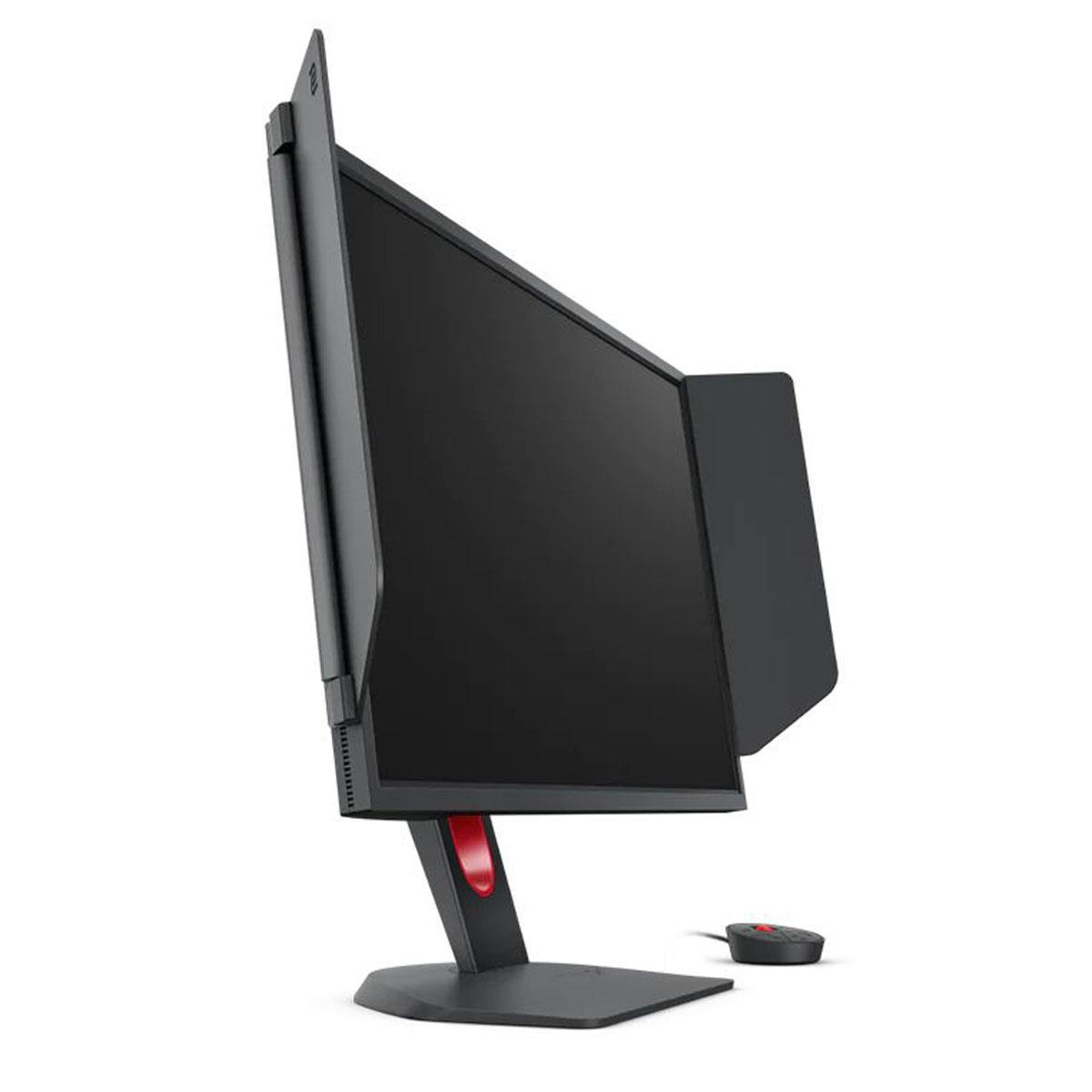









When it comes to serious gaming displays, two monitors have captured the attention of different but equally passionate gaming communities. The BenQ Zowie XL2746K represents the pinnacle of competitive esports engineering, while the ASUS ROG Strix OLED XG27UCDMG showcases what happens when cutting-edge display technology meets high-performance gaming. Both offer 240Hz refresh rates and 27-inch screens, but their approaches to delivering the ultimate gaming experience couldn't be more different.
The gaming monitor landscape has evolved dramatically over the past few years. What once was a simple choice between "fast" and "pretty" has become a nuanced decision between specialized tools designed for specific purposes. Modern gaming displays serve distinctly different audiences: competitive esports athletes who need every possible advantage in fast-paced shooters, and enthusiast gamers who want stunning visuals alongside responsive gameplay.
The key considerations that should guide your decision include motion clarity (how well the display handles fast-moving objects without blur), input lag (the delay between your actions and what appears on screen), visual quality (color accuracy, contrast, and overall image fidelity), gaming-specific features, long-term reliability, and overall value for your specific needs.
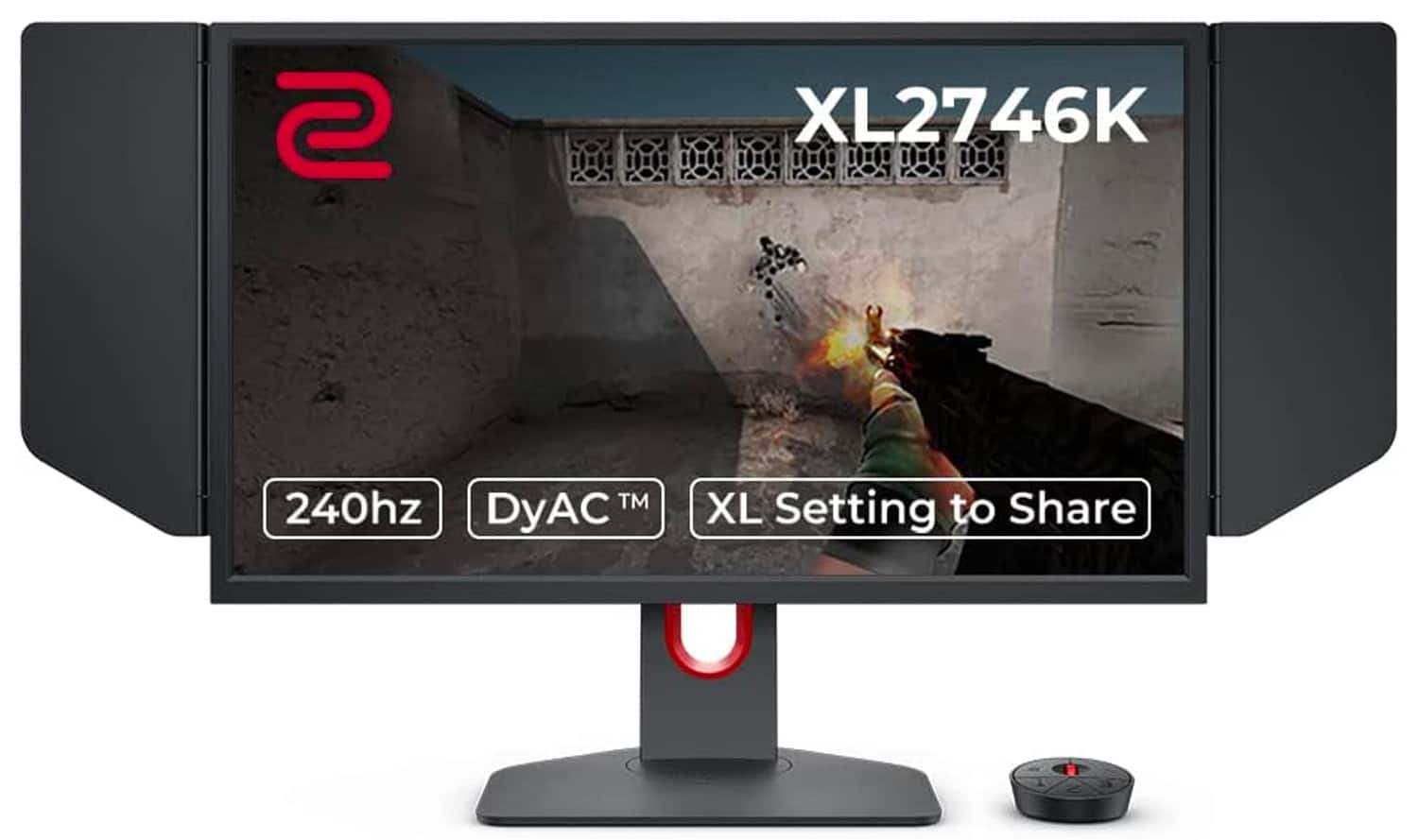
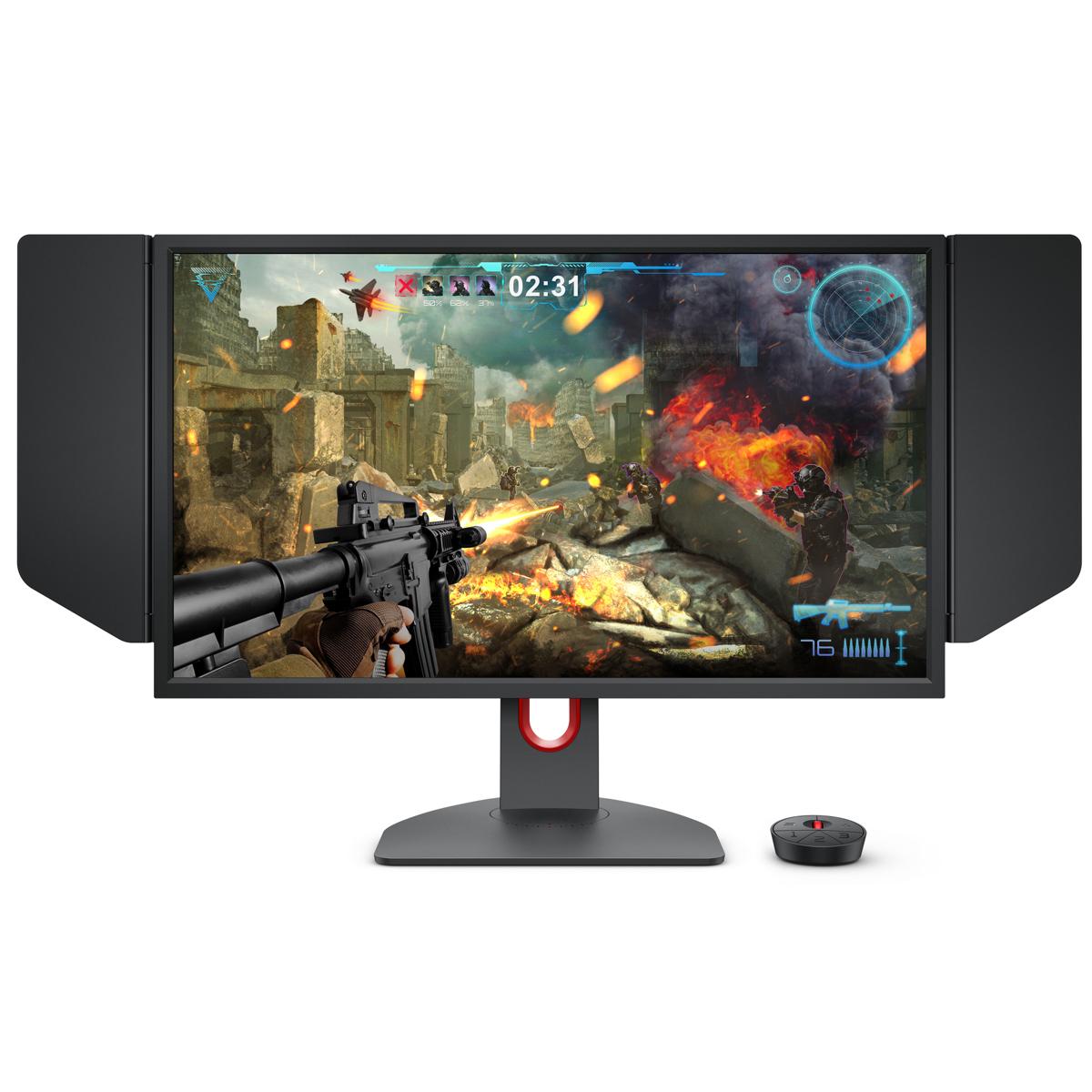
Released in 2022, the XL2746K continues BenQ Zowie's tradition of creating monitors specifically for professional esports. This isn't a display trying to be everything to everyone – it's a precision instrument designed with one goal: giving competitive players every possible advantage in fast-paced first-person shooters.
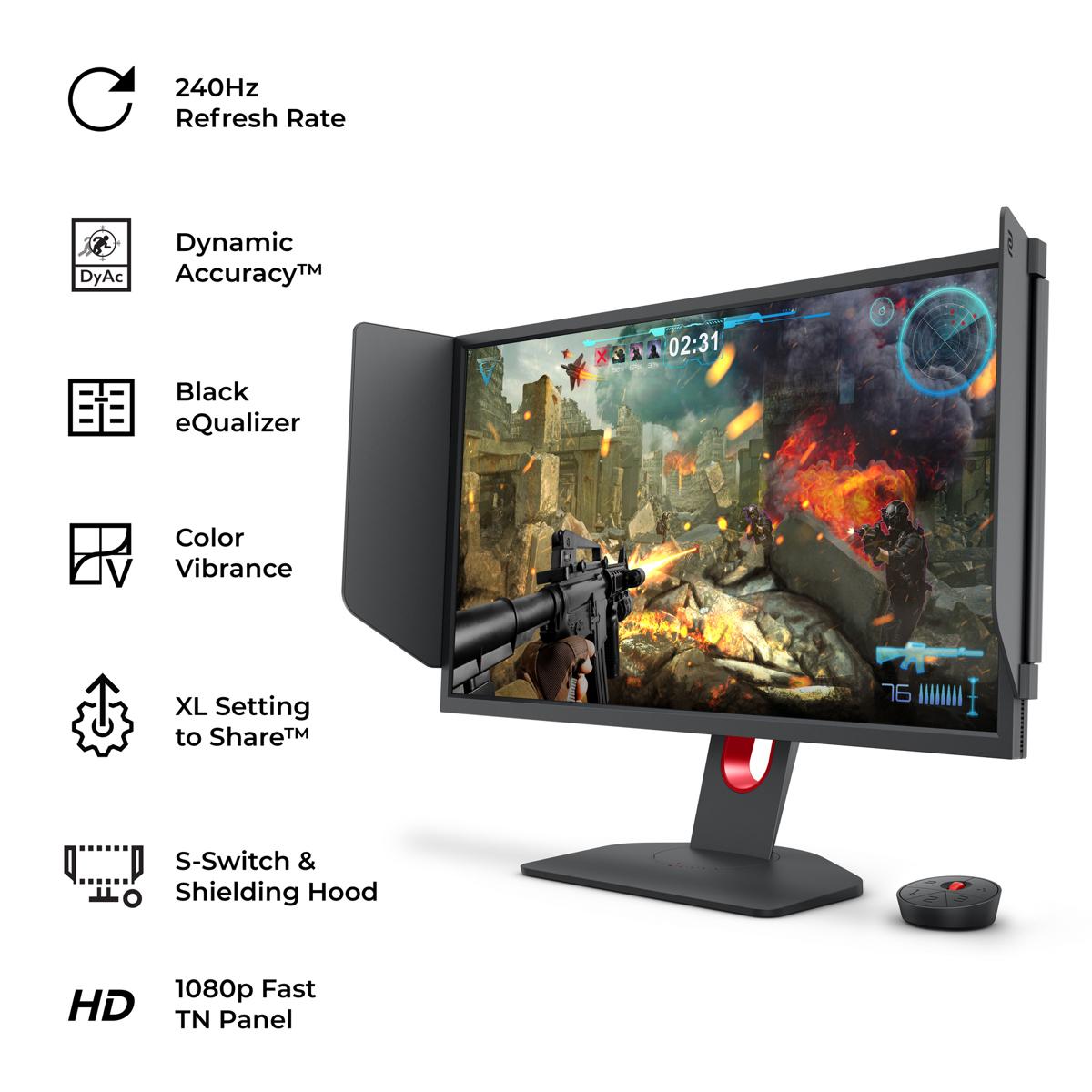
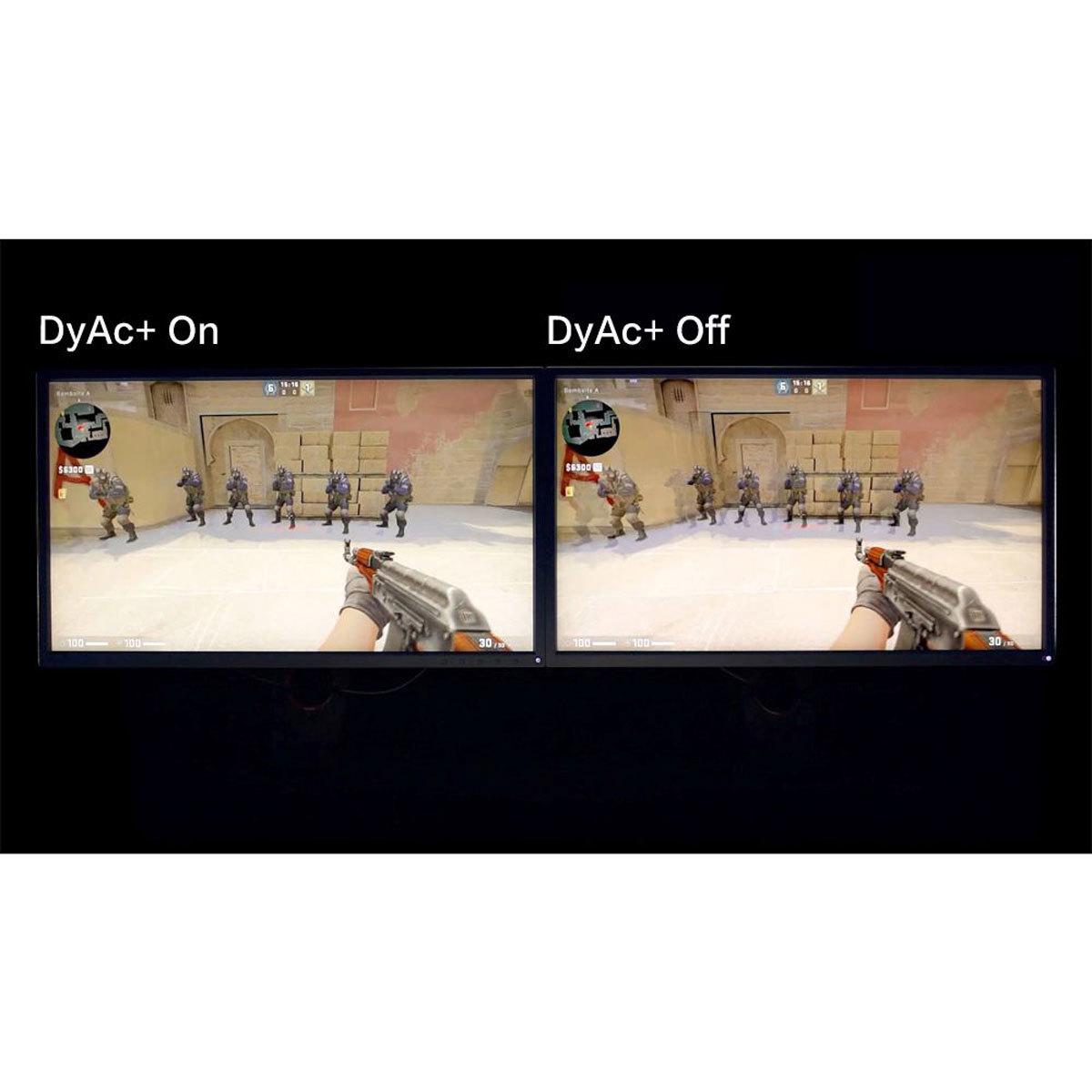
The monitor uses a TN (Twisted Nematic) panel, a technology that might seem outdated compared to modern alternatives but remains the gold standard in professional gaming. TN panels offer incredibly consistent response times and have been battle-tested in countless tournaments. The XL2746K features BenQ's proprietary DyAc+ (Dynamic Accuracy Plus) technology, which uses advanced backlight strobing to reduce motion blur during rapid movements like tracking enemies or spraying in games like Counter-Strike or Valorant.
Arriving in 2025, the XG27UCDMG represents ASUS's answer to gamers who refuse to compromise between competitive performance and visual excellence. It uses fourth-generation QD-OLED (Quantum Dot Organic Light-Emitting Diode) technology, which combines the perfect blacks and instant response times of OLED with the color volume and brightness advantages of quantum dot enhancement.
This monitor doesn't just match the BenQ's 240Hz refresh rate – it does so while delivering 4K resolution and supporting advanced HDR (High Dynamic Range) content. The technological advancement since OLED gaming monitors first appeared has been remarkable, with newer panels addressing early concerns about burn-in, brightness, and text clarity.
Motion clarity might be the most crucial factor for serious gamers, yet it's often misunderstood. It's not just about response time specifications – it's about how clearly you can track moving objects during intense gameplay.
The BenQ XL2746K excels here with its DyAc+ technology, which works by precisely controlling the monitor's backlight to reduce the persistence of each frame. When you're tracking an enemy player moving across your screen, traditional displays create motion blur because your eyes naturally follow the moving object while the pixels take time to transition. DyAc+ essentially creates controlled periods of darkness between frames, allowing your eyes to reset and see each frame more clearly. It's similar to how old CRT monitors achieved excellent motion clarity naturally.
I've tested this technology extensively, and the difference is immediately noticeable in competitive scenarios. Tracking targets becomes more precise, and the overall clarity during fast movements gives players a tangible advantage. The XL2746K implements this technology better than most competitors, with less noticeable flicker and better overall image quality while active.
The ASUS XG27UCDMG approaches motion clarity differently. OLED pixels can switch from completely off to fully on in just 0.03 milliseconds – essentially instantaneous by display standards. This means there's virtually no ghosting or trailing behind moving objects. The monitor also includes OLED Anti-Flicker 2.0 technology, which uses advanced algorithms to reduce the flicker that can occur when frame rates fluctuate with Variable Refresh Rate (VRR) enabled.
However, OLED motion clarity has nuances. While pixel response is perfect, the sample-and-hold nature of OLED displays can still create perceived motion blur during very fast movements. The ASUS monitor includes an Extreme Low Motion Blur feature to address this, but it requires disabling VRR and reducing brightness.
For pure competitive gaming, the BenQ's DyAc+ implementation often provides superior motion clarity in practical use. For everything else, the ASUS display's OLED technology delivers incredibly clean motion with the added benefit of perfect blacks and no ghosting.
Here's where these monitors diverge most dramatically. The BenQ XL2746K displays 1920x1080 resolution across its 27-inch panel, resulting in 82 pixels per inch. While this might seem low by modern standards, it's intentional. Professional players often prefer 1080p because it requires less GPU power to achieve high frame rates, and the lower pixel density can make enemies appear slightly larger and easier to spot.
The TN panel in the BenQ offers a typical contrast ratio of 1000:1, which means the brightest whites are only 1000 times brighter than the darkest blacks the panel can produce. This results in blacks that appear more gray than true black, and colors that can look somewhat washed out compared to modern alternatives. Viewing angles are also limited – colors shift noticeably when viewed from the side.
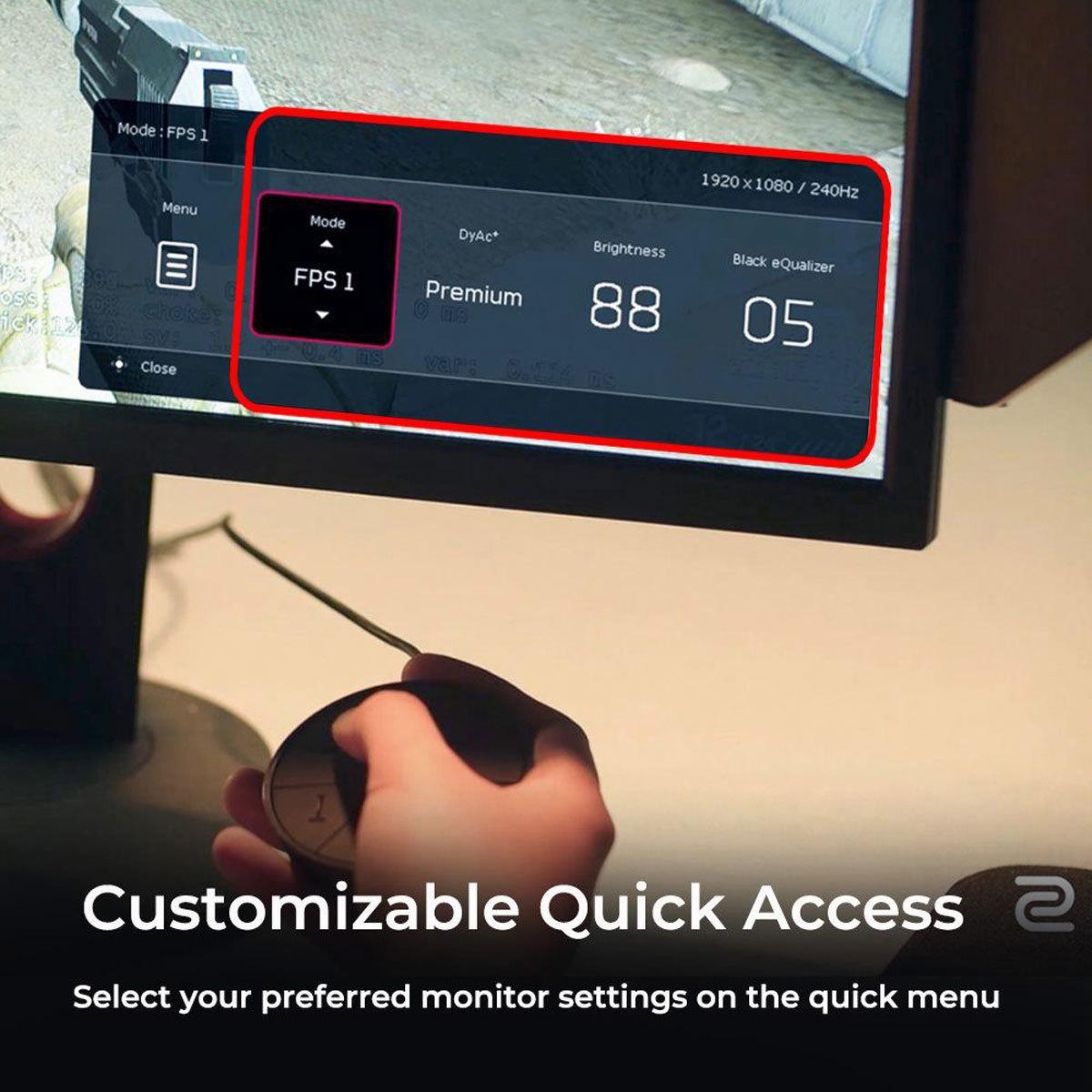
But here's the thing: none of this matters for competitive gaming. The XL2746K includes features like Black eQualizer, which brightens dark areas without overexposing bright regions, helping players spot enemies hiding in shadows. Color Vibrance allows fine-tuning of saturation to make opponents stand out more clearly. These aren't about making games look pretty – they're about gaining competitive advantages.
The ASUS XG27UCDMG operates in a completely different visual league. Its 4K resolution provides 166 pixels per inch – exactly double the BenQ's pixel density. Text is razor-sharp, game details are incredibly clear, and the overall image quality is simply stunning.
OLED technology allows each pixel to turn completely off, creating a contrast ratio of 1,500,000:1 – essentially infinite contrast. Blacks are truly black, not gray. Colors are vibrant and accurate, covering 99% of the DCI-P3 color space used in modern content creation. The display supports HDR with peak brightness reaching 1000 nits, making HDR games and movies appear dramatically more lifelike.
I've spent considerable time with both displays, and the visual difference is immediately apparent. Games like Cyberpunk 2077 or Red Dead Redemption 2 are transformative experiences on the ASUS monitor. The depth, color accuracy, and overall image quality create an immersive experience that's simply impossible on traditional LCD panels.
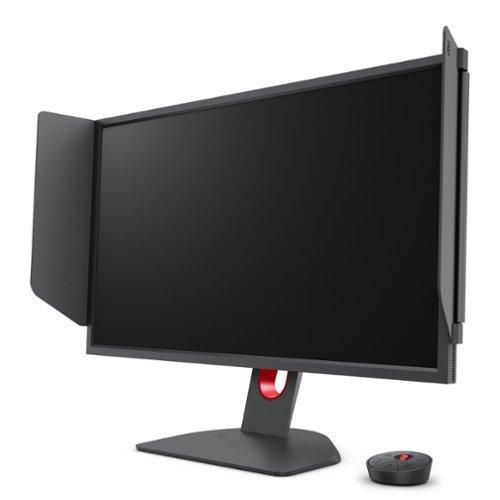
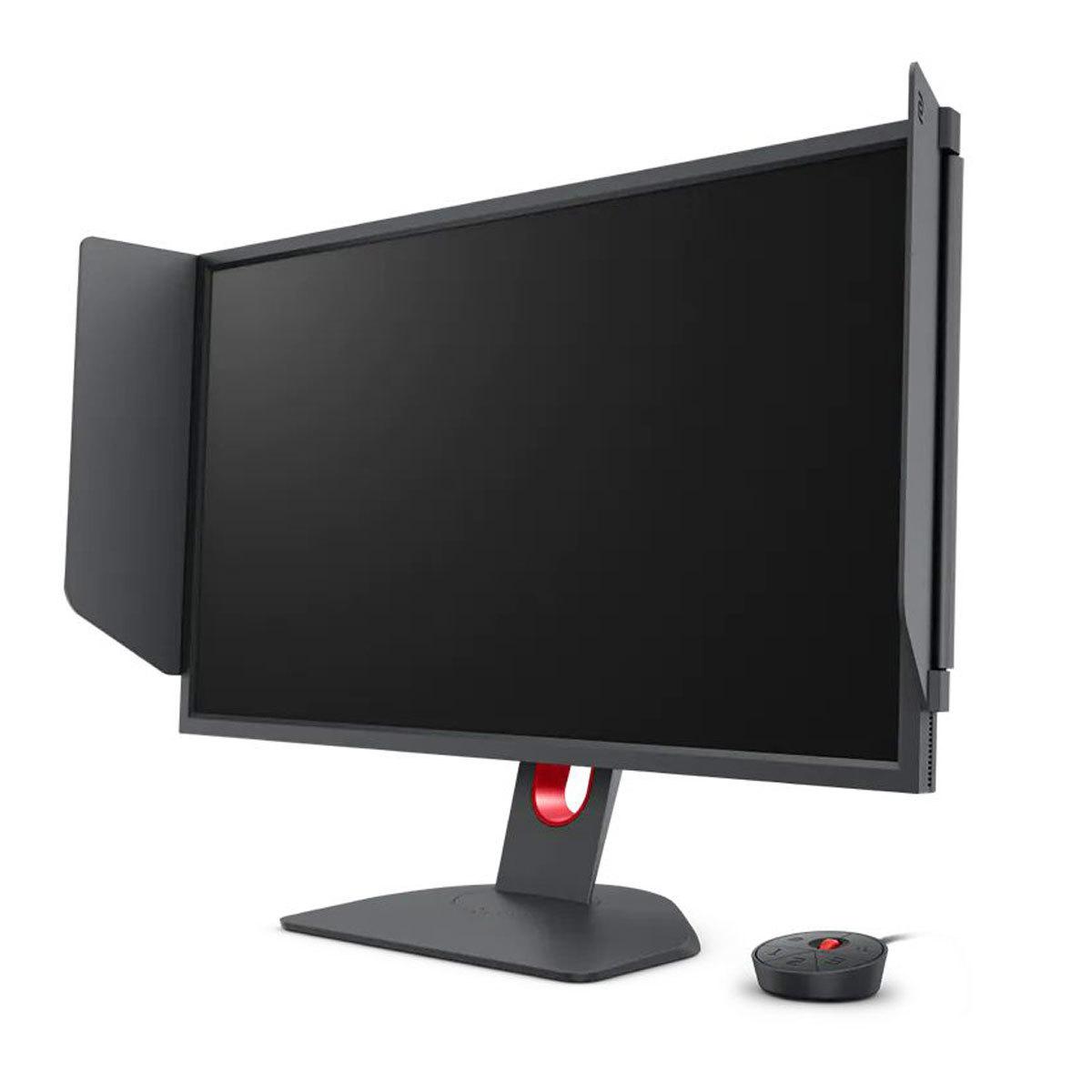
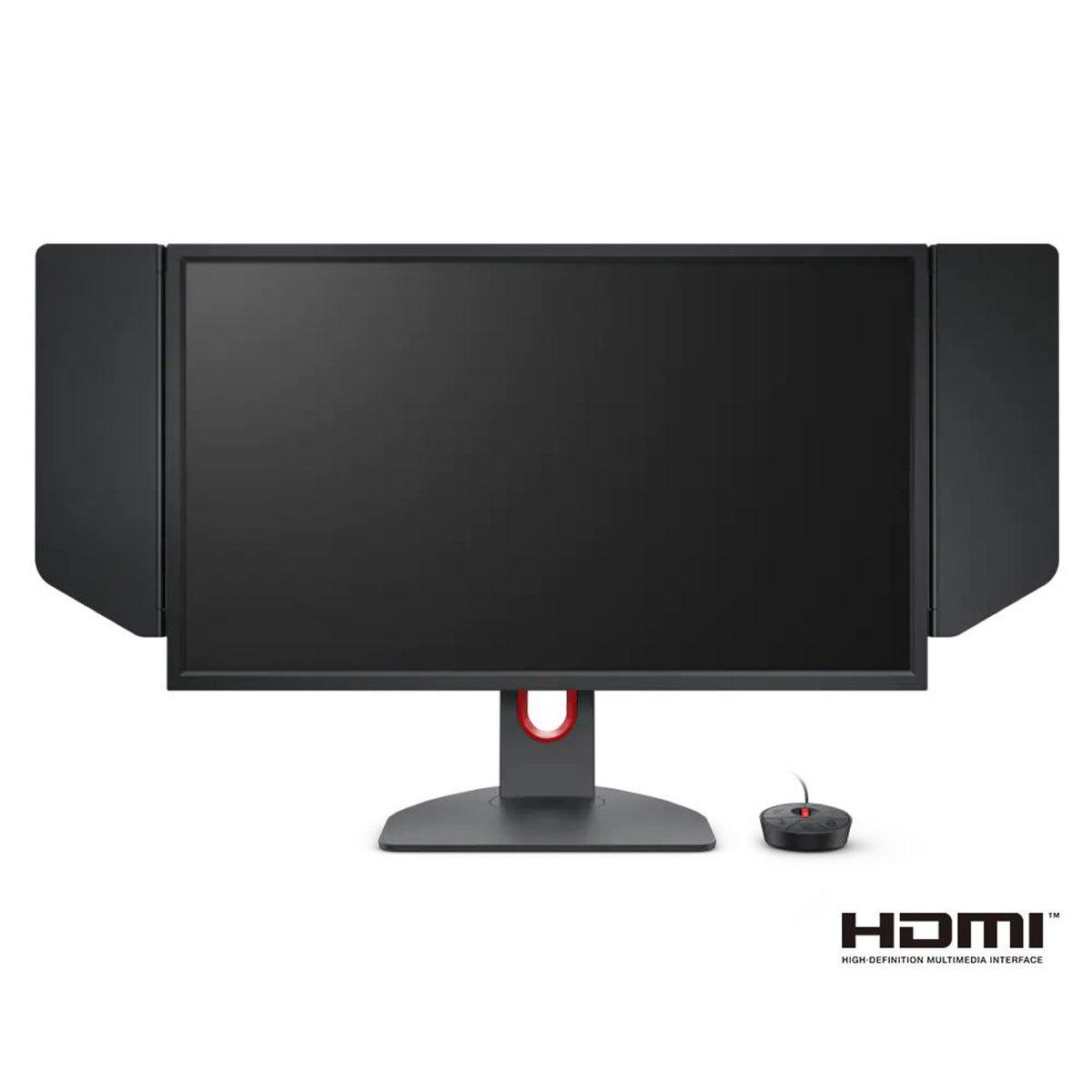
The BenQ XL2746K includes several features specifically designed for competitive gaming. The S Switch is a physical controller that allows rapid switching between up to three custom profiles – useful for players who need different settings for different games or tournament configurations. The XL Setting to Share feature lets players export and import display settings, enabling them to use the exact configurations preferred by professional players.
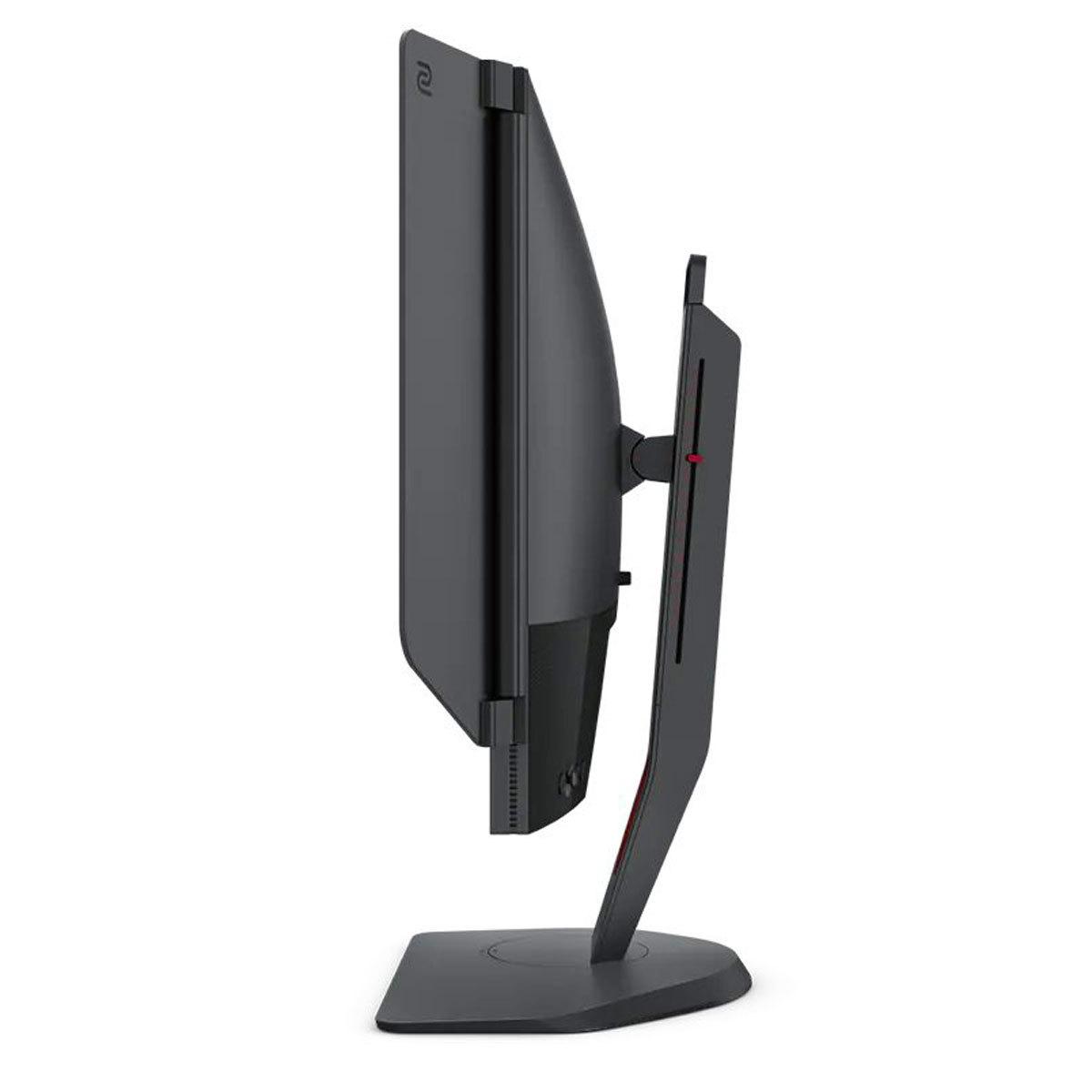
The included shielding hood might look gimmicky, but it serves a real purpose in tournament environments by reducing peripheral distractions and minimizing glare from arena lighting. The monitor also includes K Locker, which prevents accidental setting changes during competition.
The ASUS XG27UCDMG takes a different approach with broader gaming enhancements. GamePlus features include crosshair overlays, FPS counters, and display alignment tools. GameVisual modes optimize color and contrast for different game types. The monitor supports Auto KVM (Keyboard, Video, Mouse) switching, allowing seamless control of multiple connected devices with a single keyboard and mouse setup.
More importantly, the ASUS display offers genuine versatility. Its USB-C port with 90W Power Delivery can charge laptops while providing display connectivity. The comprehensive connectivity options (DisplayPort 1.4, dual HDMI 2.1, USB-C) support multiple devices simultaneously with full 4K 240Hz capability.
Response time specifications can be misleading. The BenQ XL2746K doesn't publish traditional GTG (Gray-to-Gray) response times, instead focusing on what they call "fast liquid crystal" optimization for real-world gaming scenarios. In practice, the TN panel provides consistent, fast transitions across all color changes.
The ASUS XG27UCDMG claims 0.03ms GTG response times, which is technically superior. However, OLED response times are essentially instantaneous regardless of the color transition, making the specific number less meaningful than the consistent performance.
Input lag – the delay between your actions and the display response – is crucial for competitive gaming. Both monitors achieve excellent input lag performance, typically under 1ms at their maximum refresh rates. The BenQ has been extensively tested in tournament environments and proven reliable under pressure.
Refresh rate handling differs between the technologies. The BenQ XL2746K provides consistent 240Hz performance with excellent frame pacing. The ASUS monitor matches this while also supporting VRR technologies (FreeSync Premium Pro, G-Sync Compatible) that eliminate screen tearing when frame rates fluctuate.
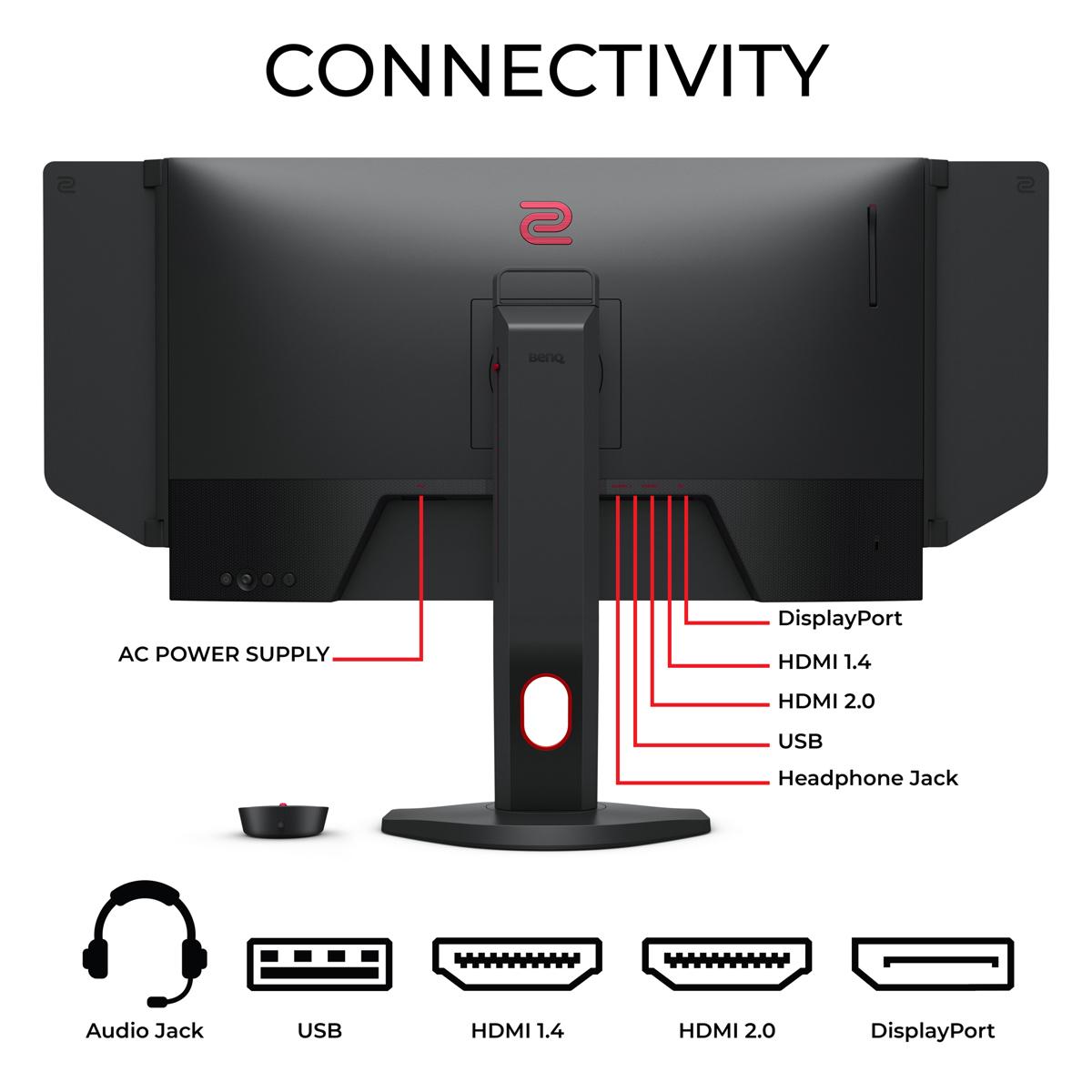
The BenQ XL2746K offers straightforward connectivity focused on gaming: three HDMI 2.0 ports, one DisplayPort 1.2, and basic audio output. It supports 240Hz over DisplayPort and up to 120Hz for console gaming via HDMI. The connectivity is sufficient for its intended purpose without unnecessary complications.
The ASUS XG27UCDMG provides comprehensive modern connectivity. Its DisplayPort 1.4 connection supports full 4K 240Hz with Display Stream Compression (DSC), while dual HDMI 2.1 ports offer the same capability. The USB-C port supports DisplayPort Alt Mode with 90W Power Delivery, making it perfect for laptop users. Additional USB ports create a functional hub setup.
For home theater use, the ASUS display is significantly more versatile. It supports proper HDR formats, has the resolution and color accuracy for movie watching, and can serve as a high-quality display for streaming devices. The BenQ monitor is purely focused on competitive gaming and isn't optimized for media consumption.
The BenQ XL2746K uses mature TN panel technology with a proven track record. These displays typically last many years without degradation and have no risk of burn-in or permanent image retention. The matte coating helps prevent glare but doesn't wear out over time.
OLED technology in the ASUS XG27UCDMG introduces different considerations. While modern OLED panels are much more durable than early versions, burn-in remains a possibility with static content displayed for extended periods. ASUS includes OLED Care Pro features to help mitigate this risk, including automatic pixel cleaning, screen savers, and a proximity sensor that blacks out the display when you're away.
The fourth-generation QD-OLED panel in the ASUS monitor represents the latest advancement in OLED technology, with improved longevity compared to previous generations. However, it's still newer technology without the long-term reliability data available for TN panels.
At the time of writing, the BenQ XL2746K typically costs roughly half what you'd pay for the ASUS XG27UCDMG. This significant price difference reflects their different market positions and target audiences.
The BenQ offers exceptional value for competitive gaming. You're getting tournament-proven performance, professional-grade features, and the display technology preferred by esports professionals at a relatively accessible price point. For players focused primarily on competitive titles, it's difficult to find better performance per dollar.
The ASUS monitor commands a premium price for premium technology. You're paying for cutting-edge OLED display technology, 4K resolution, comprehensive connectivity, and the versatility to excel at both gaming and other uses. The higher cost reflects the advanced technology and broader capabilities.
Choose the BenQ Zowie XL2746K if you're serious about competitive gaming. If you primarily play first-person shooters, value motion clarity above all else, want the monitor used by professional players, or need proven tournament reliability, the BenQ is the clear choice. It's also the better option if you're budget-conscious but want genuine 240Hz performance.
Choose the ASUS ROG Strix OLED XG27UCDMG if you want the best of both worlds. If you play diverse game genres, value stunning visual quality alongside competitive performance, need a display that works well for both gaming and productivity, want modern connectivity options, or are willing to pay more for cutting-edge technology, the ASUS monitor delivers an exceptional experience.
Consider your primary use case carefully. The BenQ is a specialized tool that excels at its intended purpose but offers limited versatility. The ASUS display provides premium performance across multiple use cases but costs significantly more and introduces the complexity of OLED ownership.
Both monitors represent the pinnacle of their respective approaches to gaming displays. Your choice should align with your gaming priorities, budget, and willingness to embrace newer technology. Neither choice is wrong – they're simply optimized for different types of users with different needs and preferences.
| BenQ Zowie XL2746K | ASUS ROG Strix OLED XG27UCDMG |
|---|---|
| Display Technology - Determines overall image quality and performance characteristics | |
| TN Panel (fast, consistent, tournament-proven) | 4th-gen QD-OLED (perfect blacks, vibrant colors, premium tech) |
| Resolution - Higher resolution means sharper images but requires more GPU power | |
| 1920 x 1080 (1080p) - 82 PPI | 3840 x 2160 (4K) - 166 PPI |
| Refresh Rate - Higher rates provide smoother motion in fast-paced games | |
| 240Hz (PC), 120Hz (console) | 240Hz (PC and console via HDMI 2.1) |
| Response Time - Lower is better for eliminating ghosting and blur | |
| Fast TN response (optimized for real-world gaming) | 0.03ms GTG (essentially instantaneous) |
| Motion Blur Reduction - Critical for competitive gaming clarity | |
| DyAc+ technology (industry-leading for esports) | Extreme Low Motion Blur + natural OLED clarity |
| Contrast Ratio - Higher numbers mean deeper blacks and more vivid images | |
| 1000:1 (typical TN limitation) | 1,500,000:1 (perfect OLED blacks) |
| Color Accuracy - Important for content creation and visual quality | |
| Basic sRGB coverage (optimized for competitive visibility) | 99% DCI-P3, Delta E < 2 (professional-grade accuracy) |
| HDR Support - Enables enhanced contrast and color in supported content | |
| None (focused purely on competitive gaming) | HDR10, DisplayHDR 400 True Black (excellent HDR) |
| Peak Brightness - Higher brightness improves HDR and visibility in bright rooms | |
| 320 cd/m² (adequate for gaming) | 1,000 cd/m² HDR peak (excellent for HDR content) |
| Gaming Features - Specialized enhancements for competitive advantage | |
| DyAc+, Black eQualizer, S Switch controller, XL Setting Share | GamePlus, Shadow Boost, Auto KVM, OLED Care Pro |
| Connectivity - More ports and newer standards offer greater flexibility | |
| 3x HDMI 2.0, 1x DP 1.2, headphone jack | 2x HDMI 2.1, 1x DP 1.4, USB-C (90W PD), USB hub |
| VRR Support - Eliminates screen tearing when frame rates fluctuate | |
| Basic VRR support | FreeSync Premium Pro, G-Sync Compatible, AdaptiveSync |
| Ergonomics - Adjustability affects comfort during long gaming sessions | |
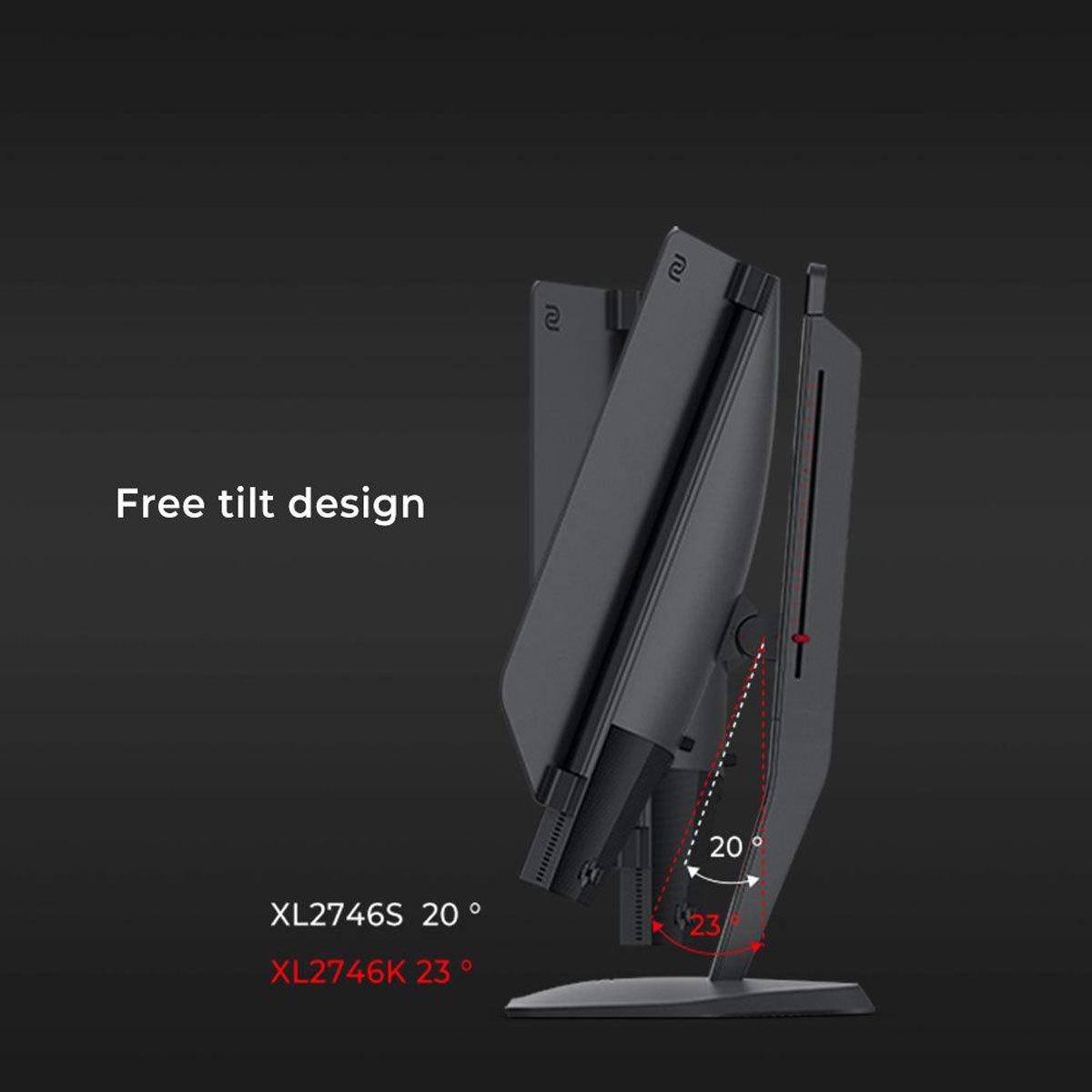
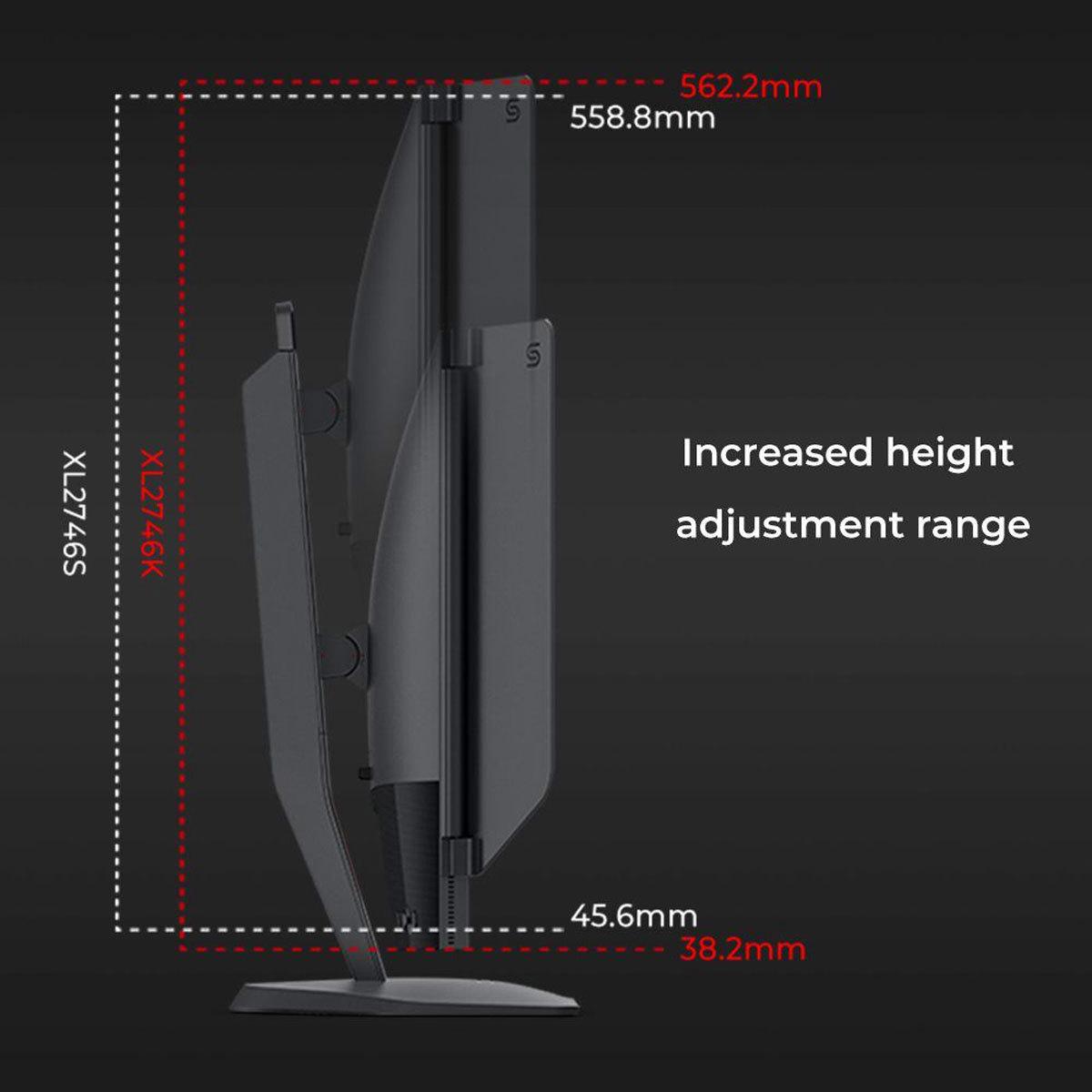
| Full adjustment (height, tilt, swivel, pivot) | Full adjustment plus phone holder and tripod mount |
| Burn-in Risk - OLED displays can suffer permanent damage from static images | |
| None (TN panels immune to burn-in) | Possible but mitigated by OLED Care Pro features |
| Target Audience - Who each monitor is designed for | |
| Competitive esports players, tournament use | Enthusiast gamers, content creators, versatile users |
| Best Use Cases - Where each monitor excels | |
| FPS games, esports competition, budget 240Hz gaming | AAA games, HDR content, productivity, premium gaming |
The BenQ Zowie XL2746K is specifically designed for competitive esports and is the clear winner for serious FPS players. It features DyAc+ technology that reduces motion blur during fast movements, making it easier to track enemies in games like Counter-Strike and Valorant. The XL2746K is used by professional esports players worldwide and includes tournament-focused features like the S Switch controller and shielding hood. While the ASUS ROG Strix OLED XG27UCDMG offers excellent gaming performance, it's optimized for visual quality rather than pure competitive advantage.
The biggest difference is their approach to gaming performance. The BenQ Zowie XL2746K uses a 1080p TN panel focused entirely on competitive gaming with specialized motion clarity features. The ASUS ROG Strix OLED XG27UCDMG uses cutting-edge 4K OLED technology that delivers stunning visual quality alongside high performance. The BenQ prioritizes motion clarity and competitive features, while the ASUS combines premium visuals with gaming performance for a more versatile experience.
The ASUS ROG Strix OLED XG27UCDMG significantly outperforms the BenQ Zowie XL2746K in picture quality. The ASUS monitor features 4K resolution (four times sharper than 1080p), perfect blacks from OLED technology, 99% DCI-P3 color coverage, and HDR support with 1000 nits peak brightness. The XL2746K uses a basic TN panel with limited color reproduction and contrast, designed for competitive gaming rather than visual excellence.
Yes, both the BenQ Zowie XL2746K and ASUS ROG Strix OLED XG27UCDMG support 240Hz refresh rate for ultra-smooth gaming. However, the BenQ achieves 240Hz at 1080p resolution, while the ASUS delivers 240Hz at full 4K resolution. The ASUS monitor also supports 240Hz over both DisplayPort and HDMI 2.1 connections, making it compatible with the latest gaming consoles at high refresh rates.
The ASUS ROG Strix OLED XG27UCDMG is vastly superior for single-player games and movie watching. Its 4K OLED display delivers stunning visuals with perfect blacks, vibrant colors, and HDR support that makes games like Cyberpunk 2077 and movies incredibly immersive. The BenQ Zowie XL2746K is designed purely for competitive gaming and lacks the resolution, color accuracy, and HDR capabilities needed for an excellent entertainment experience.
The ASUS ROG Strix OLED XG27UCDMG offers more comprehensive connectivity with DisplayPort 1.4, two HDMI 2.1 ports, USB-C with 90W power delivery, and a USB hub. This makes the ASUS monitor ideal for multiple devices and laptop users. The BenQ Zowie XL2746K provides basic gaming-focused connectivity with three HDMI 2.0 ports, one DisplayPort 1.2, and a headphone jack – sufficient for its competitive gaming purpose but less versatile overall.
The BenQ Zowie XL2746K uses TN panel technology that has zero burn-in risk and will maintain consistent performance for many years. The ASUS ROG Strix OLED XG27UCDMG uses OLED technology, which can potentially suffer burn-in from static images displayed for extended periods. However, the ASUS monitor includes OLED Care Pro features like automatic pixel cleaning and a proximity sensor to help prevent burn-in issues.
This depends on your needs and budget. The BenQ Zowie XL2746K offers exceptional value for competitive gamers, providing tournament-grade performance and professional features at a more accessible price point. The ASUS ROG Strix OLED XG27UCDMG costs significantly more but delivers premium OLED technology, 4K resolution, and versatility for gaming, productivity, and entertainment. The BenQ is better value for esports-focused users, while the ASUS justifies its premium price for users wanting cutting-edge display technology.
Both monitors support gaming consoles, but with different capabilities. The BenQ Zowie XL2746K supports up to 120Hz from PlayStation 5 and Xbox Series X via HDMI 2.0. The ASUS ROG Strix OLED XG27UCDMG offers superior console support with full 4K 240Hz capability over HDMI 2.1, making it future-proof for next-generation consoles and providing the best possible image quality for console gaming.
The ASUS ROG Strix OLED XG27UCDMG is far superior for content creation and productivity work. Its 4K resolution provides sharp text and detailed images, while the 99% DCI-P3 color coverage and Delta E < 2 accuracy meet professional standards for photo and video editing. The BenQ Zowie XL2746K has limited color reproduction and 1080p resolution that makes it unsuitable for serious creative work, though it's adequate for basic productivity tasks.
Neither the BenQ Zowie XL2746K nor the ASUS ROG Strix OLED XG27UCDMG include built-in speakers. Both monitors focus their design and cost on display performance rather than audio. Both provide headphone jacks for audio output, and the ASUS monitor's USB-C connection can carry audio signals to connected devices. Most serious gamers prefer dedicated headphones or external speakers for better audio quality anyway.
Choose the BenQ Zowie XL2746K if you primarily play competitive FPS games, want proven esports performance, prefer the monitor used by professional players, or need excellent 240Hz gaming performance at a more affordable price. Choose the ASUS ROG Strix OLED XG27UCDMG if you play various game genres, want stunning 4K visuals, need a versatile monitor for gaming and productivity, value cutting-edge display technology, or want the best possible image quality alongside high performance.
We've done our best to create useful and informative comparisons to help you decide what product to buy. Our research uses advanced automated methods to create this comparison and perfection is not possible - please contact us for corrections or questions. These are the sites we've researched in the creation of this article: rtings.com - youtube.com - bestbuy.com - versus.com - youtube.com - versus.com - forums.blurbusters.com - pcmonitors.info - youtube.com - bhphotovideo.com - zowie.benq.com - bhphotovideo.com - device.report - newegg.com - bestbuy.com - displayspecifications.com - provantage.com - zowie.benq.com - smallonlineshop.com.sg - camcor.com - bestbuy.com - rog.asus.com - forum.pcmonitors.info - rog.asus.com - windowscentral.com - versus.com - youtube.com - youtube.com - rtings.com - rtings.com - rog.asus.com - rog.asus.com - rog.asus.com - tenforums.com - rog.asus.com - techpowerup.com - bestbuy.com - newegg.com - displayspecifications.com - youtube.com - tftcentral.co.uk - displayninja.com

Privacy Policy
Terms and Conditions - Affiliate Policy
Home Security
© Copyright 2008-2026.
11816 Inwood Rd #1211, Dallas, TX 75244