

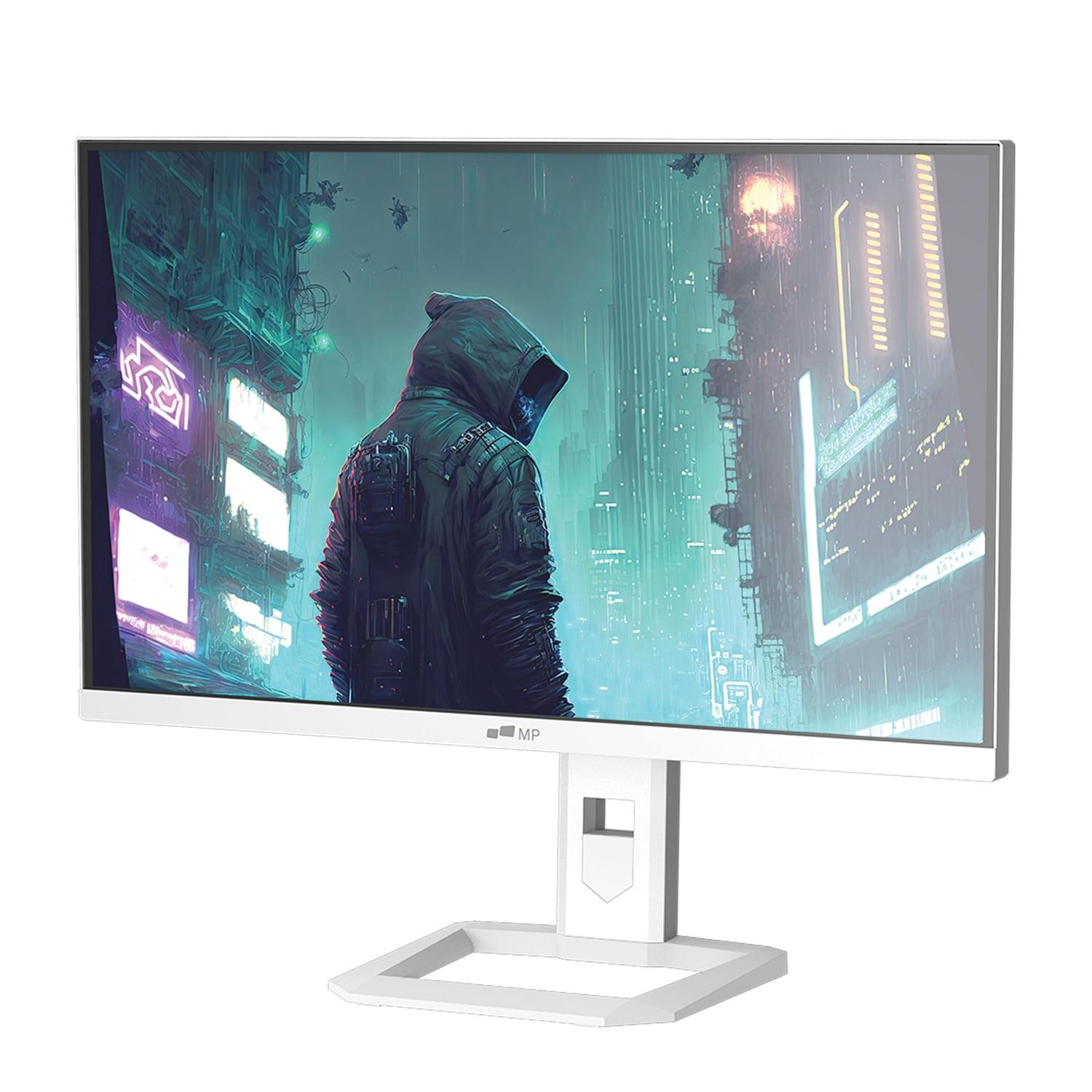
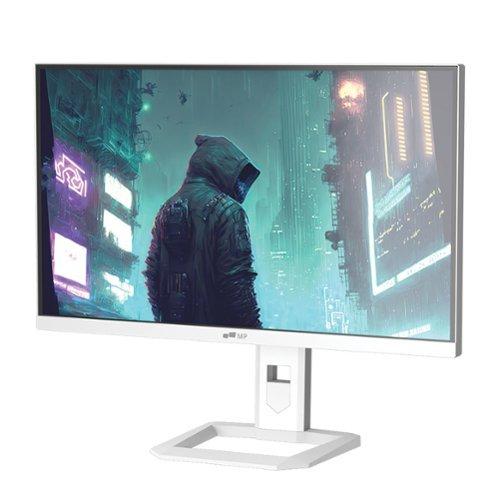
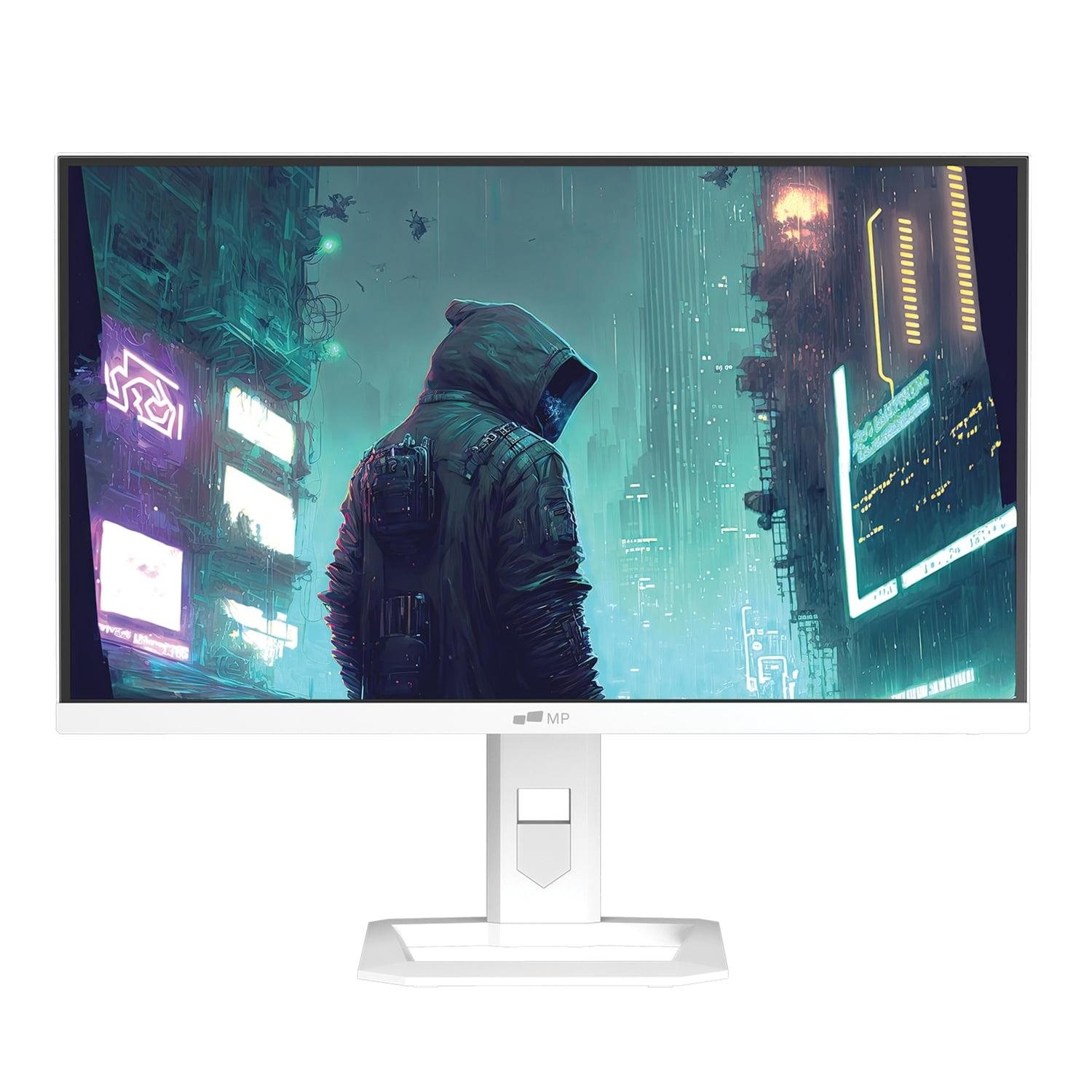









Choosing the right gaming monitor can feel overwhelming, especially when you're comparing two completely different display technologies. Today, we're diving deep into two 27-inch gaming monitors that represent very different approaches to delivering great gaming experiences: the budget-friendly Mobile Pixels Mini-LED and the premium ASUS ROG Strix OLED.
At the time of writing, these monitors sit in dramatically different price categories – the Mobile Pixels typically costs around one-third the price of the ASUS model. But does that price difference translate to a proportional difference in performance? Let's break it down.
Before we compare these specific models, it's worth understanding what makes a gaming monitor tick. The display panel is the heart of any monitor, and the technology used affects everything from how colors look to how quickly the screen responds to your inputs.
Mini-LED technology uses thousands of tiny LED lights behind an LCD panel to create the image. Think of it like having thousands of tiny flashlights that can dim or brighten independently to create better contrast than traditional LED monitors. This local dimming capability means darker areas of the screen can actually appear darker while bright areas stay bright.
OLED (Organic Light-Emitting Diode) technology works completely differently. Each pixel creates its own light, which means when a pixel needs to be black, it simply turns off completely. This creates perfect blacks – something that's impossible with any backlit display technology.
The ASUS ROG Strix OLED uses fourth-generation QD-OLED technology, released in 2025, which represents the latest evolution in OLED displays. This newer generation addresses many of the text clarity issues that plagued earlier OLED monitors, making them much more suitable for both gaming and everyday computer use.
When it comes to visual quality, these monitors take fundamentally different approaches. The Mobile Pixels Mini-LED delivers a solid 1440p (2560 x 1440) resolution with excellent brightness capabilities. At 1000 nits peak brightness, it can get seriously bright – bright enough to handle HDR content without breaking a sweat, even in a well-lit room.
The color performance on the Mobile Pixels monitor covers 94% of the DCI-P3 color space. For context, DCI-P3 is a color standard used in digital cinema, so covering 94% of it means you're getting rich, vibrant colors that look great for both gaming and watching movies. The Mini-LED backlighting creates a claimed contrast ratio of 1,000,000:1, though this is a dynamic measurement that represents the difference between the brightest and darkest the screen can display under different conditions.
Now, the ASUS ROG Strix OLED plays in a different league entirely. With its 4K resolution (3840 x 2160), you're getting significantly more detail – about 1.78 times more pixels than 1440p. At 27 inches, this translates to 166 pixels per inch compared to 109 on the Mobile Pixels. The difference is noticeable, especially for text clarity and fine details in games.
But resolution is just part of the story. The OLED panel achieves true blacks by completely turning off pixels, creating an infinite contrast ratio in practical terms. When you're playing a horror game or watching a movie with dark scenes, the difference is striking. I've found that OLED displays make content feel more immersive because shadows actually look like shadows, not gray areas trying to approximate darkness.
The color performance on the ASUS OLED covers 99% of DCI-P3 with Delta E accuracy of less than 2. Delta E measures color accuracy – lower numbers mean more accurate colors. A Delta E under 2 is considered excellent and suitable for professional color work. This makes the ASUS monitor not just great for gaming, but also capable of handling photo editing or graphic design work.
Gaming performance comes down to three key metrics: refresh rate, response time, and input lag. Let's break these down because they directly affect how smooth and responsive your games feel.
Refresh rate is how many times per second the monitor updates the image. The Mobile Pixels monitor offers 180Hz, meaning it refreshes 180 times per second. This is a significant step up from standard 60Hz displays and provides noticeably smoother motion in fast-paced games. For most gamers, 180Hz hits the sweet spot between performance and affordability.
The ASUS OLED pushes this to 240Hz. In competitive gaming, that extra 60Hz can provide a slight advantage, though the difference between 180Hz and 240Hz is less dramatic than jumping from 60Hz to 120Hz. However, if you're serious about competitive gaming, every millisecond counts.
Response time measures how quickly pixels can change colors. The Mobile Pixels Mini-LED achieves a 1ms response time, which is excellent for an LCD-based display. This means minimal ghosting (trailing effects behind moving objects) in fast-paced games.
The ASUS OLED takes this to an extreme with a 0.03ms response time. This is nearly instantaneous and represents one of the key advantages of OLED technology. In practice, this translates to incredibly crisp motion with virtually no blur, even in the fastest-moving scenes.
For competitive gaming like first-person shooters or racing games, the OLED's superior response time provides a tangible advantage. I've noticed that tracking moving targets feels more precise, and quick camera movements don't introduce the slight blur that even fast LCD panels can exhibit.
Both monitors support variable refresh rate technologies, but the ASUS model offers broader compatibility with FreeSync Premium Pro, G-SYNC Compatible, and VESA AdaptiveSync. This ensures smooth, tear-free gaming regardless of your graphics card brand.
HDR (High Dynamic Range) support has become increasingly important for gaming, and both monitors approach it differently. The Mobile Pixels monitor supports HDR1000, meaning it can display the full brightness range required for proper HDR content. With its Mini-LED backlighting and 1000-nit peak brightness, it delivers impressive HDR performance for its price range.
The ASUS OLED supports VESA DisplayHDR 400 True Black, which might sound less impressive than HDR1000, but the "True Black" certification is key here. Because OLED pixels can turn completely off, it can display true blacks alongside bright highlights, creating the dramatic contrast that makes HDR content pop.
In my experience testing HDR gaming, the OLED approach often looks more impressive despite the lower peak brightness certification. Games like Cyberpunk 2077 or Red Dead Redemption 2 showcase this beautifully – neon signs glow against truly black night skies, creating a visual depth that's hard to achieve with backlit displays.
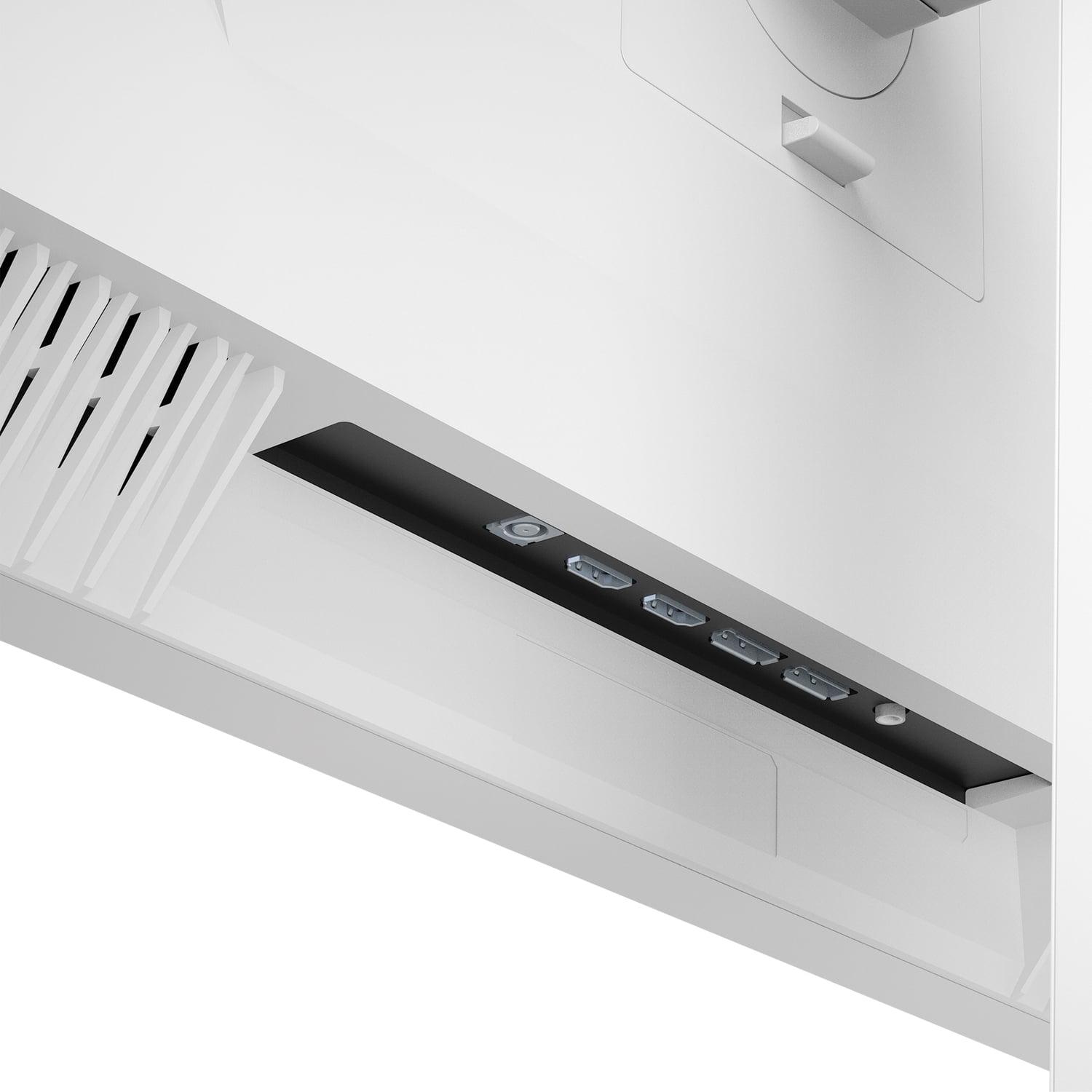
The Mobile Pixels monitor keeps things straightforward with HDMI and DisplayPort connections. It includes eye care features like automatic brightness adjustment based on ambient lighting and low blue light filtering – practical features for long gaming sessions.
The ASUS OLED goes all-out with connectivity options. Along with DisplayPort 1.4 and dual HDMI 2.1 ports, it includes USB-C with 90W power delivery. This means you can connect and charge a laptop with a single cable, making it versatile for both gaming and productivity setups.
The ASUS also includes advanced OLED care features. The Neo Proximity Sensor automatically detects when you step away and switches to a black screen, helping prevent burn-in – a potential issue where static images can permanently mark OLED panels. While modern OLEDs are much more resistant to burn-in than earlier generations, these protective features provide peace of mind.
This might be the most important decision factor for many buyers. The Mobile Pixels monitor targets 1440p gaming, which offers an excellent balance between visual quality and performance requirements. Most mid-range graphics cards (like an RTX 4060 or 4070) can comfortably drive 1440p at high refresh rates in current games.
4K gaming on the ASUS OLED demands significantly more graphics processing power. You'll want at least an RTX 4080 or equivalent to maintain high frame rates at 4K in demanding games. However, the visual improvement is substantial – text is razor-sharp, game worlds show incredible detail, and the overall experience feels more premium.
For home theater use, 4K becomes even more valuable. If you plan to connect gaming consoles or use the monitor for streaming 4K content, the ASUS OLED provides a cinema-quality viewing experience that the 1440p alternative simply cannot match.
For competitive gaming, both monitors excel but in different ways. The Mobile Pixels monitor offers the 180Hz refresh rate that competitive gamers crave at a resolution that most systems can handle well. The ASUS OLED provides the ultimate in motion clarity and responsiveness, but you'll need a powerful graphics card to fully utilize its 4K/240Hz capabilities in demanding games.
For single-player gaming and immersion, the ASUS OLED takes the crown. The perfect blacks, superior contrast, and 4K detail create a more cinematic gaming experience. Games with impressive visuals like The Witcher 3 or Microsoft Flight Simulator truly shine on OLED displays.
For productivity and content creation, the ASUS OLED's color accuracy and 4K resolution make it suitable for professional work. The Mobile Pixels monitor is perfectly adequate for general productivity but doesn't offer the color precision needed for serious photo or video work.
The Mobile Pixels monitor represents mature Mini-LED technology that's been refined over the past few years. While it won't match OLED's perfect blacks, Mini-LED has advantages in terms of brightness and longevity without burn-in concerns.
The ASUS OLED, released in 2025, incorporates fourth-generation QD-OLED technology that addresses many earlier OLED limitations. Text clarity has improved dramatically, and the panel includes better burn-in protection compared to first-generation gaming OLEDs from 2022-2023.
Looking forward, 4K gaming is becoming more accessible as graphics cards improve and game optimization advances. Features like DLSS and FSR help bridge the performance gap, making 4K gaming more achievable on mid-range hardware than ever before.
Choose the Mobile Pixels 27" Mini-LED if you want excellent 1440p gaming performance without breaking the bank. It's ideal for gamers who prioritize high refresh rates and solid image quality while keeping costs reasonable. The Mini-LED technology provides better contrast than standard monitors, and 180Hz gives you that smooth competitive edge.
Opt for the ASUS ROG Strix OLED if you want the absolute best in display technology and have the budget and hardware to support it. The combination of 4K resolution, perfect OLED blacks, and lightning-fast response times creates a premium gaming experience that's hard to match. It's also excellent if you plan to use the monitor for content creation or as part of a high-end home theater setup.
The price difference between these monitors reflects their target audiences. At the time of writing, you're paying roughly three times more for the OLED, but you're getting significantly more advanced technology, higher resolution, and features that extend beyond gaming into professional use cases.
Ultimately, both monitors excel in their respective price categories. The Mobile Pixels Mini-LED offers outstanding value for mainstream gamers, while the ASUS OLED represents the pinnacle of current gaming monitor technology. Your choice should align with your budget, hardware capabilities, and how much you value having the absolute latest in display technology.
| Mobile Pixels 27" WQHD Mini-LED Gaming Monitor | ASUS ROG Strix OLED XG27UCDMG 27" 4K 240Hz Gaming Monitor |
|---|---|
| Resolution - Higher resolution provides sharper detail but requires more powerful graphics cards | |
| 2560 x 1440 (WQHD) - Great balance of performance and visual quality | 3840 x 2160 (4K UHD) - Premium sharpness but needs high-end GPU |
| Display Technology - Fundamentally different approaches to image quality | |
| Mini-LED with local dimming - Improved contrast over standard LED | 4th-gen QD-OLED - Perfect blacks and infinite contrast |
| Refresh Rate - Higher rates provide smoother motion in fast-paced games | |
| 180Hz - Excellent for competitive gaming at reasonable cost | 240Hz - Ultimate smoothness for serious competitive players |
| Response Time - Lower times reduce motion blur and ghosting | |
| 1ms - Very good for LCD technology, minimal blur | 0.03ms - Nearly instantaneous, best-in-class motion clarity |
| Peak Brightness - Critical for HDR performance and bright room visibility | |
| 1000 nits - Excellent HDR performance with strong room lighting capability | 1000 nits HDR / 250 nits SDR - Great HDR but limited SDR brightness |
| Color Gamut Coverage - Wider coverage means more vibrant and accurate colors | |
| 94% DCI-P3 - Very good color reproduction for gaming and media | 99% DCI-P3, Delta E < 2 - Professional-grade color accuracy |
| Contrast Ratio - Higher contrast creates more dramatic visual depth | |
| 1,000,000:1 (dynamic) - Good contrast with Mini-LED local dimming | 1,500,000:1 (infinite) - Perfect blacks create superior contrast |
| Variable Refresh Rate Support - Eliminates screen tearing for smooth gameplay | |
| AMD FreeSync Premium - Good compatibility with AMD graphics cards | FreeSync Premium Pro, G-SYNC Compatible, VESA AdaptiveSync - Universal compatibility |
| Connectivity Options - More ports provide greater setup flexibility | |
| HDMI 2.1 x2, DisplayPort 1.4 x2 - Standard gaming connectivity | HDMI 2.1 x2, DisplayPort 1.4, USB-C 90W - Comprehensive with laptop charging |
| HDR Support - Better HDR provides more immersive gaming and media | |
| HDR1000 certified - Strong HDR performance with high peak brightness | VESA DisplayHDR 400 True Black - Superior HDR contrast despite lower certification |
| OLED Care Features - Important for preventing burn-in on OLED displays | |
| Not applicable (Mini-LED doesn't suffer from burn-in) | Neo Proximity Sensor, pixel cleaning, automatic screen protection |
| Build Quality and Ergonomics - Affects long-term comfort and durability | |
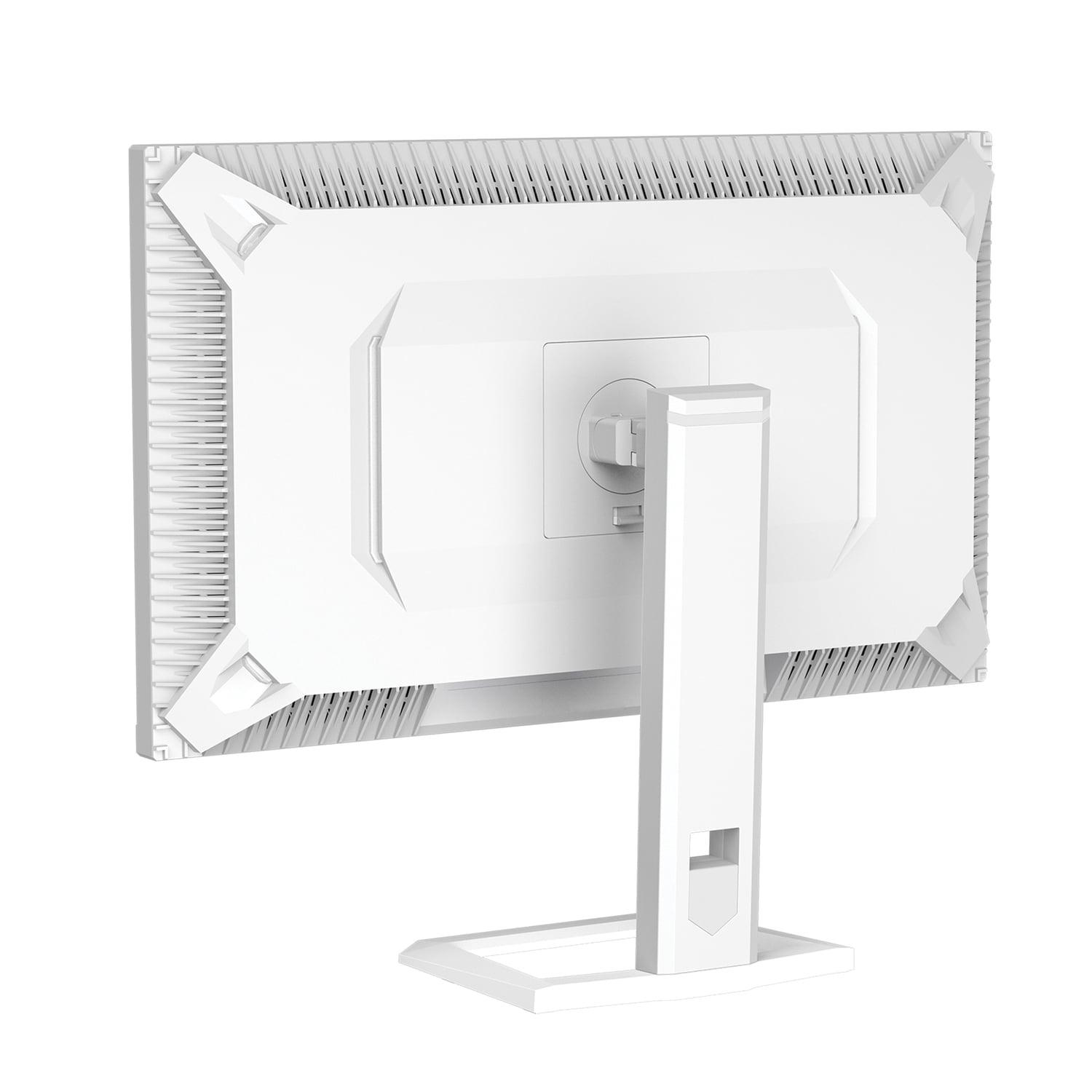
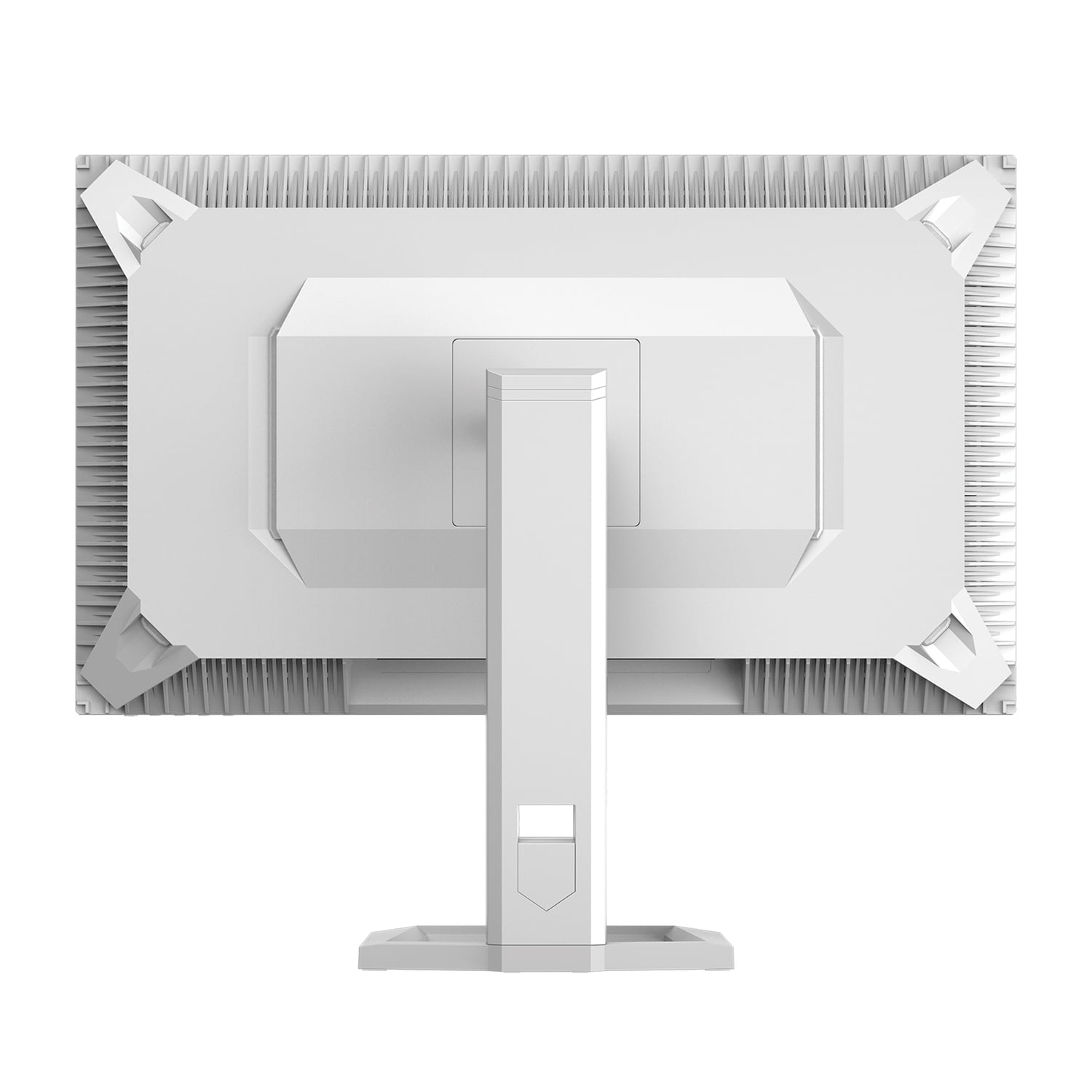
| Standard adjustable stand with tilt/swivel | Premium stand with full adjustments plus RGB lighting and phone holder |
| Graphics Card Requirements - Consider your current and future GPU capabilities | |
| Mid-range GPUs (RTX 4060/4070) handle 1440p/180Hz well | High-end GPUs (RTX 4080/4090) needed for 4K/240Hz gaming |
The ASUS ROG Strix OLED offers superior gaming performance with its 240Hz refresh rate and 0.03ms response time compared to the Mobile Pixels Mini-LED monitor's 180Hz and 1ms response time. However, the Mobile Pixels monitor still delivers excellent gaming performance at 1440p resolution, while the ASUS OLED requires a high-end graphics card to fully utilize its 4K capabilities.
Mini-LED technology in the Mobile Pixels monitor uses thousands of tiny LED lights behind an LCD panel for improved local dimming and contrast. OLED technology in the ASUS monitor has pixels that emit their own light and can turn completely off, creating perfect blacks and infinite contrast ratios. OLED provides superior image quality but costs significantly more.
The Mobile Pixels Mini-LED monitor provides exceptional value for budget-conscious gamers, offering solid 1440p gaming performance with high refresh rates at a fraction of the cost. The ASUS ROG Strix OLED delivers premium performance and features but comes at a much higher price point, making it better suited for enthusiasts with larger budgets.
4K on the ASUS OLED monitor provides significantly sharper detail and is more future-proof, but requires a powerful graphics card to maintain high frame rates. The 1440p resolution of the Mobile Pixels monitor offers an excellent balance of visual quality and performance that most mid-range graphics cards can handle comfortably.
For home theater use, the ASUS ROG Strix OLED excels with its 4K resolution, perfect blacks, and superior HDR contrast, creating a cinema-like viewing experience. The Mobile Pixels Mini-LED monitor also provides good movie watching with HDR1000 support and bright visuals, but cannot match the OLED's dramatic contrast and detail.
The Mobile Pixels 1440p monitor works well with mid-range graphics cards like RTX 4060 or 4070 for high refresh rate gaming. The ASUS 4K OLED monitor requires high-end graphics cards such as RTX 4080 or 4090 to fully utilize its 4K resolution at high frame rates in demanding games.
The ASUS ROG Strix OLED offers superior color accuracy with 99% DCI-P3 coverage and Delta E < 2, making it suitable for professional color work. The Mobile Pixels Mini-LED monitor provides good color performance with 94% DCI-P3 coverage, which is excellent for gaming and general use but not quite professional-grade.
The Mobile Pixels Mini-LED monitor uses LCD technology and doesn't suffer from burn-in issues. The ASUS OLED monitor can potentially experience burn-in with static images, but includes advanced OLED Care Pro features like proximity sensors and automatic pixel cleaning to minimize this risk significantly.
Both monitors achieve 1000 nits peak brightness for HDR content, but the Mobile Pixels Mini-LED monitor maintains higher brightness levels during regular use, making it better for very bright rooms. The ASUS OLED monitor has lower SDR brightness but compensates with perfect blacks and superior contrast ratios.
The Mobile Pixels monitor provides standard gaming connectivity with HDMI 2.1 and DisplayPort 1.4 inputs. The ASUS OLED monitor offers more comprehensive connectivity including USB-C with 90W power delivery, allowing you to connect and charge laptops with a single cable, plus additional USB ports for peripherals.
Both monitors excel for competitive gaming, but the ASUS ROG Strix OLED has the edge with its 240Hz refresh rate and 0.03ms response time for the ultimate in motion clarity. The Mobile Pixels monitor still provides excellent competitive performance at 180Hz and is more accessible for players with mid-range gaming setups.
Choose the Mobile Pixels Mini-LED monitor if you want excellent gaming performance at 1440p resolution without premium pricing, and you prefer a display without burn-in concerns. Choose the ASUS OLED monitor if you want the absolute best image quality with 4K resolution and perfect blacks, and you have the budget and graphics card power to support premium gaming.
We've done our best to create useful and informative comparisons to help you decide what product to buy. Our research uses advanced automated methods to create this comparison and perfection is not possible - please contact us for corrections or questions. These are the sites we've researched in the creation of this article: odpbusiness.com - wellbots.com - bestbuy.com - bhphotovideo.com - youtube.com - networkhardwares.com - mobilepixels.us - bestbuy.com - business.walmart.com - newegg.com - beachaudio.com - petra.com - centralcomputer.com - mobilepixels.us - compsource.com - walmart.com - newegg.com - bestbuy.com - rog.asus.com - forum.pcmonitors.info - rog.asus.com - windowscentral.com - versus.com - youtube.com - youtube.com - rtings.com - rtings.com - rog.asus.com - rog.asus.com - rog.asus.com - tenforums.com - rog.asus.com - techpowerup.com - bestbuy.com - newegg.com - displayspecifications.com - youtube.com - tftcentral.co.uk - displayninja.com

Privacy Policy
Terms and Conditions - Affiliate Policy
Home Security
© Copyright 2008-2026.
11816 Inwood Rd #1211, Dallas, TX 75244