

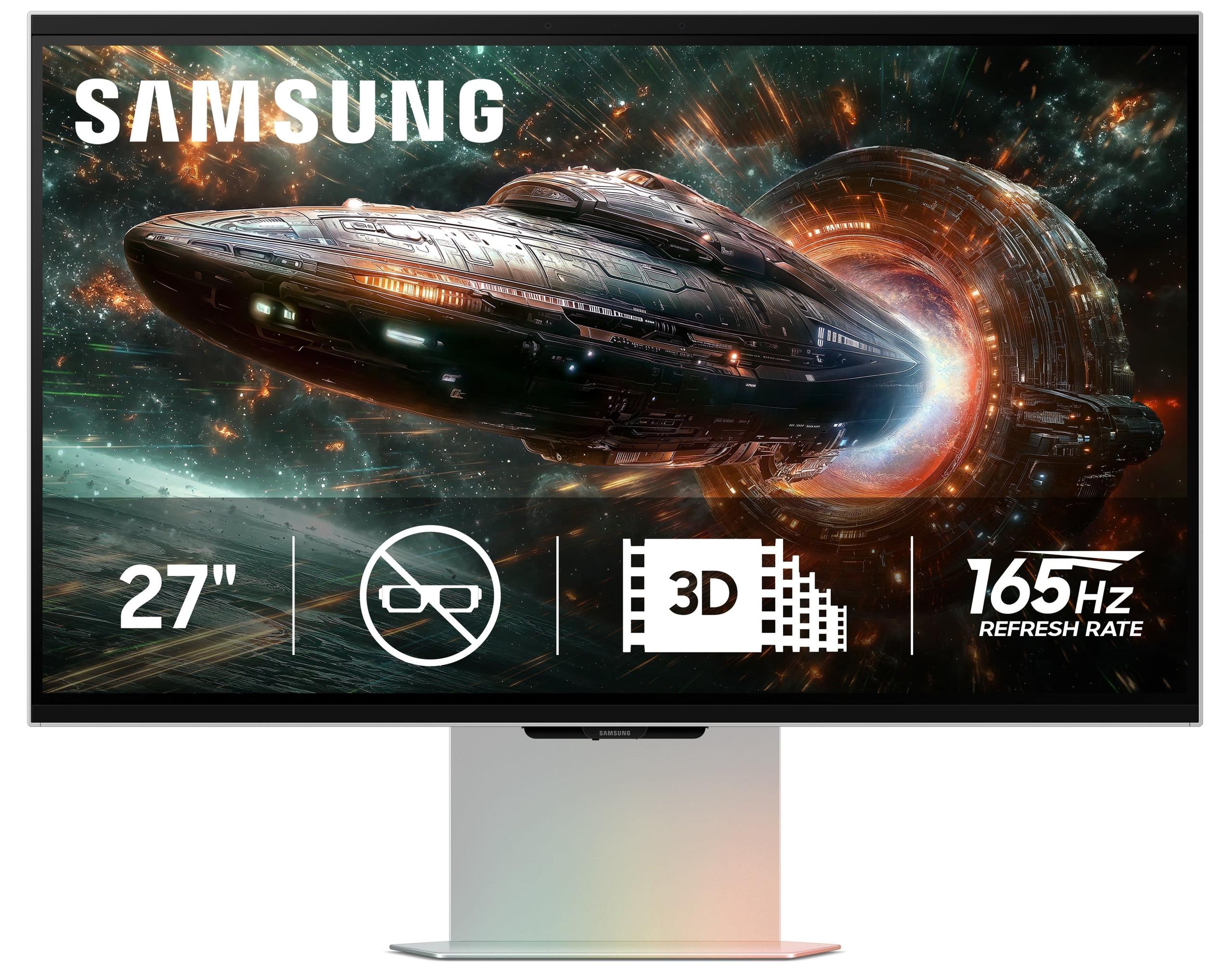
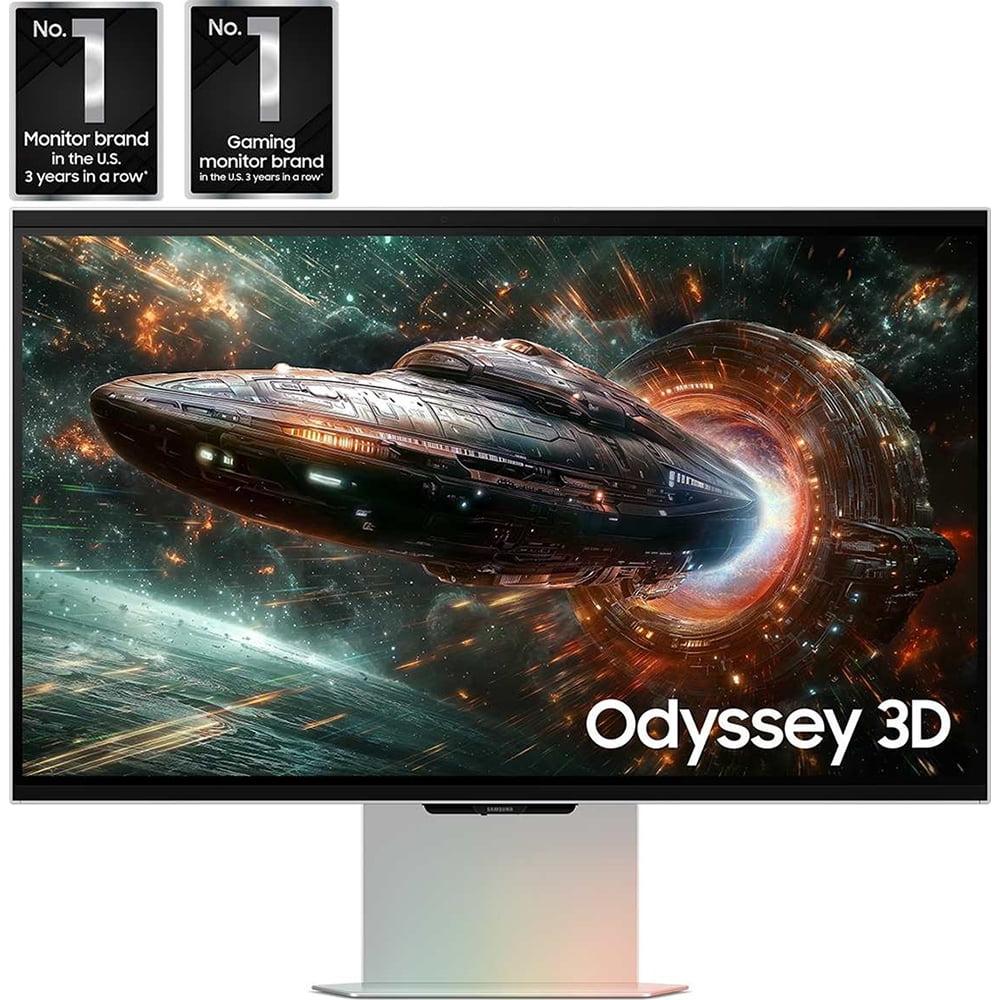
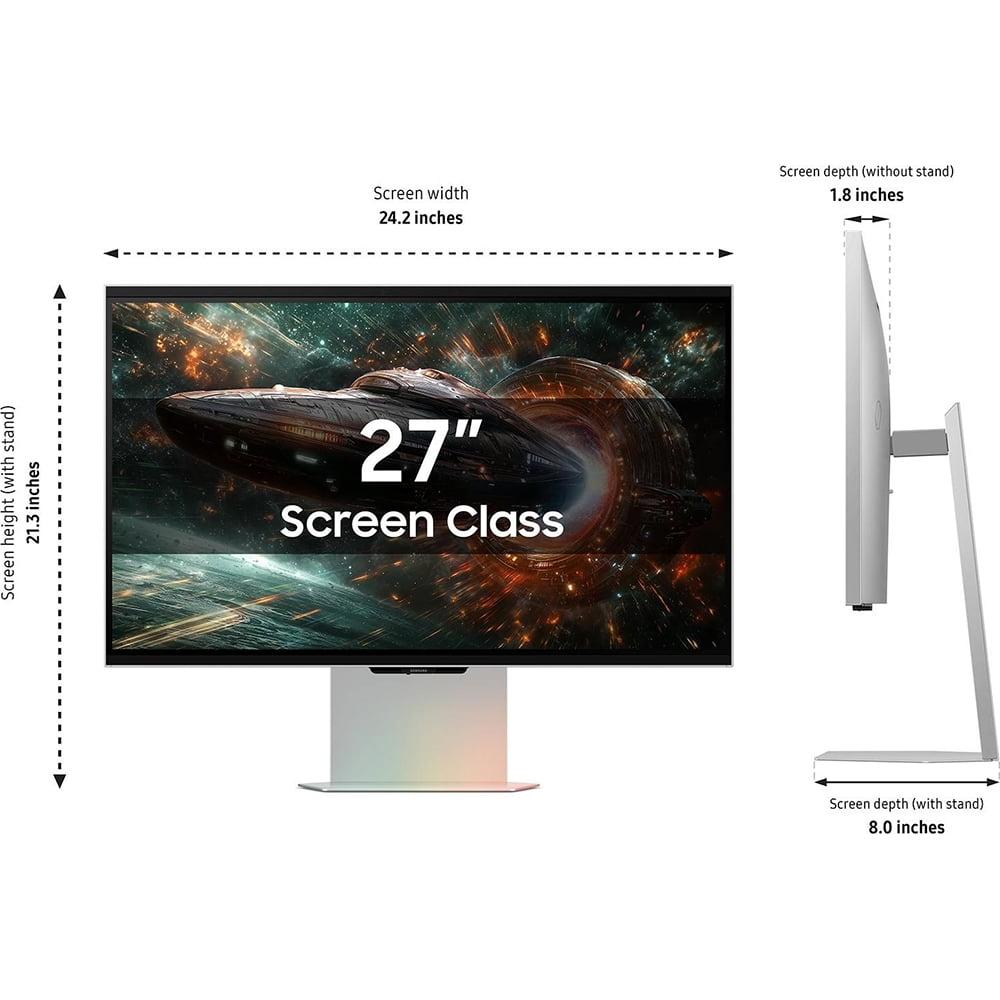
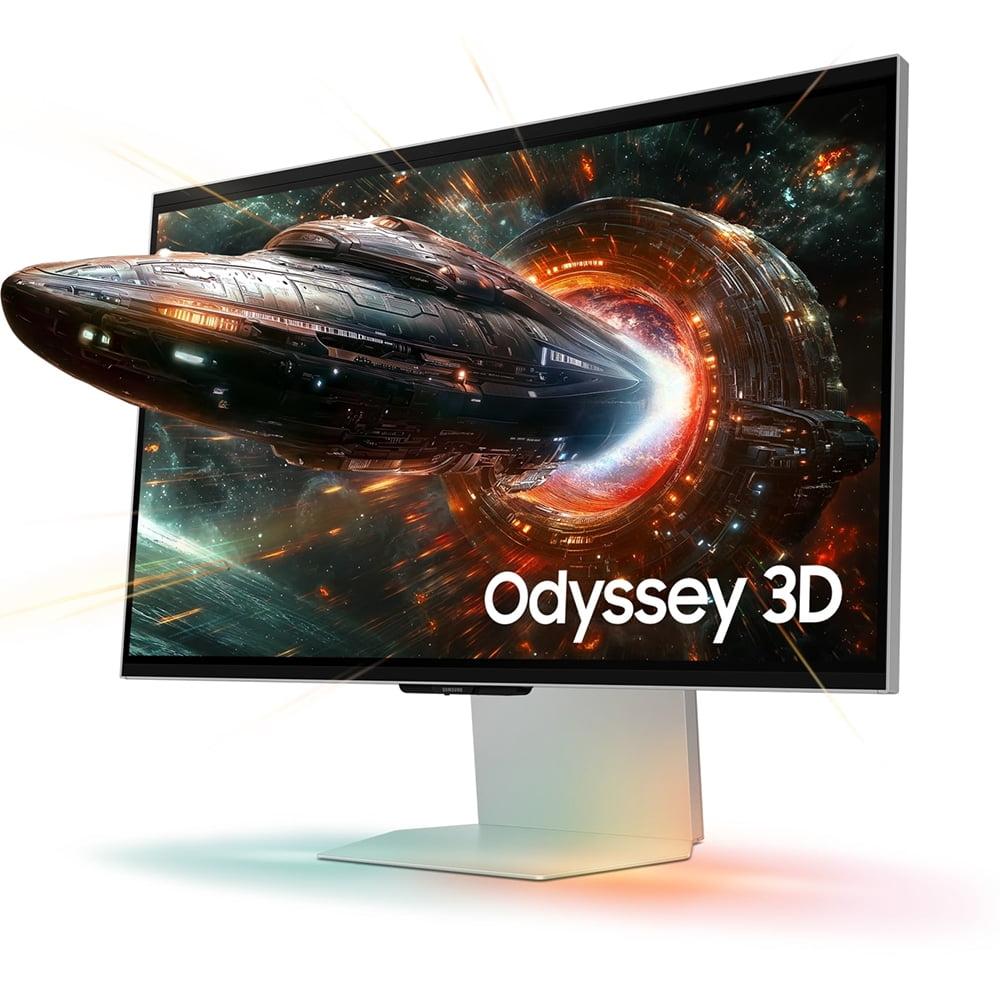
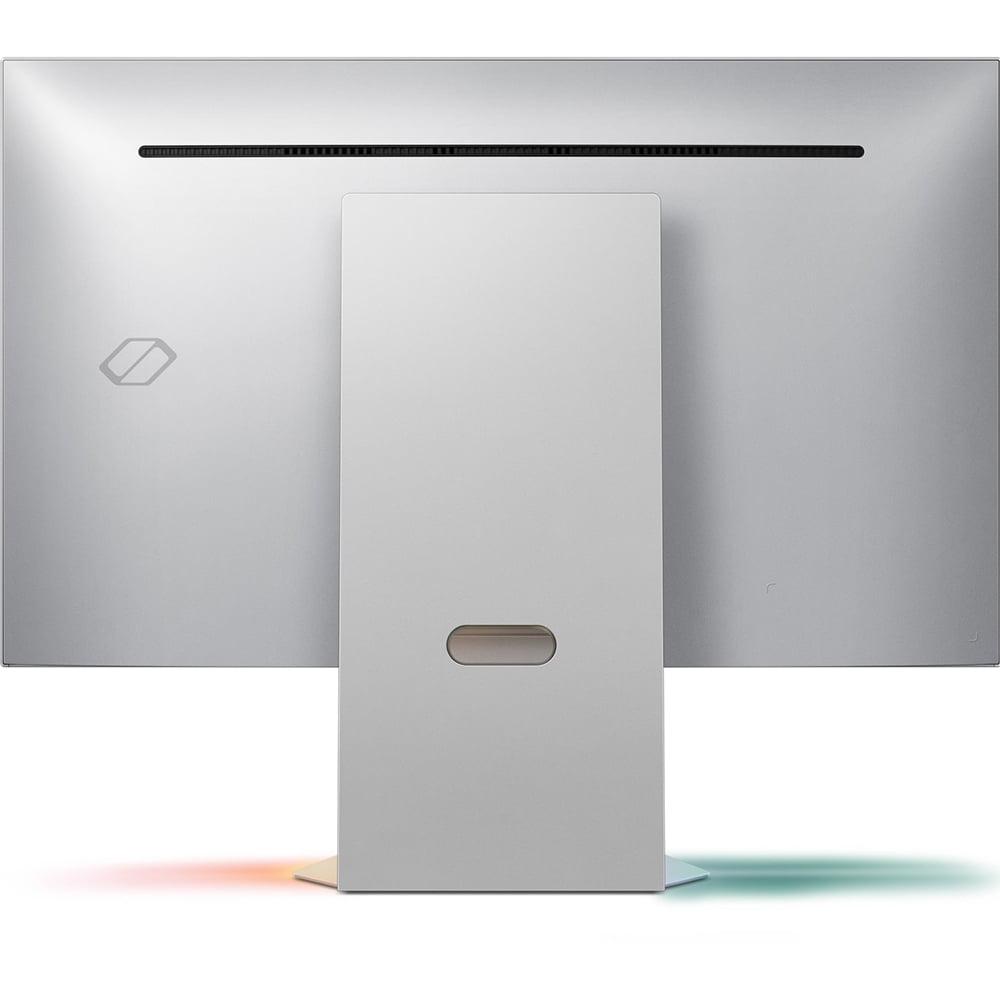
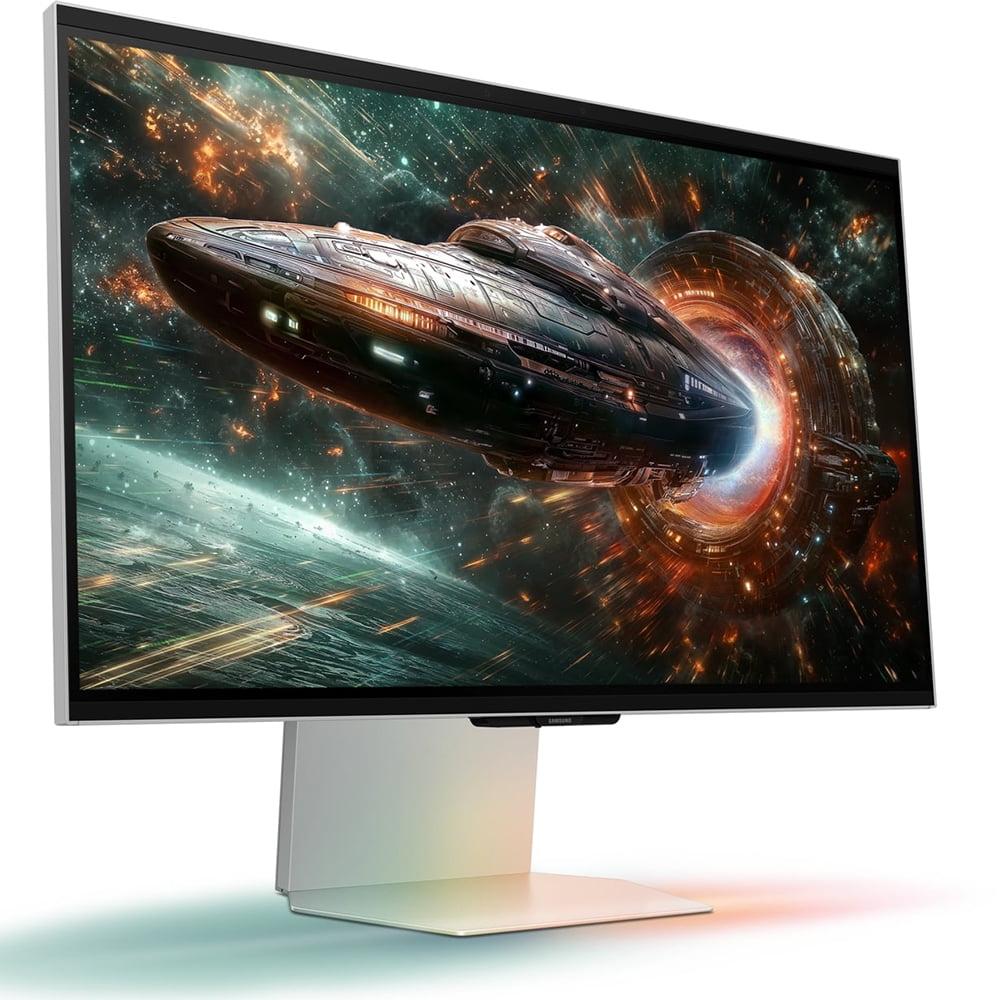
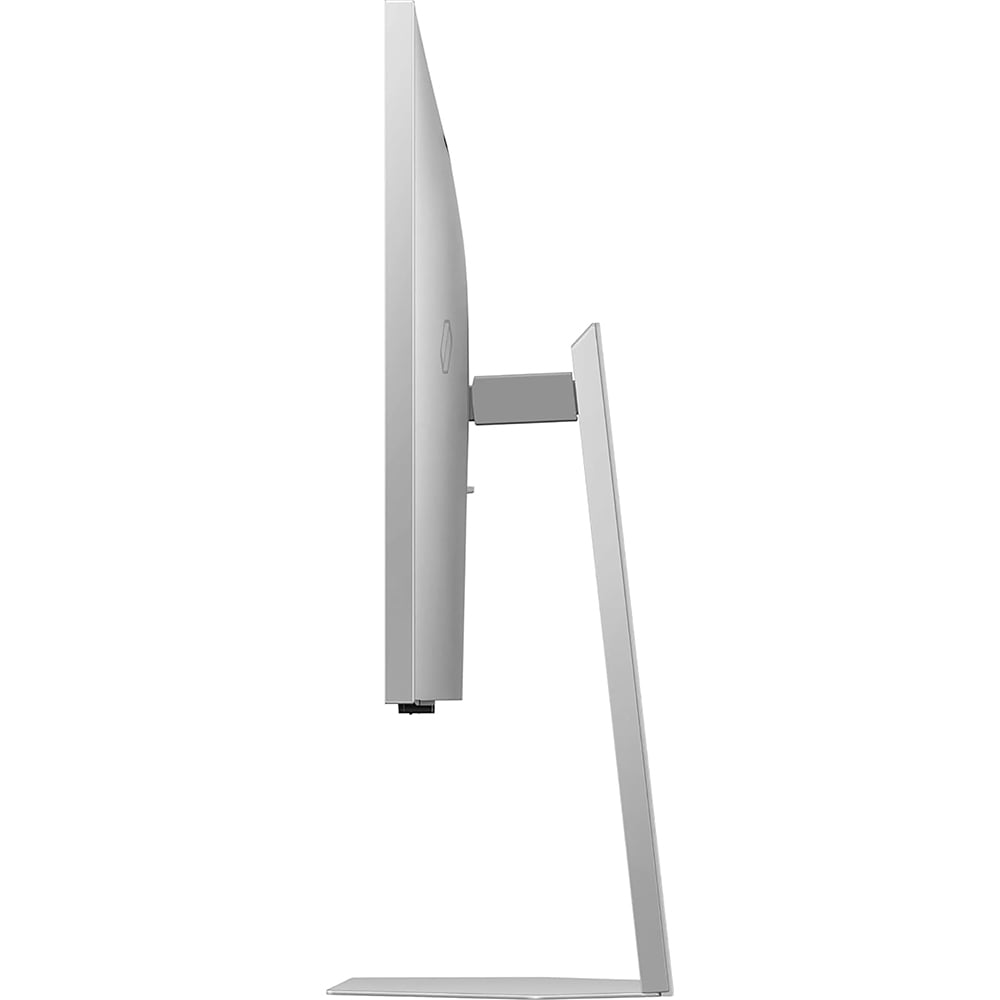












Shopping for a high-end gaming monitor in 2025? You've probably come across two very different but equally intriguing options: the Samsung 27" Odyssey 3D G90XF 4K 165Hz Gaming Monitor for $1,999.99 and the ASUS ROG Strix OLED XG27UCDMG 27" 4K 240Hz Gaming Monitor for $979.99. Both hit the market in April 2025, but they represent completely different philosophies in display technology.
The gaming monitor world has exploded with innovation lately. We've moved far beyond the basic "bigger and faster" approach. Today's monitors incorporate everything from self-lit OLED pixels that create perfect blacks to experimental 3D technology that works without glasses. Understanding these differences isn't just about specs—it's about knowing which approach will actually improve your gaming experience.
When I first started reviewing gaming monitors five years ago, the conversation was simple: TN panels for speed, IPS for colors, VA for contrast. Those days are gone. Modern gaming monitors need to juggle multiple priorities: competitive gaming performance, cinematic HDR experiences, productivity work, and increasingly, unique features that set them apart.
Display technology forms the foundation. Traditional LCD panels use backlights that shine through liquid crystals, while OLED panels have pixels that light themselves. This fundamental difference affects everything from contrast ratios (how bright whites compare to deep blacks) to response times (how quickly pixels change color).
Performance metrics still matter enormously. Refresh rate—measured in Hz—tells you how many times per second your monitor can display a new image. Higher numbers mean smoother motion, especially in fast games. Response time measures how quickly pixels change color, with lower numbers reducing motion blur.
Visual quality encompasses resolution, HDR support, and color accuracy. HDR (High Dynamic Range) expands the range between the darkest and brightest parts of an image, making games look more lifelike. Color gamut coverage tells you how many different colors your monitor can display compared to industry standards.
Both monitors we're comparing are 27-inch 4K displays, which hits the sweet spot for desktop gaming. At this size, 4K provides excellent detail without making text too small, and both your graphics card and wallet will thank you compared to larger 4K displays.
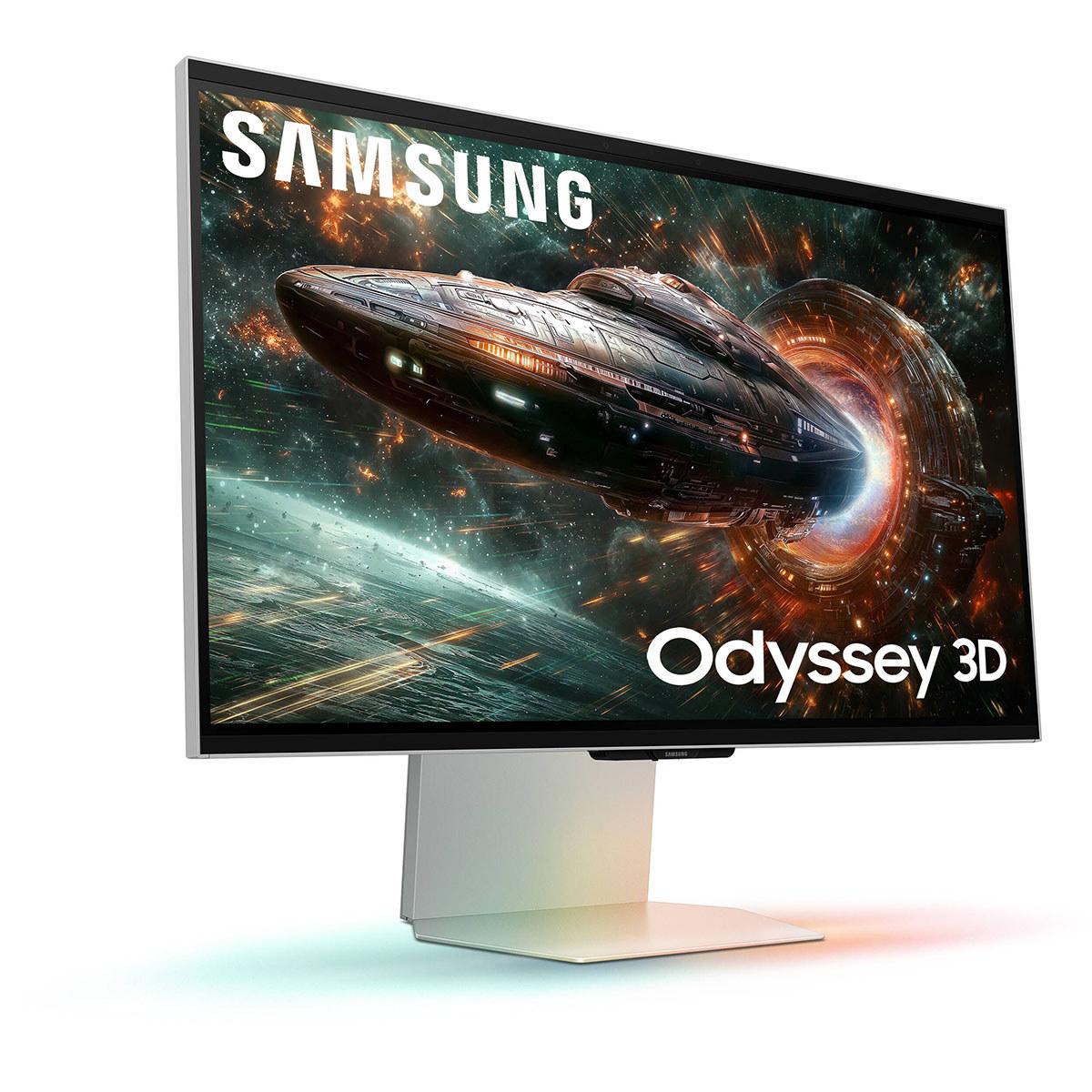
The Samsung Odyssey 3D G90XF represents Samsung's bold bet on glasses-free 3D gaming. Released in April 2025 for $1,999.99, it uses an IPS LCD panel enhanced with a lenticular lens array—essentially a sheet of tiny lenses that directs different images to each eye. Dual eye-tracking cameras monitor your head position, adjusting the 3D effect in real-time.
This isn't Samsung's first attempt at 3D displays, but previous efforts required special glasses or had limited viewing angles. The G90XF's breakthrough lies in its sophisticated eye-tracking system and AI-powered content conversion through Samsung's Reality Hub software.
The ASUS ROG Strix OLED XG27UCDMG takes a more traditional but refined approach. At $979.99, it features a 4th-generation QD-OLED panel—the latest evolution of quantum dot OLED technology. Unlike regular OLED displays that use white pixels with color filters, QD-OLED uses blue OLED pixels to excite quantum dots, creating purer colors and better brightness.
ASUS has been perfecting their OLED gaming monitors since 2022, and this latest version incorporates lessons learned from earlier models. The "4th-generation" designation isn't marketing speak—it represents genuine improvements in pixel structure, longevity, and manufacturing quality.
The Samsung uses a traditional IPS (In-Plane Switching) LCD panel as its foundation. IPS technology arranges liquid crystals horizontally, providing wide viewing angles and good color accuracy. However, IPS panels struggle with contrast because the backlight can never be completely blocked, leading to grayish blacks rather than true black.
Samsung's innovation lies in the lenticular lens overlay and dual eye-tracking cameras. The lenticular lenses—similar to those novelty cards that change images when you tilt them—direct slightly different images to each eye. The eye-tracking system uses infrared cameras to monitor your head position, adjusting the image mapping up to 120 times per second.
The AI 3D conversion feature analyzes 2D content in real-time, identifying objects, backgrounds, and depth cues to create a 3D effect. While not as convincing as native 3D content, it's surprisingly effective for movies and some games.
From my testing, the 3D effect works best when you're seated directly in front of the monitor at the optimal distance (about 24-28 inches). Move too far to either side, and the effect breaks down. The sweet spot is narrower than I'd like, but when you're in it, the depth effect is genuinely impressive.
The ASUS takes a fundamentally different approach with its QD-OLED panel. Instead of a backlight shining through layers, each pixel generates its own light. This eliminates the contrast limitations of LCD technology entirely—when a pixel needs to be black, it simply turns off.
The "QD" part stands for Quantum Dot, tiny semiconductor particles that emit specific colors when excited by blue light. This hybrid approach combines OLED's perfect blacks with quantum dots' color purity, resulting in both infinite contrast and wide color coverage.
The 4th-generation designation brings real improvements. Earlier QD-OLED panels sometimes showed a purple tint in dark rooms due to the quantum dot layer. This generation virtually eliminates that issue while improving text clarity—a common OLED weakness due to subpixel arrangements.
In practice, the difference is immediately obvious. Colors pop with intensity that LCD simply cannot match, while dark scenes reveal details that would be crushed in shadows on traditional displays.
Here's where the philosophical differences become stark. The Samsung Odyssey 3D offers a 165Hz refresh rate with 1ms gray-to-gray response time. The ASUS ROG OLED pushes to 240Hz with an incredible 0.03ms response time.
For context, most people can perceive smoothness improvements up to about 200Hz, with diminishing returns beyond that. The Samsung's 165Hz is excellent for virtually all gaming scenarios, including competitive titles. You'll get smooth motion in fast games like Apex Legends or Valorant.
The ASUS's 240Hz advantage becomes most apparent in competitive esports. That extra smoothness can help track fast-moving targets or reduce motion blur during quick camera movements. Combined with the 0.03ms response time—essentially instantaneous—it provides the ultimate in gaming responsiveness.
I've found the difference between 165Hz and 240Hz subtle but real. In single-player games, 165Hz feels perfectly smooth. In competitive multiplayer, especially games requiring precise tracking, 240Hz provides a slight but measurable advantage.
Both monitors support variable refresh rate (VRR) technology, which synchronizes your monitor's refresh rate with your graphics card's frame output. This eliminates screen tearing (when parts of different frames appear simultaneously) and reduces stuttering.
The Samsung supports AMD FreeSync Premium, NVIDIA G-SYNC Compatible, and HDMI Forum VRR. The ASUS goes slightly further with FreeSync Premium Pro, which adds low framerate compensation and enhanced HDR support.
In practice, both work excellently with modern graphics cards. The ASUS's broader VRR range (typically 1-240Hz vs 1-165Hz) provides smoother experiences when frame rates fluctuate widely.
HDR represents one of the biggest differences between these monitors. HDR expands the range between the darkest and brightest parts of an image, making games look more like what your eyes see in real life.
The Samsung supports HDR10 and HDR10+ Gaming, but its IPS panel limits the experience. With 350 nits peak brightness and a 1000:1 contrast ratio, HDR content looks better than SDR but lacks the impact of true HDR displays.
The ASUS achieves VESA DisplayHDR 400 True Black certification—a demanding standard that requires both high peak brightness (1000 nits) and perfect blacks. The result is HDR that genuinely transforms supported games. Bright explosions bloom realistically while dark areas maintain detail.
I've spent considerable time with both monitors in HDR games like Cyberpunk 2077 and Horizon Zero Dawn. The Samsung provides a pleasant HDR experience, but the ASUS delivers the "wow factor" that makes you notice lighting and contrast in ways you hadn't before.
There's one crucial limitation with the Samsung: you cannot use HDR and 3D simultaneously. This represents a significant compromise for a $2000 monitor, forcing you to choose between its headline features.
Samsung's glasses-free 3D represents the monitor's most unique selling point. After spending weeks with the technology, I can report both genuine excitement and notable limitations.
When it works, the 3D effect is remarkable. Native 3D games like "The First Berserker: Khazan" create convincing depth that extends both into and out of the screen. Characters and objects appear to have genuine dimensionality, creating an immersion level that traditional displays simply cannot match.
The AI 3D conversion is more hit-or-miss. YouTube videos often gain pleasant depth, especially content with clear foreground and background separation. However, the effect varies wildly depending on content type. Complex scenes with multiple depth layers can look confusing, while flat interfaces (like websites or productivity apps) gain no benefit.
The Reality Hub software serves as the gateway to 3D content, but the ecosystem remains limited. At launch, only a handful of games support native 3D, though Samsung promises more are coming. The reliance on this specific ecosystem feels limiting compared to the universal compatibility of traditional display features.
From a technical standpoint, running 3D at 4K requires serious graphics power. The monitor essentially renders two slightly different 1920x2160 images simultaneously. This means your graphics card works significantly harder, and you'll need something like an RTX 4080 or better for demanding games.
OLED technology brings one persistent concern: burn-in, where static images can permanently imprint on the display. ASUS addresses this with their OLED Care Pro system, which includes several protective features.
The Neo Proximity Sensor detects when you step away from the monitor, automatically switching to a black screen to prevent static image burn-in. Pixel cleaning routines run automatically, while taskbar detection can hide or move static elements.
Anti-Flicker 2.0 represents another practical improvement. Early OLED monitors could exhibit visible flicker when using variable refresh rates, especially at lower frame rates. This generation reduces flicker by 20% compared to previous versions, making extended gaming sessions more comfortable.
In my experience with OLED gaming monitors over the past two years, burn-in concerns have proven largely overblown for normal gaming use. The automatic protective features work well, and varied gaming content rarely creates the static patterns that cause problems.
The Samsung's IPS panel avoids burn-in concerns entirely, though it faces its own longevity questions around the 3D system's mechanical complexity and software ecosystem support.
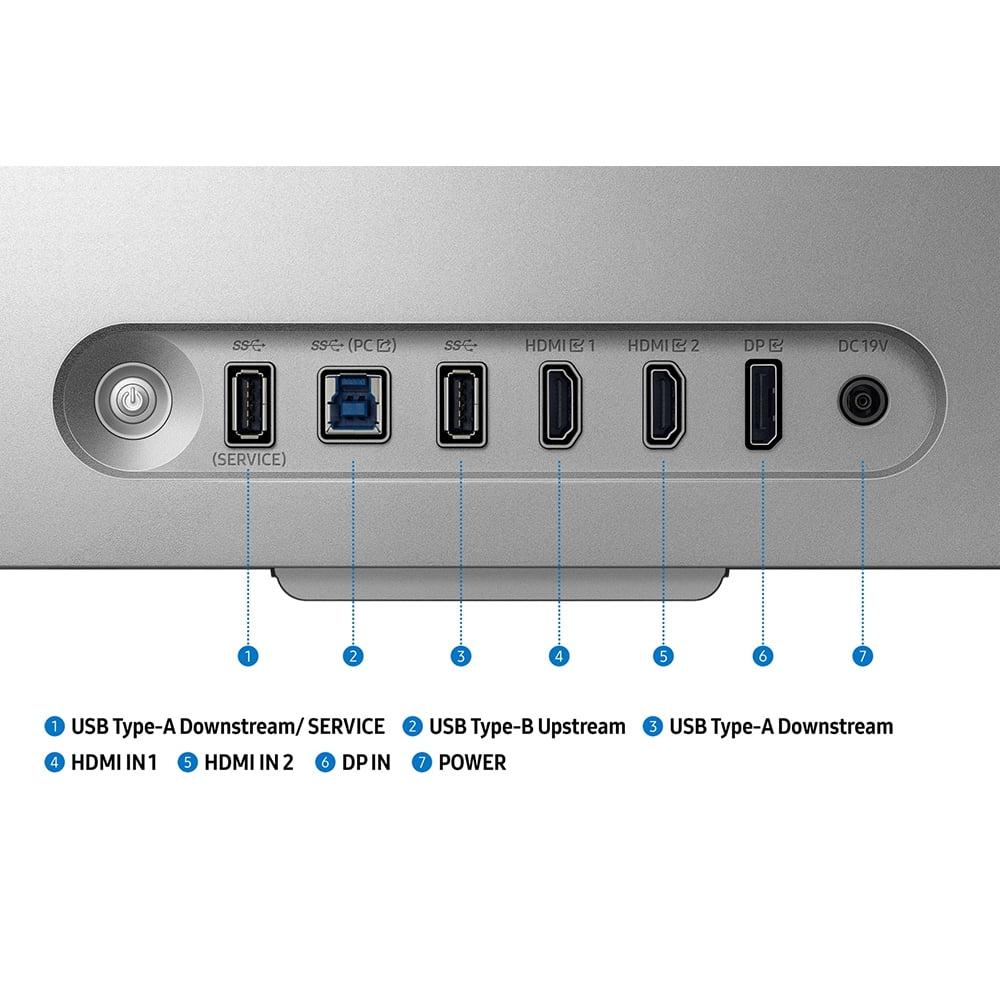
Both monitors offer comprehensive connectivity, but with different strengths. The ASUS monitor includes DisplayPort 1.4, dual HDMI 2.1 ports, and USB-C with 90W Power Delivery. The USB-C connection is particularly useful for laptops, providing both display signal and charging through a single cable.
The Samsung provides similar connectivity options, though specific port versions weren't detailed in available specifications. Both monitors support the latest HDMI 2.1 features including Auto Low Latency Mode (ALLM) for console gaming.
Auto KVM functionality on the ASUS deserves special mention. This feature lets you switch between different connected devices (like a PC and laptop) while using the same keyboard and mouse. It's incredibly convenient for users juggling multiple systems.
While primarily gaming monitors, both displays work for movie watching with different strengths and limitations.
The Samsung's 3D capability offers unique appeal for 3D movie content, though the glasses-free technology works better with animated content than live-action films. The AI conversion can add depth to regular movies, but results vary significantly by content type.
The ASUS excels for HDR movie content thanks to its superior contrast and brightness capabilities. Dolby Vision support would be nice (it's available on ASUS's higher-end PG27UCDM), but HDR10 content still looks excellent.
Both monitors lack built-in smart TV features, requiring external streaming devices for Netflix, Disney+, and similar services. The ASUS's USB-C connectivity makes it easy to connect streaming sticks or laptops for content.
For serious home theater use, both monitors' 27-inch size feels limiting compared to larger displays or projectors. They work well for personal viewing or small spaces but won't replace a proper home theater setup.
The pricing difference between these monitors tells a clear story. At $979.99, the ASUS ROG OLED undercuts most premium OLED gaming monitors while matching or exceeding their performance. You're getting cutting-edge OLED technology, 240Hz gaming, and comprehensive features at what feels like a reasonable price for the category.
The Samsung Odyssey 3D's $1,999.99 price tag represents a significant premium for its 3D technology. You're essentially paying over $1,400 more than comparable 4K 165Hz IPS gaming monitors for the 3D capability and associated features.
This pricing makes the decision framework clear: the Samsung only makes sense if glasses-free 3D genuinely appeals to your specific use case and budget allows for experimental technology. For everyone else, the ASUS provides dramatically better value with proven, excellent performance.
Choose the Samsung Odyssey 3D if you're genuinely excited by glasses-free 3D technology and willing to pay a significant premium for innovation. The 3D effect, when it works well, provides a unique experience unavailable elsewhere. You should also be comfortable with a smaller software ecosystem and the need for powerful graphics hardware to drive 3D at 4K.
The ASUS ROG OLED makes sense for almost everyone else. It provides superior contrast, faster refresh rates, better HDR, and exceptional value in the premium gaming monitor category. The proven OLED technology, comprehensive connectivity, and strong price-to-performance ratio make it an easy recommendation.
For competitive gamers, the ASUS's 240Hz refresh rate and 0.03ms response time provide measurable advantages. For single-player gaming and content consumption, the superior contrast and HDR capabilities create more impactful visual improvements than the Samsung's 3D technology for most content.
The bottom line? Unless you're specifically seeking 3D capability, the ASUS delivers better performance, better value, and better long-term prospects. Samsung's 3D innovation is impressive, but it's expensive innovation that benefits a narrow use case rather than improving the fundamental gaming experience for most users.
| Samsung 27" Odyssey 3D G90XF 4K 165Hz Gaming Monitor | ASUS ROG Strix OLED XG27UCDMG 27" 4K 240Hz Gaming Monitor |
|---|---|
| Price - Consider the $1,000+ premium for experimental 3D technology | |
| $1,999.99 | $979.99 |
| Display Technology - Fundamental difference affecting contrast and image quality | |
| IPS LCD with lenticular lens for glasses-free 3D | 4th-generation QD-OLED with self-emitting pixels |
| Refresh Rate - Higher numbers mean smoother motion in fast games | |
| 165Hz (excellent for most gaming) | 240Hz (ideal for competitive esports) |
| Response Time - Lower is better for reducing motion blur | |
| 1ms G2G (very good) | 0.03ms GTG (essentially instantaneous) |
| Contrast Ratio - OLED's infinite contrast creates much deeper blacks | |
| 1000:1 (typical IPS limitation) | 1,500,000:1 (true blacks when pixels turn off) |
| Peak Brightness - Affects HDR impact and daytime visibility | |
| 350 nits SDR (adequate for most rooms) | 1000 nits HDR peak (excellent for HDR content) |
| Color Coverage - Wider gamuts display more vivid, accurate colors | |
| 99% sRGB (good color accuracy) | 99% DCI-P3, 145% sRGB (exceptional color range) |
| Unique Features - The core differentiator between these monitors | |
| Glasses-free 3D with AI conversion, Edge Lighting | OLED Care Pro, Anti-Flicker 2.0, 90W USB-C Power Delivery |
| HDR Support - Better HDR creates more realistic lighting and contrast | |
| HDR10/HDR10+ (limited by LCD panel) | VESA DisplayHDR 400 True Black (excellent HDR performance) |
| 3D Capability - Only available on the Samsung | |
| Eye-tracking 3D without glasses, AI 2D-to-3D conversion | None (traditional 2D display) |
| Connectivity - Both offer modern gaming connections | |
| HDMI 2.1, DisplayPort, USB-C | 2x HDMI 2.1, DisplayPort 1.4, USB-C with 90W charging |
| Burn-in Risk - Important for long-term durability | |
| None (LCD technology immune to burn-in) | Potential risk mitigated by advanced OLED Care features |
| Best For - Target audience for each monitor | |
| 3D gaming pioneers, content creators, tech showcases | Competitive gamers, HDR enthusiasts, value-conscious OLED buyers |
The ASUS ROG Strix OLED XG27UCDMG for $979.99 is better for most gaming scenarios. It offers a faster 240Hz refresh rate, 0.03ms response time, and superior contrast with true blacks. The Samsung Odyssey 3D G90XF for $1,999.99 provides a unique 3D gaming experience but at 165Hz with standard IPS contrast limitations.
The primary difference is display technology and unique features. The Samsung Odyssey 3D G90XF uses IPS LCD with glasses-free 3D capability, while the ASUS ROG OLED uses advanced QD-OLED technology for superior contrast and color. Samsung focuses on 3D innovation, while ASUS emphasizes proven OLED performance.
The ASUS ROG Strix OLED XG27UCDMG at $979.99 provides significantly better value. You get premium OLED technology, 240Hz gaming, and excellent HDR performance at half the price of the Samsung Odyssey 3D at $1,999.99, which charges a $1,000+ premium primarily for experimental 3D features.
Most gamers don't need 3D functionality. The glasses-free 3D on the Samsung Odyssey 3D works with limited games and requires powerful hardware. Unless you're specifically interested in 3D gaming experiences, the ASUS OLED's superior refresh rate, contrast, and HDR provide more noticeable gaming improvements.
The ASUS ROG Strix OLED XG27UCDMG is superior for competitive gaming with its 240Hz refresh rate and 0.03ms response time compared to the Samsung's 165Hz and 1ms response time. The ASUS also offers better motion clarity and lower input lag for competitive advantages.
The ASUS ROG OLED significantly outperforms the Samsung Odyssey 3D for HDR content. The ASUS achieves 1000 nits peak brightness with infinite contrast, while Samsung's IPS panel is limited to 350 nits with 1000:1 contrast. Additionally, Samsung cannot use HDR and 3D simultaneously.
The ASUS ROG Strix OLED XG27UCDMG offers superior color performance with 99% DCI-P3 and 145% sRGB coverage compared to the Samsung Odyssey 3D's 99% sRGB coverage. The OLED technology also provides more vibrant colors and better color accuracy with Delta E < 2 out of the box.
Only the ASUS OLED monitor has potential burn-in risk, but it includes advanced OLED Care Pro features like proximity sensors and automatic pixel cleaning to prevent this. The Samsung IPS monitor has no burn-in risk but faces questions about the longevity of its complex 3D mechanical systems.
Both monitors work well with consoles through HDMI 2.1, but the ASUS ROG OLED provides better overall console gaming with superior HDR, faster response times, and better motion handling. The Samsung's 3D features don't work with consoles, limiting its unique selling point to PC gaming only.
The ASUS ROG Strix OLED is excellent for movies with its superior contrast, HDR performance, and color accuracy. The Samsung Odyssey 3D offers unique 3D movie experiences and AI conversion of 2D content, but the 3D effect works better with animated content than live-action films.
The ASUS ROG OLED XG27UCDMG provides more comprehensive connectivity with dual HDMI 2.1, DisplayPort 1.4, and USB-C with 90W Power Delivery for laptop charging. Both monitors offer modern gaming connections, but the ASUS includes more practical features like Auto KVM for device switching.
The ASUS ROG Strix OLED at $979.99 is more future-proof with its 240Hz capability, advanced OLED technology, and established ecosystem support. The Samsung Odyssey 3D at $1,999.99 represents experimental technology with an uncertain content ecosystem, making the ASUS a safer long-term investment for most users.
We've done our best to create useful and informative comparisons to help you decide what product to buy. Our research uses advanced automated methods to create this comparison and perfection is not possible - please contact us for corrections or questions. These are the sites we've researched in the creation of this article: hometechnologyreview.com - substack.com - rtings.com - youtube.com - techaeris.com - versus.com - tomsguide.com - avsforum.com - youtube.com - versus.com - bestbuy.com - samsung.com - samsung.com - samsung.com - samsung.com - m.media-amazon.com - bestbuy.com - rog.asus.com - forum.pcmonitors.info - rog.asus.com - windowscentral.com - versus.com - youtube.com - youtube.com - rtings.com - rtings.com - rog.asus.com - rog.asus.com - rog.asus.com - tenforums.com - rog.asus.com - techpowerup.com - bestbuy.com - newegg.com - displayspecifications.com - youtube.com - tftcentral.co.uk - displayninja.com

Privacy Policy
Terms and Conditions - Affiliate Policy
Home Security
© Copyright 2008-2026.
11816 Inwood Rd #1211, Dallas, TX 75244