

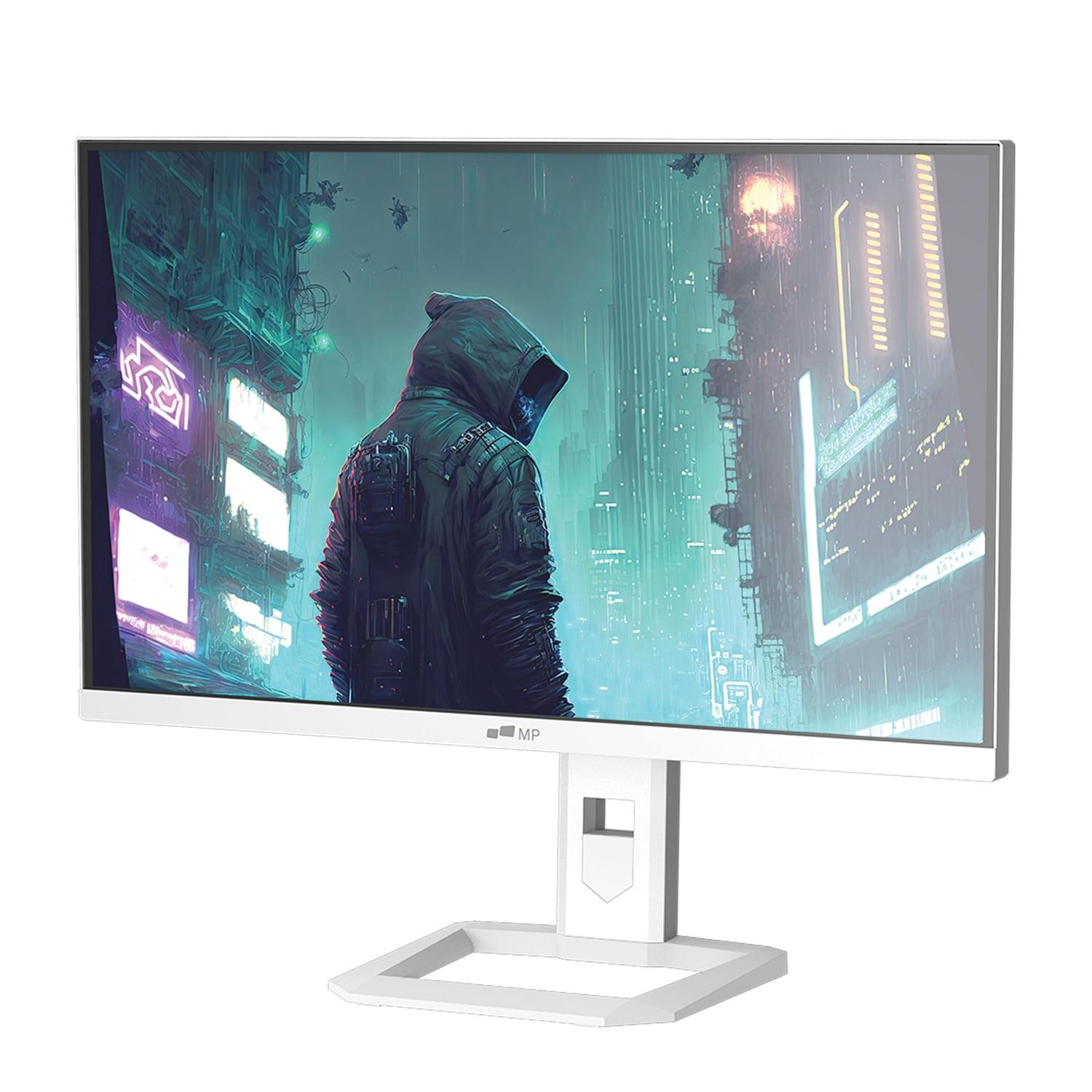
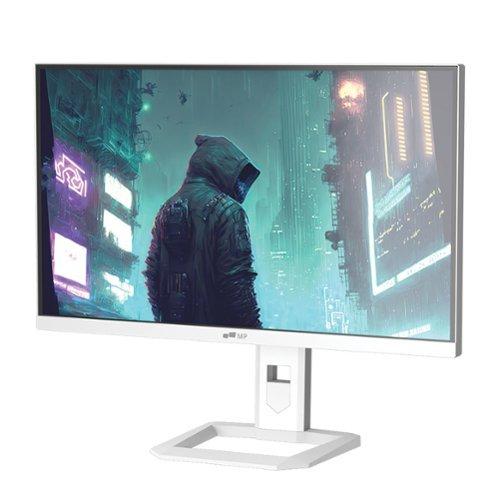
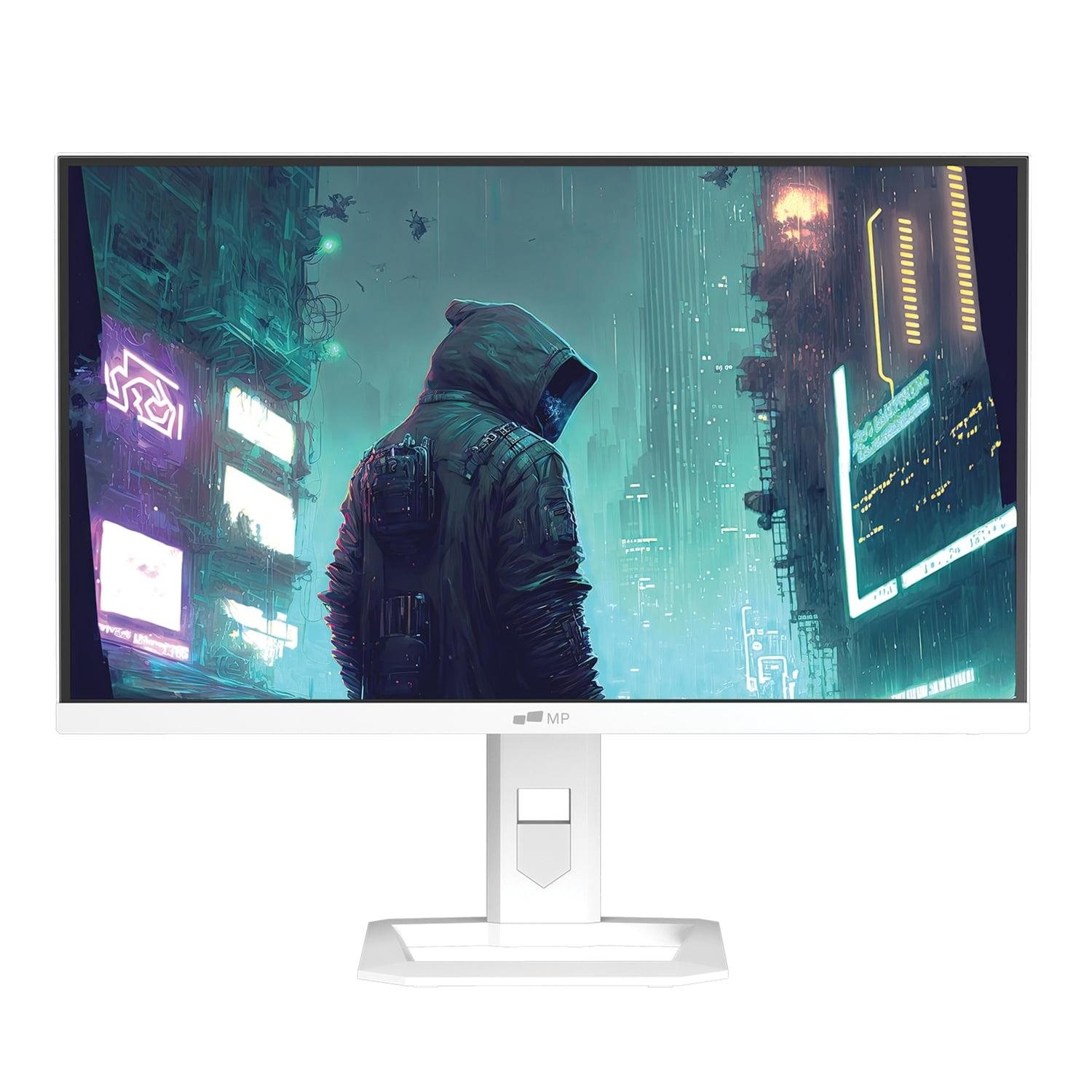
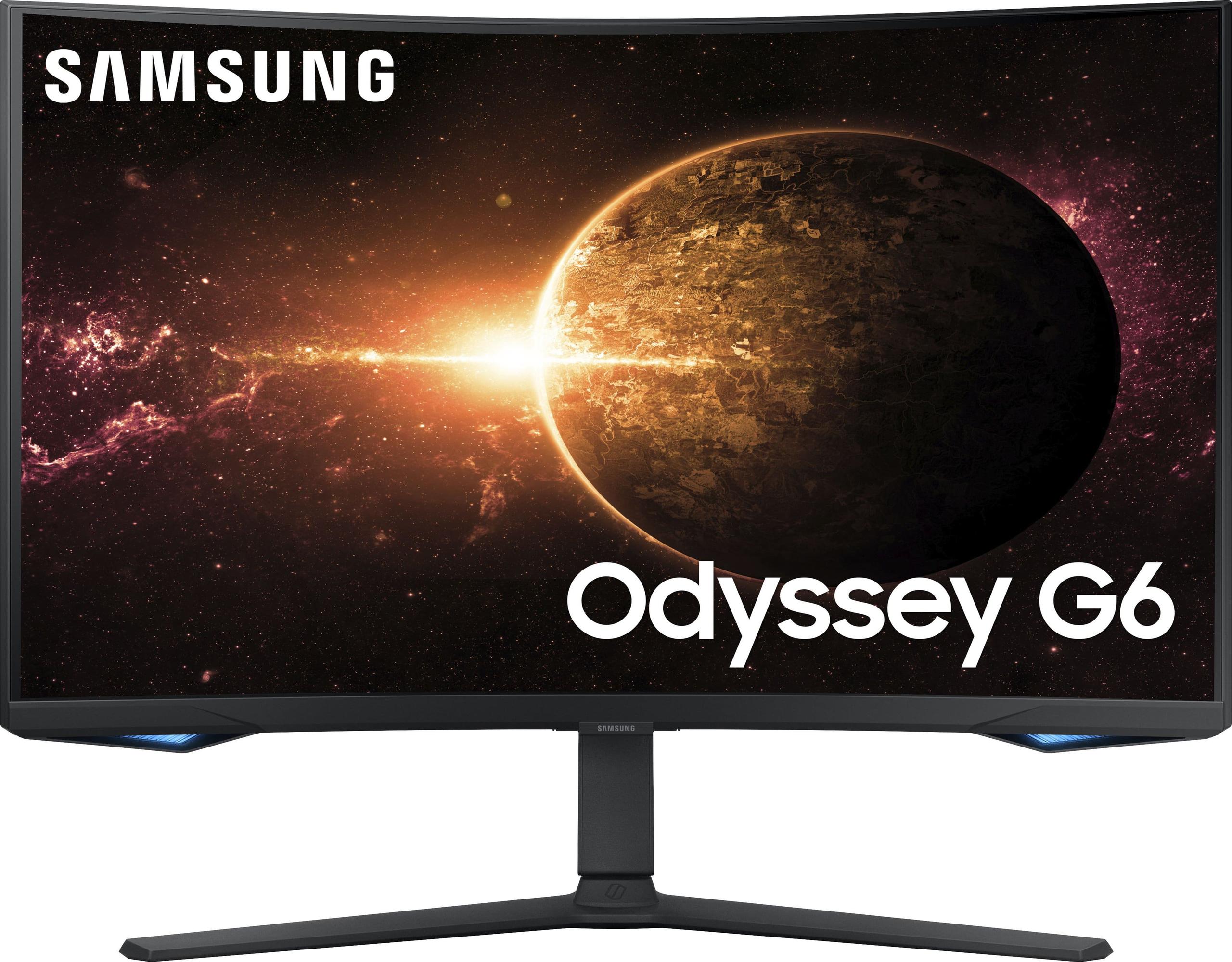
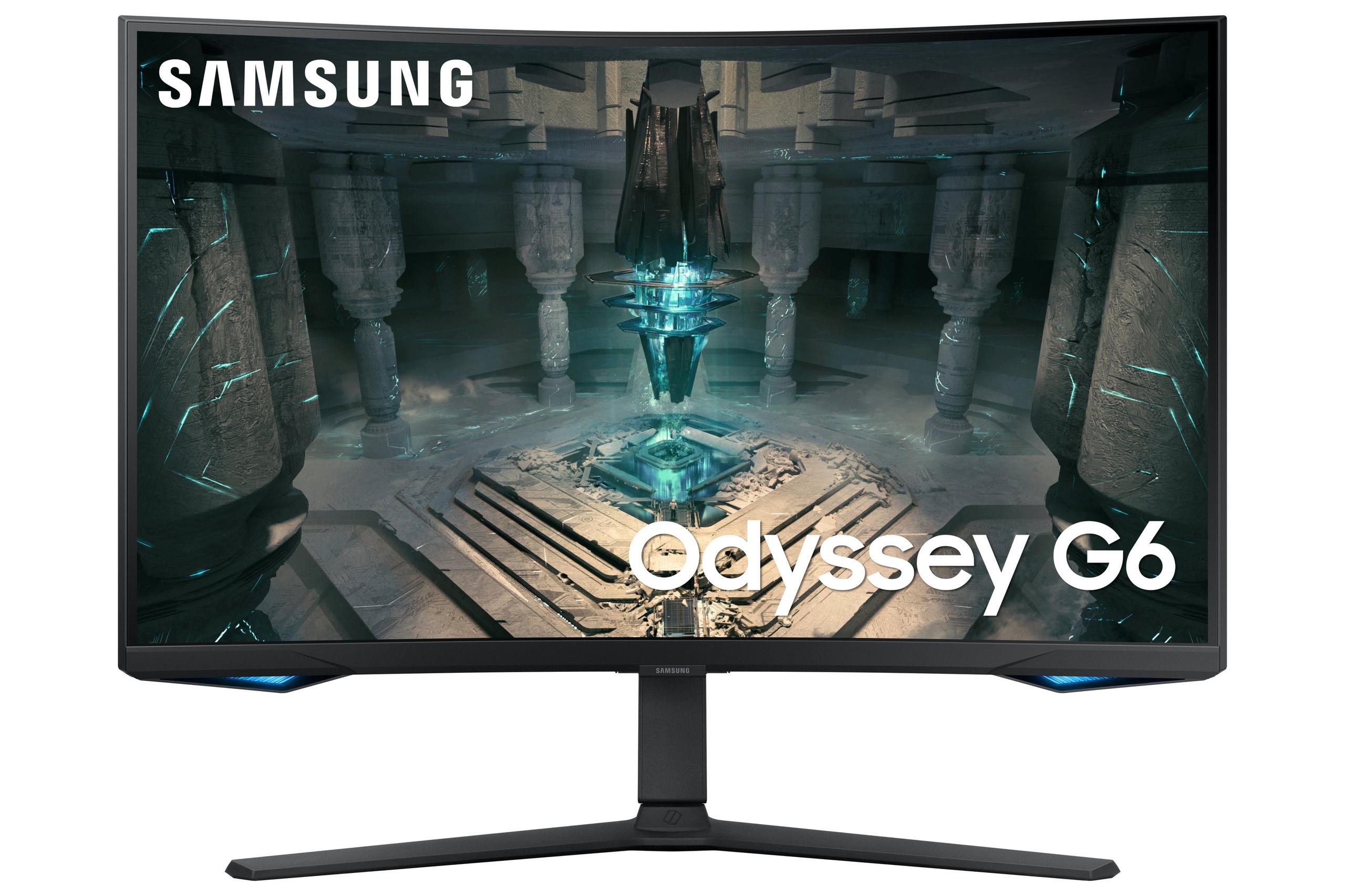
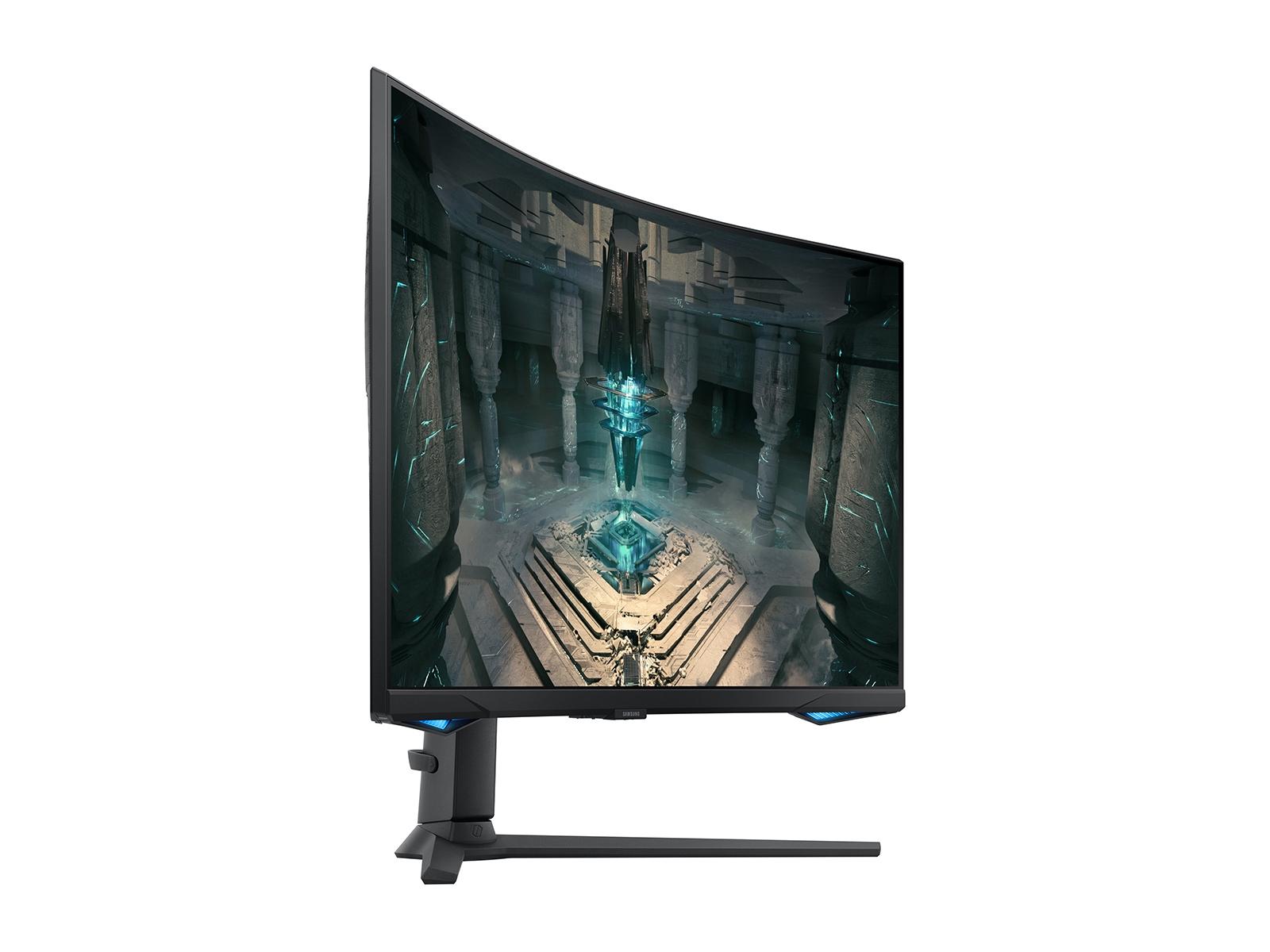
When you're shopping for a new gaming monitor, the sheer number of options can feel overwhelming. Today, I'm breaking down two compelling 27-inch monitors that take very different approaches to delivering an excellent gaming experience: the Mobile Pixels 27" WQHD Mini-LED Gaming Monitor and the Samsung Odyssey G65B 27" QHD 240Hz Curved Gaming Monitor.
Both monitors hit that sweet spot of 1440p resolution (also called QHD, which stands for Quad High Definition), but they couldn't be more different in their philosophies. One prioritizes stunning visual quality, while the other focuses on lightning-fast performance. Let me help you figure out which approach matches your gaming style.
Before diving into specifics, it's worth understanding what separates a good gaming monitor from a great one. The 27-inch QHD category has become incredibly popular because it offers the perfect balance—you get much sharper visuals than 1080p without the massive performance hit that comes with 4K gaming.
The key factors that matter most are refresh rate (how many times per second the screen updates), response time (how quickly pixels change color), display technology (what creates the image you see), and color accuracy. Think of refresh rate like frames per second in a movie—higher numbers mean smoother motion. Response time is crucial for eliminating ghosting, where fast-moving objects leave trails behind them.
The Mobile Pixels monitor, released in 2024, represents the latest in Mini-LED technology. Mini-LED is a backlighting technique that uses thousands of tiny LEDs behind the screen to create incredibly bright highlights and deep shadows. It's like having thousands of tiny flashlights precisely controlling different parts of your screen.
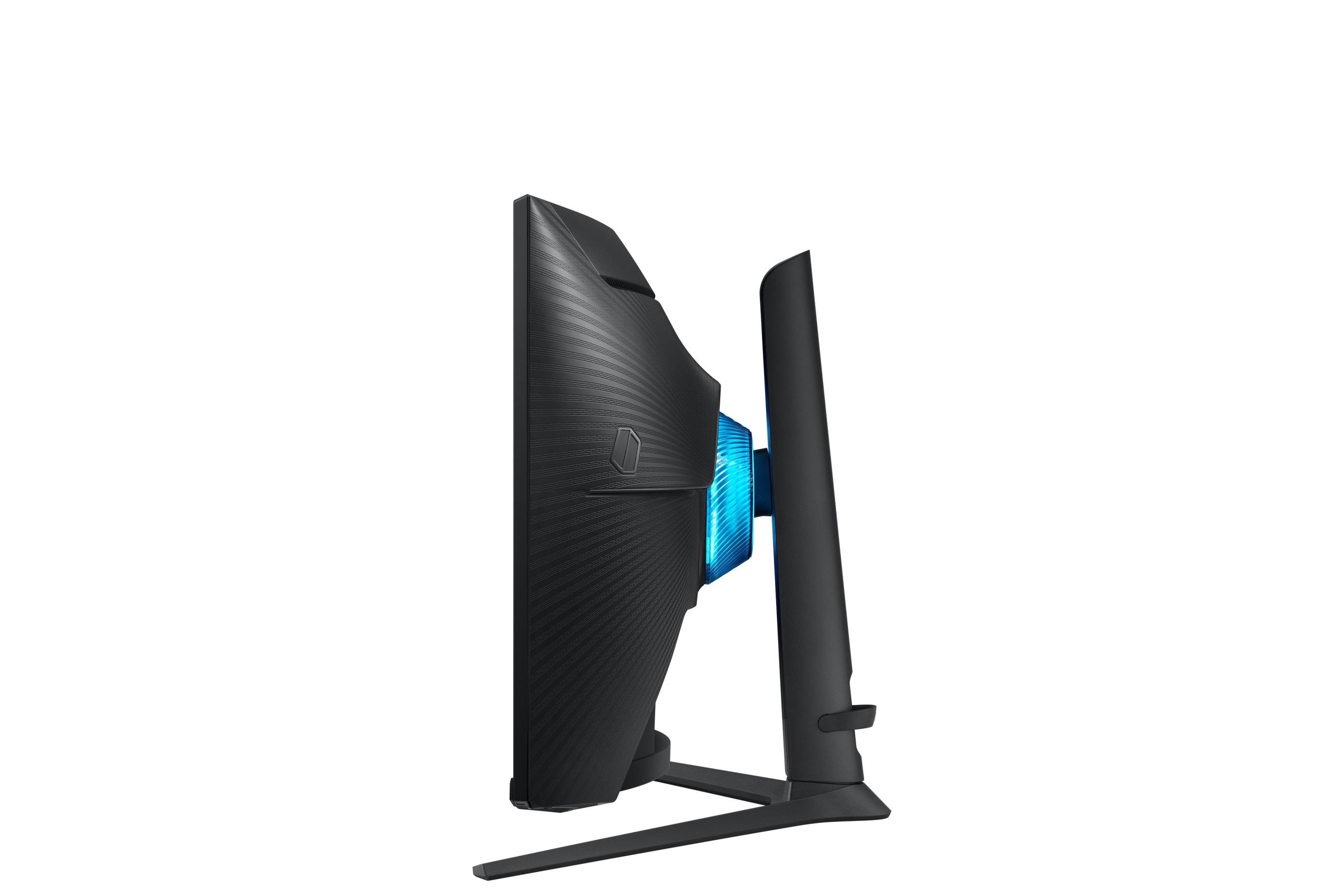
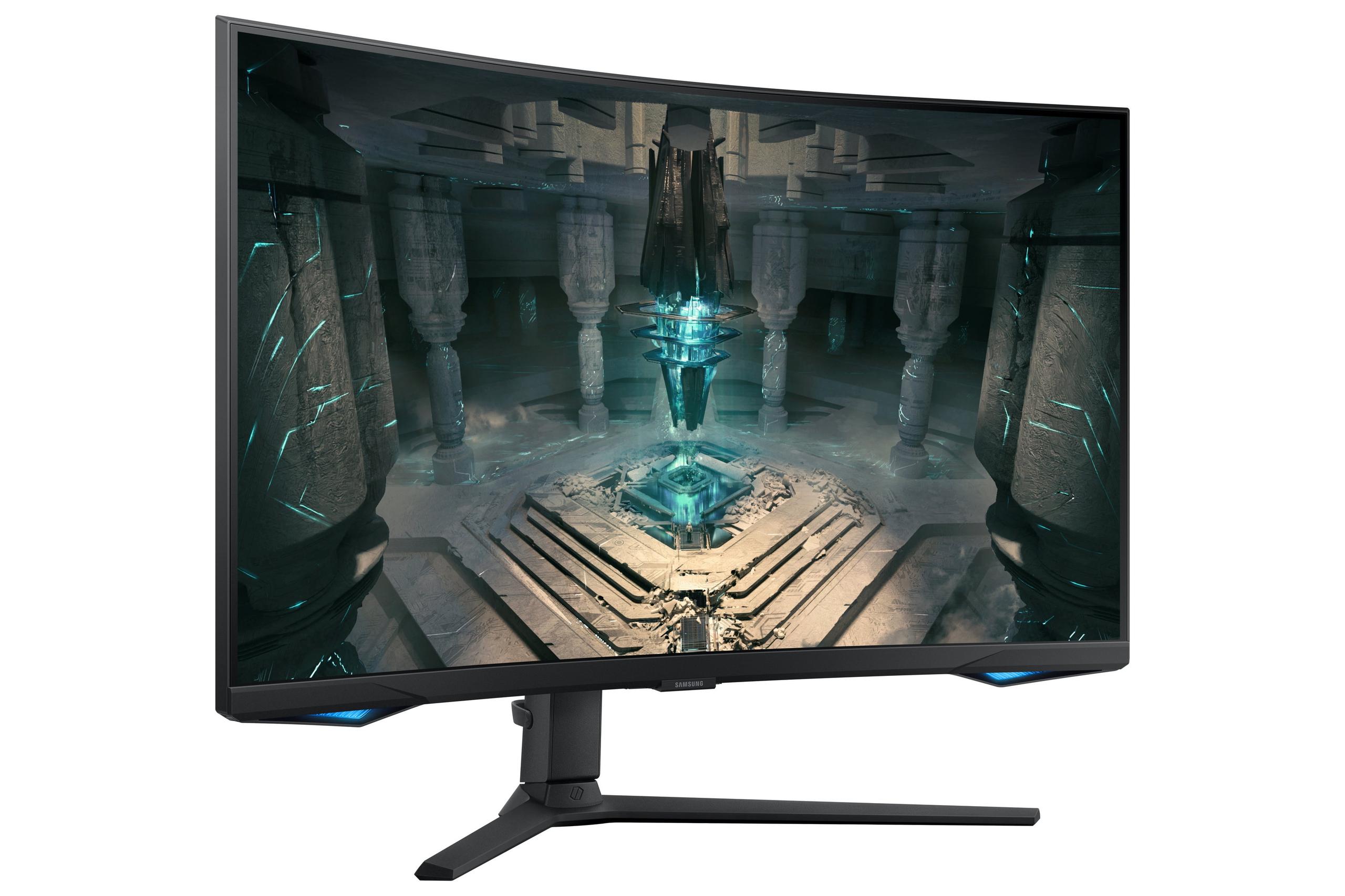
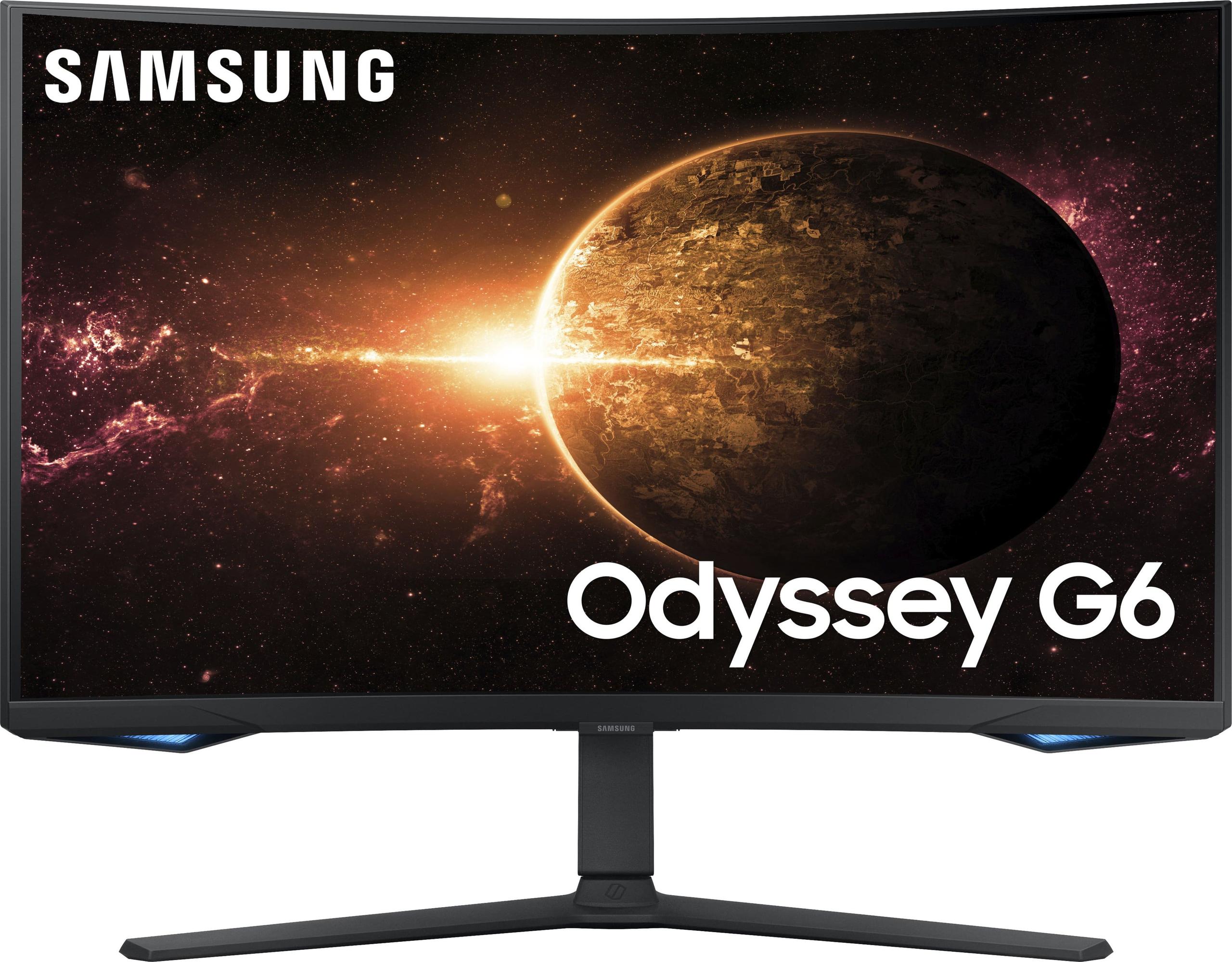
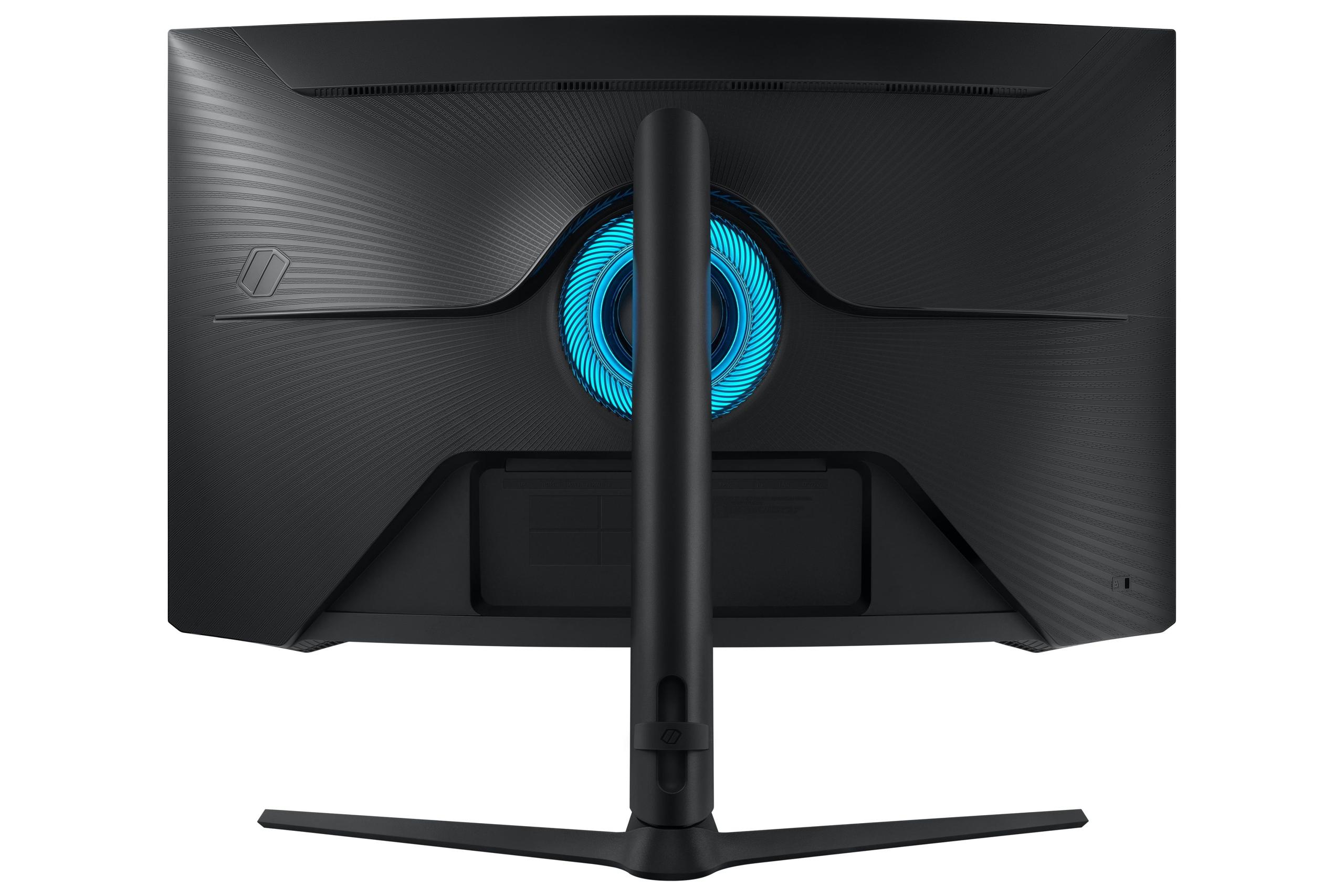
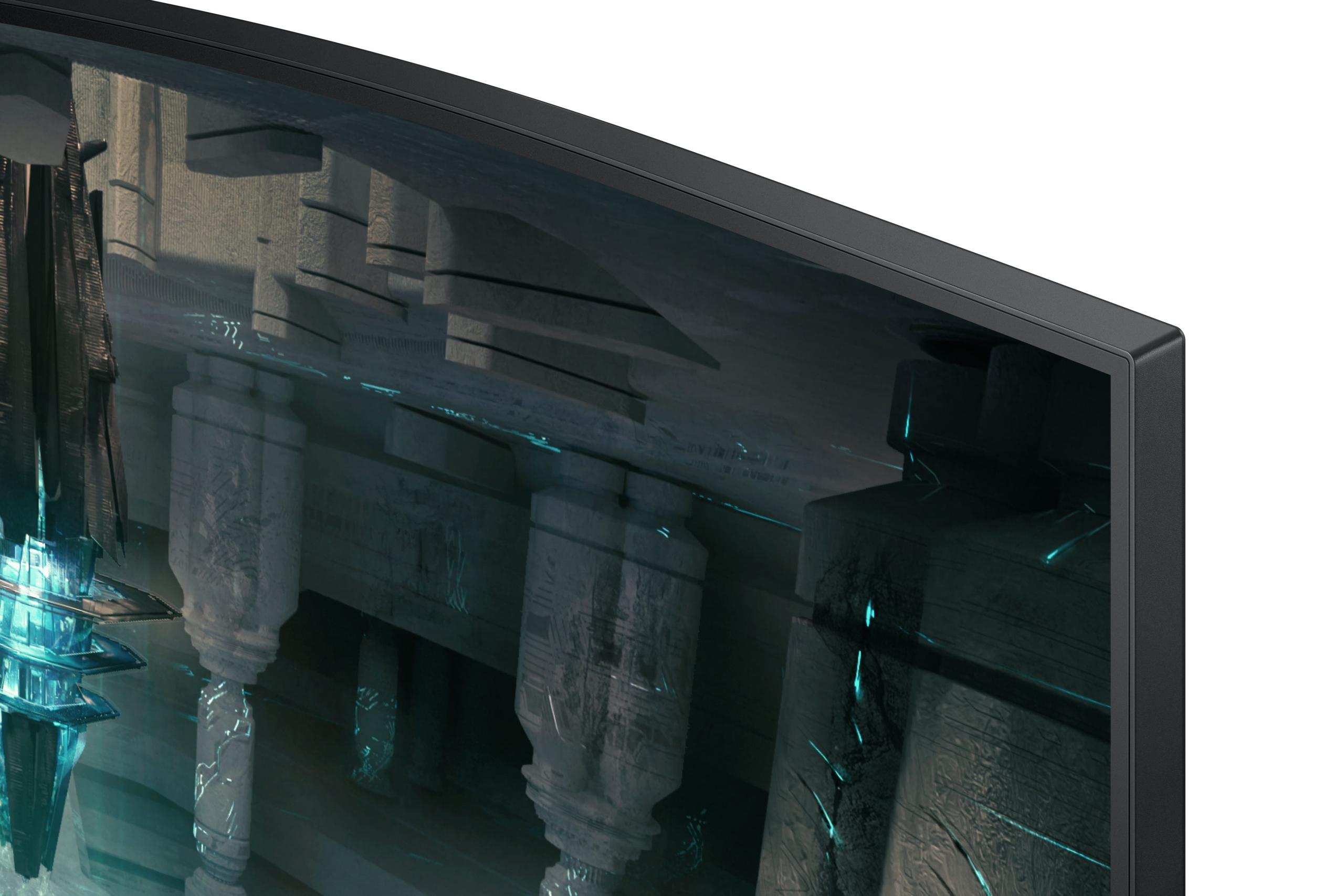
The Samsung Odyssey G65B, also from 2024, takes a different route with its aggressive 1000R curve (the "R" refers to the radius of curvature—1000mm in this case) and VA panel technology. VA stands for Vertical Alignment, a panel type known for excellent contrast ratios, meaning the difference between the darkest blacks and brightest whites.
Here's where these monitors diverge most dramatically. The Samsung G65B pushes a blistering 240Hz refresh rate, while the Mobile Pixels tops out at 180Hz. To put this in perspective, most console games run at 60Hz, and 120Hz is considered excellent for gaming.
In practical terms, if you're playing competitive shooters like Counter-Strike or Valorant, those extra 60Hz on the Samsung can provide a genuine advantage. Your reactions will feel more immediate, and tracking fast-moving targets becomes noticeably easier. However, 180Hz is still incredibly smooth—the difference between 180Hz and 240Hz is much less noticeable than jumping from 60Hz to 120Hz.
Both monitors achieve that crucial 1ms response time, which means pixel transitions happen almost instantaneously. This eliminates the ghosting effect that can make fast-paced gaming feel blurry or imprecise.
The Samsung monitor includes several motion enhancement technologies that competitive gamers will appreciate. It offers multiple overdrive settings (Standard, Faster, and Extreme) that let you fine-tune how aggressively the monitor pushes pixels to change colors. There's also Motion Blur Reduction (MBR), which uses black frame insertion to create even crisper motion at the cost of some brightness.
The Mobile Pixels display focuses more on natural motion clarity through its Mini-LED technology. While it may not have as many gaming-specific motion settings, the superior local dimming control means fast-moving objects maintain better detail and contrast.
This is where the Mobile Pixels monitor absolutely dominates. With 1000 nits of peak brightness and HDR1000 certification, it can display images that are genuinely eye-searing in the best way possible. HDR (High Dynamic Range) content, whether from games or movies, will have highlights that pop off the screen and shadows that retain detail.
The Samsung G65B, with its 350 cd/m² standard brightness (600 cd/m² in HDR mode), is respectable but can't compete with that level of luminance. DisplayHDR 600 certification is decent, but you'll notice the difference immediately when viewing HDR content side by side.
For home theater use, this brightness advantage makes the Mobile Pixels monitor significantly more compelling. Whether you're watching the latest Marvel movie or playing through a cinematic game like The Witcher 3, that extra brightness creates a more immersive experience, especially in rooms with ambient light.
Here's where the Samsung monitor fights back. Its VA panel delivers a 2500:1 static contrast ratio, which means blacks appear much deeper than typical monitors. When you're gaming in dark environments—think horror games or space simulators—those inky blacks create genuine atmosphere.
The Mobile Pixels display counters with its Mini-LED local dimming, which uses hundreds of dimming zones to darken specific areas of the screen. While its 1,000:1 contrast ratio seems lower on paper, the local dimming can create OLED-like blacks in specific areas while maintaining bright highlights elsewhere.
Both monitors cover around 94-95% of the DCI-P3 color space, which is the standard for digital cinema. This means colors will appear vibrant and accurate whether you're gaming, watching movies, or doing creative work. The difference in color performance between these two is minimal—both are excellent.
The design difference here is immediately obvious and highly personal. The Samsung G65B features an aggressive 1000R curve that wraps around your peripheral vision. This curvature matches the natural curve of your eyes, theoretically creating a more immersive experience.
I'll be honest—curved monitors are divisive. Some gamers absolutely love the wraparound effect, especially for racing games or flight simulators where it enhances the sense of speed and immersion. Others find it distracting or prefer the traditional flat approach for productivity work alongside gaming.
The Mobile Pixels monitor sticks with a flat design, which offers more versatility. It's better for multi-monitor setups, professional work, and users who frequently adjust their viewing angle.
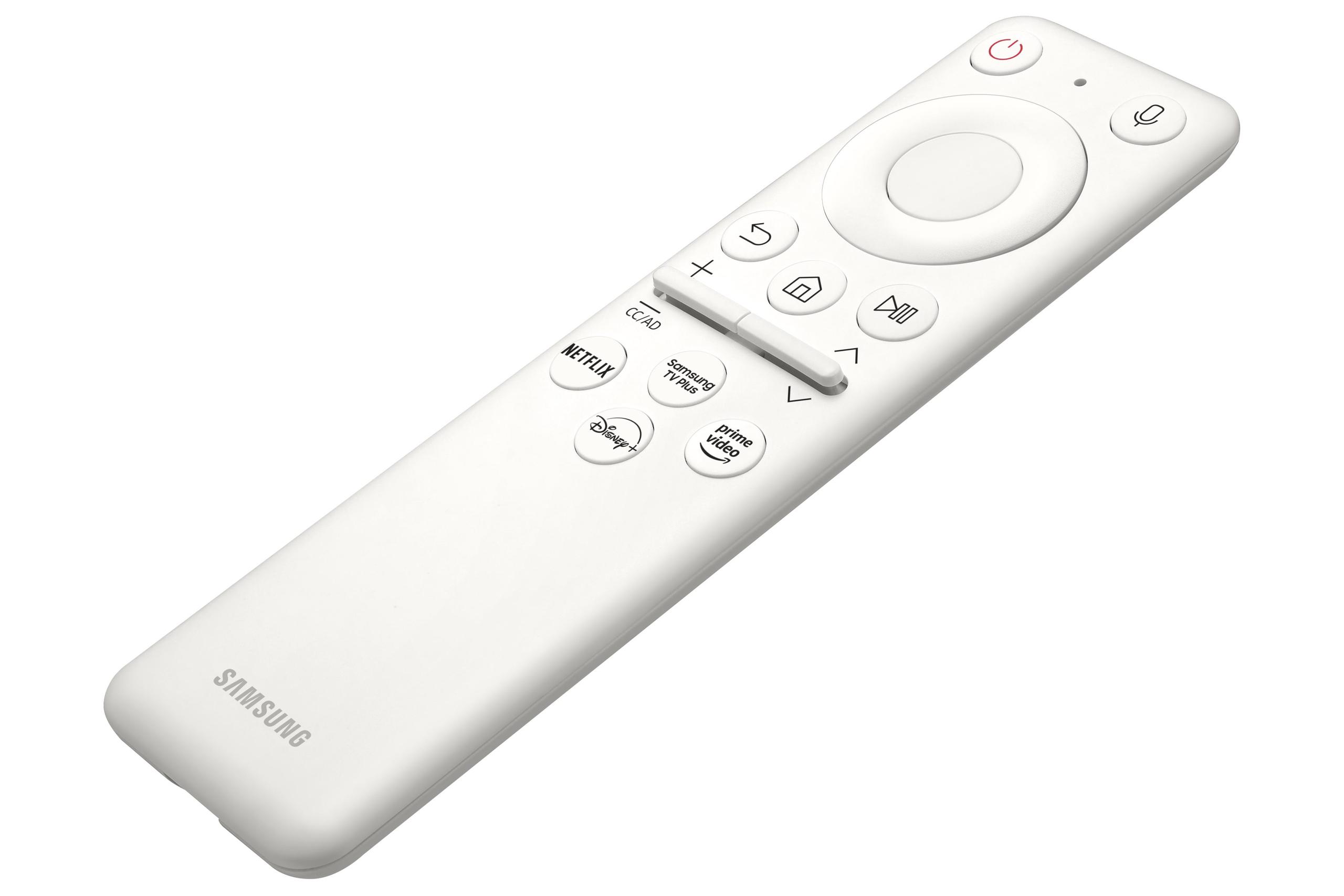
The Samsung Odyssey G65B includes something unique in this category: a built-in Tizen smart OS. This essentially turns your monitor into a smart TV, capable of running Netflix, Amazon Prime, and even cloud gaming services without any connected devices. It includes Samsung's Gaming Hub, which provides access to Xbox Game Pass, NVIDIA GeForce Now, and other streaming gaming platforms.
This smart functionality is genuinely useful, especially if you're setting up a bedroom gaming station or want to reduce cable clutter. The monitor also includes far-field voice control, letting you adjust settings or launch apps hands-free.
The Mobile Pixels display takes a more traditional approach, focusing on being an excellent display rather than a smart device. While this means fewer features, it also means fewer potential points of failure and a cleaner, more focused experience.
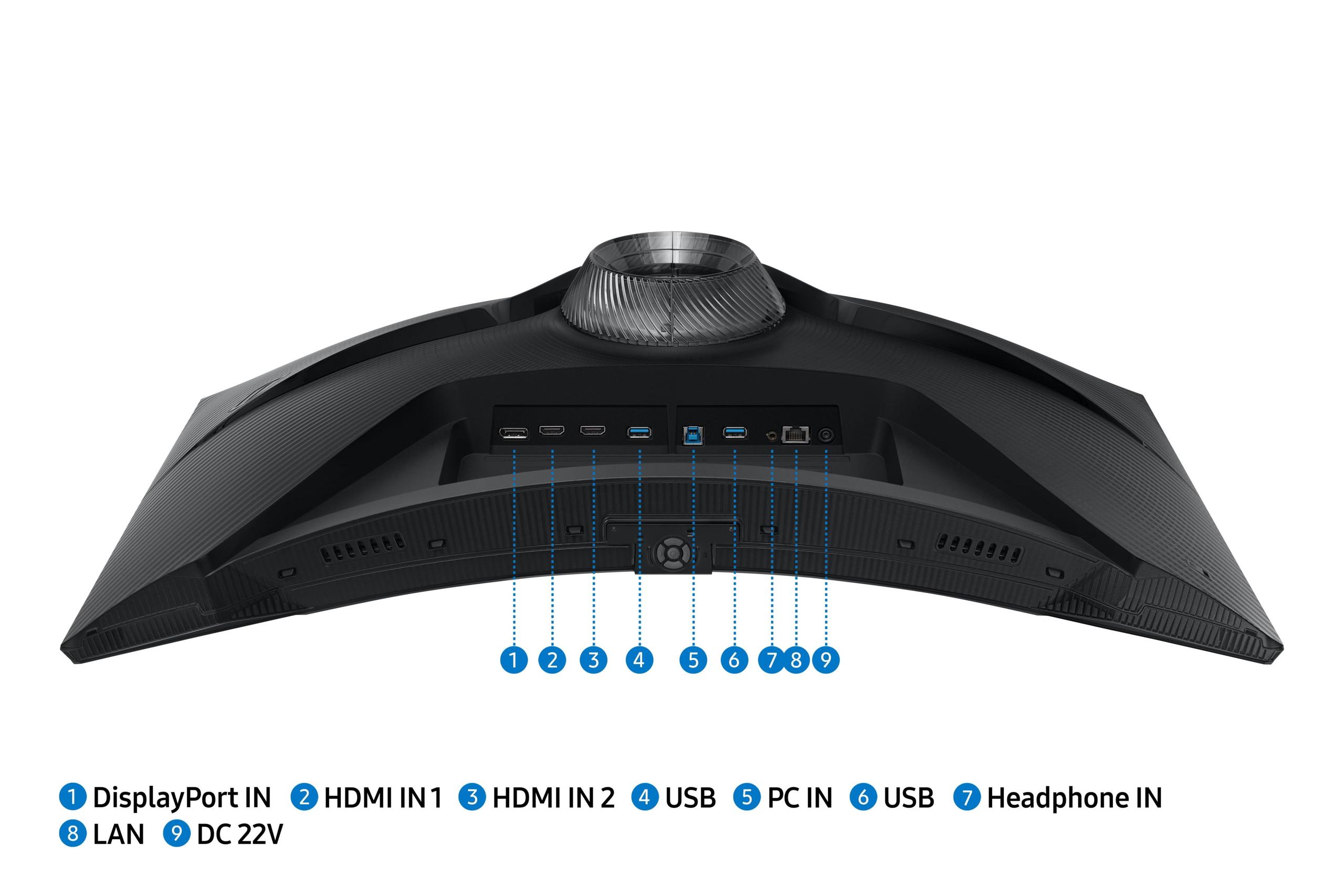
The Samsung monitor wins decisively here with 2x HDMI 2.1 ports, DisplayPort 1.4, two USB 3.0 ports for peripheral connectivity, and built-in speakers. The USB hub functionality is particularly useful for connecting accessories without reaching back to your PC.
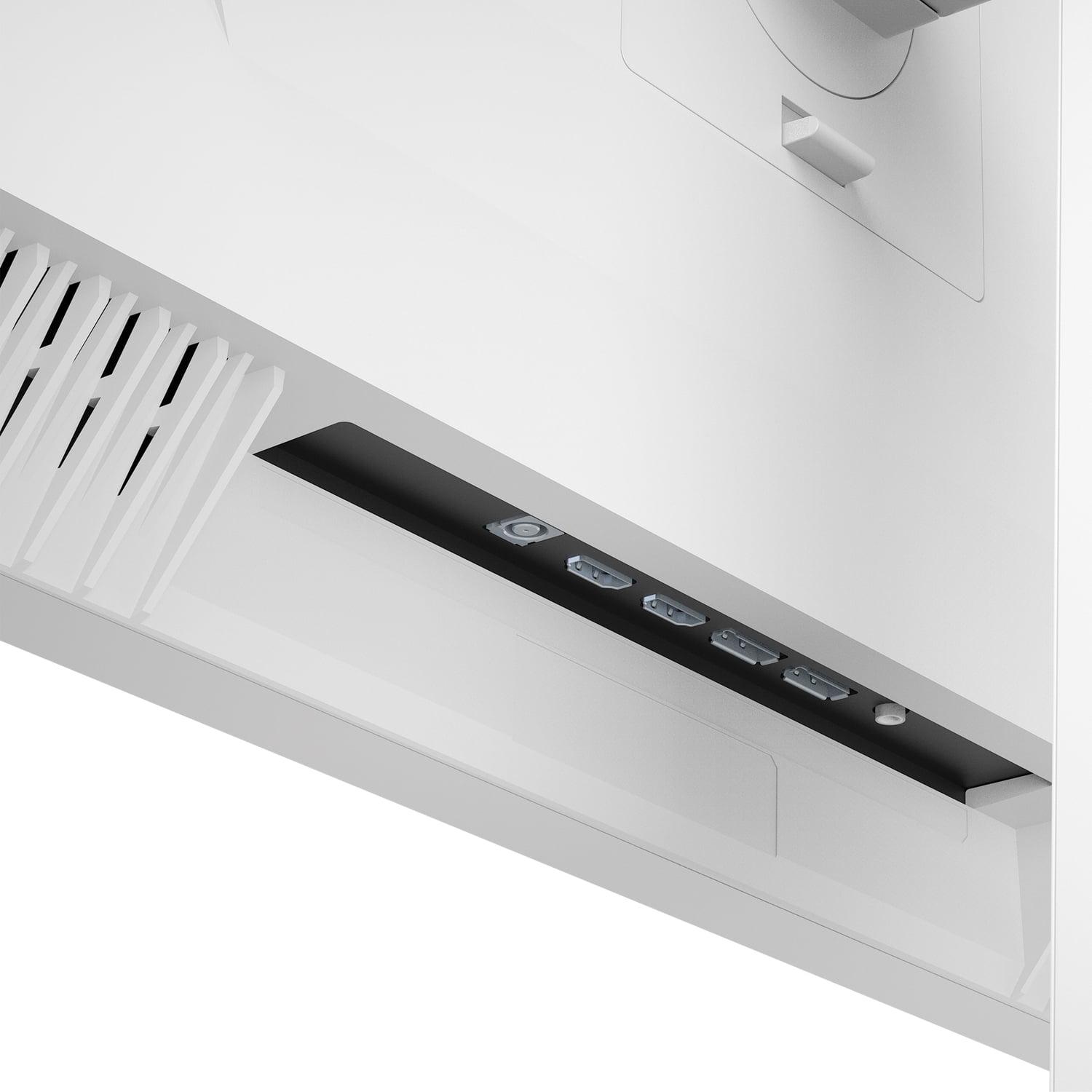
The Mobile Pixels monitor offers more basic connectivity with HDMI and DisplayPort inputs but lacks the USB hub and speaker integration. This means you'll need to handle audio separately and connect peripherals directly to your computer.
This represents one of the biggest practical differences between these monitors. The Samsung G65B includes a fully adjustable stand with height, tilt, swivel, and even pivot adjustments. You can position it exactly where you need it and rotate it to portrait mode if desired.
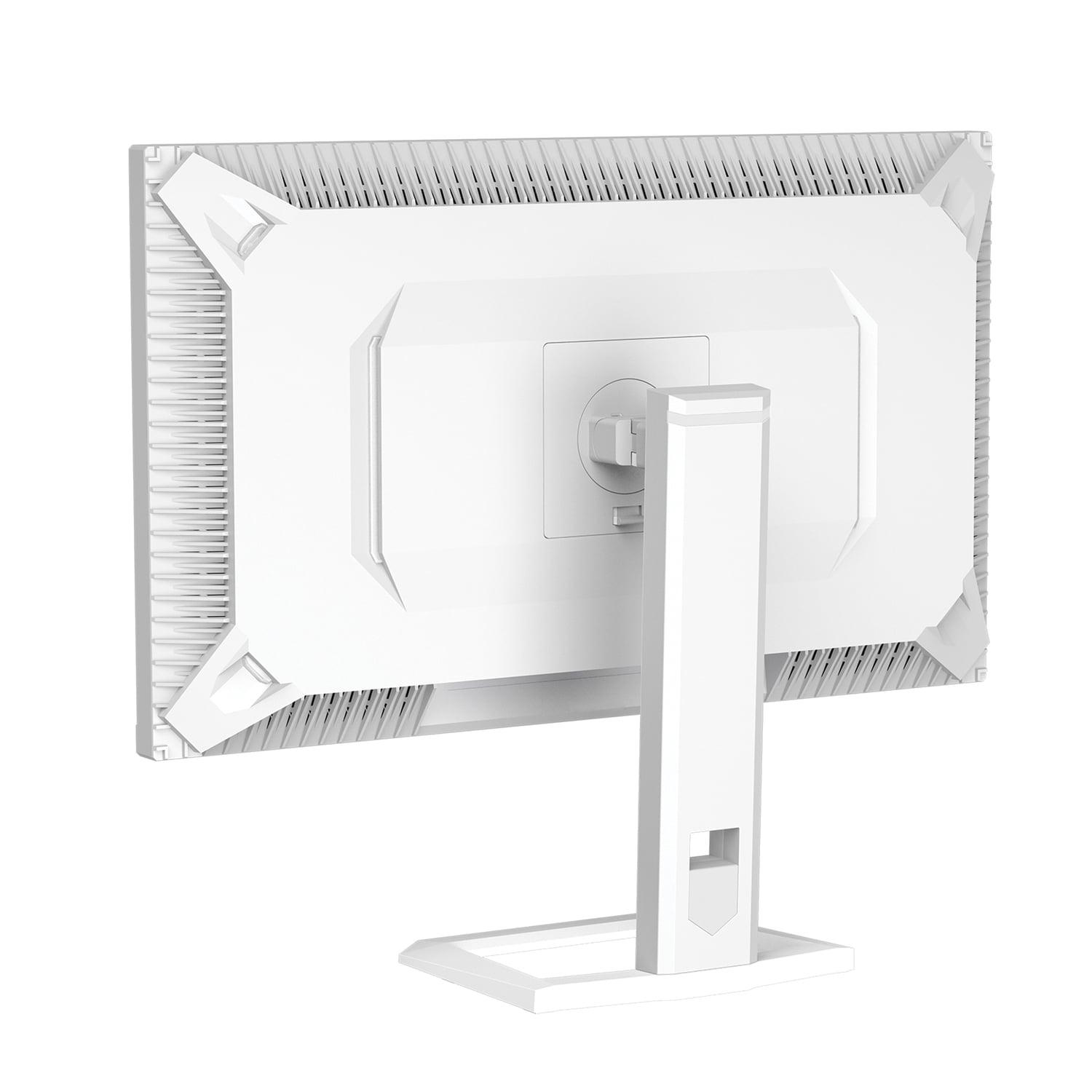
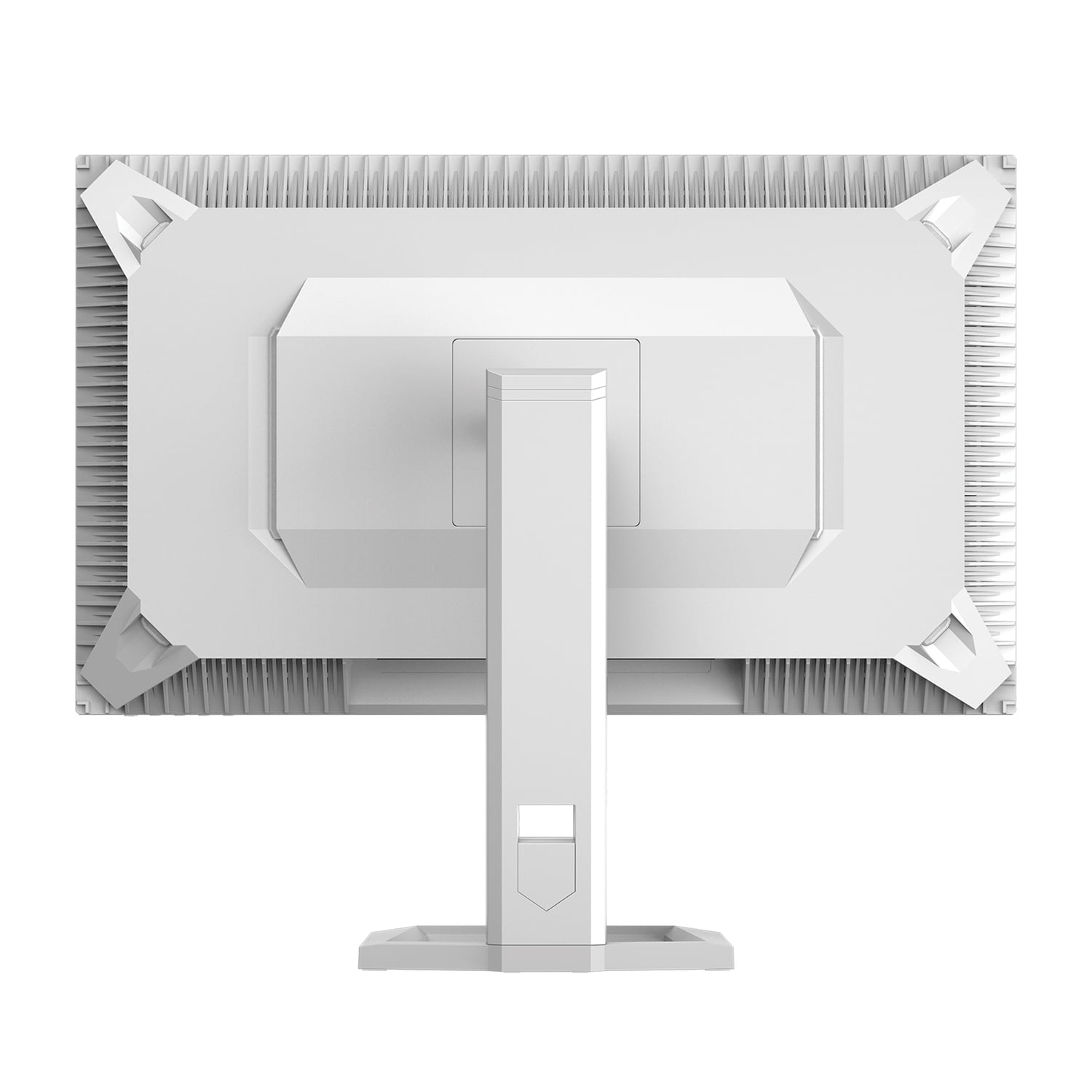
The Mobile Pixels monitor includes a basic stand with no adjustability and isn't even VESA mountable for aftermarket mounting arms. This is a significant limitation that could be a dealbreaker for users who need flexible positioning or prefer desk-mounted monitor arms.
At the time of writing, the Mobile Pixels monitor typically costs around $50 less than the Samsung G65B, making it an exceptional value for the Mini-LED technology you're getting. In the broader monitor market, Mini-LED displays usually command premium prices, so getting this technology at a competitive price point is remarkable.
The Samsung monitor justifies its higher price through the combination of 240Hz performance, smart features, superior ergonomics, and extensive connectivity. For users who will utilize these features, the price difference feels justified.
If you're serious about esports titles like CS2, Valorant, or Apex Legends, the Samsung G65B is the clear choice. That 240Hz refresh rate provides a genuine competitive advantage, and the gaming-specific features like Virtual Aim Point (crosshair overlay) and Ultrawide Game View can be useful tools.
Gamers who prefer immersive single-player experiences will likely prefer the Mobile Pixels monitor. The exceptional HDR performance makes games like Cyberpunk 2077, Red Dead Redemption 2, and the latest AAA titles absolutely stunning. The superior brightness also means HDR content actually looks impressive rather than just slightly different.
If you're planning to use your monitor for movie watching alongside gaming, the Mobile Pixels display is significantly better. That 1000-nit peak brightness makes HDR movies genuinely impressive, while the flat design works better for group viewing from various angles.
The Samsung monitor can work for home theater use, especially with its smart OS eliminating the need for external streaming devices, but the curved design and lower peak brightness limit its effectiveness in this role.
The Samsung G65B has documented issues with VRR (Variable Refresh Rate) brightness flickering, where the screen brightness fluctuates slightly during gameplay. This can be distracting and isn't fully resolved through firmware updates.
The Mobile Pixels monitor suffers primarily from its lack of ergonomic flexibility. The non-adjustable stand and lack of VESA mounting severely limit positioning options, which could be problematic depending on your desk setup.
Choose the Mobile Pixels 27" WQHD Mini-LED Gaming Monitor if you prioritize visual quality above all else. It's perfect for gamers who love beautiful single-player experiences, anyone who watches a lot of HDR content, and users who want cutting-edge display technology without paying premium prices. The 180Hz refresh rate is still excellent for gaming, and the Mini-LED technology provides a genuinely impressive viewing experience.
Go with the Samsung Odyssey G65B if you're a competitive gamer who needs every advantage possible, or if you value the convenience of smart features and extensive connectivity. The 240Hz refresh rate provides a noticeable benefit in fast-paced games, and the built-in smart OS is genuinely useful for reducing cable clutter and device complexity.
Both monitors represent excellent options in the 27-inch QHD gaming category, but they cater to distinctly different priorities. The Mobile Pixels monitor excels at making everything look spectacular, while the Samsung display focuses on performance and convenience. Understanding which approach matches your gaming style and usage patterns will help you make the right choice for your setup.
| Mobile Pixels 27" WQHD Mini-LED Gaming Monitor | Samsung Odyssey G65B 27" QHD 240Hz Curved Gaming Monitor |
|---|---|
| Display Technology - Determines brightness, contrast, and HDR performance | |
| Mini-LED with 1000-zone local dimming | VA panel with traditional LED backlight |
| Peak Brightness - Critical for HDR content and bright room viewing | |
| 1000 nits (HDR1000 certified, excellent for HDR movies/games) | 350 cd/m² standard, 600 cd/m² HDR (adequate but not impressive) |
| Refresh Rate - Higher rates provide smoother motion for competitive gaming | |
| 180Hz (excellent for most games, slight disadvantage in esports) | 240Hz (top-tier performance for competitive gaming) |
| Panel Design - Affects immersion and viewing comfort | |
| Flat panel (better for productivity and multi-monitor setups) | 1000R curved (highly immersive but polarizing design choice) |
| Contrast Ratio - Determines depth of blacks and overall image pop | |
| 1,000:1 static (compensated by excellent local dimming) | 2,500:1 static (naturally deep blacks from VA technology) |
| Smart Features - Adds convenience but increases complexity | |
| None (traditional monitor requiring external devices) | Built-in Tizen OS with streaming apps and Gaming Hub |
| Connectivity - Important for multiple device setups | |
| 2x HDMI, 2x DisplayPort (basic but sufficient) | 2x HDMI 2.1, 1x DisplayPort, 2x USB 3.0, built-in speakers |
| Ergonomics - Critical for long-term comfort and positioning | |
| Fixed stand, no adjustments, not VESA mountable | Full adjustability: height, tilt, swivel, pivot, VESA compatible |
| Gaming Features - Specialized tools for competitive advantage | |
| AMD FreeSync Premium (solid but basic) | FreeSync Premium Pro, Virtual Aim Point, MBR, multiple overdrive modes |
| Best Use Case - Who should choose each monitor | |
| HDR enthusiasts, single-player gamers, home theater use | Competitive gamers, users wanting all-in-one smart display |
The Samsung Odyssey G65B is superior for competitive gaming due to its 240Hz refresh rate compared to the Mobile Pixels monitor's 180Hz. The Samsung also includes gaming-specific features like Virtual Aim Point crosshair overlay, multiple response time settings, and Motion Blur Reduction. While both have 1ms response times, the Samsung G65B provides a genuine advantage in fast-paced esports titles.
The Mobile Pixels Mini-LED monitor delivers significantly better picture quality with 1000 nits peak brightness and HDR1000 certification, making HDR content genuinely impressive. The Samsung Odyssey G65B offers better contrast with its 2500:1 ratio from VA panel technology, creating deeper blacks. For overall visual impact, especially with HDR movies and games, the Mobile Pixels monitor wins decisively.
The Mobile Pixels 27" monitor excels for home theater use thanks to its exceptional 1000-nit brightness and HDR1000 support, making movies look stunning. However, the Samsung G65B offers convenience with built-in Tizen smart OS for direct streaming without external devices. For pure picture quality in movies, choose the Mobile Pixels monitor; for convenience, the Samsung wins.
The Samsung Odyssey G65B's aggressive 1000R curve creates an immersive wraparound effect that many gamers love, especially for racing and simulation games. However, curved displays can be distracting for some users and limit positioning flexibility. The Mobile Pixels monitor's flat design offers more versatility and works better for mixed gaming and productivity use.
The Samsung Odyssey G65B provides superior connectivity with 2x HDMI 2.1 ports, DisplayPort 1.4, two USB 3.0 ports for peripherals, and built-in speakers. The Mobile Pixels monitor offers basic connectivity with HDMI and DisplayPort inputs but lacks USB hub functionality and speakers. The Samsung G65B is clearly better for complex multi-device setups.
The Samsung Odyssey G65B offers 240Hz versus 180Hz on the Mobile Pixels monitor. While both are excellent for gaming, the 240Hz provides a noticeable advantage in competitive esports. For casual gaming and general use, 180Hz is more than sufficient. The difference matters most for serious competitive players who need every possible advantage.
The Mobile Pixels Mini-LED monitor typically costs less while offering premium Mini-LED technology and exceptional HDR performance that usually commands higher prices. The Samsung G65B costs more but includes smart features, better ergonomics, and superior connectivity. For display technology per dollar, the Mobile Pixels monitor wins; for overall features, the Samsung justifies its price.
Both monitors excel for console gaming with 1440p resolution and high refresh rates. The Mobile Pixels monitor is particularly impressive for single-player console games due to its superior HDR performance. The Samsung G65B works well for competitive console gaming and offers convenient smart features. Both support variable refresh rate technologies that benefit modern consoles.
The Samsung Odyssey G65B wins significantly with a fully adjustable stand offering height, tilt, swivel, and pivot adjustments, plus VESA mounting compatibility. The Mobile Pixels monitor has a fixed stand with no adjustments and isn't VESA mountable, severely limiting positioning options. The Samsung G65B is much better for ergonomic comfort and flexible setups.
The Samsung Odyssey G65B has documented VRR brightness flickering issues that can be distracting during gameplay. Some users also find the aggressive curve uncomfortable. The Mobile Pixels monitor has fewer reported issues but lacks ergonomic flexibility due to its fixed stand design, which can be problematic depending on your desk setup.
The Mobile Pixels Mini-LED monitor is substantially better for HDR content with its 1000-nit peak brightness and HDR1000 certification, delivering genuinely impressive highlights and dynamic range. The Samsung G65B supports HDR600, which is decent but not nearly as impactful. For the best HDR gaming and movie experience, the Mobile Pixels monitor is the clear winner.
This depends on personal preference and usage. The Samsung G65B's 1000R curve creates an immersive gaming experience that many find engaging, especially for single-monitor setups and racing games. The Mobile Pixels monitor's flat design is more versatile for productivity work, multi-monitor configurations, and users who frequently change viewing angles. Consider trying a curved display in-store before deciding, as reactions vary significantly between users.
We've done our best to create useful and informative comparisons to help you decide what product to buy. Our research uses advanced automated methods to create this comparison and perfection is not possible - please contact us for corrections or questions. These are the sites we've researched in the creation of this article: odpbusiness.com - wellbots.com - bestbuy.com - bhphotovideo.com - youtube.com - networkhardwares.com - mobilepixels.us - bestbuy.com - business.walmart.com - newegg.com - beachaudio.com - petra.com - centralcomputer.com - mobilepixels.us - compsource.com - walmart.com - newegg.com - bestbuy.com - versus.com - uk.shi.com - youtube.com - youtube.com - displayspecifications.com - rtings.com - versus.com - samsung.com - rtings.com - businessdirect.bt.com - productchart.com - samsung.com - displayspecifications.com - gradeatechnology.co.uk - samsung.com - bestbuy.com - samsung.com - samsung.com

Privacy Policy
Terms and Conditions - Affiliate Policy
Home Security
© Copyright 2008-2026.
11816 Inwood Rd #1211, Dallas, TX 75244