

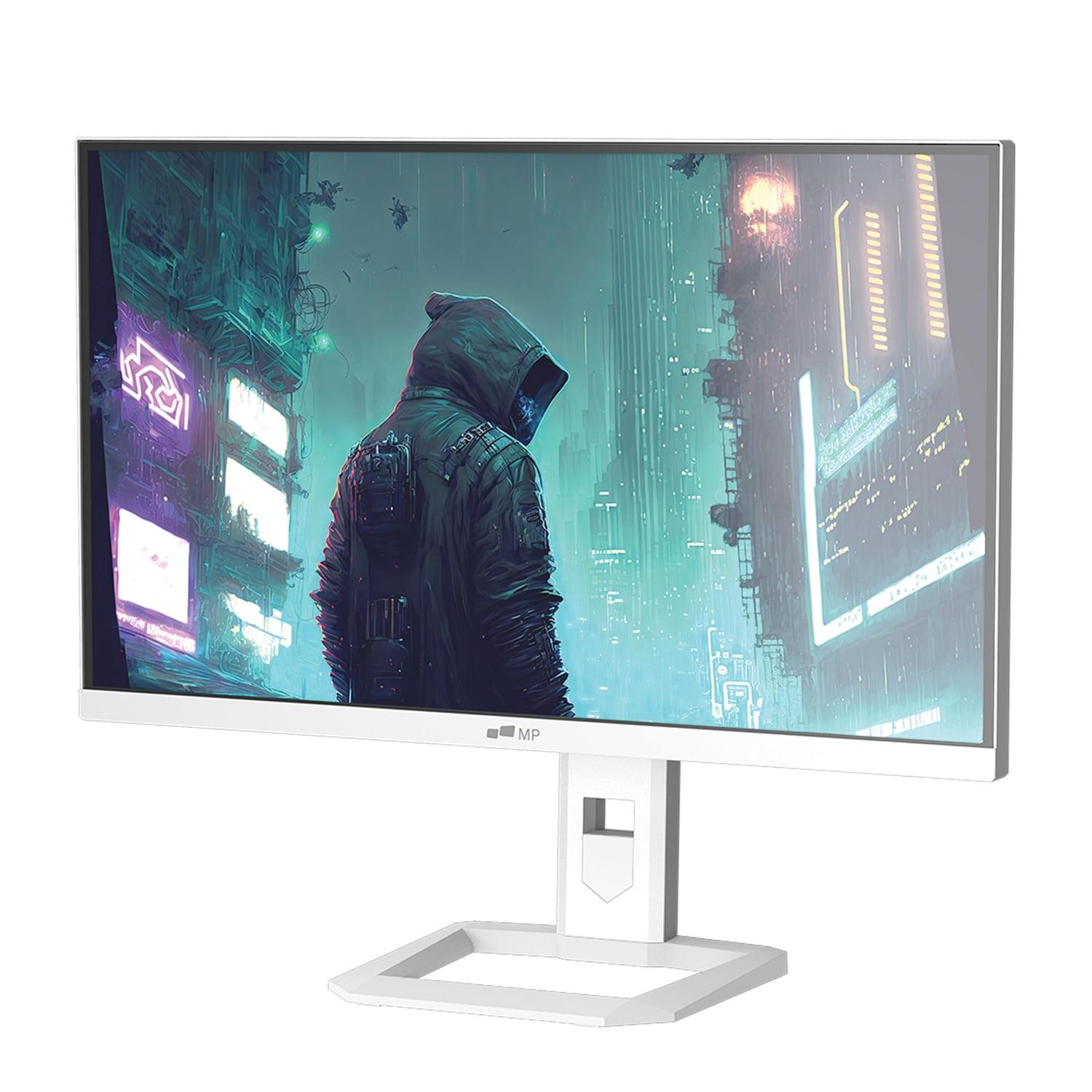
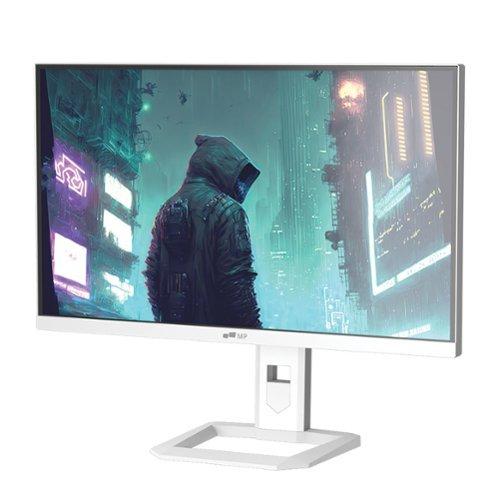
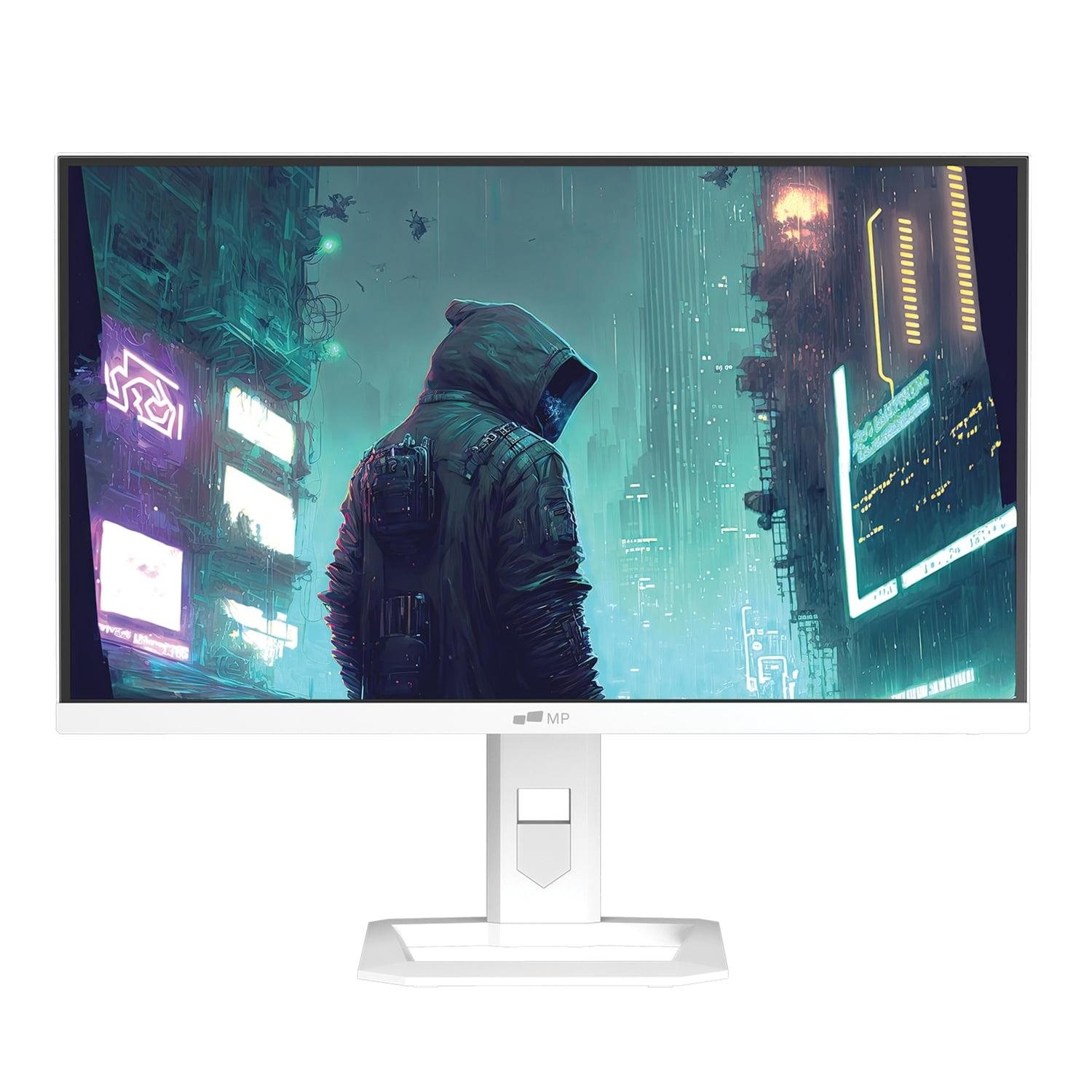
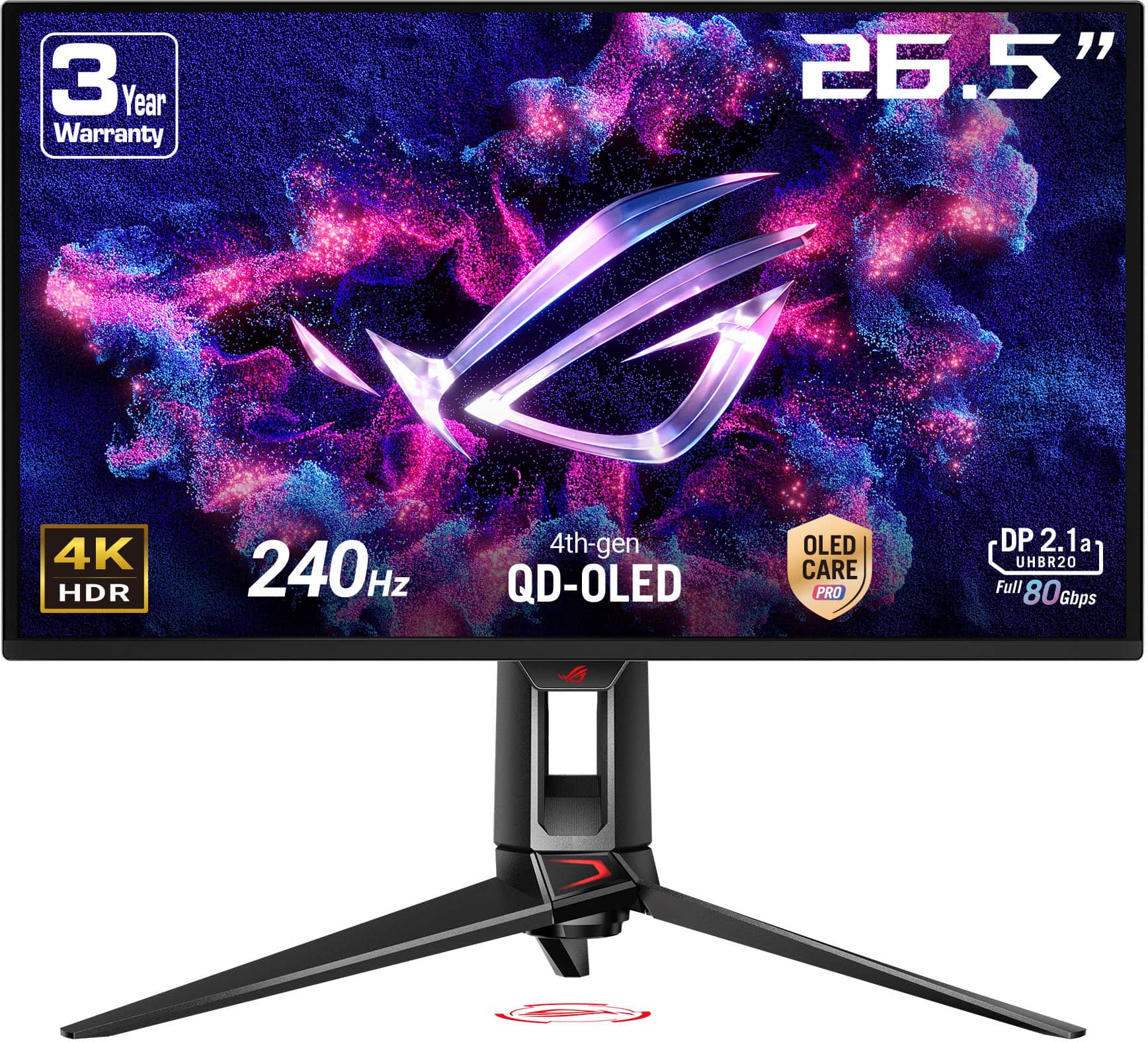
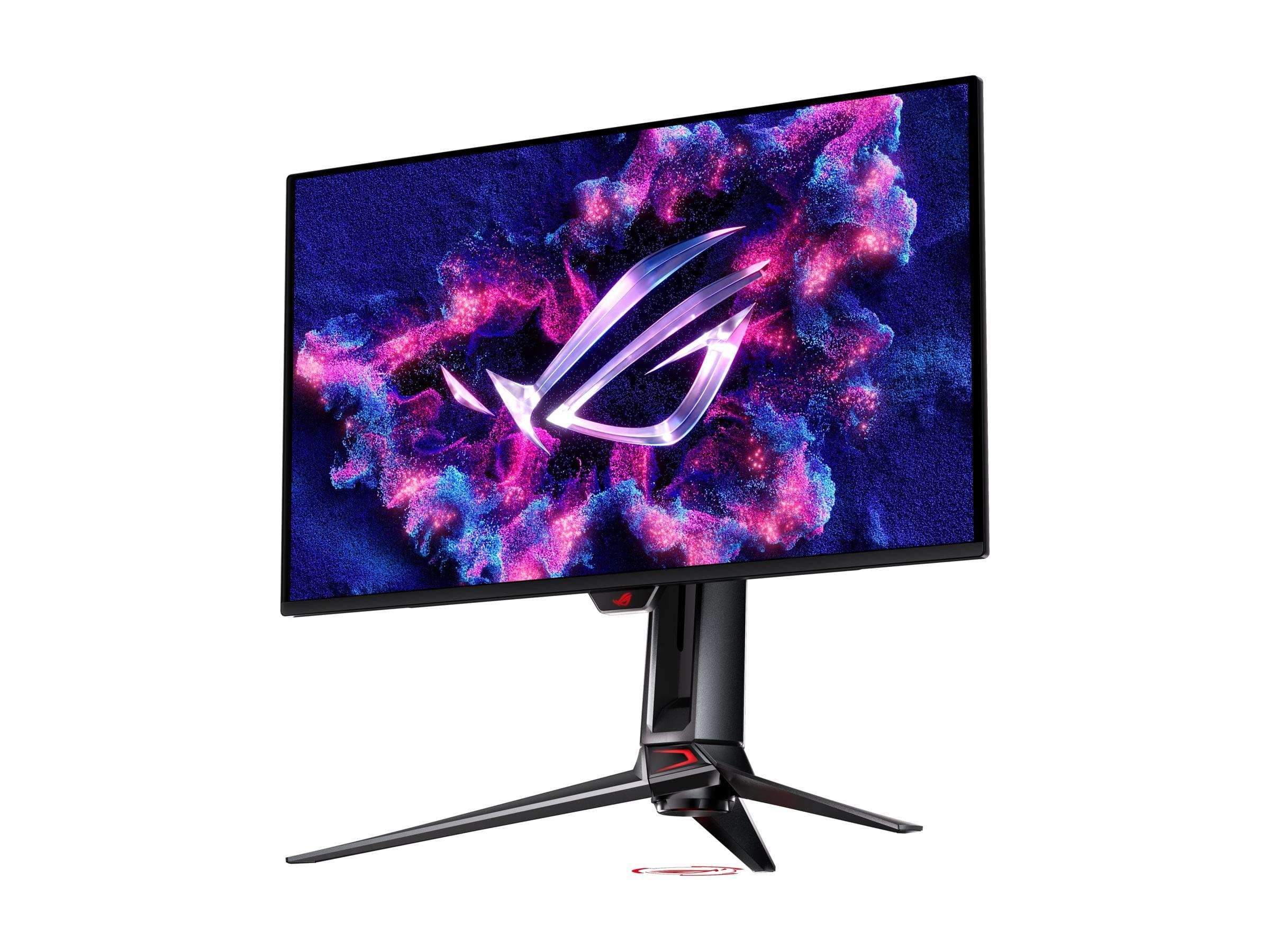
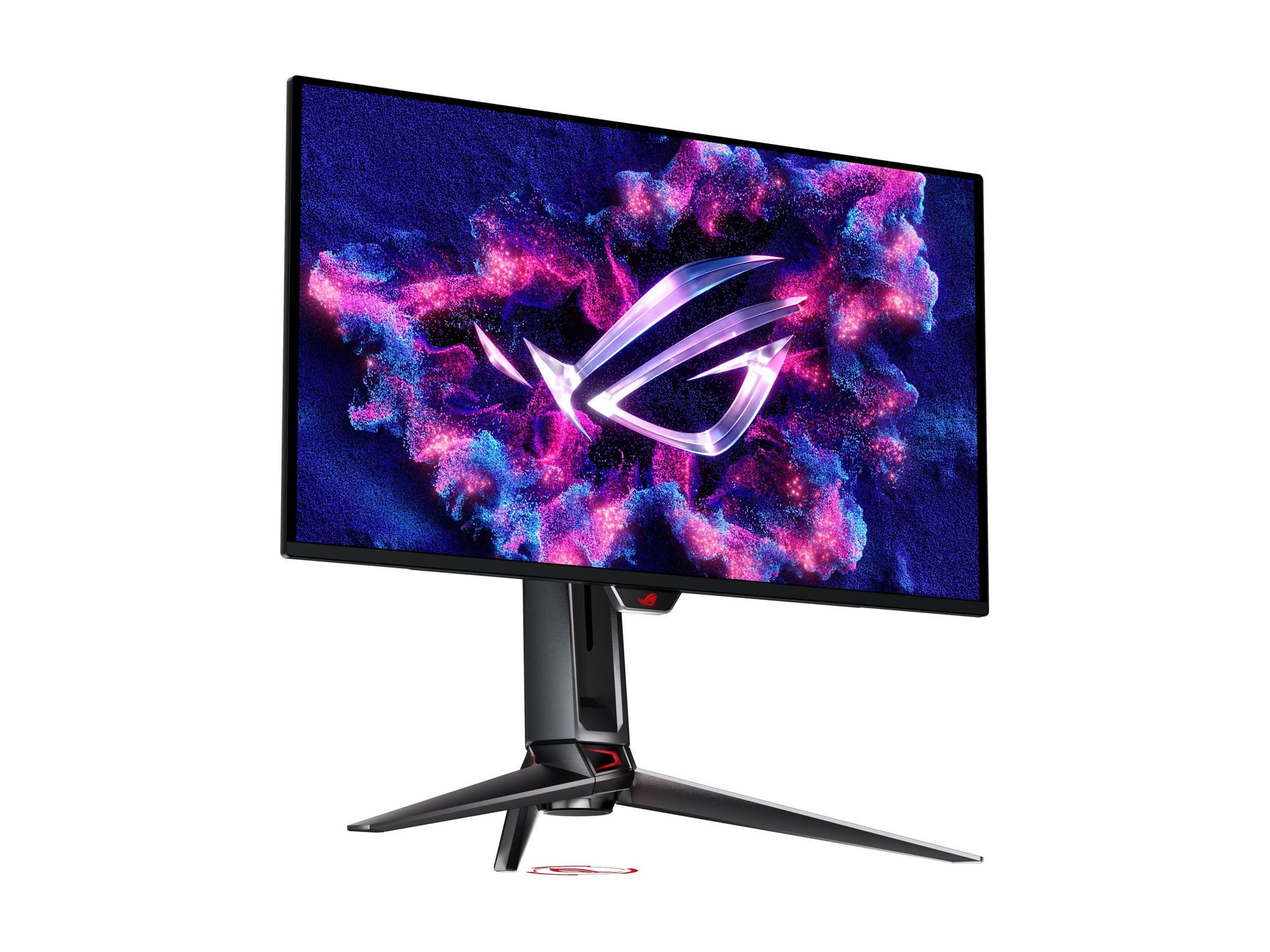
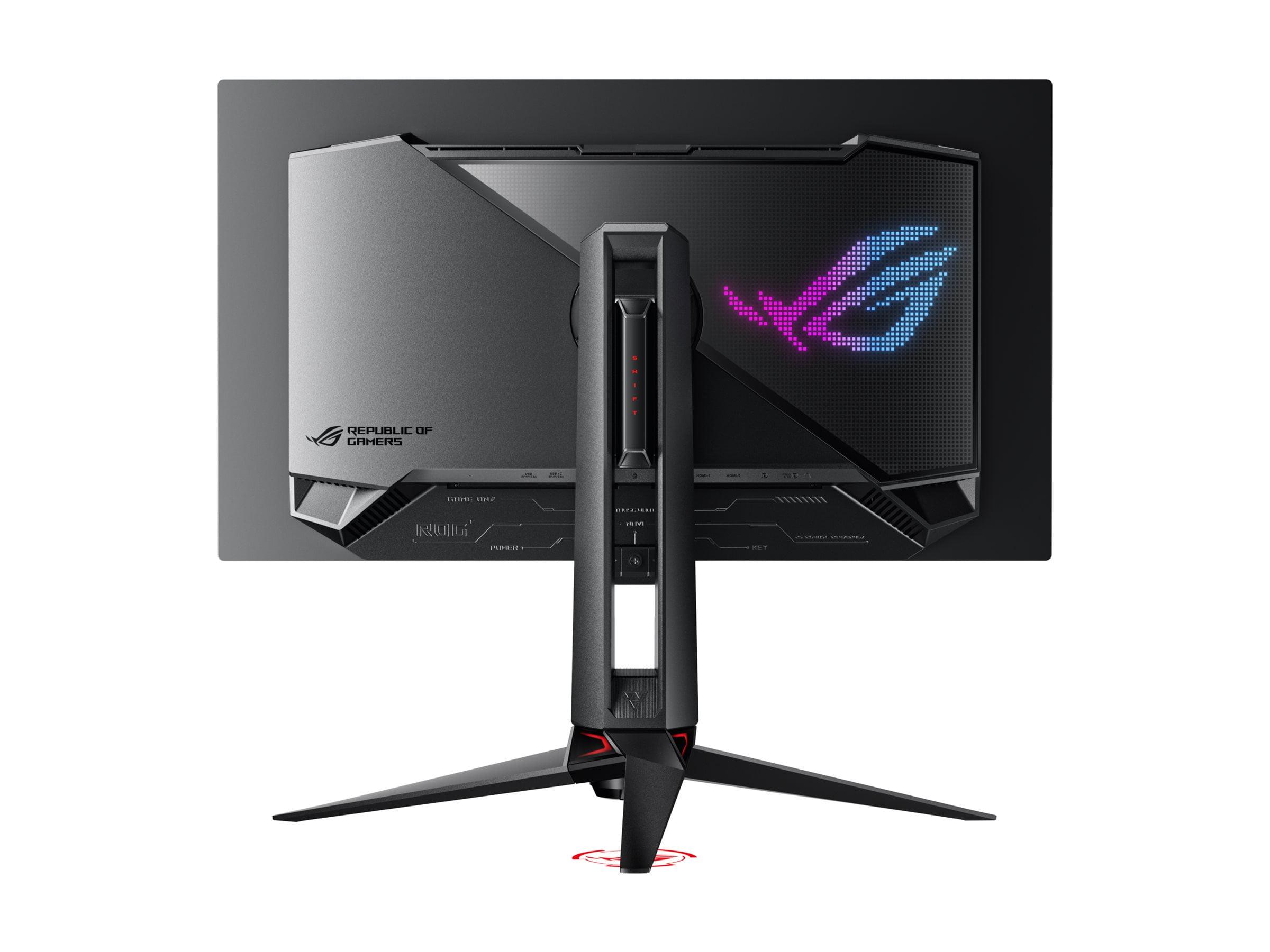
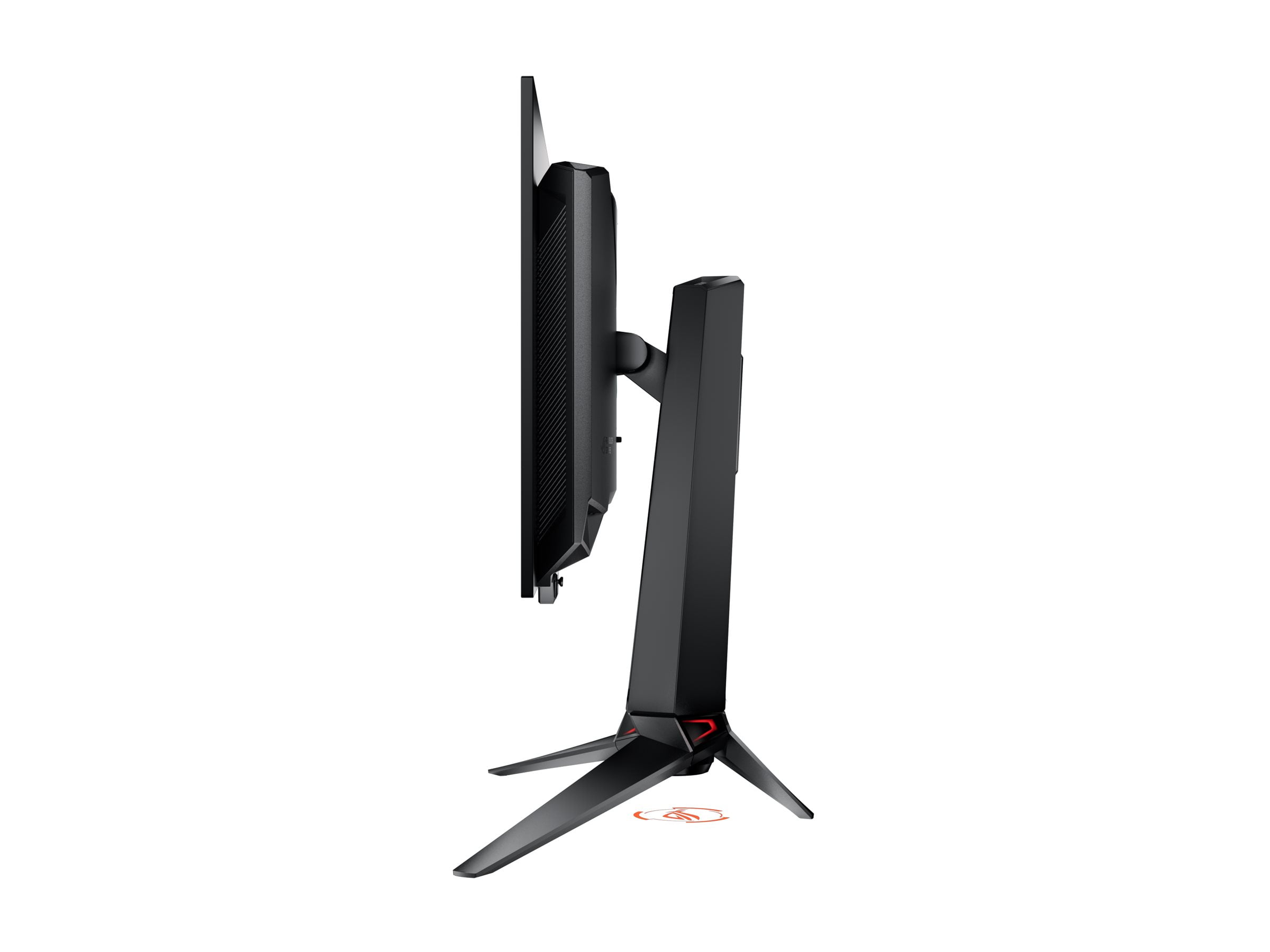
When I first started gaming on a 60Hz LCD monitor years ago, I thought smooth visuals were just something you saw in tech demos. Fast forward to today, and we're debating between 180Hz Mini-LED and 240Hz OLED displays that would have seemed like science fiction back then. The Mobile Pixels 27" WQHD Mini-LED Gaming Monitor and ASUS ROG Swift OLED PG27UCDM represent two fascinating approaches to premium gaming displays, each using cutting-edge technology to solve the age-old problem of creating the perfect gaming experience.
The gaming monitor landscape has transformed dramatically since 2020. We've moved beyond simple debates about TN versus IPS panels to discussions involving quantum dots, local dimming zones, and organic light-emitting diodes. At the time of writing, these two monitors represent distinctly different philosophies in display technology, each with compelling arguments for their approach.
The fundamental choice here isn't just about specifications—it's about understanding how different panel technologies affect your actual gaming experience. Mini-LED technology, which the Mobile Pixels monitor uses, takes traditional LCD panels and adds hundreds or thousands of tiny LED backlights that can be controlled independently. Think of it like having a grid of flashlights behind your screen that can dim or brighten specific areas. This creates much better contrast than older LCD monitors, where the entire backlight was either on or off.
OLED technology in the ASUS ROG Swift works completely differently. Instead of a backlight, each individual pixel generates its own light. When a pixel needs to be black, it simply turns off completely—no light whatsoever. This creates what we call "true blacks" because there's literally no light coming from those areas of the screen.
The implications of these different approaches become clear when you're gaming in a dark room. OLED displays like the ASUS monitor will show you details in shadow areas that you simply can't see on traditional displays, while the Mini-LED approach of the Mobile Pixels monitor gives you the brightness needed to see everything clearly in bright rooms.
Here's where these monitors diverge significantly. The Mobile Pixels Mini-LED display uses 2560×1440 resolution—commonly called 1440p or QHD (Quad High Definition)—while the ASUS OLED pushes full 4K at 3840×2160 pixels. At 27 inches, this difference is more dramatic than you might expect.
Pixel density becomes crucial at this screen size. The Mobile Pixels monitor delivers about 109 pixels per inch, which provides sharp, clean visuals for gaming without being overly demanding on your graphics card. I've found that 1440p at 27 inches hits a sweet spot where text remains crisp for productivity work, but games don't require a flagship GPU to run smoothly at high refresh rates.
The ASUS display, with its 4K resolution, pushes pixel density to 163 PPI. This creates noticeably sharper text and game details, especially in titles where you need to spot distant enemies or read small interface elements. However, this sharpness comes with a significant performance cost. Running games at 4K requires roughly 70% more GPU horsepower than 1440p to achieve the same frame rates.
From a practical standpoint, the resolution choice often determines your entire gaming setup. If you're running an RTX 4060 or RTX 4070, the Mobile Pixels monitor will let you enjoy high refresh rate gaming without constantly adjusting settings. With an RTX 4080 or 4090, the ASUS monitor becomes viable for experiencing games at their visual peak.
Both monitors offer high refresh rates, but they target different segments of the gaming market. The Mobile Pixels display reaches 180Hz, which represents excellent performance for competitive gaming. Most esports titles can easily hit these frame rates on modern mid-range hardware, and the difference between 144Hz and 180Hz is noticeable in fast-paced games like Counter-Strike or Valorant.
The ASUS OLED monitor pushes to 240Hz, representing the current pinnacle of gaming display technology. In my experience, the jump from 180Hz to 240Hz is subtle but real—motion appears slightly smoother, and tracking fast-moving objects becomes marginally easier. However, consistently hitting 240 FPS in modern games requires serious hardware investment.
More important than peak refresh rates is how these monitors handle variable refresh rate technology. Both support adaptive sync standards (the technology that matches your monitor's refresh rate to your GPU's frame output to eliminate screen tearing), but the ASUS monitor includes more comprehensive certification, supporting G-SYNC Compatible, FreeSync Premium Pro, and AdaptiveSync Display standards. This broader compatibility ensures smooth performance across different GPU brands and generations.
Response time—how quickly pixels can change from one color to another—heavily favors the ASUS OLED with its 0.03ms specification compared to the Mobile Pixels monitor's 1ms rating. In practice, both are fast enough for competitive gaming, but OLED's near-instantaneous response eliminates the motion blur that can affect fast-paced scenes on LCD panels.
High Dynamic Range (HDR) represents one of the biggest improvements in display technology over the past decade, allowing monitors to show brighter whites and darker blacks simultaneously. However, not all HDR implementations are equal, and these two monitors take very different approaches.
The Mobile Pixels Mini-LED monitor achieves HDR1000 certification, meaning it can display peak brightness of 1000 nits (a measure of brightness where typical indoor lighting is around 100-200 nits). This high brightness capability makes HDR content pop with brilliant highlights—think of sunlight reflecting off water or explosions in action games. The Mini-LED backlighting system supports local dimming, where different areas of the screen can have different brightness levels, creating better contrast than traditional LCD monitors.
The ASUS OLED display takes a different approach with its HDR 400 True Black certification. While it can't get as bright as the Mini-LED monitor, it achieves perfect blacks by turning off individual pixels completely. This creates an infinite contrast ratio—the difference between the brightest and darkest parts of the image—which makes dark scenes in games incredibly atmospheric. Playing horror games or exploring cave systems becomes a completely different experience when you can see subtle details in shadow areas.
For gaming in bright rooms, the Mobile Pixels monitor's higher peak brightness provides better visibility. But for evening gaming sessions or when you want maximum immersion in cinematic games, the ASUS OLED's perfect blacks create a more compelling experience.
Color reproduction differs significantly between these technologies. The Mobile Pixels display covers 94% of the DCI-P3 color space (a standard used in digital cinema), which provides vibrant, accurate colors for gaming and casual content creation. The ASUS monitor extends this to 99% DCI-P3 coverage with factory calibration, meaning colors are not just wide-ranging but also precisely accurate. This makes the ASUS suitable for professional photo editing or video work where color accuracy is critical.
Modern gaming monitors include features specifically designed to improve competitive gaming performance. Both displays include variable refresh rate support, but they implement different additional gaming technologies.
The Mobile Pixels monitor focuses on practical gaming enhancements. Its ambient light sensor automatically adjusts screen brightness based on room lighting—a feature I've found incredibly useful during long gaming sessions when room lighting changes from day to evening. The low blue light technology reduces eye strain during extended play, though most gamers will want to disable this during competitive sessions where maximum color accuracy matters.
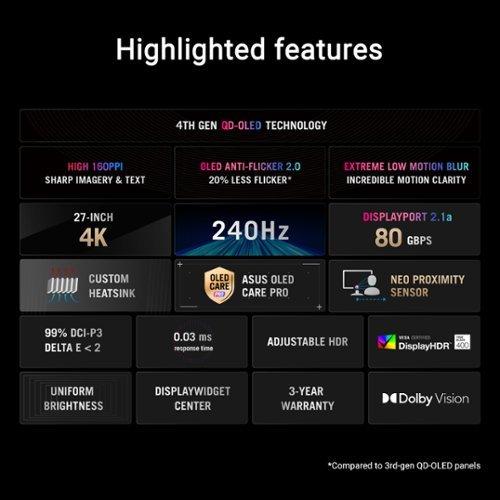
The ASUS OLED display includes more comprehensive gaming features through its GamePlus and GameVisual modes. These provide crosshair overlays, frame rate counters, and optimized color profiles for different game types. More importantly, it includes Extreme Low Motion Blur technology, which further reduces motion blur during fast movement—crucial for competitive FPS gaming.
One unique feature of the ASUS monitor is its Neo Proximity Sensor, which detects when you step away from the monitor and automatically switches to a black screen. While this might seem like a gimmick, it serves an important purpose for OLED displays by preventing static images from potentially causing burn-in (where static elements can leave permanent marks on the screen over time).
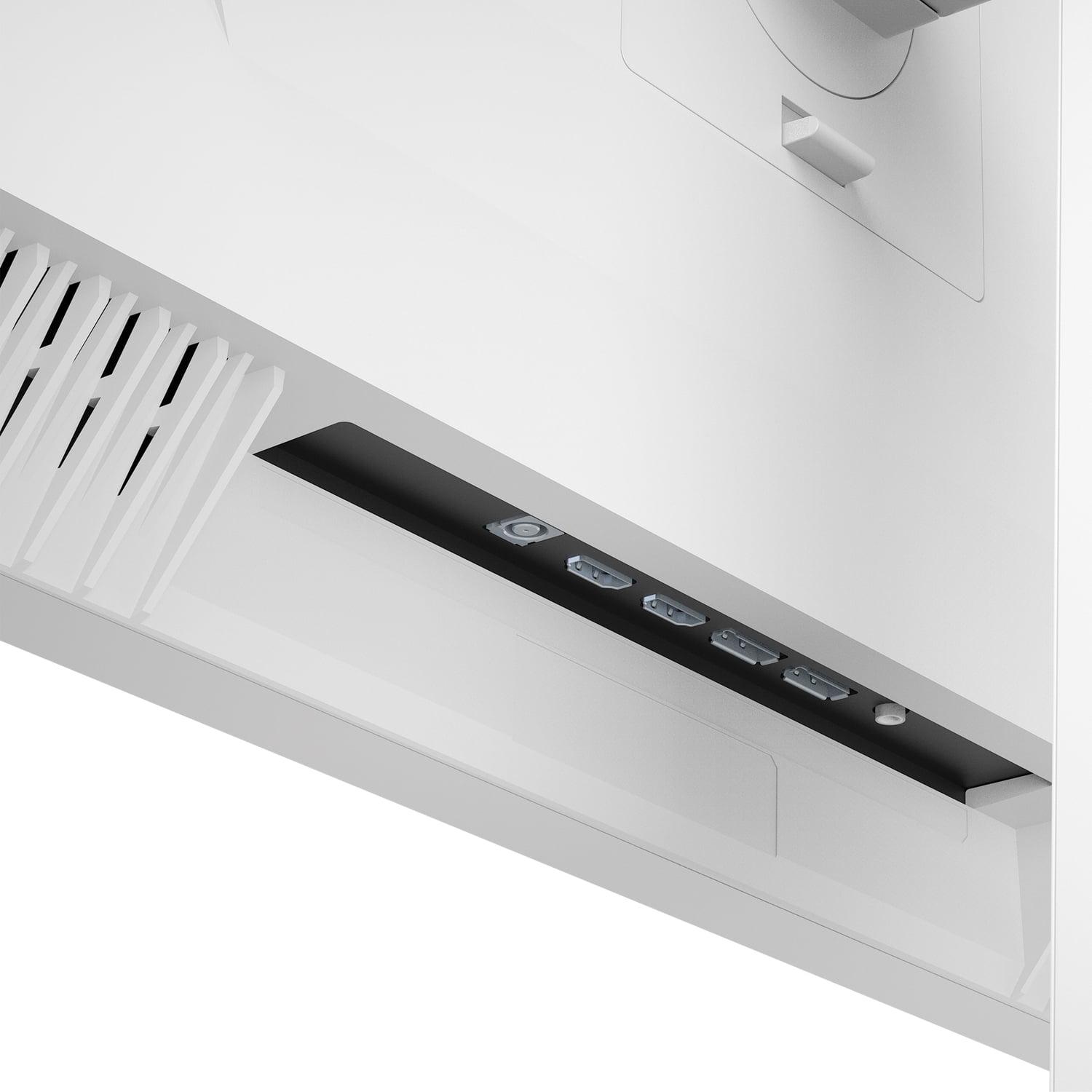
Modern gaming setups often involve multiple devices—gaming PCs, consoles, streaming devices—making connectivity crucial. The Mobile Pixels monitor provides solid connectivity with HDMI 2.1 and DisplayPort 1.4 inputs, supporting high refresh rate gaming from both PC and console sources.
The ASUS display offers more comprehensive connectivity, including DisplayPort 2.1a with full 80Gbps bandwidth. This matters because it can handle uncompressed 4K at 240Hz signals, ensuring you get the full benefit of the monitor's capabilities. The inclusion of USB-C with 90W power delivery means you can connect and charge a gaming laptop with a single cable—incredibly convenient for portable gaming setups.
The USB hub functionality on the ASUS monitor adds practical value, providing additional USB ports for gaming peripherals. The KVM switch feature lets you control multiple computers with one set of keyboard and mouse, useful for streamers or content creators who run multi-PC setups.
When investing in a premium gaming monitor, longevity becomes a significant consideration. LCD technology, used in the Mobile Pixels monitor, has a proven track record of reliability. Mini-LED backlighting can gradually dim over many years, but there's no risk of burn-in or permanent image retention.
OLED technology historically raised concerns about burn-in, where static images could leave permanent marks on the screen. However, the ASUS monitor includes several technologies to mitigate this risk. The OLED Care Pro suite includes automatic pixel cleaning, screen savers, and the proximity sensor mentioned earlier. Modern OLED panels have also improved significantly in durability compared to early generations.
The warranty periods reflect manufacturer confidence: the Mobile Pixels monitor includes a standard 1-year warranty, while the ASUS display comes with 3 years of coverage, suggesting greater confidence in the panel's longevity.
Both monitors can serve double duty as compact home theater displays, but they excel in different scenarios. The Mobile Pixels monitor's high peak brightness makes it excellent for daytime viewing in bright rooms. Its 1440p resolution provides a good balance between detail and streaming bandwidth requirements.
The ASUS OLED monitor creates a more cinema-like experience with its perfect blacks and accurate colors. It supports Dolby Vision HDR, providing optimized viewing for streaming services that support this format. However, it lacks built-in speakers, requiring external audio solutions for media consumption.
For streaming content, the ASUS monitor's 4K resolution provides native compatibility with 4K streaming services, while the Mobile Pixels display will upscale content, which generally looks good but isn't quite as sharp as native 4K.
The decision between these monitors ultimately depends on your priorities, budget, and gaming setup. The Mobile Pixels Mini-LED monitor makes sense for gamers who want a significant upgrade from standard LCD displays without the premium pricing of cutting-edge technology. At the time of writing, it typically costs significantly less than flagship OLED displays while still providing Mini-LED benefits like improved contrast and high refresh rates.
Choose the Mobile Pixels monitor if you're gaming primarily at 1440p, want excellent brightness for daytime gaming, or are running mid-range hardware that can't consistently drive 4K at high refresh rates. It's also the better choice if you're concerned about OLED longevity or prefer the reliability of proven LCD technology.
The ASUS ROG Swift OLED justifies its premium pricing for enthusiasts who prioritize absolute image quality and cutting-edge performance. Its 4K resolution and 240Hz refresh rate provide future-proofing for next-generation gaming hardware, while the OLED technology creates an unmatched visual experience in darker environments.
Select the ASUS monitor if you have high-end GPU hardware, want the best possible image quality for both gaming and content creation, or are willing to pay premium prices for cutting-edge technology. It's also ideal if you do professional color work or want a monitor that doubles as a premium home theater display.
Both monitors represent excellent examples of their respective technologies, released in 2024 and 2025 when Mini-LED and OLED gaming displays have matured significantly from their early implementations. The choice comes down to whether you prioritize value and brightness (Mini-LED) or cutting-edge performance and perfect contrast (OLED). Either way, you'll be getting a gaming experience that would have been unimaginable just a few years ago.
| Mobile Pixels 27" WQHD Mini-LED Gaming Monitor | ASUS ROG Swift OLED PG27UCDM 27" 4K 240Hz Gaming Monitor |
|---|---|
| Resolution - Higher resolution means sharper text and game details, but requires more GPU power | |
| 2560 x 1440 (1440p) - Sweet spot for mid-range GPUs | 3840 x 2160 (4K) - Requires high-end graphics cards for smooth gaming |
| Panel Technology - Fundamental difference affecting contrast, brightness, and longevity | |
| Mini-LED LCD with local dimming - Reliable with excellent brightness | 4th-gen QD-OLED - Perfect blacks and infinite contrast, newer tech |
| Refresh Rate - Higher Hz provides smoother motion in fast-paced games | |
| 180Hz - Excellent for competitive gaming on most hardware | 240Hz - Top-tier performance requiring flagship GPUs to utilize fully |
| Response Time - Lower is better for eliminating motion blur | |
| 1ms GTG - Fast enough for competitive play | 0.03ms - Virtually eliminates all motion blur |
| Peak Brightness - Critical for HDR content and bright room visibility | |
| 1000 nits - Excellent for daytime gaming and HDR highlights | 450 nits (SDR) - Better for controlled lighting environments |
| HDR Support - Better HDR means more realistic lighting in games | |
| HDR1000 certified - Strong HDR performance with high brightness | Dolby Vision, HDR10, DisplayHDR 400 True Black - Superior contrast-based HDR |
| Color Gamut - Wider coverage means more vibrant and accurate colors | |
| 94% DCI-P3 - Good for gaming and casual content creation | 99% DCI-P3, factory calibrated - Professional-grade color accuracy |
| Connectivity - More ports and standards provide better device compatibility | |
| 2x HDMI 2.1, 2x DisplayPort 1.4 - Solid gaming connectivity | DisplayPort 2.1a (80Gbps), 2x HDMI 2.1, USB-C 90W PD, KVM switch - Comprehensive |
| Special Features - Additional technologies that enhance the gaming experience | |
| Ambient light sensor, low blue light eye care - Practical daily use features | OLED Care Pro, Neo Proximity Sensor, RGB lighting - Advanced burn-in protection |
| Warranty - Longer coverage suggests manufacturer confidence in durability | |
| 1 year limited - Standard LCD warranty period | 3 years - Extended coverage reflecting OLED reliability improvements |
| Best For - Who should choose this monitor based on needs and budget | |
| Mid-range gamers wanting premium LCD features without flagship pricing | Enthusiasts with high-end hardware prioritizing ultimate image quality and cutting-edge tech |
The ASUS ROG Swift OLED PG27UCDM has the edge for competitive gaming with its 240Hz refresh rate and 0.03ms response time, compared to the Mobile Pixels 27" WQHD Mini-LED Gaming Monitor's 180Hz and 1ms response time. However, the Mobile Pixels monitor is still excellent for competitive play and much easier to drive at high frame rates due to its 1440p resolution versus the ASUS monitor's demanding 4K resolution.
Mini-LED technology in the Mobile Pixels monitor uses thousands of tiny LED backlights behind an LCD panel for improved contrast and brightness control. OLED technology in the ASUS ROG Swift has each pixel generate its own light, creating perfect blacks when pixels turn completely off. This gives the ASUS OLED monitor infinite contrast but makes the Mobile Pixels Mini-LED display much brighter for daytime use.
The Mobile Pixels 27" WQHD Mini-LED Gaming Monitor is significantly better for bright rooms with its 1000 nits peak brightness compared to the ASUS ROG Swift OLED's 450 nits in SDR mode. The Mini-LED technology excels in well-lit environments, while the ASUS OLED performs best in darker, controlled lighting conditions.
The Mobile Pixels monitor works well with mid-range graphics cards like RTX 4060 or 4070 due to its 1440p resolution. The ASUS ROG Swift OLED really needs high-end hardware like RTX 4080 or 4090 to take full advantage of its 4K 240Hz capabilities. You can use the ASUS monitor with weaker hardware, but you won't utilize its full potential.
The ASUS ROG Swift OLED PG27UCDM offers superior color accuracy with 99% DCI-P3 coverage and factory calibration (Delta E < 2), making it suitable for professional work. The Mobile Pixels Mini-LED monitor provides 94% DCI-P3 coverage, which is excellent for gaming and casual content creation but not quite at professional standards.
The Mobile Pixels 27" WQHD Mini-LED Gaming Monitor uses LCD technology with no burn-in risk whatsoever. The ASUS ROG Swift OLED has potential burn-in concerns like all OLED displays, but includes OLED Care Pro features like pixel cleaning and a proximity sensor to minimize this risk. Modern OLED panels are much more durable than earlier generations.
Both monitors work well with consoles, but the Mobile Pixels monitor may be more practical since most console games target 1440p or upscaled 4K rather than native 4K at high refresh rates. The ASUS ROG Swift OLED provides better image quality for single-player console games, while the Mobile Pixels display offers better value for most console gaming scenarios.
The Mobile Pixels monitor includes 2x HDMI 2.1 and 2x DisplayPort 1.4 connections, covering basic gaming needs. The ASUS ROG Swift OLED PG27UCDM offers more comprehensive connectivity with DisplayPort 2.1a, 2x HDMI 2.1, USB-C with 90W power delivery, and a built-in KVM switch for multi-device setups.
The Mobile Pixels 27" WQHD Mini-LED Gaming Monitor uses proven LCD technology with excellent long-term reliability and comes with a 1-year warranty. The ASUS ROG Swift OLED includes advanced longevity features and a 3-year warranty, suggesting improved OLED durability, though OLED technology is newer and less proven over decades of use.
Both can serve as compact home theater displays. The Mobile Pixels monitor excels for daytime viewing with its high brightness, while the ASUS ROG Swift OLED provides a more cinematic experience with perfect blacks and Dolby Vision support. Neither includes built-in speakers, so external audio is required for both monitors when used for entertainment.
The Mobile Pixels 27" WQHD Mini-LED Gaming Monitor typically offers better value, providing premium Mini-LED features at a more accessible price point. The ASUS ROG Swift OLED PG27UCDM commands a significant premium but justifies it with cutting-edge OLED technology, 4K resolution, and professional-grade features for enthusiasts willing to pay for the ultimate experience.
The ASUS ROG Swift OLED provides sharper text and more screen real estate with its 4K resolution, plus factory-calibrated colors for professional work. The Mobile Pixels monitor offers good clarity at 1440p with less GPU load for productivity tasks. Both monitors support ergonomic adjustments, but the ASUS display includes more comprehensive connectivity for multi-device workflows.
We've done our best to create useful and informative comparisons to help you decide what product to buy. Our research uses advanced automated methods to create this comparison and perfection is not possible - please contact us for corrections or questions. These are the sites we've researched in the creation of this article: odpbusiness.com - wellbots.com - bestbuy.com - bhphotovideo.com - youtube.com - networkhardwares.com - mobilepixels.us - bestbuy.com - business.walmart.com - newegg.com - beachaudio.com - petra.com - centralcomputer.com - mobilepixels.us - compsource.com - walmart.com - newegg.com - tomshardware.com - thepcenthusiast.com - rtings.com - youtube.com - rtings.com - rog.asus.com - tweaktown.com - youtube.com - youtube.com - versus.com - rog.asus.com - rog.asus.com - newegg.com - rog.asus.com - cdw.com - pcmonitors.info - displayspecifications.com - rog.asus.com - bhphotovideo.com - techpowerup.com - shi.com - bhphotovideo.com

Privacy Policy
Terms and Conditions - Affiliate Policy
Home Security
© Copyright 2008-2026.
11816 Inwood Rd #1211, Dallas, TX 75244