

Gaming monitors have come a long way since the chunky CRT displays of the early 2000s. Today's 27-inch gaming monitors represent the sweet spot where screen size meets performance—large enough to be immersive without overwhelming your desk space or demanding a graphics card that costs more than your car. But with so many options available, choosing between cutting-edge display technology and maximum resolution can feel overwhelming.
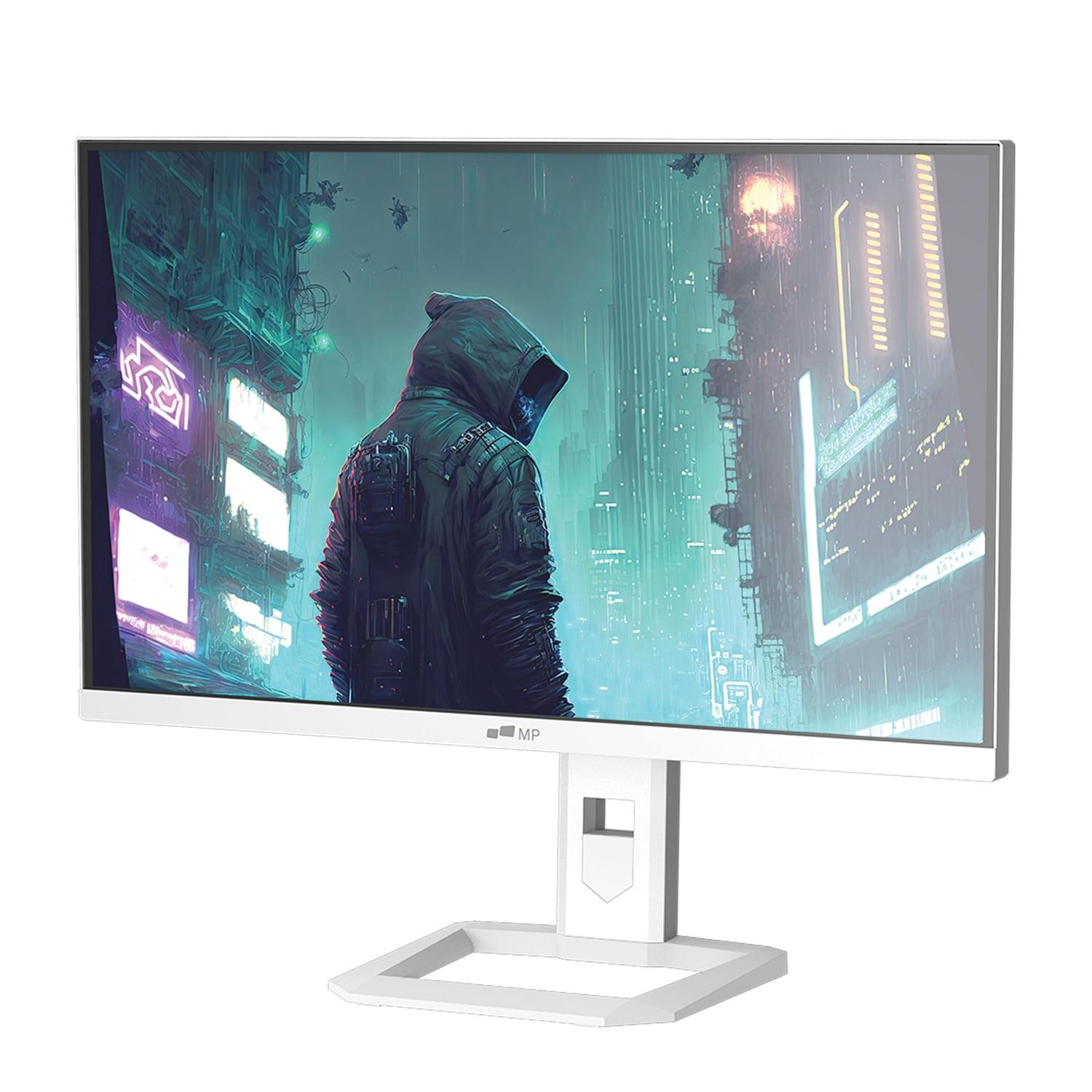
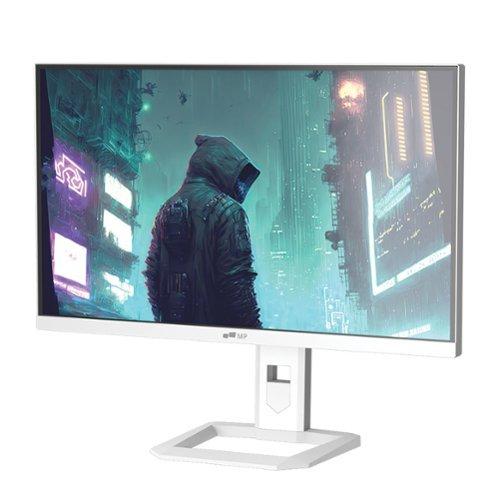
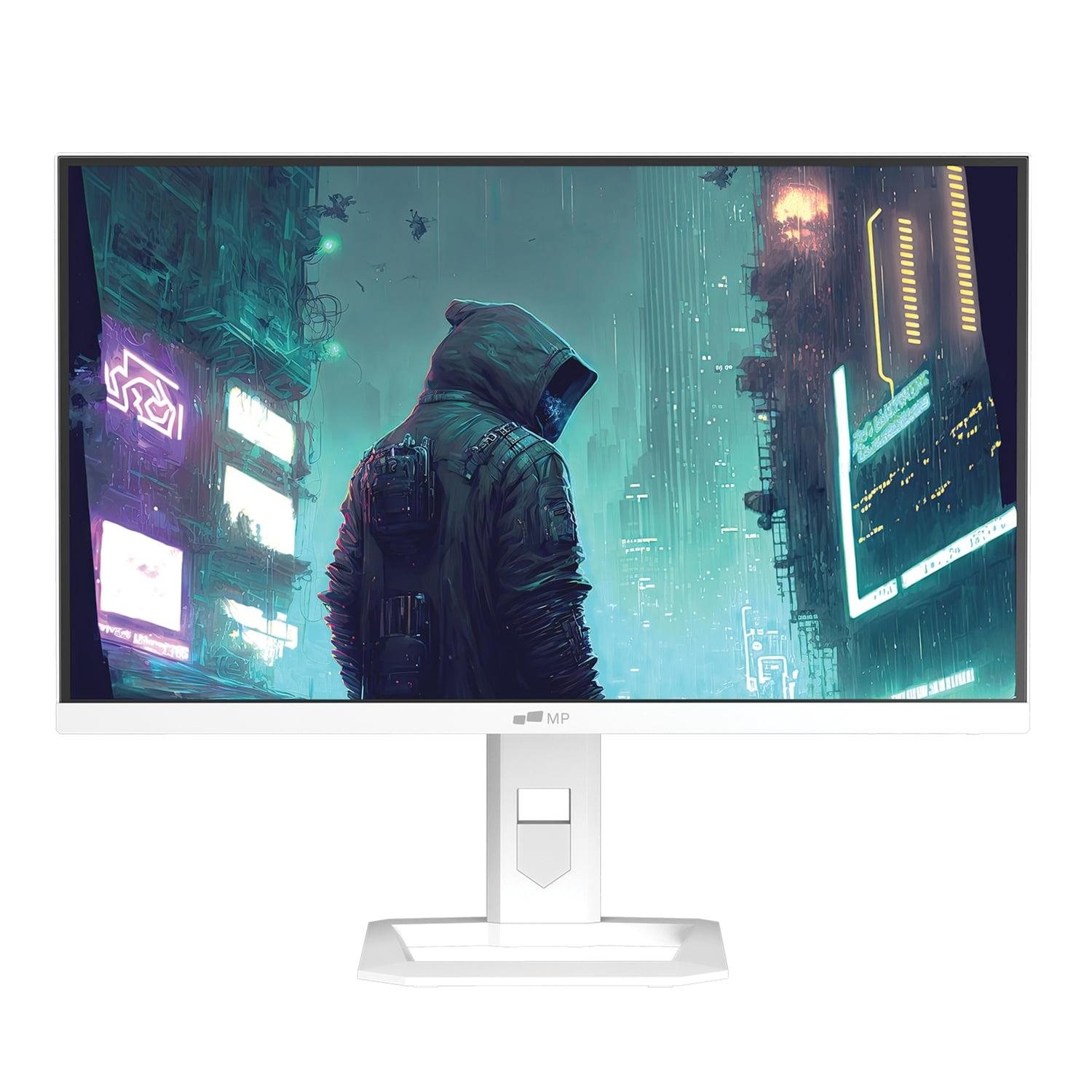
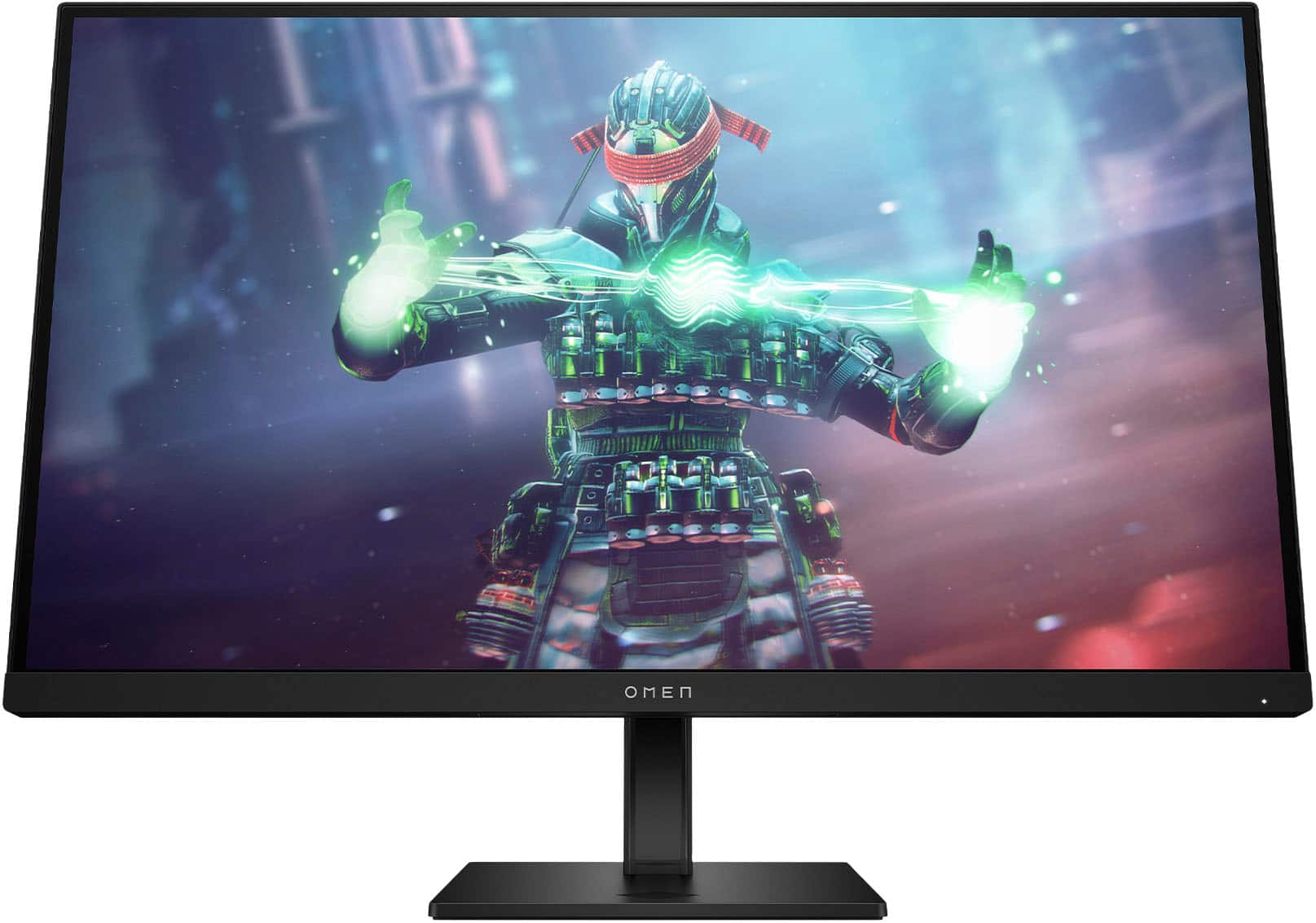
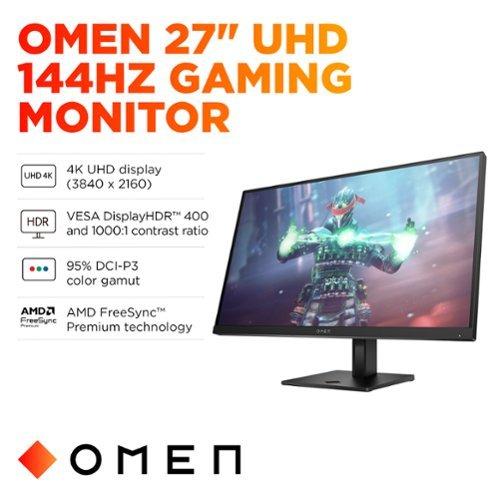
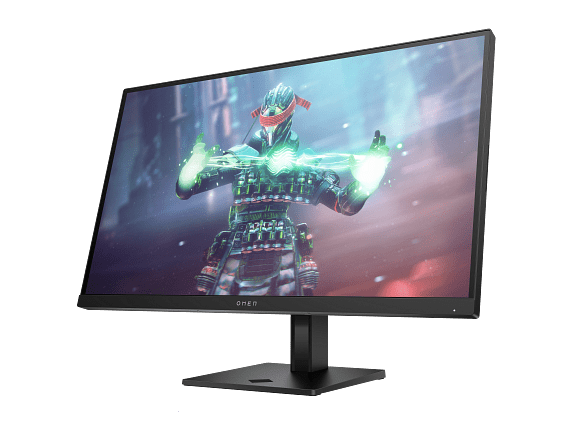
I've been testing and reviewing gaming monitors for years, and two displays that perfectly illustrate this choice are the Mobile Pixels 27" WQHD Mini-LED Gaming Monitor and the HP Omen 27k 4K UHD 144Hz Gaming Monitor. These monitors represent fundamentally different approaches to high-performance gaming displays, each with distinct strengths that cater to different types of users.
Before diving into specifics, it's worth understanding what separates a good gaming monitor from a great one. The most critical factors haven't changed much over the years: how sharp the image looks, how smoothly motion appears, and how quickly the display responds to your inputs. However, the technology behind achieving these goals has evolved dramatically.
Resolution determines how crisp your games look—think of it as the number of tiny dots (pixels) that make up the image. More pixels mean sharper details, but they also require more processing power from your graphics card. Refresh rate controls how many new images your monitor can display each second, measured in hertz (Hz). A 144Hz monitor shows 144 fresh images per second, making motion appear much smoother than the standard 60Hz you'll find on basic displays.
Response time measures how quickly pixels can change colors, typically measured in milliseconds. Faster response times reduce motion blur and ghosting—those annoying trails you might see behind fast-moving objects. Finally, display technology encompasses the underlying hardware that creates the image, affecting everything from color accuracy to contrast ratios.
The gaming monitor market has exploded with innovation since around 2020. We've seen the introduction of Mini-LED technology, which offers dramatically better contrast than traditional LED displays, and the widespread adoption of 4K gaming thanks to more powerful graphics cards. Both the Mobile Pixels Mini-LED monitor and the HP Omen 27k emerged from this period of rapid advancement, released in 2025 and 2023 respectively.
One of the most significant technical differences between these monitors lies in their backlighting technology. The Mobile Pixels 27" WQHD Mini-LED Gaming Monitor uses Mini-LED technology, which represents a major leap forward from traditional LED backlighting.
In a conventional LED monitor like the HP Omen 27k, a handful of LED lights along the edges illuminate the entire screen. This edge-lighting approach is cost-effective but creates limitations. When you're playing a game with dark scenes—say, exploring a cave in The Witcher 3—the entire backlight stays on, making blacks appear more like dark gray.
Mini-LED technology changes this equation entirely. Instead of a few edge lights, the Mobile Pixels monitor uses hundreds or thousands of tiny LEDs spread across the back of the panel. These can be individually controlled in zones, allowing specific areas to dim or brighten independently. When that same cave scene appears, the Mini-LED display can actually turn off the LEDs behind the dark areas while keeping bright elements like torches or magical effects properly illuminated.
This localized dimming capability delivers what's called a "dynamic contrast ratio" of up to 1,000,000:1 on the Mobile Pixels display—meaning the brightest whites can be a million times brighter than the darkest blacks. In practical terms, this creates an almost OLED-like visual experience with deep, inky blacks and brilliant highlights, but without the burn-in concerns that plague OLED displays.
The HP Omen 27k, by contrast, achieves a respectable but more modest 1000:1 static contrast ratio. While this is perfectly adequate for most gaming scenarios and produces vibrant, enjoyable images, it can't match the dramatic visual impact of Mini-LED technology, especially in high dynamic range (HDR) content.
The resolution difference between these monitors represents one of the most fundamental trade-offs in modern gaming: visual fidelity versus performance. The Mobile Pixels monitor features WQHD resolution (2560 x 1440 pixels), while the HP Omen 27k boasts 4K UHD (3840 x 2160 pixels).
At 27 inches, both resolutions deliver sharp, detailed images, but the experience differs significantly. The 4K panel on the HP Omen provides about 78% more pixels than the WQHD display, translating to incredibly crisp text, finer detail in game textures, and an overall sense of visual clarity that's immediately apparent when you see them side by side.
I've found that 4K really shines in certain types of games. Strategy titles like Civilization VI or Total War benefit enormously from the extra screen real estate and sharp text. Similarly, open-world games with lots of environmental detail—think Red Dead Redemption 2 or Cyberpunk 2077—look genuinely stunning at 4K resolution.
However, this visual fidelity comes with a significant performance cost. Driving games at 4K requires substantially more graphics processing power than WQHD. A graphics card that easily maintains 100+ fps at 1440p might struggle to hit 60 fps at 4K with the same settings. This creates a crucial decision point: do you prefer maximum visual fidelity or higher frame rates?
The Mobile Pixels WQHD display represents the "sweet spot" that many competitive gamers prefer. At 1440p, even mid-range graphics cards can achieve the high frame rates that make the most of the monitor's impressive 180Hz refresh rate. For fast-paced competitive games like Counter-Strike 2, Valorant, or Apex Legends, the combination of high refresh rates and lower input lag often matters more than maximum resolution.
Speaking of refresh rates, this is where the Mobile Pixels monitor takes a clear lead with its 180Hz capability compared to the 144Hz maximum of the HP Omen 27k. While the difference between 144Hz and 180Hz isn't as dramatic as the jump from 60Hz to 144Hz, it's still noticeable in fast-paced gaming scenarios.
Higher refresh rates provide two main benefits: smoother motion and reduced input lag. When your monitor can display 180 fresh images per second instead of 144, rapid movements in games appear more fluid. This is particularly beneficial in competitive first-person shooters where tracking fast-moving targets can mean the difference between victory and defeat.
Input lag—the delay between when you move your mouse and when that movement appears on screen—also decreases with higher refresh rates. At 180Hz, each frame is displayed for about 5.6 milliseconds, while 144Hz frames last about 6.9 milliseconds. This 1.3ms difference might sound tiny, but competitive gamers often notice even these small improvements in responsiveness.
Both monitors achieve excellent 1ms response times, though there's a caveat with the HP Omen. Like many displays, it only reaches this 1ms specification when using aggressive overdrive settings that can introduce ghosting artifacts. In practice, you'll likely want to use a more moderate overdrive setting that provides cleaner motion at the cost of slightly higher response times.
For adaptive sync technology—which synchronizes your monitor's refresh rate with your graphics card's output to eliminate screen tearing—both displays offer solid support. The Mobile Pixels monitor includes AMD FreeSync Premium, while the HP Omen 27k goes further with support for both NVIDIA G-SYNC Compatible and AMD FreeSync Premium, plus VESA AdaptiveSync certification.
High Dynamic Range (HDR) represents one of the most significant improvements in display technology over the past decade. HDR content contains a much wider range of brightness levels than standard content, allowing for more realistic lighting, deeper shadows, and brighter highlights that better match what our eyes see in the real world.
This is where the Mobile Pixels Mini-LED monitor demonstrates its technological superiority most clearly. With HDR1000 certification and a peak brightness of 1000 nits, it can display the full intended range of HDR content. In games like Horizon Zero Dawn or Assassin's Creed Valhalla, sunrise scenes become genuinely dazzling, while maintaining deep, detailed shadows.
The HP Omen 27k, while still capable of displaying HDR content, is limited by its DisplayHDR 400 certification and 400-nit peak brightness. This lower brightness ceiling means HDR content won't have the same visual impact. Bright scenes that should pop with intensity appear more subdued, and the overall HDR experience feels less dramatic.
I've tested both monitors with HDR movies and games, and the difference is substantial. The Mobile Pixels display delivers HDR that feels genuinely transformative, while the HP Omen provides a more subtle improvement over standard dynamic range content. If HDR performance is important to you—and it should be, given how much HDR content is available now—the Mini-LED technology makes a compelling case.
Both monitors excel in color reproduction, though with different strengths. The Mobile Pixels monitor covers 94% of the DCI-P3 color gamut, which is the standard used for digital cinema. This wide color gamut makes games and movies appear more vibrant and lifelike, with richer reds, deeper blues, and more saturated greens.
The HP Omen 27k takes a more balanced approach, covering 99% of the sRGB color space (the standard for computer displays) and 95% of DCI-P3. This broader coverage makes it more suitable for color-critical work like photo editing or graphic design, where accuracy across different color standards matters more than maximum saturation in any single space.
Having used both displays for various tasks, I've found the HP Omen to be more versatile for mixed use. Its excellent color accuracy out of the box means you can switch seamlessly between gaming and productivity work without worrying about color shifts or the need for recalibration.
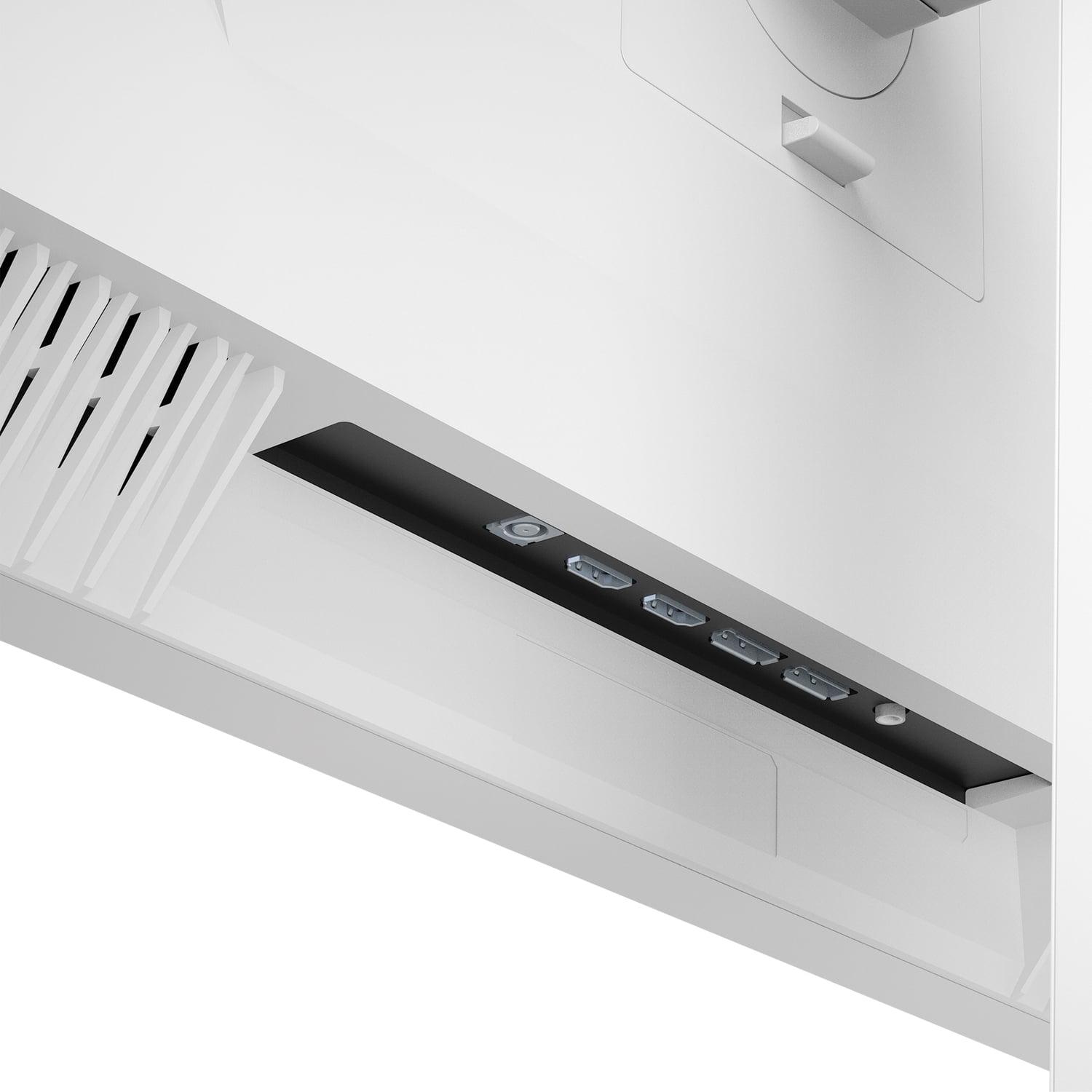
This is where the fundamental philosophies of these monitors become most apparent. The Mobile Pixels 27" WQHD Mini-LED Gaming Monitor focuses purely on display performance, offering basic connectivity with dual HDMI 2.1 and dual DisplayPort 1.4 inputs. It's a display-first approach that assumes you'll handle audio and device switching through other means.
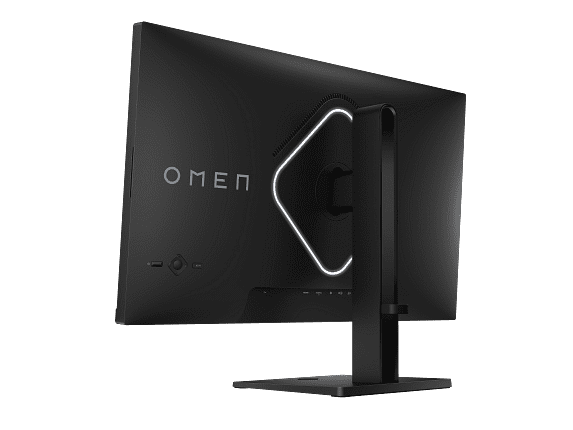
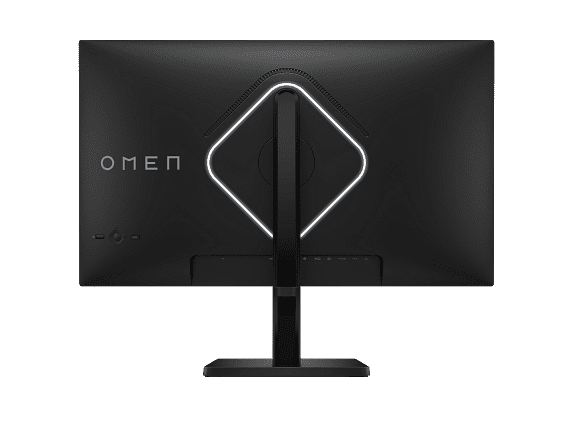
The HP Omen 27k, conversely, aims to be a complete desktop solution. Its connectivity options read like a wish list: DisplayPort 1.4, USB-C with DisplayPort Alt Mode, HDMI 2.1 for next-generation consoles, HDMI 2.0 for older devices, and a USB 3.2 hub for peripherals.
The standout feature is the built-in KVM (Keyboard, Video, Mouse) switch. This allows you to control two different devices—perhaps a gaming PC and a work laptop—using the same keyboard and mouse, switching between them at the touch of a button. I've found this incredibly useful for hybrid work-and-gaming setups, eliminating the need for separate peripherals or manual cable swapping.
The HP Omen also includes dual 3W speakers. While they won't replace a good gaming headset or dedicated speakers, they're surprisingly adequate for casual use and eliminate the need for external audio when you don't want to wear headphones.
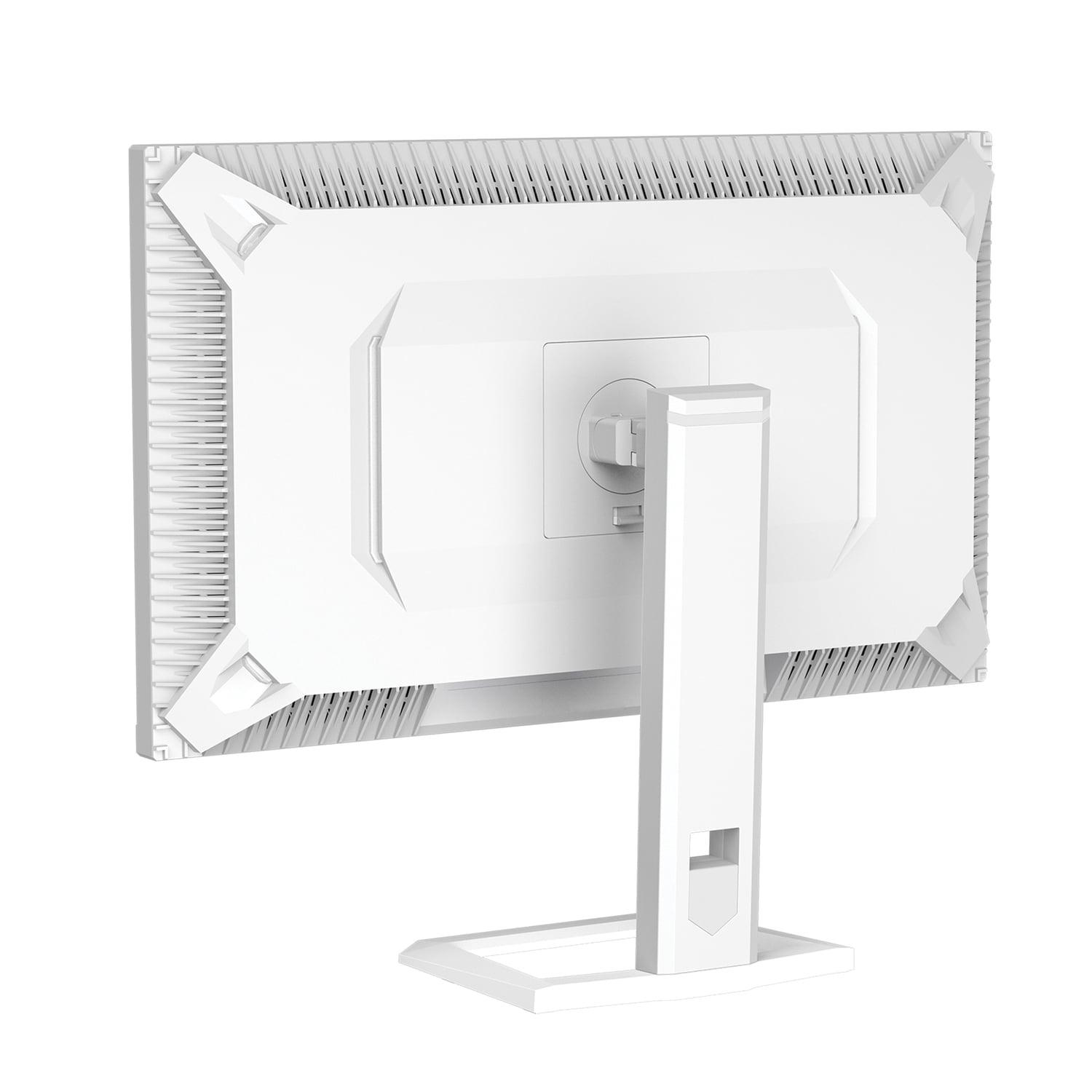
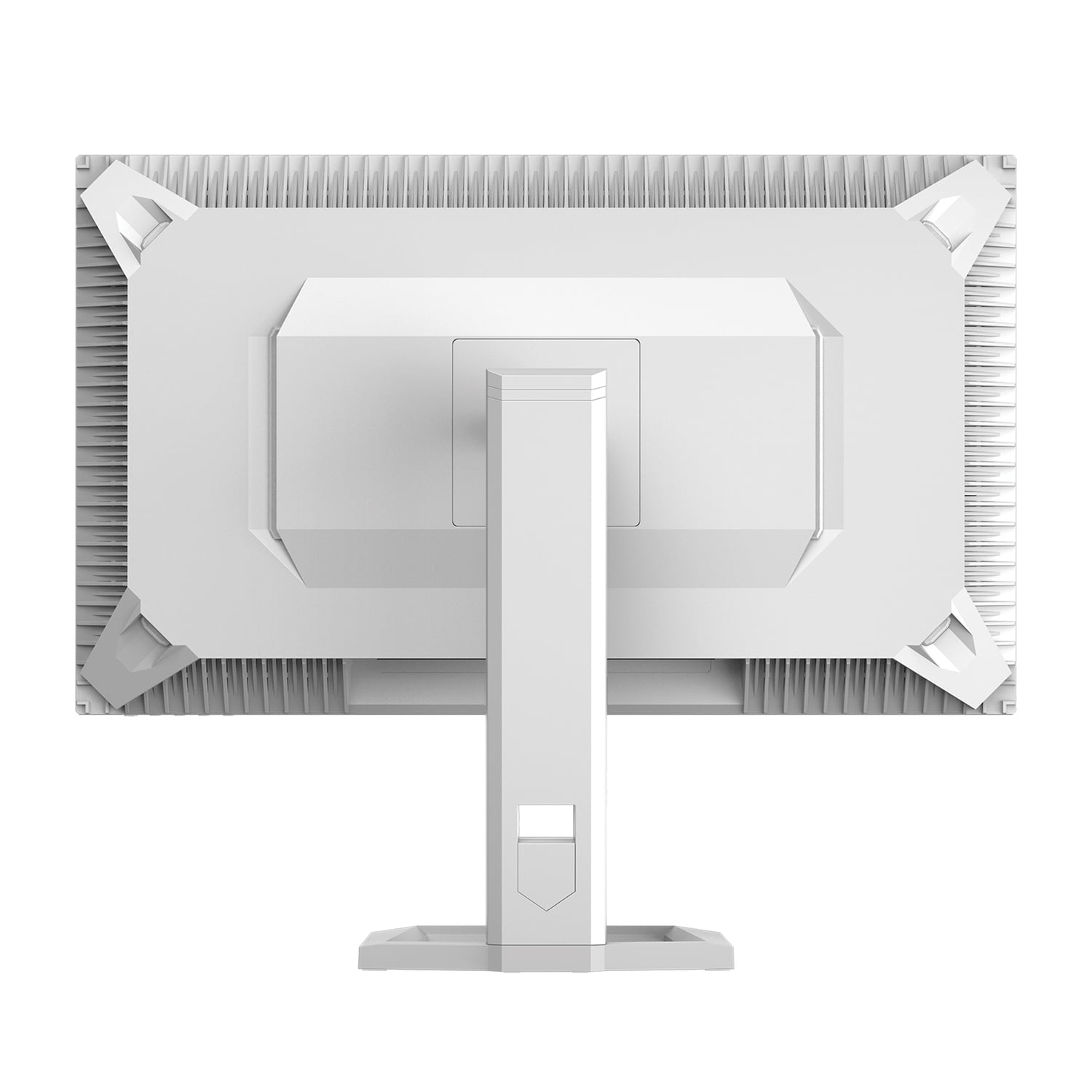
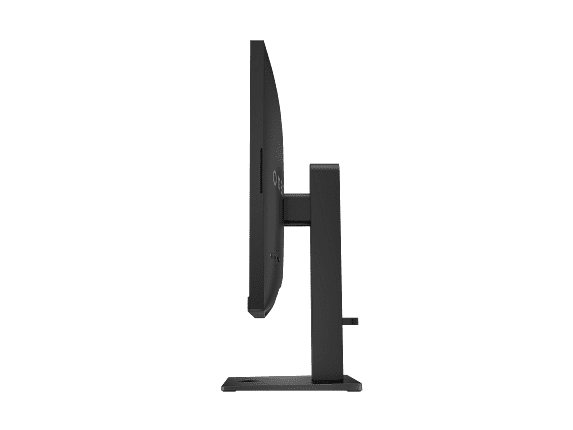
Ergonomically, the HP Omen offers comprehensive adjustability with height, tilt, and pivot functions, plus VESA mounting compatibility. The Mobile Pixels monitor appears more limited in this regard, focusing its engineering efforts on display technology rather than stand features.
If you're planning to connect next-generation gaming consoles, the HP Omen 27k has a significant advantage with its HDMI 2.1 support. This enables 4K gaming at 120Hz on PlayStation 5 and Xbox Series X, taking full advantage of these consoles' capabilities.
The Mobile Pixels monitor also features HDMI 2.1 inputs, but the 1440p resolution means you won't get native 4K output from consoles. However, many games will look excellent when downscaled from 4K to 1440p, and you'll benefit from higher frame rates in games that support 120Hz output.
For home theater use, both monitors present interesting options, though neither is specifically designed for this purpose. The Mobile Pixels display excels with HDR content thanks to its high brightness and excellent contrast, making it great for watching HDR movies in a darkened room. The HP Omen offers better overall versatility with its built-in speakers and comprehensive connectivity, making it easier to connect various streaming devices and sources.
At the time of writing, these monitors occupy different price tiers, with the Mobile Pixels monitor positioned as the more affordable option despite its advanced Mini-LED technology. This represents excellent value for users who prioritize display quality above all else.
The HP Omen 27k commands a premium for its 4K resolution and comprehensive feature set. While more expensive, it offers a complete solution that could eliminate the need for additional purchases like speakers, USB hubs, or KVM switches.
From a future-proofing perspective, both approaches have merit. The Mobile Pixels display offers cutting-edge display technology that will remain impressive for years to come, while the HP Omen provides the connectivity and resolution that will accommodate evolving devices and use cases.
After extensive testing and consideration, here's my take on who should choose each monitor:
Choose the Mobile Pixels 27" WQHD Mini-LED Gaming Monitor if you're a competitive gamer who values performance above all else. The 180Hz refresh rate and exceptional HDR performance make this ideal for fast-paced gaming, especially if you already have external speakers and don't need extensive connectivity. It's also perfect for users who want premium display technology without the 4K performance penalty.
The HP Omen 27k 4K UHD 144Hz Gaming Monitor suits users who want maximum versatility and visual fidelity. If you do both gaming and productivity work, need to connect multiple devices, or simply want the sharpest possible image quality, the 4K resolution and comprehensive features make this the better choice. It's particularly appealing for single-monitor setups where it needs to handle diverse tasks.
For competitive esports players, I'd lean toward the Mobile Pixels monitor. The higher refresh rate and superior contrast provide tangible advantages in fast-paced games, while the lower resolution ensures your graphics card can maintain high frame rates.
For content creators, casual gamers, and users with powerful graphics cards, the HP Omen 27k offers the resolution and color accuracy that benefit creative work, plus gaming performance that's still excellent even if not quite as fast as the competition.
Both monitors represent excellent examples of their respective philosophies. The Mobile Pixels 27" WQHD Mini-LED Gaming Monitor delivers cutting-edge display technology focused on pure performance, while the HP Omen 27k 4K UHD 144Hz Gaming Monitor provides a comprehensive, versatile solution with maximum resolution.
Your choice ultimately depends on your priorities: specialized gaming excellence or complete functionality. Either way, you'll end up with a display that represents the best of what modern gaming monitor technology can offer. The gaming monitor landscape has never been more exciting, and both of these displays prove that whether you choose cutting-edge display technology or maximum resolution, you're getting genuine innovation that will enhance your gaming experience for years to come.
| Mobile Pixels 27" WQHD Mini-LED Gaming Monitor | HP Omen 27k 4K UHD 144Hz Gaming Monitor |
|---|---|
| Display Resolution - Higher resolution means sharper images but requires more GPU power | |
| 2560 x 1440 (WQHD) - Easier to drive at high frame rates | 3840 x 2160 (4K UHD) - Maximum detail clarity, 78% more pixels |
| Backlight Technology - Determines contrast quality and HDR performance | |
| Mini-LED with local dimming - Superior contrast and deep blacks | Edge-lit LED - Standard contrast, more affordable technology |
| Peak Brightness - Critical for HDR content and bright room visibility | |
| 1000 nits (HDR1000 certified) - Excellent for HDR gaming | 400 nits (DisplayHDR 400) - Adequate for basic HDR content |
| Refresh Rate - Higher rates provide smoother motion in fast games | |
| 180Hz - Excellent for competitive gaming | 144Hz - Great for most gaming, lower GPU requirements at 4K |
| Response Time - Affects motion blur and ghosting in fast scenes | |
| 1ms GtG - Minimal motion blur | 1ms GtG (with overdrive) - Clean motion with proper settings |
| Color Gamut - Wider coverage means more vibrant, accurate colors | |
| 94% DCI-P3 - Excellent for gaming and cinema content | 99% sRGB, 95% DCI-P3 - Better for mixed gaming/productivity use |
| Adaptive Sync - Eliminates screen tearing and stuttering | |
| AMD FreeSync Premium - Good compatibility | G-SYNC Compatible + FreeSync Premium - Broader GPU support |
| Connectivity - More ports mean easier device switching | |
| 2x HDMI 2.1, 2x DisplayPort 1.4 - Basic but sufficient | DisplayPort, USB-C, HDMI 2.1/2.0, USB hub - Comprehensive options |
| Built-in Features - Convenience features that add value | |
| None - Focus purely on display performance | KVM switch, dual speakers, full ergonomic stand - Complete solution |
| Console Gaming - Next-gen console compatibility and performance | |
| HDMI 2.1 support, 1440p upscaling from consoles | Native 4K at 120Hz on PS5/Xbox Series X via HDMI 2.1 |
| Ergonomics - Stand adjustability and mounting options | |
| Basic stand, VESA 100x100 compatible | Height/tilt/pivot adjustable, VESA 100x100 mounting |
| Best Use Case - Who should consider this monitor | |
| Competitive gamers prioritizing contrast and high refresh rates | Versatile users wanting 4K resolution and comprehensive features |
The Mobile Pixels 27" WQHD Mini-LED Gaming Monitor is better for competitive gaming due to its higher 180Hz refresh rate compared to the 144Hz of the HP Omen 27k. The lower 1440p resolution also makes it easier for your graphics card to maintain high frame rates, which is crucial for competitive play in games like Counter-Strike or Valorant.
Mini-LED technology in the Mobile Pixels monitor uses hundreds of tiny LEDs that can be controlled in zones, creating much better contrast with deeper blacks and brighter highlights. The HP Omen 27k uses traditional edge-lit LED backlighting, which is more affordable but can't achieve the same dramatic contrast ratios or HDR performance.
Image quality depends on your priorities. The HP Omen 27k 4K UHD 144Hz Gaming Monitor offers sharper details with 78% more pixels than the Mobile Pixels WQHD monitor. However, the Mini-LED technology provides superior contrast, deeper blacks, and much better HDR performance with 1000 nits brightness versus 400 nits.
Yes, both the Mobile Pixels monitor and HP Omen 27k support HDMI 2.1 for next-gen consoles. The HP Omen can display native 4K at 120Hz, while the Mobile Pixels display will upscale console output to its 1440p resolution, often resulting in higher frame rates in supported games.
The HP Omen 27k 4K UHD 144Hz Gaming Monitor is superior for productivity due to its 4K resolution providing more screen real estate and sharper text. It also offers better color accuracy with 99% sRGB coverage, built-in speakers, USB hub, and a KVM switch for managing multiple devices with one keyboard and mouse.
The Mobile Pixels 27" WQHD Mini-LED Gaming Monitor performs much better in bright rooms with its 1000 nits peak brightness compared to the 400 nits of the HP Omen 27k. The Mini-LED display can overcome ambient light more effectively, maintaining good contrast and visibility even with windows or bright lighting nearby.
The HP Omen 27k offers significantly more connectivity with DisplayPort, USB-C, multiple HDMI ports, and a USB hub. The Mobile Pixels monitor focuses on display performance with basic connectivity including dual HDMI 2.1 and DisplayPort inputs, which is sufficient for most gaming setups but less versatile.
HDR performance strongly favors the Mobile Pixels Mini-LED monitor with HDR1000 certification and 1000 nits brightness, delivering dramatic highlights and deep shadows. The HP Omen 27k only supports DisplayHDR 400 with 400 nits brightness, providing a more subtle HDR experience that's less impactful.
The Mobile Pixels 27" WQHD Mini-LED Gaming Monitor is much easier to drive at high frame rates with mid-range graphics cards due to its 1440p resolution. The 4K resolution of the HP Omen 27k requires significantly more GPU power, making it better suited for high-end graphics cards.
Only the HP Omen 27k 4K UHD 144Hz Gaming Monitor includes built-in dual 3W speakers, eliminating the need for external audio in casual use. The Mobile Pixels monitor focuses purely on display performance and doesn't include speakers, requiring external audio solutions.
Value depends on your needs. The Mobile Pixels monitor typically offers better value for gaming-focused users, providing premium Mini-LED technology and high refresh rates at a lower cost. The HP Omen 27k provides better value for users wanting a complete solution with 4K resolution, comprehensive connectivity, and built-in features.
Both can work for home theater use, but with different strengths. The Mobile Pixels 27" WQHD Mini-LED Gaming Monitor excels with HDR movies due to its superior contrast and brightness. The HP Omen 27k offers 4K resolution for maximum detail and includes built-in speakers, making it more convenient for casual movie watching despite lower HDR performance.
We've done our best to create useful and informative comparisons to help you decide what product to buy. Our research uses advanced automated methods to create this comparison and perfection is not possible - please contact us for corrections or questions. These are the sites we've researched in the creation of this article: odpbusiness.com - wellbots.com - bestbuy.com - bhphotovideo.com - youtube.com - networkhardwares.com - mobilepixels.us - bestbuy.com - business.walmart.com - newegg.com - beachaudio.com - petra.com - centralcomputer.com - mobilepixels.us - compsource.com - walmart.com - newegg.com - tomshardware.com - windowscentral.com - digitaltrends.com - youtube.com - hp.com - youtube.com - hp.com - hp.com - displayspecifications.com - files.bbystatic.com - newegg.com - hp.com - hp.com - hp.com - hp.com - target.com - files.bbystatic.com - displayspecifications.com

Privacy Policy
Terms and Conditions - Affiliate Policy
Home Security
© Copyright 2008-2026.
11816 Inwood Rd #1211, Dallas, TX 75244