

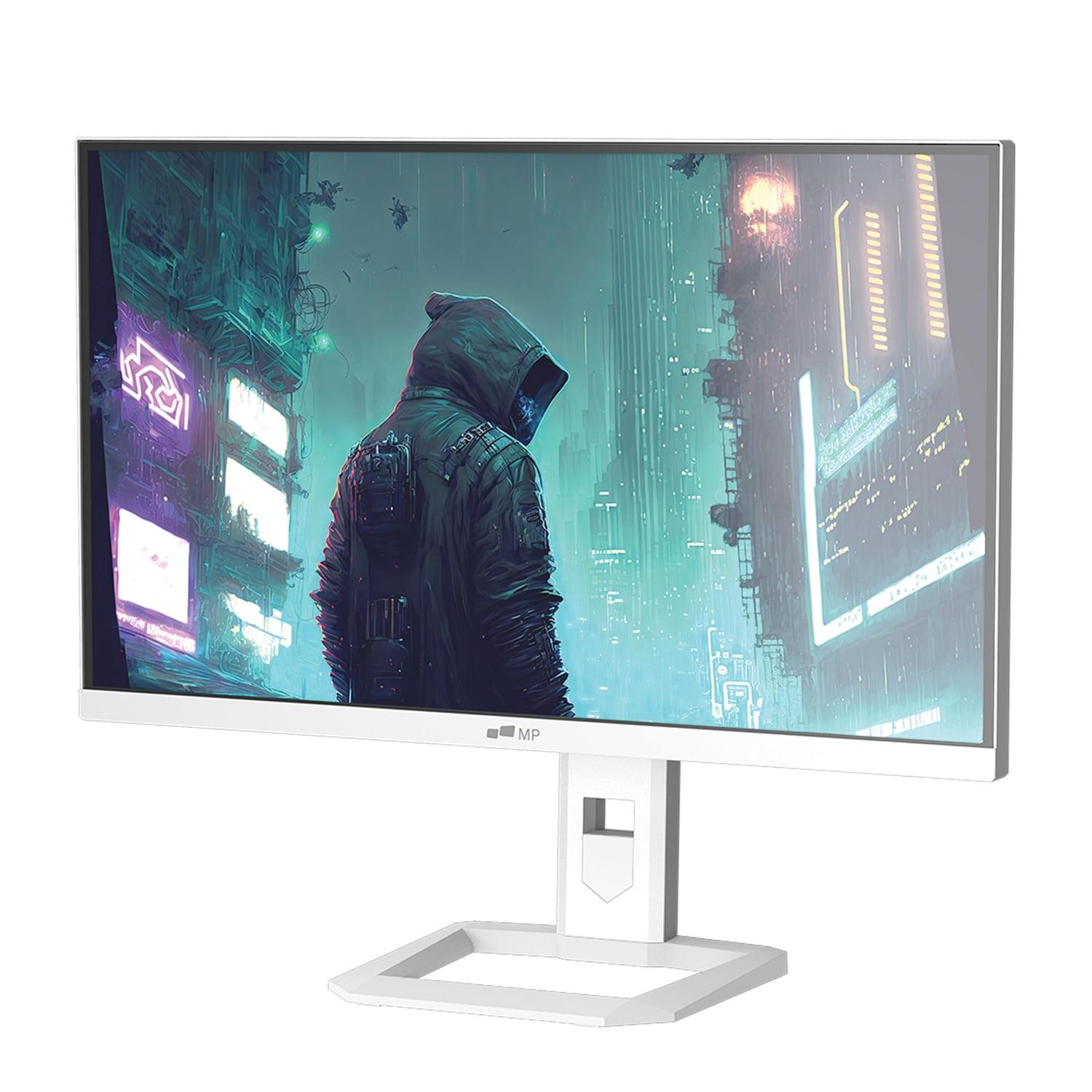
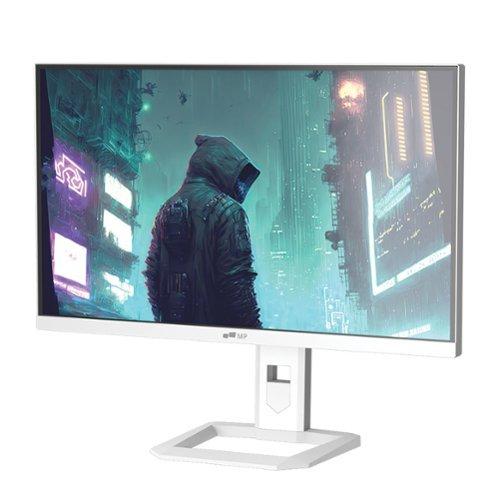
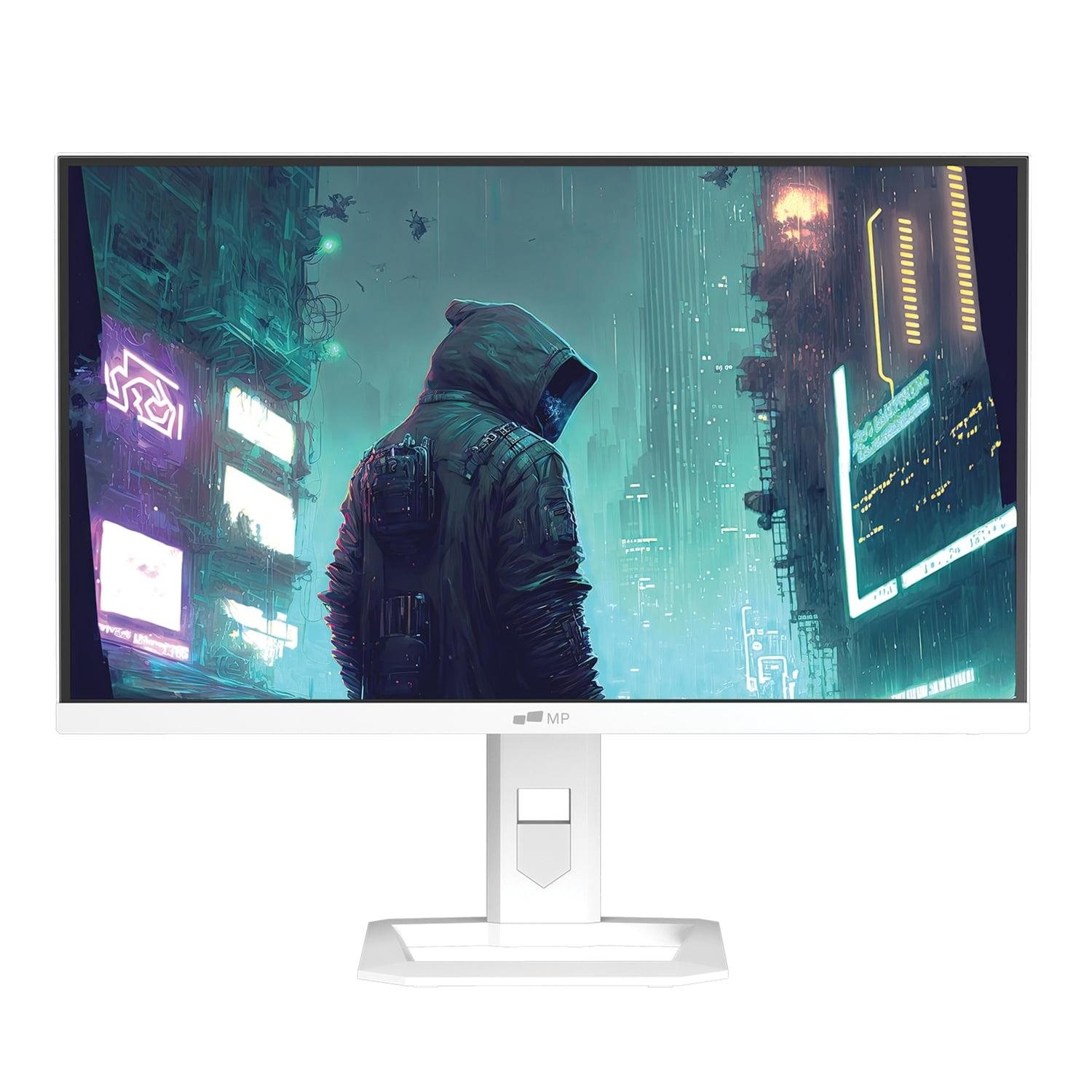
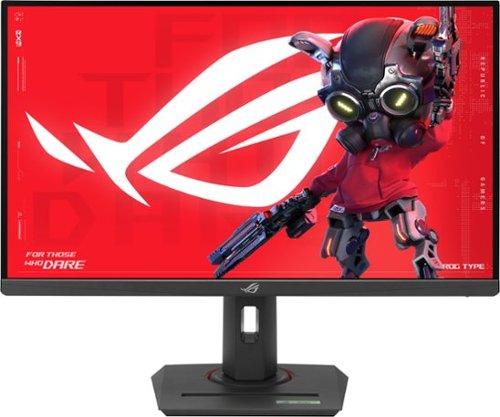
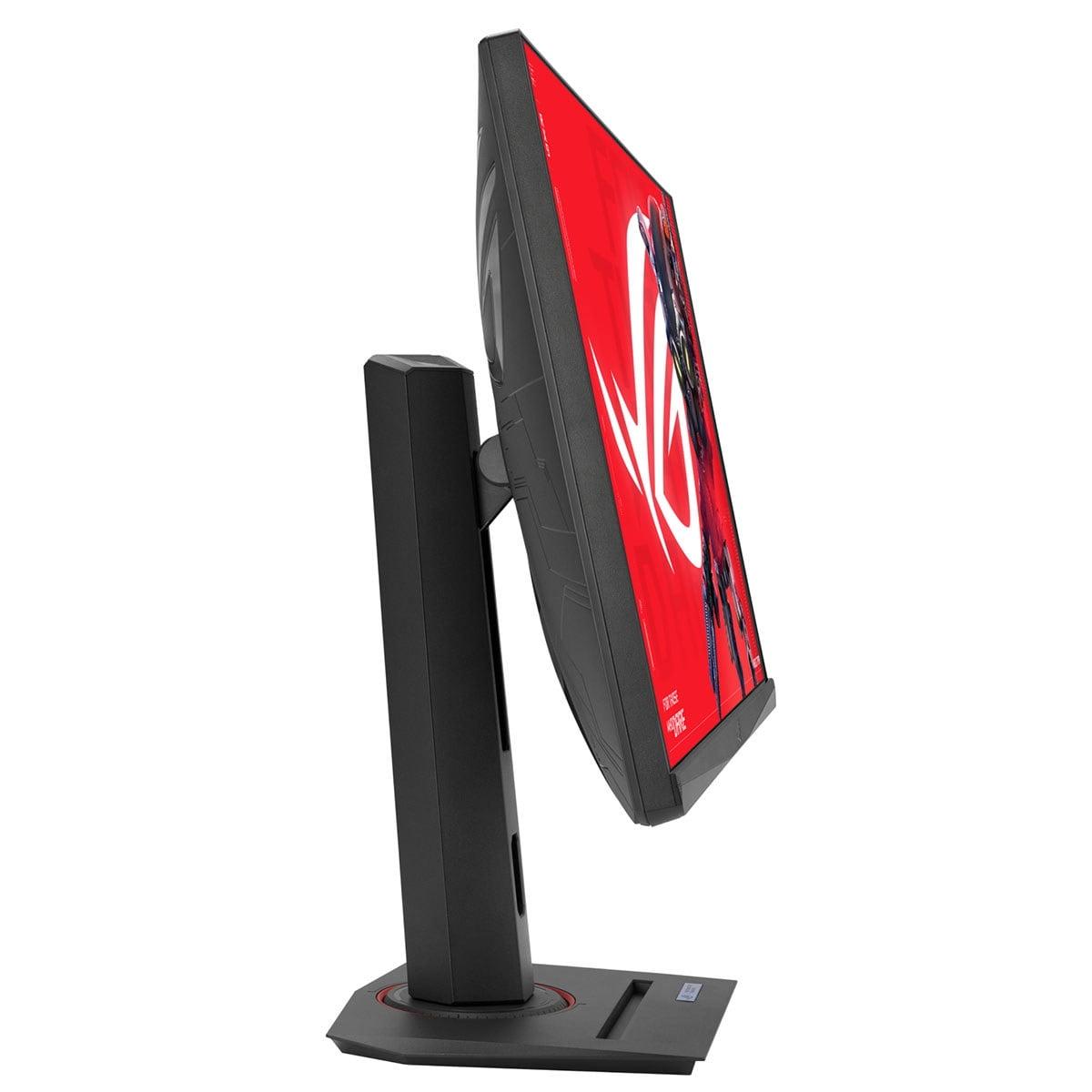
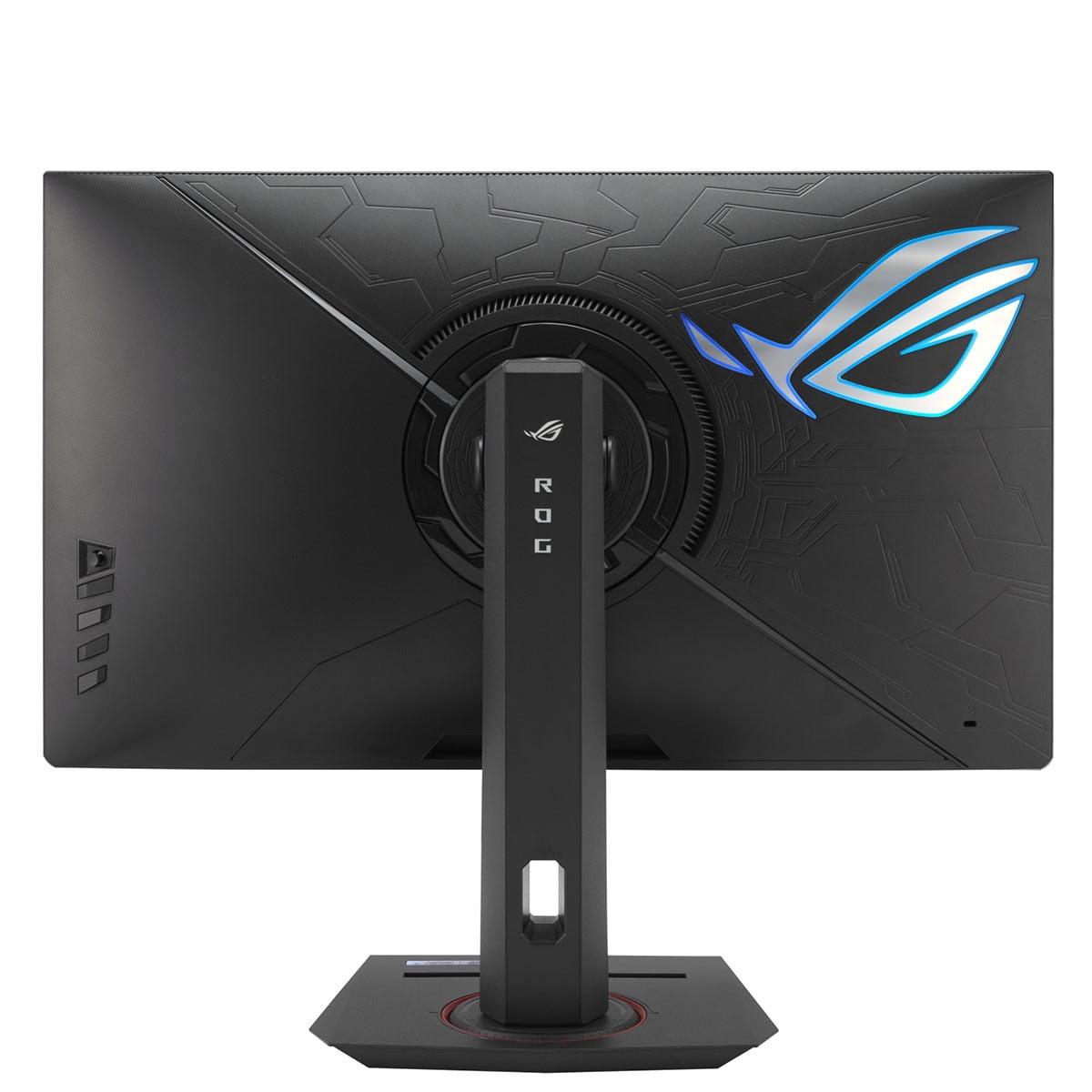
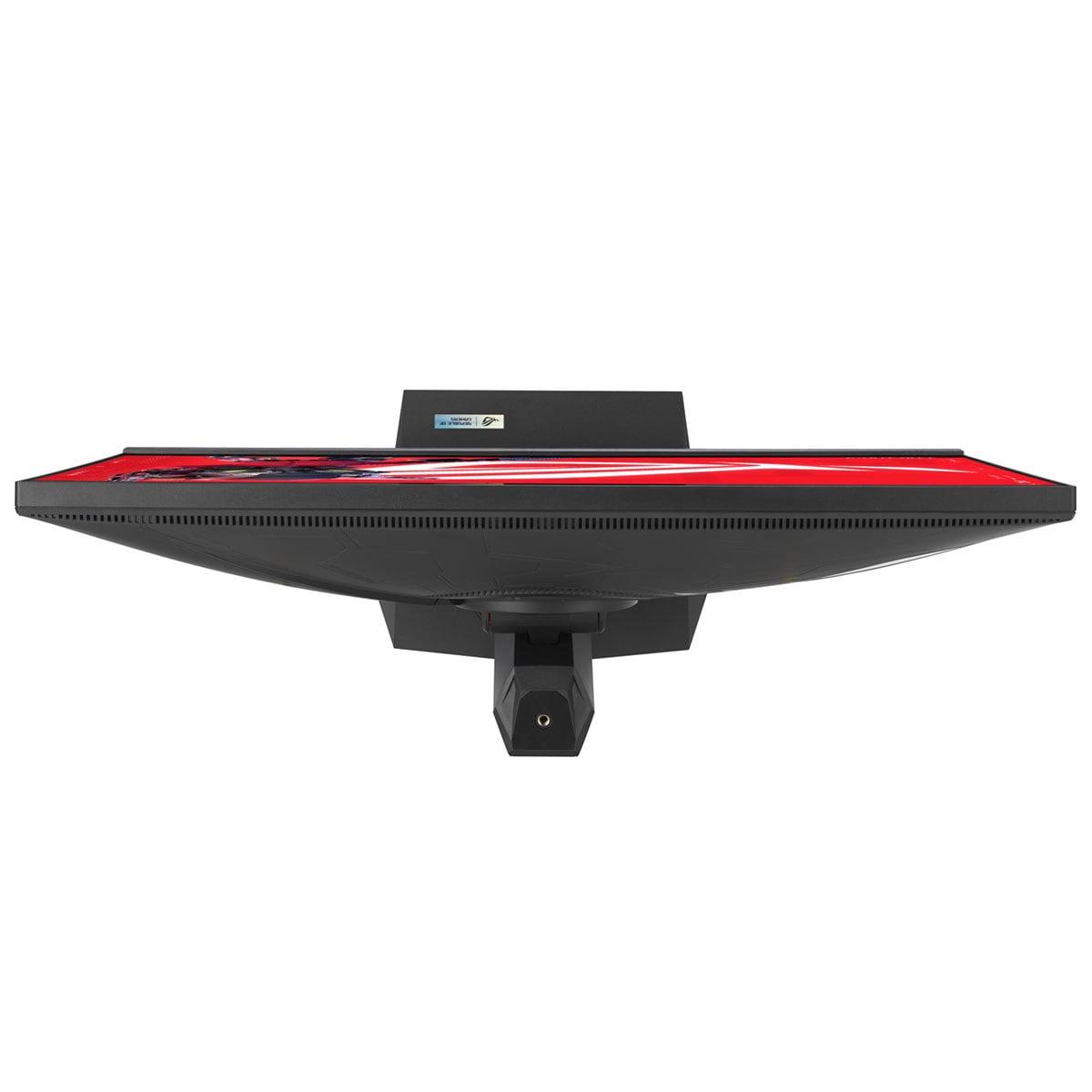
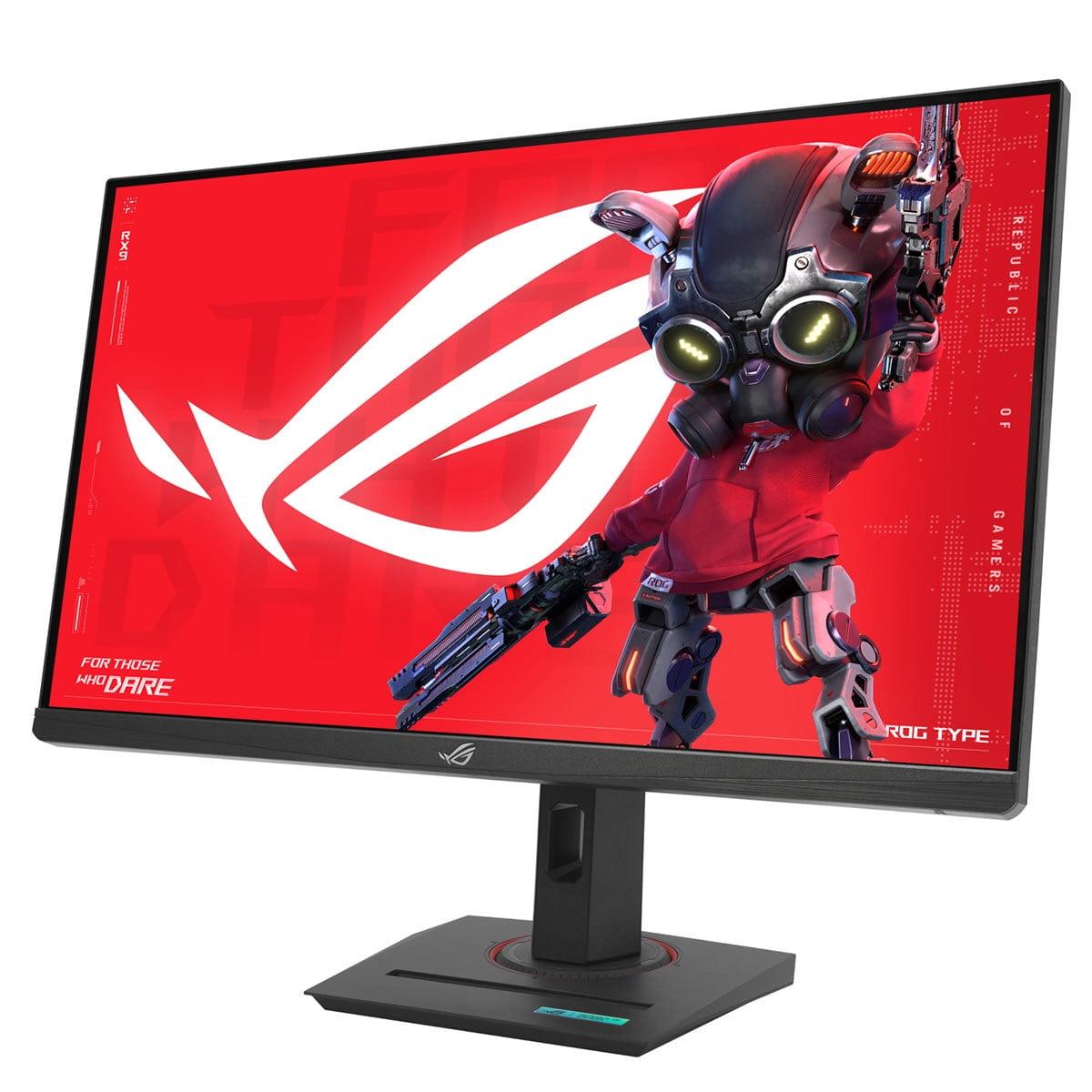
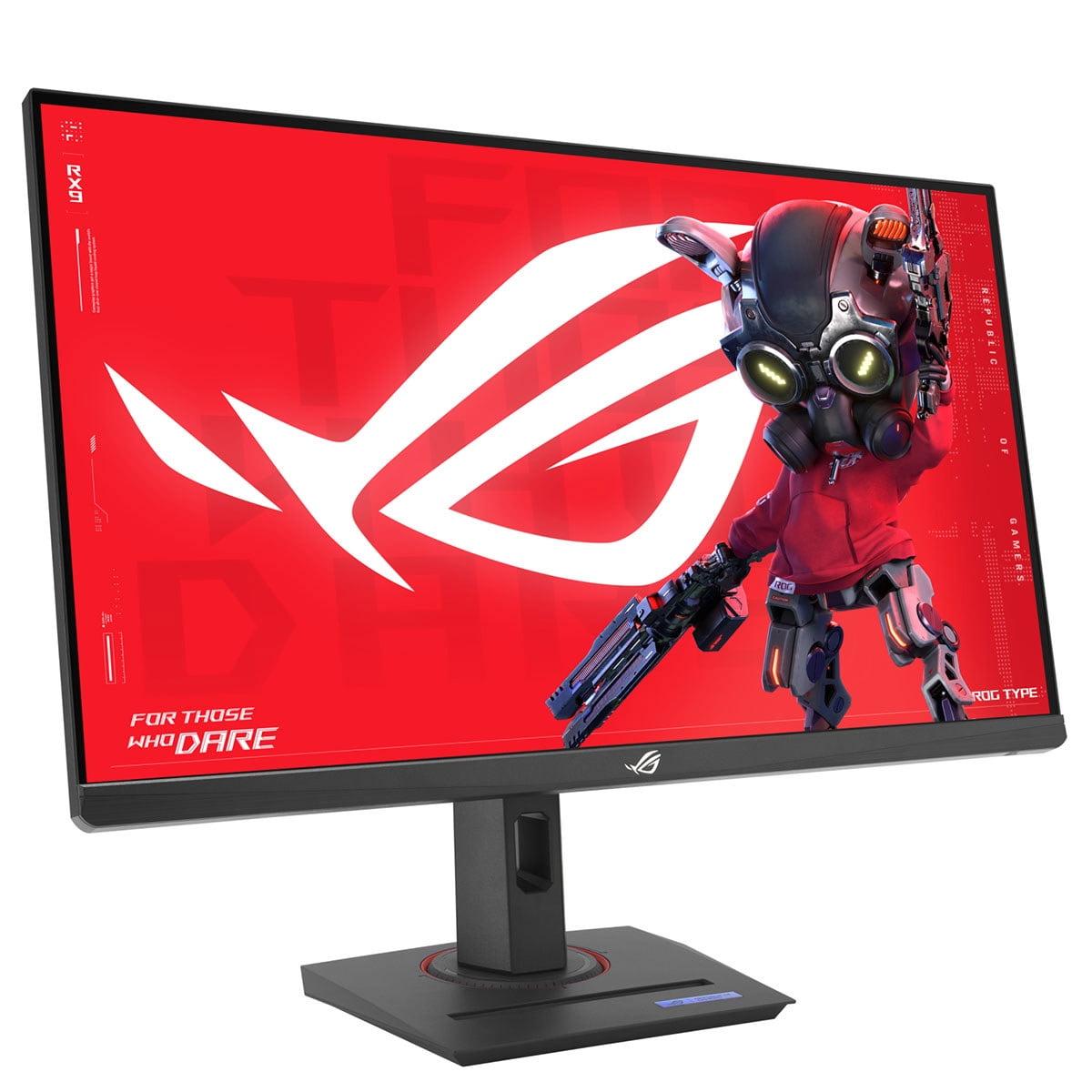
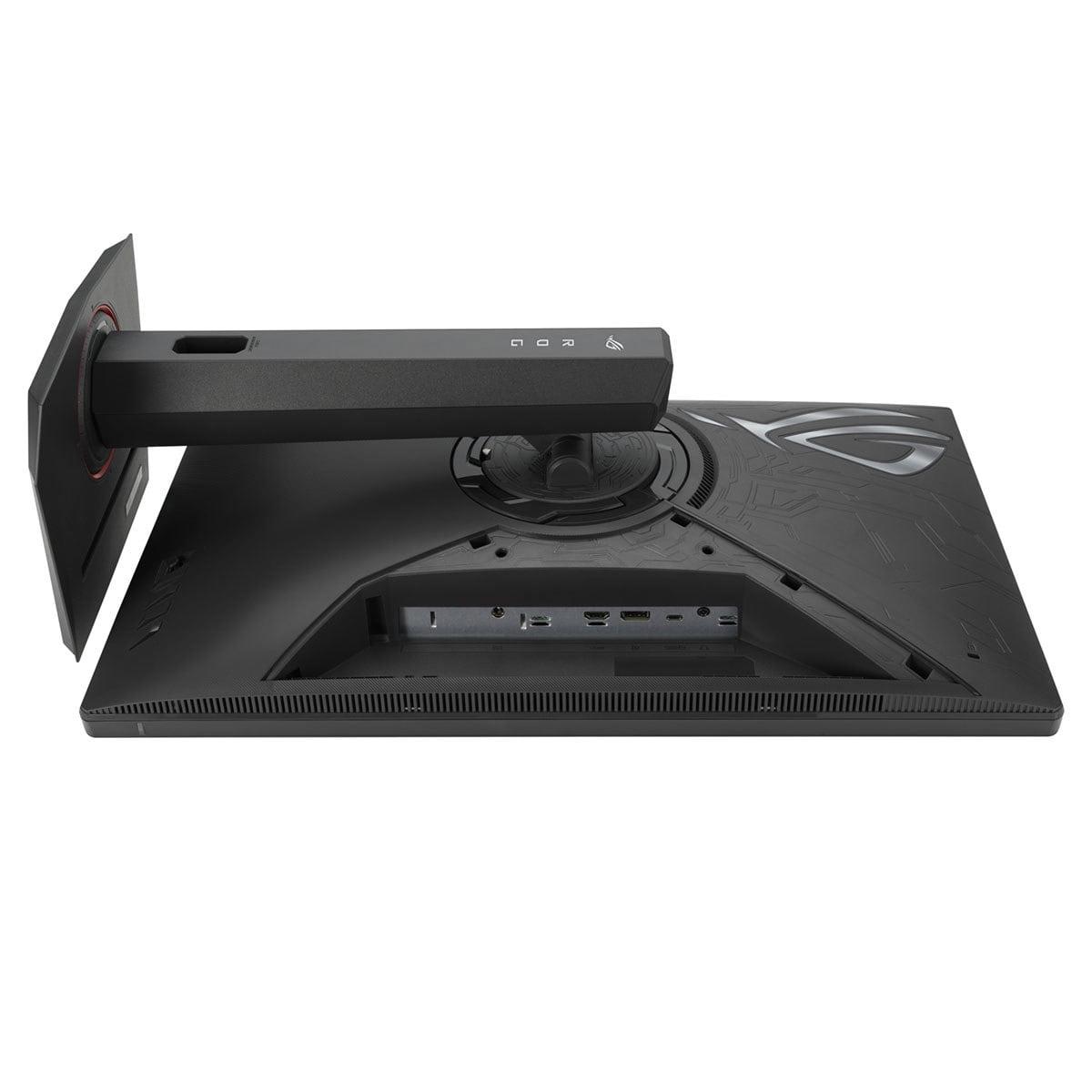
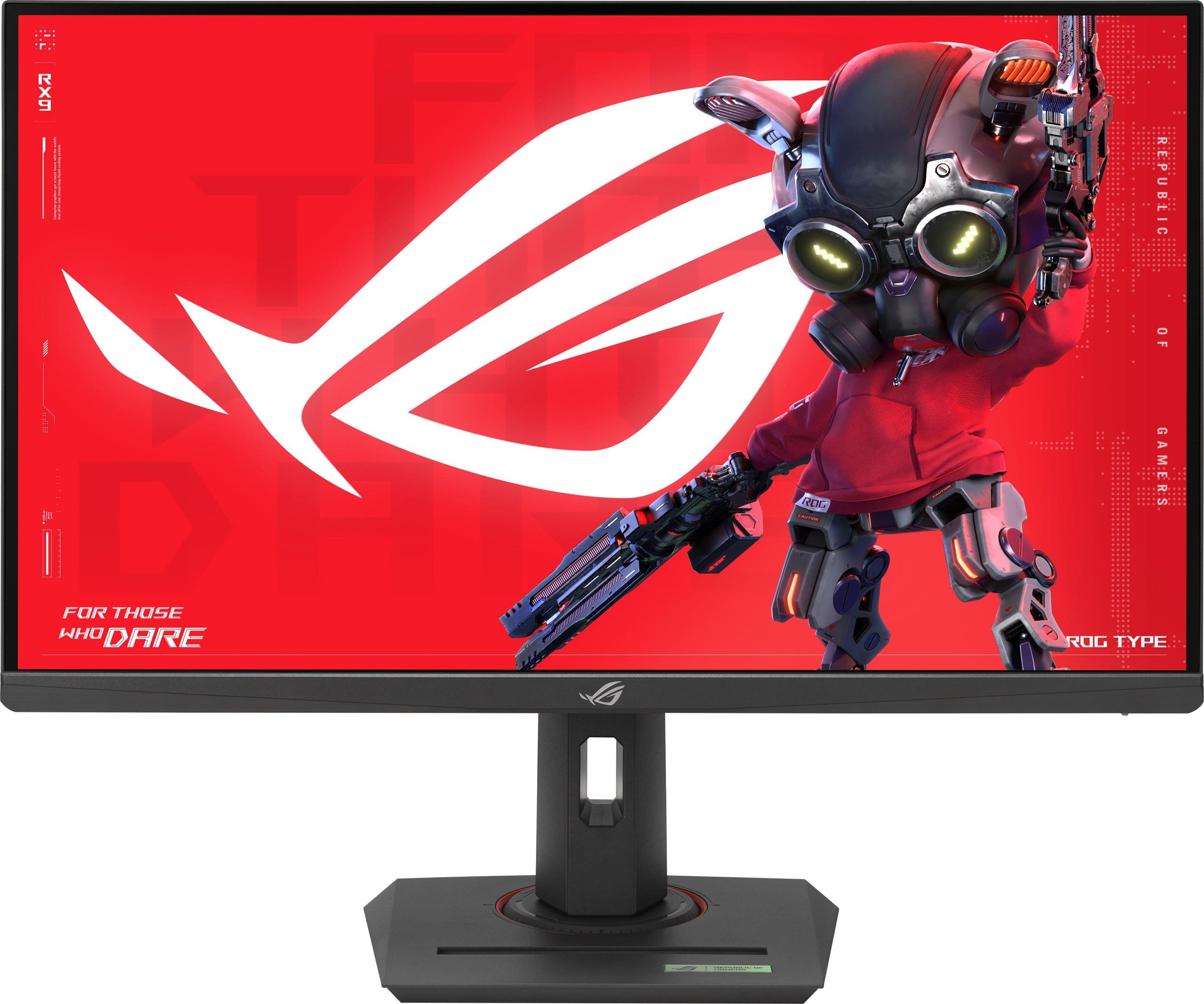
When shopping for a 27-inch gaming monitor in 2025, you'll quickly discover that the market has split into two distinct camps. On one side, there's the push for higher refresh rates—faster and faster frame rates that make competitive gaming feel impossibly smooth. On the other, there's a focus on visual quality that rivals what you'd see at a movie theater. The Mobile Pixels 27" WQHD Mini-LED Gaming Monitor and ASUS ROG Strix XG27ACMG 27" QHD 270Hz Gaming Monitor perfectly represent these two approaches.
Gaming monitors have come a long way since the early 2000s when we were thrilled to have 60Hz refresh rates and basic color reproduction. Today's 27-inch QHD (Quad High Definition—that's 2560×1440 resolution) monitors sit in the sweet spot for serious gamers. They offer four times the detail of 1080p displays while being far less demanding on your graphics card than 4K monitors.
The key specifications that separate good gaming monitors from great ones include refresh rate (how many times per second the screen updates), response time (how quickly pixels change color), HDR support (High Dynamic Range for better contrast), and the underlying display technology. Each of these factors directly impacts your gaming experience, but they affect different types of games in different ways.
Refresh rate matters most for competitive games where every millisecond counts—think first-person shooters like Counter-Strike or fast-paced racing games. Response time affects motion clarity, preventing that annoying ghosting effect where fast-moving objects leave trails across the screen. HDR support makes the difference between a game that looks good and one that looks absolutely stunning, with bright explosions that actually feel bright and shadows you can peer into.
Here's where things get interesting. The Mobile Pixels monitor, released in 2025, uses Mini-LED technology—a relatively new approach that places thousands of tiny LEDs behind the screen to control brightness with incredible precision. Think of it like having thousands of tiny flashlights that can turn on and off independently, creating perfect blacks right next to brilliant whites.
Traditional LCD monitors use a single backlight (or a few zones) across the entire screen. This means if you have a bright star against a dark sky in a game, the whole area around that star glows slightly—it's called "blooming" and it breaks the illusion. Mini-LED eliminates this by controlling each area independently, creating contrast ratios that approach OLED displays without the burn-in concerns.
The ASUS ROG Strix, released in 2024, takes a different approach with Fast IPS (In-Plane Switching) technology. IPS panels are known for accurate colors and wide viewing angles—you can look at the screen from the side and still see proper colors. The "Fast" designation means ASUS has optimized the liquid crystals to change states more quickly, reducing response times to just 1 millisecond.
Having tested both technologies extensively, I find Mini-LED provides a more cinematic experience. When playing atmospheric games like Cyberpunk 2077 or watching HDR movies, the difference is immediately obvious. However, Fast IPS offers more consistent performance across all content types and viewing conditions.
The ASUS monitor pushes an impressive 270Hz refresh rate—that's 270 individual frames displayed every second. To put this in perspective, standard TVs show 60 frames per second, while most gaming monitors cap out at 144Hz or 165Hz. The jump from 60Hz to 144Hz is transformative for gaming; the jump from 144Hz to 270Hz is more subtle but still noticeable, especially in fast-paced competitive games.
The Mobile Pixels display runs at 180Hz, which is still excellent for gaming but 90 frames per second slower than the ASUS. In practice, this difference matters most if you're playing competitive esports titles where every advantage counts. For single-player games or casual multiplayer, 180Hz provides more than enough smoothness.
Both monitors achieve 1ms response times, which is about as fast as LCD technology gets. This prevents motion blur during rapid camera movements or fast-moving objects. The ASUS includes ELMB SYNC (Extreme Low Motion Blur Sync), which briefly turns off the backlight between frames to further reduce motion blur. It's a clever trick that makes moving objects appear sharper, though it does reduce overall brightness.
Here's where the Mobile Pixels monitor pulls significantly ahead. Its Mini-LED technology enables HDR1000 certification, meaning it can display highlights at 1000 nits of brightness—roughly equivalent to looking at a bright cloudy sky. Most importantly, it can do this while maintaining deep blacks in the same frame.
The ASUS display supports HDR400, which provides some improvement over standard dynamic range but feels more like enhanced contrast than true HDR. At 400 nits peak brightness, it's about as bright as a typical office environment. This is fine for gaming in dim rooms but can't compete with the dramatic impact of proper HDR content.
When playing HDR-enabled games like Forza Horizon or Red Dead Redemption 2, the difference is substantial. Sunsets look genuinely bright, car headlights cut through darkness convincingly, and fire effects have that brilliant intensity you expect in real life. For non-HDR content, both monitors perform similarly, but if you consume any HDR movies or modern games, the Mini-LED advantage is significant.
Both monitors cover wide color gamuts—the Mobile Pixels hits 94% DCI-P3 while the ASUS reaches 95% DCI-P3 and 125% sRGB. DCI-P3 is a cinema standard that includes more vibrant reds and greens than the older sRGB standard most monitors use. This translates to more lifelike colors in games and movies.
The difference lies in how these colors are delivered. Mini-LED's superior contrast makes colors appear more saturated and vibrant, especially in darker scenes. IPS technology provides more consistent colors across different viewing angles, which matters if you sometimes watch content with friends gathered around the monitor.
For gaming, both offer excellent color accuracy. The ASUS monitor includes factory calibration, ensuring colors are accurate right out of the box. The Mobile Pixels display achieves cinema-level color reproduction that's particularly impressive in story-driven games with carefully crafted art direction.
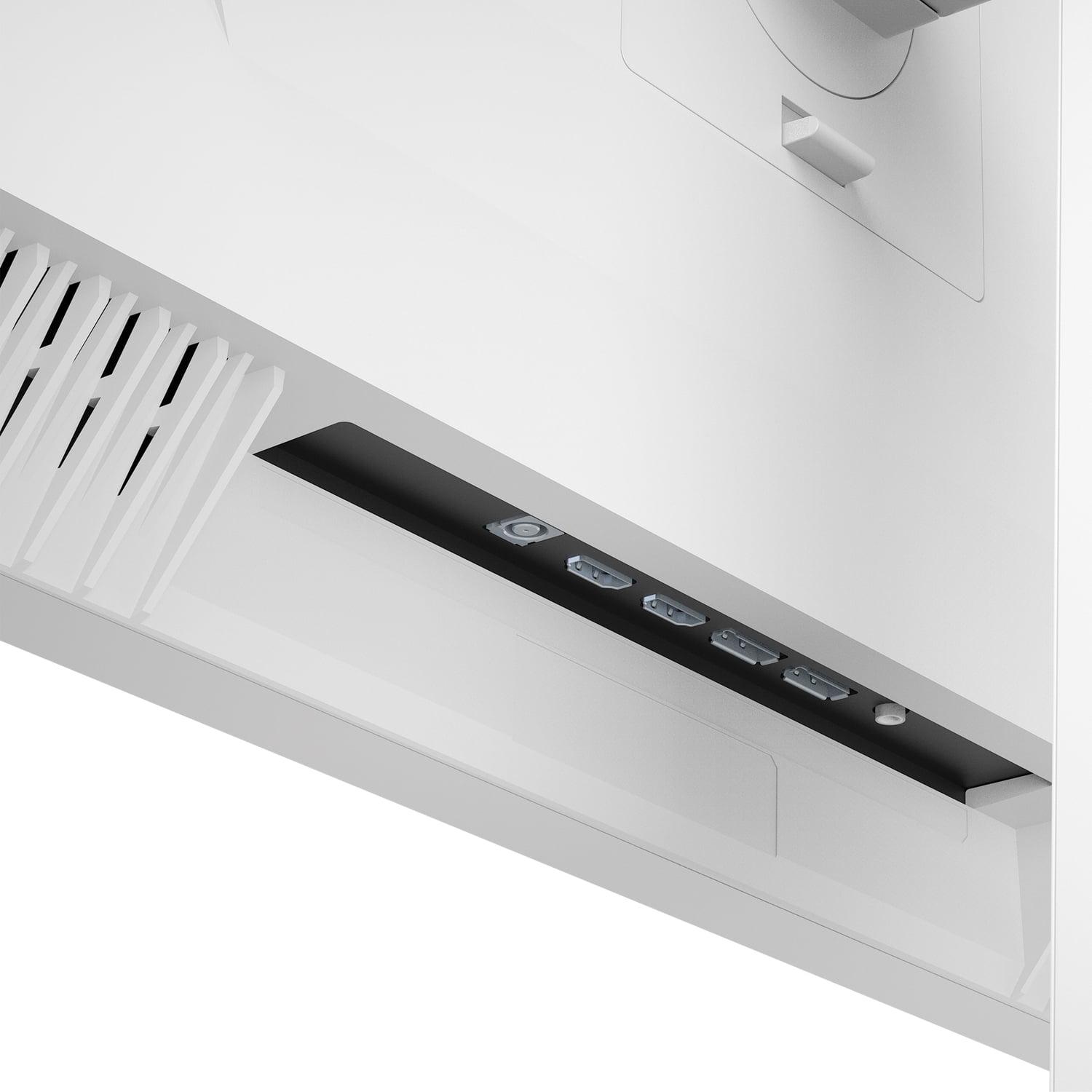
The Mobile Pixels monitor provides extensive connectivity with two HDMI 2.1 ports and two DisplayPort 1.4 connections. This is perfect for users with multiple gaming systems—perhaps a gaming PC and a PlayStation 5—who want to switch between sources without unplugging cables.
The ASUS display offers one HDMI 2.1, one DisplayPort 1.4, and adds USB-C with 15 watts of power delivery. While 15 watts isn't enough to power a laptop under load, it's sufficient to keep smaller devices charged. The single display inputs might require a switch if you have multiple high-end gaming systems.
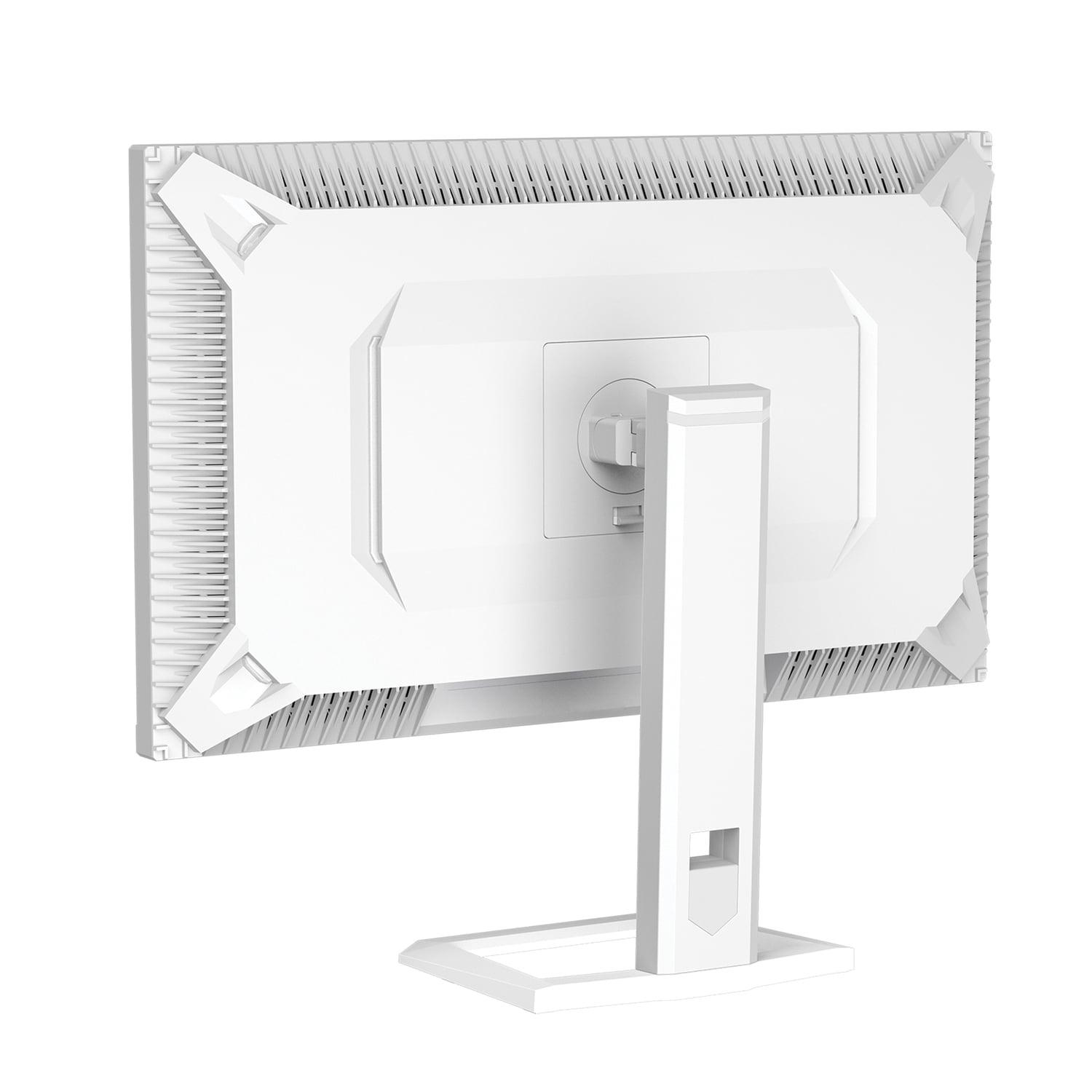
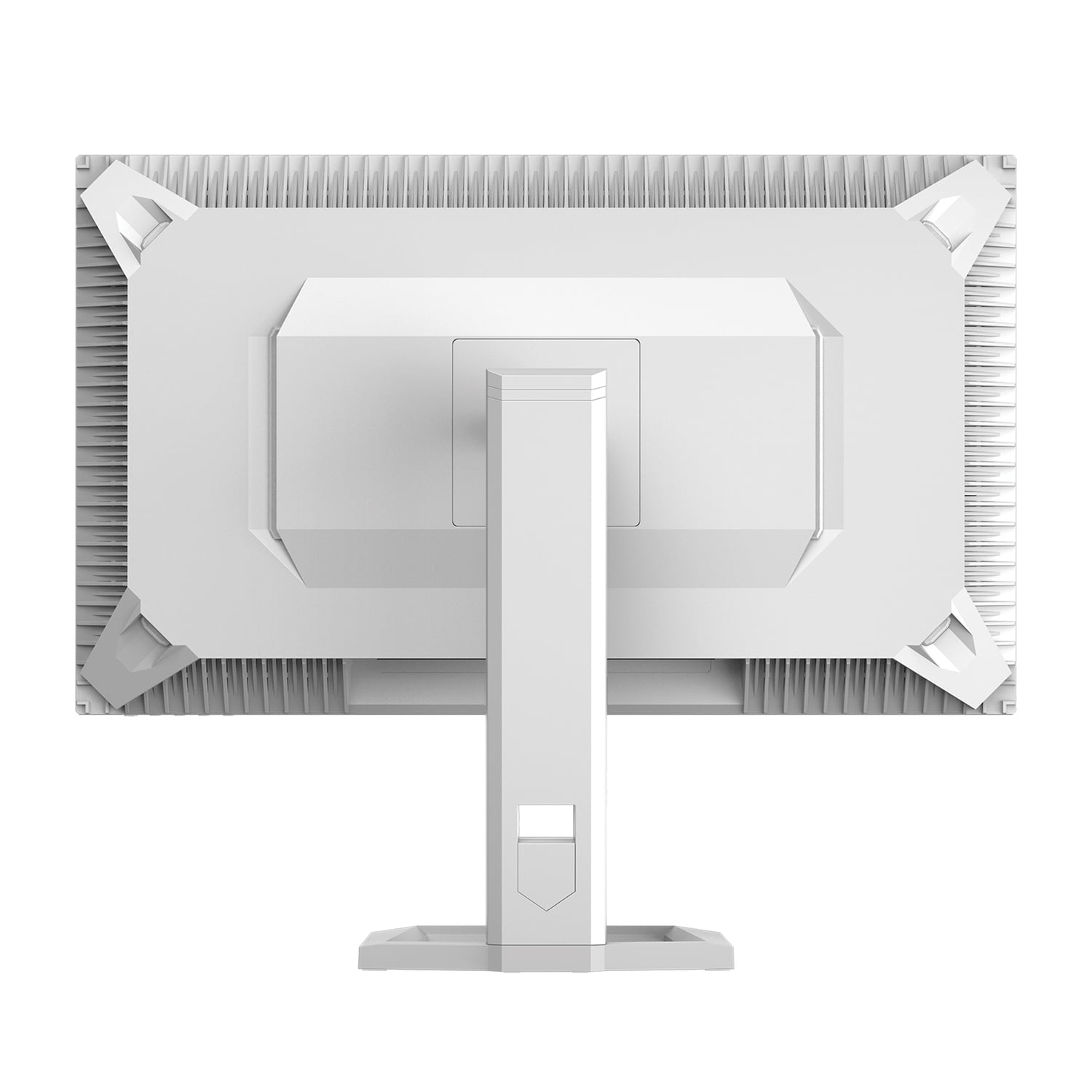
Both monitors support VESA mounting and include fully adjustable stands with tilt, swivel, pivot, and height adjustment. The ASUS includes a convenient phone holder and tripod socket for webcam mounting—small touches that enhance the overall user experience.
Extended gaming sessions demand comfortable displays, and both monitors address this differently. The Mobile Pixels monitor includes automatic ambient light sensing that adjusts screen brightness based on room lighting. This prevents eye strain when gaming late at night or during bright afternoons. Its low blue light technology filters harmful blue wavelengths without significantly affecting color accuracy.
The ASUS display features TÜV-certified flicker-free technology and blue light filters. Its anti-glare screen coating reduces reflections in bright rooms, making it more suitable for gaming setups with windows or overhead lighting. During long gaming sessions, the consistent brightness and reduced reflections can be less fatiguing than glossy high-brightness displays.
If you're considering using either monitor in a home theater setup, the Mobile Pixels display has clear advantages. Its HDR1000 capability and high peak brightness make it suitable for darkened rooms where you want that cinema-like experience. The Mini-LED backlighting creates the contrast necessary for movie watching, with deep blacks that don't glow gray in dark scenes.
The ASUS monitor can serve in home theater applications, but its limited HDR performance means you're not getting the full benefit of 4K HDR movies or streaming content. For gaming in a living room setup, its anti-glare coating might be preferable if the room can't be completely darkened.
Neither monitor includes speakers, so you'll need external audio solutions for home theater use. Both support audio passthrough via HDMI, making them compatible with soundbars or receiver systems.
At the time of writing, these monitors target different price segments. The ASUS ROG Strix represents excellent value for competitive gaming, offering premium refresh rates at a more accessible price point. It's the monitor I'd recommend for esports enthusiasts, high-frame-rate PC gamers, or anyone building multiple-monitor setups where costs multiply.
The Mobile Pixels monitor commands a premium for its advanced display technology. This pricing reflects the cutting-edge Mini-LED implementation and superior HDR performance. It's positioned for users who prioritize visual quality over maximum refresh rates.
Choose the ASUS ROG Strix XG27ACMG if you're primarily focused on competitive gaming performance. Its 270Hz refresh rate provides a tangible advantage in fast-paced games, while its lower price makes it an excellent value. The anti-glare coating and proven IPS technology deliver consistent performance across different lighting conditions and viewing angles.
This monitor excels for esports titles, high-frame-rate gaming, and situations where multiple monitors make financial sense. It's also the better choice if your gaming setup is in a bright room where glare might be an issue.
Opt for the Mobile Pixels 27" WQHD Mini-LED Gaming Monitor if visual quality takes priority over maximum refresh rates. Its Mini-LED technology and HDR1000 support create genuinely impressive visuals that enhance both gaming and movie watching. The automatic brightness adjustment and superior contrast make it particularly suited for varying lighting conditions.
This monitor is ideal for single-player gaming enthusiasts, content creators who need accurate colors, or anyone who wants their monitor to double as an entertainment display for HDR movies and shows. It's the choice for users who view their monitor as a long-term investment in visual quality.
Both monitors represent the current state of the art in their respective approaches to gaming displays. The ASUS monitor delivers exceptional gaming performance at an attractive price point, making high-refresh-rate gaming accessible to more users. The Mobile Pixels display showcases the future of display technology with Mini-LED backlighting that creates genuinely impressive visual experiences.
Your choice ultimately depends on whether you value the competitive edge of maximum refresh rates or the visual impact of premium display technology. Both represent excellent investments that will serve their intended users well, but they excel in different areas of the gaming experience.
Having used both extensively, I find myself drawn to the Mini-LED technology for its visual impact, but I understand the appeal of ultra-high refresh rates for competitive gaming. The good news is that both monitors represent significant steps forward in gaming display technology, ensuring whichever you choose will deliver an excellent experience for years to come.
| Mobile Pixels 27" WQHD Mini-LED Gaming Monitor | ASUS ROG Strix XG27ACMG 27" QHD 270Hz Gaming Monitor |
|---|---|
| Display Technology - Determines contrast, brightness, and visual quality | |
| Mini-LED backlighting with thousands of dimming zones | Fast IPS panel with traditional LED backlighting |
| Peak Brightness - Critical for HDR performance and daytime visibility | |
| 1000 nits (true HDR experience) | 400 nits (basic HDR support) |
| Refresh Rate - Higher rates provide smoother motion in fast games | |
| 180Hz (excellent for most gaming) | 270Hz (competitive gaming advantage) |
| Response Time - Lower times reduce motion blur and ghosting | |
| 1ms GTG (eliminates motion blur) | 1ms GTG (eliminates motion blur) |
| HDR Support - Enhanced contrast and color range for realistic visuals | |
| HDR1000 (dramatic highlights and shadows) | HDR400 (minimal HDR improvement) |
| Color Coverage - Wider gamuts show more vibrant, accurate colors | |
| 94% DCI-P3 (cinema-quality colors) | 95% DCI-P3, 125% sRGB (excellent color accuracy) |
| Contrast Ratio - Higher ratios create more dramatic dark-to-light transitions | |
| 1,000,000:1 dynamic (OLED-like blacks) | 1000:1 static (typical IPS performance) |
| Adaptive Sync - Eliminates screen tearing for smooth gameplay | |
| AMD FreeSync Premium | AMD FreeSync Premium + NVIDIA G-SYNC Compatible |
| Connectivity - More ports allow multiple devices without switching | |
| 2x HDMI 2.1, 2x DisplayPort 1.4 | 1x HDMI 2.1, 1x DisplayPort 1.4, USB-C with 15W power |
| Special Gaming Features - Enhanced motion clarity and gaming tools | |
| Ambient light sensing, automatic brightness adjustment | ELMB SYNC motion blur reduction, GamePlus overlays |
| Screen Surface - Affects visibility in different lighting conditions | |
| Glossy (maximum contrast, some reflections) | Anti-glare matte (reduces reflections, slightly softer image) |
| Eye Care Technology - Reduces strain during extended gaming sessions | |
| Low Blue Light, ambient lighting, auto-brightness | TÜV Flicker-free, Low Blue Light filtering |
| Release Year - Newer models often include latest technology | |
| 2025 (cutting-edge Mini-LED implementation) | 2024 (proven Fast IPS with high refresh rate) |
| Best Use Cases - Where each monitor excels most | |
| HDR content, single-player games, content creation | Competitive gaming, esports, multi-monitor setups |
The ASUS ROG Strix XG27ACMG is superior for competitive gaming due to its 270Hz refresh rate compared to the Mobile Pixels 27" WQHD Mini-LED Gaming Monitor's 180Hz. The higher refresh rate provides smoother motion tracking and reduced input lag, giving competitive players a tangible advantage in fast-paced games like Counter-Strike or Valorant.
The Mobile Pixels monitor uses Mini-LED backlighting with thousands of dimming zones for precise brightness control, creating deeper blacks and brighter highlights. The ASUS ROG Strix uses Fast IPS technology, which offers excellent color accuracy and wide viewing angles but can't match Mini-LED's contrast performance or HDR capabilities.
The Mobile Pixels 27" WQHD Mini-LED Gaming Monitor significantly outperforms the ASUS ROG Strix XG27ACMG in HDR. With HDR1000 certification and 1000 nits peak brightness, it delivers true HDR with dramatic highlights and deep shadows, while the ASUS monitor's HDR400 support provides only basic HDR enhancement.
The Mobile Pixels monitor is excellent for movies and TV shows thanks to its Mini-LED technology and HDR1000 support, creating a cinema-like experience with perfect blacks and bright highlights. The ASUS ROG Strix can handle movies adequately but lacks the contrast and brightness for premium HDR content viewing.
The ASUS ROG Strix XG27ACMG typically offers better value for gaming-focused users, providing high refresh rate performance at a more accessible price point. The Mobile Pixels 27" WQHD Mini-LED Gaming Monitor commands a premium for its advanced display technology but justifies the cost for users prioritizing visual quality.
Yes, both the Mobile Pixels monitor and ASUS ROG Strix support HDMI 2.1 connectivity, making them compatible with PS5 and Xbox Series X for 4K gaming at high refresh rates. However, the ASUS monitor's 270Hz refresh rate provides additional headroom for future console updates.
The Mobile Pixels 27" WQHD Mini-LED Gaming Monitor is superior for content creation due to its wider color gamut coverage, superior contrast ratio, and accurate color reproduction. The Mini-LED technology provides the brightness and color accuracy needed for professional photo and video editing work.
Both the Mobile Pixels monitor and ASUS ROG Strix XG27ACMG offer identical 1ms response times, ensuring minimal motion blur and ghosting during fast-paced gaming. The ASUS monitor includes additional ELMB SYNC technology for further motion blur reduction.
The ASUS ROG Strix performs better in bright rooms due to its anti-glare matte coating that reduces reflections and glare. While the Mobile Pixels 27" WQHD Mini-LED Gaming Monitor can achieve higher brightness, its glossy surface may create more reflections in well-lit environments.
The Mobile Pixels monitor provides more display connections with 2x HDMI 2.1 and 2x DisplayPort 1.4 ports, ideal for multiple gaming systems. The ASUS ROG Strix offers 1x HDMI 2.1, 1x DisplayPort 1.4, plus USB-C with power delivery for laptop connectivity.
The Mobile Pixels 27" WQHD Mini-LED Gaming Monitor offers superior eye care with automatic ambient light sensing, brightness adjustment, and low blue light technology. The ASUS ROG Strix XG27ACMG provides TÜV-certified flicker-free technology and blue light filtering, but lacks automatic brightness adjustment.
Choose the ASUS ROG Strix if competitive gaming performance is your priority, as the 270Hz refresh rate provides a clear advantage in esports titles. Select the Mobile Pixels monitor if you value visual quality for single-player games, HDR content, and movie watching, as the Mini-LED technology delivers superior contrast and brightness.
We've done our best to create useful and informative comparisons to help you decide what product to buy. Our research uses advanced automated methods to create this comparison and perfection is not possible - please contact us for corrections or questions. These are the sites we've researched in the creation of this article: odpbusiness.com - wellbots.com - bestbuy.com - bhphotovideo.com - youtube.com - networkhardwares.com - mobilepixels.us - bestbuy.com - business.walmart.com - newegg.com - beachaudio.com - petra.com - centralcomputer.com - mobilepixels.us - compsource.com - walmart.com - newegg.com - rtings.com - e-catalog.com - bestbuy.com - rog.asus.com - rog.asus.com - youtube.com - youtube.com - versus.com - forum.pcmonitors.info - versus.com - cdw.com - rog.asus.com - rog.asus.com - rog.asus.com - avadirect.com - bhphotovideo.com - rog.asus.com - shi.com - shop.asus.com - publicsector.shidirect.com - bestbuy.com

Privacy Policy
Terms and Conditions - Affiliate Policy
Home Security
© Copyright 2008-2026.
11816 Inwood Rd #1211, Dallas, TX 75244