

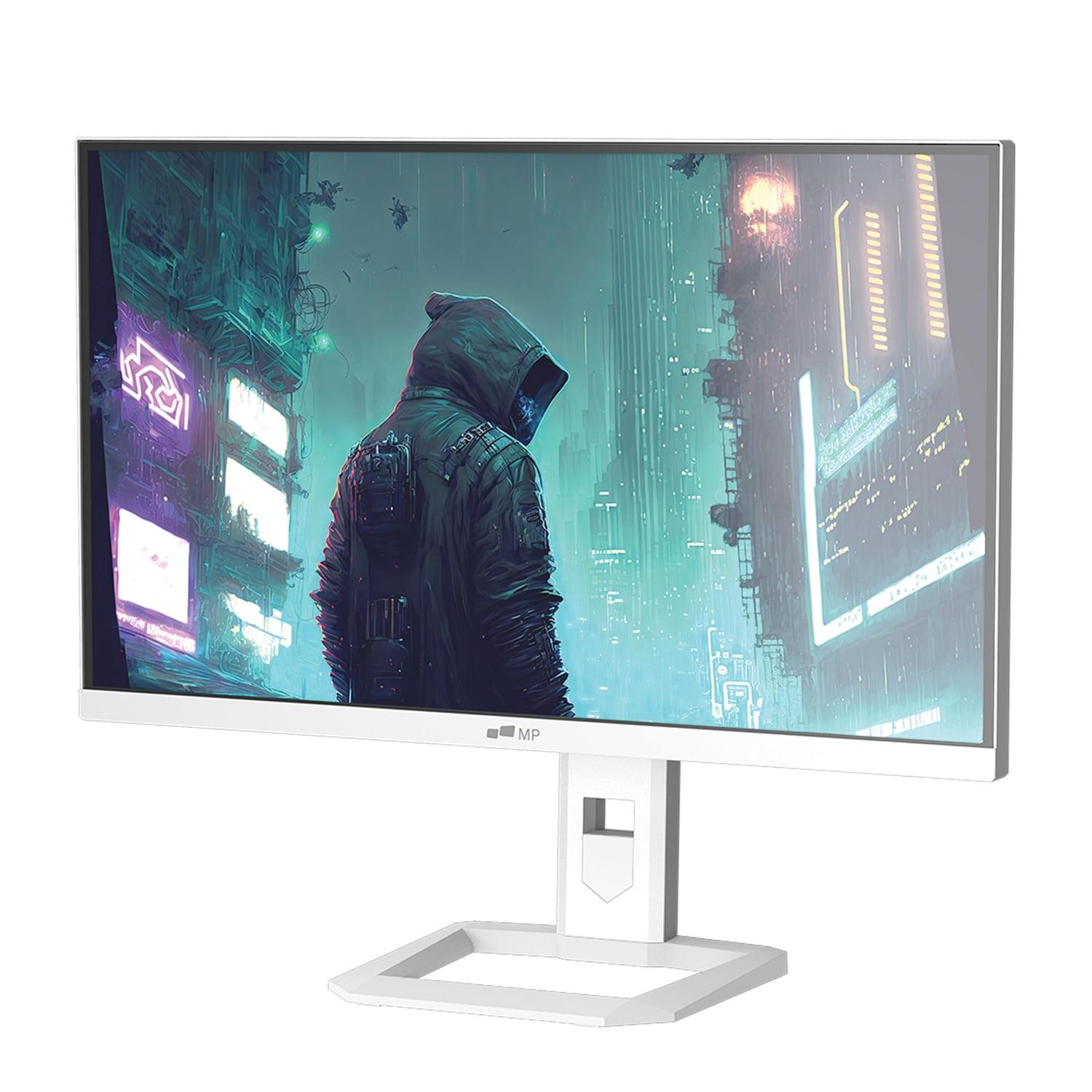
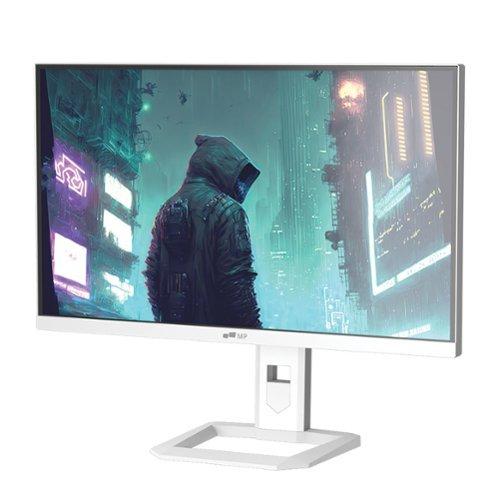
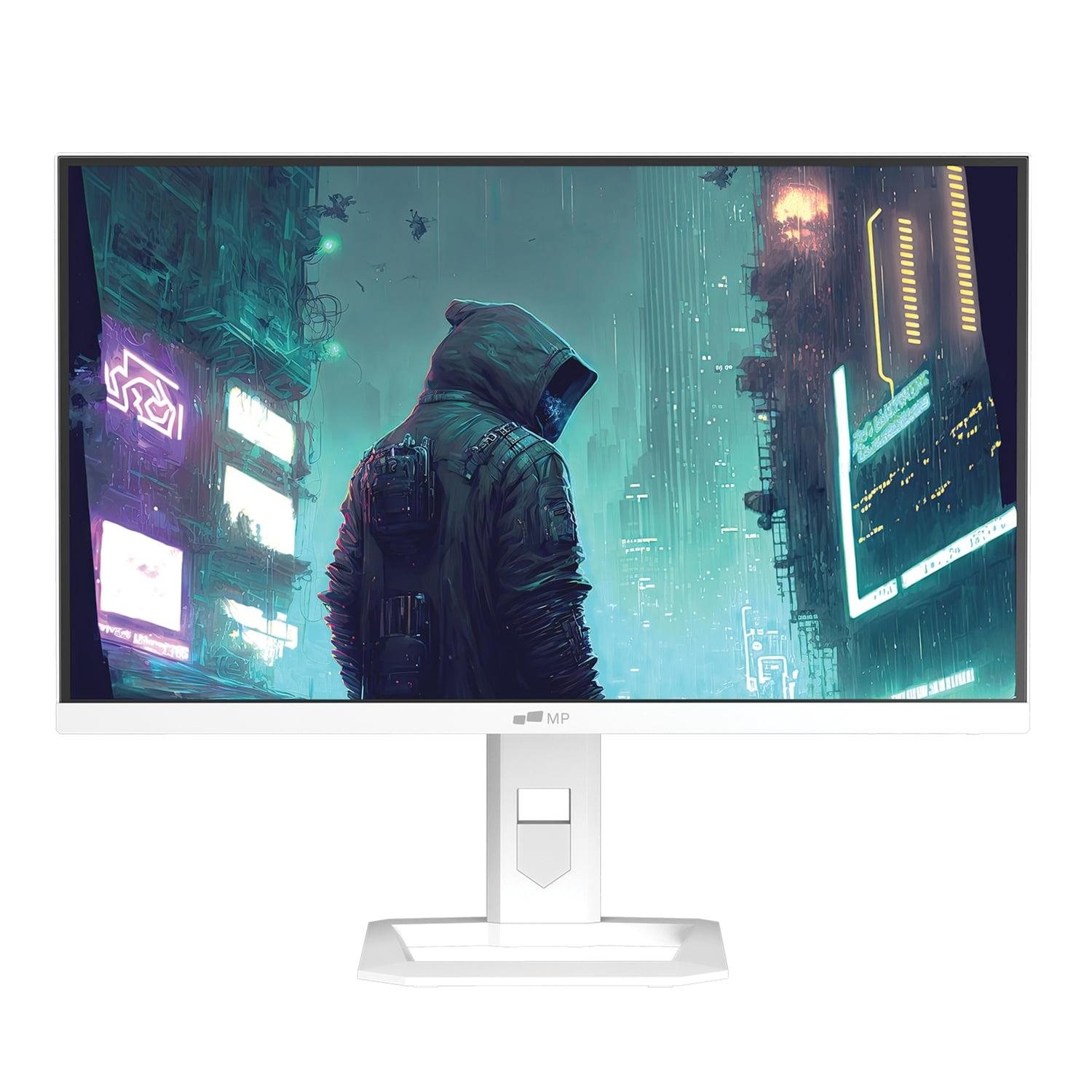
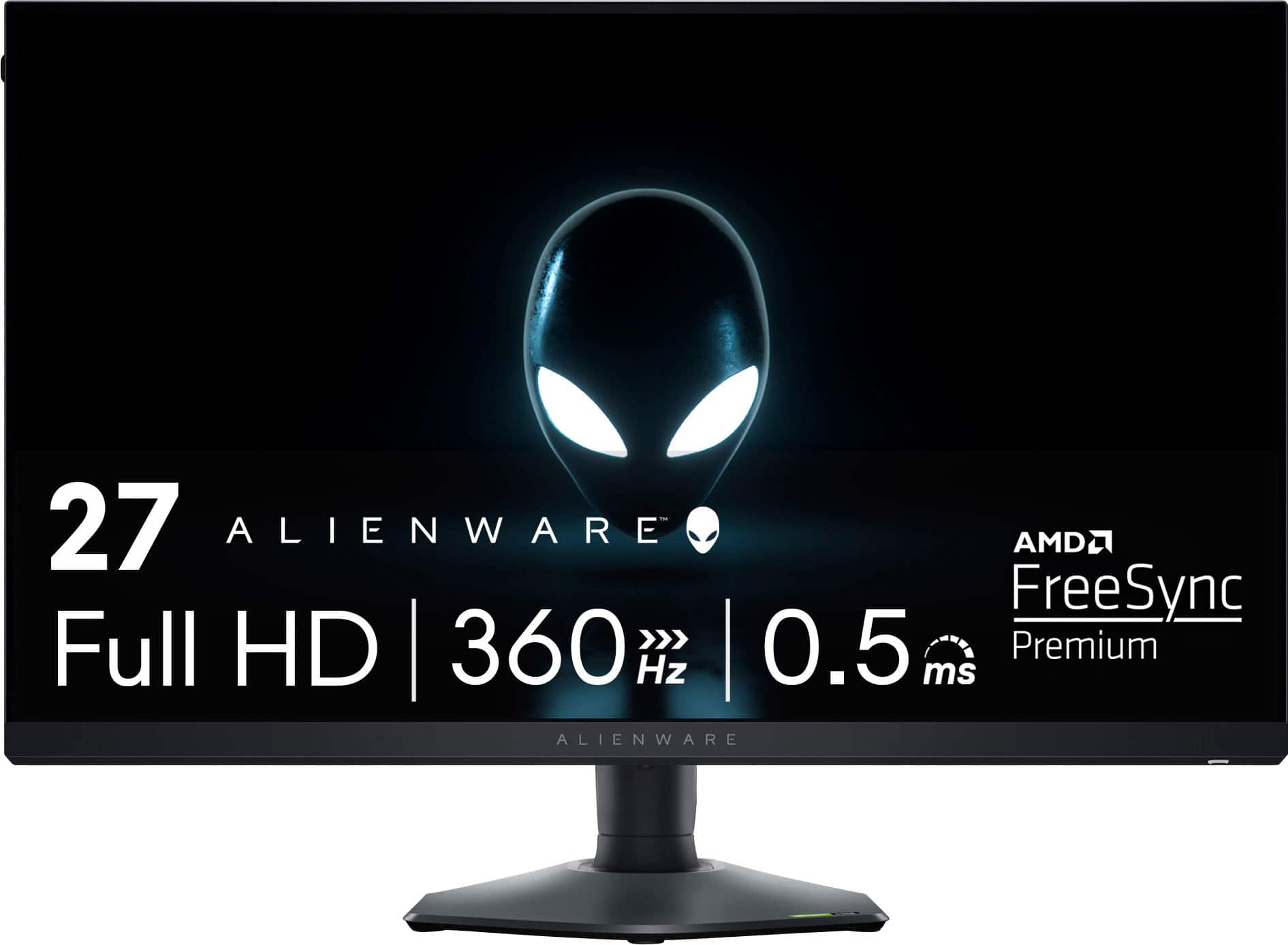
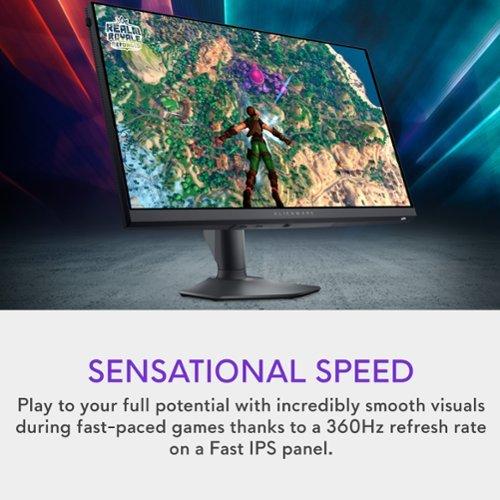
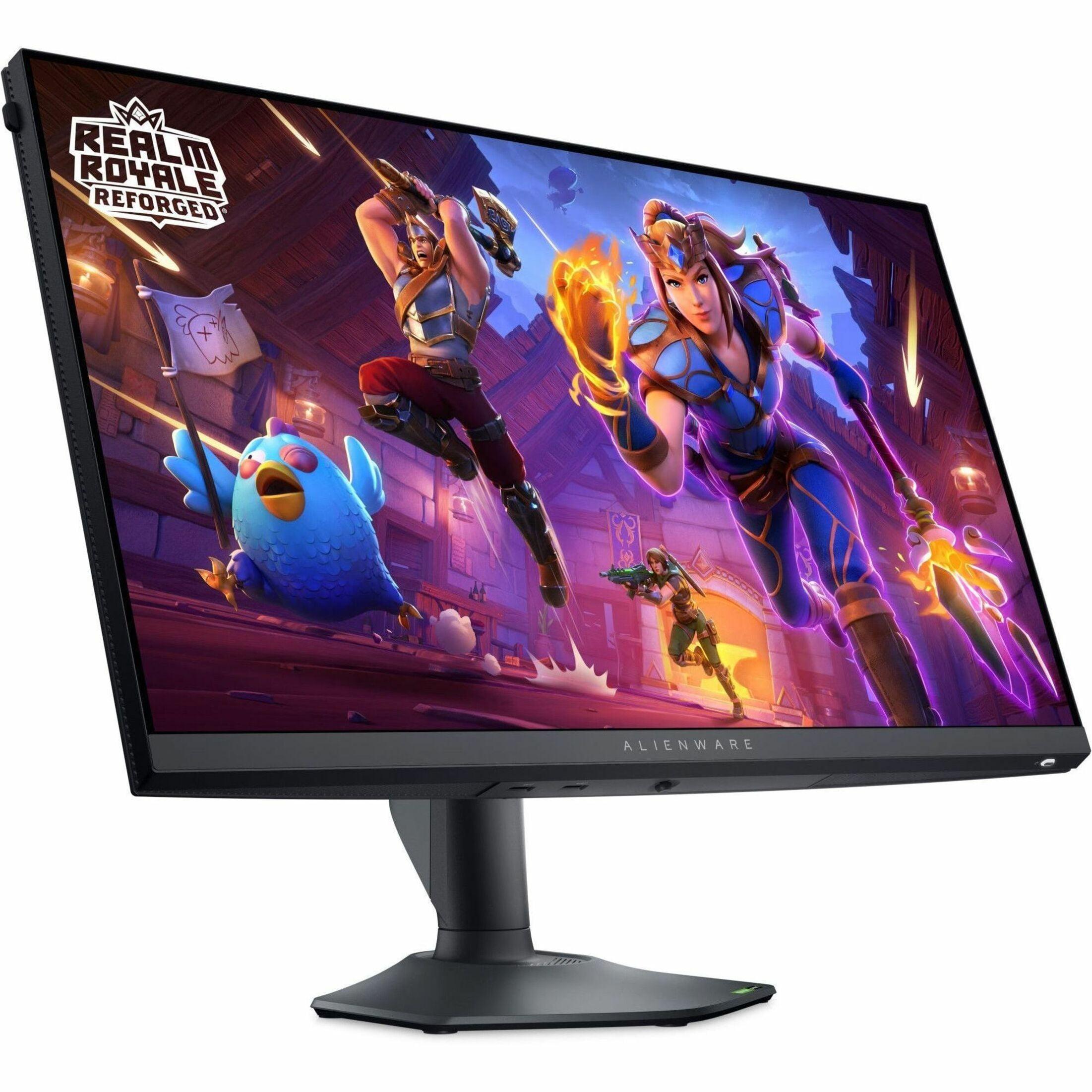
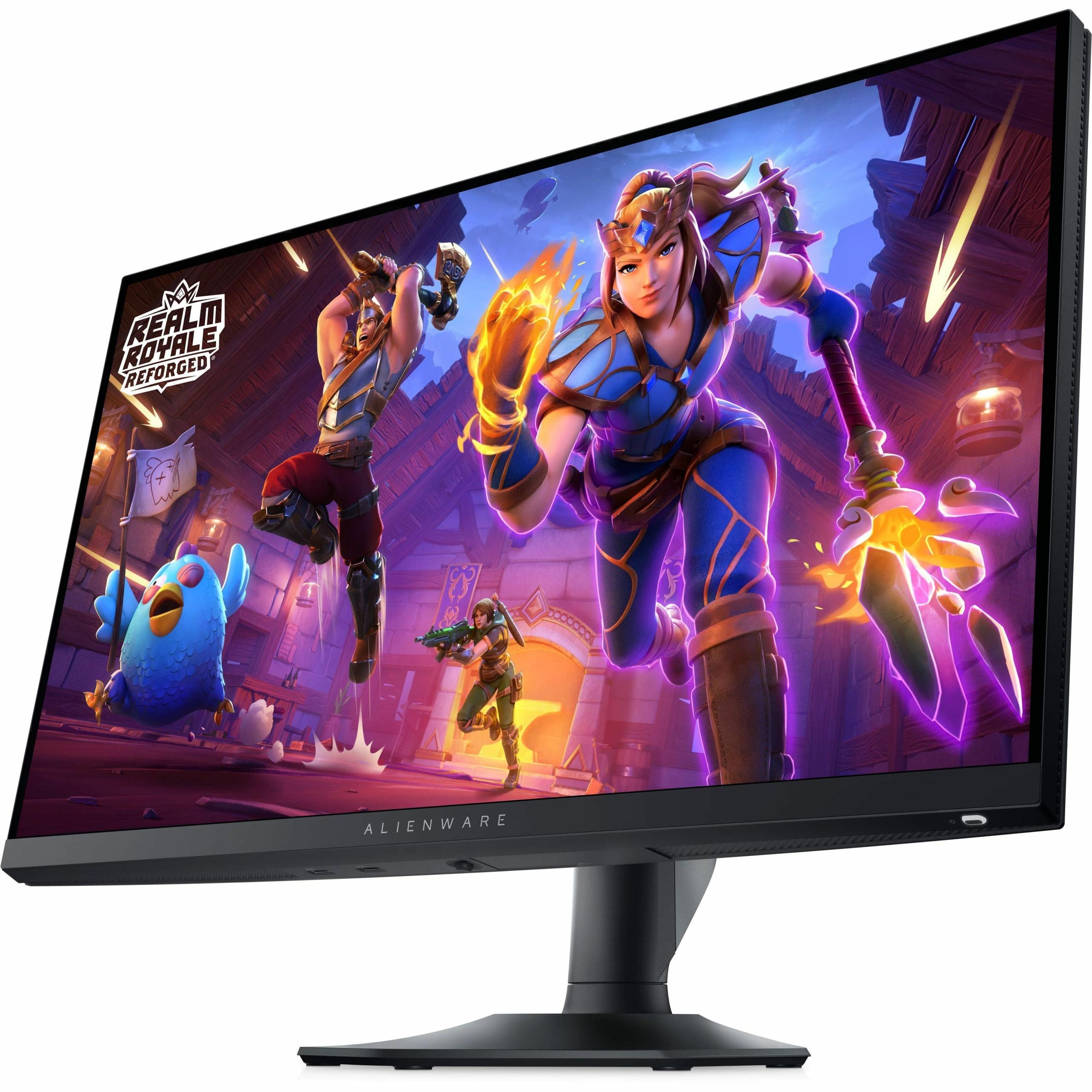
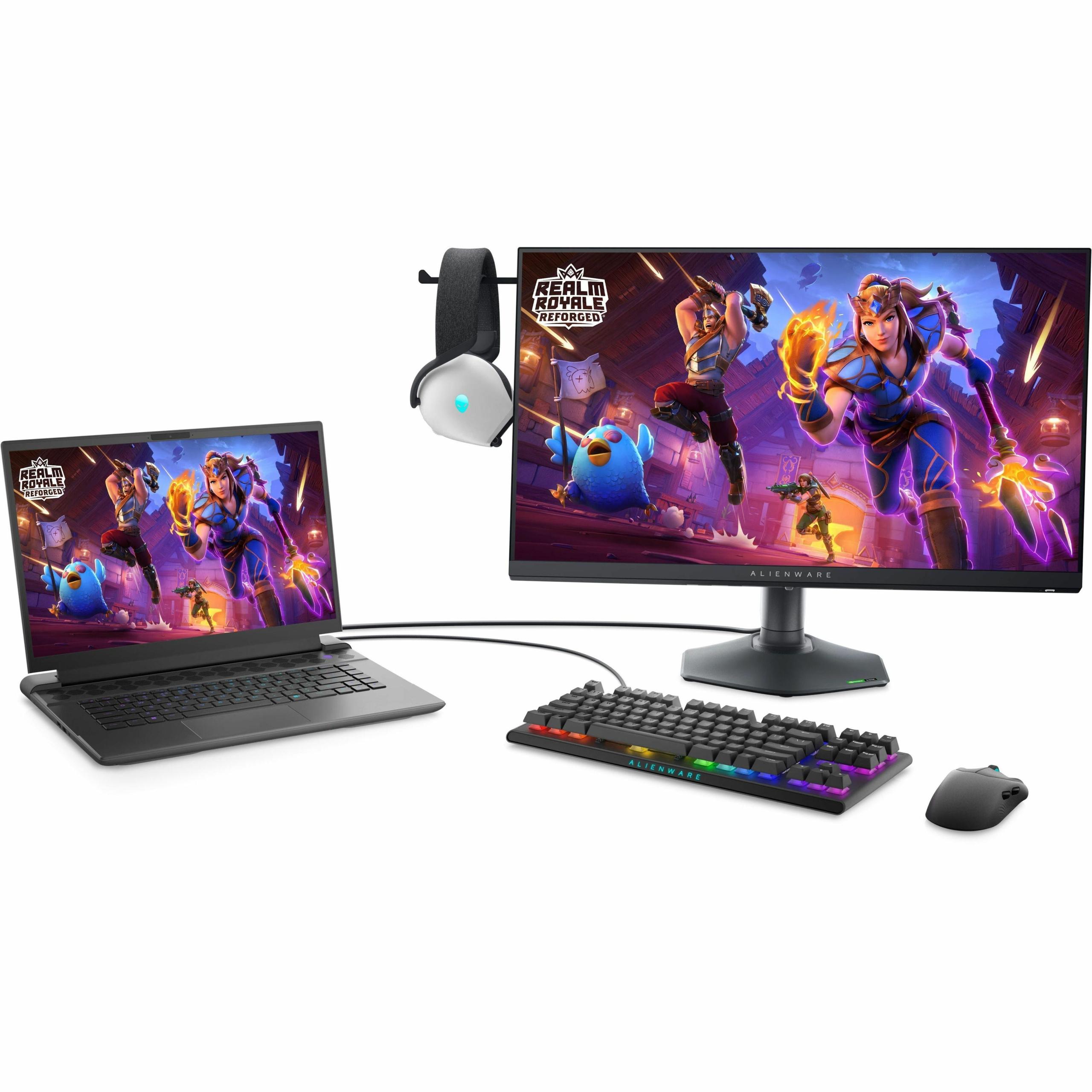
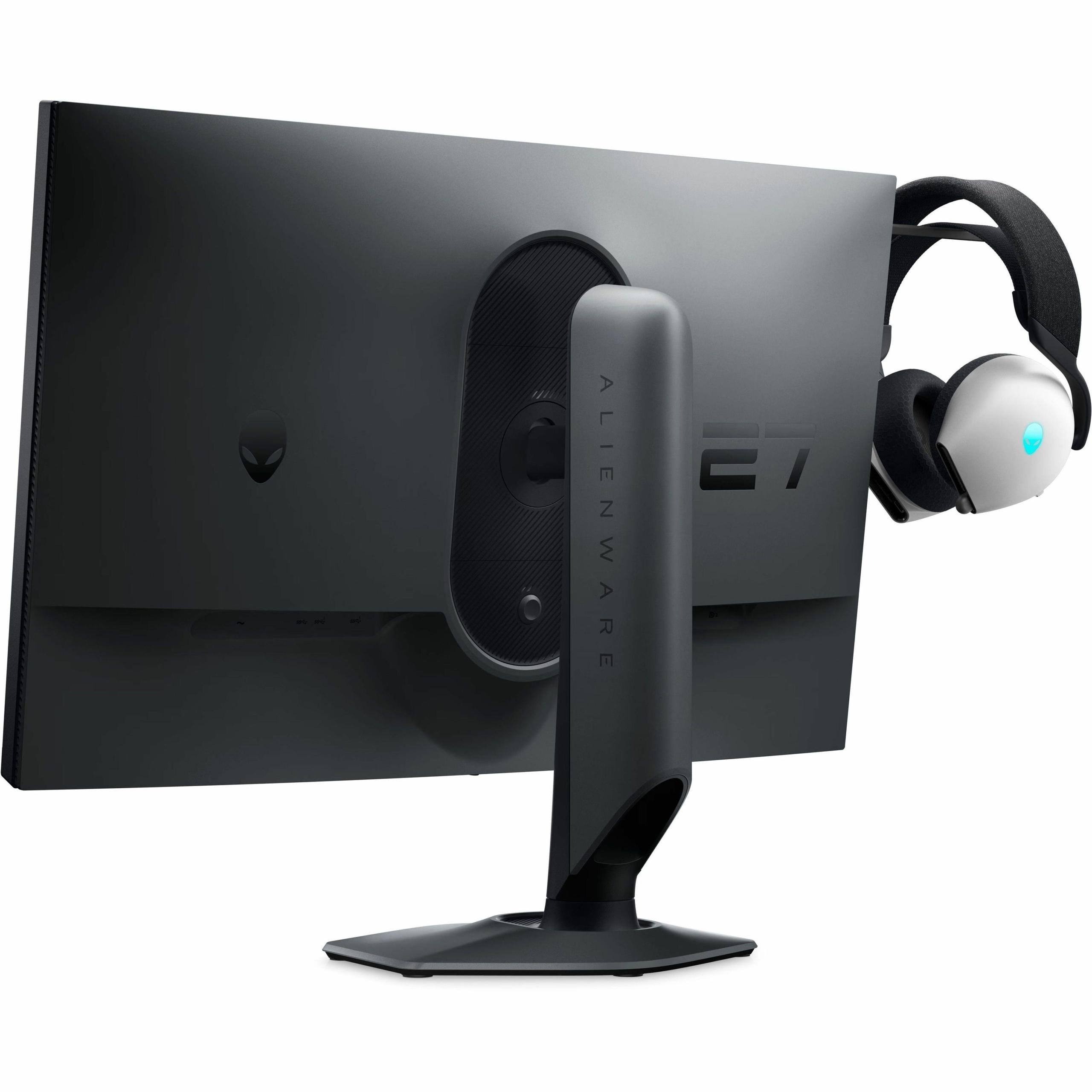
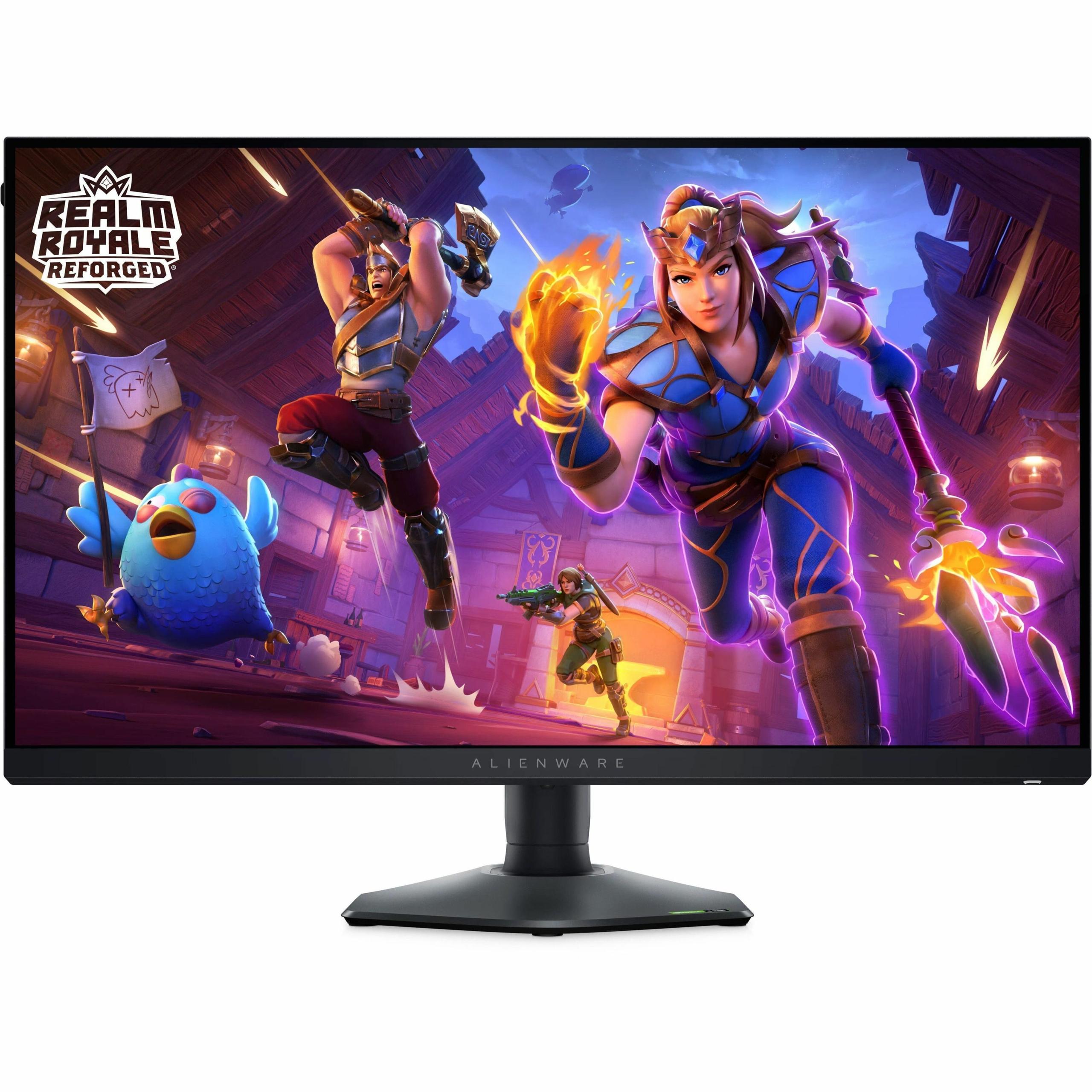
Choosing a gaming monitor in 2025 feels like picking between two completely different philosophies. Do you want the most beautiful, detailed visuals possible, or do you need every competitive advantage for esports domination? The Mobile Pixels 27" WQHD Mini-LED Gaming Monitor and Alienware AW2724HF 27" FHD 360Hz IPS Gaming Monitor represent these two approaches perfectly—and understanding their differences will help you make the right choice for your setup.
Gaming monitors aren't just bigger computer screens. They're specialized displays designed to handle the unique demands of interactive entertainment, where every millisecond and pixel matters. The technology inside these displays has evolved dramatically over the past few years, creating distinct categories that serve different gaming needs.
Think of it like choosing between a sports car and an SUV—both will get you where you're going, but they're optimized for completely different driving experiences. Gaming monitors work the same way. Some prioritize pure speed and responsiveness (like the Alienware AW2724HF), while others focus on delivering stunning visual quality that makes games look like interactive movies (like the Mobile Pixels Mini-LED monitor).
The key considerations when evaluating any gaming monitor include the display technology (which affects image quality and contrast), resolution versus refresh rate trade-offs, response times, color accuracy, and connectivity options. Understanding these elements will help you cut through marketing hype and focus on what actually matters for your gaming experience.
Released in early 2024, the Alienware AW2724HF arrived during the height of competitive gaming's popularity boom. Dell designed it specifically for esports athletes who needed the absolute fastest response times possible. At the time of writing, it typically costs slightly less than the Mobile Pixels option, making it an attractive entry point into high-refresh gaming.
The Mobile Pixels 27" WQHD Mini-LED monitor, which became available in March 2025, represents a newer generation of gaming displays. It incorporates Mini-LED backlighting technology that wasn't widely available in gaming monitors until recently. This timing means it benefits from the latest display innovations, though it commands a slight price premium for these advanced features.
Both monitors target the 27-inch sweet spot—large enough for immersive gaming without requiring you to move your head constantly to see the entire screen. But that's where the similarities end.
The biggest difference between these monitors lies in their fundamental display technologies. The Mobile Pixels monitor uses Mini-LED backlighting, while the Alienware relies on traditional IPS (In-Plane Switching) panel technology. Understanding what this means will help you grasp why these monitors look and perform so differently.
Mini-LED technology works by using thousands of tiny LEDs as the backlight source instead of the typical LED strips found in standard monitors. Think of it like the difference between using a single flashlight to illuminate a poster versus using hundreds of small LED lights placed precisely behind different sections. This approach allows for incredibly precise local dimming—the ability to brighten or darken specific areas of the screen independently.
The result? The Mobile Pixels monitor can achieve true blacks (where the LEDs completely turn off) right next to brilliant whites (where they're at full brightness). This creates a contrast ratio of 1,000,000:1, which means the brightest white is literally one million times brighter than the darkest black. That's why dark scenes in games look genuinely dark rather than washed-out gray.
The monitor also supports HDR1000 certification, meaning it can display peak brightness of 1000 nits (a measurement of luminance). To put this in perspective, a typical computer screen maxes out around 250-300 nits. This extra brightness headroom allows HDR (High Dynamic Range) content to display the dramatic range of lighting we see in real life—from deep shadows to brilliant sunlight.
IPS technology in the Alienware monitor takes a different approach. Instead of focusing on contrast and brightness, IPS panels prioritize color accuracy and viewing angles. The liquid crystals in an IPS panel are arranged to maintain consistent colors whether you're looking straight-on or from the side. This makes the Alienware excellent for competitive gaming where you need reliable, consistent visuals that don't shift as you move your head during intense gameplay.
The Alienware covers 99% of the sRGB color space (the standard used for web content and most games) and provides 178-degree viewing angles both horizontally and vertically. While its contrast ratio is much lower at 1000:1, this consistency proves valuable when you need to spot enemies in shadows during competitive matches.
Here's where these monitors really diverge. The Mobile Pixels monitor features WQHD resolution—2560 x 1440 pixels—while the Alienware sticks with Full HD at 1920 x 1080 pixels. This might seem like a simple numbers game, but the implications run deeper than you might expect.
That WQHD resolution means the Mobile Pixels monitor displays 77% more pixels than the Alienware. In practical terms, this translates to sharper text, more detailed game environments, and the ability to see farther into the distance in open-world games. When you're exploring the detailed worlds of games like Cyberpunk 2077 or Red Dead Redemption 2, that extra detail becomes immediately apparent.
However, more pixels come with a cost—your graphics card has to work 77% harder to render the same frame rate. If you're running a mid-range GPU like an RTX 4060 or similar, you might struggle to maintain high frame rates at 1440p in demanding games. The Alienware's 1080p resolution is much easier for graphics cards to drive, meaning you're more likely to actually achieve those high refresh rates that competitive gaming demands.
I've personally found that 1440p represents the sweet spot for most gaming scenarios. Text remains crisp when browsing between games, and modern AAA titles look significantly more detailed. But if your primary focus is competitive esports titles like Valorant, Counter-Strike 2, or Apex Legends, the Alienware's approach makes more sense—these games prioritize frame rates over visual fidelity anyway.
This is where the philosophical differences become most apparent. The Alienware AW2724HF absolutely dominates in pure speed metrics. Its 360Hz refresh rate means it can display 360 unique frames per second, compared to the Mobile Pixels monitor's 180Hz capability.
To understand why this matters, imagine watching a tennis ball in slow motion versus real-time. Higher refresh rates make fast-moving objects appear smoother and more trackable. In competitive gaming, this translates to clearer target tracking, reduced motion blur, and potentially faster reaction times. The Alienware also achieves a 0.5ms response time in extreme mode, meaning pixels can change color twice as fast as the Mobile Pixels monitor's 1ms specification.
But here's the reality check—you need a seriously powerful graphics card to actually benefit from 360Hz. Even professional esports players typically see diminishing returns beyond 240Hz, and most gaming scenarios won't fully utilize this capability. The Mobile Pixels monitor's 180Hz still provides excellent smoothness for the vast majority of gaming scenarios while delivering superior visual quality.
Both monitors support adaptive sync technology (AMD FreeSync Premium on the Alienware), which synchronizes the display's refresh rate with your graphics card's output. This eliminates screen tearing—those horizontal lines that appear when your GPU and monitor get out of sync. The technology works well on both displays, ensuring smooth gameplay regardless of whether you're hitting 60 fps or 200 fps.
The Mobile Pixels monitor takes a commanding lead in color reproduction and HDR capabilities. Its 94% DCI-P3 color gamut coverage means it can display a much wider range of colors than typical monitors. DCI-P3 is the color standard used in movie theaters, so games and movies appear with the kind of vibrant, lifelike colors that creators intended.
This becomes particularly noticeable in colorful games like Horizon Zero Dawn, where the lush vegetation and dramatic skies pop with intensity that the Alienware simply can't match. The Mini-LED backlighting also enables true HDR gaming—dark caves feel genuinely dark while bright explosions retain their full intensity without washing out surrounding details.
The Alienware provides excellent color accuracy within the standard sRGB color space, covering 99% of this range. For competitive gaming and general use, this proves perfectly adequate. However, its limited HDR capabilities and standard contrast ratio mean it can't deliver the visual drama that modern single-player games are designed to showcase.
I've noticed this difference most clearly when switching between gaming and content consumption. Watching movies or HDR YouTube content on the Mobile Pixels monitor provides a genuinely cinematic experience, while the Alienware feels more like a traditional computer display—excellent for its intended purpose but not particularly immersive for media consumption.
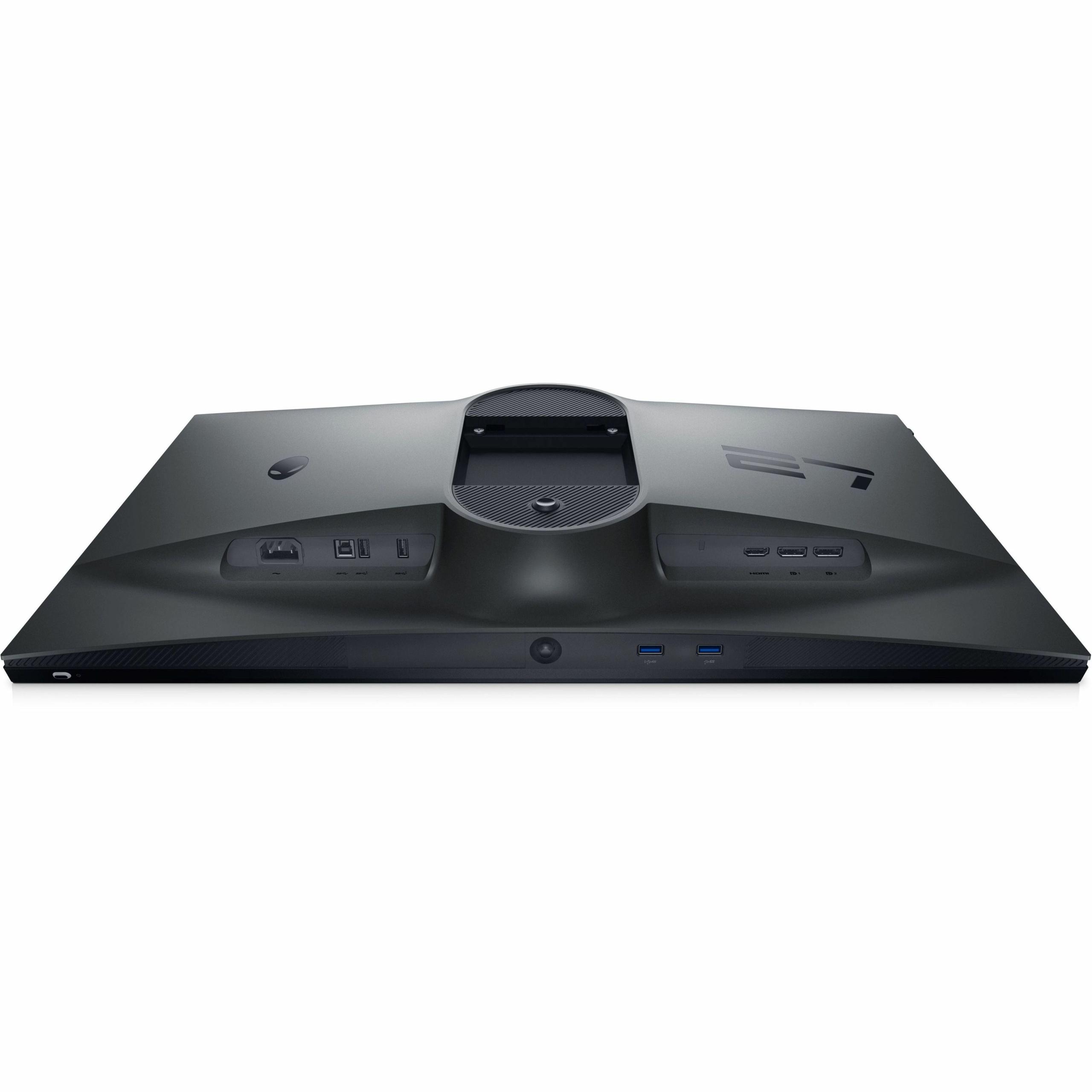
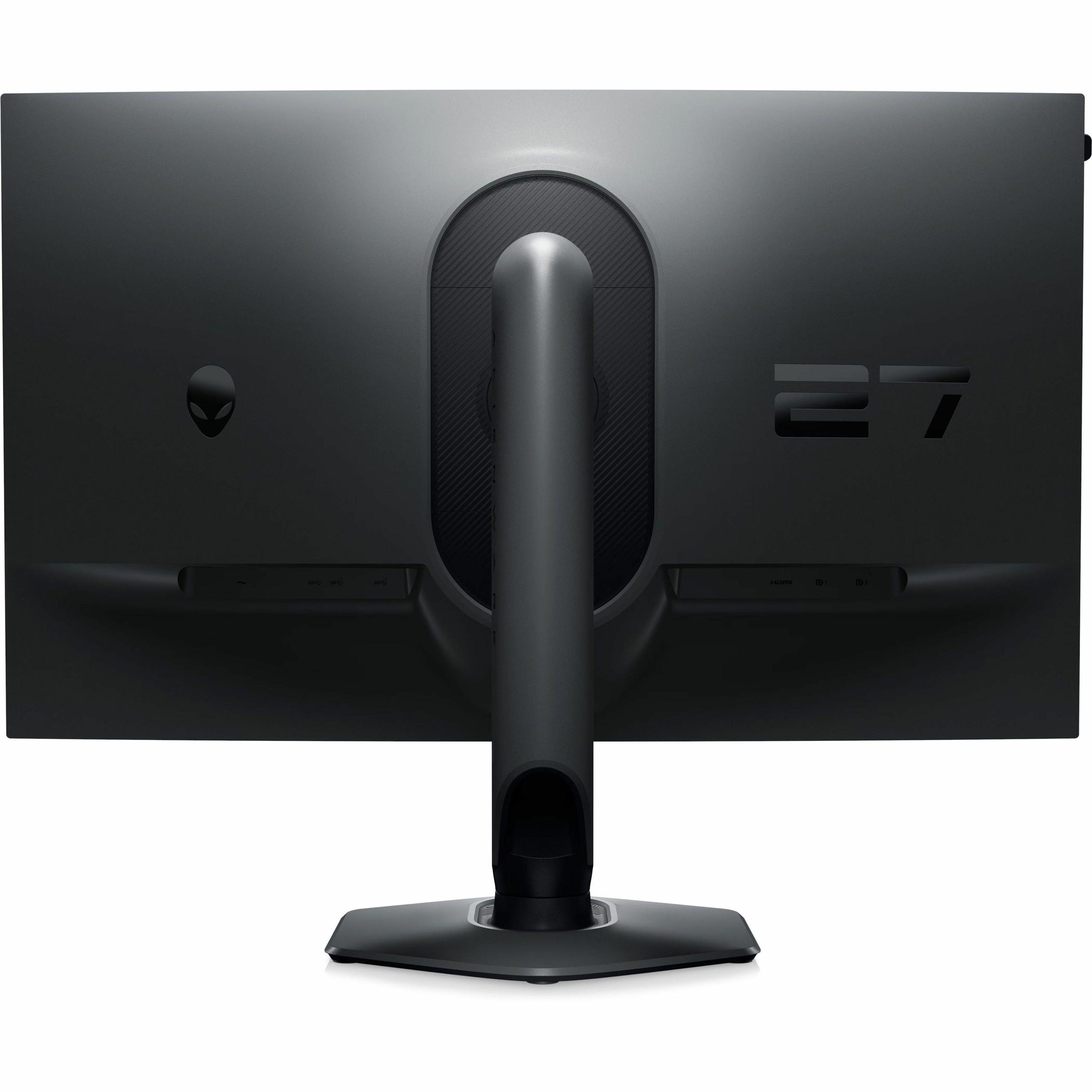
The Alienware AW2724HF excels in connectivity options, featuring two DisplayPort 1.4 inputs, one HDMI port, and a comprehensive USB hub with five USB 3.0 ports. This makes it function almost like a docking station, allowing you to connect multiple devices and peripherals directly to the monitor.
This connectivity advantage becomes particularly valuable if you're running multiple gaming systems or need to switch between a gaming PC and console regularly. The USB hub eliminates the need for a separate hub on your desk, and the multiple display inputs mean easy switching without cable swapping.
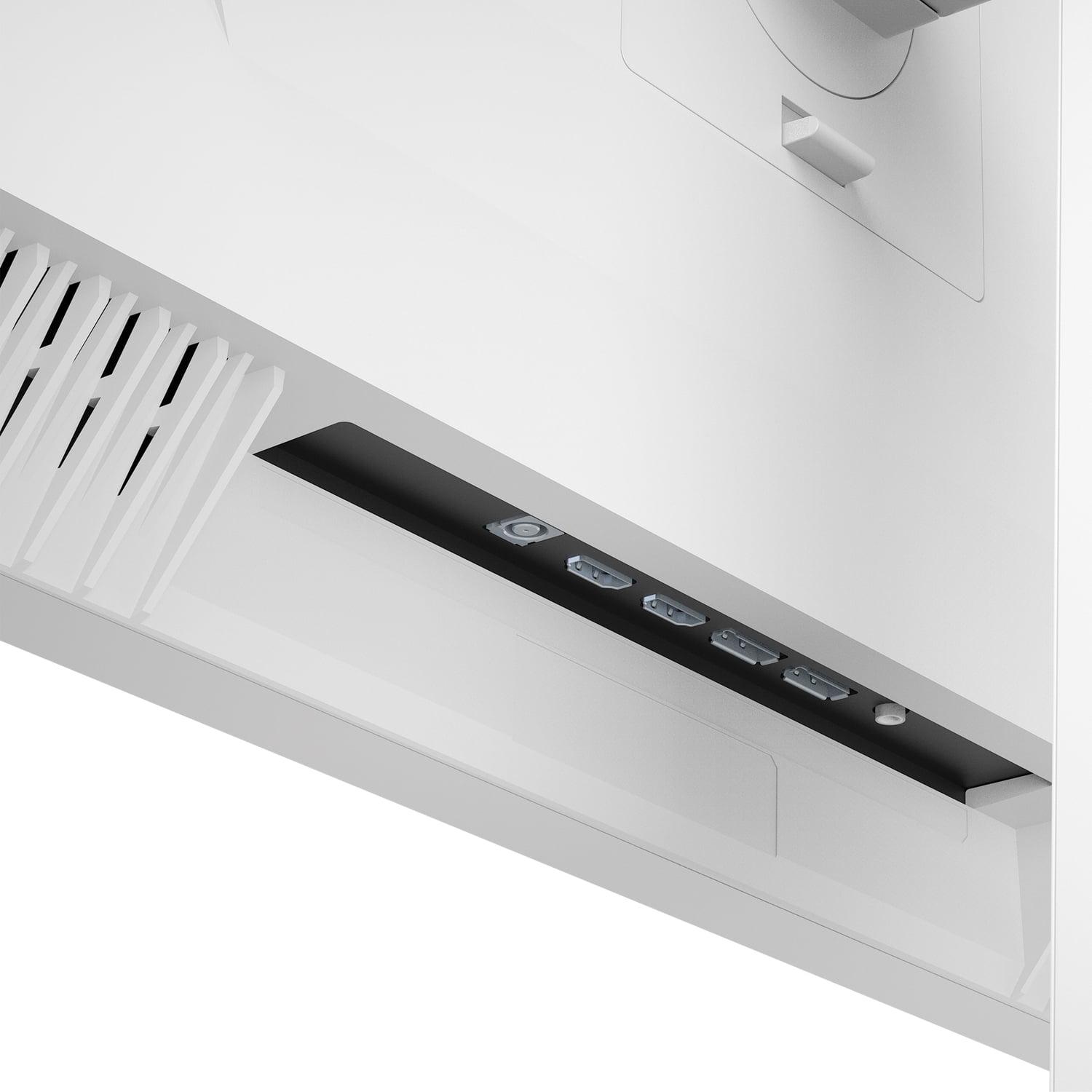
The Mobile Pixels monitor offers more basic connectivity with two HDMI 2.1 ports and two DisplayPort 1.4 inputs. While less comprehensive, these ports support the latest standards and can handle next-generation console gaming at full capability.
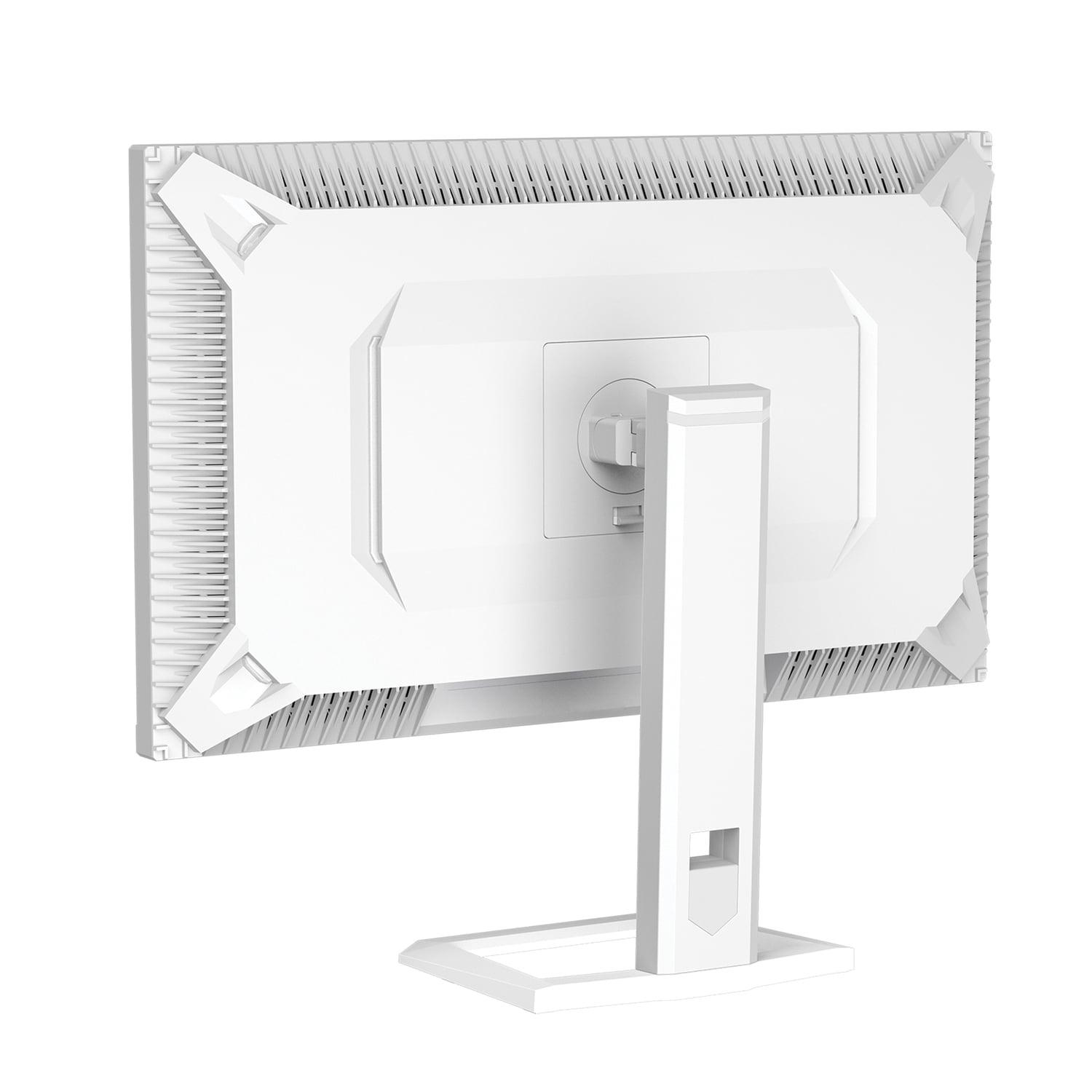
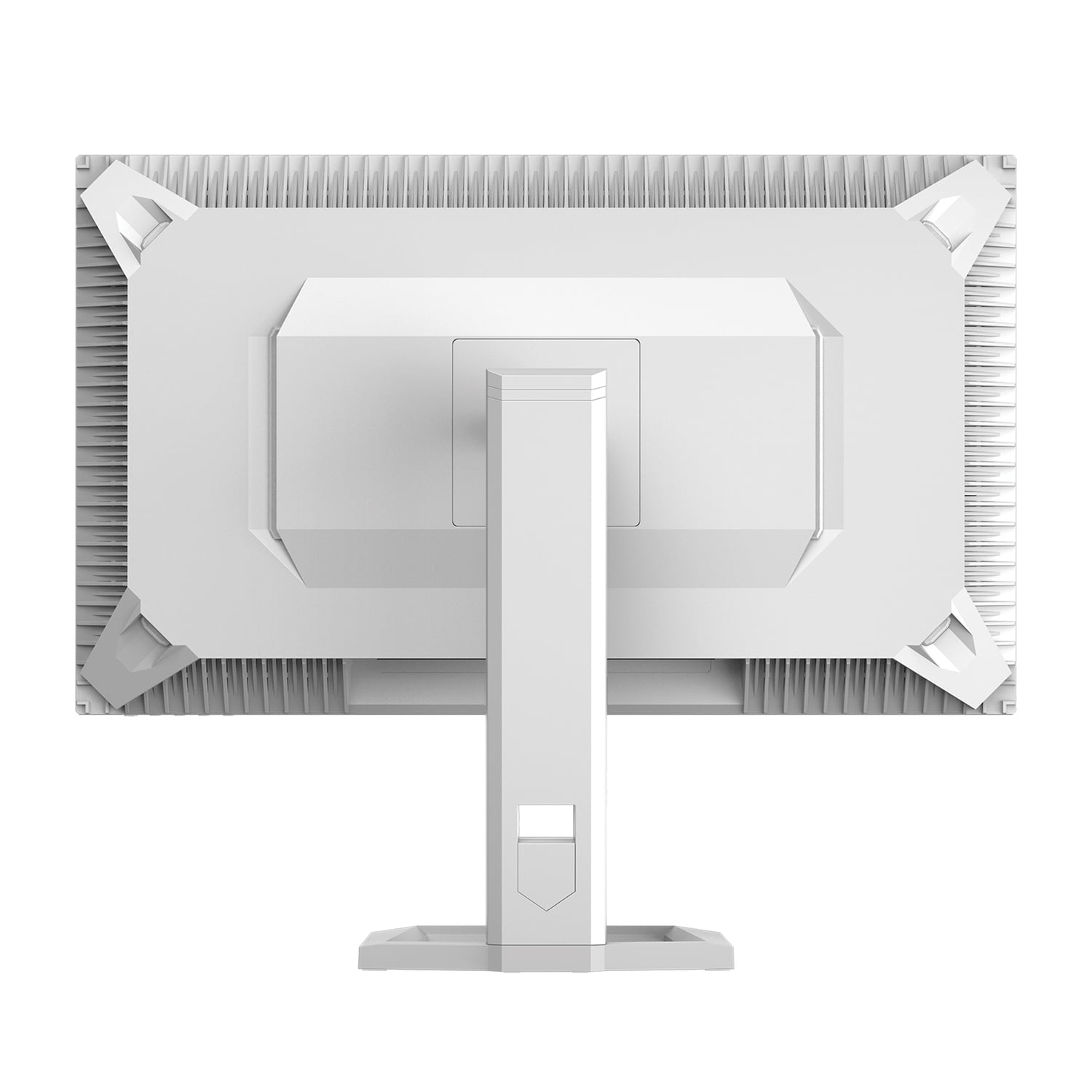
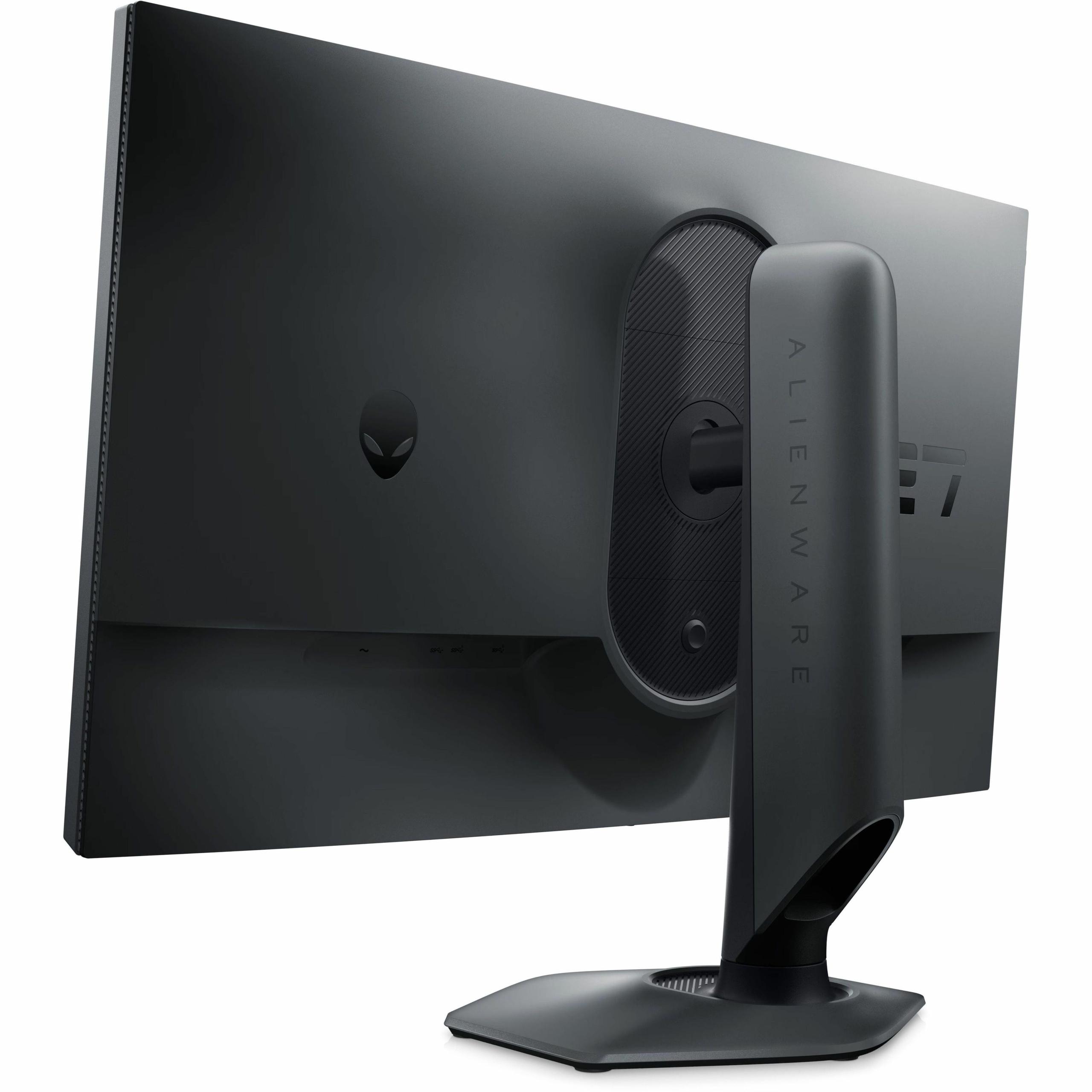
Both monitors provide excellent ergonomic adjustment options, including height, tilt, and swivel adjustments. The Alienware includes a particularly nice touch with height adjustment markers, making it easy to achieve consistent positioning if you frequently adjust the display.
Competitive Esports: The Alienware AW2724HF is specifically built for this scenario. Games like Valorant, Counter-Strike 2, and Rocket League benefit enormously from the 360Hz refresh rate and 0.5ms response time. The lower 1080p resolution also means your graphics card can actually achieve these high frame rates consistently.
Single-Player Adventures: The Mobile Pixels monitor transforms games like The Witcher 3, Assassin's Creed, and modern racing simulators into visual showcases. The higher resolution reveals environmental details you'd miss at 1080p, while HDR lighting makes sunsets, explosions, and atmospheric effects genuinely dramatic.
Content Creation: If you stream, create YouTube videos, or do any photo/video editing alongside gaming, the Mobile Pixels monitor provides the color accuracy and resolution needed for professional work. Its 94% DCI-P3 coverage meets industry standards for content creation.
Home Theater Integration: Here's where the Mobile Pixels monitor really shines beyond pure gaming. Its HDR1000 capability and wide color gamut make it genuinely suitable as a secondary TV for streaming movies and shows. I've found it particularly impressive for HDR content on Netflix and Disney+, delivering brightness and contrast that rivals dedicated TVs in the same size range.
The Alienware, while excellent for gaming, doesn't provide the visual drama needed for cinematic content. Its standard contrast ratio and limited HDR capabilities make it less suitable for movie watching or premium streaming content.
At the time of writing, the Mobile Pixels monitor commands a slight price premium over the Alienware, but this reflects its more advanced display technology. Mini-LED represents the current cutting edge of LCD technology, providing many benefits of OLED displays without the burn-in risks.
The higher resolution also provides better long-term value. As graphics cards become more powerful over the next few years, that 1440p resolution will continue to look sharp and detailed, while 1080p on a 27-inch screen may start to feel dated. The advanced HDR capabilities also ensure compatibility with next-generation gaming content that increasingly relies on wide color gamuts and high dynamic range.
The Alienware offers immediate competitive advantages and comes with Dell's excellent three-year warranty coverage (compared to the Mobile Pixels monitor's one-year warranty). This longer warranty coverage adds significant value, particularly for users who game heavily and want long-term protection.
Choose the Mobile Pixels 27" WQHD Mini-LED Gaming Monitor if:
Choose the Alienware AW2724HF 27" FHD 360Hz IPS Gaming Monitor if:
Both monitors excel in their intended roles, but they serve fundamentally different gaming philosophies. The Mobile Pixels monitor transforms gaming into a visual experience that rivals what you'd see in movie theaters, while the Alienware AW2724HF provides the competitive edge that serious esports players demand.
Your choice should align with how you actually game. If you spend most of your time in Valorant ranked matches or CS2 tournaments, the Alienware makes perfect sense. But if you're exploring vast open worlds, enjoying story-driven adventures, or want a display that excels at both gaming and entertainment, the Mobile Pixels monitor justifies its advanced technology and slight price premium.
The good news? Both represent excellent value in their respective categories at the time of writing, and both will serve you well for years to come. The key is understanding which approach better matches your gaming style and visual priorities.
| Mobile Pixels 27" WQHD Mini-LED Gaming Monitor | Alienware AW2724HF 27" FHD 360Hz IPS Gaming Monitor |
|---|---|
| Display Technology - Determines image quality and contrast capabilities | |
| Mini-LED backlighting with local dimming zones | Fast IPS panel with traditional LED backlighting |
| Resolution - Affects image sharpness and GPU requirements | |
| 2560 x 1440 (WQHD) - 77% more pixels than 1080p | 1920 x 1080 (Full HD) - easier on graphics cards |
| Refresh Rate - Critical for competitive gaming smoothness | |
| 180Hz (excellent for most gaming scenarios) | 360Hz (maximum for esports advantage) |
| Response Time - Affects motion blur in fast-paced games | |
| 1ms (very good for gaming) | 0.5ms (industry-leading for competitive play) |
| Peak Brightness - Determines HDR performance and visibility | |
| 1000 nits with HDR1000 certification | 400 nits with basic HDR10 support |
| Contrast Ratio - Affects black levels and image depth | |
| 1,000,000:1 (Mini-LED enables true blacks) | 1000:1 (standard IPS limitation) |
| Color Gamut - Important for visual accuracy and vibrancy | |
| 94% DCI-P3 (cinematic color range) | 99% sRGB (excellent for standard content) |
| Adaptive Sync - Eliminates screen tearing | |
| AMD FreeSync Premium support | AMD FreeSync Premium with VESA certification |
| Connectivity - Affects multi-device setups | |
| 2x HDMI 2.1, 2x DisplayPort 1.4 | 2x DisplayPort 1.4, 1x HDMI, 5x USB 3.0 hub |
| Eye Care Features - Reduces strain during extended gaming | |
| Low Blue Light, ambient light sensor, ambient lighting | ComfortView Plus low blue light (TÜV certified) |
| Ergonomics - Affects comfort and positioning flexibility | |
| Tilt, swivel, pivot adjustments, VESA 100x100 | Height (110mm), tilt, swivel, pivot, VESA 100x100 |
| Warranty Coverage - Protection for long-term investment | |
| 1-year limited warranty | 3-year Advanced Exchange warranty |
| Best Use Cases - Who should choose each monitor | |
| Visual quality gaming, content creation, HDR entertainment | Competitive esports, high refresh rate gaming, multi-device setups |
The Alienware AW2724HF is specifically designed for competitive gaming with its 360Hz refresh rate and 0.5ms response time. This makes it ideal for esports titles like Valorant, Counter-Strike, and Apex Legends where every millisecond matters. The Mobile Pixels Mini-LED monitor offers excellent gaming performance at 180Hz, but the Alienware provides the ultimate competitive advantage.
The Mobile Pixels monitor uses Mini-LED backlighting technology, which provides superior contrast ratios (1,000,000:1) and true black levels through precise local dimming. The Alienware AW2724HF uses Fast IPS technology, which offers consistent colors and wide viewing angles but with standard 1000:1 contrast. Mini-LED delivers more dramatic visuals, while IPS provides reliable performance for competitive gaming.
The Mobile Pixels 27" WQHD Mini-LED Gaming Monitor offers superior image quality with its 1440p resolution, HDR1000 support, and 94% DCI-P3 color coverage. This makes games like Cyberpunk 2077 and Red Dead Redemption 2 look significantly more detailed and vibrant compared to the Alienware's 1080p resolution and standard contrast.
The Mobile Pixels monitor excels for entertainment with its HDR1000 certification, 1000 nits peak brightness, and wide color gamut that delivers cinematic visuals for Netflix, Disney+, and other streaming services. The Alienware AW2724HF works for basic movie watching but lacks the contrast and color range needed for premium HDR content experiences.
The Alienware AW2724HF is much easier to drive with its 1080p resolution, requiring 77% fewer pixels than the Mobile Pixels monitor's 1440p display. Mid-range graphics cards like the RTX 4060 can achieve high frame rates more easily on the Alienware, while the Mobile Pixels monitor benefits from higher-end GPUs.
The Alienware offers 360Hz refresh rate compared to the Mobile Pixels monitor's 180Hz. Higher refresh rates provide smoother motion and can improve competitive gaming performance. However, 180Hz is still excellent for most gaming scenarios, and the visual quality benefits of the Mobile Pixels monitor may outweigh the refresh rate advantage for non-competitive gaming.
The Alienware AW2724HF provides superior connectivity with 2 DisplayPort inputs, 1 HDMI port, and a 5-port USB 3.0 hub that functions like a docking station. The Mobile Pixels monitor offers essential connectivity with 2 HDMI 2.1 and 2 DisplayPort 1.4 inputs but lacks the comprehensive hub functionality of the Alienware.
Yes, the Alienware AW2724HF includes a 3-year Advanced Exchange warranty, while the Mobile Pixels monitor comes with a 1-year limited warranty. The longer warranty coverage adds significant value to the Alienware, especially for heavy gaming use and long-term peace of mind.
The Mobile Pixels 27" WQHD Mini-LED Gaming Monitor is significantly better for content creation with its 94% DCI-P3 color accuracy, 1440p resolution for detailed editing, and HDR capabilities. The Alienware provides good sRGB coverage but lacks the professional color standards and resolution needed for serious content creation work.
The Alienware AW2724HF achieves 0.5ms response time in extreme mode, while the Mobile Pixels monitor offers 1ms response time. Both are excellent for gaming, but the Alienware provides the absolute minimum motion blur for competitive scenarios. The difference is most noticeable in fast-paced esports titles.
Both monitors offer excellent value in their respective categories. The Mobile Pixels monitor provides premium Mini-LED technology and higher resolution at a competitive price point, while the Alienware delivers top-tier gaming performance with extensive connectivity and longer warranty coverage. Your choice should depend on whether you prioritize visual quality or competitive gaming performance.
Choose the Mobile Pixels monitor for immersive single-player gaming, content creation, HDR entertainment, and situations where visual quality matters most. Select the Alienware AW2724HF for competitive esports, high refresh rate gaming, multi-device setups, and scenarios where maximum speed and responsiveness are priorities over visual fidelity.
We've done our best to create useful and informative comparisons to help you decide what product to buy. Our research uses advanced automated methods to create this comparison and perfection is not possible - please contact us for corrections or questions. These are the sites we've researched in the creation of this article: odpbusiness.com - wellbots.com - bestbuy.com - bhphotovideo.com - youtube.com - networkhardwares.com - mobilepixels.us - bestbuy.com - business.walmart.com - newegg.com - beachaudio.com - petra.com - centralcomputer.com - mobilepixels.us - compsource.com - walmart.com - newegg.com - bestbuy.com - gamesradar.com - bestbuy.com - rtings.com - windowscentral.com - youtube.com - techpowerup.com - dell.com - dellonline.ae - dellonline.co.za - files.bbystatic.com - mysoft.hu - pcgamermexico.com - displayspecifications.com - gzhls.at - bestbuy.com - device.report - newegg.com - multitronic.fi - youtube.com

Privacy Policy
Terms and Conditions - Affiliate Policy
Home Security
© Copyright 2008-2026.
11816 Inwood Rd #1211, Dallas, TX 75244