

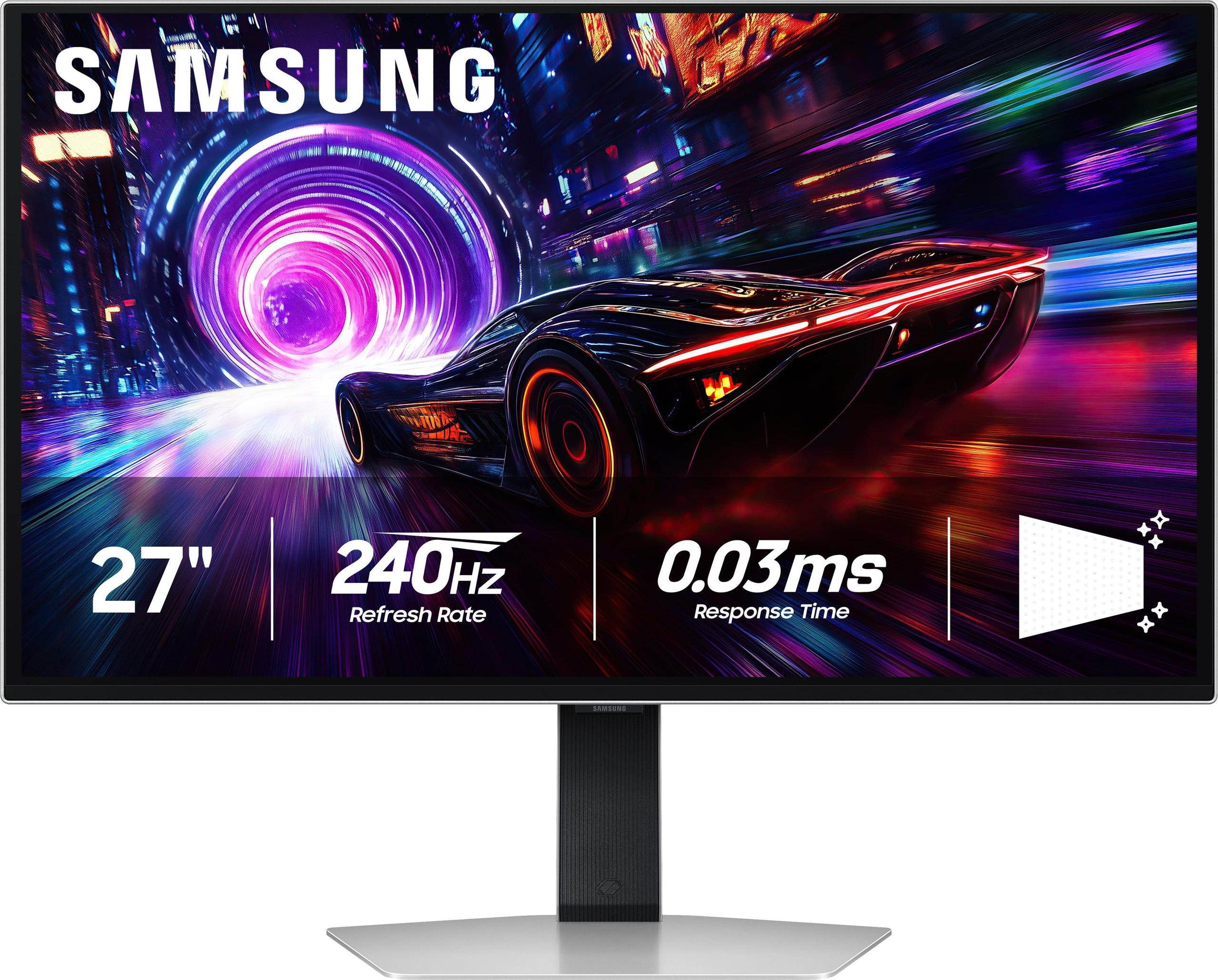
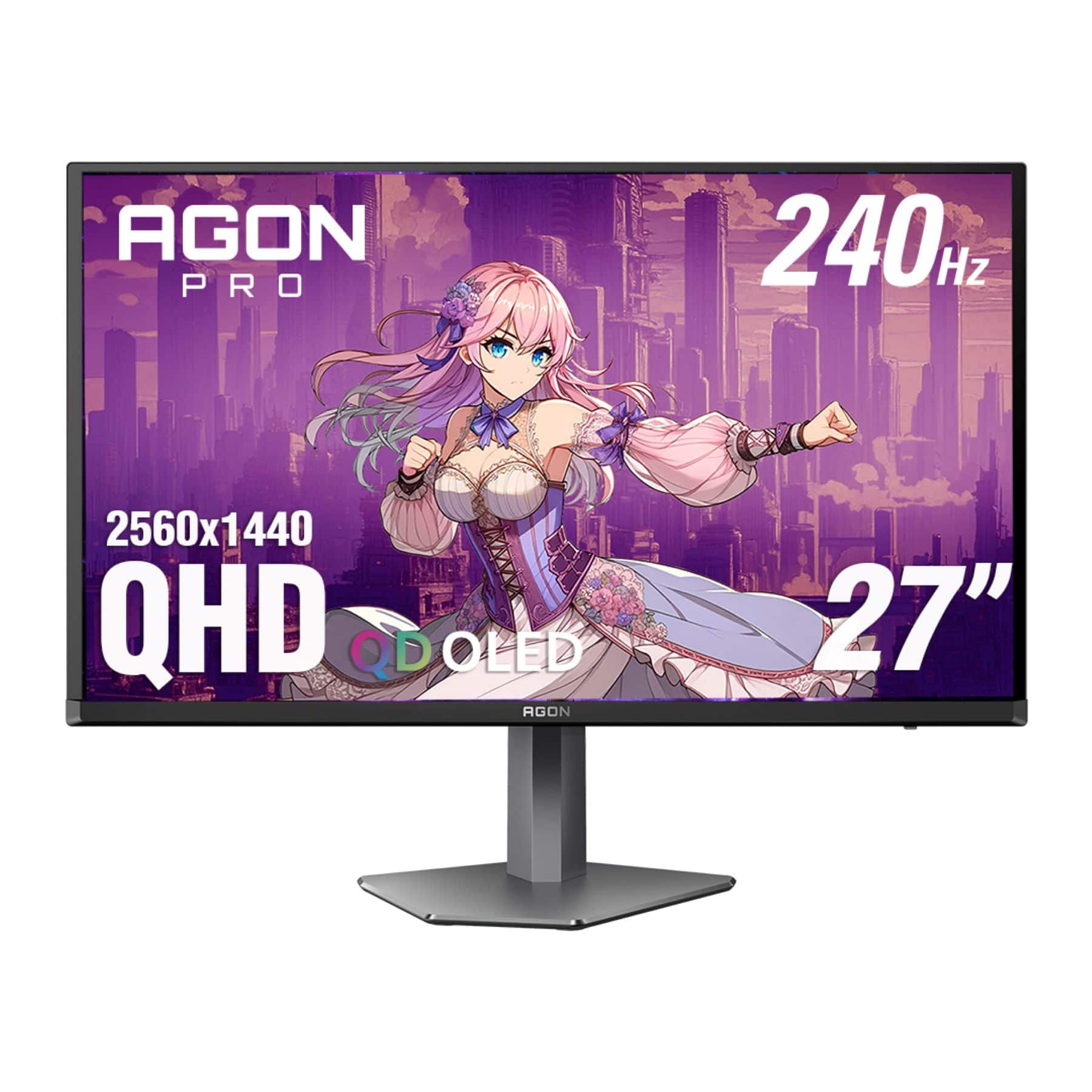
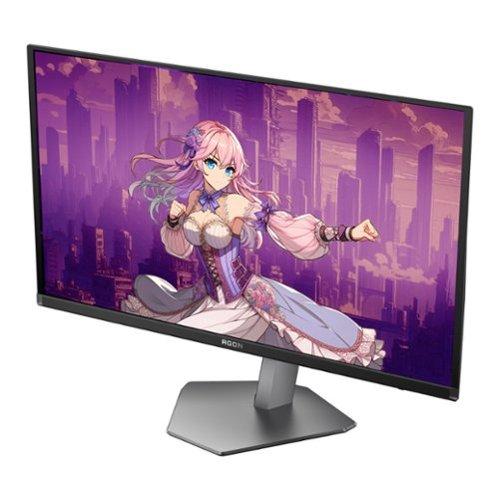
Shopping for a premium gaming monitor can feel overwhelming, especially when you're looking at cutting-edge OLED technology that costs more than many people's entire gaming setup. I've spent considerable time with both the Samsung 27" Odyssey OLED G8 4K UHD 240Hz Gaming Monitor and the AOC Agon Pro 27" QD-OLED 240Hz Gaming Monitor, and while both deliver incredible gaming experiences, they take very different approaches to getting there.
The monitor market has evolved dramatically over the past few years. When OLED gaming monitors first arrived, they were either massive ultrawide beasts or prohibitively expensive. Now we're seeing more reasonably sized options, though "reasonable" is relative when you're talking about premium display technology. The Samsung Odyssey G8 launched in early 2025 at $1,299, while the AOC Agon Pro hit the market in August 2024 at a much more accessible $485.
Before diving into specifics, it's worth understanding what makes these monitors special. Traditional LCD monitors use a backlight that shines through liquid crystal cells to create images. This means they can never achieve true black – there's always some light bleeding through. OLED (Organic Light-Emitting Diode) panels work completely differently. Each pixel produces its own light and can turn completely off, creating perfect blacks and infinite contrast ratios.
Both monitors use QD-OLED technology, which combines OLED's perfect blacks with quantum dots – tiny semiconductor particles that enhance color reproduction. Think of quantum dots as translators that convert blue light into precise red and green wavelengths, creating more accurate and vibrant colors than traditional OLED panels.
The 240Hz refresh rate on both monitors means they can display 240 frames per second, making motion incredibly smooth. For context, most TVs run at 60Hz, and many gaming monitors still max out at 144Hz. The 0.03ms response time (how quickly pixels can change color) is essentially instantaneous – your eyes can't detect delays that short.
This is where these monitors fundamentally differ. The Samsung G8 pushes 4K resolution (3840 x 2160 pixels) while the AOC sticks with 1440p (2560 x 1440 pixels). That's a difference of about 6 million pixels – the Samsung displays 78% more visual information.
At 27 inches, 4K delivers 166 pixels per inch (PPI) compared to 1440p's 109 PPI. In practical terms, text looks noticeably sharper on the Samsung, UI elements appear more refined, and you can see finer details in game textures. When I'm working with multiple browser tabs or editing photos, the extra desktop real estate is immediately apparent.
However, those extra pixels come with a significant performance cost. Driving 4K at 240Hz requires serious graphics horsepower. You'll need at least an RTX 4080 or RX 7900 XTX to maintain high frame rates in demanding games. The AOC's 1440p resolution is much more forgiving – an RTX 4070 or RX 7800 XT can easily push 240fps in competitive titles and maintain respectable frame rates in AAA games.
I've found that 1440p at 27 inches hits a sweet spot for many gamers. It's sharp enough that you won't notice individual pixels during normal use, but it doesn't punish your graphics card like 4K does. For purely competitive gaming, the performance advantage often outweighs the resolution benefits.
Both monitors excel in pure gaming performance metrics. That 0.03ms response time eliminates ghosting (trailing images behind moving objects) and the 240Hz refresh rate makes motion buttery smooth. Input lag – the delay between your mouse click and seeing the result on screen – measures around 2ms on the Samsung and 3-4ms on the AOC. Either is excellent for competitive gaming.
Where things get interesting is in real-world performance differences. The Samsung's 4K resolution can actually make some games more challenging competitively. UI elements and enemy models appear smaller, potentially making target acquisition harder in fast-paced shooters. Conversely, the extra detail can help with spotting enemies at distance in tactical games.
Both monitors support variable refresh rate (VRR) technologies including AMD FreeSync Premium Pro and NVIDIA G-Sync compatibility. This synchronizes the monitor's refresh rate with your graphics card's output, eliminating screen tearing (horizontal lines that appear when frame rates don't match refresh rates) and reducing stuttering.
The thermal management differs significantly between these models. The Samsung includes an advanced cooling system with heat pipes and dynamic cooling that actively prevents burn-in – a potential issue where static images can permanently "burn" into OLED panels. The AOC relies on more basic protection including pixel shifting and automatic brightness reduction for static elements.
The Samsung Odyssey G8 screams premium from the moment you unbox it. The metal construction feels substantial, and the CoreSync RGB lighting system on the back creates an impressive ambient glow that can sync with on-screen content. However, the stand is somewhat limited – it offers height and tilt adjustment but no swivel or pivot functionality.
The AOC takes a more practical approach. While it doesn't feel quite as premium, it includes full ergonomic adjustability with height, tilt, swivel, and pivot controls. For a gaming setup where you might need to adjust viewing angles frequently or rotate the monitor for vertical content, this flexibility is valuable.
Connectivity tells a similar story. The Samsung includes HDMI 2.1 ports necessary for 4K 240Hz, plus USB-C and a basic USB hub. The AOC offers more comprehensive connectivity with multiple USB ports, built-in speakers, and a more robust USB hub – practical features that add value in daily use.
One area where the Samsung clearly leads is glare handling. Samsung's anti-glare coating reduces reflections by 54% compared to conventional treatments. In a bright room or with windows behind your gaming setup, this makes a substantial difference in usability.
The AOC uses a more standard anti-glare treatment that, while effective, isn't as advanced. If you game in a room with lots of ambient light, the Samsung's superior coating could be worth the price difference alone. In my testing, the Samsung remained usable in conditions where the AOC's screen became distractingly reflective.
Both monitors support HDR (High Dynamic Range), which expands the range between the darkest blacks and brightest whites. OLED's perfect blacks give these monitors a significant advantage over LCD alternatives in HDR content. However, the implementation differs slightly.
The Samsung supports HDR10+ Gaming, an enhanced standard that provides dynamic metadata to optimize HDR on a scene-by-scene basis. The AOC sticks with standard HDR10. In practice, both deliver excellent HDR gaming experiences, though the Samsung's processing provides slightly better tone mapping in challenging scenes.
Color accuracy is excellent on both monitors, covering 99% of the DCI-P3 color gamut used in modern games and movies. The quantum dot enhancement ensures colors appear vibrant without being oversaturated. For content creation work like photo editing, both monitors provide the accuracy needed for professional results.
Here's where things get complicated. The AOC at $485 offers about 80% of the Samsung's performance at roughly 37% of the price. For pure gaming, especially competitive titles where frame rate matters more than resolution, the AOC delivers exceptional value.
The Samsung at $1,299 costs nearly three times as much but provides tangible benefits: 78% more pixels, better build quality, advanced thermal management, and superior anti-glare coating. Whether these improvements justify the price depends entirely on your specific needs and budget.
Consider this: that $814 price difference could buy a significant GPU upgrade, more system RAM, or a high-quality gaming chair. For many users, upgrading other components might provide more noticeable gaming improvements than moving from 1440p to 4K.
If you're considering either monitor for occasional movie watching or console gaming, there are important factors to consider. The Samsung's 4K resolution matches modern streaming content and next-gen consoles perfectly. However, both monitors lack built-in smart TV features, so you'll need external streaming devices.
The AOC's integrated speakers provide basic audio for casual use, while the Samsung has no built-in speakers. For serious home theater use, you'll want dedicated speakers regardless, but the AOC offers more flexibility for simple setups.
Both monitors handle 24Hz movie content well, with proper frame rate conversion that avoids judder (uneven motion in films). The OLED technology makes both excellent for movie watching in dark rooms, with the perfect blacks creating an almost cinema-like experience.
The Samsung's 4K resolution provides better future-proofing as content increasingly targets 4K. Game developers are optimizing for 4K textures, and streaming services prioritize 4K content. However, the graphics card requirements mean you might need multiple GPU upgrades over the monitor's lifespan to maintain high frame rates.
The AOC's 1440p resolution might seem less future-proof, but it ensures consistent performance with current and near-future graphics cards. Many competitive gamers actually prefer 1440p because it's easier to maintain high frame rates that matter more than resolution in fast-paced games.
Both companies offer 3-year warranties that cover burn-in under normal usage conditions. OLED burn-in has become much less of a concern with modern panels and protection features, but it's still worth considering if you frequently display static content like Windows taskbars or game HUDs.
Choose the Samsung Odyssey G8 if you have a high-end graphics card (RTX 4080 or better), want the sharpest possible image quality, and don't mind paying premium prices for premium features. It's ideal for users who mix gaming with content creation or want a single monitor that excels at everything.
The AOC Agon Pro makes more sense for dedicated gamers with mid-range systems who want to experience OLED technology without breaking the bank. It's perfect for competitive gaming where frame rate matters more than resolution, and the money saved can go toward other system upgrades.
Both monitors represent the current pinnacle of gaming display technology. The Samsung pushes boundaries with 4K OLED gaming, while the AOC democratizes access to premium display technology. Your choice ultimately comes down to whether you prioritize absolute image quality or exceptional value – and honestly, you can't go wrong with either approach.
The OLED gaming monitor revolution is just beginning, and both of these displays prove that perfect blacks and infinite contrast aren't just marketing buzzwords – they genuinely transform the gaming experience. Whether you choose pixels or value, you're getting a glimpse of gaming's visual future.
| Samsung 27" Odyssey OLED G8 4K UHD 240Hz Gaming Monitor | AOC Agon Pro 27" QD-OLED 240Hz Gaming Monitor |
|---|---|
| Resolution - Higher resolution provides sharper visuals but requires more GPU power | |
| 4K UHD (3840 x 2160) - 78% more pixels for crisp detail | QHD (2560 x 1440) - Sweet spot for performance and clarity |
| Panel Technology - Both use premium QD-OLED for perfect blacks and vibrant colors | |
| QD-OLED with advanced anti-glare coating (54% less reflective) | QD-OLED with standard anti-glare treatment |
| Refresh Rate & Response Time - Critical for smooth, competitive gaming | |
| 240Hz / 0.03ms response time | 240Hz / 0.03ms response time |
| GPU Requirements - Important for determining total system cost | |
| Needs RTX 4080+ or RX 7900 XTX for high frame rates | Works well with RTX 4070 or RX 7800 XT |
| HDR Support - Enhanced contrast and color for supported games | |
| DisplayHDR True Black 400 + HDR10+ Gaming support | DisplayHDR True Black 400 + standard HDR10 |
| Build Quality & Design - Affects durability and desk integration | |
| Premium metal construction with CoreSync RGB lighting | Gaming-focused design with customizable RGB LightFX |
| Ergonomics - Important for comfort during long gaming sessions | |
| Height and tilt adjustment only | Full adjustment: height, tilt, swivel, and pivot |
| Connectivity - Determines compatibility with devices and peripherals | |
| 2x HDMI 2.1, 1x DisplayPort 1.4, USB-C, basic USB hub | 2x HDMI 2.0, 2x DisplayPort 1.4, comprehensive USB hub, built-in speakers |
| Burn-in Protection - OLED-specific concern for longevity | |
| Advanced cooling system with heat pipes and dynamic thermal management | Basic pixel shifting and brightness reduction |
| Warranty Coverage - Peace of mind for expensive purchase | |
| 3-year warranty including burn-in coverage | 3-year warranty including burn-in coverage |
| Launch Date & Pricing - Affects availability and value proposition | |
| Released 2025 at $1,299 | Released August 2024 at $485 |
| Best For - Primary use case recommendation | |
| 4K gaming enthusiasts and content creators with high-end systems | Competitive gamers seeking premium OLED at accessible pricing |
Both the Samsung 27" Odyssey OLED G8 and AOC Agon Pro 27" QD-OLED offer exceptional gaming performance with 240Hz refresh rates and 0.03ms response times. The Samsung excels with 4K resolution for sharper visuals, while the AOC provides better value and easier GPU requirements at 1440p resolution.
The Samsung Odyssey OLED G8 costs $1,299, while the AOC Agon Pro is priced at $485. This makes the AOC nearly three times less expensive, offering premium OLED technology at a much more accessible price point.
The Samsung G8's 4K resolution requires a high-end GPU like RTX 4080 or RX 7900 XTX to achieve high frame rates. The AOC's 1440p display works well with mid-range cards like RTX 4070 or RX 7800 XT, making it more accessible for most gaming setups.
The AOC Agon Pro provides exceptional value, delivering about 80% of premium OLED performance at 37% of the cost. The Samsung G8 justifies its premium price with 4K resolution, better build quality, and advanced features, but costs significantly more.
The Samsung's 4K resolution provides 78% more pixels, making it superior for productivity tasks like photo editing, programming, and multitasking. The AOC works well for basic productivity but lacks the pixel density for detailed professional work.
Both work with consoles, but the Samsung's 4K resolution better matches PS5 and Xbox Series X capabilities. The AOC still provides excellent console gaming with 1440p support, and its lower input requirements make it easier to achieve smooth performance.
The AOC Agon Pro offers superior ergonomics with full height, tilt, swivel, and pivot adjustments. The Samsung G8 provides only height and tilt adjustment, which may limit positioning flexibility for some setups.
Choose the Samsung's 4K if you have a powerful GPU and want the sharpest possible image quality for gaming and productivity. Select the AOC's 1440p if you prioritize high frame rates, value, and want excellent gaming performance without the GPU requirements of 4K.
We've done our best to create useful and informative comparisons to help you decide what product to buy. Our research uses advanced automated methods to create this comparison and perfection is not possible - please contact us for corrections or questions. These are the sites we've researched in the creation of this article: rtings.com - tomsguide.com - tomshardware.com - youtube.com - ign.com - youtube.com - pcvarge.com - youtube.com - youtube.com - versus.com - bestbuy.com - samsung.com - samsung.com - displayspecifications.com - samsung.com - hardforum.com - publicsector.shidirect.com - forums.thefpsreview.com - samsung.com - rtings.com - samsung.com - samsung.com - tomshardware.com - techpowerup.com - tomshardware.com - aoc.com - tftcentral.co.uk - aoc.com - rtings.com - bestbuy.com - youtube.com - displayspecifications.com - aoc.com - microcenter.com - guru3d.com

Privacy Policy
Terms and Conditions - Affiliate Policy
Home Security
© Copyright 2008-2026.
11816 Inwood Rd #1211, Dallas, TX 75244