

When you're hunting for a high-refresh gaming monitor, the choices can feel overwhelming. Two standout options that represent very different philosophies are the BenQ Zowie XL2746K and the Samsung Odyssey G65B. Both deliver that coveted 240Hz refresh rate, but they approach gaming performance from completely different angles. Let me walk you through what makes each special and help you figure out which one might be perfect for your setup.
Before we dive into comparing these specific monitors, it's worth understanding what makes a gaming monitor truly great. High-refresh displays – those running at 144Hz, 240Hz, or even higher – have revolutionized gaming by making motion incredibly smooth. Think of it like the difference between watching a movie at 24 frames per second versus 60fps; everything just feels more fluid and responsive.
The key factors that separate good gaming monitors from great ones include panel technology (which affects how fast pixels can change color), input lag (the delay between your mouse click and seeing the result on screen), motion clarity (how sharp moving objects appear), and adaptive sync technology (which prevents that annoying screen tearing when your graphics card and monitor get out of sync).
Panel technology is particularly important. TN (Twisted Nematic) panels are the speed demons – they switch colors incredibly fast but often sacrifice viewing angles and color accuracy. VA (Vertical Alignment) panels offer better contrast and colors but traditionally weren't as fast. IPS panels give you the best colors and viewing angles but have historically been the slowest, though modern versions have largely closed that gap.
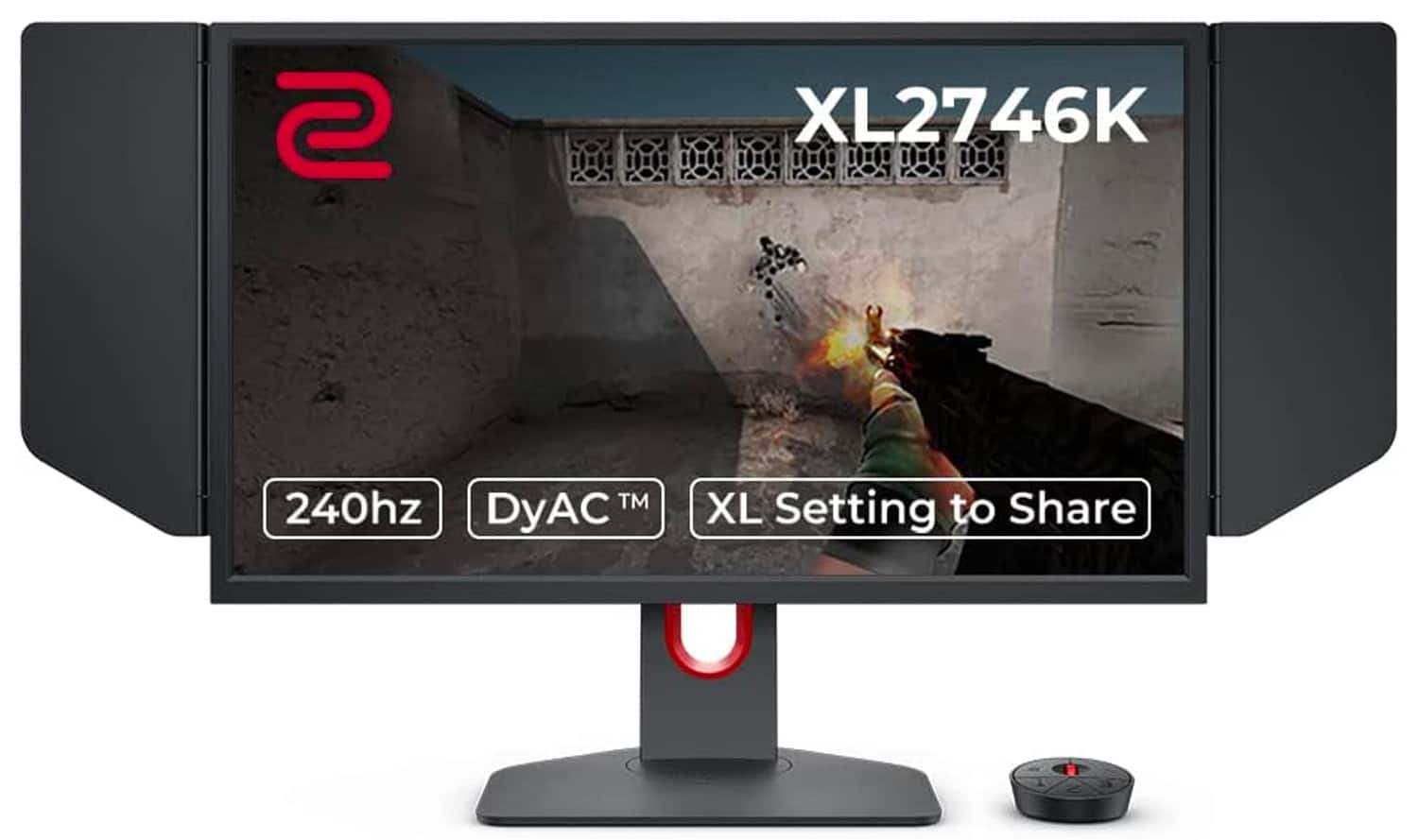
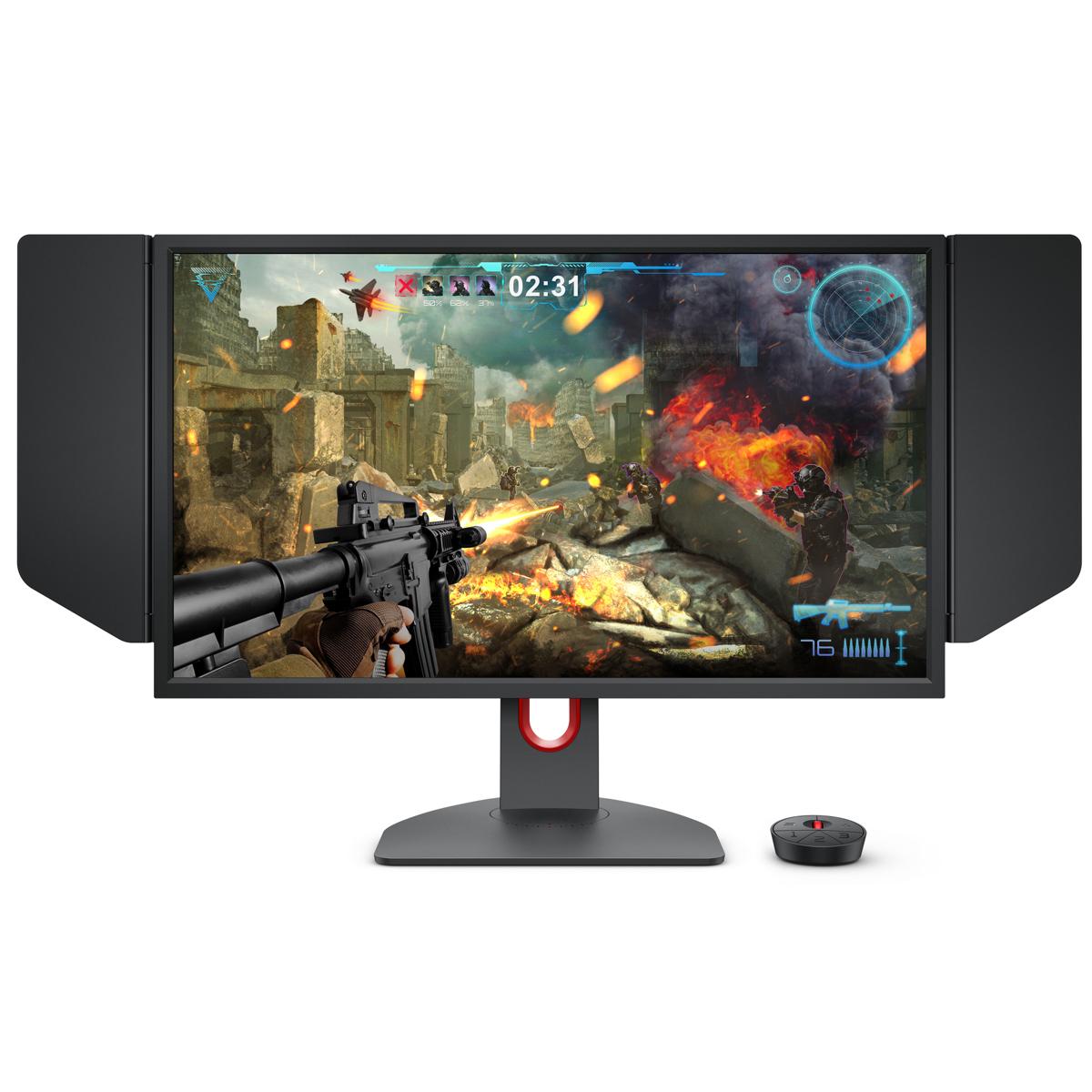
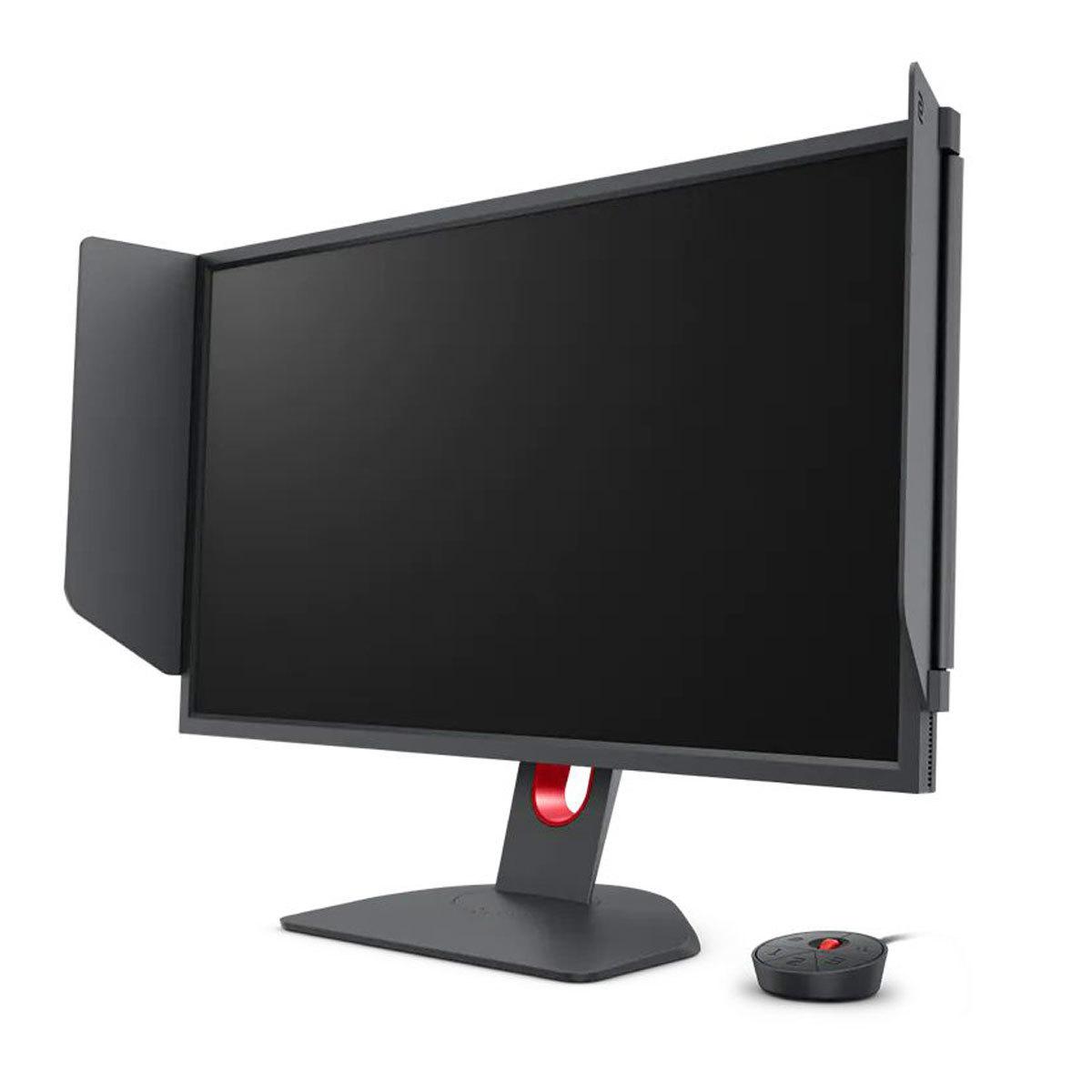
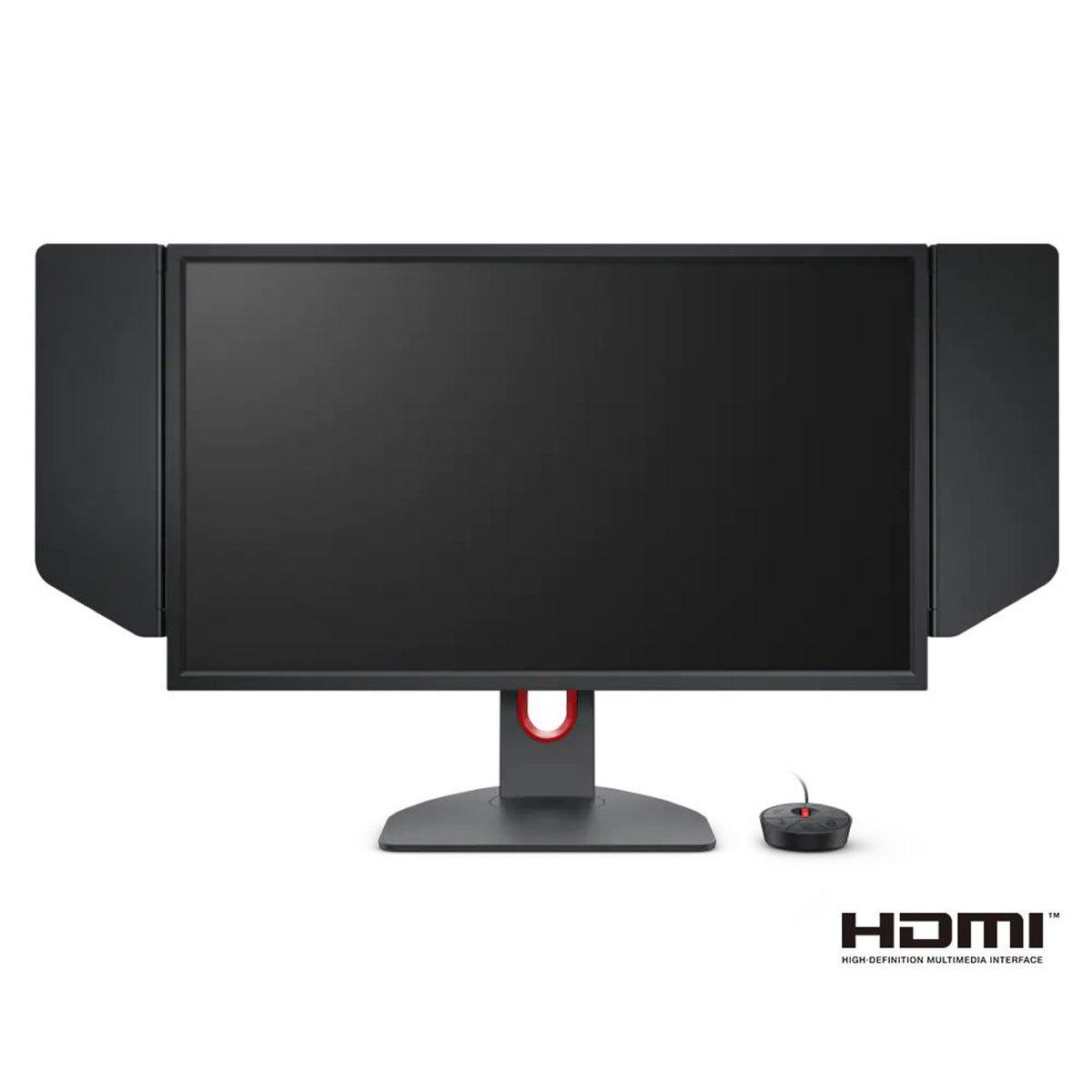
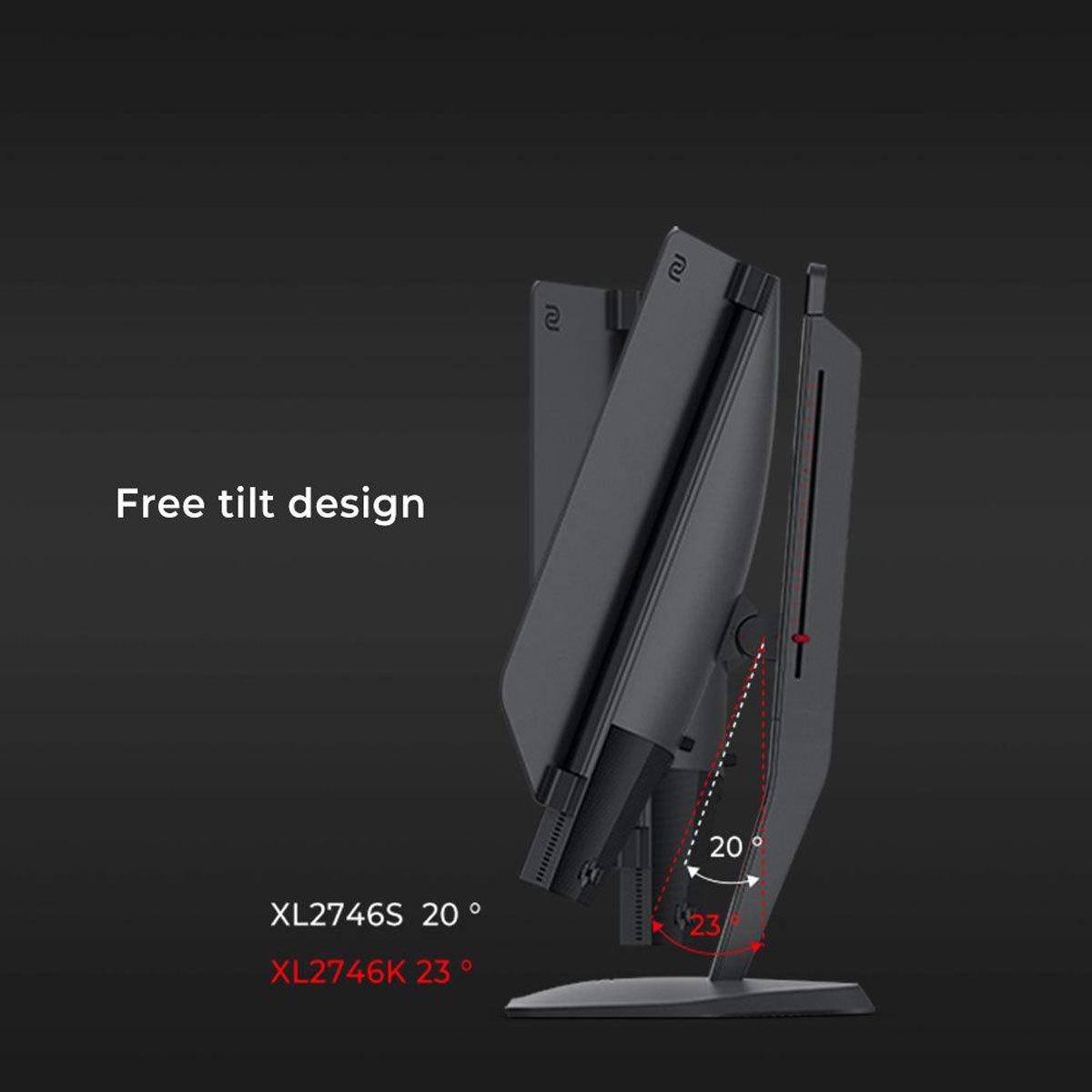
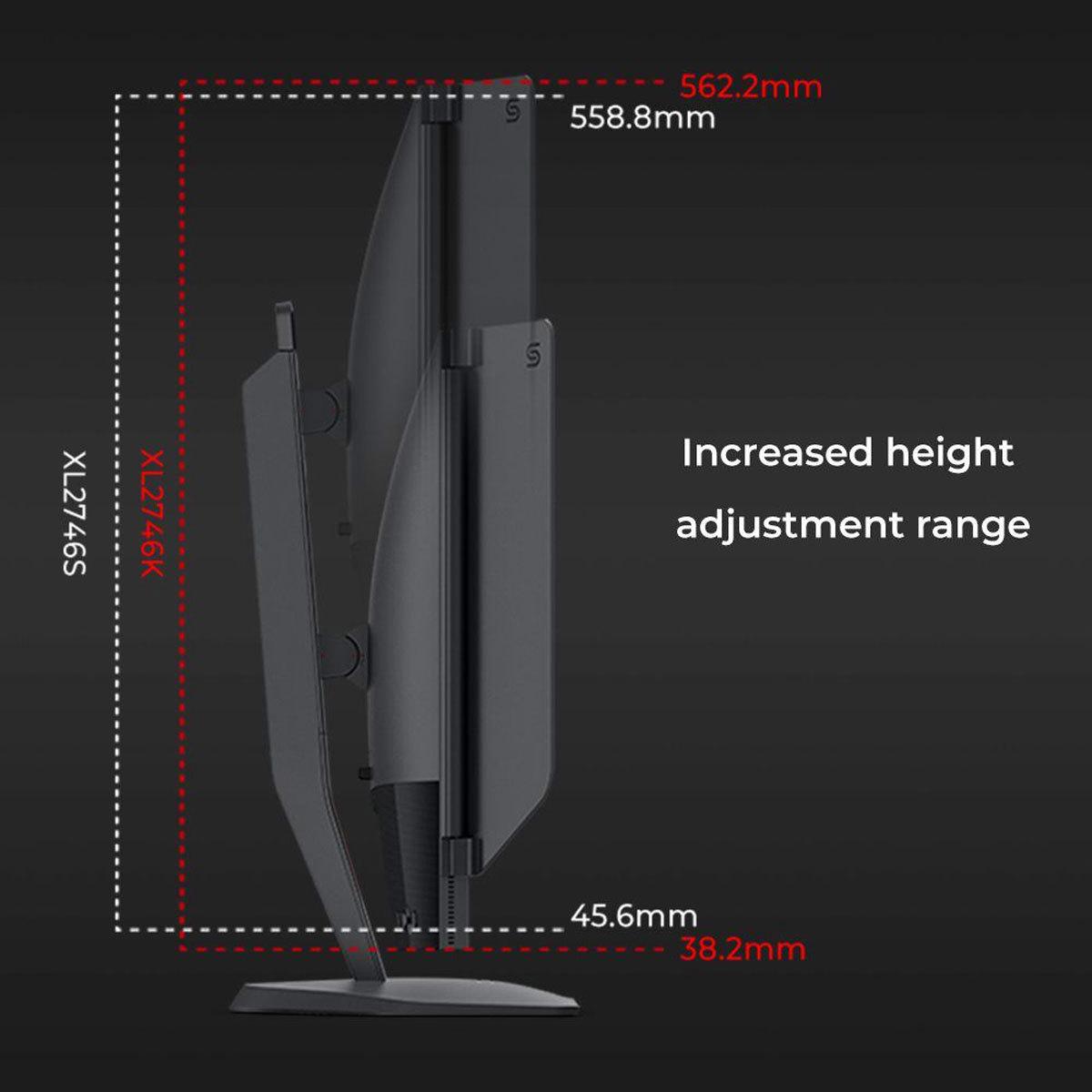
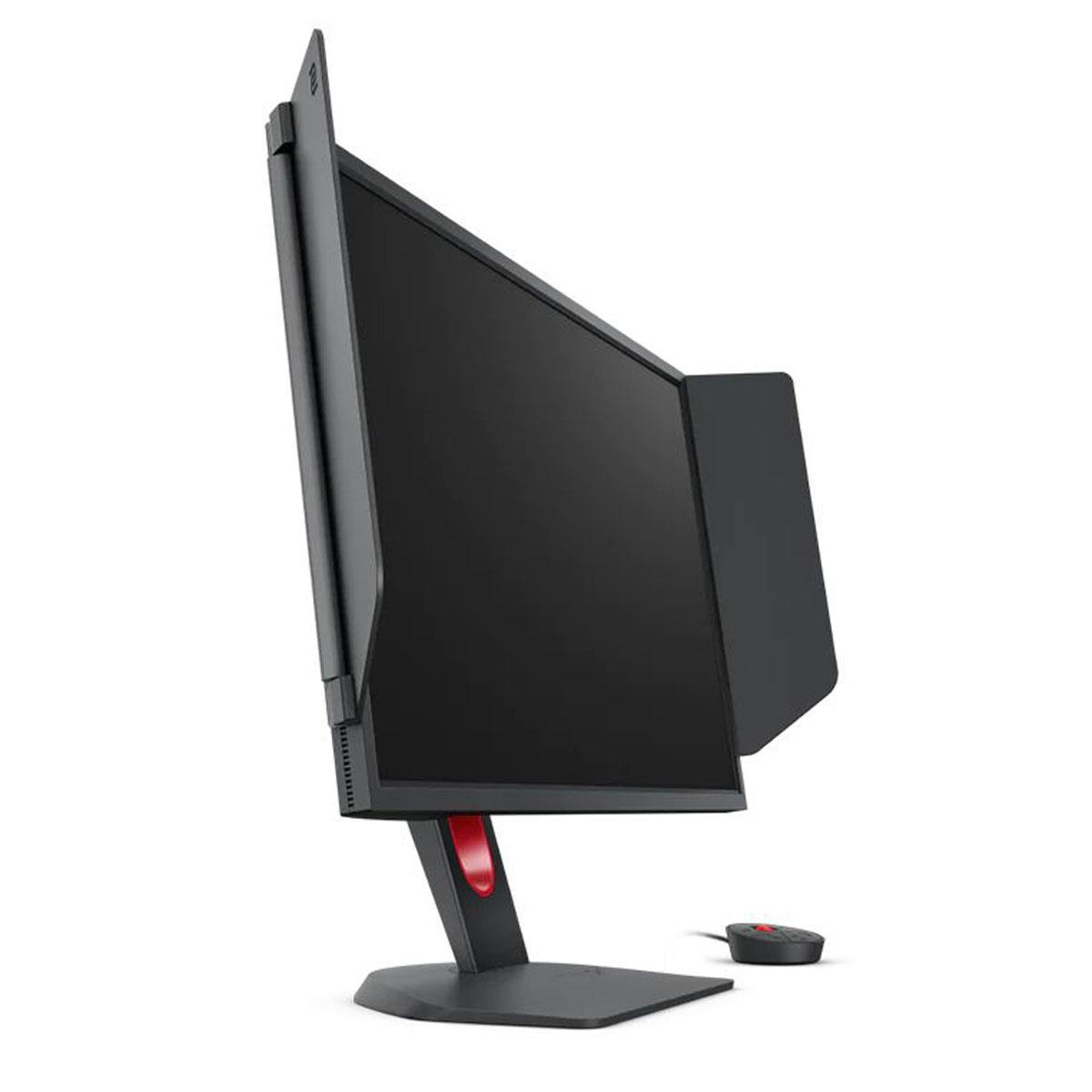
The BenQ Zowie XL2746K, released in 2022, represents the pinnacle of esports-focused monitor design. It's built specifically for competitive gamers who need every possible advantage in fast-paced shooters like Counter-Strike or Valorant. BenQ's Zowie brand has become synonymous with professional gaming, and you'll find these monitors at tournaments worldwide.
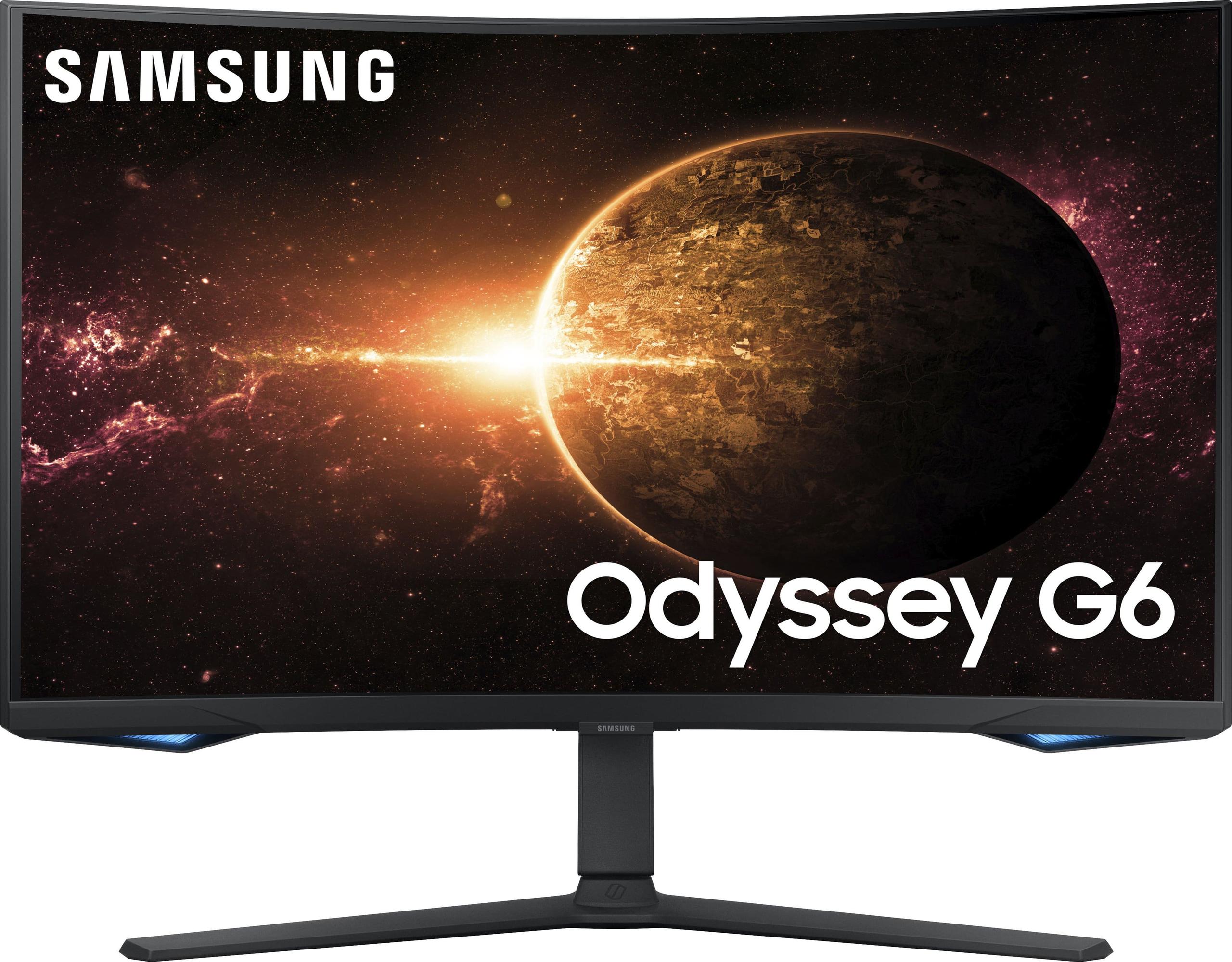
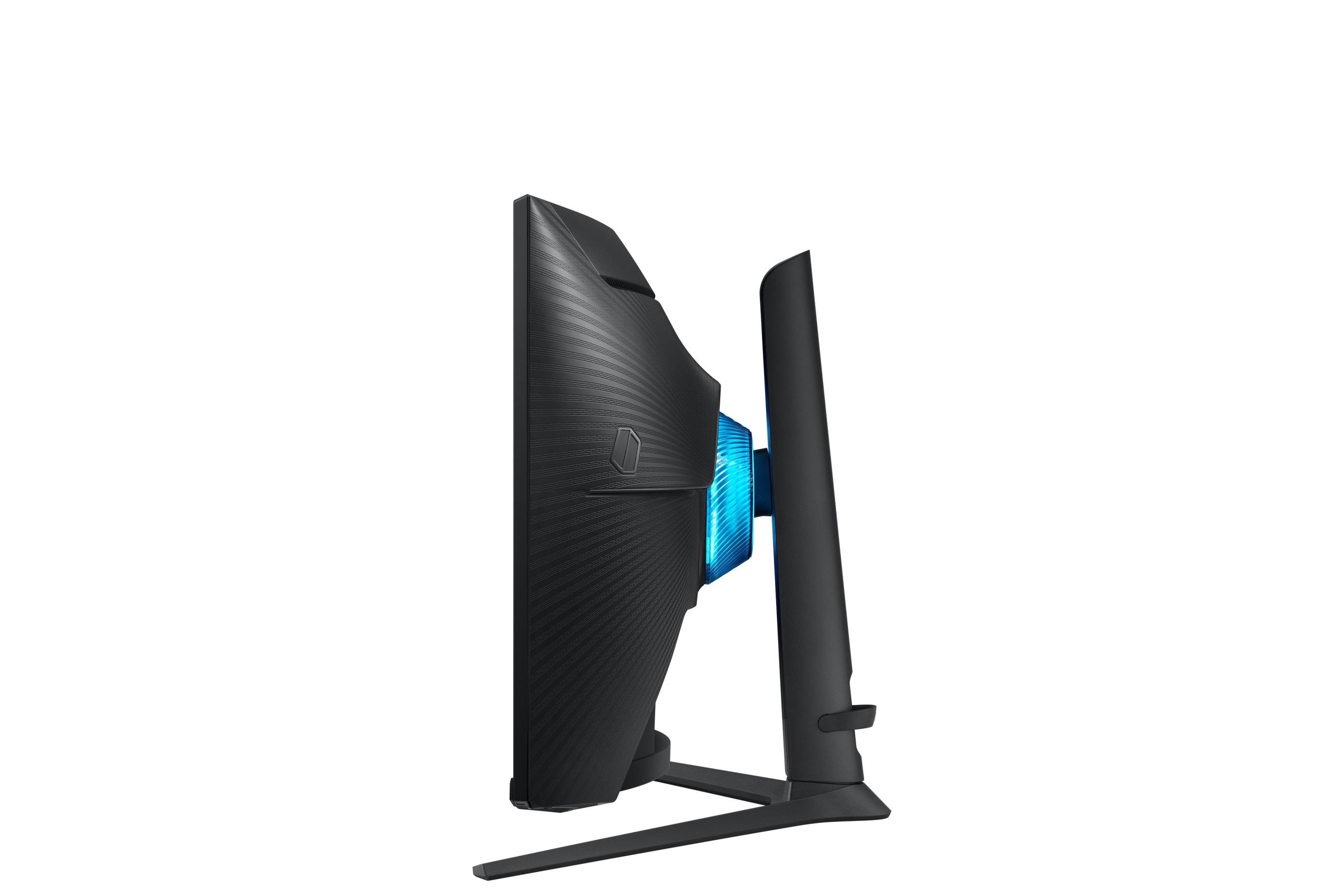
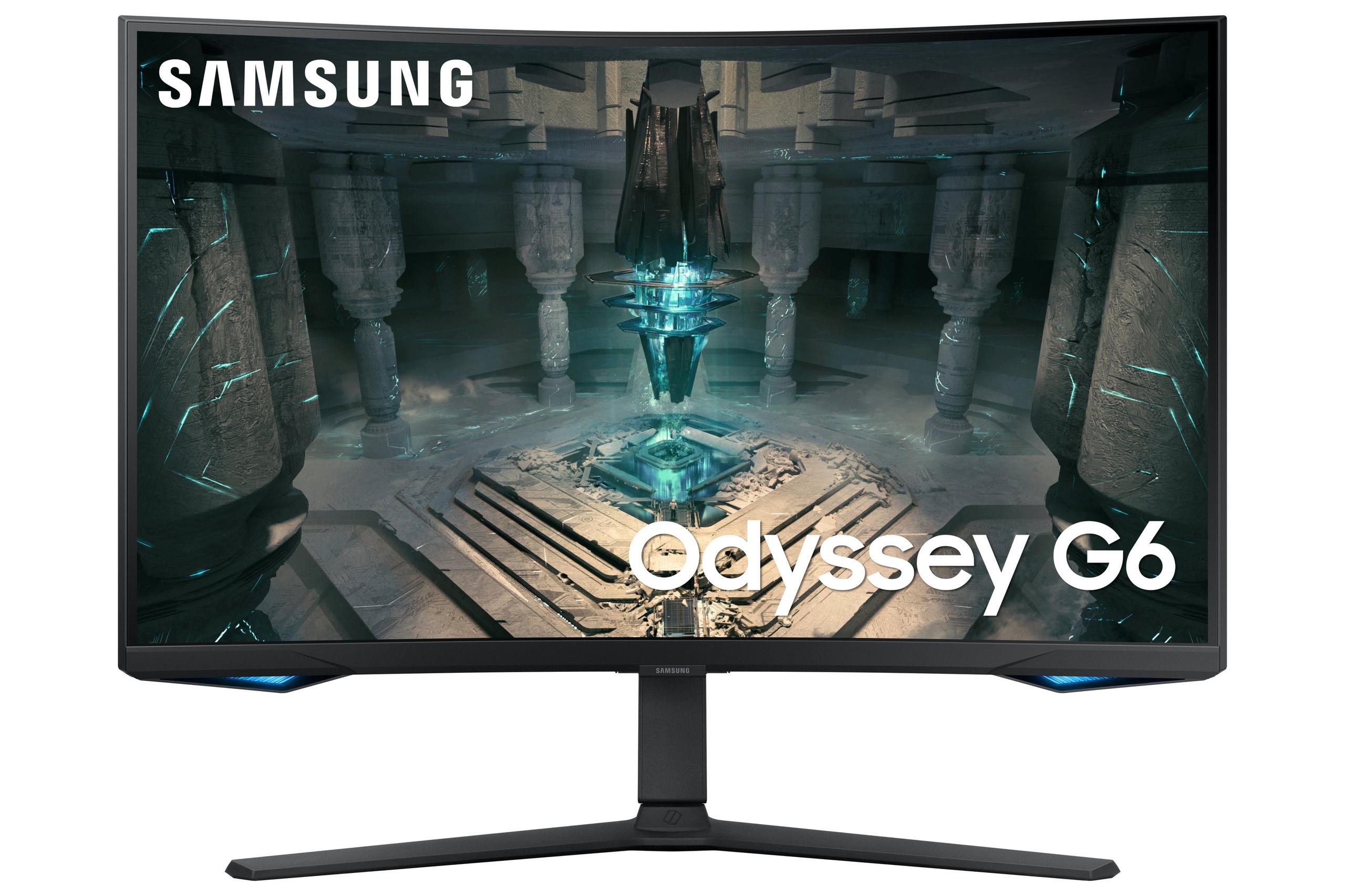
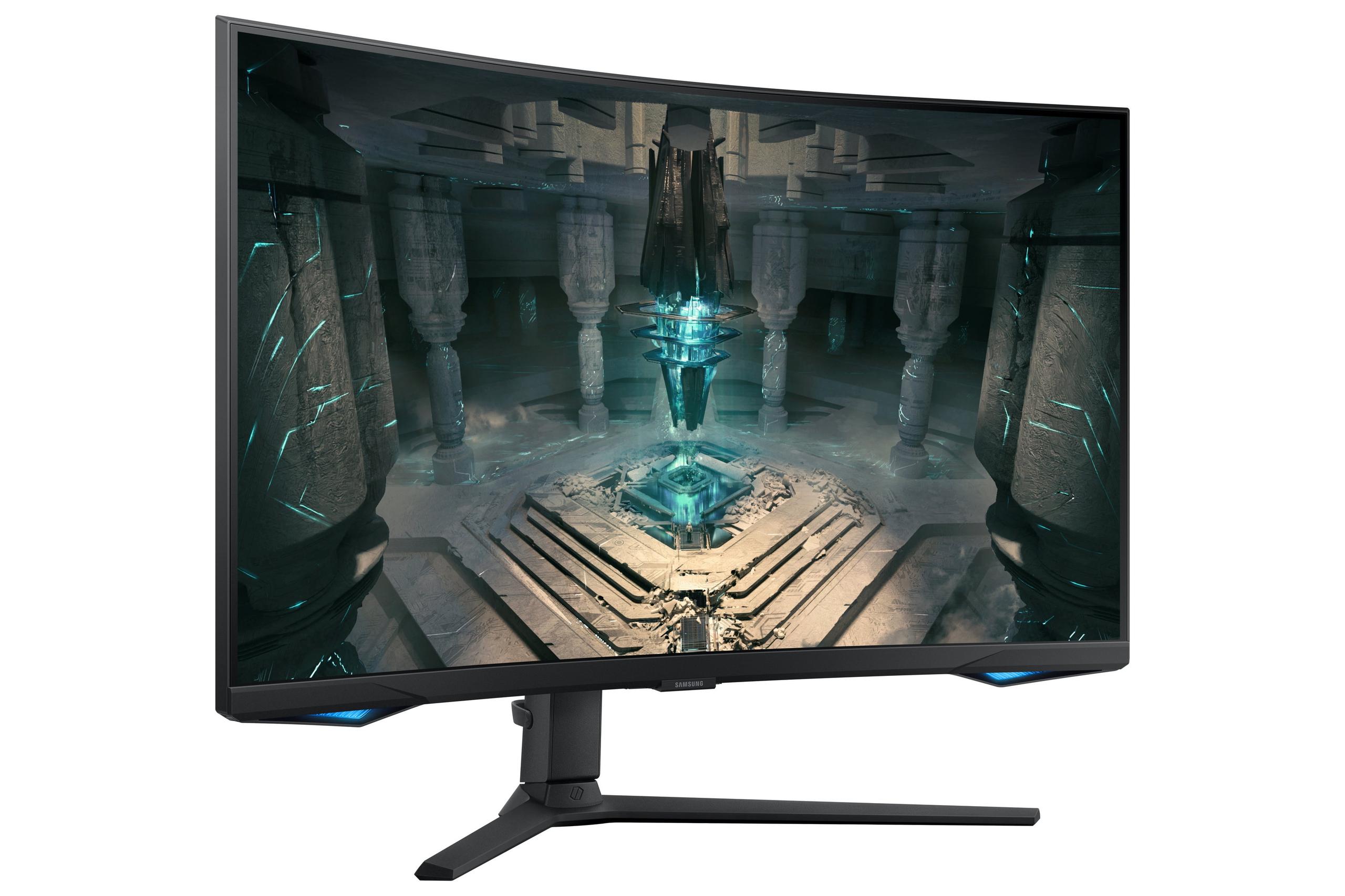
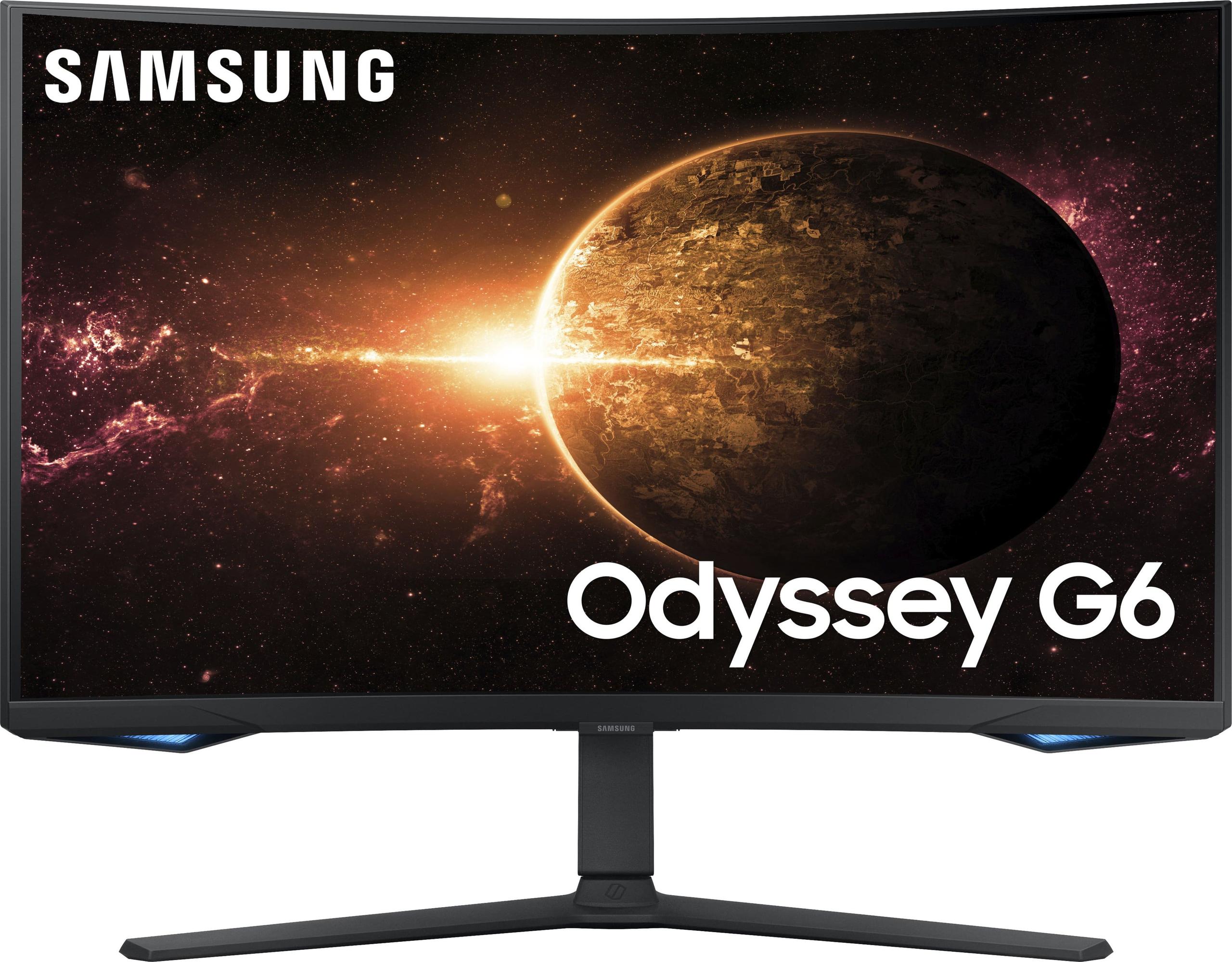
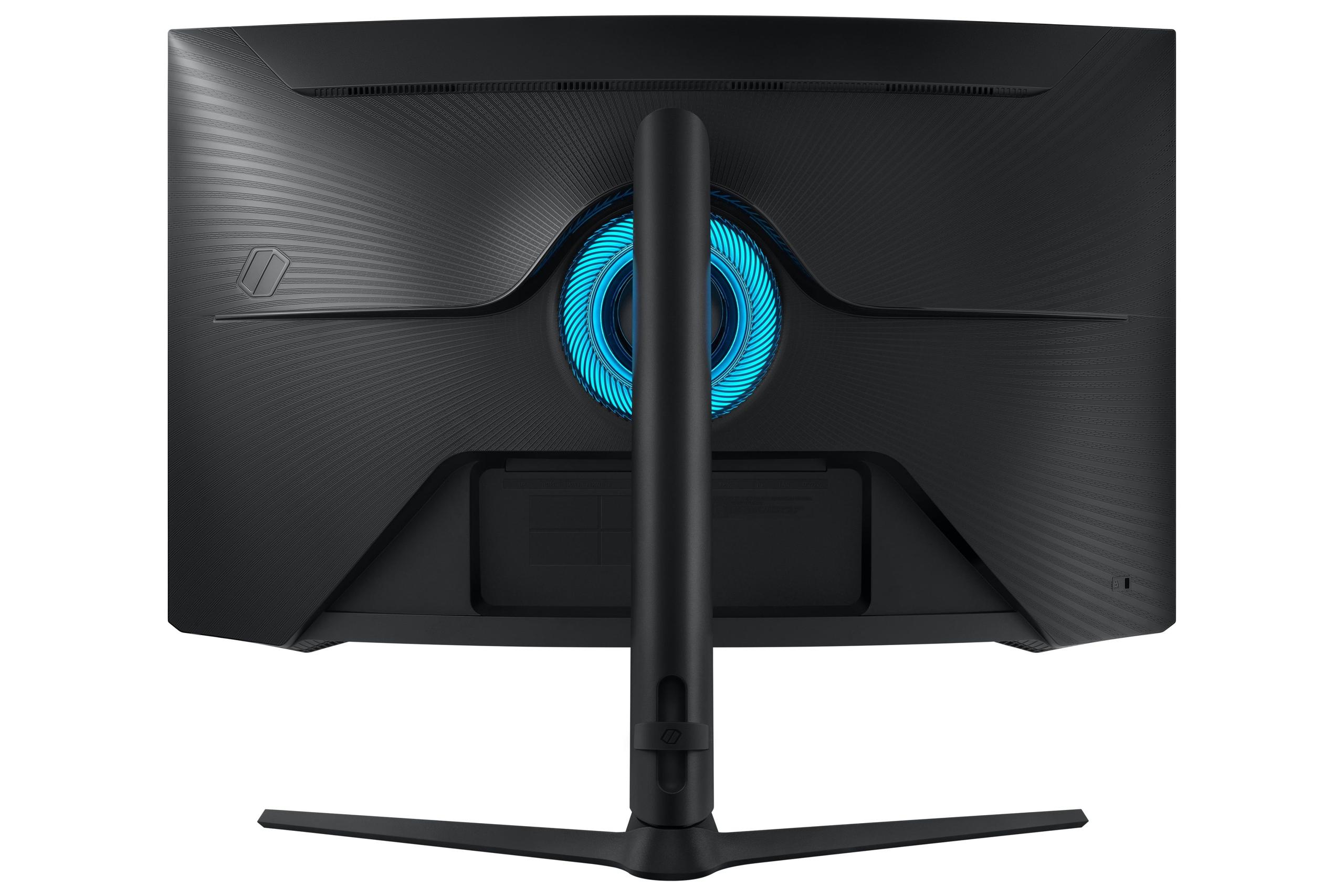
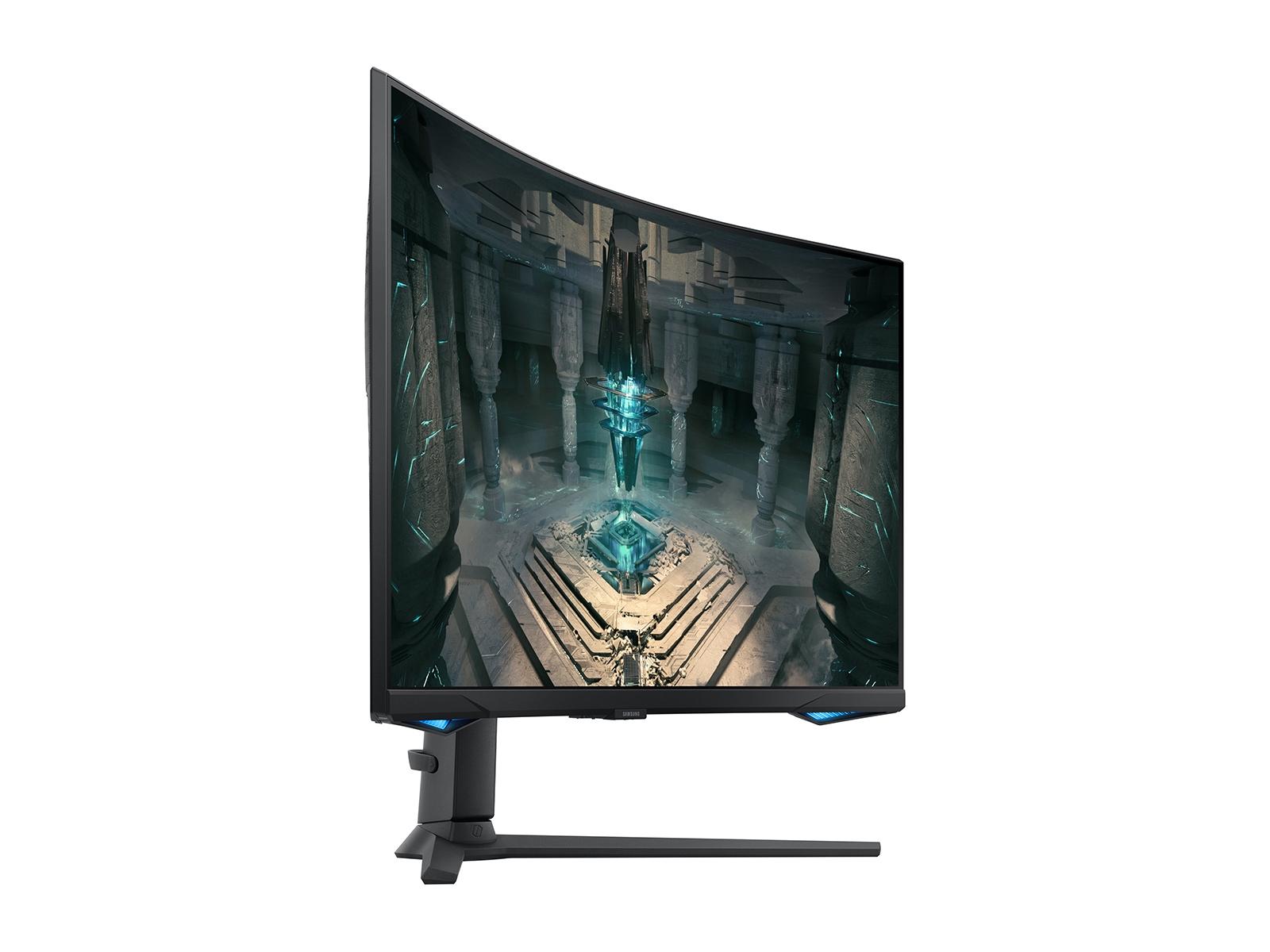
On the other side, we have the Samsung Odyssey G65B, which arrived in 2024 as part of Samsung's gaming-focused Odyssey lineup. This monitor takes a different approach, combining high-refresh performance with the kind of visual quality that makes both competitive games and single-player adventures look stunning.
The most fundamental difference between these monitors lies in their display technology. The BenQ XL2746K uses a 27-inch TN panel running at 1920x1080 (Full HD) resolution, while the Samsung G65B features a 27-inch curved VA panel at 2560x1440 (QHD) resolution.
Let's talk about what this means in practice. The Samsung's higher resolution gives you 78% more pixels to work with – that translates to sharper text, more detailed game environments, and better overall image quality. When I'm playing something like Cyberpunk 2077 or The Witcher 3, that extra resolution makes a noticeable difference in how crisp everything looks.
However, the BenQ's TN panel has some serious advantages for competitive gaming. TN technology allows pixels to switch colors almost instantaneously, which means less motion blur when you're tracking enemies across the screen. It's like the difference between taking a photo of a moving car with a slow shutter speed (blurry) versus a fast one (crystal clear).
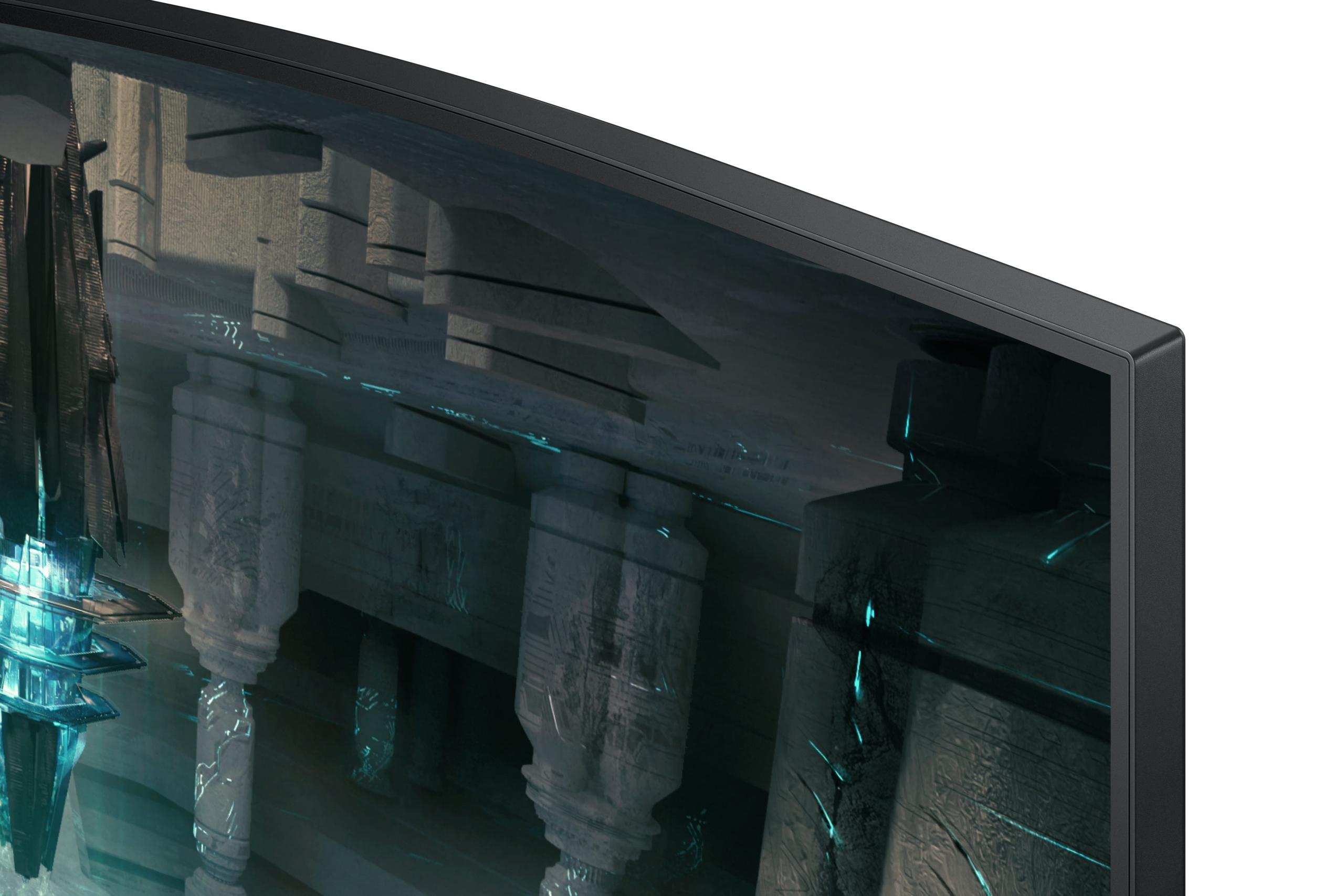
The Samsung G65B's 1000R curvature is worth discussing too. This means the screen curves in a 1000mm radius – roughly matching the natural curve of human vision. Some gamers love how this wraps the display around their peripheral vision, creating a more immersive experience. Others, particularly competitive players, prefer flat screens for consistency. It really comes down to personal preference and what types of games you play most.
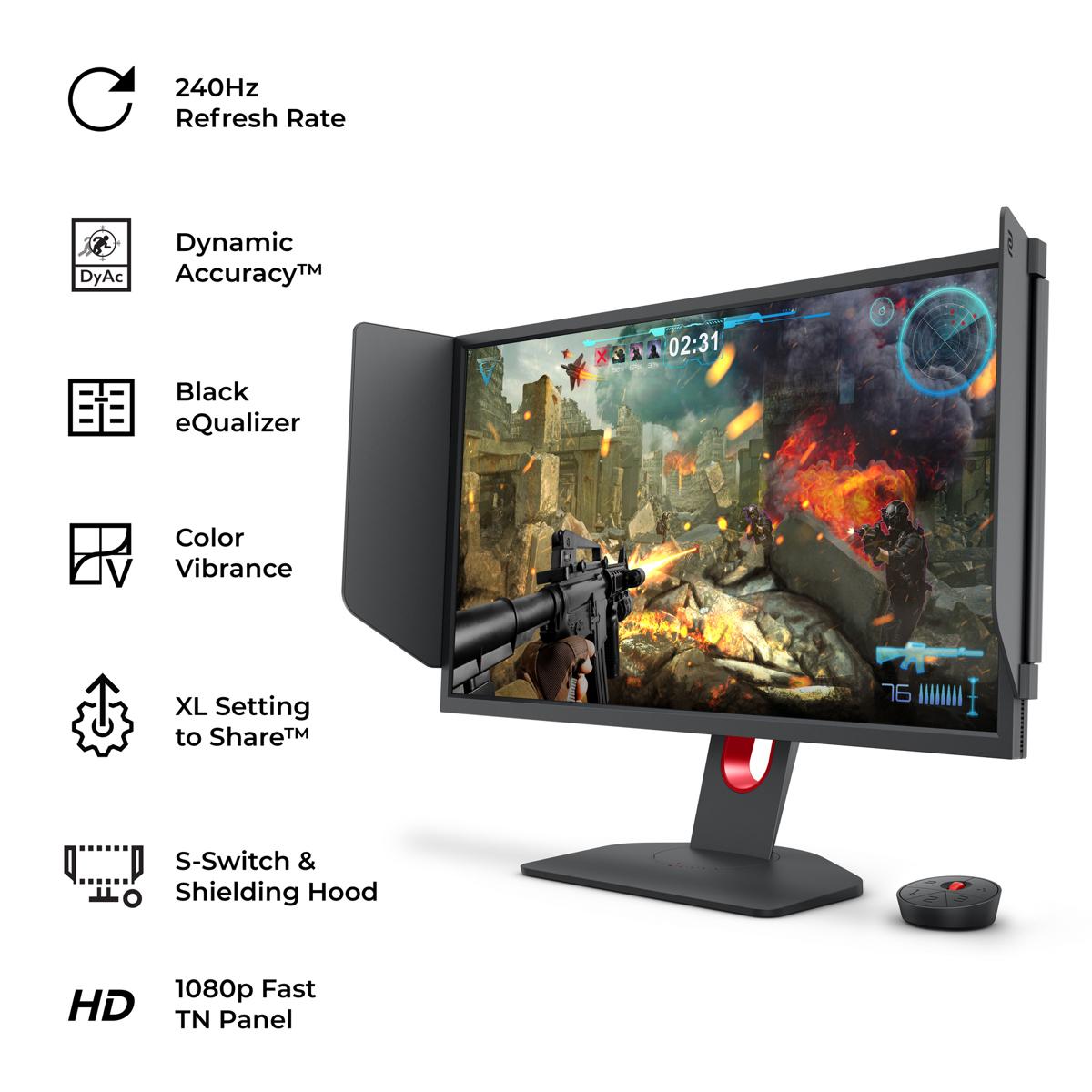
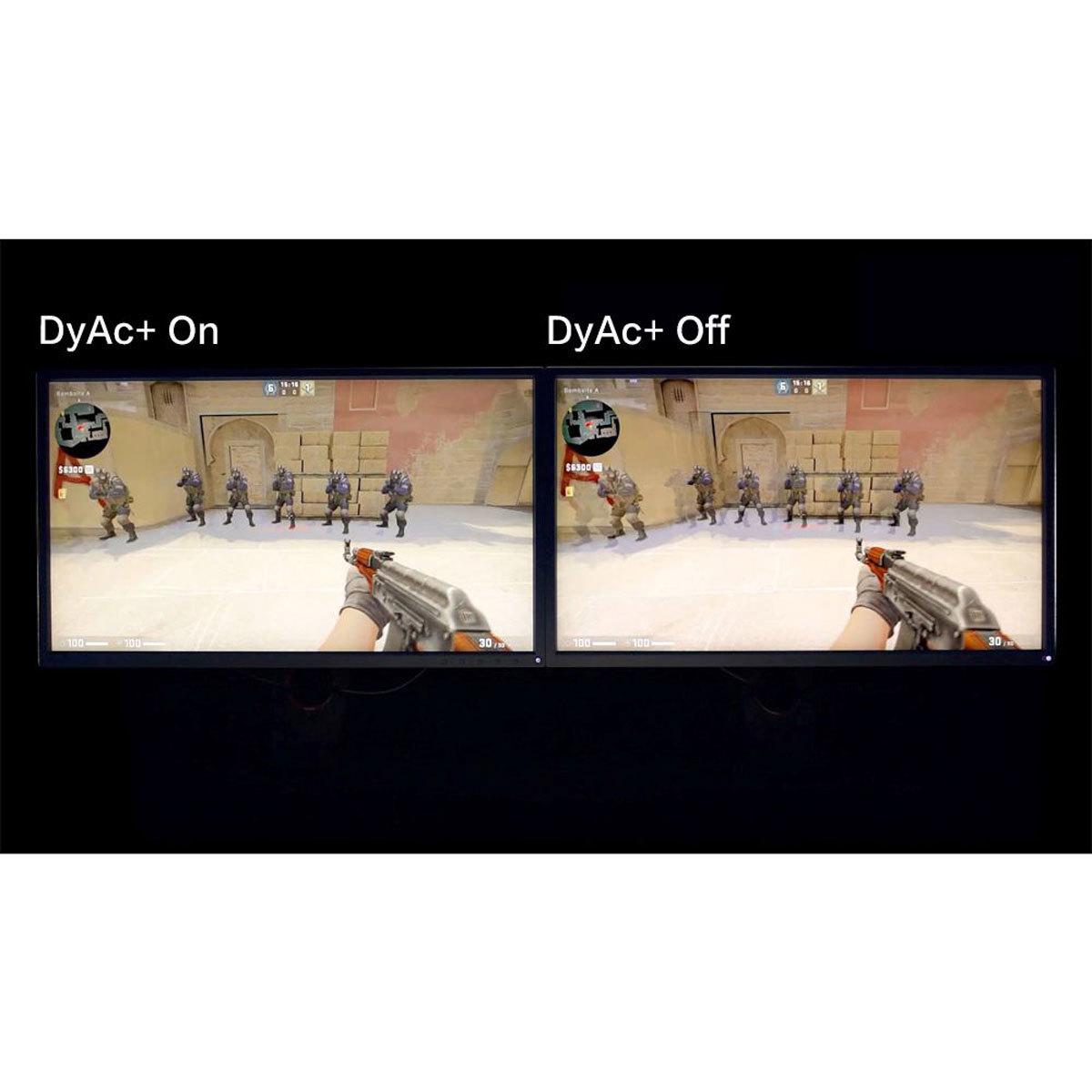
This is where things get really interesting, and where the BenQ XL2746K shows its specialized nature. BenQ has developed something called DyAc+ (Dynamic Accuracy Plus), which is essentially a sophisticated backlight strobing system. Here's how it works: instead of keeping the backlight constantly on, DyAc+ rapidly turns it on and off in sync with the refresh rate.
Why does this matter? When you're spraying bullets in Counter-Strike or tracking a fast-moving target, traditional displays can create motion blur that makes it harder to see exactly where your crosshair is relative to your target. DyAc+ significantly reduces this blur, making moving objects appear much sharper and easier to track.
I've tested this extensively, and the difference is genuinely noticeable in fast-paced shooters. It's not placebo – when you're trying to control recoil patterns in CS:GO or track enemies in Apex Legends, that extra clarity can translate to better performance.
The Samsung G65B doesn't have equivalent technology, though it does offer good motion handling for a VA panel. Samsung claims a 1ms gray-to-gray response time, which is impressive for VA technology. In practice, it handles motion well enough for most gaming scenarios, but it can't quite match the specialized motion clarity of the BenQ's system.
Here's where the Samsung Odyssey G65B pulls ahead significantly. Its VA panel delivers a 2500:1 contrast ratio compared to the BenQ's 1000:1. In simple terms, this means blacks look much blacker and colors appear more vibrant. When you're exploring a dark cave in Skyrim or watching Netflix, that extra contrast makes a real difference.
The Samsung also supports DisplayHDR 600, which enhances the brightness range of compatible content. While HDR600 isn't the highest tier available, it's a meaningful step up from standard SDR (Standard Dynamic Range) content. Games and movies with HDR support will show brighter highlights and deeper shadows, creating more realistic lighting.
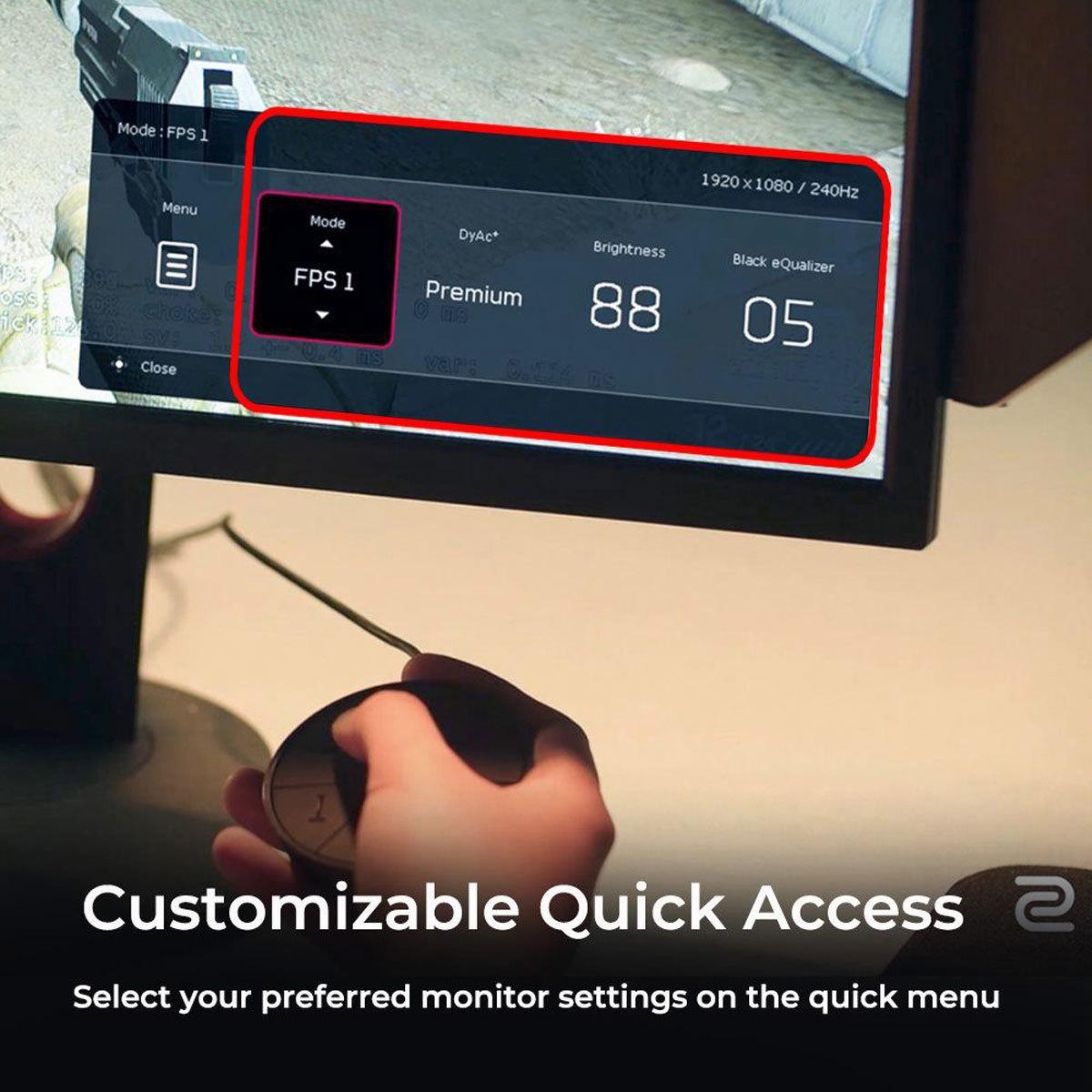
The Samsung's color coverage is also superior, supporting 95% of the DCI-P3 color space. This means more accurate and saturated colors, which benefits everything from photo editing to enjoying the latest AAA games. The BenQ, being focused on competitive gaming, prioritizes speed over color accuracy, though it includes features like Black eQualizer that brighten dark areas to help spot enemies hiding in shadows.
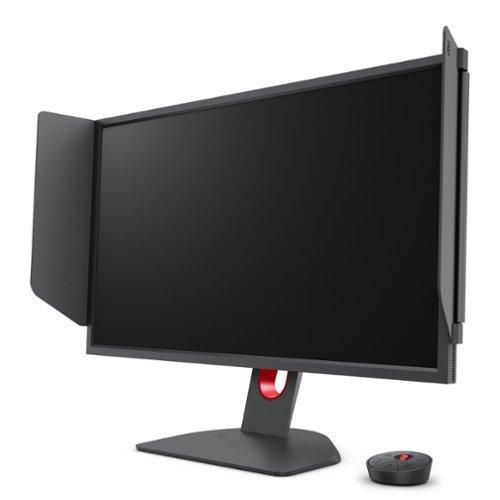
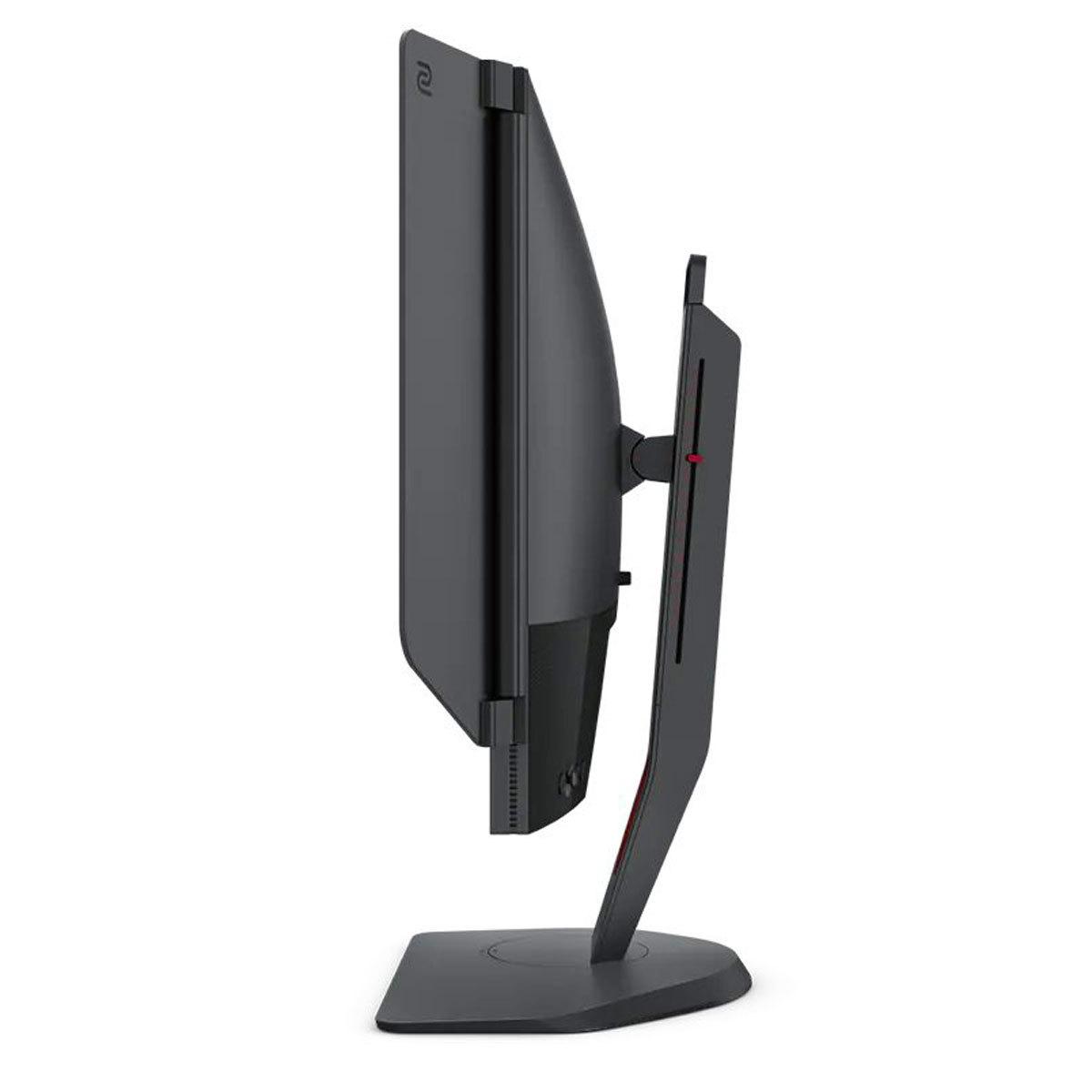
The BenQ Zowie XL2746K comes loaded with esports-specific features that you won't find elsewhere. The S Switch is a wireless controller that lets you quickly swap between different monitor profiles – handy when switching between different games that might need different settings. The included shielding hood (basically side panels) helps block out distractions during intense gaming sessions, which is why you'll see these at professional tournaments.
One feature I particularly appreciate is XL Setting to Share, which lets you import and export monitor settings. Professional players often share their optimal configurations, and you can load these directly onto your monitor. It's like getting the exact same visual setup that pros use in tournaments.
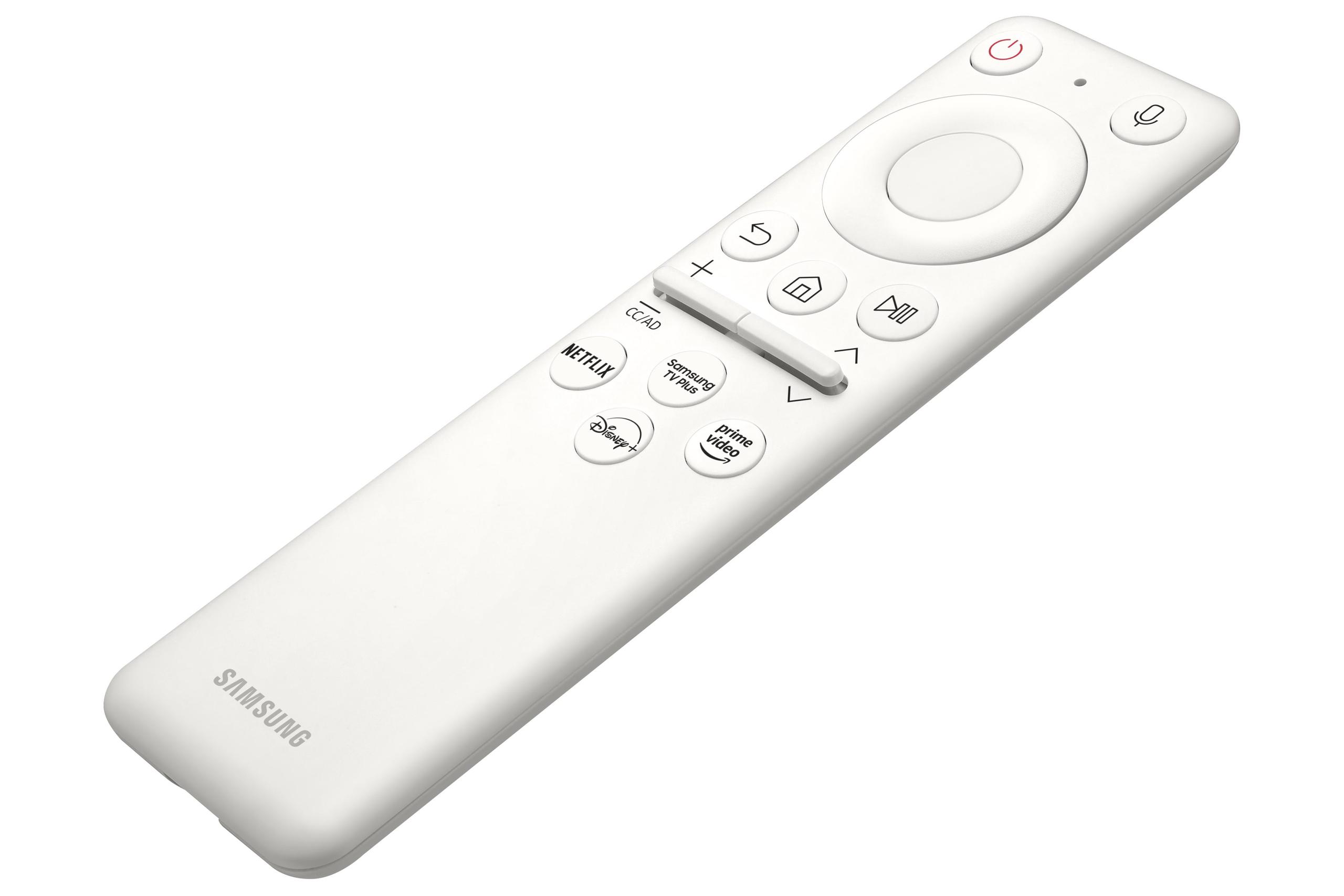
The Samsung G65B takes a completely different approach with its smart features. It runs Samsung's Tizen operating system, meaning you can access Netflix, YouTube, and other streaming services directly from the monitor – no PC required. The Gaming Hub feature provides access to cloud gaming services like Xbox Game Pass and NVIDIA GeForce Now, essentially turning your monitor into a gaming console.
For many users, these smart features add genuine value. If you're short on space or want a clean setup, being able to stream content or play games directly from your monitor is pretty convenient.
For competitive esports, particularly first-person shooters, the BenQ XL2746K is hard to beat. The combination of DyAc+ technology, fast TN response times, and esports-focused features creates an advantage in scenarios where milliseconds matter. If you're serious about climbing ranked ladders in competitive games, this monitor's specialized features justify its premium positioning.
However, the Samsung Odyssey G65B offers better versatility. Its higher resolution makes it excellent for strategy games, RPGs, and single-player adventures where visual quality matters more than absolute speed. The curved screen enhances immersion in these types of games, making you feel more connected to the game world.
For productivity work, the Samsung's higher resolution and better color accuracy make it more suitable for tasks like photo editing, video editing, or even just having multiple windows open simultaneously. The extra screen real estate from 1440p resolution is genuinely useful for non-gaming tasks.
Both monitors excel in input lag performance, though through different approaches. Input lag is the total time between when you click your mouse and when the result appears on screen – crucial for competitive gaming where reaction times matter.
The BenQ XL2746K achieves extremely low input lag through its fast TN panel and gaming-optimized processing. Professional esports players have relied on Zowie monitors for years precisely because of this responsiveness.
The Samsung G65B also delivers low input lag despite its VA panel technology. Modern VA panels have improved dramatically in recent years, and Samsung has done excellent work optimizing their gaming modes to minimize processing delays.
The Samsung Odyssey G65B offers more modern connectivity with HDMI 2.1 support, which is important if you're planning to use next-generation consoles like the PlayStation 5 or Xbox Series X. These consoles can output 4K at 120Hz or 1440p at higher refresh rates, and HDMI 2.1 ensures you can take full advantage of their capabilities.
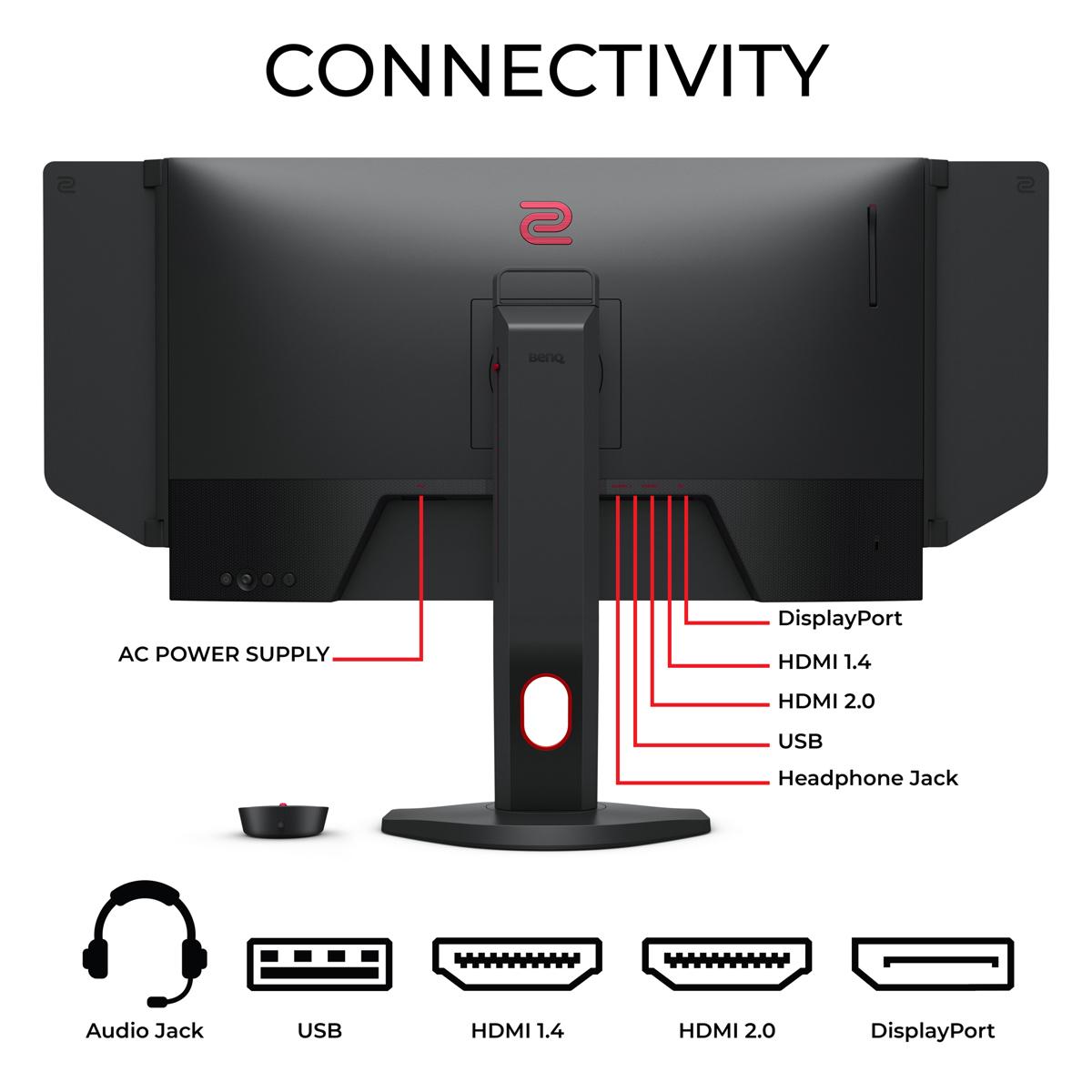
The BenQ XL2746K uses HDMI 2.0, which is perfectly adequate for PC gaming at 1080p 240Hz but might limit some console features. For its intended audience of competitive PC gamers, this isn't usually a concern.
Both monitors support variable refresh rate technologies (FreeSync/Adaptive Sync) to prevent screen tearing, though the Samsung's broader compatibility with different input sources gives it an edge for mixed-use scenarios.
At the time of writing, these monitors occupy different price segments, with the BenQ XL2746K commanding a premium for its specialized esports features, while the Samsung G65B offers more features and higher resolution at a lower price point.
The value equation depends entirely on your priorities. If you're a serious competitive gamer who primarily plays esports titles, the BenQ's specialized features and proven tournament pedigree may justify its higher cost. The motion clarity advantages and professional gaming optimizations represent real performance benefits in competitive scenarios.
However, if you want a monitor that excels at gaming while also handling movies, productivity work, and casual gaming well, the Samsung offers significantly better value. You're getting higher resolution, better visual quality, smart features, and excellent gaming performance at a more accessible price.
For home theater use, the Samsung Odyssey G65B is clearly the better choice. Its higher resolution, superior contrast ratio, HDR support, and built-in smart features make it suitable as both a gaming monitor and entertainment display. The curved design can actually enhance the cinematic experience for movies and shows.
The built-in speakers, while not audiophile-quality, are surprisingly decent for a monitor and eliminate the need for separate speakers in space-constrained setups. The smart TV functionality means you can easily switch between gaming and streaming without changing inputs or turning on additional devices.
The BenQ XL2746K, with its esports-focused design and lack of HDR or smart features, isn't really designed for home theater use. Its strengths lie entirely in competitive gaming scenarios.
Choosing between these monitors comes down to understanding your primary use case and priorities. If you're serious about competitive gaming – particularly first-person shooters – and you want every possible advantage, the BenQ Zowie XL2746K delivers specialized performance that's hard to match. The DyAc+ technology, esports-optimized features, and proven tournament performance make it the tool of choice for serious competitors.
However, if you want excellent gaming performance combined with versatility for other tasks, the Samsung Odyssey G65B offers better overall value. Its higher resolution, superior visual quality, smart features, and immersive curved design create a more well-rounded package that serves multiple purposes.
Consider your gaming habits, budget, and how you'll use the monitor beyond gaming. Both are excellent displays that excel in their intended roles – it's just a matter of which philosophy aligns better with your needs and preferences.
The monitor market continues to evolve rapidly, with new technologies and features appearing regularly. But the fundamental trade-off between specialized performance and versatile functionality remains constant, and these two monitors represent excellent examples of each approach done right.
| BenQ Zowie XL2746K | Samsung Odyssey G65B |
|---|---|
| Display Resolution - Higher resolution means sharper images and more screen space | |
| 1920 x 1080 (Full HD) - Lower pixel density but easier on your GPU | 2560 x 1440 (QHD) - 78% more pixels for sharper visuals |
| Panel Technology - Affects speed, colors, and contrast | |
| TN Panel - Fastest response times, optimized for competitive gaming | VA Panel - Better colors and contrast, good motion handling |
| Screen Curvature - Impacts immersion and viewing experience | |
| Flat - Traditional design preferred by many competitive players | 1000R Curved - Wraps around your vision for more immersion |
| Motion Clarity Technology - Critical for tracking fast-moving objects | |
| DyAc+ backlight strobing - Industry-leading motion blur reduction | Standard motion handling - Good for VA panel but no special tech |
| Contrast Ratio - Determines how deep blacks appear and color vibrancy | |
| 1000:1 - Typical for TN panels, grays instead of true blacks | 2500:1 - Much deeper blacks and more vibrant colors |
| HDR Support - Enhanced brightness and color range for compatible content | |
| No HDR - Standard dynamic range only | DisplayHDR 600 - Improved highlights and shadows |
| Gaming-Specific Features - Tools designed to improve competitive performance | |
| Black eQualizer, S Switch controller, DyAc+, Shielding Hood | Game Bar 2.0, Gaming Hub, CoreSync lighting, Smart features |
| Smart Platform - Built-in apps and streaming without a PC | |
| None - Pure gaming monitor with no smart features | Tizen OS with Netflix, Gaming Hub, cloud gaming support |
| Connectivity - Important for consoles and future-proofing | |
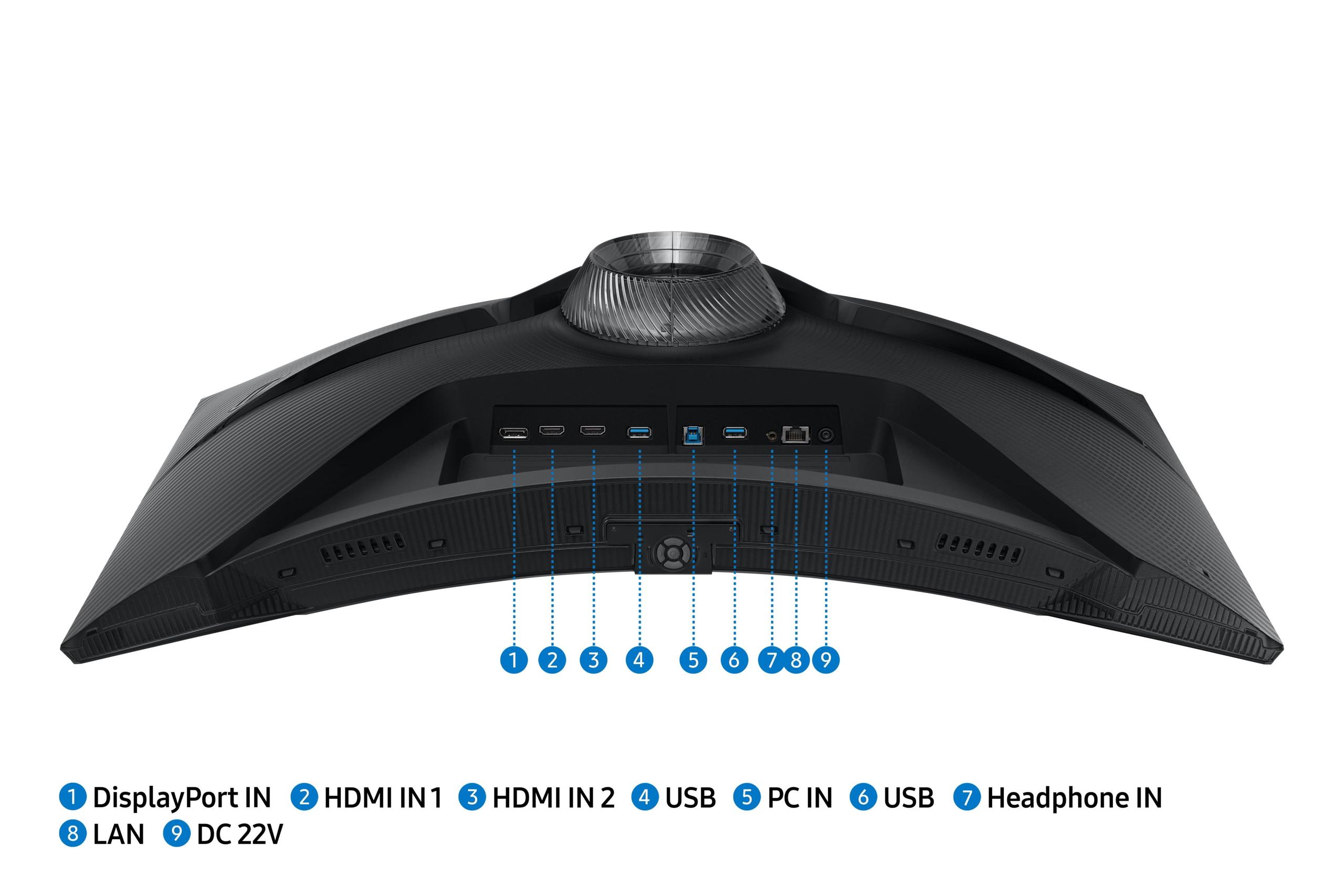
| 3x HDMI 2.0, 1x DisplayPort 1.2 - Good for PC gaming | 2x HDMI 2.1, 1x DisplayPort 1.4 - Better for next-gen consoles |
| Built-in Audio - Convenience factor for clean setups | |
| No speakers - Requires external audio solution | Built-in stereo speakers - Decent quality for a monitor |
| Target Audience - Who each monitor is designed for | |
| Competitive esports players and FPS enthusiasts | Versatile gamers wanting performance plus visual quality |
| Best Use Cases - Where each monitor truly excels | |
| CS:GO, Valorant, tournament gaming, pure speed focus | Mixed gaming, single-player games, productivity, entertainment |
The BenQ Zowie XL2746K is specifically designed for competitive esports and offers superior motion clarity through its DyAc+ technology and fast TN panel. Professional gamers prefer the BenQ XL2746K for tournaments because it reduces motion blur during fast-paced action in games like CS:GO and Valorant. The Samsung Odyssey G65B is excellent for gaming but focuses more on visual quality than pure competitive performance.
The Samsung Odyssey G65B delivers significantly better image quality with its 2560x1440 QHD resolution (78% more pixels than 1080p), 2500:1 contrast ratio, and DisplayHDR 600 support. The Samsung G65B produces deeper blacks, more vibrant colors, and sharper details. The BenQ Zowie XL2746K has lower 1080p resolution and basic image quality optimized for competitive gaming rather than visual fidelity.
The Samsung Odyssey G65B typically offers better overall value, providing higher resolution, curved design, smart features, and superior visual quality at a competitive price point. The BenQ XL2746K commands a premium for its specialized esports features and professional gaming optimization. Choose the Samsung G65B for versatility or the BenQ XL2746K if competitive gaming performance justifies the higher cost.
Yes, both the BenQ Zowie XL2746K and Samsung Odyssey G65B support 240Hz refresh rate for ultra-smooth gameplay. However, the BenQ XL2746K achieves this with a fast TN panel optimized for esports, while the Samsung G65B uses a VA panel that balances high refresh rates with better visual quality.
The Samsung Odyssey G65B is significantly better for single-player games due to its higher 1440p resolution, curved 1000R design for immersion, superior contrast ratio, and HDR support. Games like Cyberpunk 2077 or The Witcher 3 look much more detailed and vibrant on the Samsung G65B. The BenQ Zowie XL2746K is optimized specifically for competitive multiplayer games rather than immersive single-player experiences.
The Samsung Odyssey G65B provides more modern connectivity with 2x HDMI 2.1 and 1x DisplayPort 1.4, making it better for next-gen consoles like PS5 and Xbox Series X. The BenQ Zowie XL2746K offers 3x HDMI 2.0 and 1x DisplayPort 1.2, which is perfectly adequate for PC gaming but may limit some console features. The Samsung G65B also includes Wi-Fi, Bluetooth, and smart platform connectivity.
The BenQ Zowie XL2746K provides superior motion clarity thanks to its DyAc+ backlight strobing technology and ultra-fast TN panel. This specialized motion blur reduction makes it easier to track enemies and control recoil in competitive shooters. While the Samsung Odyssey G65B offers good motion handling for a VA panel, it cannot match the specialized motion clarity optimization of the BenQ XL2746K.
The Samsung Odyssey G65B is better suited for modern gaming consoles with its HDMI 2.1 support, 1440p resolution, and 120Hz console compatibility. It can fully utilize PS5 and Xbox Series X capabilities. The BenQ Zowie XL2746K works with consoles but is primarily designed for PC competitive gaming, with HDMI 2.0 connectivity that may not support all next-gen console features.
The Samsung Odyssey G65B is significantly better for productivity due to its higher 1440p resolution providing more screen real estate, better color accuracy, and wider viewing angles. The extra pixels make text sharper and allow for better multitasking. The BenQ Zowie XL2746K with its 1080p resolution and TN panel is designed purely for gaming and isn't ideal for productivity tasks.
The Samsung Odyssey G65B includes extensive smart features with Tizen OS, Gaming Hub for cloud gaming, Netflix and streaming apps, Wi-Fi connectivity, and voice control. You can use the Samsung G65B as a smart TV without connecting a PC. The BenQ Zowie XL2746K has no smart features and focuses exclusively on gaming performance with specialized tools like the S Switch controller and Black eQualizer.
For mixed-use including gaming, work, and entertainment, the Samsung Odyssey G65B is the clear choice. It offers excellent gaming performance, higher resolution for productivity, smart streaming features, and better overall image quality. The BenQ Zowie XL2746K excels only at competitive gaming and isn't suitable for other uses. Choose the Samsung G65B unless you're primarily focused on esports competition.
The BenQ Zowie XL2746K is limited by its single-purpose esports focus, 1080p resolution, and lack of modern features like HDR or smart connectivity. The Samsung Odyssey G65B may have slightly slower response times than the specialized BenQ XL2746K and its curved design isn't preferred by all users. Consider your primary use case when weighing these trade-offs between the two monitors.
We've done our best to create useful and informative comparisons to help you decide what product to buy. Our research uses advanced automated methods to create this comparison and perfection is not possible - please contact us for corrections or questions. These are the sites we've researched in the creation of this article: rtings.com - youtube.com - bestbuy.com - versus.com - youtube.com - versus.com - forums.blurbusters.com - pcmonitors.info - youtube.com - bhphotovideo.com - zowie.benq.com - bhphotovideo.com - device.report - newegg.com - bestbuy.com - displayspecifications.com - provantage.com - zowie.benq.com - smallonlineshop.com.sg - camcor.com - bestbuy.com - versus.com - uk.shi.com - youtube.com - youtube.com - displayspecifications.com - rtings.com - versus.com - samsung.com - rtings.com - businessdirect.bt.com - productchart.com - samsung.com - displayspecifications.com - gradeatechnology.co.uk - samsung.com - bestbuy.com - samsung.com - samsung.com

Privacy Policy
Terms and Conditions - Affiliate Policy
Home Security
© Copyright 2008-2026.
11816 Inwood Rd #1211, Dallas, TX 75244