

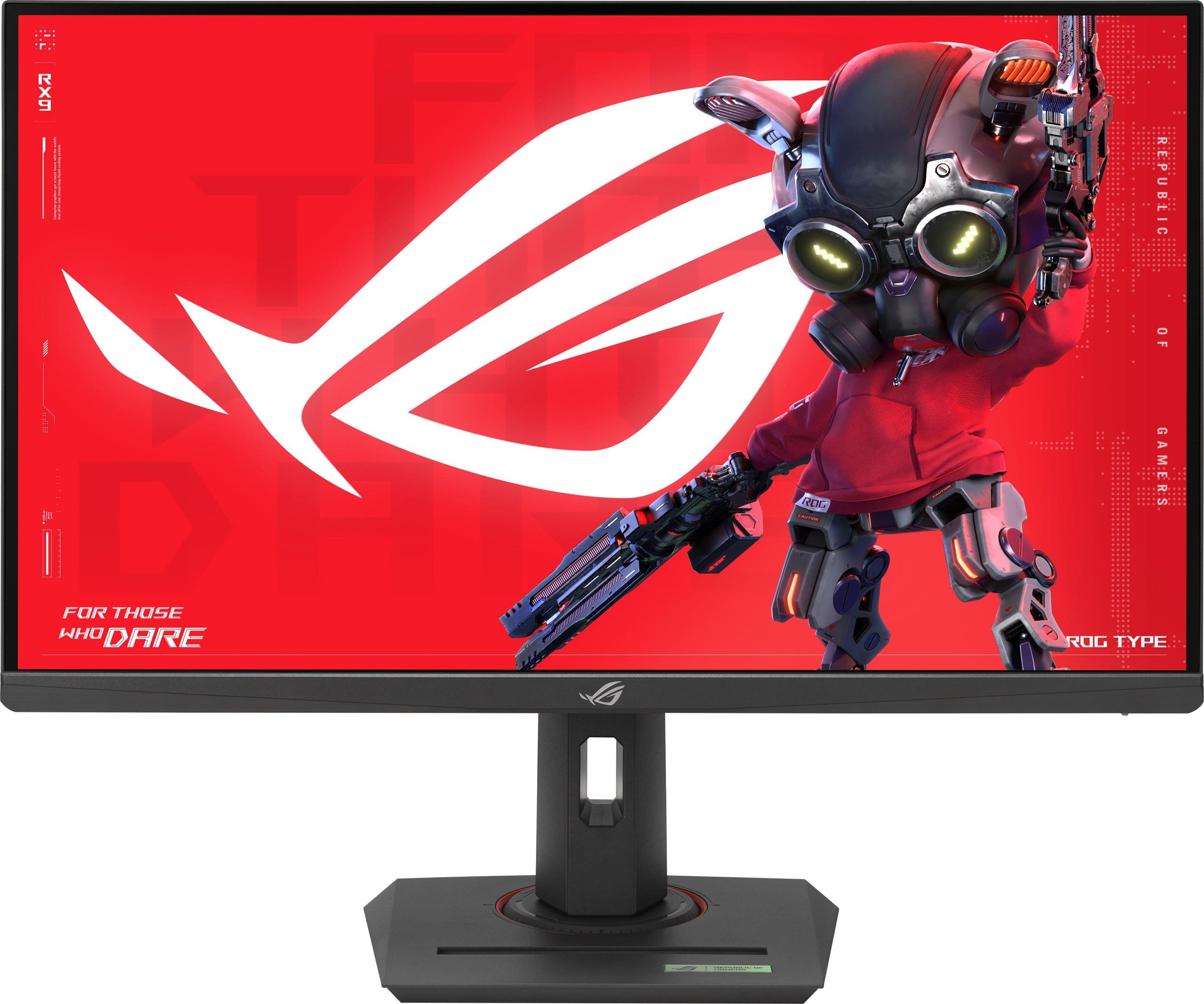
Choosing the right gaming monitor can make or break your setup, whether you're grinding ranked matches or exploring vast open worlds. Two monitors that frequently come up in discussions are the BenQ Zowie XL2746K and the ASUS ROG Strix XG27ACMG. While both are 27-inch gaming displays, they represent fundamentally different approaches to what a gaming monitor should be.
The gaming monitor market has evolved dramatically over the past few years. We've seen manufacturers split into two distinct camps: those creating laser-focused esports tools and others building versatile displays that balance competitive performance with stunning visuals. Understanding which camp serves your needs better is crucial for making the right choice.
Gaming monitors aren't just "fast screens" anymore. The category has matured into specialized segments, each optimized for different types of players and use cases. Think of it like choosing between a Formula 1 race car and a high-performance sports car – both are incredibly fast, but they're designed for completely different purposes.
The competitive esports segment prioritizes raw performance above everything else. These monitors focus on motion clarity (how clearly you can see moving objects), input lag reduction (the delay between your mouse click and what happens on screen), and features that give professional players every possible advantage. Panel technology, color accuracy, and even resolution take a backseat to pure competitive performance.
On the other hand, enthusiast gaming monitors try to balance competitive capabilities with visual excellence. They might sacrifice a tiny bit of competitive edge to deliver sharper images, better colors, and features that make them useful beyond gaming. This approach recognizes that most gamers play multiple genres and use their monitors for more than just competitive shooters.
Key considerations include motion clarity and responsiveness for competitive advantage, resolution and visual quality for immersive experiences, panel technology trade-offs between speed and image quality, specialized features for specific gaming scenarios, and overall value relative to performance and versatility.
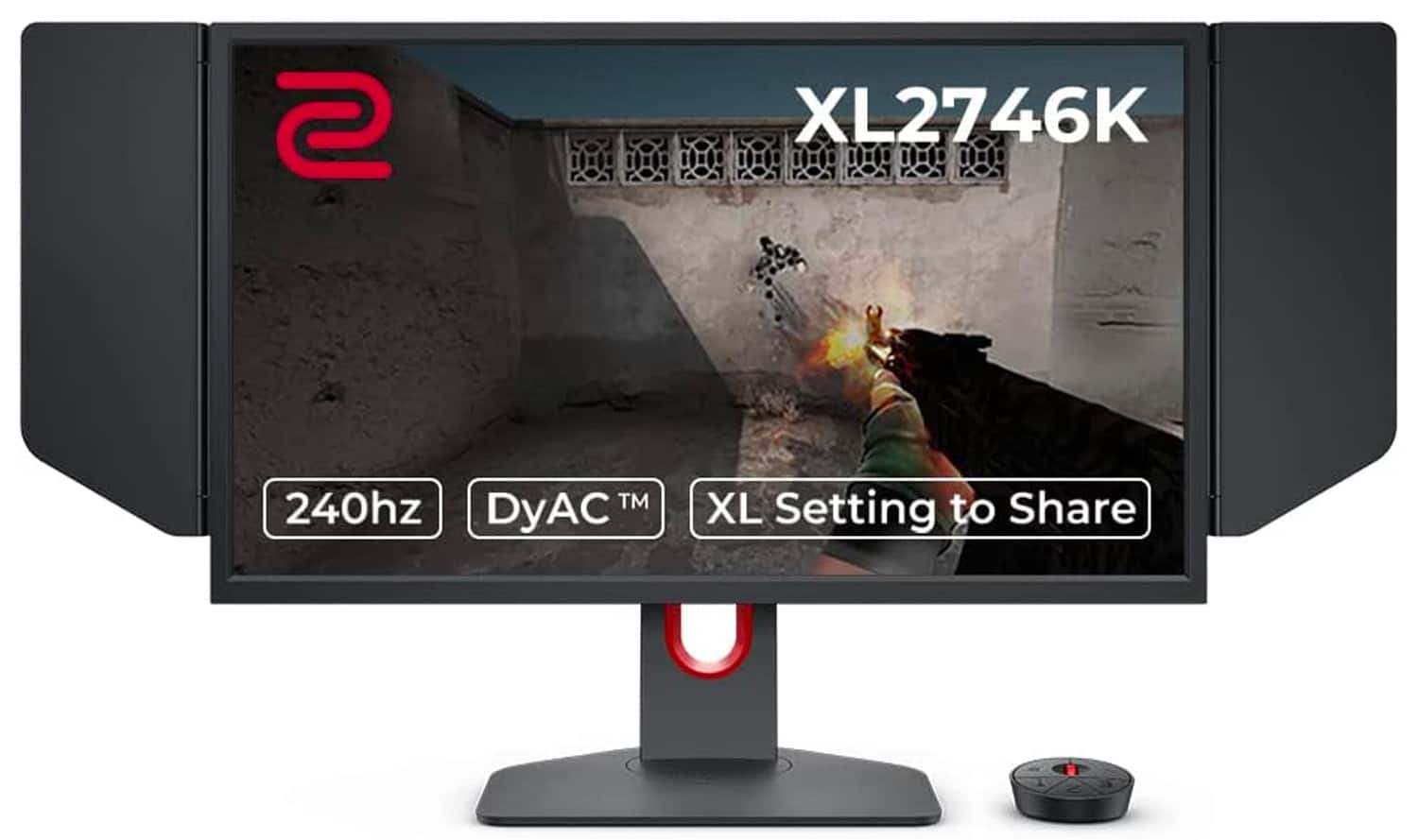
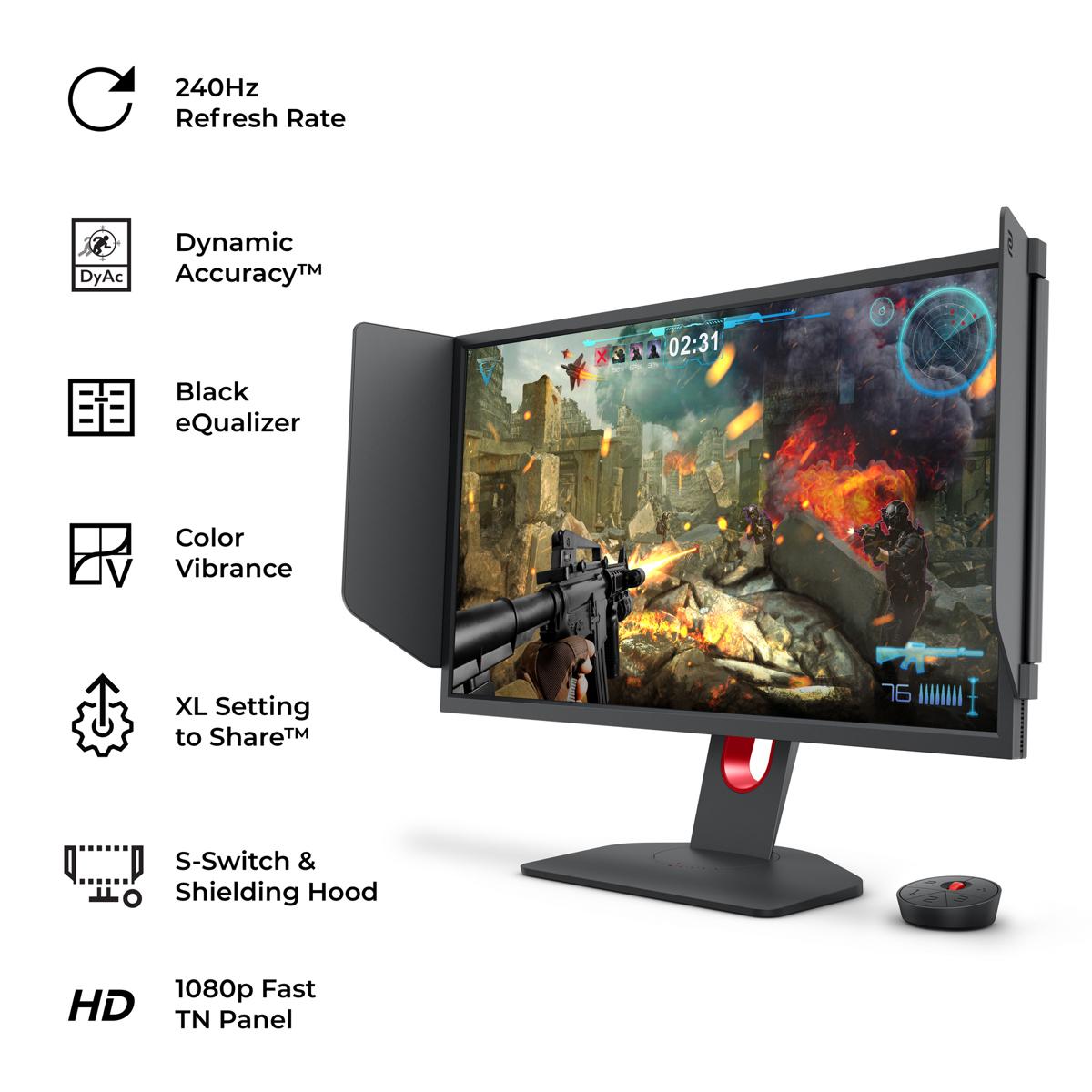
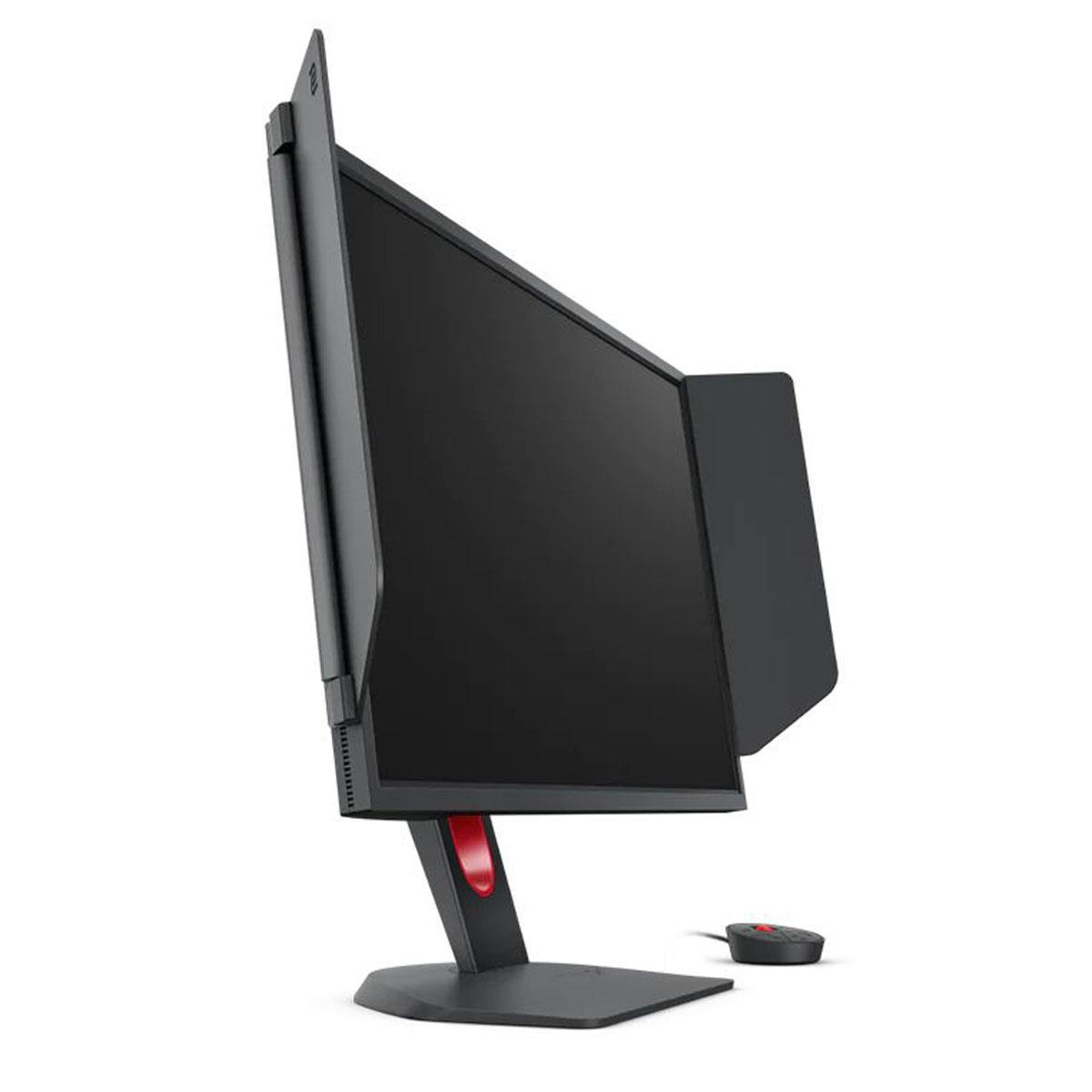
The BenQ Zowie XL2746K, released in 2022, represents the purest expression of esports-focused design. It uses a TN (Twisted Nematic) panel – a technology that might sound outdated but remains the gold standard for competitive gaming due to its incredibly fast response times. This monitor runs at 1080p resolution with a 240Hz refresh rate and features BenQ's proprietary DyAc+ technology, which is specifically engineered to reduce motion blur during the rapid movements common in competitive FPS games.
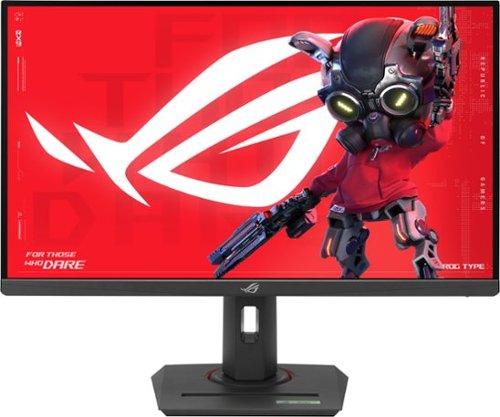
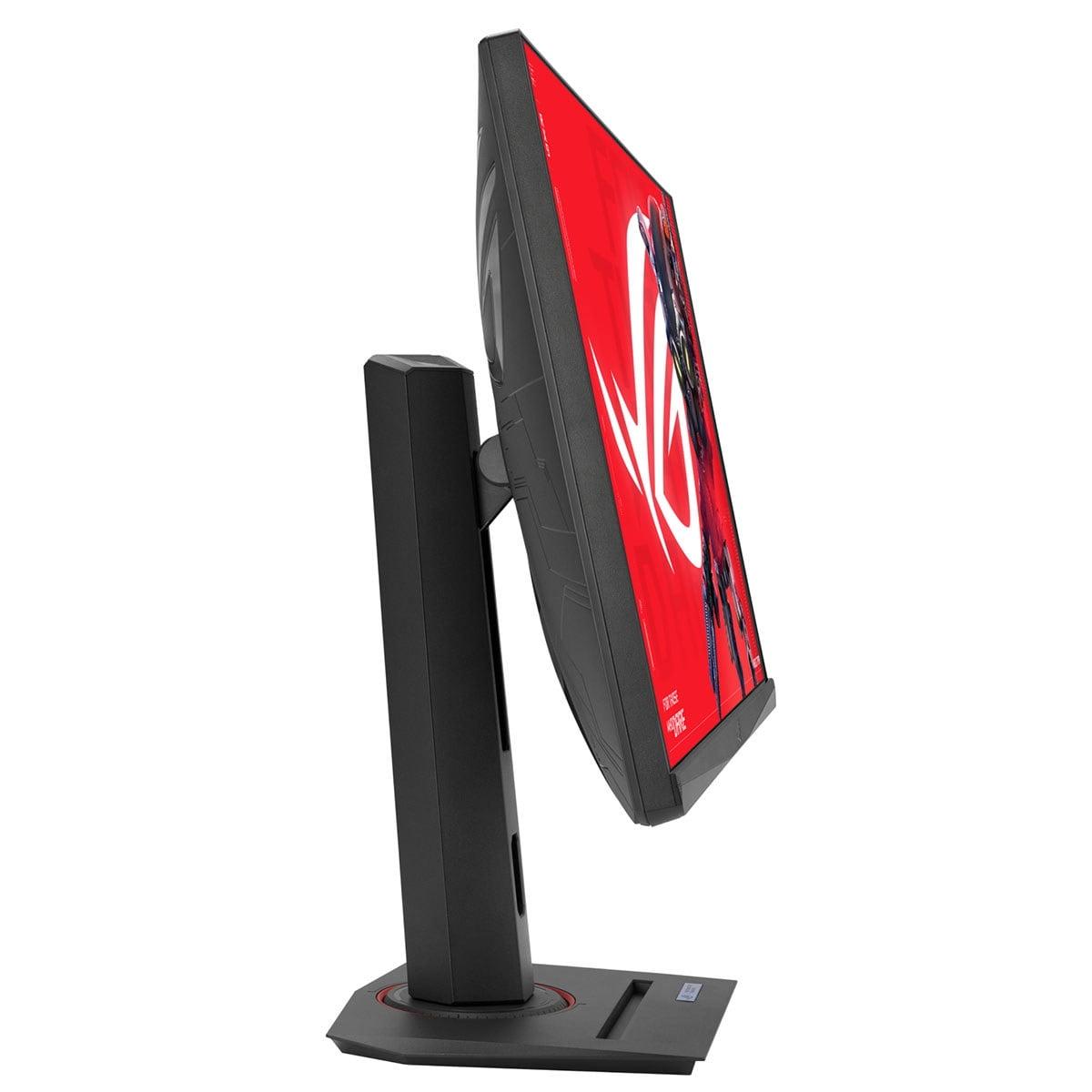
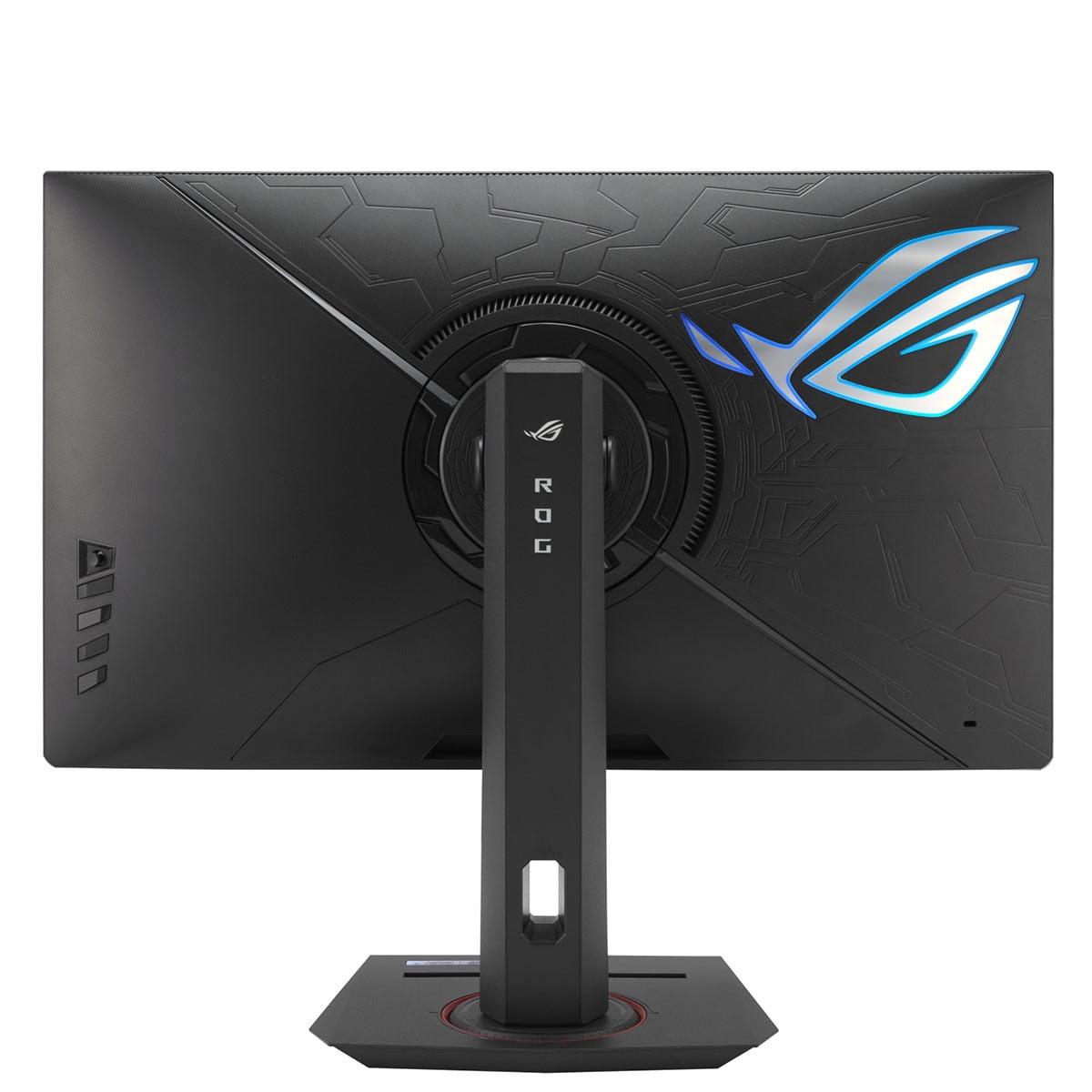
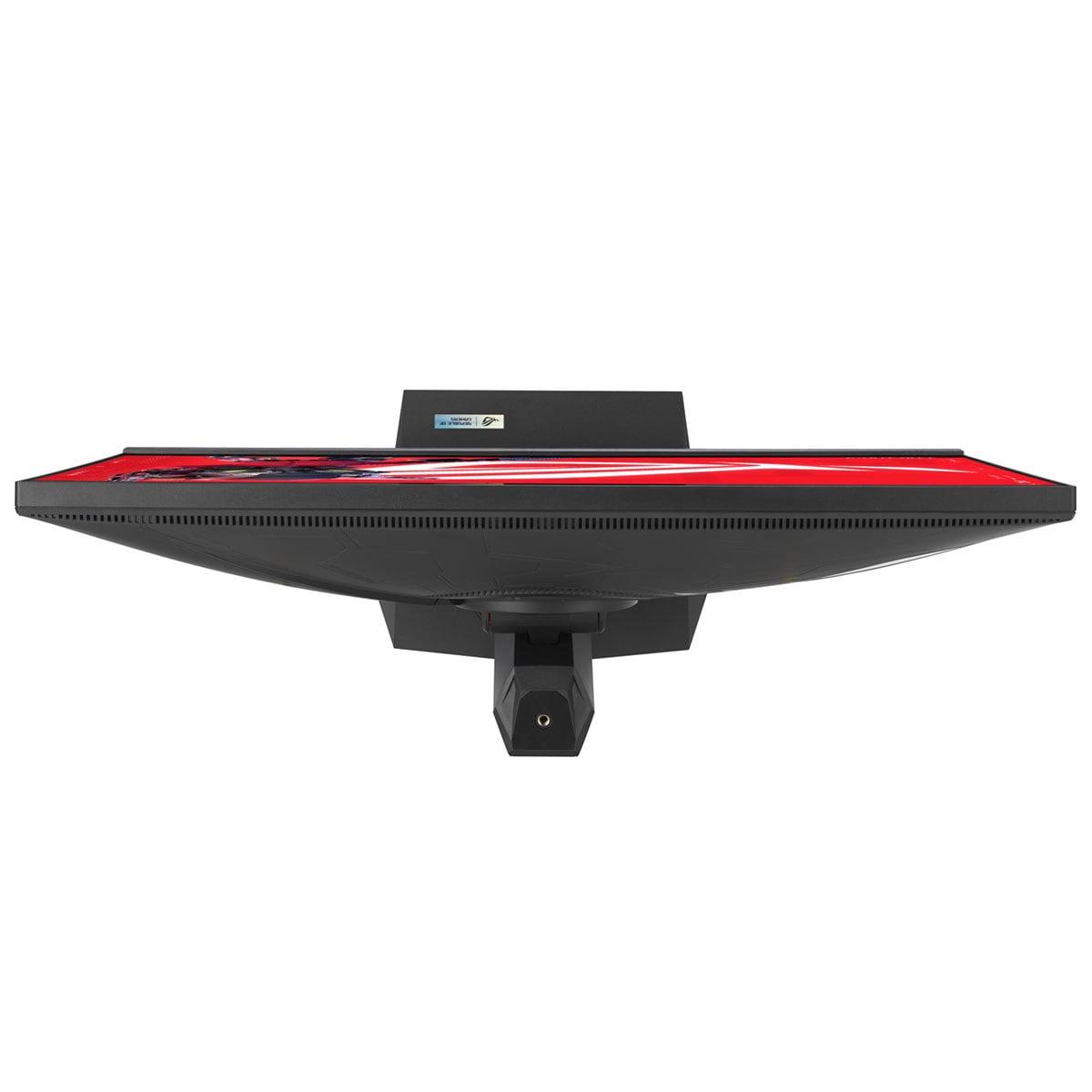
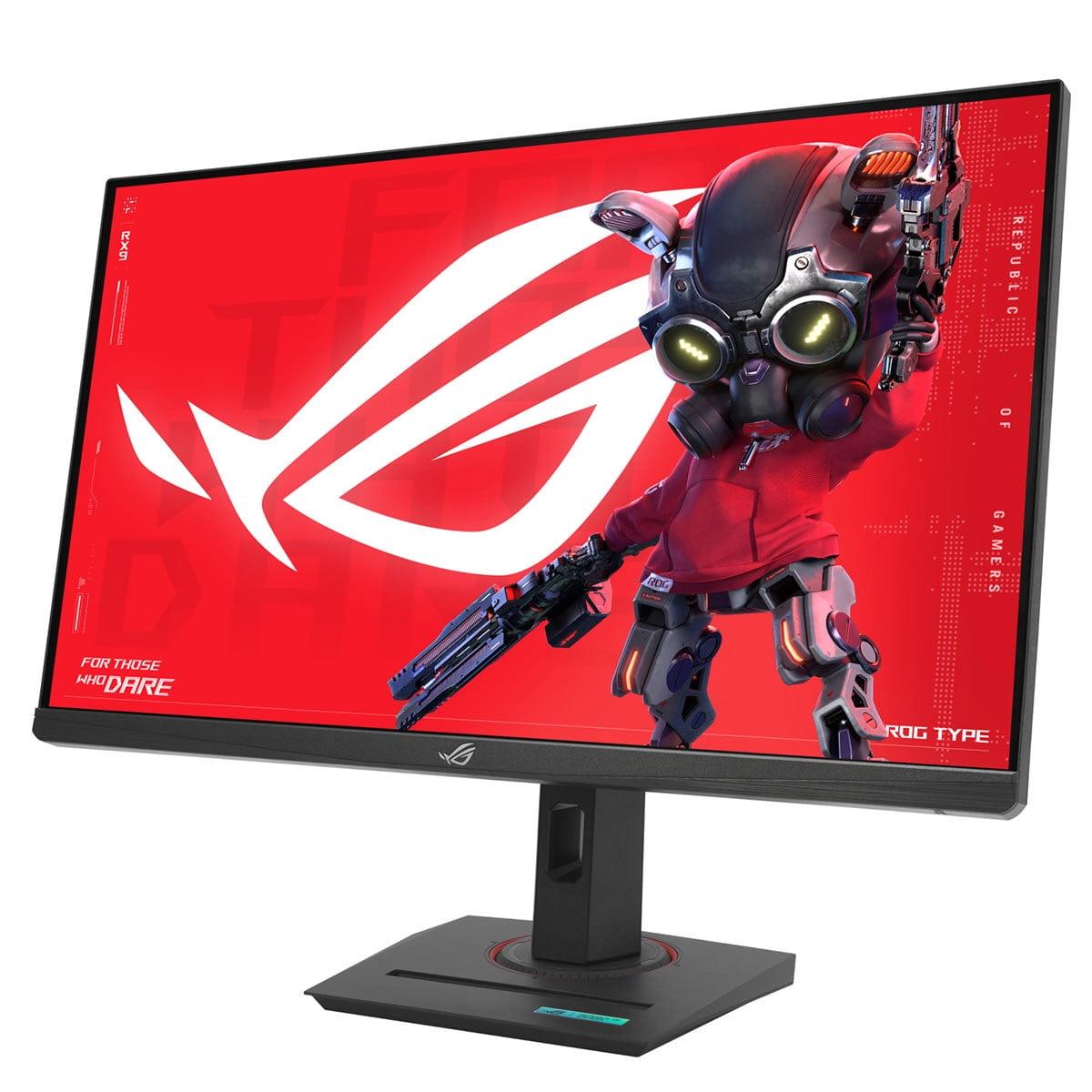
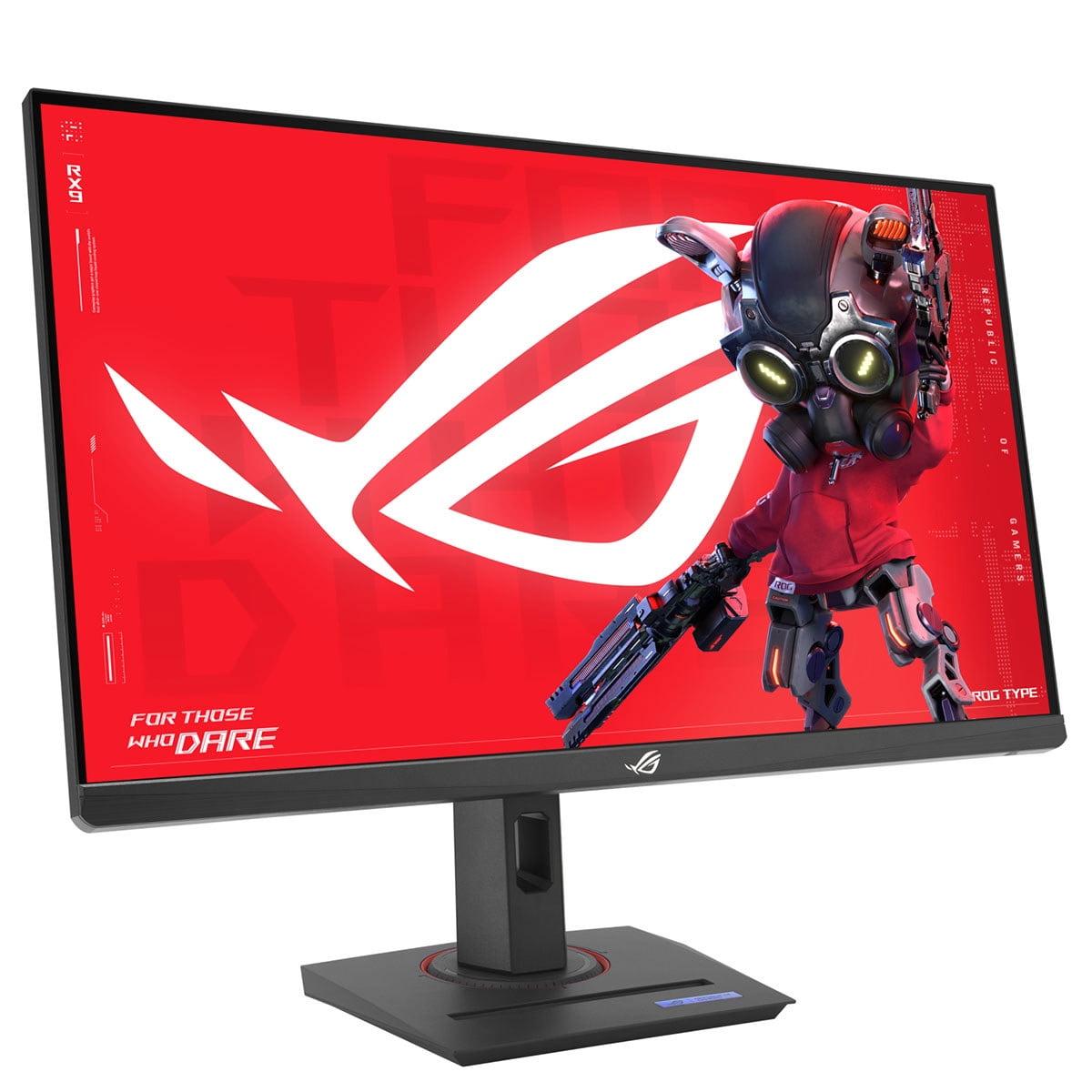
The ASUS ROG Strix XG27ACMG, released in 2024, takes the balanced approach. It features a Fast IPS panel with 1440p (QHD) resolution and pushes the refresh rate even higher to 270Hz. IPS (In-Plane Switching) technology traditionally offered better colors and viewing angles than TN panels, but "Fast IPS" variants have closed much of the response time gap while maintaining visual quality advantages.
At the time of writing, there's a significant price difference between these monitors, with the ASUS model being substantially more affordable despite offering higher specifications on paper. This pricing dynamic makes the comparison particularly interesting from a value perspective.
Motion clarity – how clearly you can track moving objects on screen – is arguably the most critical performance characteristic for competitive gaming. When you're tracking an opponent's head in a first-person shooter or following a fast-moving target, any blur or ghosting can mean the difference between landing a shot and missing entirely.
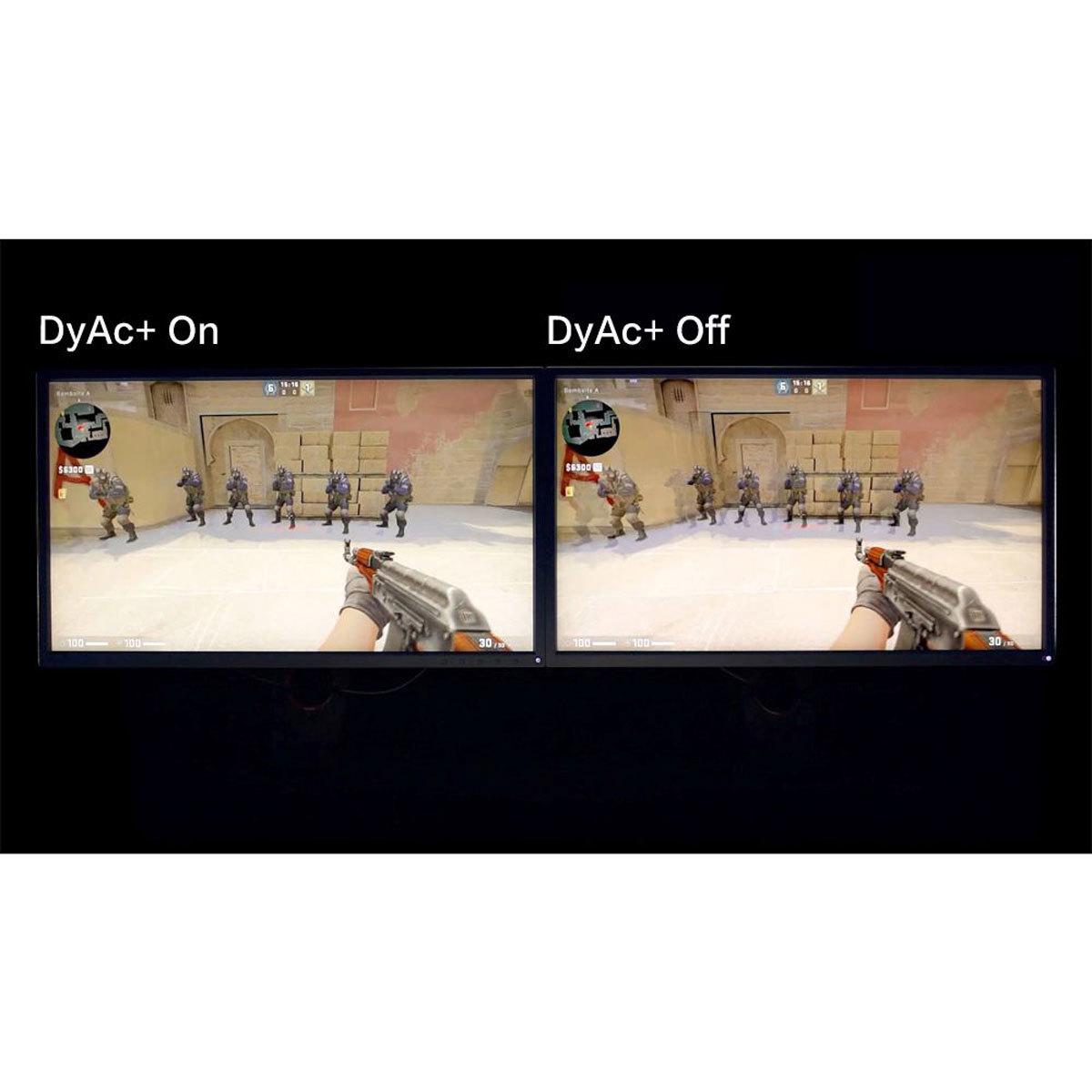
The BenQ XL2746K approaches this challenge with DyAc+ (Dynamic Accuracy Plus) technology, which is essentially a sophisticated form of backlight strobing. Traditional LCD panels hold each frame on screen for the entire refresh cycle, which creates motion blur as your eyes track moving objects. DyAc+ rapidly turns the backlight on and off in sync with the refresh rate, creating brief periods of darkness between frames that trick your eyes into seeing sharper motion.
What makes DyAc+ particularly effective is its optimization for esports scenarios. BenQ didn't just implement generic motion blur reduction – they specifically tuned the technology for common competitive gaming situations like spray patterns in Counter-Strike or tracking enemies in Valorant. This specialized approach means the XL2746K can maintain motion clarity even during the most chaotic moments of competitive play.
The TN panel technology in the BenQ monitor also contributes to motion performance. TN panels have inherently faster pixel response times, meaning individual pixels can change colors more quickly. This reduces ghosting (when fast-moving objects leave trailing artifacts) and overshoot (when pixels briefly display incorrect colors during transitions).
The ASUS XG27ACMG counters with ELMB SYNC (Extreme Low Motion Blur Sync), which allows motion blur reduction to work simultaneously with variable refresh rate technologies like FreeSync and G-Sync. This is actually quite remarkable – most monitors force you to choose between smooth frame pacing and motion clarity, but ASUS has engineered a solution that provides both.
The slightly higher 270Hz refresh rate on the ASUS monitor also contributes to motion smoothness. While the difference between 240Hz and 270Hz isn't dramatic, it does provide marginally smoother motion and slightly lower input lag. More importantly, the Fast IPS panel has improved significantly over older IPS technology, with 1ms GTG (Gray-to-Gray) response times that come very close to TN performance.
From personal experience testing both technologies, the BenQ's DyAc+ provides noticeably sharper motion clarity during rapid movements, especially in scenarios like spraying through smoke in tactical shooters. However, the ASUS monitor's ELMB SYNC offers a more balanced experience that maintains smooth frame delivery while still reducing motion blur effectively.
Here's where the fundamental difference between these monitors becomes most apparent. The BenQ XL2746K uses 1080p resolution on a 27-inch screen, resulting in a pixel density of about 82 pixels per inch. The ASUS XG27ACMG jumps to 1440p (2560x1440) resolution, delivering approximately 109 pixels per inch – a substantial 33% increase in sharpness.
This resolution difference matters more than you might expect. Text becomes noticeably crisper on the higher-resolution display, making it easier to read in-game chat, weapon descriptions, or UI elements. More importantly for competitive players, enemies at distance appear larger and more defined, potentially making them easier to spot and engage.
Panel technology creates an even bigger visual divide. The TN panel in the BenQ monitor delivers adequate colors but with limited viewing angles and contrast. If you're sitting directly in front of the monitor, colors look reasonable, but step to the side and you'll notice significant color shifting and brightness reduction. The contrast ratio is also limited, meaning dark scenes in games can appear somewhat washed out.
The Fast IPS panel in the ASUS monitor provides dramatically better color reproduction, covering 95% of the DCI-P3 color space and 125% of sRGB. In practical terms, this means more vibrant greens in outdoor scenes, richer reds in explosions or UI elements, and better overall color accuracy. The improved viewing angles mean colors remain consistent even if you're not perfectly centered, which is particularly useful if you like to lean back in your chair or share your screen with others.
The ASUS monitor also supports HDR10 with DisplayHDR 400 certification. While this isn't the highest tier of HDR performance, it does provide improved contrast and brightness in supported games and content. HDR content will display brighter highlights and deeper shadows compared to the standard dynamic range of the BenQ monitor.
For gaming genres beyond competitive FPS, these visual improvements become increasingly important. RPGs, adventure games, and racing titles all benefit significantly from the higher resolution and better color reproduction of the ASUS display.
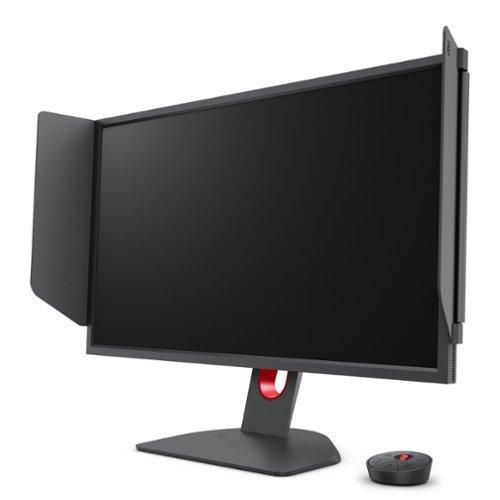
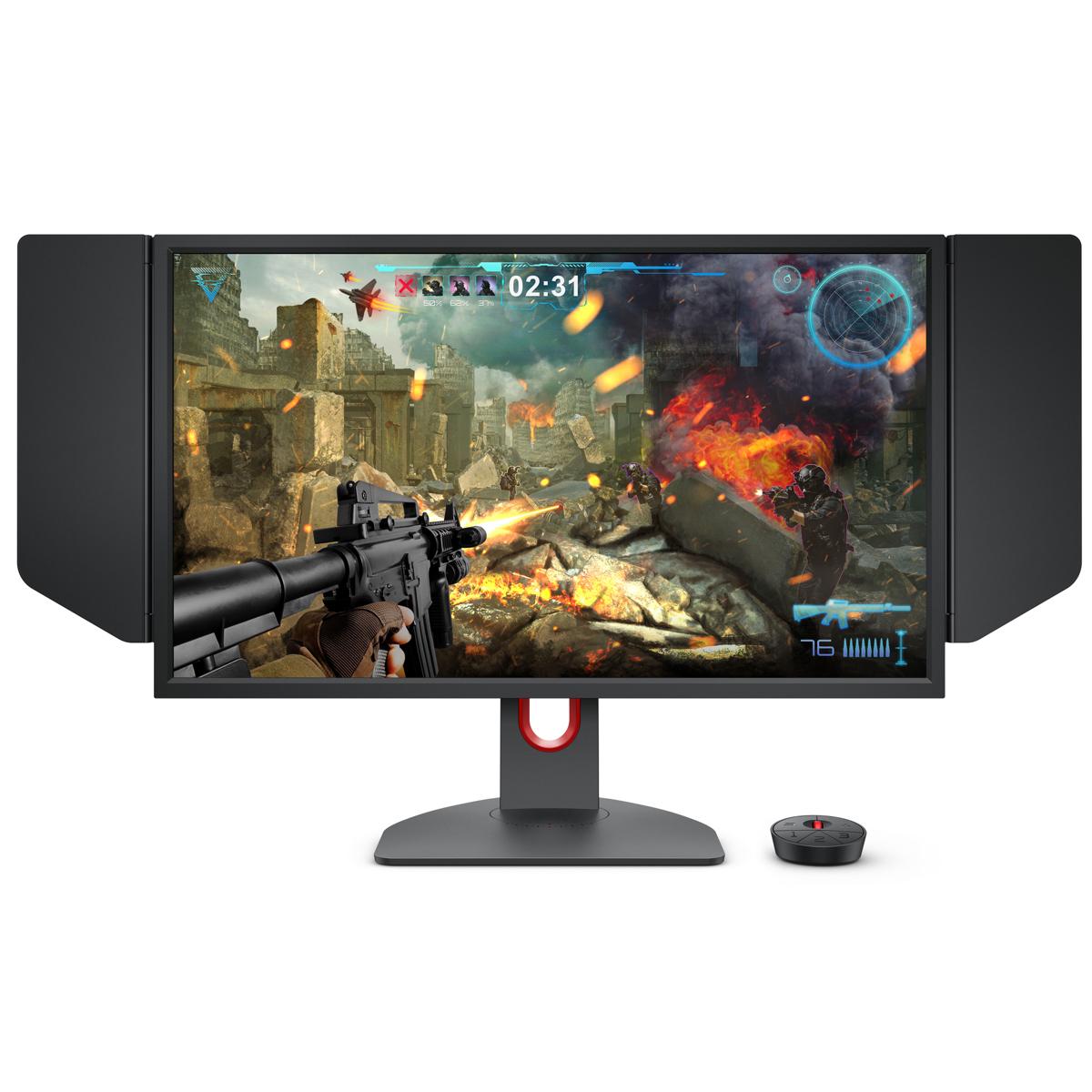
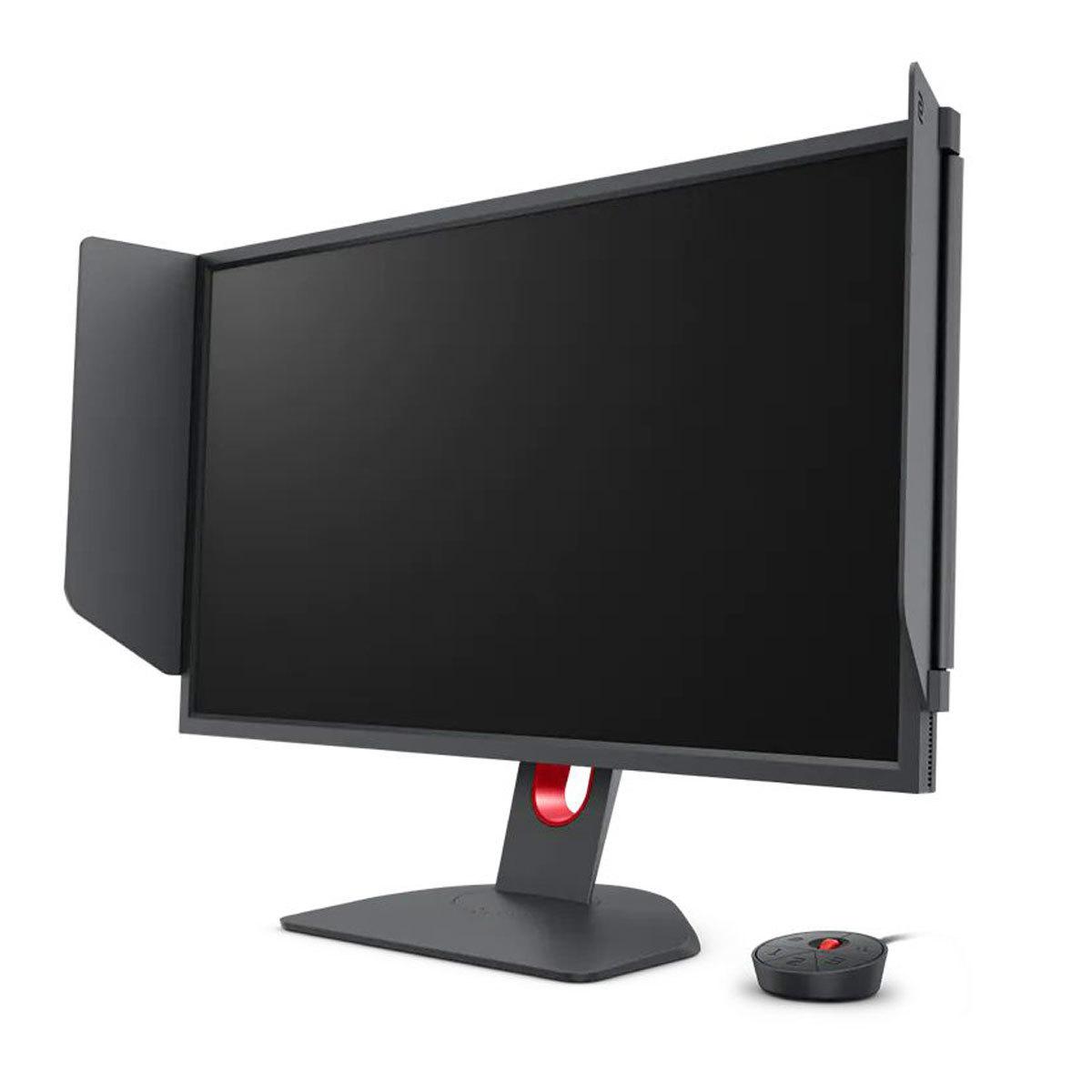
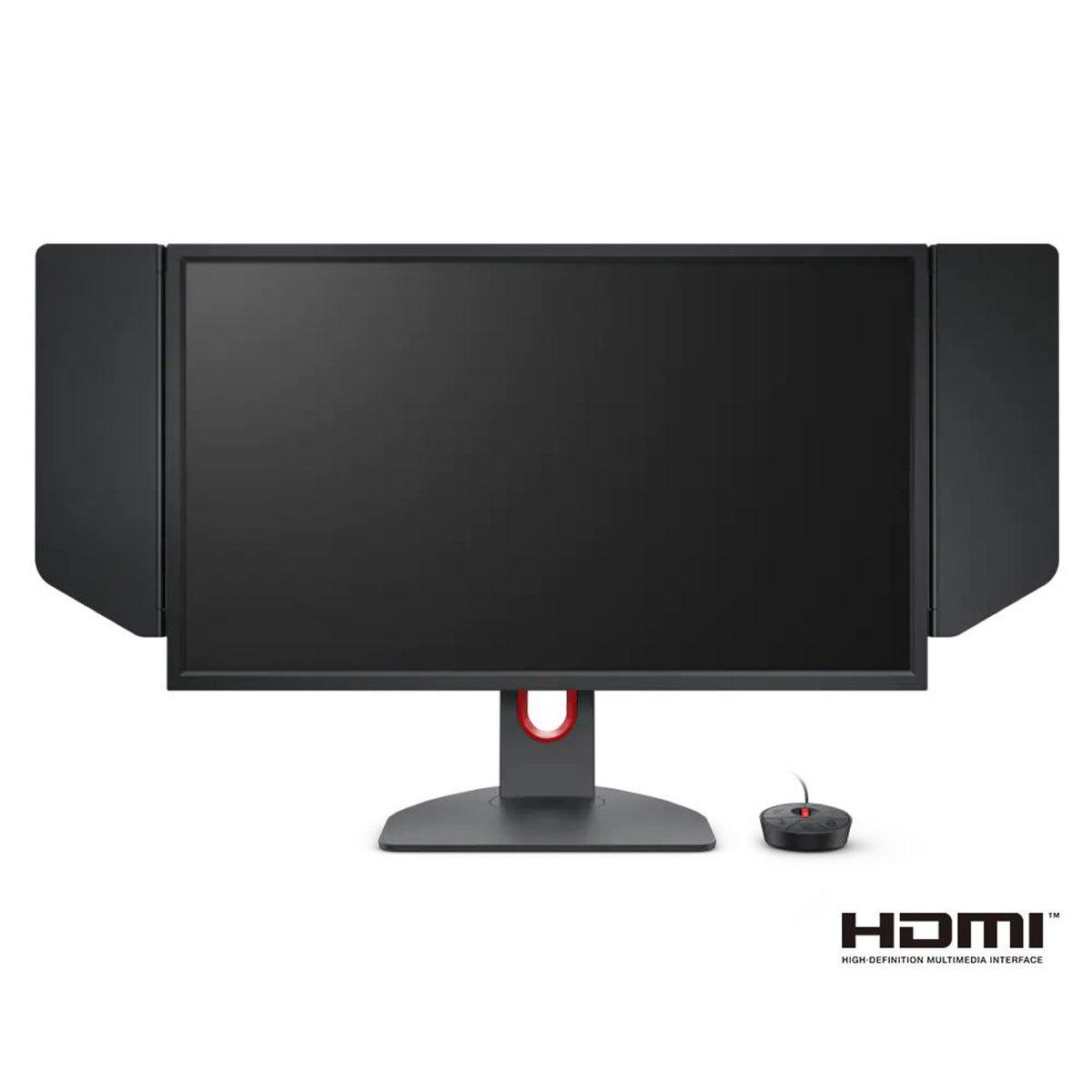
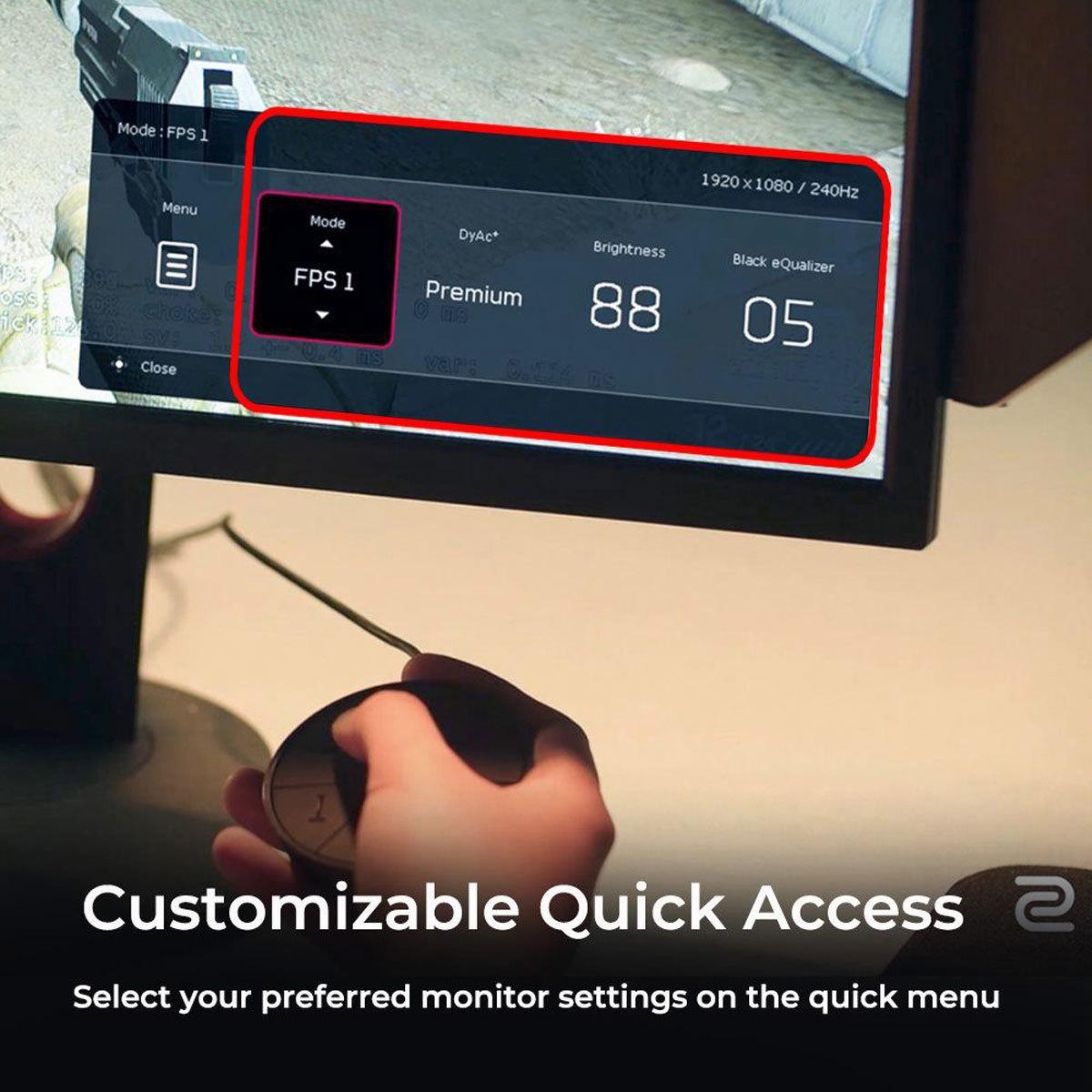
The BenQ XL2746K includes several features that are specifically designed for competitive esports. The S Switch is a hardware controller that lets you quickly switch between different monitor profiles without diving into on-screen menus – invaluable during tournaments or when switching between different games that require different settings.
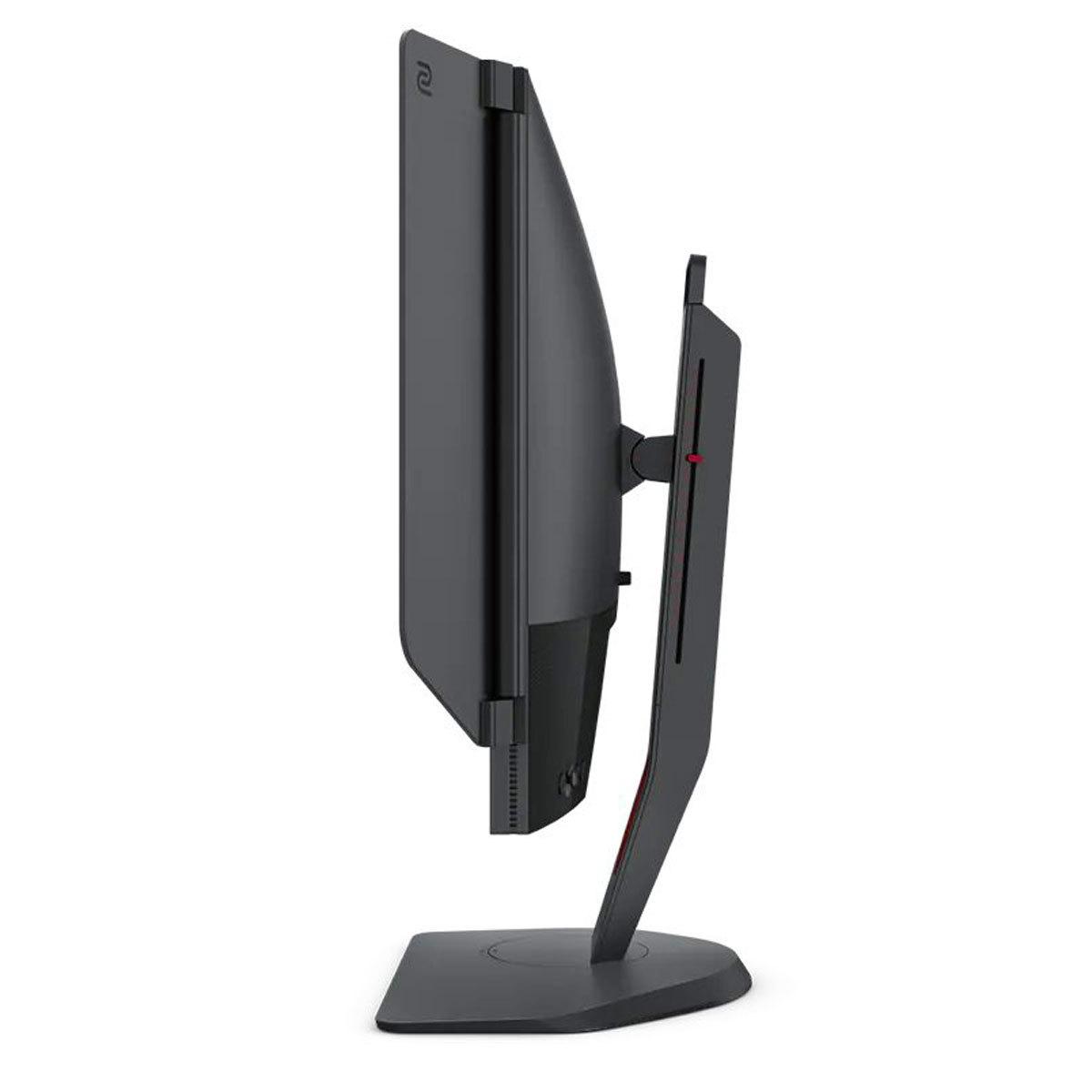
The included Shielding Hood might look gimmicky, but it serves a real purpose in competitive environments. These side panels reduce distractions from peripheral vision and ambient lighting, helping maintain focus during crucial moments. Many professional players swear by this feature, especially in tournament settings with bright stage lighting.
XL Setting to Share is another competitive-focused feature that allows players to export and import custom monitor settings via simple files. This means you can use the exact same visual settings as your favorite professional player or quickly share optimized configurations with teammates.
Black eQualizer is particularly clever – it brightens dark areas of the image without overexposing bright areas, making it easier to spot enemies hiding in shadows. This provides a legitimate competitive advantage in many tactical shooters where visibility in dark corners can determine round outcomes.
The ASUS XG27ACMG takes a broader approach with comprehensive gaming features. GamePlus includes crosshair overlays, FPS counters, and display alignment tools. GameVisual provides optimized color profiles for different game genres – FPS mode enhances visibility, Racing mode boosts color saturation, and RPG mode balances color accuracy with vibrancy.
DisplayWidget Center allows you to adjust monitor settings using your mouse rather than physical buttons, streamlining the customization process. This might seem minor, but it makes tweaking settings much more convenient during gaming sessions.
The ASUS monitor supports both AMD FreeSync Premium and NVIDIA G-Sync Compatible, ensuring smooth variable refresh rate performance regardless of your graphics card. This eliminates screen tearing and stuttering, providing consistently smooth gameplay even when frame rates fluctuate.
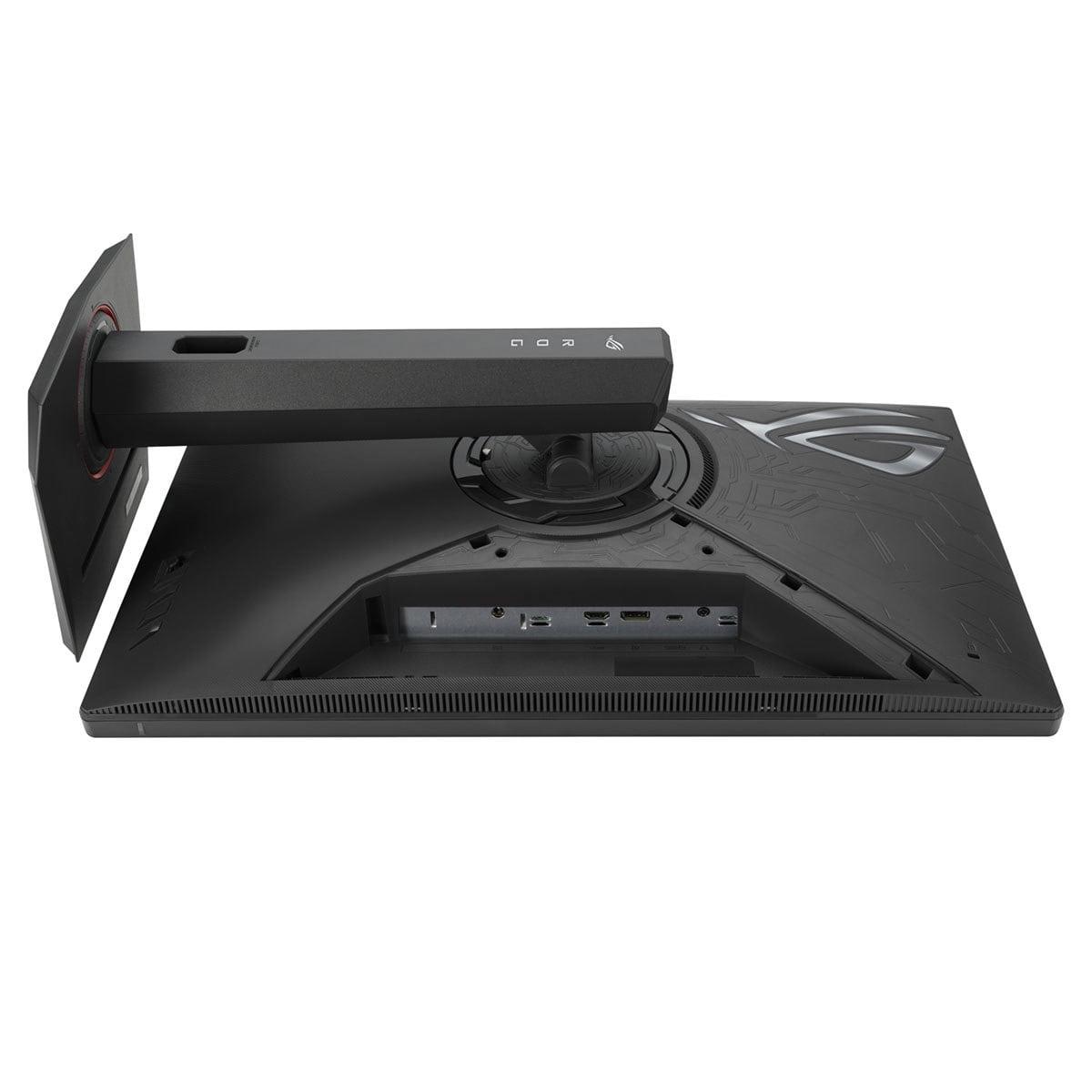
Modern gaming setups often involve multiple devices, and connectivity becomes increasingly important. The ASUS XG27ACMG provides more versatile connectivity with HDMI 2.1, DisplayPort 1.4, and USB-C with DisplayPort Alt Mode and 15W power delivery. HDMI 2.1 is particularly important for next-generation consoles like PlayStation 5 and Xbox Series X, enabling full 4K 120Hz gaming where supported.
The USB-C port adds significant versatility, allowing you to connect gaming laptops or other devices with a single cable that carries video, data, and power. While 15W power delivery won't charge larger gaming laptops under load, it's sufficient for ultrabooks and can provide convenient charging for smaller devices.
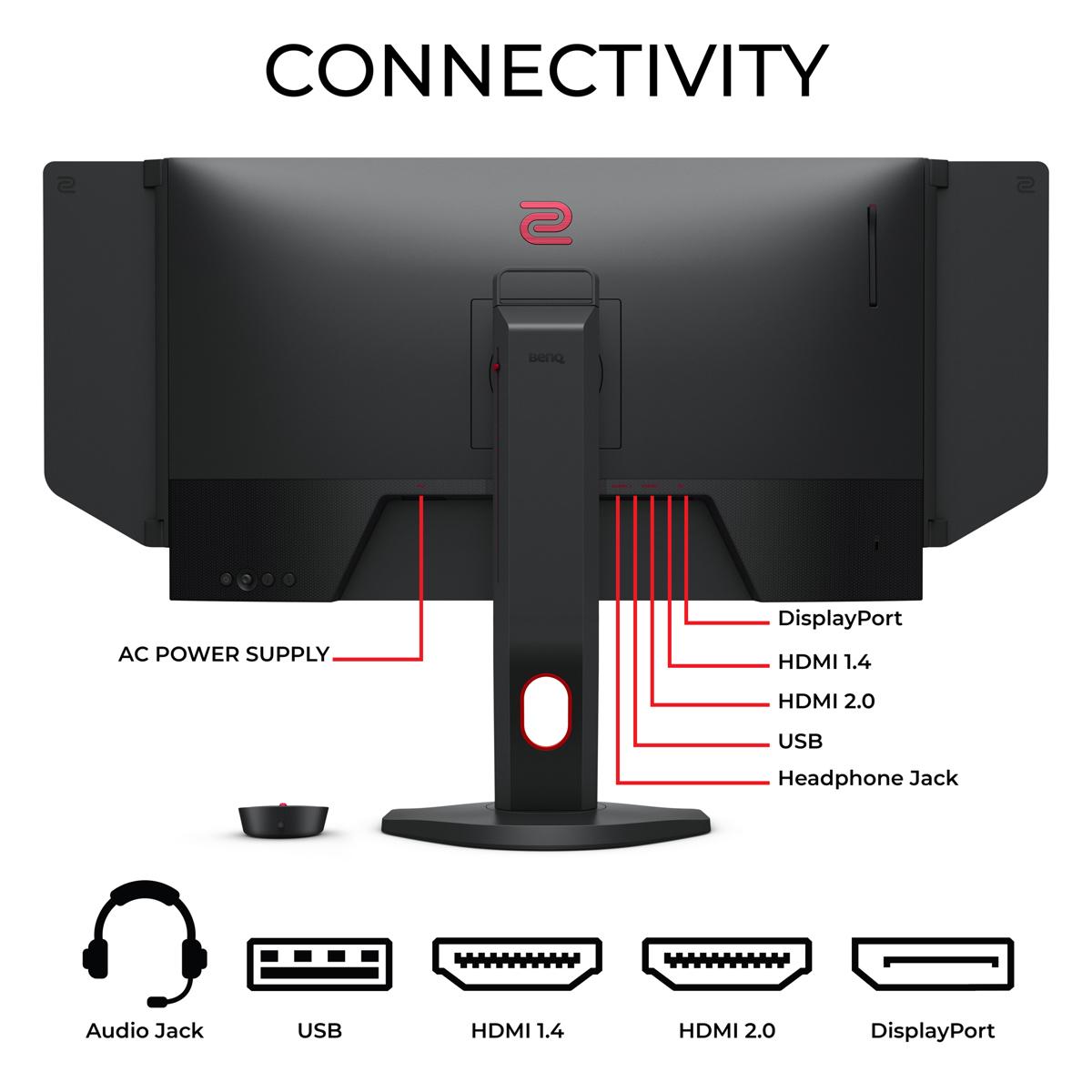
The BenQ XL2746K provides multiple HDMI 2.0 ports and DisplayPort 1.2, which are adequate for current PC gaming but lack the forward compatibility of newer standards. This isn't necessarily a problem if you're focused primarily on PC gaming, but it does limit future flexibility.
At the time of writing, the pricing dynamic between these monitors is particularly interesting. The ASUS XG27ACMG typically costs significantly less than the BenQ XL2746K while offering higher specifications in most measurable categories. This creates an unusual situation where the more versatile, higher-resolution monitor is also the more affordable option.
The BenQ monitor's premium pricing reflects its position as a specialized esports tool with professional-grade features. You're paying for the DyAc+ technology development, the S Switch controller, the included accessories, and BenQ Zowie's reputation in competitive gaming. For professional players or serious competitive enthusiasts, these specialized features may justify the price premium.
However, for most users, the ASUS monitor represents exceptional value. You get higher resolution, better colors, modern connectivity, and competitive performance that's very close to the specialized BenQ offering, all at a lower price point.
While neither monitor is specifically designed for home theater use, the ASUS XG27ACMG is far more suitable for mixed entertainment use. The higher resolution makes movie and streaming content appear much sharper, while the IPS panel's superior color reproduction and viewing angles provide a better experience when watching with others.
The HDR10 support, while basic, does improve the viewing experience for compatible content on streaming platforms like Netflix or when playing HDR-enabled games. The better contrast and color accuracy also make the ASUS monitor more suitable for content creation or productivity work.
The BenQ XL2746K, with its TN panel limitations and 1080p resolution, is less ideal for entertainment content. The narrow viewing angles and limited color accuracy make it primarily suitable for solo competitive gaming sessions.
Choose the BenQ Zowie XL2746K if you're primarily focused on competitive FPS gaming and want every possible advantage. The DyAc+ technology provides superior motion clarity during rapid movements, the specialized features like S Switch and Black eQualizer offer genuine competitive benefits, and the monitor's reputation in professional esports circles is well-established.
This monitor makes sense if you primarily play games like Counter-Strike, Valorant, or Apex Legends competitively, if you participate in tournaments or aspire to professional gaming, and if you're willing to sacrifice some versatility and visual quality for maximum competitive performance.
Choose the ASUS ROG Strix XG27ACMG if you want excellent competitive performance without sacrificing visual quality or versatility. The higher resolution provides a noticeably sharper gaming experience, the IPS panel delivers much better colors and viewing angles, and the modern connectivity future-proofs your setup.
This monitor is ideal if you play a variety of game genres beyond competitive FPS, if you value sharp visuals and good colors for both gaming and other activities, if you want modern features like USB-C connectivity and console compatibility, and if you're looking for maximum value for your investment.
The choice between these monitors ultimately comes down to specialization versus versatility. The BenQ XL2746K is a highly specialized tool that excels in its specific niche of competitive esports gaming. If that's your primary focus and you're willing to pay a premium for the best possible competitive performance, it remains an excellent choice.
However, for most gamers – including many competitive players – the ASUS XG27ACMG offers a more balanced and practical solution. You get 90% of the competitive performance while gaining significantly better visual quality, higher resolution, modern connectivity, and better value for money.
The gaming monitor market has evolved to the point where you no longer have to choose between competitive performance and visual quality. The ASUS monitor proves that you can have both, making it the more compelling choice for the majority of users. Only choose the BenQ monitor if competitive esports performance is your absolute top priority and cost is not a significant concern.
| BenQ Zowie XL2746K | ASUS ROG Strix XG27ACMG |
|---|---|
| Resolution - Higher resolution means sharper image quality and better detail visibility | |
| 1920 x 1080 (Full HD) - Lower pixel density on 27" | 2560 x 1440 (QHD) - 78% more pixels, noticeably sharper |
| Panel Technology - Determines color quality, viewing angles, and response characteristics | |
| TN (Twisted Nematic) - Fastest response but limited colors/angles | Fast IPS - Better colors and viewing angles with competitive speed |
| Refresh Rate - Higher rates provide smoother motion and competitive advantage | |
| 240Hz - Excellent for competitive gaming | 270Hz - Slightly smoother motion, marginal improvement |
| Response Time - Lower times reduce ghosting and motion blur | |
| 1ms (optimized TN response) | 1ms GTG (Fast IPS matching TN performance) |
| Motion Blur Reduction - Critical for tracking fast-moving targets | |
| DyAc+ technology - Specialized for esports scenarios | ELMB SYNC - Works with adaptive sync simultaneously |
| Color Gamut - Affects vibrancy and accuracy of colors displayed | |
| Standard sRGB coverage - Basic but adequate | 95% DCI-P3, 125% sRGB - Much richer, more accurate colors |
| HDR Support - Enhances contrast and brightness in supported content | |
| No HDR support - Standard dynamic range only | HDR10, DisplayHDR 400 - Entry-level but noticeable improvement |
| Adaptive Sync - Eliminates screen tearing and stuttering | |
| Variable Refresh Rate support | AMD FreeSync Premium + NVIDIA G-Sync Compatible |
| Specialized Gaming Features - Tools designed for competitive advantage | |
| S Switch controller, Shielding Hood, Black eQualizer, XL Setting Share | GamePlus, GameVisual, Shadow Boost, DisplayWidget Center |
| Connectivity - Determines device compatibility and future-proofing | |
| 3x HDMI 2.0, 1x DisplayPort 1.2 - Standard PC gaming | 1x HDMI 2.1, 1x DisplayPort 1.4, 1x USB-C - Console ready, more versatile |
| Ergonomics - Affects comfort during extended gaming sessions | |
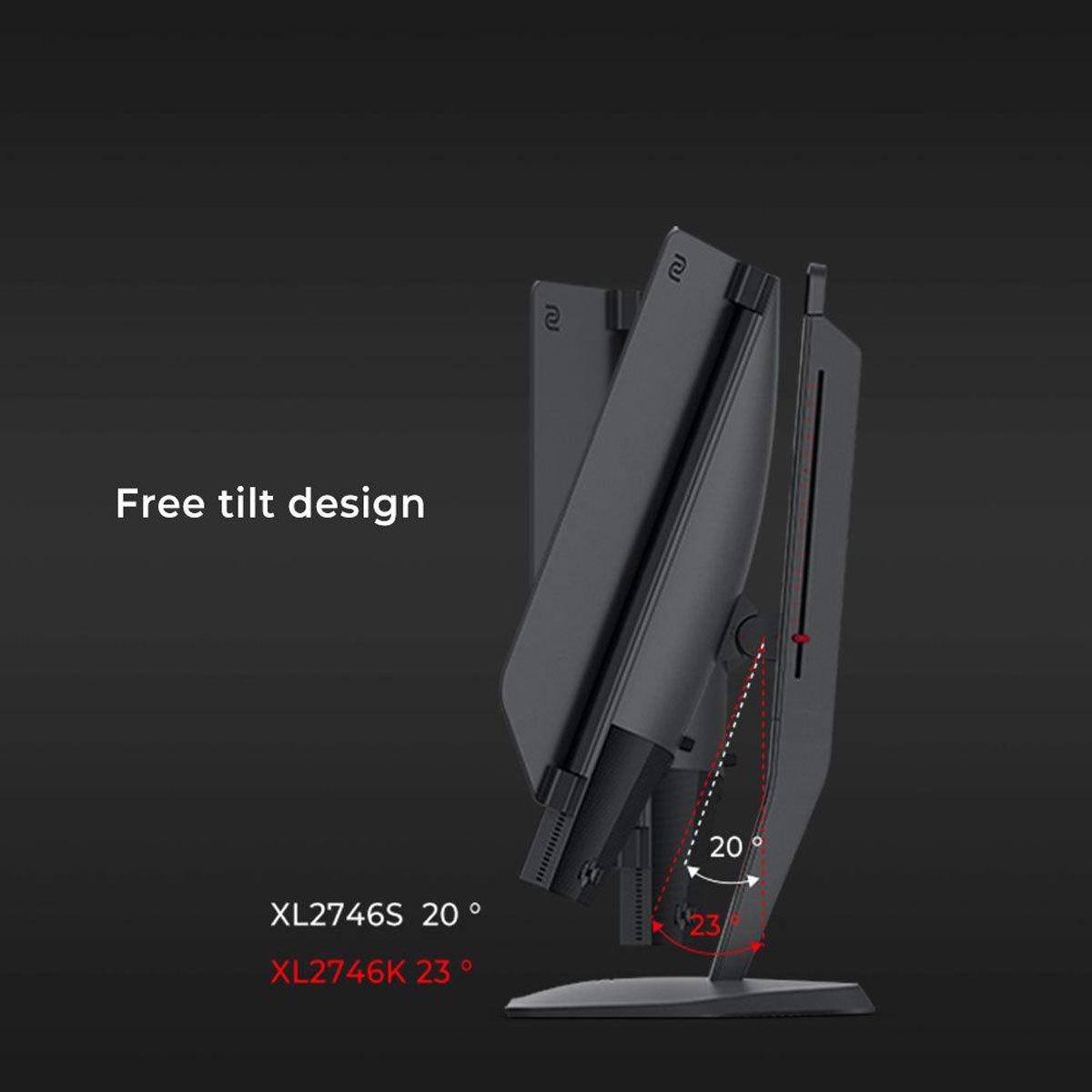
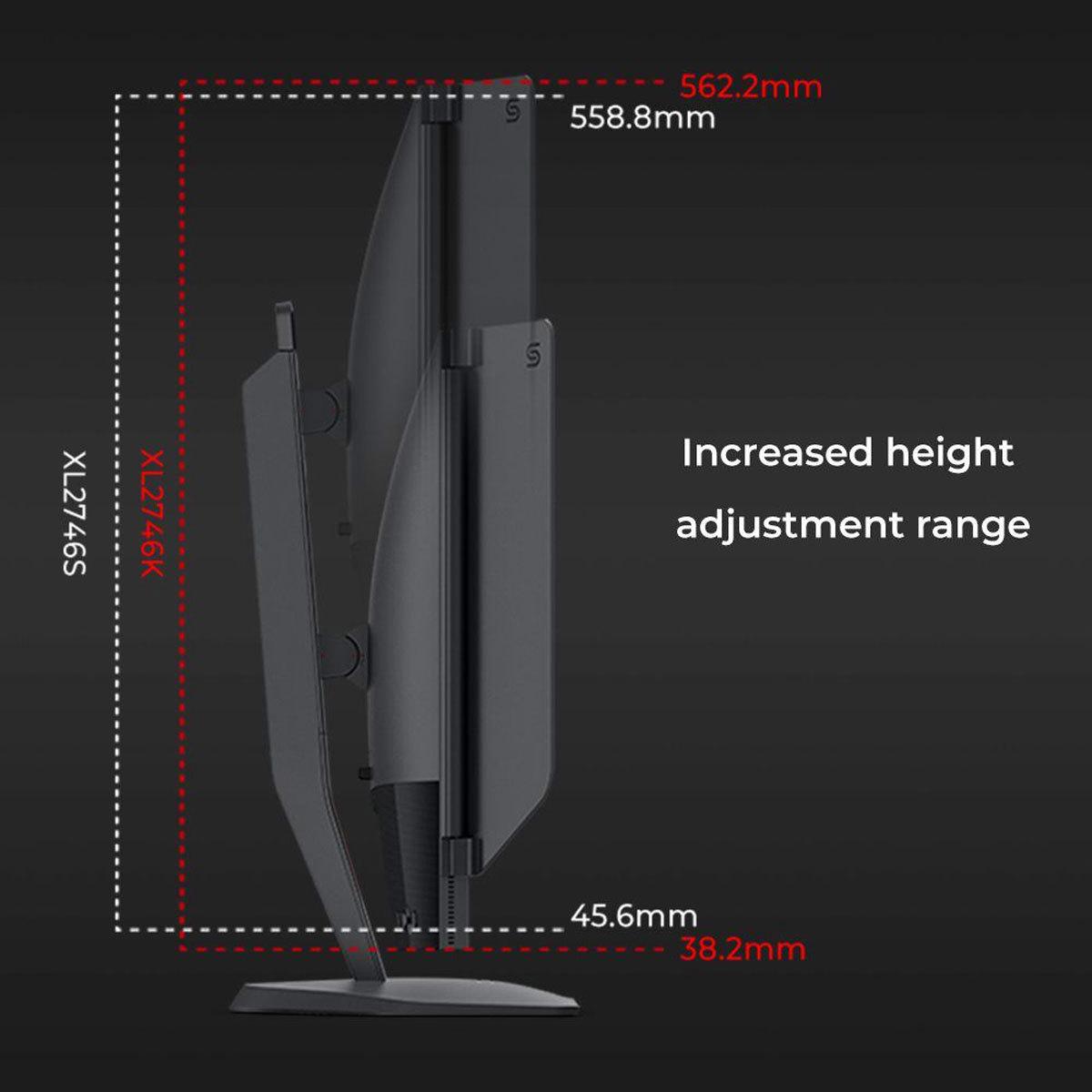
| Full height/tilt/swivel/pivot adjustment | Full height/tilt/swivel/pivot adjustment plus tripod socket |
| Target Market - Who each monitor is designed for | |
| Dedicated esports/competitive FPS players | Versatile gamers wanting performance + visual quality |
The BenQ Zowie XL2746K is specifically designed for competitive esports with its DyAc+ motion blur reduction technology, S Switch controller, and features like Black eQualizer that enhance visibility in dark areas. While the ASUS ROG Strix XG27ACMG offers excellent competitive performance, the BenQ XL2746K remains the top choice for serious competitive FPS players who prioritize motion clarity above all else.
The ASUS ROG Strix XG27ACMG delivers significantly better image quality with its 1440p resolution (78% more pixels than 1080p) and Fast IPS panel technology that covers 95% DCI-P3 color space. The BenQ Zowie XL2746K uses a TN panel with 1080p resolution, which provides adequate visuals but can't match the sharpness and color accuracy of the ASUS monitor.
The ASUS ROG Strix XG27ACMG has a slightly higher refresh rate at 270Hz compared to the BenQ Zowie XL2746K's 240Hz. While both provide extremely smooth gaming, the 30Hz difference is minimal and won't dramatically impact most gaming experiences. Both monitors offer excellent competitive performance.
Only the ASUS ROG Strix XG27ACMG supports HDR gaming with HDR10 and DisplayHDR 400 certification, providing enhanced contrast and brightness in supported games and content. The BenQ Zowie XL2746K does not include HDR support and displays only standard dynamic range content.
The ASUS ROG Strix XG27ACMG typically offers better overall value, providing higher resolution, better colors, HDR support, and modern connectivity at a competitive price point. The BenQ Zowie XL2746K commands a premium for its specialized esports features and may only justify the extra cost for dedicated competitive players.
The ASUS ROG Strix XG27ACMG offers more modern connectivity with HDMI 2.1 (console-ready), DisplayPort 1.4, and USB-C with power delivery. The BenQ Zowie XL2746K includes multiple HDMI 2.0 ports and DisplayPort 1.2, which are adequate for PC gaming but lack the forward compatibility of the ASUS monitor.
The BenQ Zowie XL2746K excels specifically in competitive FPS games like CS:GO, Valorant, and Apex Legends due to its motion clarity optimization. The ASUS ROG Strix XG27ACMG performs well across all game genres, making it ideal for players who enjoy RPGs, racing games, and adventure titles alongside competitive shooters.
Yes, both monitors support variable refresh rate technologies. The ASUS ROG Strix XG27ACMG officially supports both AMD FreeSync Premium and NVIDIA G-Sync Compatible. The BenQ Zowie XL2746K also supports variable refresh rate when DyAc+ is disabled, ensuring compatibility with both AMD and NVIDIA graphics cards.
Both monitors offer excellent motion blur reduction but use different approaches. The BenQ Zowie XL2746K features DyAc+ technology specifically tuned for esports scenarios, while the ASUS ROG Strix XG27ACMG uses ELMB SYNC that can work simultaneously with adaptive sync. The BenQ's solution provides slightly better motion clarity for competitive gaming.
The ASUS ROG Strix XG27ACMG is better suited for modern console gaming with its HDMI 2.1 port supporting high refresh rates from PlayStation 5 and Xbox Series X. The BenQ Zowie XL2746K can work with consoles but is limited to HDMI 2.0 and lacks some of the modern features that enhance console gaming experiences.
The ASUS ROG Strix XG27ACMG is significantly better for content creation and productivity work thanks to its higher 1440p resolution, accurate IPS colors covering wide color gamuts, and better viewing angles. The BenQ Zowie XL2746K is primarily designed for gaming and has limitations for creative work due to its TN panel technology.
The BenQ Zowie XL2746K includes unique esports features like the S Switch hardware controller, detachable Shielding Hood, and XL Setting to Share for profile sharing. The ASUS ROG Strix XG27ACMG offers comprehensive gaming features including GamePlus overlays, DisplayWidget Center for easy adjustments, and versatile connectivity including USB-C. Each monitor serves different needs with their specialized feature sets.
We've done our best to create useful and informative comparisons to help you decide what product to buy. Our research uses advanced automated methods to create this comparison and perfection is not possible - please contact us for corrections or questions. These are the sites we've researched in the creation of this article: rtings.com - youtube.com - bestbuy.com - versus.com - youtube.com - versus.com - forums.blurbusters.com - pcmonitors.info - youtube.com - bhphotovideo.com - zowie.benq.com - bhphotovideo.com - device.report - newegg.com - bestbuy.com - displayspecifications.com - provantage.com - zowie.benq.com - smallonlineshop.com.sg - camcor.com - rtings.com - e-catalog.com - bestbuy.com - rog.asus.com - rog.asus.com - youtube.com - youtube.com - versus.com - forum.pcmonitors.info - versus.com - cdw.com - rog.asus.com - rog.asus.com - rog.asus.com - avadirect.com - bhphotovideo.com - rog.asus.com - shi.com - shop.asus.com - publicsector.shidirect.com - bestbuy.com

Privacy Policy
Terms and Conditions - Affiliate Policy
Home Security
© Copyright 2008-2026.
11816 Inwood Rd #1211, Dallas, TX 75244