

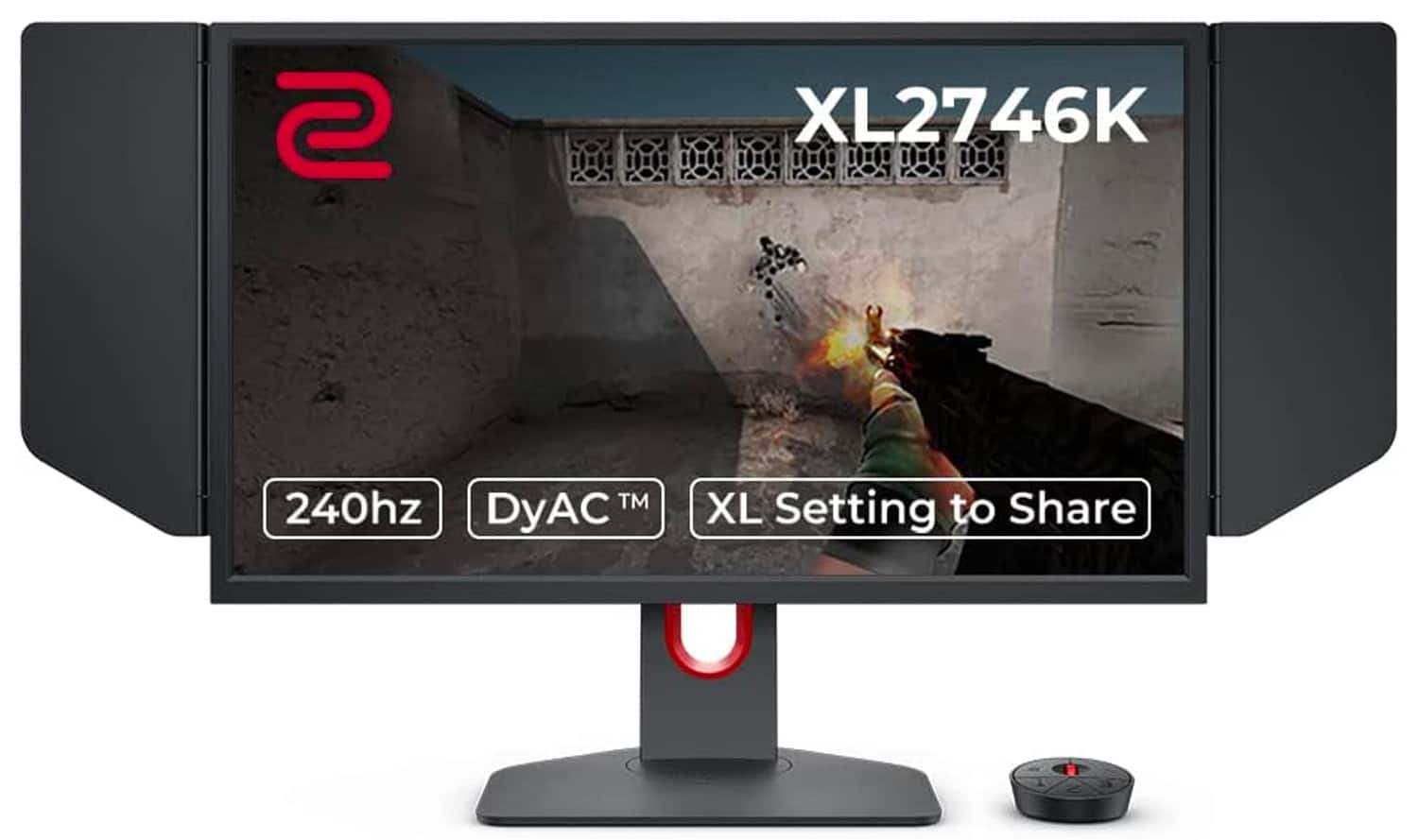

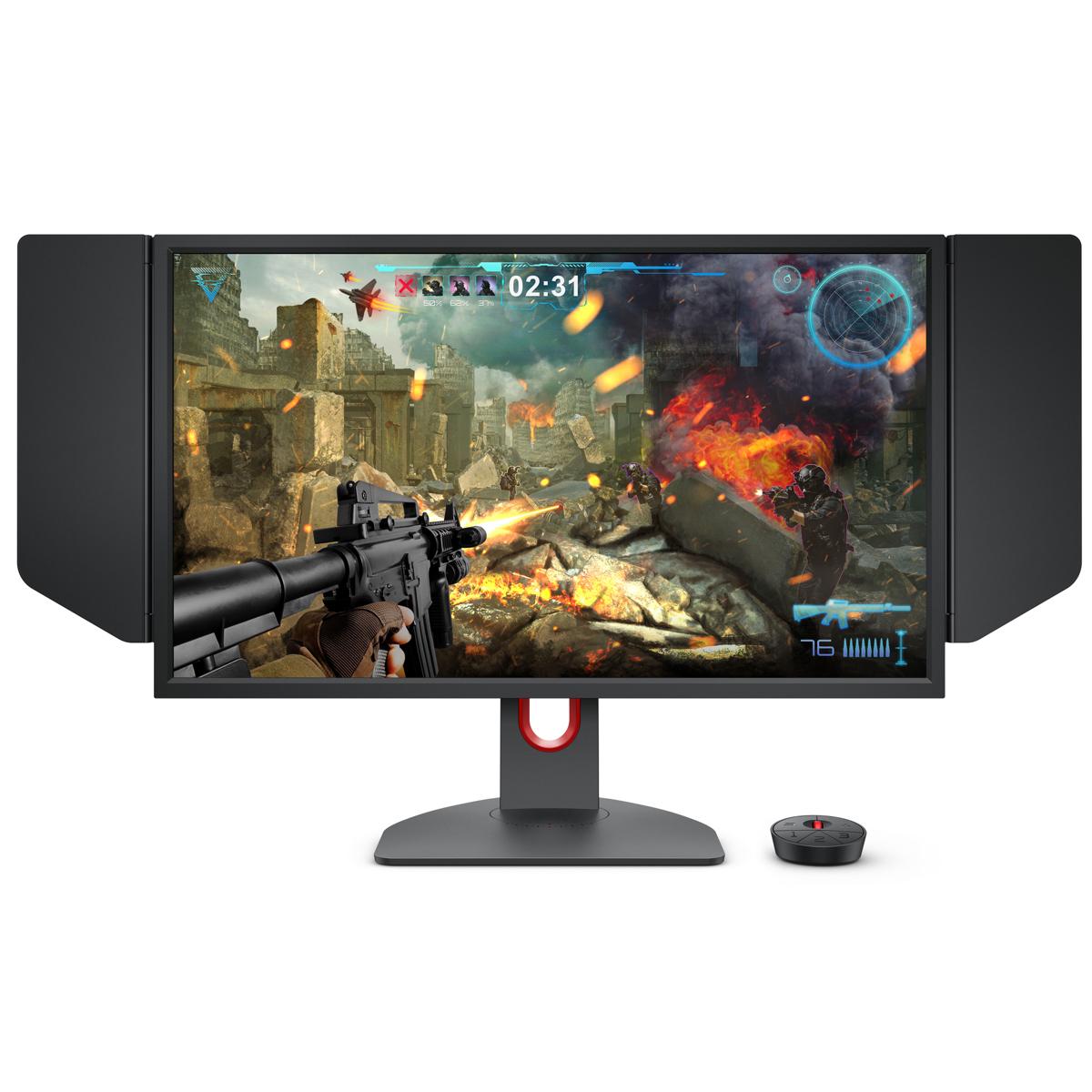
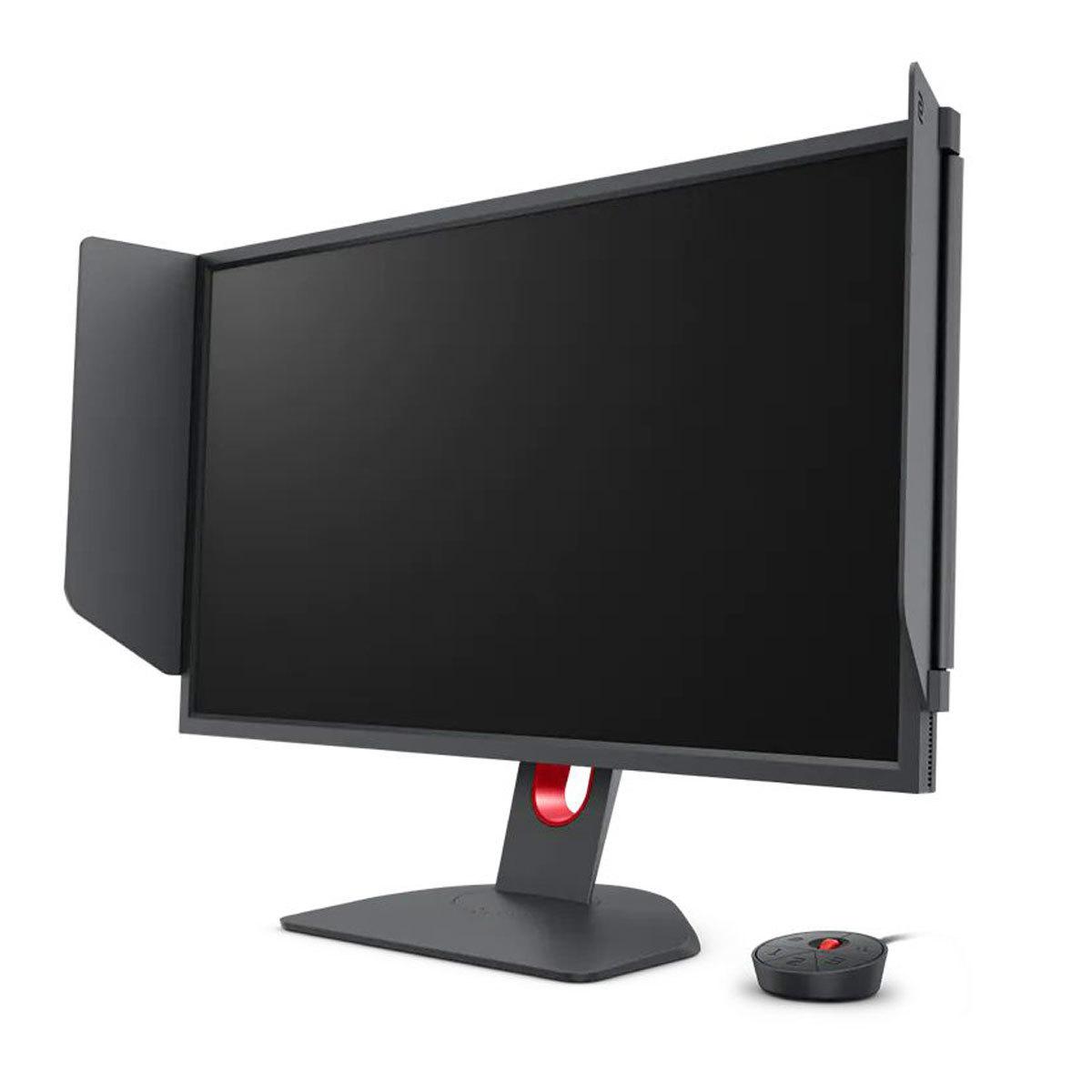
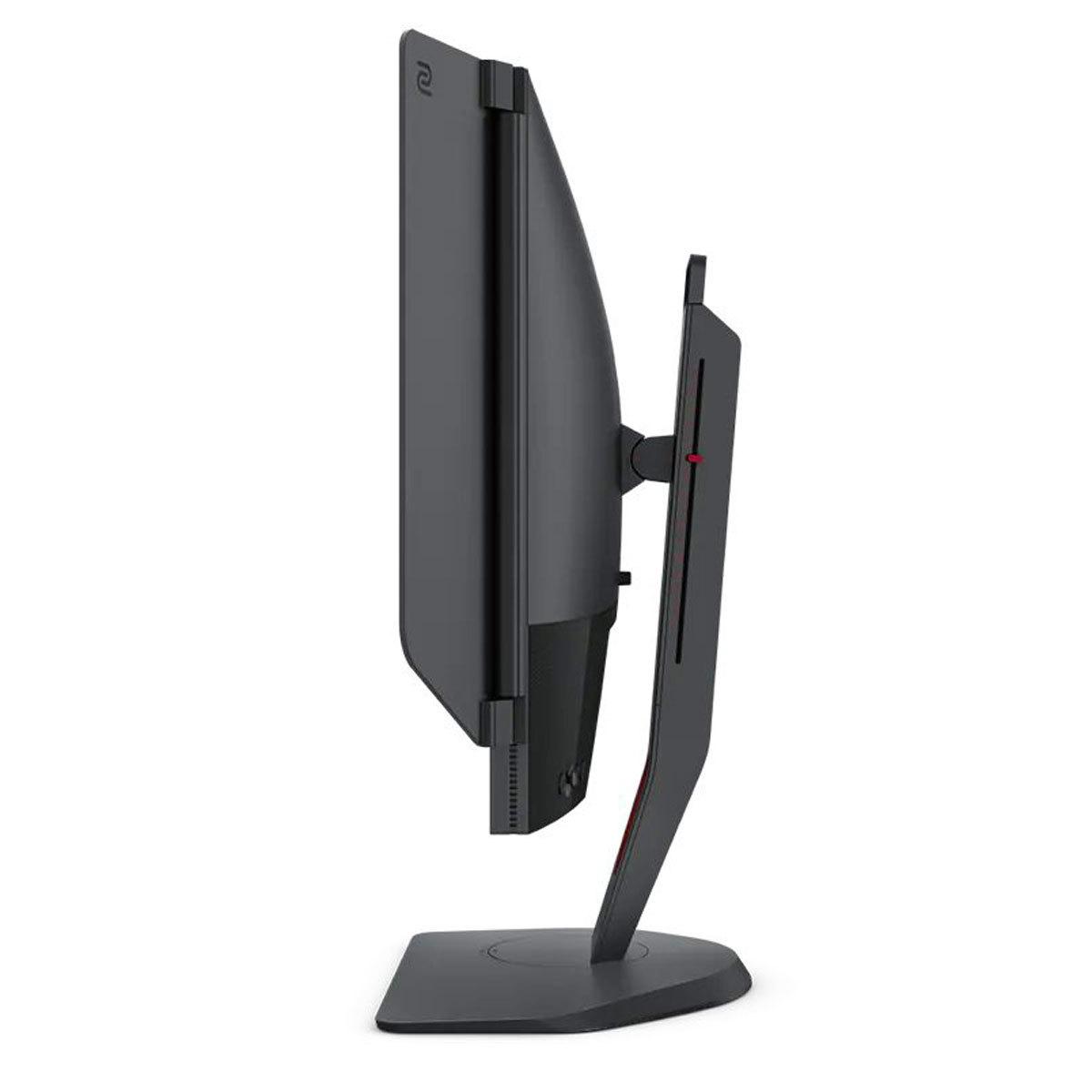
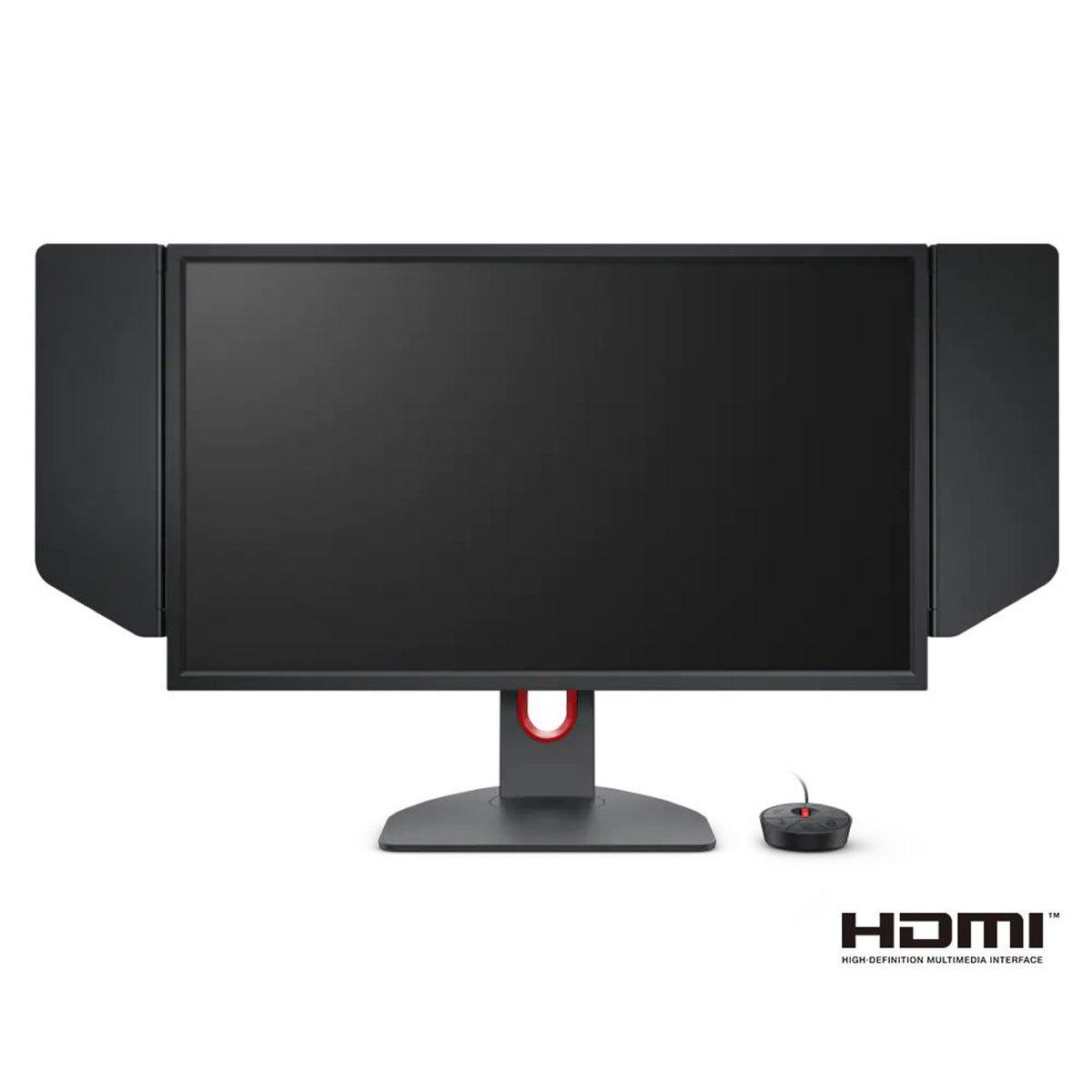
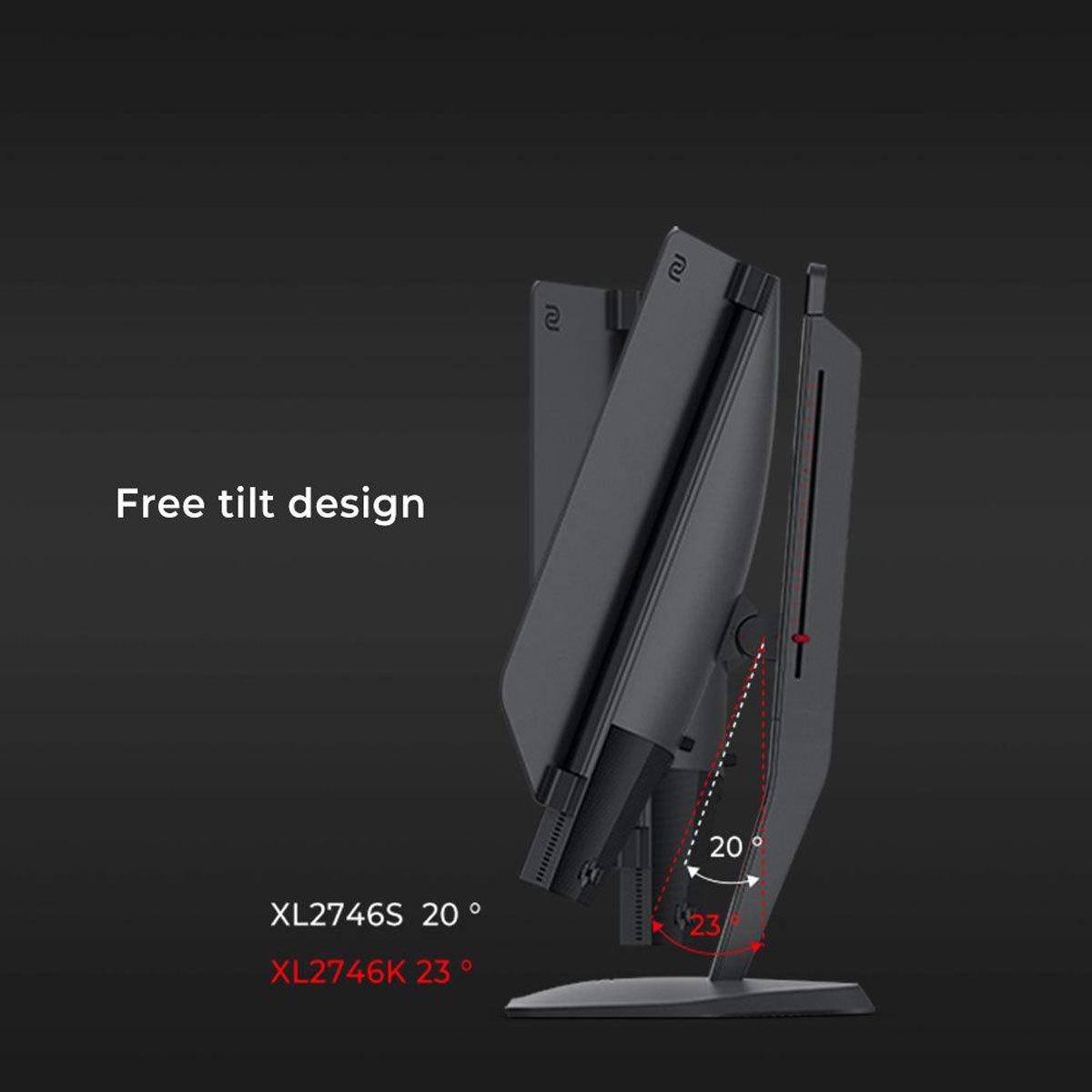
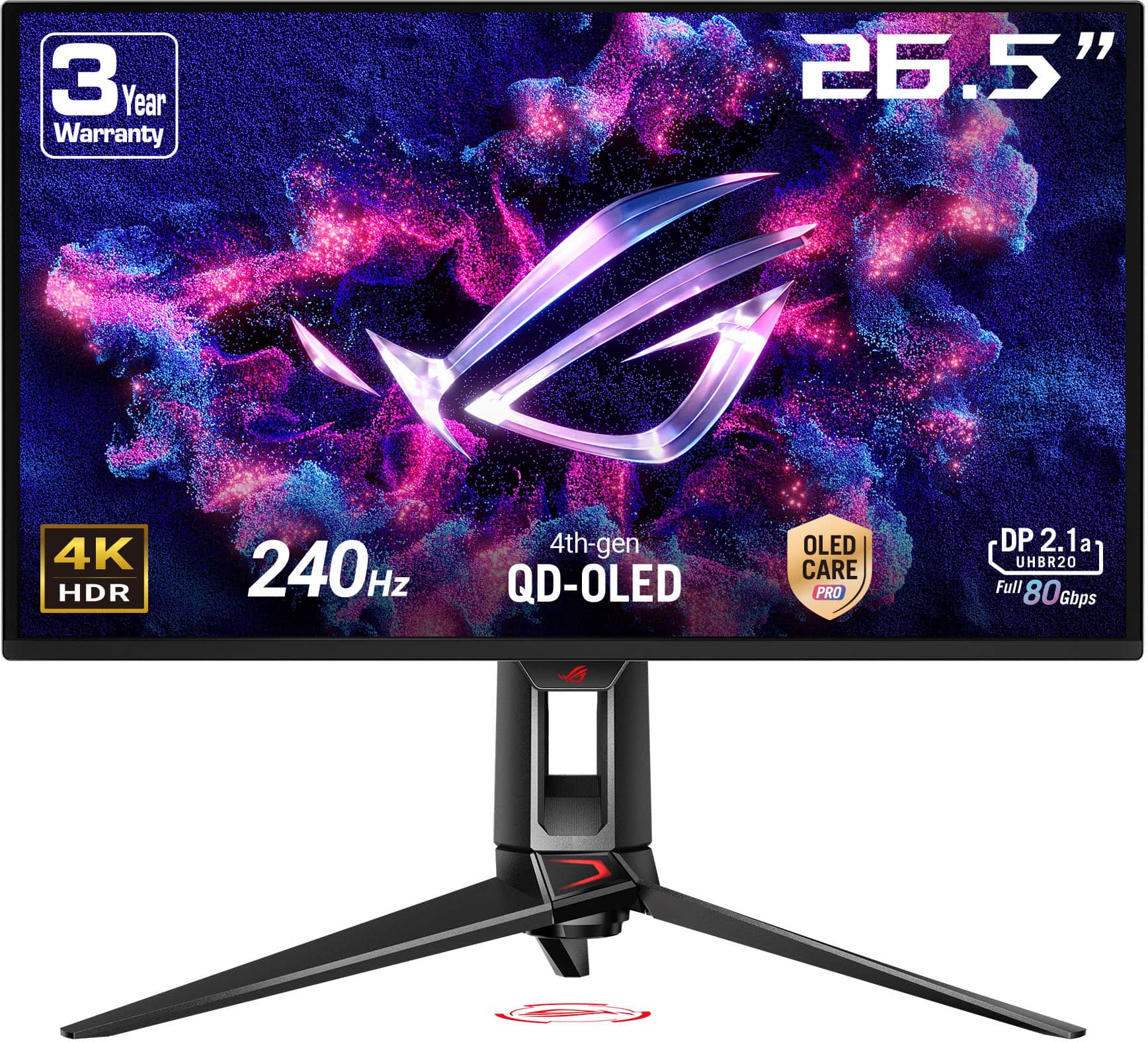
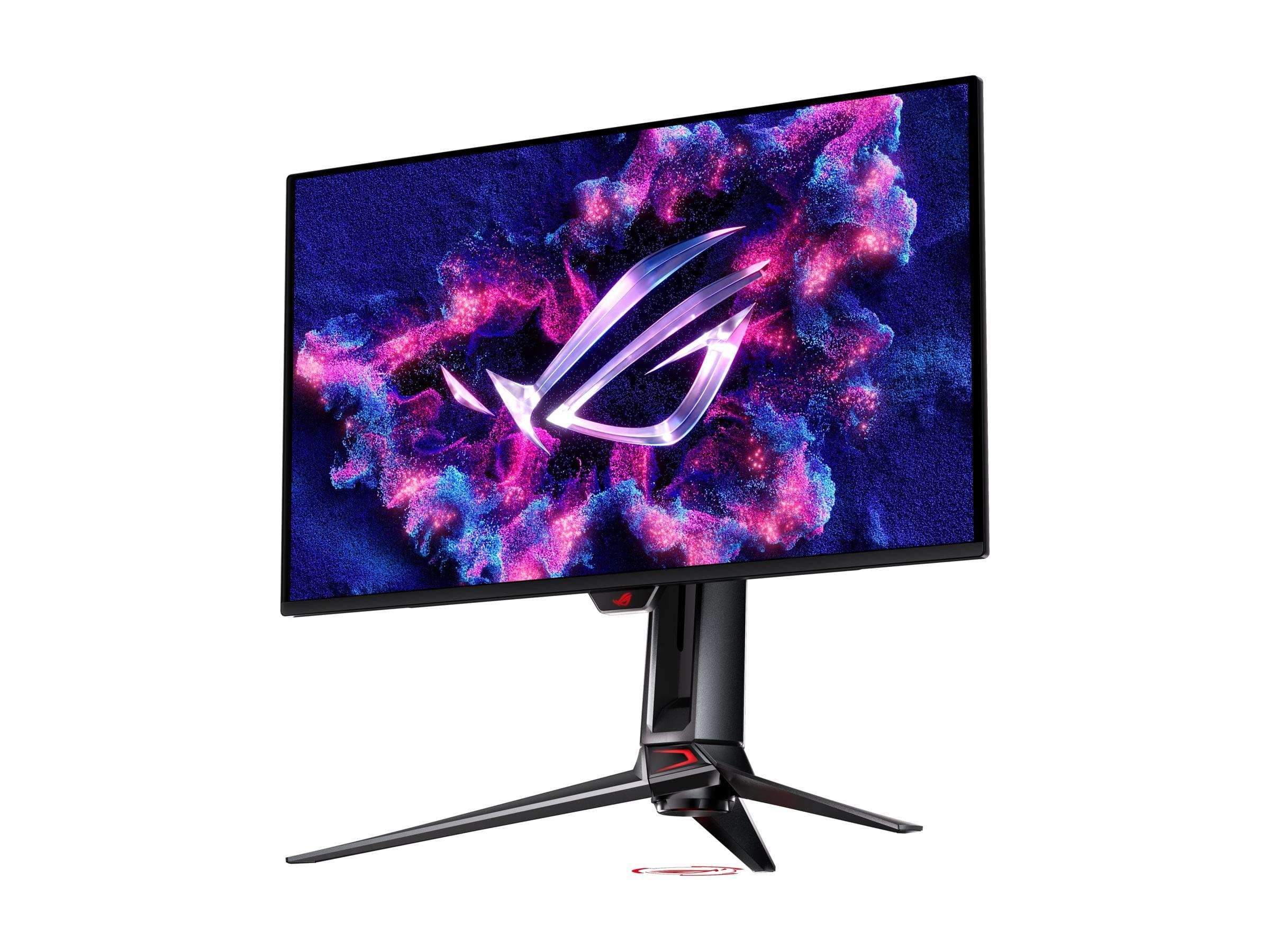
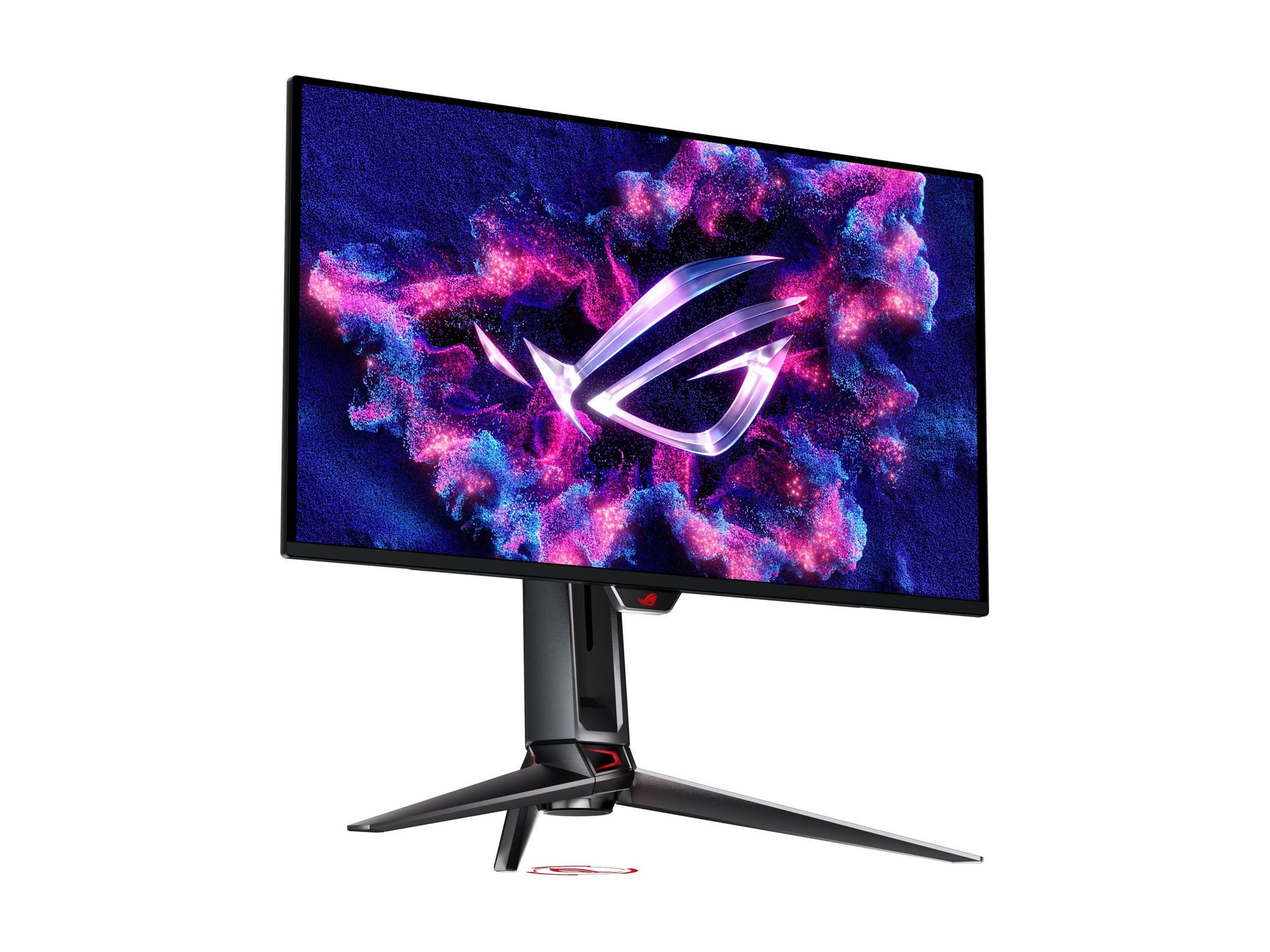
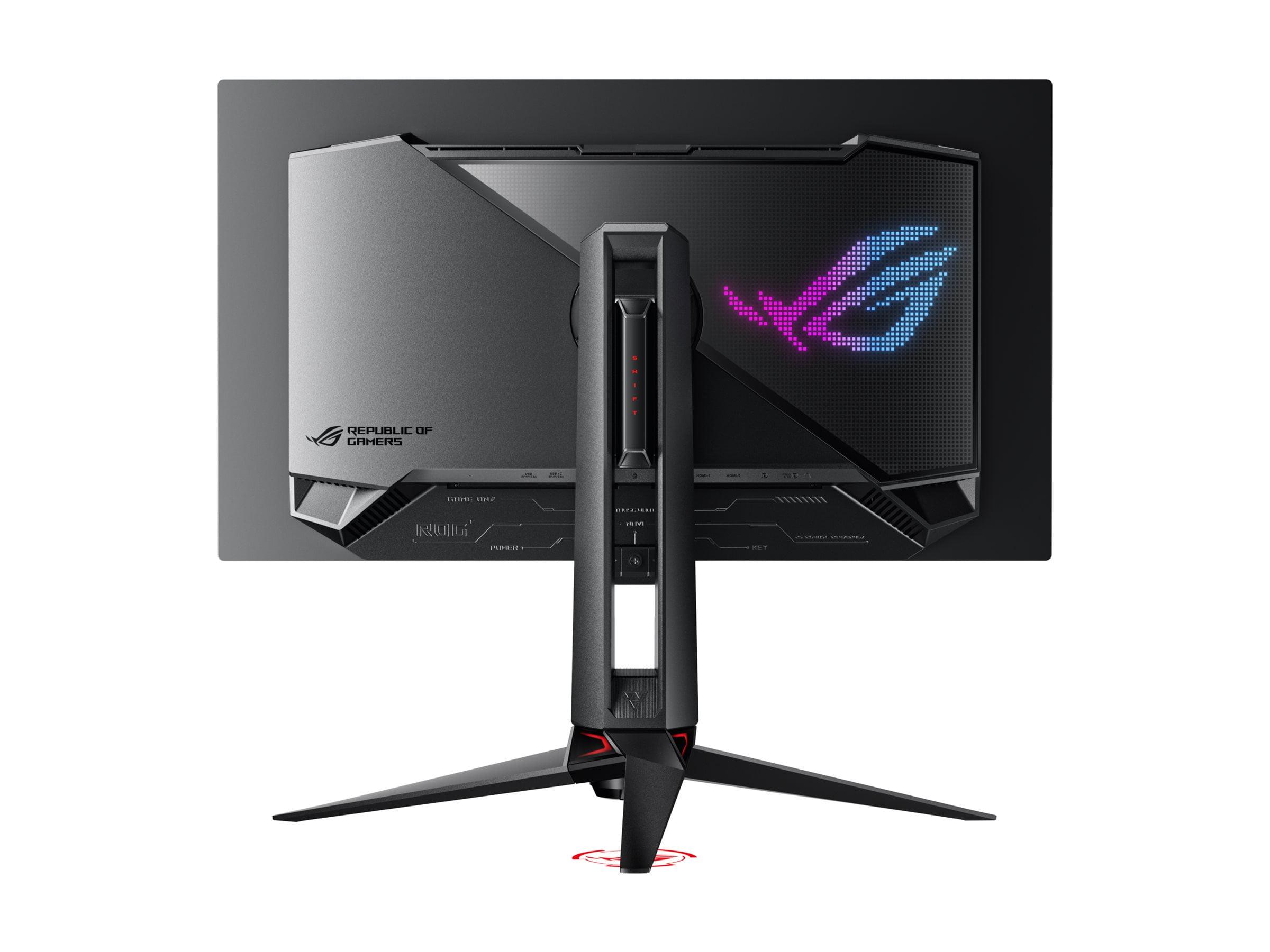
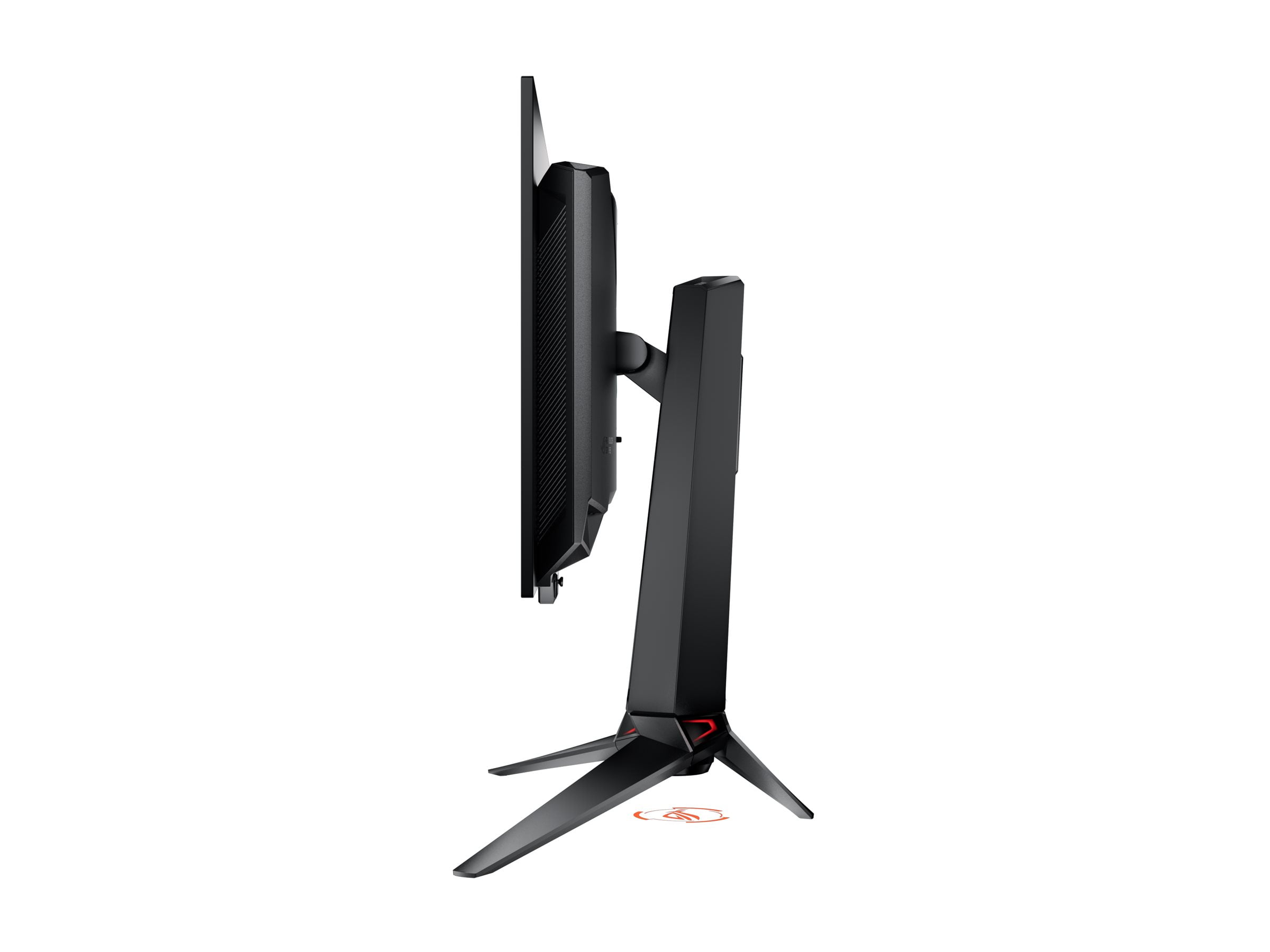
When I first started seriously looking at 27-inch gaming monitors, I was struck by how different two seemingly similar products could be. Both the BenQ Zowie XL2746K and ASUS ROG Swift OLED PG27UCDM sport 27-inch screens with 240Hz refresh rates, but they represent completely different philosophies in gaming display technology. One is a laser-focused tool for competitive esports, while the other is a visual showcase that happens to game exceptionally well.
Before diving into these specific monitors, it's worth understanding what separates a gaming display from your average computer monitor. Gaming monitors prioritize speed over everything else – how quickly pixels can change colors (response time), how often the screen refreshes per second (refresh rate), and how long it takes for your mouse click to appear on screen (input lag). These measurements are often given in milliseconds, where even single-digit differences can matter in competitive gaming.
The 27-inch size has become increasingly popular because it offers more screen real estate than traditional 24-inch esports monitors without becoming unwieldy. However, as screen size increases, manufacturers face trade-offs between pixel density (how sharp text and images appear), performance, and cost. This is where our two monitors take dramatically different approaches.
The BenQ Zowie XL2746K, released in 2022, represents the evolution of traditional gaming monitor design. It uses a TN (Twisted Nematic) panel – a type of LCD technology that's been the gold standard for competitive gaming for over a decade. TN panels can switch pixels incredibly fast and maintain consistent performance, which is why you'll find them at every major esports tournament.
On the other side, the ASUS ROG Swift OLED PG27UCDM arrived in 2024 as part of the latest wave of OLED gaming monitors. OLED (Organic Light-Emitting Diode) technology works fundamentally differently – instead of a backlight shining through liquid crystals, each pixel generates its own light. This allows for perfect blacks, infinite contrast, and incredibly vibrant colors, but historically came with concerns about burn-in and high costs.
At the time of writing, these monitors sit in different price categories, with the ASUS PG27UCDM costing roughly double what you'd pay for the BenQ XL2746K. That price difference reflects not just the premium OLED technology, but also the 4K resolution versus 1080p.
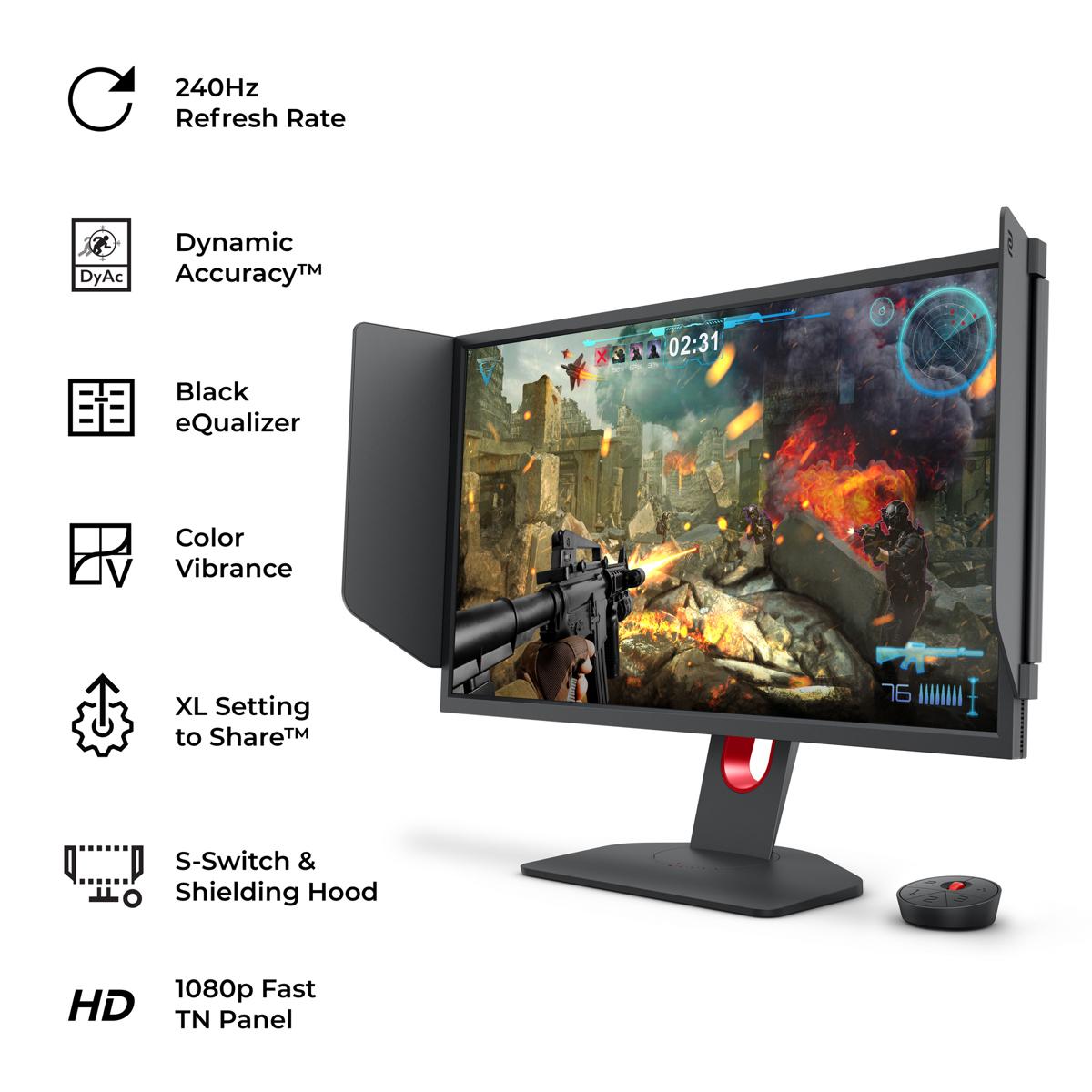
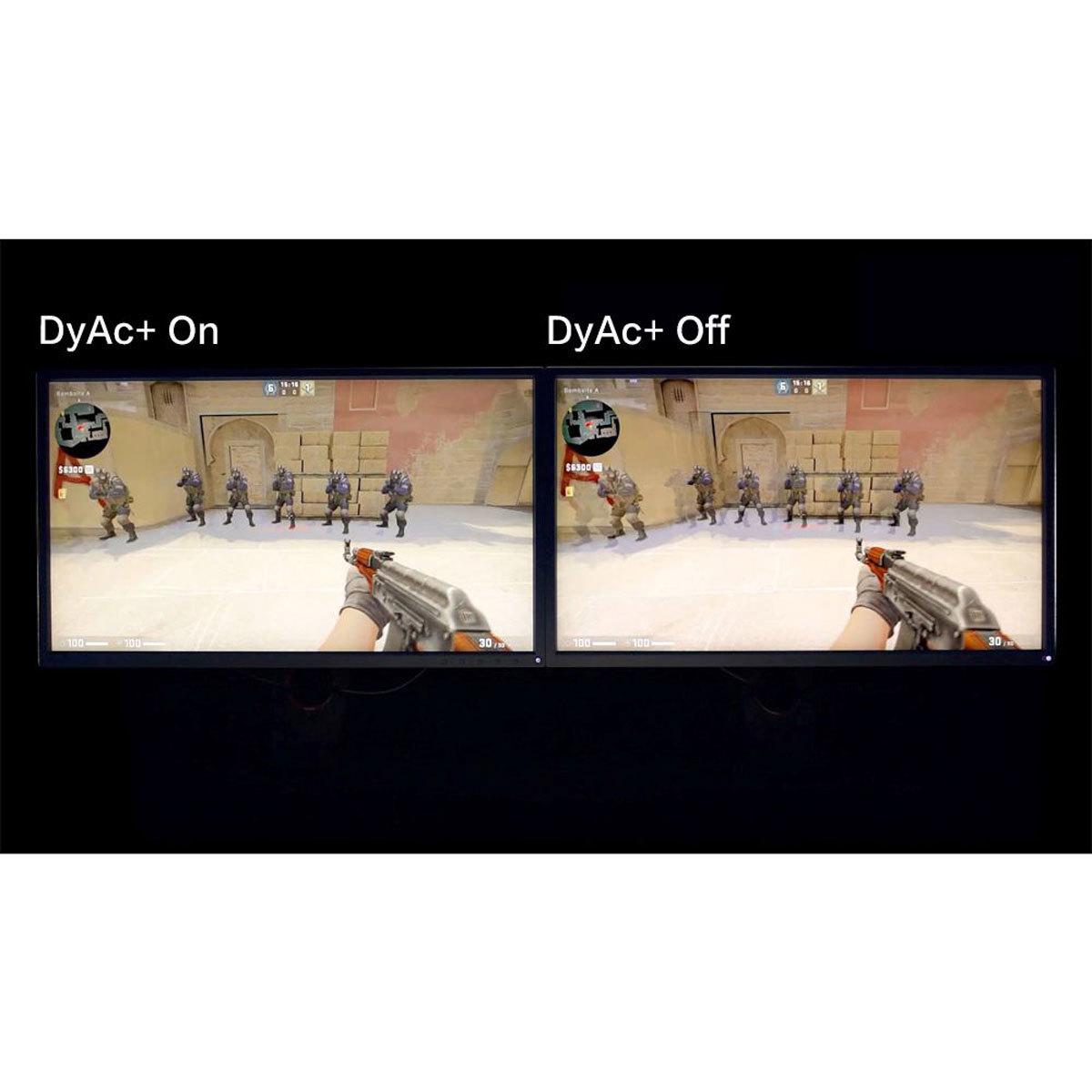
When it comes to motion clarity – how crisp moving objects appear on screen – both monitors excel but use different methods. The BenQ XL2746K employs DyAc⁺ (Dynamic Accuracy Plus) technology, which is essentially a sophisticated form of backlight strobing. By rapidly turning the backlight on and off in sync with the refresh rate, it reduces the blur your eyes perceive when tracking fast-moving objects like enemy players in first-person shooters.
I've tested DyAc⁺ extensively in games like Counter-Strike and Valorant, and the difference is immediately noticeable. When spraying with an automatic weapon while moving, enemy players remain much more defined instead of becoming blurry streaks. However, this technology does reduce overall brightness and can cause eye strain for some users during extended gaming sessions.
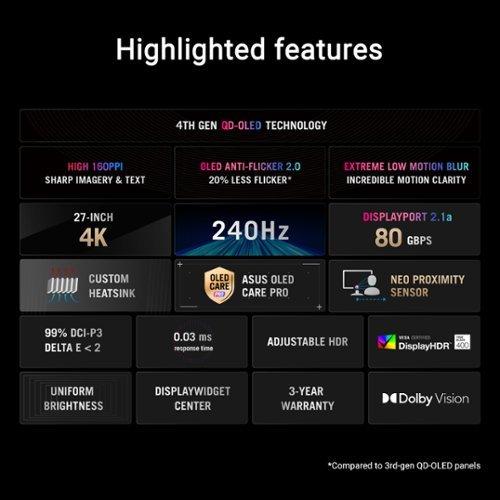
The ASUS PG27UCDM takes a completely different approach. OLED pixels can turn on and off almost instantaneously – we're talking 0.03 milliseconds compared to the several milliseconds typical LCD pixels require. This means moving objects appear sharp without needing backlight strobing tricks. The trade-off is that OLED can suffer from something called "sample and hold" blur, though at 240Hz this becomes much less noticeable than on slower OLED displays.
In practical gaming terms, both monitors deliver excellent motion clarity, but the BenQ gives you that clinical, almost artificial sharpness that competitive players often prefer, while the ASUS provides more natural-looking motion that works well across all types of games.
Here's where the technology gap becomes most apparent. The ASUS PG27UCDM delivers what many consider the holy grail of display technology – perfect blacks. When you're exploring a dark cave in a game or watching a movie with night scenes, OLED pixels can turn completely off, creating true black rather than the dark gray you get from even the best LCD monitors.
The BenQ XL2746K, like all LCD displays, uses a backlight that shines through the entire panel. Even when displaying black, some light leaks through, resulting in a contrast ratio of about 1000:1. The ASUS monitor, meanwhile, achieves what's technically an infinite contrast ratio because its black pixels emit no light at all.
Color reproduction is another area where OLED technology shines. The ASUS PG27UCDM covers 99% of the DCI-P3 color space – a professional standard used in movie production – compared to the more limited sRGB color space that most gaming monitors target. This means games and movies appear more vibrant and lifelike, with subtle color gradients that simply aren't possible on traditional LCD panels.
However, the BenQ XL2746K includes specialized gaming features that can actually provide competitive advantages. Black eQualizer technology brightens dark areas of games without affecting lighter areas, essentially giving you enhanced night vision in games. Color Vibrance allows fine-tuning of saturation levels, helping enemy players stand out against backgrounds. These aren't about visual fidelity – they're about gaining every possible competitive edge.
Perhaps the most significant difference between these monitors is resolution. The BenQ XL2746K uses 1080p (1920x1080), while the ASUS PG27UCDM features 4K (3840x2160). This creates a fascinating trade-off between performance and visual clarity.
At 27 inches, 1080p results in a pixel density of about 82 pixels per inch. Text and fine details won't be as sharp as you might expect, especially if you're coming from a smaller 1080p monitor or a higher-resolution display. However, this lower resolution means your graphics card has far fewer pixels to render, making it much easier to maintain 240 frames per second even with mid-range hardware.
The ASUS monitor's 4K resolution provides roughly 163 pixels per inch – nearly double the sharpness. Text looks crisp, game details are more defined, and you can spot enemies at longer distances more easily. But driving 4K at 240Hz requires serious graphics hardware. We're talking RTX 4080 or better for most modern games, and even then, you might need to adjust settings or use technologies like DLSS (AI-powered upscaling) to maintain high frame rates.
From a practical standpoint, the resolution choice often determines which monitor makes sense for your setup. If you have a GTX 1070 or RTX 3060-class graphics card, the BenQ will let you actually use that 240Hz refresh rate. With the same hardware, the ASUS monitor might run games at 4K, but you'd be limited to 60-120 fps in demanding titles.
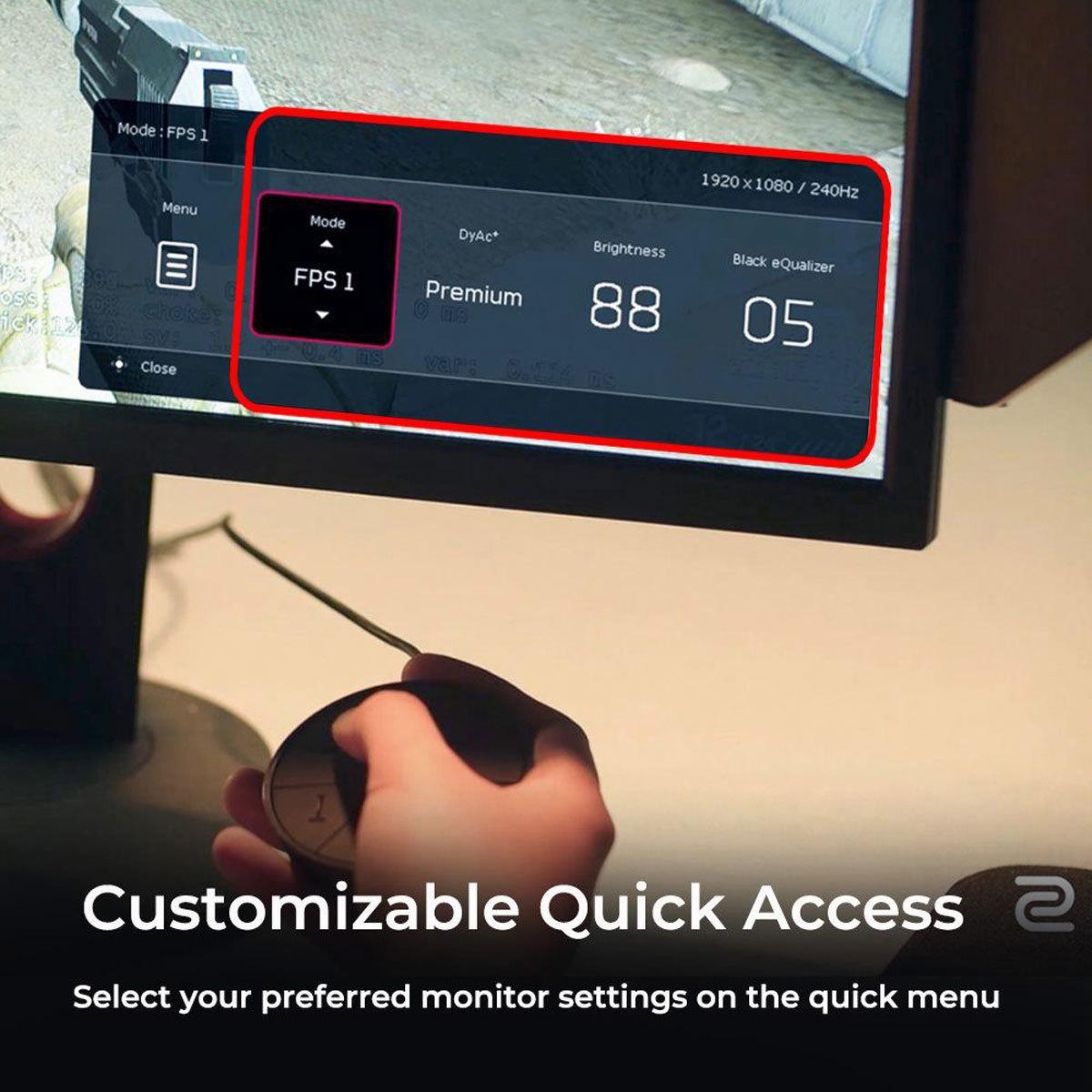
Both monitors include extensive gaming-focused features, but they approach this differently. The BenQ XL2746K comes with an S Switch – a physical controller that lets you instantly switch between saved settings profiles. This might seem like a small thing, but when switching between games that benefit from different settings, or moving between practice and match configurations, having hardware buttons instead of on-screen menus makes a real difference.
The XL Setting to Share feature is particularly clever – it allows players to export their exact monitor settings and share them online. Many professional esports players publish their settings, and with this feature, you can load them directly onto your monitor with perfect accuracy. It's the kind of attention to detail that shows this monitor was designed by and for serious competitive gamers.
The ASUS PG27UCDM takes a more comprehensive approach with its DisplayWidget Center software. This allows you to create application-specific profiles that automatically activate when you launch different games. The monitor also includes traditional gaming features like crosshair overlays, frame rate counters, and various visual enhancement modes, but these feel more like value-adds rather than the core focus.
One unique feature of the ASUS monitor is its Neo Proximity Sensor, which detects when you step away from your desk and automatically switches to a black screen. This helps prevent OLED burn-in – a phenomenon where static images can permanently damage the panel if left on-screen too long. While modern OLED panels are much more resistant to burn-in than earlier generations, this kind of automatic protection shows ASUS is serious about panel longevity.
Modern gaming setups often involve multiple devices, and connectivity becomes crucial. The ASUS PG27UCDM includes DisplayPort 2.1 – the latest standard that provides enough bandwidth for uncompressed 4K at 240Hz. It also features HDMI 2.1 ports for PlayStation 5 and Xbox Series X compatibility, plus USB-C with power delivery for laptop docking.
The KVM (keyboard, video, mouse) switch functionality lets you control multiple computers with a single set of peripherals – incredibly useful if you have both a gaming PC and a work laptop. The built-in USB hub provides convenient connections for peripherals without running cables back to your computer.
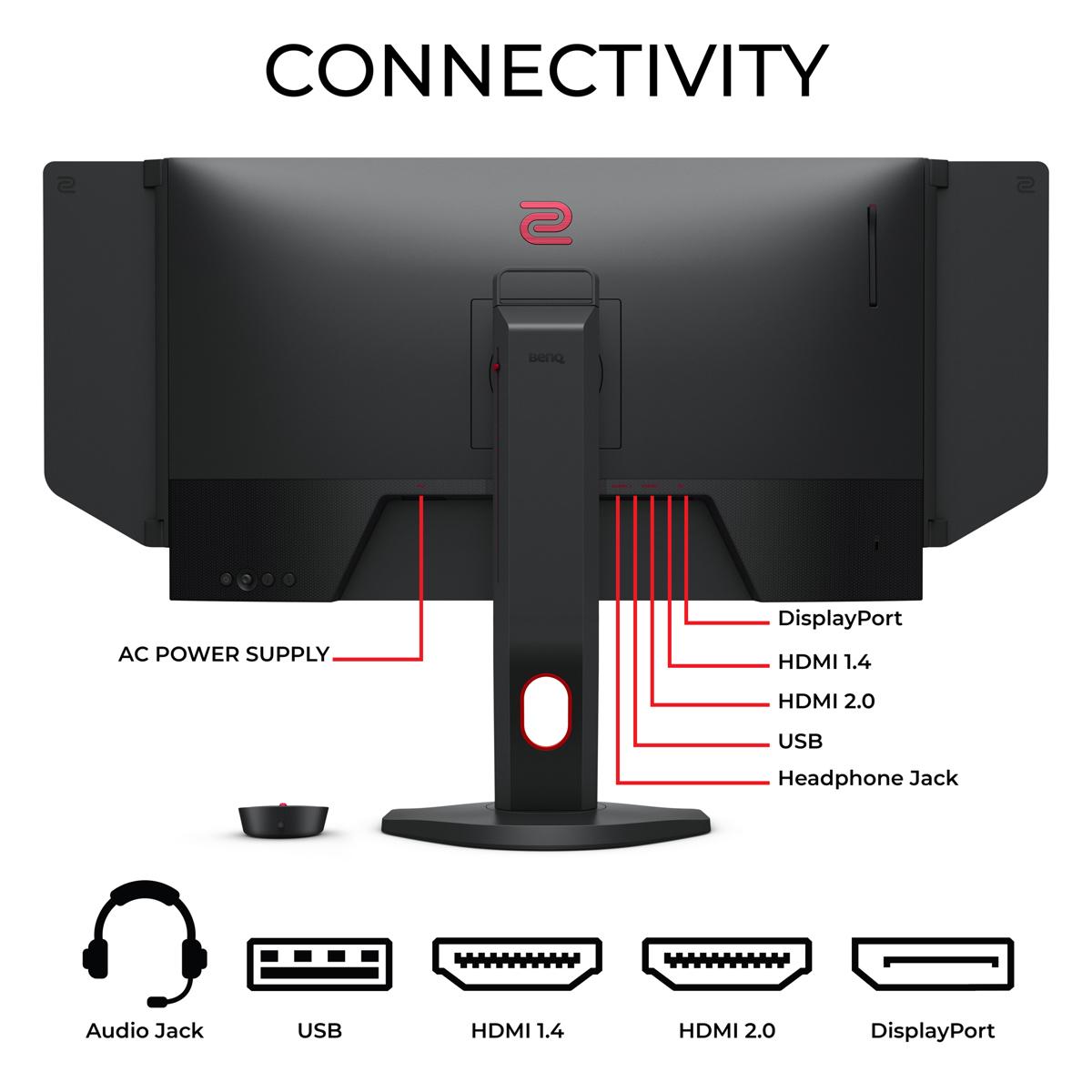
The BenQ XL2746K focuses on essential gaming connectivity with multiple HDMI and DisplayPort inputs, but doesn't include the advanced docking features. This isn't necessarily a limitation – it reflects the monitor's focused mission as a dedicated gaming display rather than a multi-purpose workstation hub.
If you're thinking about using either monitor for movie watching or console gaming from your couch, the ASUS PG27UCDM is clearly the better choice. OLED technology excels at displaying movie content, with perfect blacks that make dark scenes appear as directors intended them. The support for HDR10 and Dolby Vision means compatible content will show enhanced brightness, contrast, and color ranges.
However, 27 inches is relatively small for a home theater setup. Most people prefer 32 inches or larger when sitting at typical TV viewing distances. The high pixel density of 4K at 27 inches means you'd need to sit fairly close to appreciate the resolution benefit, which might not be comfortable for extended movie watching.
The BenQ monitor, with its gaming-focused features and 1080p resolution, doesn't make much sense for home theater use. The specialized motion processing and color tuning that work well for competitive gaming can make movies and TV shows look unnatural.
After testing numerous gaming monitors, I've found that certain specifications matter more than others depending on your gaming style. For competitive esports players, input lag and motion clarity top the list. Both monitors excel here, but the BenQ XL2746K edges ahead with its DyAc⁺ technology specifically tuned for FPS games.
For general gaming and mixed use, color accuracy and contrast become more important. The ASUS PG27UCDM dominates these categories thanks to OLED technology. Games simply look more immersive and engaging with proper blacks and vibrant colors.
Brightness is another key factor often overlooked. OLED displays like the ASUS monitor can achieve stunning peak brightness for HDR content (up to 1000 nits), but their average brightness across the full screen is typically lower than LCD monitors. This means in very bright rooms, the BenQ's LCD panel might actually provide better visibility.
Choosing between these monitors ultimately comes down to your priorities and setup. The BenQ Zowie XL2746K makes sense if competitive gaming performance is your primary concern, especially if you're playing FPS games professionally or aspiring to do so. The specialized features, proven tournament reliability, and lower hardware requirements make it an excellent value for dedicated gamers.
The ASUS ROG Swift OLED PG27UCDM appeals to enthusiasts who want the best possible image quality while maintaining high refresh rate performance. If you have high-end hardware, play a variety of game types, or use your monitor for content creation and media consumption, the premium you pay for OLED technology delivers real benefits.
At the time of writing, the price difference between these monitors reflects their target markets. The BenQ offers exceptional gaming performance per dollar, while the ASUS provides cutting-edge display technology at a premium but reasonable price for OLED gaming monitors.
Consider your graphics card capabilities carefully. There's no point in paying for 4K 240Hz if your hardware can't utilize it effectively. Similarly, if you have an RTX 4090 and primarily play visually stunning single-player games, limiting yourself to 1080p seems like a waste of potential.
Both monitors represent the pinnacle of their respective approaches to gaming display technology. The BenQ XL2746K continues the evolution of purpose-built esports monitors, while the ASUS PG27UCDM shows how premium display technology can enhance the gaming experience without sacrificing competitive performance. Your choice should align with how you actually use your gaming setup and what aspects of the experience matter most to you.
| BenQ Zowie XL2746K | ASUS ROG Swift OLED PG27UCDM |
|---|---|
| Panel Technology - Determines image quality, response time, and longevity | |
| TN (Twisted Nematic) LCD with fast response | QD-OLED (Quantum Dot OLED) with perfect blacks |
| Resolution - Higher resolution provides sharper images but demands more GPU power | |
| 1920 x 1080 (1080p) - easier to drive at 240Hz | 3840 x 2160 (4K) - requires high-end graphics cards |
| Refresh Rate - Both offer smooth gaming, but hardware requirements differ | |
| 240Hz (achievable with mid-range GPUs at 1080p) | 240Hz (needs RTX 4080+ for 4K gaming at this rate) |
| Response Time - Critical for competitive gaming and motion clarity | |
| Fast TN response optimized for esports | 0.03ms GTG (OLED's instant pixel switching) |
| Motion Clarity Technology - Reduces blur during fast movement | |
| DyAc⁺ backlight strobing (proven in esports) | Natural OLED pixel response without strobing |
| Contrast Ratio - Affects image depth and dark scene visibility | |
| 1000:1 typical LCD contrast | Infinite contrast (true blacks with OLED) |
| Color Gamut - Determines color vibrancy and accuracy | |
| Standard sRGB coverage | 99% DCI-P3, 145% sRGB (cinema-grade colors) |
| HDR Support - Enhanced brightness and color range for compatible content | |
| Limited HDR capability | HDR10, Dolby Vision, DisplayHDR 400 True Black |
| Gaming Features - Specialized tools for competitive advantage | |
| S Switch controller, Black eQualizer, XL Setting Share | DisplayWidget Center, proximity sensor, KVM switch |
| Connectivity - Modern ports and multi-device support | |
| Multiple HDMI/DP, basic gaming focus | DP 2.1, HDMI 2.1, USB-C with 90W power delivery |
| Target User - Who benefits most from each monitor's strengths | |
| Competitive esports players, mid-range GPU owners | Enthusiasts with high-end GPUs, content creators |
| Value Proposition - Performance per dollar at time of writing | |
| Excellent esports performance at accessible price | Premium OLED technology at competitive OLED pricing |
The BenQ Zowie XL2746K is specifically designed for competitive esports with DyAc⁺ technology that reduces motion blur during fast gameplay. It includes professional features like the S Switch controller and Black eQualizer for enhanced visibility in dark areas. The ASUS ROG Swift OLED PG27UCDM offers excellent gaming performance but is designed more for enthusiasts who want both competitive capability and premium visual quality.
The primary difference is display technology and resolution. The BenQ Zowie XL2746K uses a 1080p TN panel optimized for speed and low latency, while the ASUS ROG Swift OLED PG27UCDM features a 4K OLED panel that delivers superior image quality with perfect blacks and vibrant colors. This makes the BenQ better for pure competitive gaming and the ASUS better for mixed gaming and media use.
The ASUS ROG Swift OLED PG27UCDM requires significantly more GPU power due to its 4K resolution. You'll need an RTX 4080 or better to fully utilize 4K at 240Hz. The BenQ Zowie XL2746K can achieve 240Hz gaming with mid-range cards like an RTX 4060 Ti or RX 7700 XT since it only needs to render 1080p resolution.
Yes, both the BenQ Zowie XL2746K and ASUS ROG Swift OLED PG27UCDM support 240Hz refresh rates. However, achieving 240 fps is much easier on the BenQ's 1080p resolution compared to the ASUS's demanding 4K resolution, which requires top-tier graphics hardware to reach those frame rates.
The ASUS ROG Swift OLED PG27UCDM significantly outperforms the BenQ Zowie XL2746K for media consumption. The OLED technology provides perfect blacks, infinite contrast, and supports HDR10 and Dolby Vision for enhanced movie watching. The 4K resolution also delivers much sharper detail for streaming content and movies.
The ASUS ROG Swift OLED PG27UCDM is excellent for content creation with its 99% DCI-P3 color coverage, factory color calibration, and 4K resolution. The BenQ Zowie XL2746K is primarily designed for gaming and lacks the color accuracy and resolution needed for professional content work. For creators who also game competitively, the ASUS offers the best of both worlds.
The BenQ Zowie XL2746K offers superior value for competitive gamers, providing professional-grade esports features at a more accessible price point. The ASUS ROG Swift OLED PG27UCDM costs significantly more but delivers premium OLED technology that's reasonably priced within the OLED gaming monitor category. Your choice depends on whether you prioritize specialized gaming performance or premium display technology.
Both monitors support gaming consoles, but the ASUS ROG Swift OLED PG27UCDM is better suited for PlayStation 5 and Xbox Series X with its HDMI 2.1 ports and 4K resolution. The BenQ Zowie XL2746K will work with consoles but doesn't take full advantage of next-gen console capabilities due to its 1080p resolution.
Both the BenQ Zowie XL2746K and ASUS ROG Swift OLED PG27UCDM offer extremely low input lag suitable for competitive gaming. The BenQ is specifically optimized for esports with consistent, predictable performance, while the ASUS achieves low latency through OLED's instant pixel response. Professional esports players typically prefer the proven reliability of the BenQ's TN panel technology.
The ASUS ROG Swift OLED PG27UCDM excels at both work and gaming thanks to its 4K resolution, accurate colors, and comprehensive connectivity including USB-C and KVM switch functionality. The BenQ Zowie XL2746K is primarily designed for gaming and may not provide the text sharpness and color accuracy needed for professional work due to its 1080p TN panel.
The ASUS ROG Swift OLED PG27UCDM is superior for dark room gaming with its perfect blacks and infinite contrast ratio that make dark scenes appear as intended. The BenQ Zowie XL2746K uses LCD technology that can't achieve true blacks, resulting in grayish dark areas. However, the BenQ includes Black eQualizer technology that can provide competitive advantages by brightening dark areas to spot hidden enemies.
Absolutely. If you have a mid-range GPU (RTX 4060 Ti, RX 7700 XT or lower), the BenQ Zowie XL2746K will let you fully utilize the 240Hz refresh rate at 1080p. If you own a high-end GPU (RTX 4080, 4090, or RX 7900 XTX), the ASUS ROG Swift OLED PG27UCDM can take advantage of that power with 4K gaming while still maintaining high refresh rates in most titles.
We've done our best to create useful and informative comparisons to help you decide what product to buy. Our research uses advanced automated methods to create this comparison and perfection is not possible - please contact us for corrections or questions. These are the sites we've researched in the creation of this article: rtings.com - youtube.com - bestbuy.com - versus.com - youtube.com - versus.com - forums.blurbusters.com - pcmonitors.info - youtube.com - bhphotovideo.com - zowie.benq.com - bhphotovideo.com - device.report - newegg.com - bestbuy.com - displayspecifications.com - provantage.com - zowie.benq.com - smallonlineshop.com.sg - camcor.com - tomshardware.com - thepcenthusiast.com - rtings.com - youtube.com - rtings.com - rog.asus.com - tweaktown.com - youtube.com - youtube.com - versus.com - rog.asus.com - rog.asus.com - newegg.com - rog.asus.com - cdw.com - pcmonitors.info - displayspecifications.com - rog.asus.com - bhphotovideo.com - techpowerup.com - shi.com - bhphotovideo.com

Privacy Policy
Terms and Conditions - Affiliate Policy
Home Security
© Copyright 2008-2026.
11816 Inwood Rd #1211, Dallas, TX 75244