

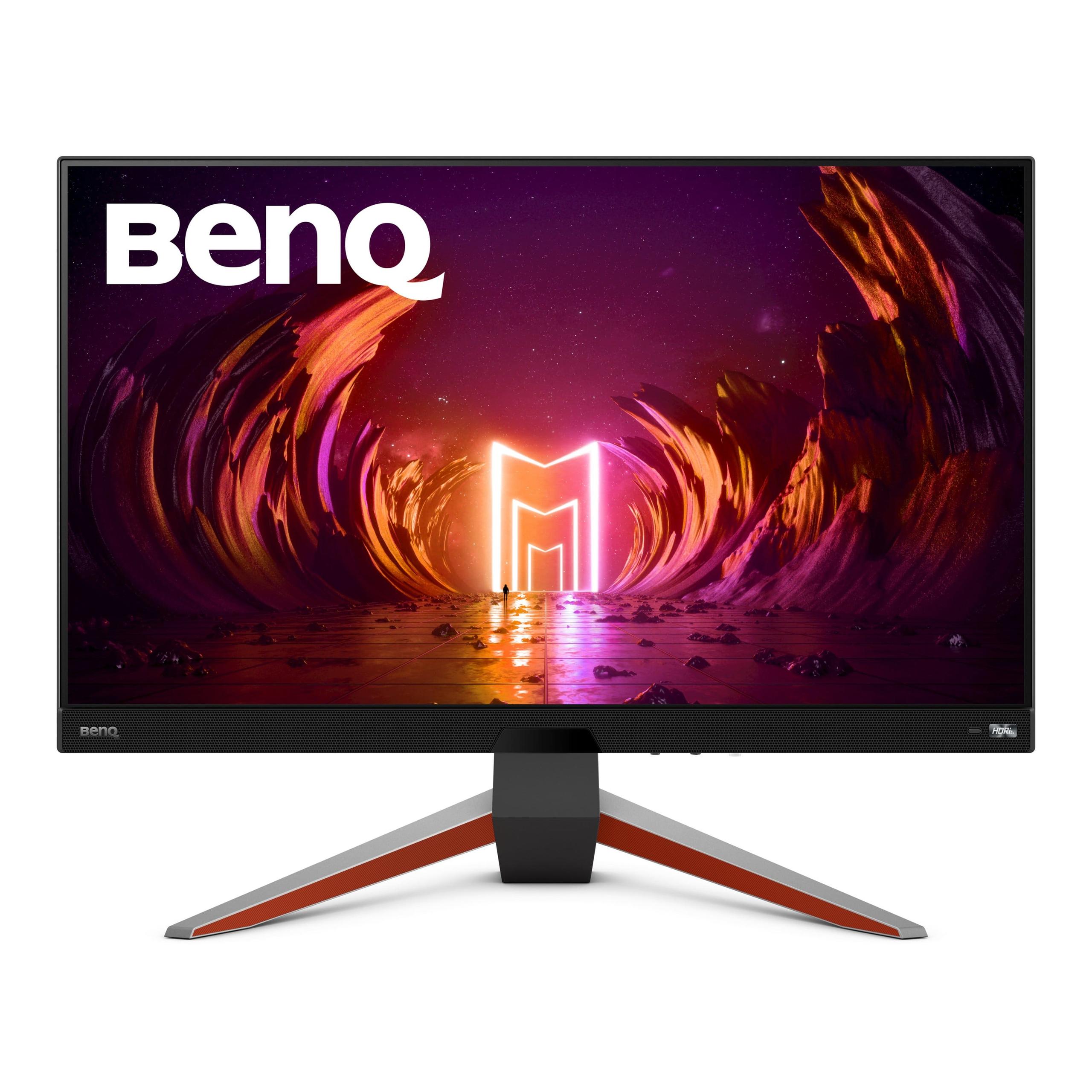
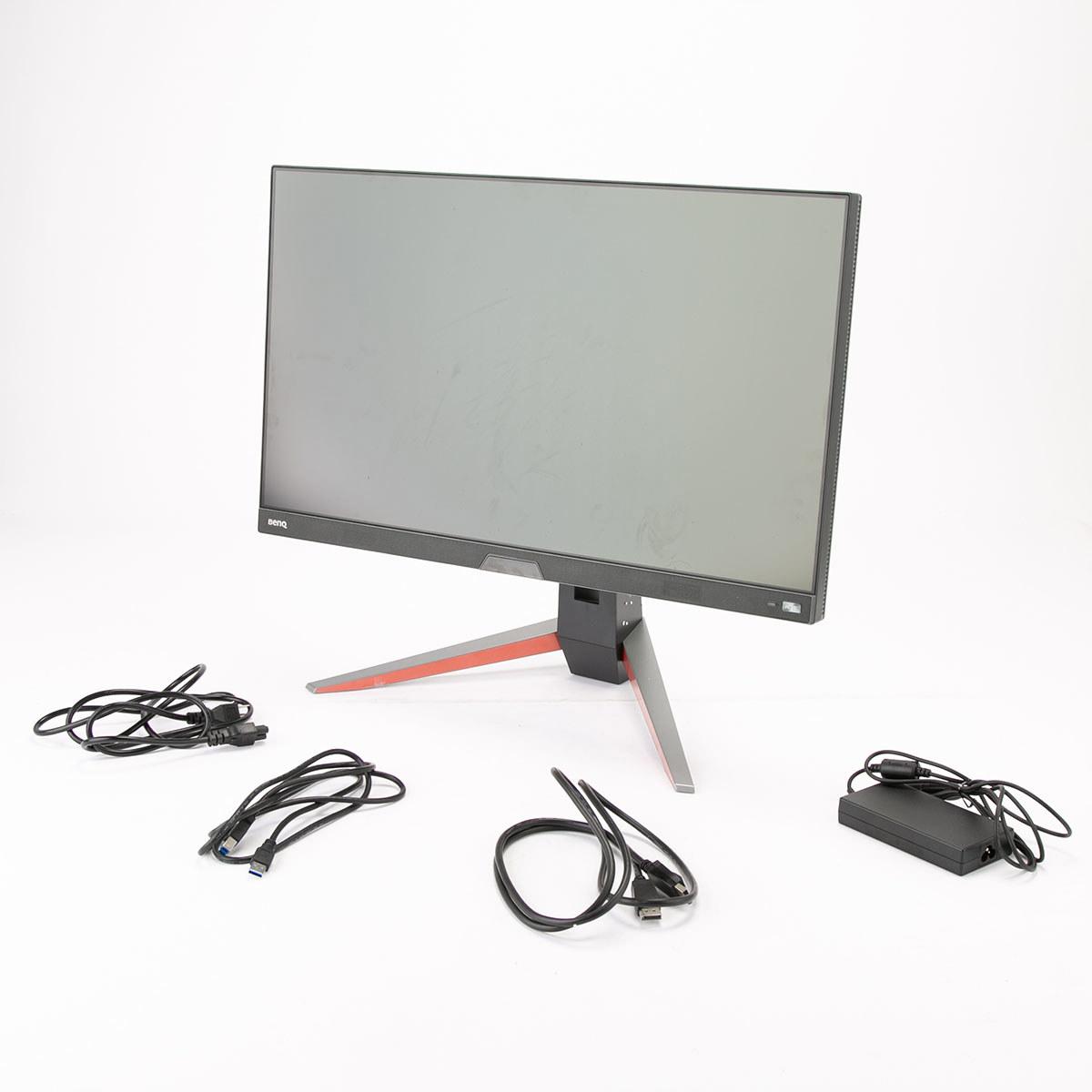
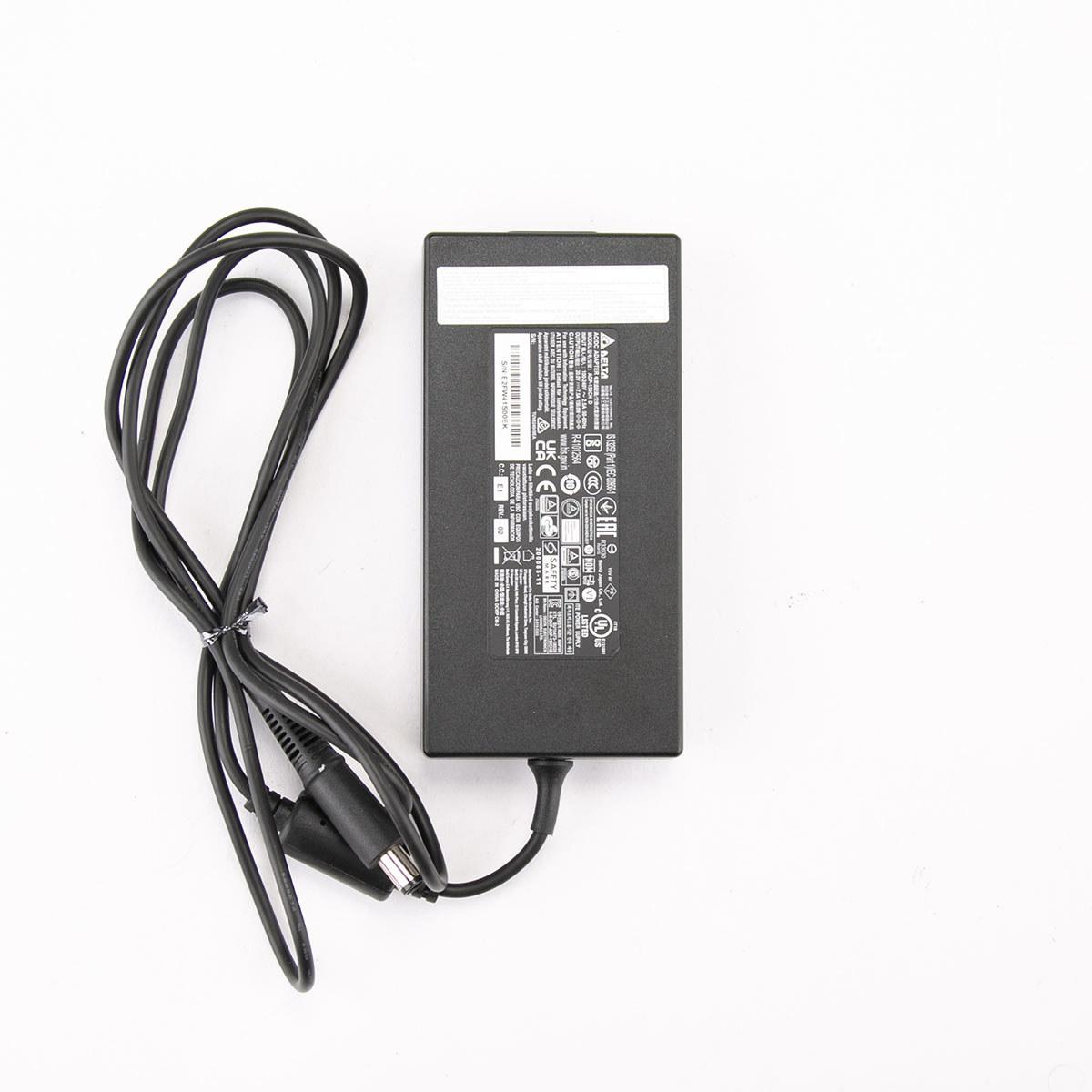
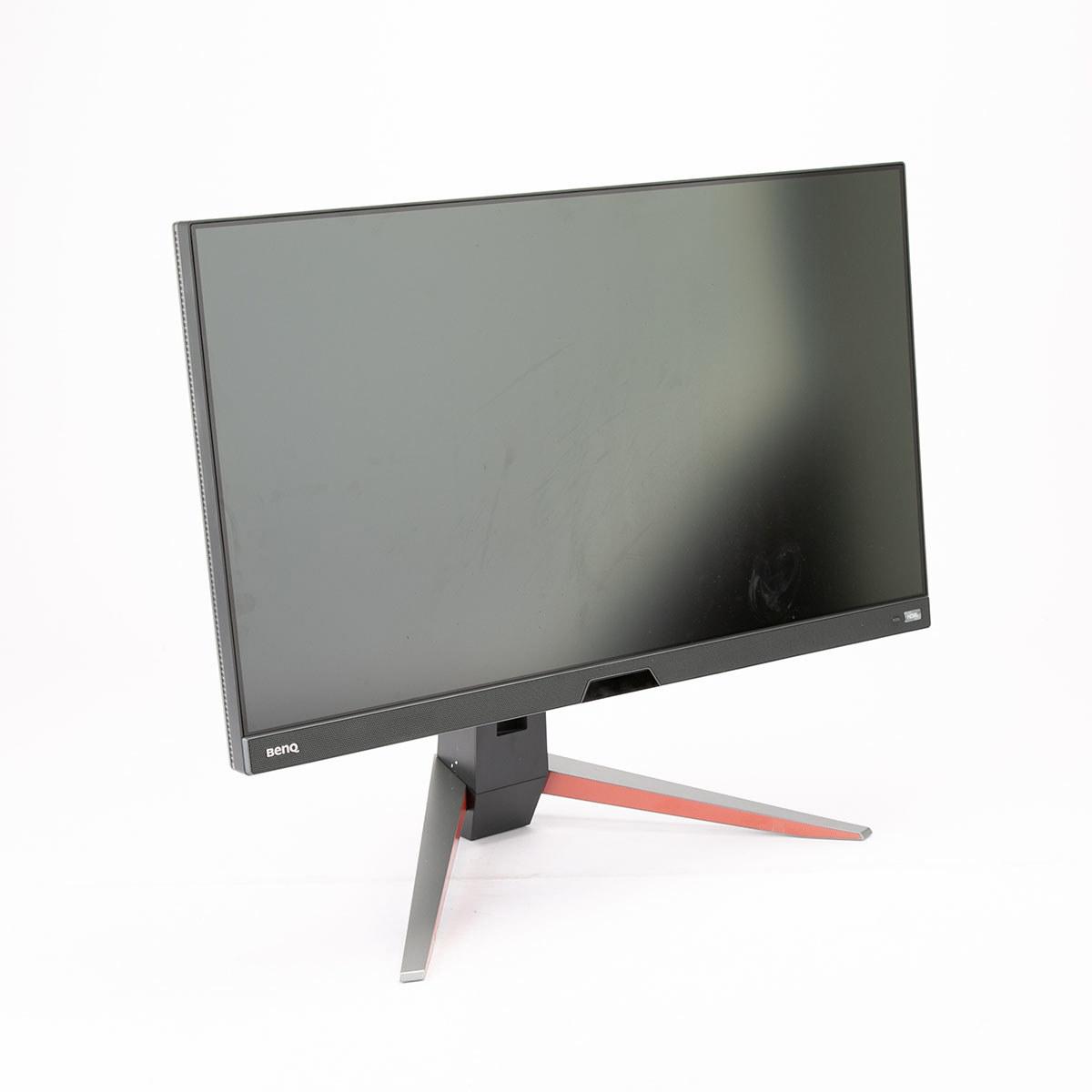
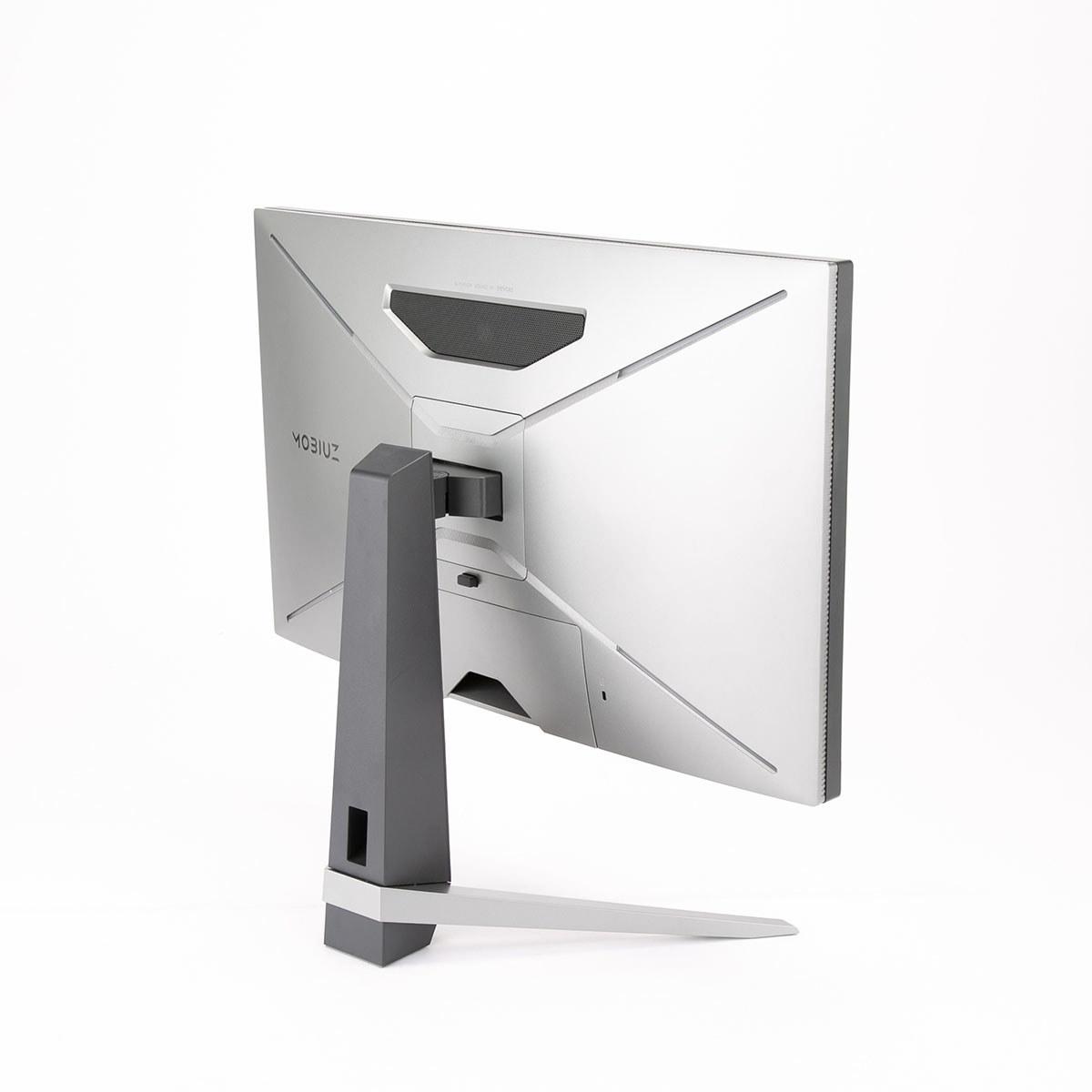
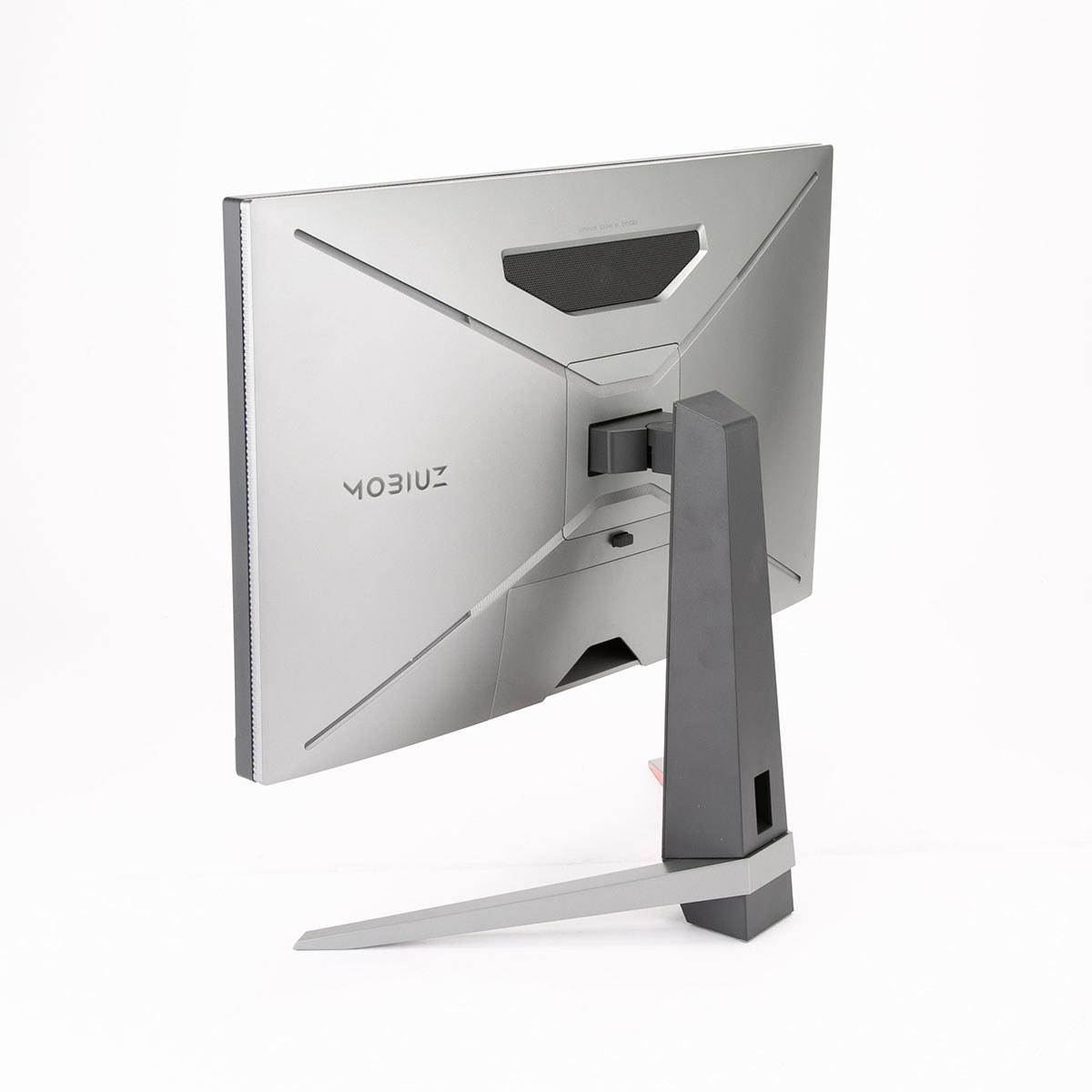
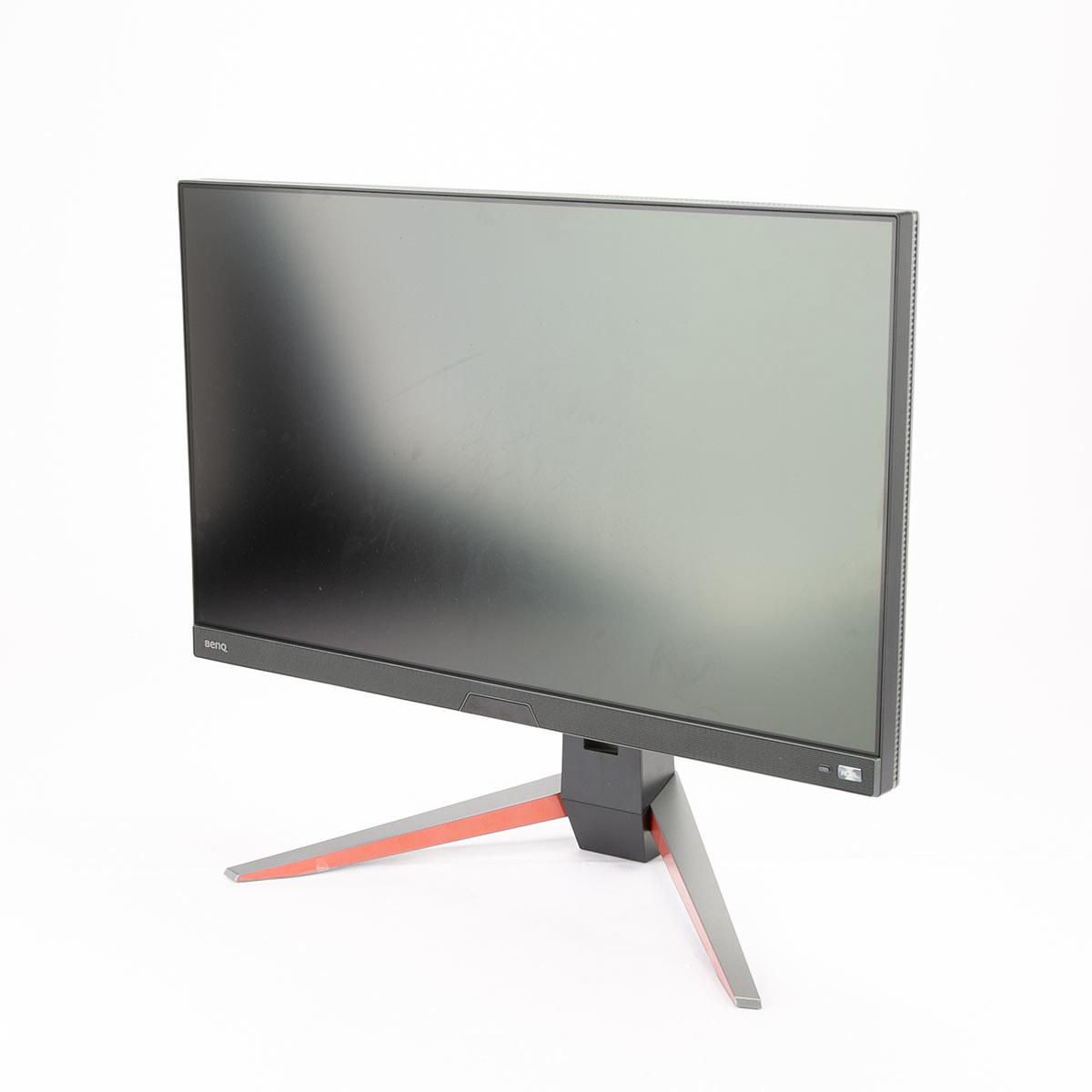
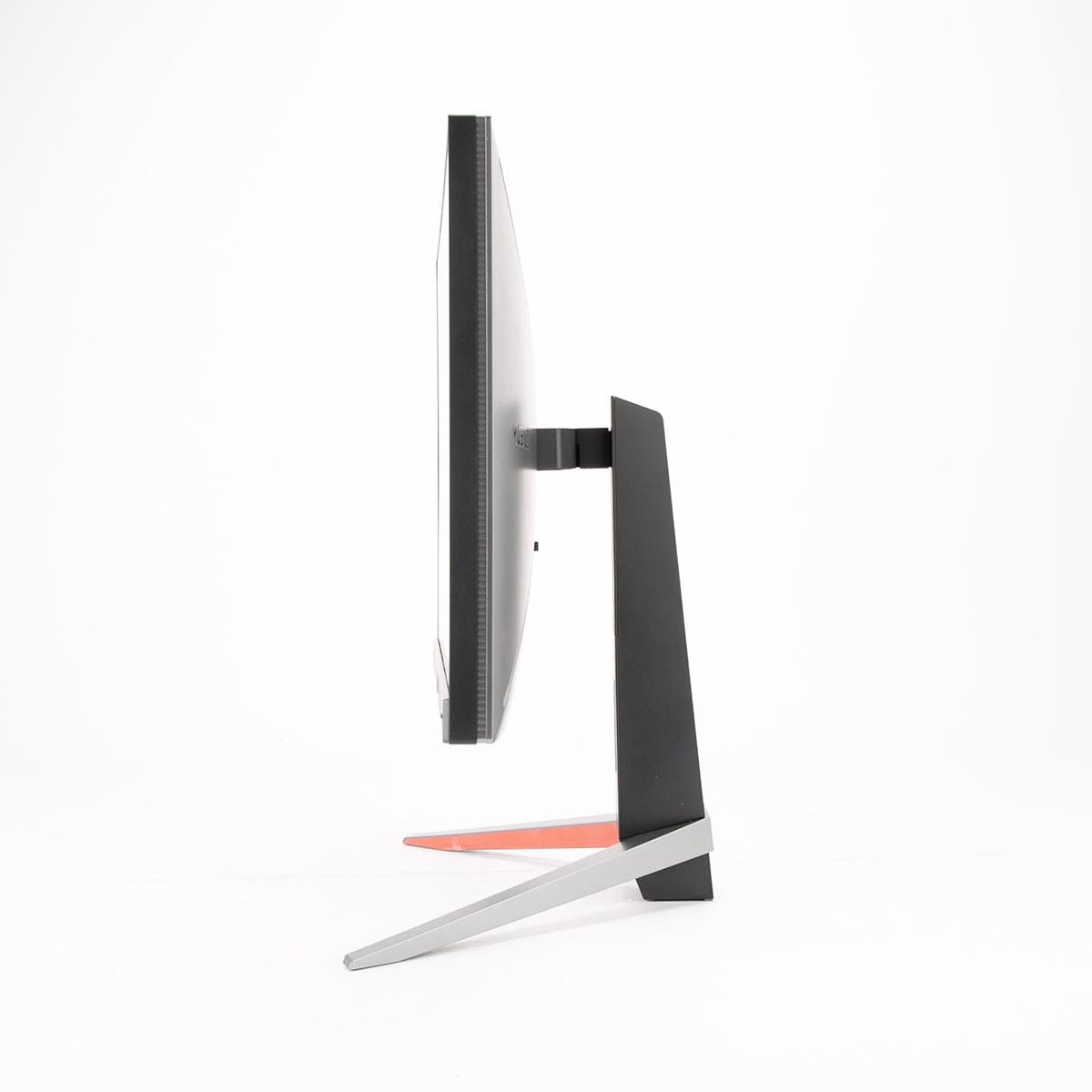
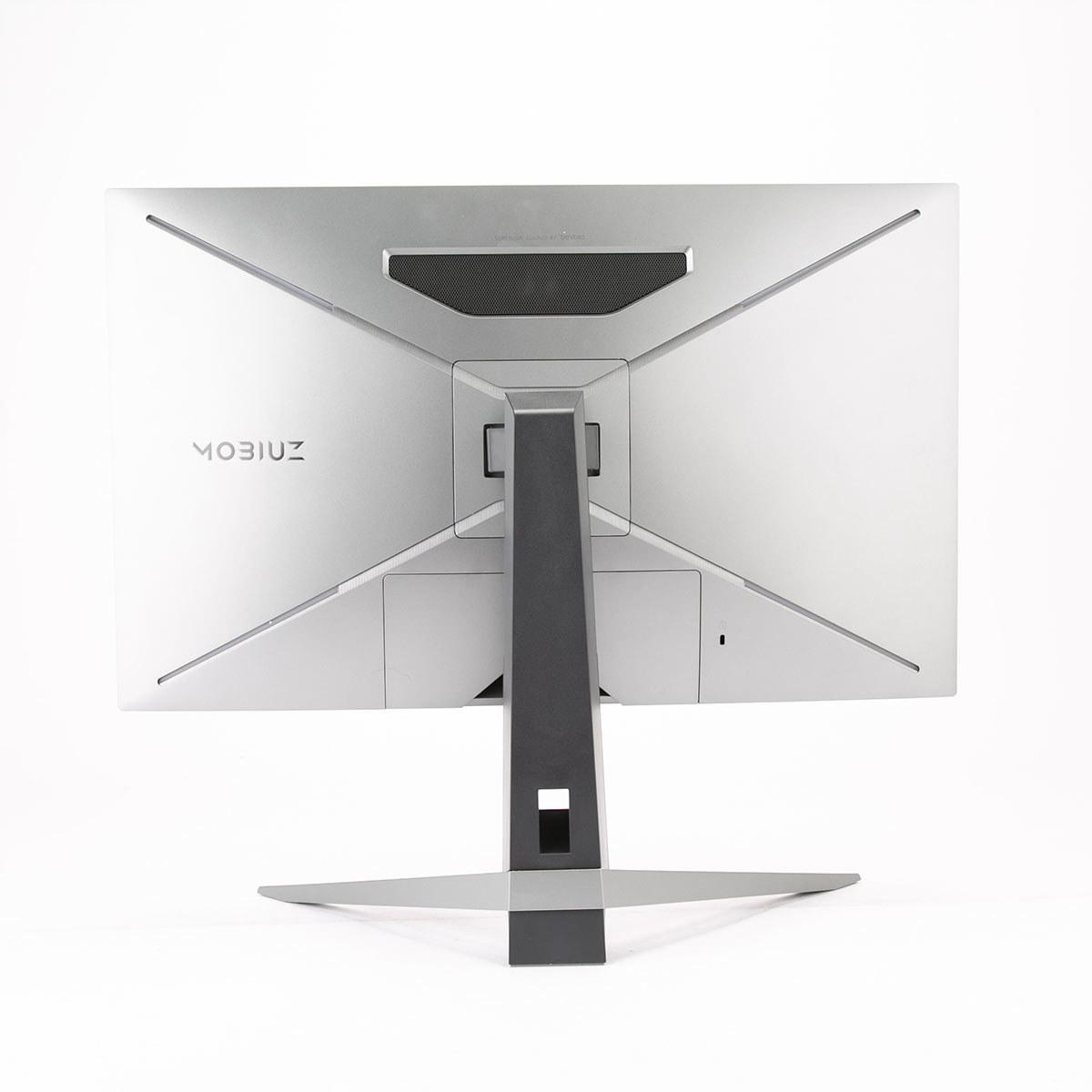
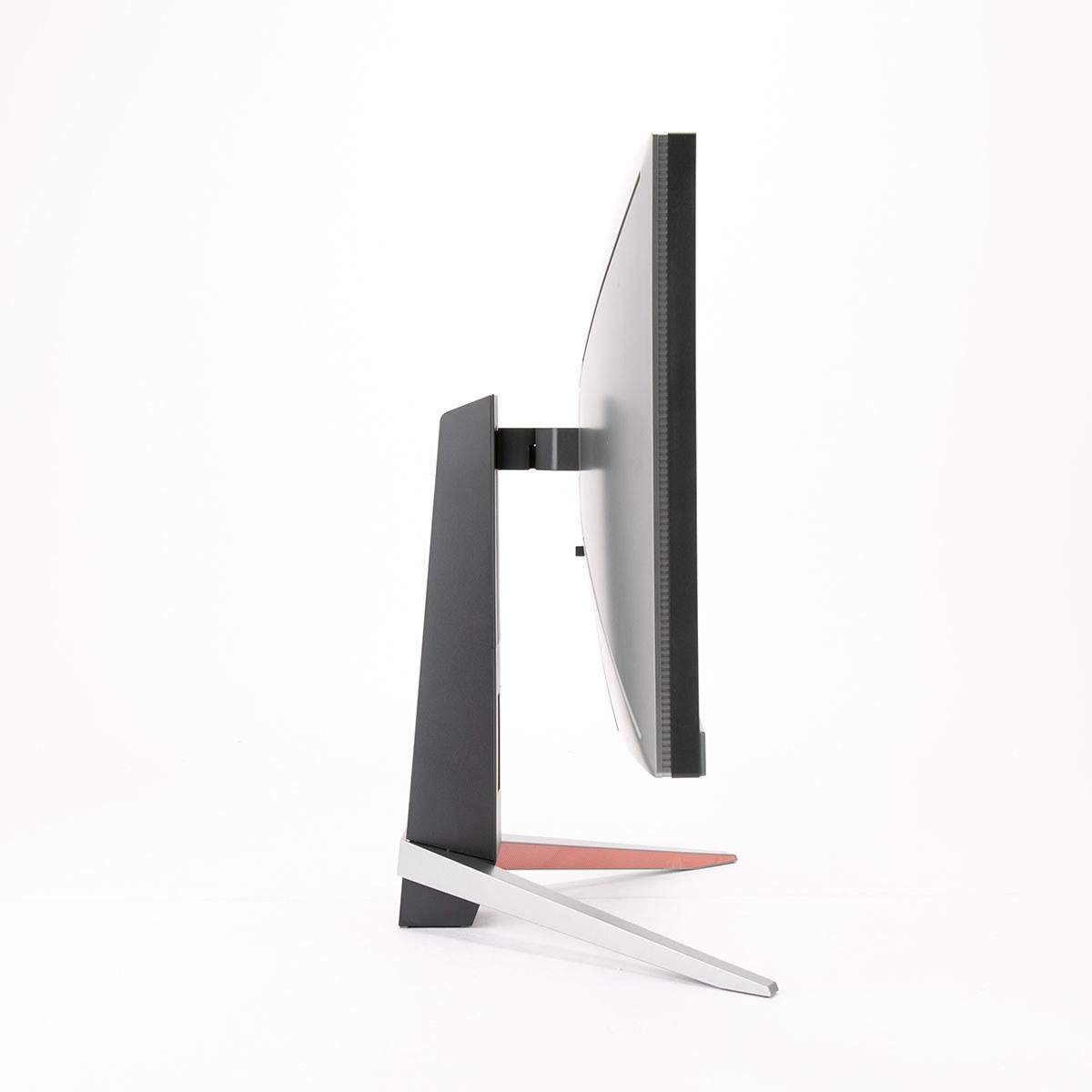
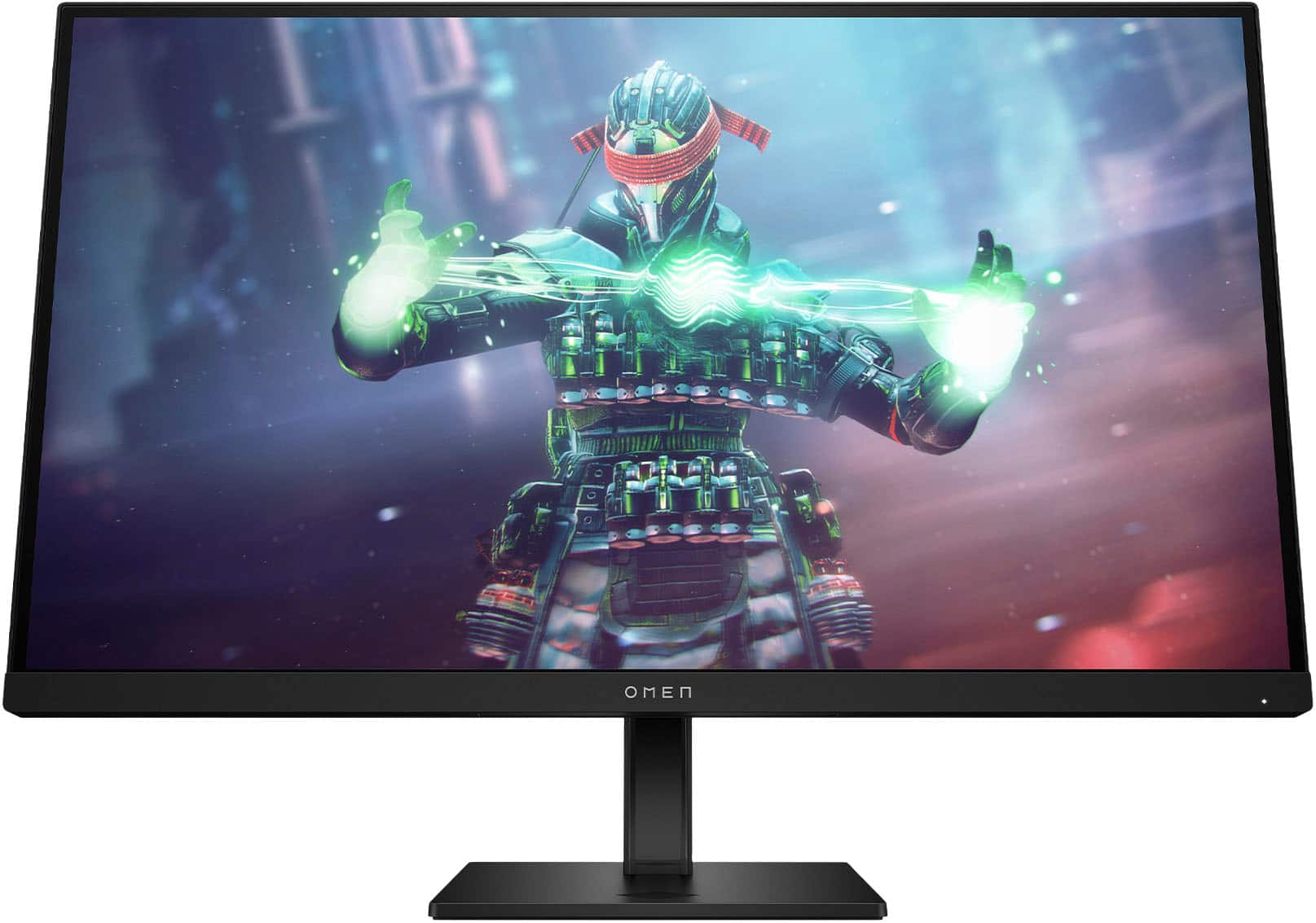
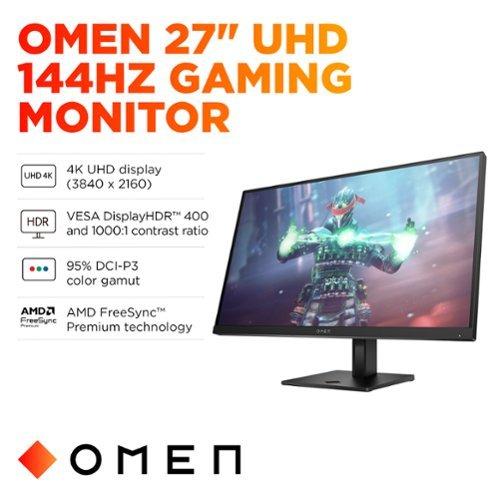
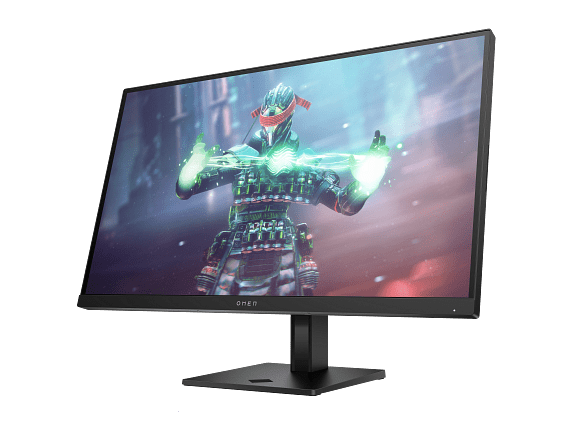
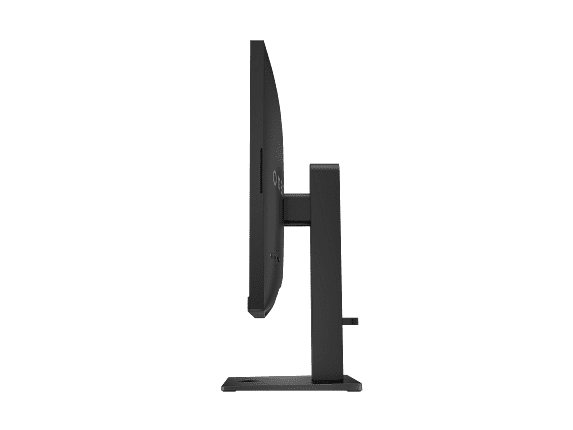
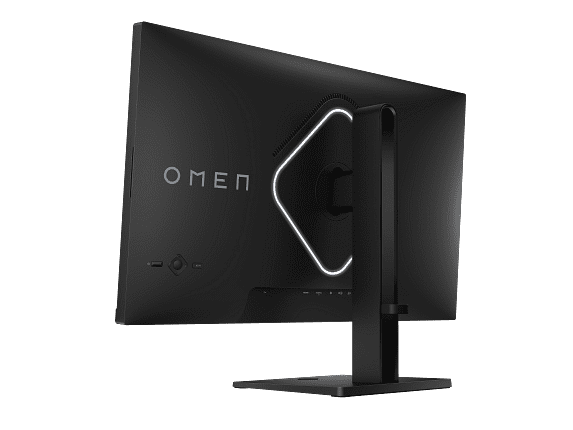
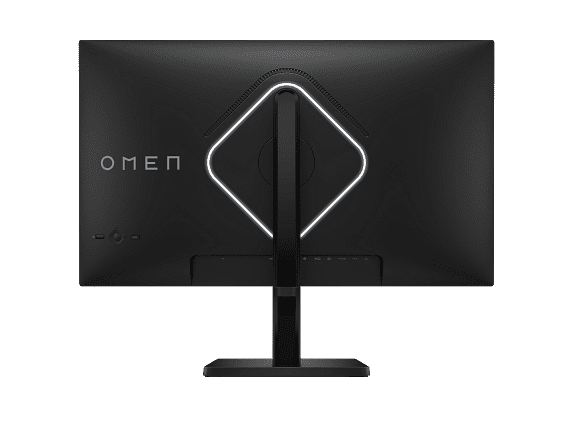
Gaming monitors have come a long way since those chunky CRT displays from the early 2000s. Today's market offers incredible choices, but that also means more complexity when you're trying to pick the right one. Two monitors that consistently pop up in gaming discussions are the BenQ MOBIUZ EX270QM 27" QHD 240Hz IPS Gaming Monitor ($399.99) and the HP Omen 27k 4K UHD 144Hz Gaming Monitor ($509.99). Both hit the market around 2022-2023, representing different approaches to what makes a great gaming display.
Before diving into specifics, let's talk about what actually matters in a gaming monitor. The gaming monitor landscape has evolved dramatically over the past few years, with manufacturers finally addressing the age-old compromise between speed and visual quality.
Resolution vs Refresh Rate is the fundamental trade-off you'll encounter. Higher resolutions like 4K give you incredibly sharp images—think of being able to read tiny text in Cyberpunk 2077 without squinting. But pushing all those pixels requires serious graphics card horsepower. Meanwhile, higher refresh rates (measured in Hz, which represents how many times per second your screen updates) create smoother motion that can genuinely improve your gaming performance, especially in competitive titles.
Panel technology matters more than most people realize. IPS (In-Plane Switching) panels, which both these monitors use, offer excellent color accuracy and wide viewing angles, meaning the image looks consistent whether you're sitting directly in front or slightly off to the side. This wasn't always the case—older TN (Twisted Nematic) panels were faster but looked washed out from any angle that wasn't perfectly centered.
Adaptive Sync technology (branded as G-Sync by NVIDIA or FreeSync by AMD) synchronizes your monitor's refresh rate with your graphics card's frame output. This eliminates screen tearing—those annoying horizontal lines that appear when your GPU and monitor fall out of sync. It's become essential for modern gaming.
The BenQ MOBIUZ EX270QM ($399.99) and HP Omen 27k ($509.99) represent two distinct philosophies in gaming monitor design. The BenQ focuses on competitive gaming performance with its 240Hz refresh rate at 1440p resolution, while the HP prioritizes visual fidelity with 4K resolution at 144Hz.
Since their release, both monitors have remained relevant despite newer models entering the market. The gaming monitor industry has seen incremental improvements in HDR (High Dynamic Range) implementation and better color accuracy, but the fundamental trade-offs these monitors represent haven't changed much. If anything, they've become more pronounced as games continue pushing both visual fidelity and competitive performance demands.
The HP Omen 27k's 4K UHD resolution (3840x2160) delivers 163 pixels per inch compared to the BenQ's 109 PPI at 1440p (2560x1440). That 50% increase in pixel density is immediately noticeable, especially for text clarity and fine details in games. When I'm playing something like The Witcher 3 or Red Dead Redemption 2, those extra pixels reveal texture details that simply aren't visible at 1440p.
The difference becomes even more apparent in productivity tasks. If you're someone who games but also uses their monitor for work, video editing, or content creation, the HP's 4K display provides workspace real estate that feels genuinely luxurious. You can fit more windows on screen comfortably, and text remains crisp even at smaller font sizes.
However, there's a significant performance cost. Driving 4K gaming at high frame rates requires a serious graphics card—realistically, you'll want at least an RTX 4070 or RX 7800 XT to maintain 60+ fps in demanding games at high settings.
Here's where things get interesting. The BenQ EX270QM supports HDR600, while the HP Omen 27k only achieves HDR400 certification. In practical terms, HDR600 can hit 600 nits of peak brightness compared to 400 nits, making highlights more impactful and colors more vibrant.
More impressive is the BenQ's color gamut coverage: 98% DCI-P3 versus the HP's 99% sRGB. DCI-P3 is a wider color space that includes more saturated greens and reds, making games look more vivid and lifelike. The difference is particularly noticeable in colorful games like Overwatch 2 or Fortnite, where the BenQ's wider color reproduction makes environments pop with intensity that the HP simply can't match.
The BenQ also includes HDRi technology, which uses an ambient light sensor to automatically adjust HDR performance based on your room's lighting conditions. It's not just a gimmick—this feature genuinely improves the HDR experience by preventing that washed-out look that happens when HDR content is too bright for your viewing environment.
For competitive gaming, the BenQ EX270QM's 240Hz refresh rate is transformative. The difference between 144Hz and 240Hz might seem minimal on paper, but in practice, it's immediately noticeable in fast-paced games. Your mouse movements feel more responsive, tracking enemies becomes smoother, and there's less motion blur during rapid camera movements.
The BenQ's measured input lag of just 0.7ms places it among the fastest gaming monitors available. Input lag is the delay between when you move your mouse or press a key and when that action appears on screen. For context, most people can perceive delays above 20ms, so 0.7ms is essentially instantaneous.
What's particularly impressive about the BenQ is its Advanced Motion Acceleration (AMA) overdrive system. Overdrive reduces response time by applying extra voltage to pixels, helping them change states faster. Many monitors introduce visual artifacts when overdrive is aggressive, but BenQ's implementation works cleanly even with adaptive sync enabled—a combination that's surprisingly rare.
The HP Omen 27k's 144Hz refresh rate isn't slouch territory—it's still twice as smooth as standard 60Hz displays. For single-player games where visual fidelity matters more than competitive edge, the extra resolution provides a more immersive experience.
Games like Horizon Zero Dawn, Assassin's Creed Valhalla, or Microsoft Flight Simulator benefit enormously from 4K resolution. Environmental details, character textures, and distant scenery all appear sharper and more realistic. The HP's higher pixel density also reduces the "screen door effect"—that subtle grid pattern you can sometimes see on lower-resolution displays when sitting close.
However, achieving consistent 144fps at 4K requires significant GPU power. Most gamers will find themselves choosing between 4K at 60-90fps with high settings or dropping to 1440p to maintain higher frame rates.
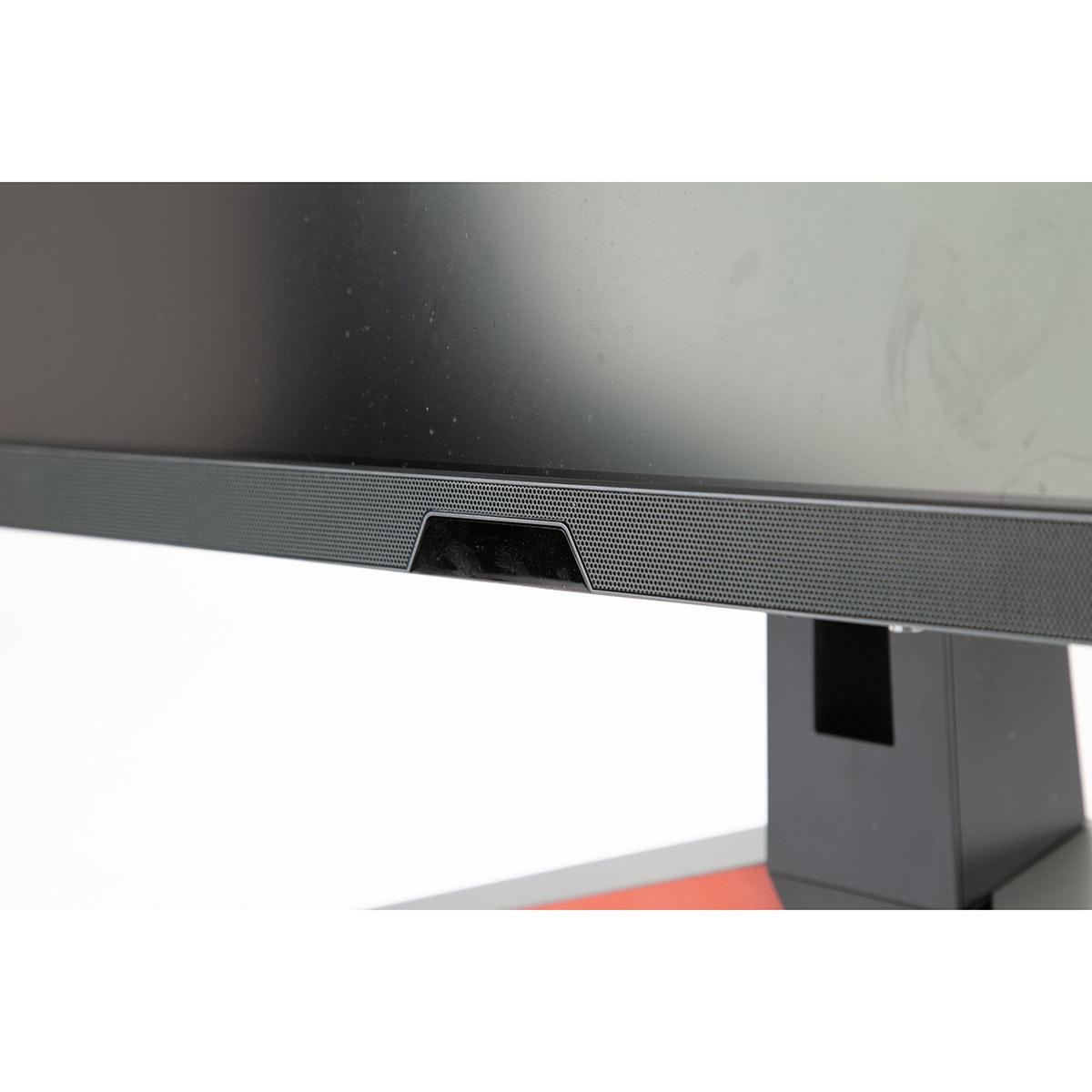
One area where the BenQ EX270QM absolutely shines is audio. Instead of the typical weak stereo speakers found on most monitors, BenQ includes a 2.1 channel system with dual 2W speakers and a dedicated 5W subwoofer. The audio is tuned by BenQ's treVolo brand, and the result is genuinely impressive for monitor speakers.
The built-in audio eliminates the need for external speakers in many setups, which is particularly valuable if you have limited desk space or prefer a cleaner aesthetic. While it won't replace a dedicated audio system, it's surprisingly capable for casual gaming and media consumption.
The HP Omen 27k counters with superior connectivity options. The built-in KVM (Keyboard, Video, Mouse) switch is particularly useful if you work from home and need to switch between a work laptop and gaming PC. You can control both devices with a single keyboard and mouse setup, eliminating the need for separate peripherals or constant cable swapping.
The HP also includes USB-C with DisplayPort Alt Mode, making it easy to connect modern laptops with a single cable. While it doesn't provide power delivery for charging, it's still convenient for temporary laptop connections.
For console gaming, the HP's HDMI 2.1 support enables 4K at 120Hz with PlayStation 5 and Xbox Series X, though you'll need to ensure your console and games support these higher frame rates.
Both monitors can serve double duty in a home theater setup, but they offer different advantages. The HP Omen 27k's 4K resolution makes it better suited for movie watching and streaming content, especially if you sit relatively close to the screen. The higher resolution ensures text and fine details remain sharp even when displaying 4K video content.
The BenQ's superior HDR600 implementation provides more impactful cinematic experiences with better contrast and brighter highlights. The wider DCI-P3 color gamut also means movies mastered in this color space will look more accurate and vibrant.
For gaming consoles in a living room setup, the HP's 4K capability aligns better with the PS5 and Xbox Series X's native output resolution, though both consoles can output 1440p to the BenQ if needed.
At $399.99, the BenQ MOBIUZ EX270QM delivers exceptional value for competitive gamers. You're getting 240Hz IPS performance, HDR600, wide color gamut coverage, and superior audio—features that would typically cost significantly more in other monitors.
The $509.99 HP Omen 27k represents a 28% price premium over the BenQ, which directly reflects the cost of 4K panel technology. For users who need that resolution—whether for productivity, immersive gaming, or console compatibility—the premium is justified.
Since these monitors launched, the gaming display landscape has continued evolving. OLED gaming monitors have become more affordable, offering perfect blacks and incredible contrast but with potential burn-in concerns. Mini-LED backlighting has improved HDR performance in LCD monitors, though at higher price points.
Both the BenQ and HP remain relevant because they represent optimized points on the performance/price curve. The fundamental trade-offs they embody—speed vs resolution—haven't been eliminated by newer technology, just pushed to higher price tiers.
Choose the BenQ MOBIUZ EX270QM ($399.99) if competitive gaming performance is your priority. The 240Hz refresh rate, low input lag, and superior HDR implementation create an experience that's immediately noticeable in fast-paced games. The excellent built-in audio system is a bonus that adds real value to the package.
Opt for the HP Omen 27k ($509.99) if visual fidelity and versatility matter more than competitive edge. The 4K resolution provides stunning image quality for immersive gaming and doubles as an excellent productivity display. The KVM switch and comprehensive connectivity make it particularly appealing for multi-device setups.
Consider your graphics card capability carefully. The BenQ is more forgiving of mid-range GPUs, while the HP really demands high-end graphics hardware to shine. Your gaming preferences also matter—competitive multiplayer games favor the BenQ's speed, while single-player experiences benefit from the HP's resolution.
Both monitors represent solid choices that have stood the test of time since their release. The decision ultimately comes down to whether you value competitive performance or visual fidelity more highly in your gaming setup.
| BenQ MOBIUZ EX270QM 27" QHD 240Hz IPS Gaming Monitor | HP Omen 27k 4K UHD 144Hz Gaming Monitor |
|---|---|
| Resolution - Core trade-off between sharpness and performance demands | |
| 2560 x 1440 (QHD) - Easier on GPU, great for competitive gaming | 3840 x 2160 (4K UHD) - 78% more pixels, much sharper image quality |
| Refresh Rate - Critical for competitive gaming smoothness | |
| 240Hz - Ultra-smooth motion, significant advantage in esports | 144Hz - Still very smooth, adequate for most gaming scenarios |
| Response Time - How quickly pixels change color | |
| 1ms (GTG) with excellent overdrive implementation | 1ms (GTG) with standard overdrive performance |
| HDR Performance - Impact on visual contrast and colors | |
| HDR600 (600 nits peak) - Noticeably better HDR experience | HDR400 (400 nits peak) - Basic HDR with limited impact |
| Color Gamut - How vibrant and accurate colors appear | |
| 98% DCI-P3 - Wider color space, more saturated visuals | 99% sRGB - Standard color space, good but less vivid |
| Input Lag - Delay between input and screen response | |
| 0.7ms - Among the fastest available, competitive gaming optimized | ~4ms - Still excellent for gaming, imperceptible for most users |
| Audio System - Built-in sound quality | |
| 2.1 channel (2W stereo + 5W subwoofer) - Surprisingly good audio | 2x3W stereo speakers - Functional but unremarkable |
| Adaptive Sync Technology - Eliminates screen tearing | |
| AMD FreeSync Premium Pro - Works excellently with motion blur reduction | AMD FreeSync Premium - Standard implementation, works well |
| Connectivity Options - Ports and device compatibility | |
| 2x HDMI 2.1, 1x DP 1.4, USB hub - Good gaming-focused connectivity | HDMI 2.1/2.0, DP 1.4, USB-C, KVM switch - Superior versatility |
| Pixel Density - How crisp text and details appear | |
| 109 PPI - Good sharpness at normal viewing distances | 163 PPI - Noticeably crisper text and finer details |
| GPU Requirements - Graphics card power needed | |
| Mid-range GPUs (RTX 4060/RX 7600) handle 240fps easily | High-end GPUs (RTX 4070+/RX 7800 XT+) needed for 4K gaming |
| Price and Value Proposition | |
| $399.99 - Exceptional competitive gaming value | $509.99 - Premium for 4K, good multi-use value |
The BenQ MOBIUZ EX270QM ($399.99) is significantly better for competitive gaming due to its 240Hz refresh rate and 0.7ms input lag. The higher refresh rate provides smoother motion tracking and faster response times that can improve performance in games like CS:GO, Valorant, and Apex Legends. The HP Omen 27k at 144Hz is still good for gaming but doesn't offer the same competitive edge.
The core difference is resolution versus refresh rate. The BenQ EX270QM offers 1440p resolution at 240Hz for ultra-smooth competitive gaming, while the HP Omen 27k ($509.99) provides 4K resolution at 144Hz for sharper, more detailed visuals. It's essentially a choice between speed and image quality.
The HP Omen 27k has sharper picture quality due to its 4K resolution (3840x2160) compared to the BenQ's 1440p (2560x1440). However, the BenQ EX270QM offers better HDR performance with HDR600 certification and wider DCI-P3 color coverage, making colors more vibrant and contrasted.
The BenQ MOBIUZ EX270QM works well with mid-range graphics cards like RTX 4060 or RX 7600 to achieve high frame rates at 1440p. The HP Omen 27k requires more powerful hardware like RTX 4070 or RX 7800 XT to fully utilize 4K gaming at decent frame rates.
At $399.99, the BenQ EX270QM offers exceptional value with premium features like 240Hz IPS, HDR600, and excellent built-in audio. The HP Omen 27k at $509.99 costs 28% more but provides 4K resolution and better connectivity options. Value depends on whether you prioritize competitive performance or visual clarity.
The BenQ EX270QM has significantly better audio with a 2.1 channel system including dual 2W speakers and a 5W subwoofer, tuned by treVolo technology. The HP Omen 27k has basic 2x3W stereo speakers that are functional but unremarkable. For desk setups without external speakers, the BenQ is much better.
The HP Omen 27k is better for PS5 and Xbox Series X due to its 4K resolution matching the consoles' native output and HDMI 2.1 support for 4K at 120Hz. The BenQ EX270QM works with consoles but they'll output at 1440p, which is still excellent but not the consoles' maximum resolution capability.
The HP Omen 27k is much better for productivity work due to its 4K resolution providing more screen real estate and sharper text. The BenQ MOBIUZ EX270QM is primarily gaming-focused, though its 1440p resolution is adequate for basic office tasks and web browsing.
The BenQ EX270QM has superior HDR with HDR600 certification (600 nits peak brightness) compared to the HP Omen 27k's HDR400 (400 nits). The BenQ also features HDRi technology that automatically optimizes HDR based on ambient lighting, providing a more impactful HDR gaming and media experience.
The HP Omen 27k has more versatile connectivity with HDMI 2.1/2.0, DisplayPort 1.4, USB-C, and a built-in KVM switch for managing multiple devices. The BenQ EX270QM offers 2x HDMI 2.1, DisplayPort 1.4, and USB hub - good for gaming but less versatile for multi-device setups.
For movies and streaming, the HP Omen 27k is better due to its 4K resolution providing sharper detail in video content. However, the BenQ MOBIUZ EX270QM offers better HDR performance and wider color coverage, which can make movies more vibrant and cinematic despite the lower resolution.
Choose 240Hz (BenQ EX270QM at $399.99) if you play competitive multiplayer games where reaction time and smooth motion matter most. Choose 4K (HP Omen 27k at $509.99) if you prefer single-player games with beautiful visuals or use your monitor for both gaming and productivity work. Your graphics card power will also influence this decision.
We've done our best to create useful and informative comparisons to help you decide what product to buy. Our research uses advanced automated methods to create this comparison and perfection is not possible - please contact us for corrections or questions. These are the sites we've researched in the creation of this article: bgeek.eu - youtube.com - tomshardware.com - youtube.com - t3.com - versus.com - pcgamer.com - versus.com - gamesradar.com - pangoly.com - benq.eu - techaeris.com - shi.com - benq.com - bestbuy.com - benq.com - displayspecifications.com - benq.com - benq.eu - bhphotovideo.com - benq.com - tomshardware.com - windowscentral.com - digitaltrends.com - youtube.com - hp.com - youtube.com - hp.com - hp.com - displayspecifications.com - files.bbystatic.com - newegg.com - hp.com - hp.com - hp.com - hp.com - target.com - files.bbystatic.com - displayspecifications.com

Privacy Policy
Terms and Conditions - Affiliate Policy
Home Security
© Copyright 2008-2026.
11816 Inwood Rd #1211, Dallas, TX 75244