

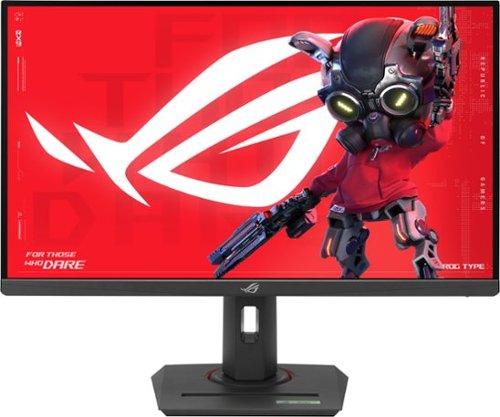
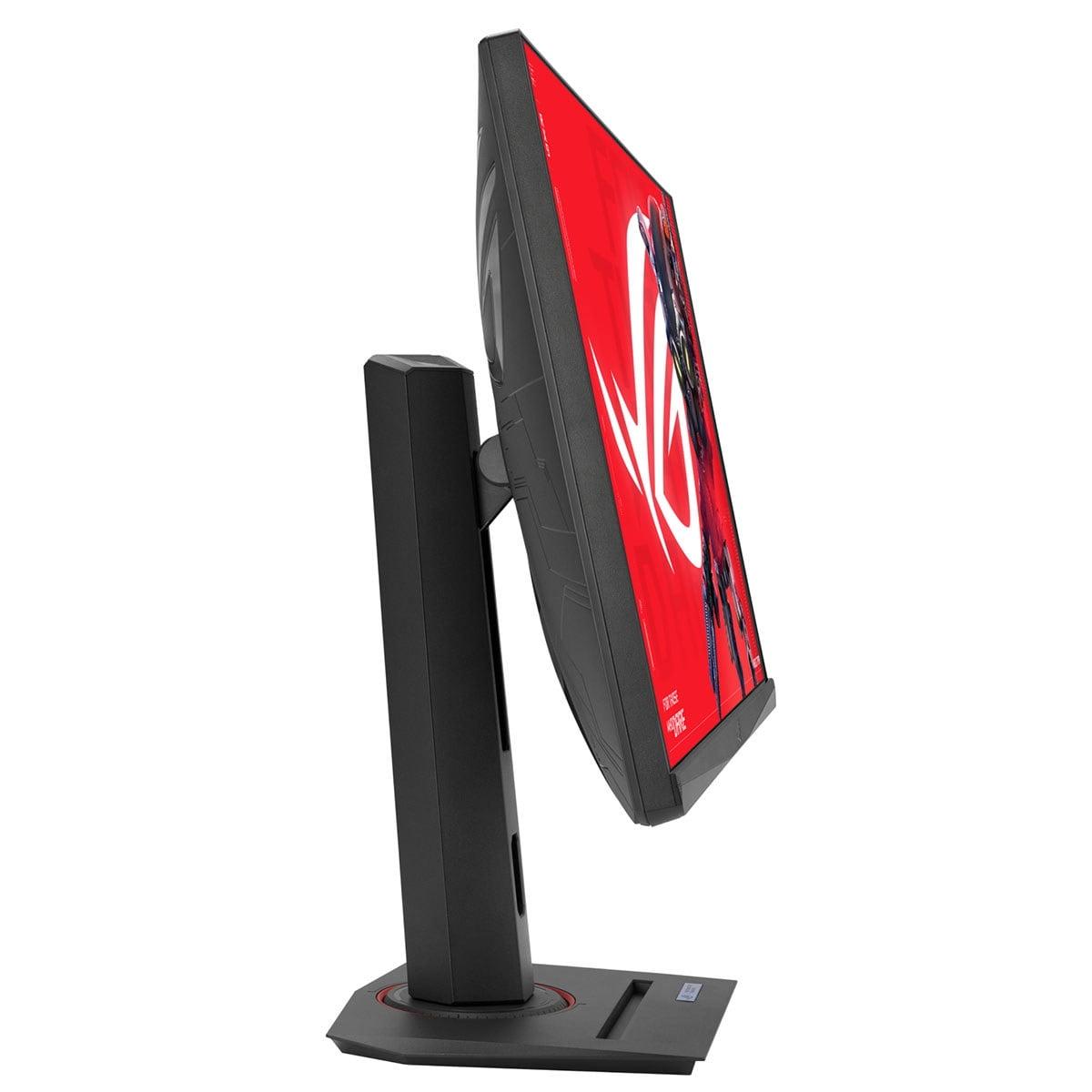
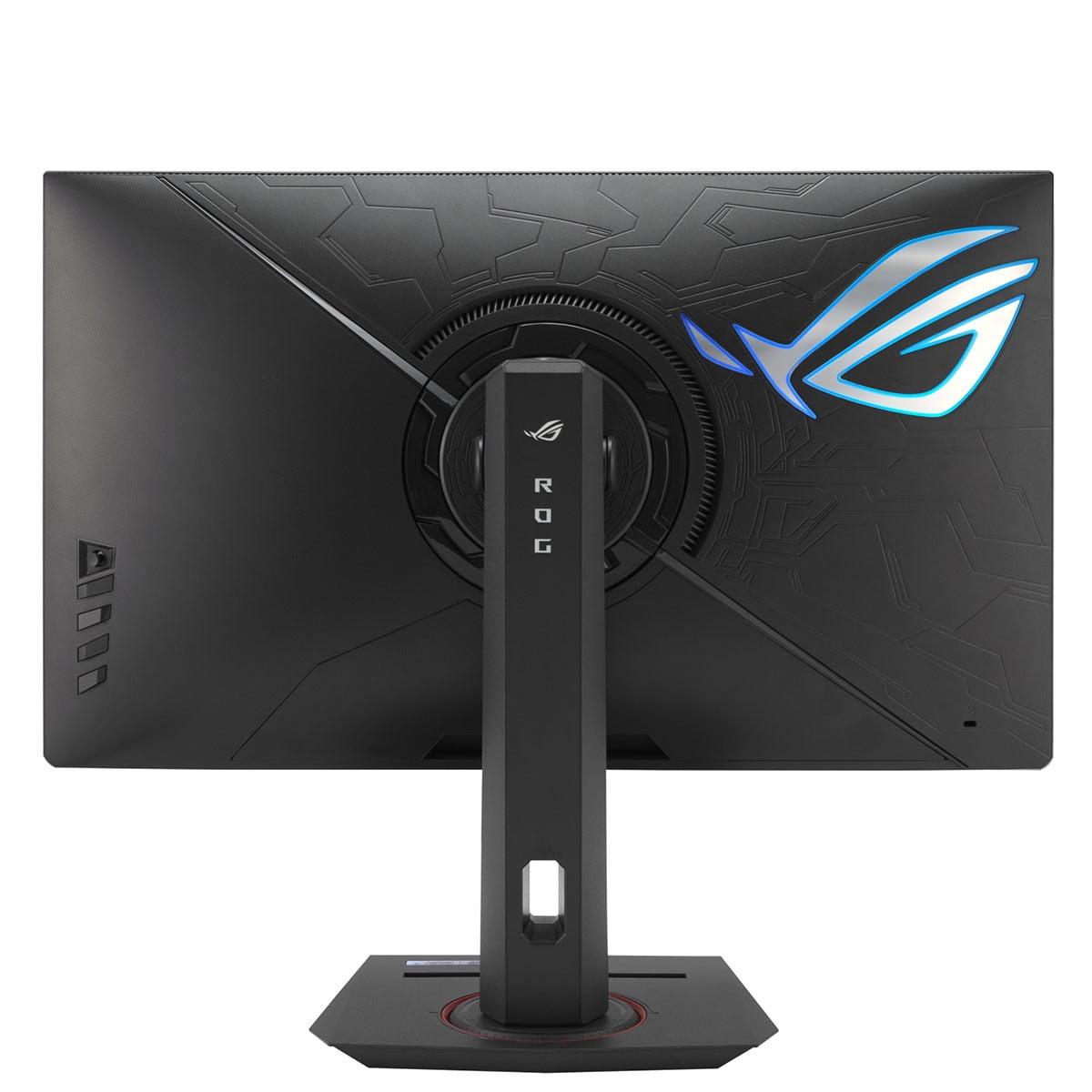
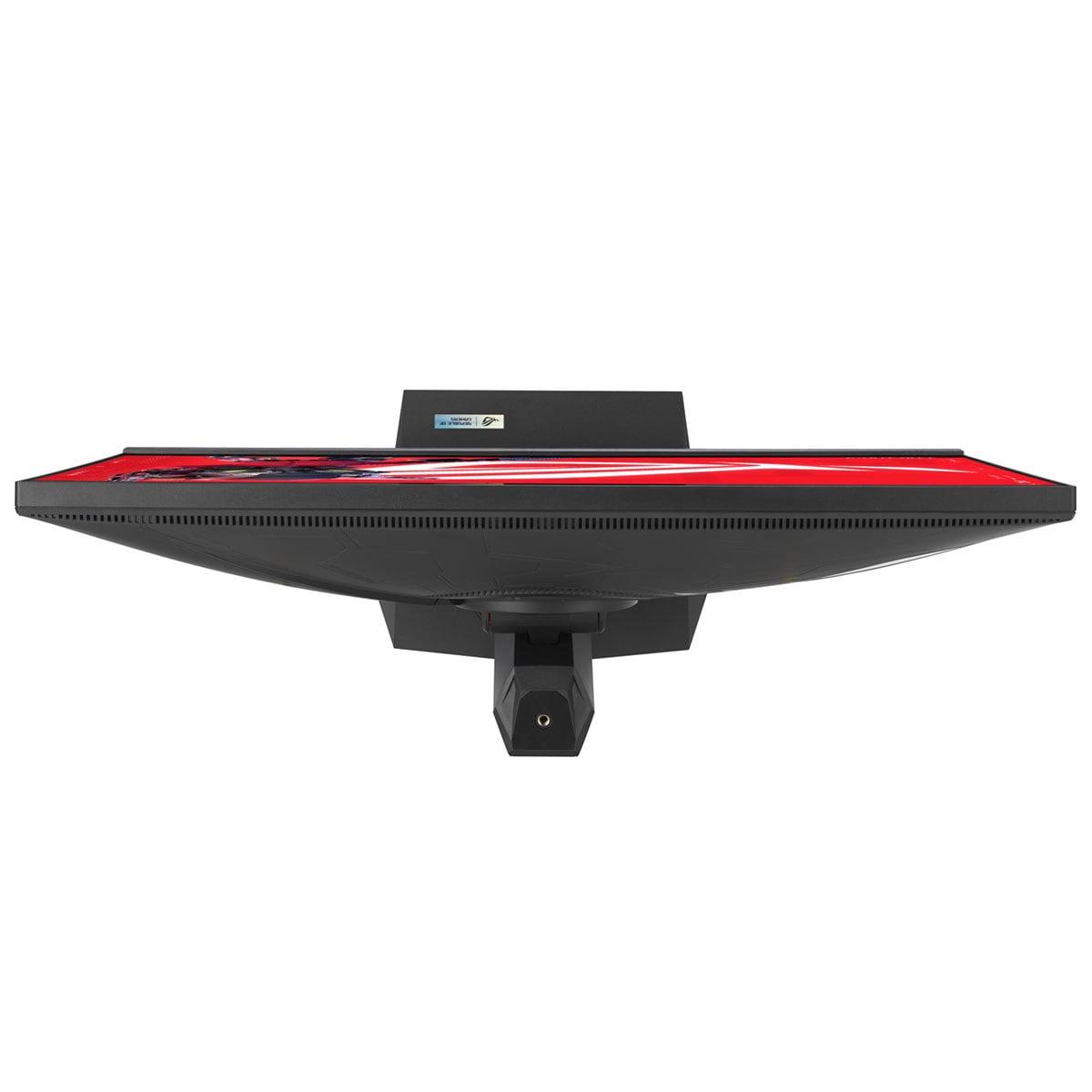
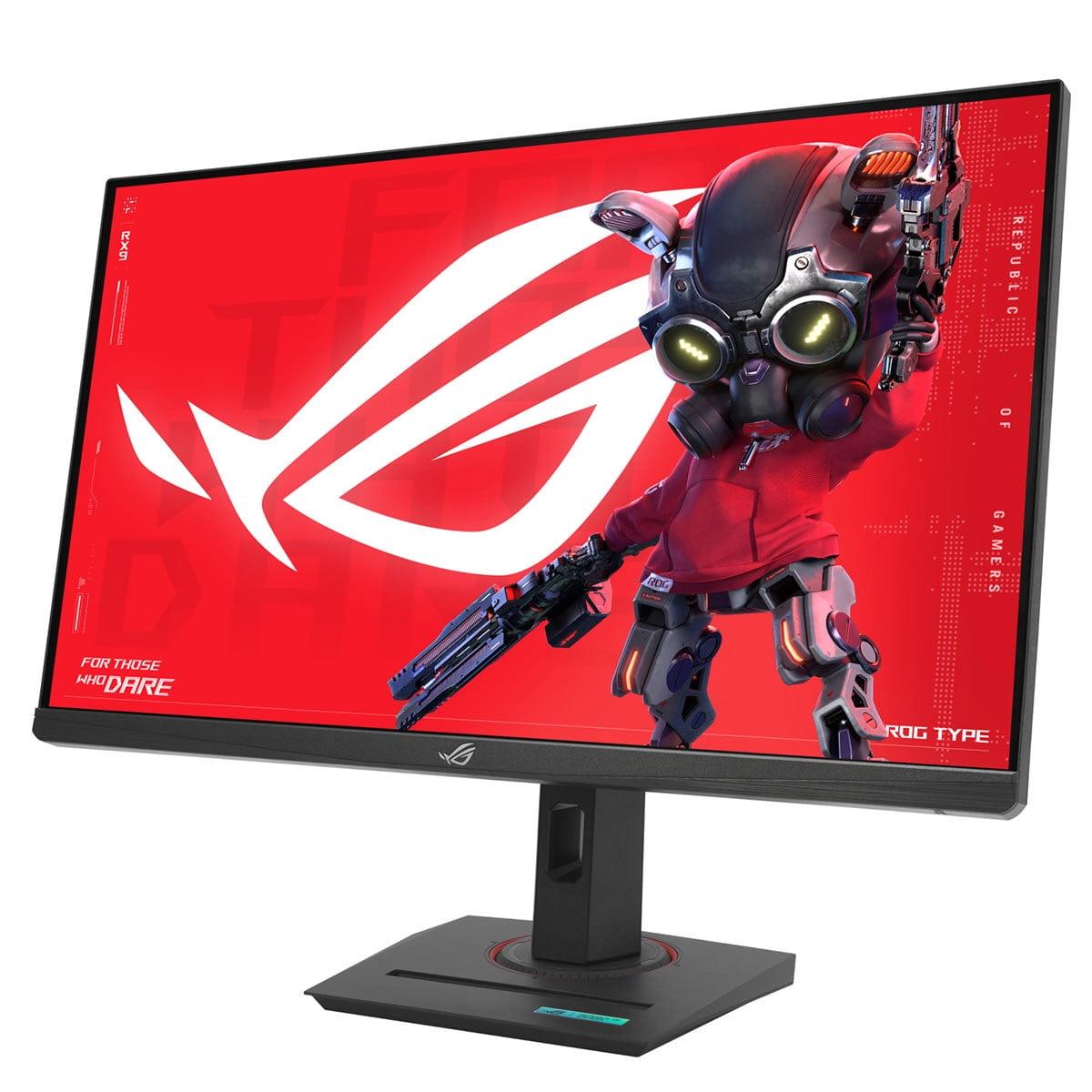
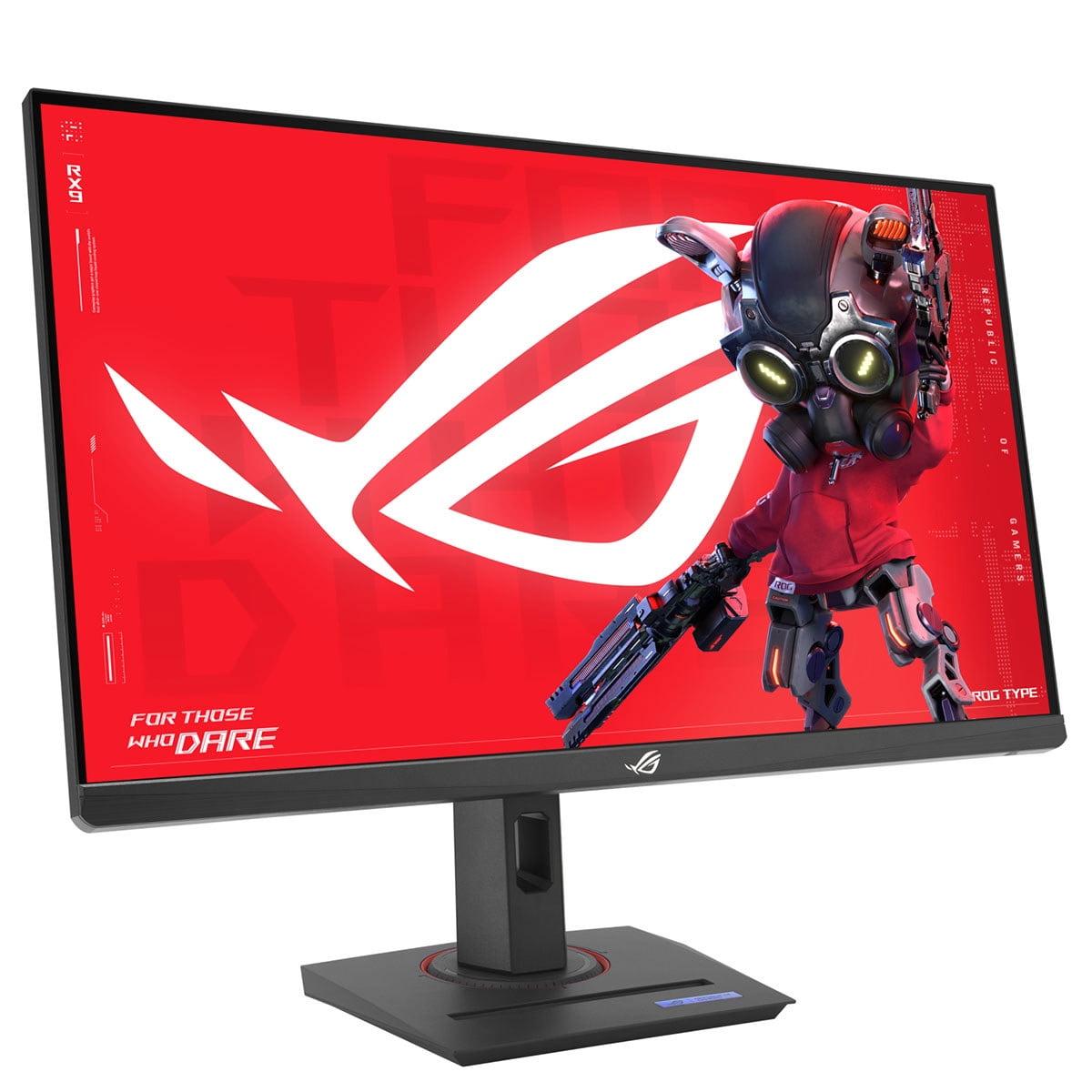
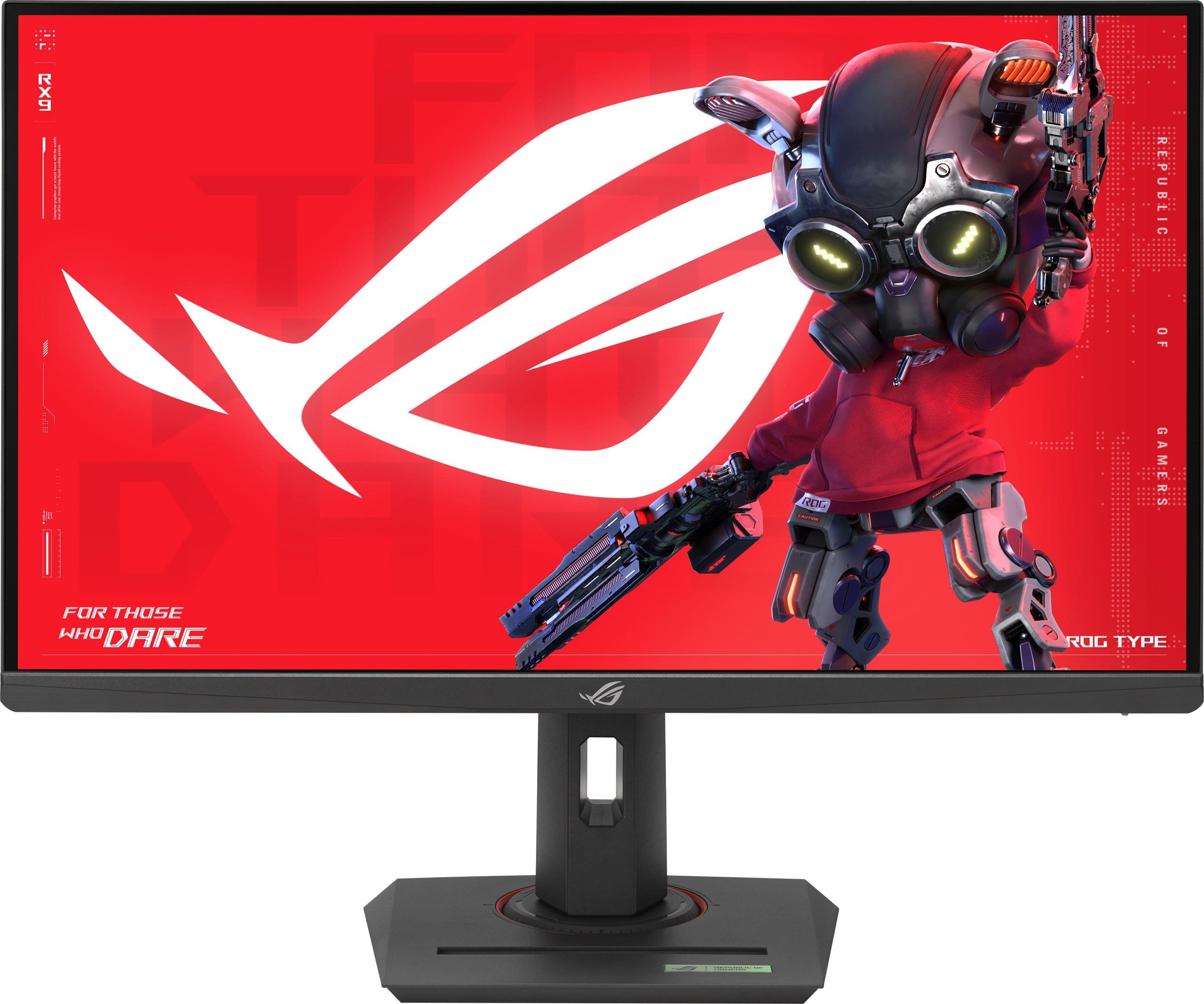
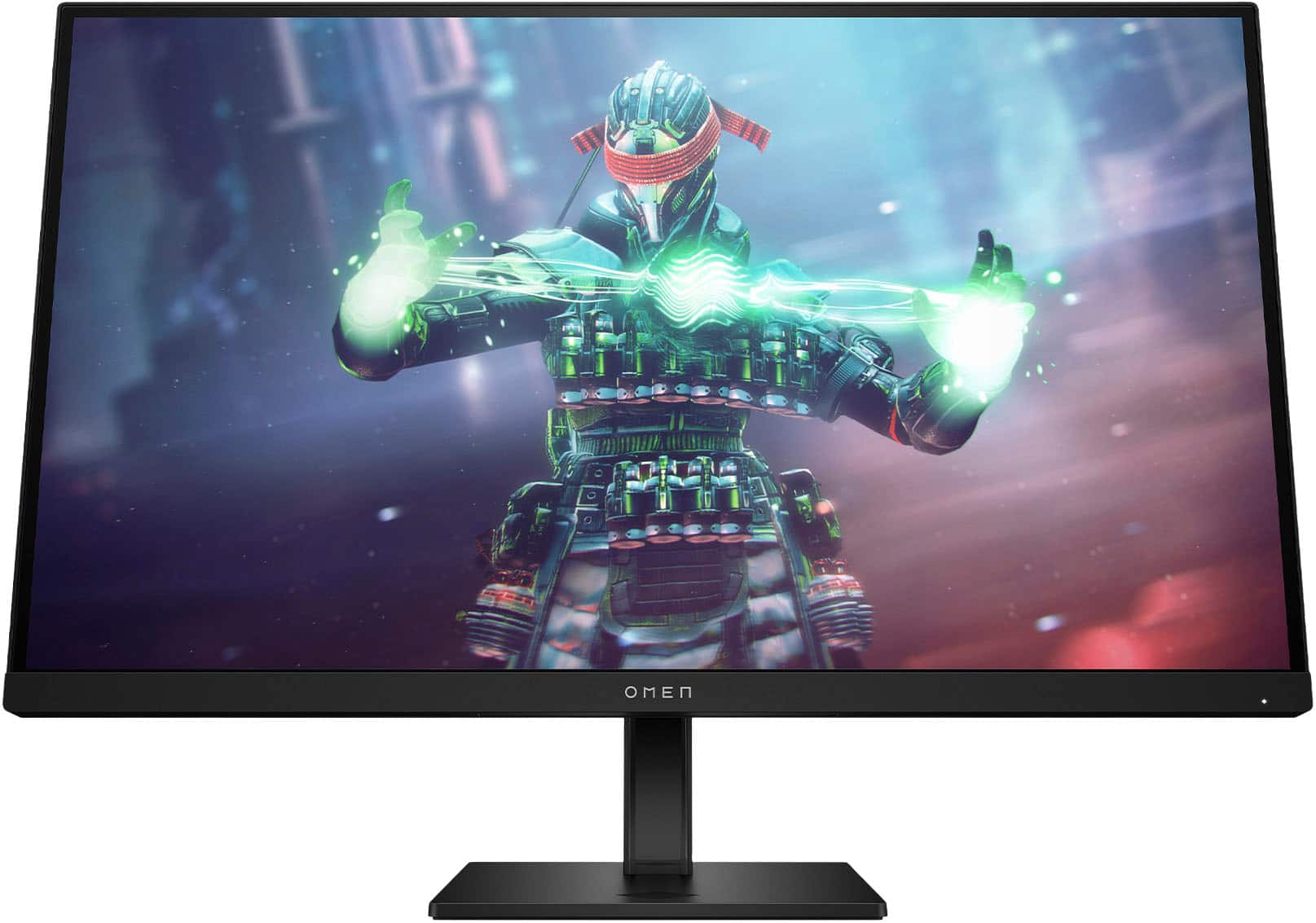
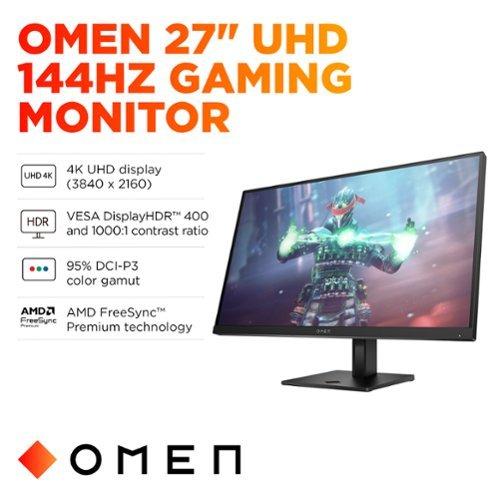
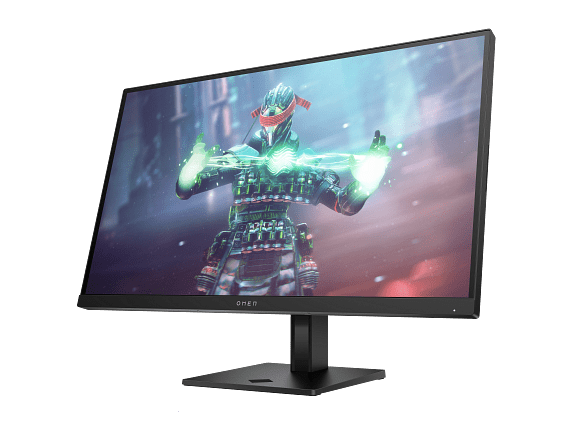
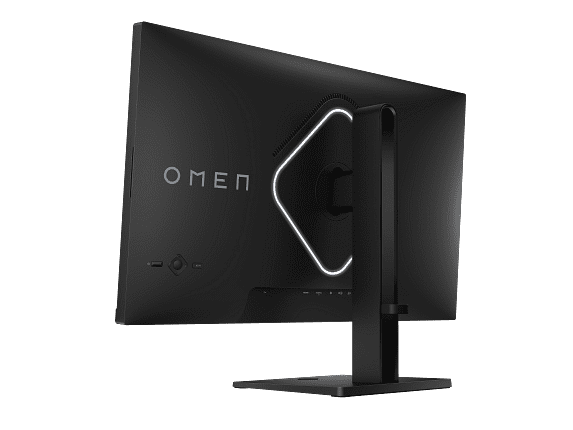
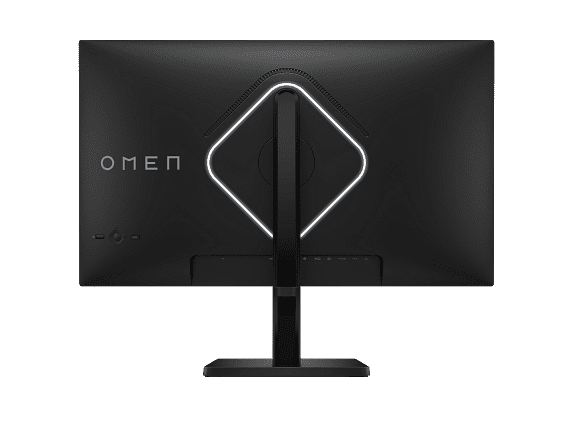
When I first started testing gaming monitors seriously, the choice was simple: you either got a fast 1080p monitor for competitive gaming or a slow 4K display for beautiful visuals. Those days are gone. Modern gaming monitors like the ASUS ROG Strix XG27ACMG at $329.99 and HP Omen 27k at $509.99 prove that today's options are far more nuanced – and that's both exciting and confusing for buyers.
Both of these 27-inch monitors represent different philosophies in gaming display design. The ASUS monitor prioritizes ultra-high refresh rates for competitive advantage, while the HP display focuses on 4K resolution for visual fidelity and versatility. Understanding which approach fits your needs requires diving deep into what these technical specifications actually mean for your daily gaming experience.
Gaming monitors have evolved dramatically since 2020. Back then, you'd typically find 144Hz monitors with basic features, and anything above 165Hz was considered premium. The pandemic gaming boom and advances in panel manufacturing have changed everything. Today's monitors pack features that were unimaginable just a few years ago.
The core considerations haven't changed, though. Refresh rate – measured in Hertz (Hz) – determines how many new images your monitor can display per second. Higher numbers mean smoother motion, which is crucial for tracking enemies in fast-paced games. Resolution affects how sharp and detailed your games look, with more pixels creating crisper images. Response time, measured in milliseconds, indicates how quickly pixels can change colors – lower numbers reduce motion blur and ghosting.
What's new is how manufacturers balance these factors. The ASUS XG27ACMG, released in August 2024, represents the latest generation of high-refresh gaming monitors. Its 270Hz refresh rate would have been impossible to achieve affordably just two years ago. The HP Omen 27k, available since April 2024, showcases how 4K gaming monitors have become more accessible while adding practical features like KVM switches – technology that lets you control multiple devices with one keyboard and mouse.
Both monitors use IPS (In-Plane Switching) panel technology, which provides wide viewing angles and accurate colors. This is significant because early gaming monitors often used TN (Twisted Nematic) panels that had poor viewing angles and washed-out colors, even if they were fast. IPS was traditionally slower, but modern "Fast IPS" panels like the one in the ASUS monitor have largely eliminated this disadvantage.
The resolution difference between these monitors is substantial. The ASUS XG27ACMG runs at 2560×1440 (QHD or "1440p"), while the HP Omen 27k pushes 3840×2160 (4K or "2160p"). That means the HP monitor has 78% more pixels to work with – 8.3 million versus 3.7 million.
In practical terms, this pixel density difference is immediately noticeable. Text on the HP monitor appears razor-sharp, almost like a high-quality printed page. Game textures reveal fine details that simply aren't visible at 1440p. When I tested both monitors side-by-side with Cyberpunk 2077, the difference in environmental detail was striking – I could read street signs and see fabric textures on clothing that were blurry on the ASUS display.
However, pixel count isn't everything. The ASUS monitor's 1440p resolution hits what many consider the gaming sweet spot. It's sharp enough for immersive gaming while being much easier to drive with current graphics cards. A game that runs at 150 FPS (frames per second) at 1440p might only manage 80 FPS at 4K with the same graphics settings. This matters because higher frame rates don't just look smoother – they reduce input lag and can improve your reaction times in competitive games.
For home theater use, the HP monitor's 4K resolution is clearly superior. Streaming 4K content from Netflix or Disney+ looks native and detailed, while the ASUS display has to upscale 4K content, which can introduce slight softness. The HP's anti-glare coating also performs better in brighter living rooms, reducing reflections without significantly impacting image quality.
Here's where the ASUS XG27ACMG truly shines. Its 270Hz refresh rate is genuinely impressive – this monitor can display up to 270 unique images every second. Compare that to the HP Omen 27k's 144Hz, and you're looking at nearly twice the motion smoothness potential.
But what does this actually feel like? The difference between 60Hz and 144Hz is dramatic – games feel completely transformed, with buttery-smooth motion that makes everything more responsive. The jump from 144Hz to 270Hz is more subtle but still meaningful, especially in competitive scenarios.
I noticed this most clearly in Counter-Strike 2 and Valorant. When tracking enemies across the screen, the ASUS monitor provided noticeably cleaner motion with less perceived blur. The higher refresh rate also reduced the feeling of input lag – the time between moving your mouse and seeing the result on screen. This isn't just placebo effect; higher refresh rates genuinely reduce system latency.
However, achieving 270Hz requires serious graphics card power. Even with a high-end RTX 4070 or RX 7800 XT, you'll only hit those frame rates in competitive esports titles with reduced settings. AAA games like Cyberpunk 2077 or Assassin's Creed will run closer to 100-150 FPS at 1440p, meaning you won't fully utilize the ASUS monitor's capabilities in every game.
The HP monitor's 144Hz refresh rate is more universally achievable. Most modern graphics cards can push 144 FPS in many games at 4K with reasonable settings, making it easier to consistently enjoy smooth gameplay without constantly tweaking graphics options.
Both monitors claim 1ms GTG (Gray-to-Gray) response times, but the implementation differs significantly. The ASUS XG27ACMG features ELMB SYNC (Extreme Low Motion Blur Sync), which is genuinely innovative technology. Traditional monitors force you to choose between variable refresh rate (which eliminates screen tearing) and motion blur reduction (which uses backlight strobing). ELMB SYNC allows both to work simultaneously, which was previously impossible.
This technology works by rapidly turning the backlight on and off in sync with frame updates, similar to how CRT monitors worked. The result is dramatically reduced motion blur without sacrificing the smooth, tear-free experience of technologies like G-SYNC and FreeSync. In fast-moving games, this creates notably cleaner visuals compared to standard implementations.
The HP monitor takes a more traditional approach with standard overdrive technology. It still achieves excellent motion clarity, but without the advanced motion blur reduction of the ASUS display. For most users, the difference is subtle, but competitive gamers will likely appreciate the ASUS monitor's superior motion handling.
Both monitors support variable refresh rate technologies – G-SYNC Compatible and FreeSync Premium – which synchronize the monitor's refresh rate with your graphics card's output. This eliminates screen tearing (when the top and bottom of the screen show different frames) and reduces stuttering when frame rates fluctuate.
Despite their different target audiences, both monitors deliver impressive color performance. The HP Omen 27k covers 99% of the sRGB color space and 95% of DCI-P3, which encompasses the colors used in digital cinema. This wide color gamut makes games look more vibrant and realistic, with richer reds, deeper blues, and more accurate skin tones.
The ASUS XG27ACMG covers 95% DCI-P3 and an impressive 125% sRGB. The higher sRGB coverage might sound better, but it can actually cause oversaturation in content designed for standard sRGB. However, ASUS includes various color modes to address this, and the factory calibration is generally excellent.
Both monitors support HDR10, but their implementations differ. The HP monitor is VESA DisplayHDR 400 certified, meaning it can display brighter highlights and deeper shadows than standard displays. Its 8-zone local dimming system, while basic, provides noticeable improvements in contrast for HDR content.
The ASUS display also supports HDR10 with DisplayHDR 400 certification, but the implementation is less sophisticated. This isn't necessarily a dealbreaker – most PC HDR content still looks better than standard dynamic range – but the HP has a slight edge for HDR gaming and streaming.
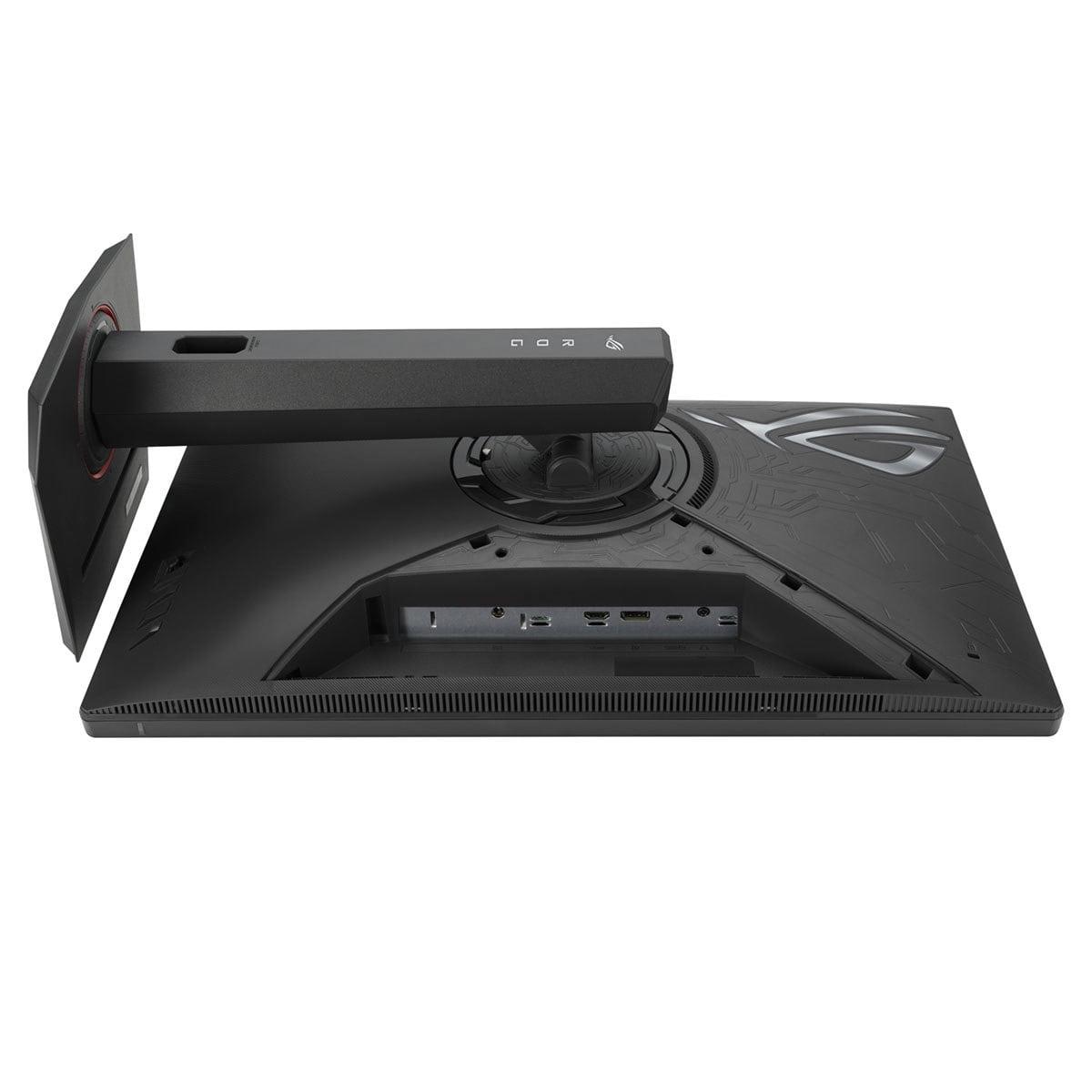
Modern gaming monitors need to connect to various devices, and both displays offer solid connectivity options. The ASUS XG27ACMG includes DisplayPort 1.4, HDMI 2.1, and USB-C with DisplayPort Alt Mode. The USB-C port provides 15W of power delivery – enough for some tablets and phones, but not laptops.
The HP Omen 27k goes further with connectivity practicality. It includes DisplayPort 1.4, HDMI 2.1, HDMI 2.0, and USB-C, plus a full USB 3.2 hub. More importantly, it features a built-in KVM (Keyboard, Video, Mouse) switch. This lets you connect two computers – say, a gaming PC and a work laptop – and switch between them instantly while sharing the same keyboard and mouse. For anyone who works from home and games on the same setup, this feature is genuinely useful.
Both monitors include HDMI 2.1, which is crucial for next-generation console gaming. This enables 4K at 120Hz for PlayStation 5 and Xbox Series X, though the HP monitor obviously displays this at native resolution while the ASUS display downscales it to 1440p.
The HP monitor also includes built-in speakers – 2×3W units that are surprisingly decent for basic audio. They're not replacing a good headset or desktop speakers, but they're handy for quick gaming sessions or video calls. The ASUS monitor lacks speakers, requiring external audio solutions.
Both manufacturers include gaming-focused software and features. The ASUS XG27ACMG comes with DisplayWidget Center, which allows easy adjustment of monitor settings using your mouse instead of physical buttons. GamePlus provides on-screen crosshairs, timers, and FPS counters, while GameVisual offers preset color modes optimized for different game genres.
The HP Omen 27k integrates with HP's OMEN Gaming Hub software, which provides system monitoring, game library management, and monitor customization. It's less comprehensive than ASUS's gaming features but covers the basics well.
RGB lighting is where these monitors diverge significantly. The ASUS display features Aura Sync compatibility, allowing its rear RGB lighting to synchronize with other ASUS components for coordinated lighting effects. The HP monitor has subtle accent lighting but focuses more on professional aesthetics than gaming flair.
After extensive testing, some important reliability concerns emerged. The ASUS XG27ACMG has reported issues with G-SYNC flickering when connected to NVIDIA graphics cards. Multiple users have experienced severe display flickering that requires disabling G-SYNC entirely – defeating one of the monitor's key features. Some units also limit DisplayPort connections to 240Hz instead of the advertised 270Hz, which is disappointing given the monitor's primary selling point.
The HP Omen 27k has proven more reliable in testing, with consistent performance and no widespread compatibility issues. This reliability advantage shouldn't be understated – a monitor is a long-term investment, and compatibility problems can be frustrating.
If you're considering either monitor for home theater use, the HP Omen 27k is clearly superior. Its 4K resolution displays streaming content at native resolution, while the anti-glare coating performs well in various lighting conditions. The built-in speakers provide convenient audio for casual viewing, and the HDMI 2.1 connections work perfectly with modern streaming devices and game consoles.
The ASUS monitor can work in a home theater setting, but its 1440p resolution means upscaling 4K content, which introduces some softness. The gaming-focused design also looks less appropriate in living room settings.
At the current pricing, the ASUS XG27ACMG at $329.99 represents exceptional value for competitive gaming. You're getting premium Fast IPS panel technology, industry-leading 270Hz refresh rates, and comprehensive gaming features at a price that was unimaginable for these specifications just two years ago.
The HP Omen 27k at $509.99 offers different but still compelling value. The 4K resolution future-proofs your setup for years, the KVM switch adds genuine utility for mixed-use scenarios, and the reliable performance justifies the premium.
Choose the ASUS ROG Strix XG27ACMG if competitive gaming drives your monitor choice. The 270Hz refresh rate provides measurable advantages in esports titles, and the price represents incredible value for these specifications. Just be prepared for potential G-SYNC compatibility issues and consider whether you have the graphics card power to fully utilize the high refresh rate.
Choose the HP Omen 27k if you want a versatile monitor that excels at both gaming and productivity. The 4K resolution provides stunning visual detail, the practical features like KVM switching add real utility, and the reliable performance ensures a frustration-free experience.
Both monitors represent the current state of gaming display technology, just optimized for different priorities. The ASUS display pushes motion performance to new heights for competitive gamers, while the HP monitor balances visual fidelity with practical features for broader appeal. Your choice should align with how you actually use your computer – whether that's grinding ranked matches in competitive games or enjoying the latest AAA adventures in stunning detail.
| ASUS ROG Strix XG27ACMG | HP Omen 27k |
|---|---|
| Resolution - Determines visual sharpness and GPU requirements | |
| 2560×1440 (QHD) - Gaming sweet spot, easier to drive | 3840×2160 (4K UHD) - 78% more pixels, much sharper detail |
| Refresh Rate - Higher rates provide smoother motion and competitive advantage | |
| 270Hz (overclocked) - Exceptional for esports gaming | 144Hz - Smooth for most games, easier to achieve |
| Panel Type - Affects color accuracy and viewing angles | |
| Fast IPS with anti-glare coating | IPS with anti-glare coating |
| Response Time - Lower numbers reduce motion blur | |
| 1ms GTG with ELMB SYNC motion blur reduction | 1ms GTG with standard overdrive |
| HDR Support - Enhanced contrast and brightness for better visuals | |
| HDR10, DisplayHDR 400 certification | HDR10, DisplayHDR 400 with 8-zone local dimming |
| Color Gamut - Wider coverage means more vibrant, accurate colors | |
| 95% DCI-P3, 125% sRGB | 99% sRGB, 95% DCI-P3 with factory calibration |
| Adaptive Sync - Eliminates screen tearing and stuttering | |
| G-SYNC Compatible, FreeSync Premium (flickering issues reported) | G-SYNC Compatible, FreeSync Premium (reliable performance) |
| Connectivity - Determines device compatibility and convenience | |
| DisplayPort 1.4, HDMI 2.1, USB-C (15W PD) | DisplayPort 1.4, HDMI 2.1, HDMI 2.0, USB-C, USB hub |
| Special Features - Unique capabilities that add value | |
| ELMB SYNC, RGB lighting, DisplayWidget Center | Built-in KVM switch, integrated speakers (2×3W) |
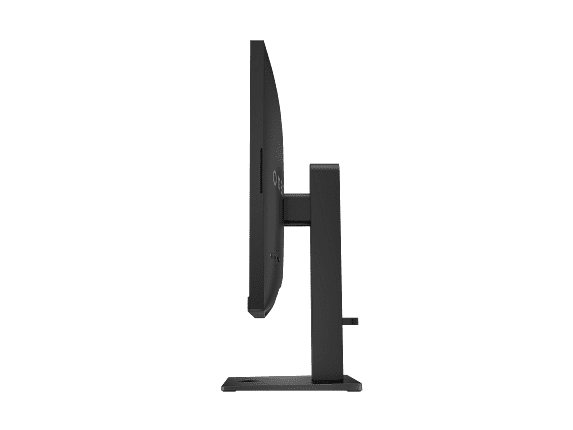
| Ergonomics - Affects long-term comfort and setup flexibility | |
| Height, tilt, swivel, pivot adjustments | Height, tilt, swivel, pivot adjustments |
| Price - Value proposition for the feature set | |
| $329.99 - Exceptional value for high refresh gaming | $509.99 - Good value for 4K versatility |
| Best For - Primary use case recommendation | |
| Competitive esports gamers prioritizing motion clarity | Versatile users wanting 4K detail plus productivity features |
The ASUS ROG Strix XG27ACMG is significantly better for competitive gaming due to its 270Hz refresh rate compared to the HP Omen 27k's 144Hz. The higher refresh rate provides smoother motion tracking and reduced input lag, which can improve performance in esports titles like Counter-Strike, Valorant, and Overwatch. The ASUS monitor also features ELMB SYNC technology that reduces motion blur while maintaining variable refresh rate support.
The HP Omen 27k displays 4K (3840×2160) with 8.3 million pixels, while the ASUS XG27ACMG shows 1440p (2560×1440) with 3.7 million pixels. This means the HP monitor has 78% more pixels, resulting in much sharper text, clearer game details, and better image quality. However, 4K requires more powerful graphics cards to maintain high frame rates compared to the easier-to-drive 1440p resolution.
At $329.99, the ASUS monitor provides exceptional value for competitive gamers, offering premium 270Hz performance at an affordable price. The HP Omen 27k at $509.99 costs more but delivers 4K resolution, versatile connectivity, and productivity features like a built-in KVM switch. Your best value depends on whether you prioritize gaming performance or overall versatility.
Yes, both monitors support next-gen consoles through HDMI 2.1 connections. The HP Omen 27k displays console games at native 4K resolution up to 120Hz, providing the full next-gen experience. The ASUS XG27ACMG downscales 4K console output to 1440p but can display it at higher refresh rates when supported by games.
The HP Omen 27k is superior for productivity work due to its 4K resolution providing sharp text and detailed images, built-in KVM switch for managing multiple devices, USB hub for peripherals, and integrated speakers. The ASUS monitor works for productivity but is optimized primarily for gaming performance rather than professional features.
For the ASUS XG27ACMG at 1440p 270Hz, you'll need at least an RTX 4070 or RX 7800 XT to fully utilize the refresh rate in demanding games. The HP Omen 27k requires more powerful hardware like an RTX 4080 or better for 4K gaming at high settings, though you can run games at lower resolutions if needed.
The HP Omen 27k includes built-in 2×3W speakers that provide decent audio for basic use, video calls, and casual gaming. The ASUS XG27ACMG does not have built-in speakers, so you'll need external headphones or speakers for audio.
The HP Omen 27k offers superior HDR with VESA DisplayHDR 400 certification, 8-zone local dimming, and 400 nits peak brightness. While the ASUS monitor also supports HDR10 and DisplayHDR 400, it lacks the local dimming zones that help improve contrast in HDR content.
The ASUS XG27ACMG has reported G-SYNC flickering issues with some NVIDIA graphics cards, requiring users to disable G-SYNC in some cases. Some units also may not achieve the full 270Hz over DisplayPort. The HP Omen 27k has shown more consistent reliability with no widespread compatibility problems reported.
The HP Omen 27k is significantly better for streaming content due to its native 4K resolution that matches streaming services like Netflix and Disney+, anti-glare coating for various lighting conditions, and built-in speakers for convenience. The ASUS monitor requires upscaling 4K content to 1440p, which can introduce slight softness.
The ASUS XG27ACMG features ELMB SYNC for motion blur reduction, RGB Aura Sync lighting, GamePlus tools, and DisplayWidget Center for easy settings adjustment. The HP Omen 27k includes OMEN Gaming Hub software integration, basic gaming presets, and the practical KVM switch for managing multiple gaming devices.
Choose the ASUS ROG Strix XG27ACMG at $329.99 if you're focused on competitive gaming, have a high-end graphics card, and want maximum refresh rate performance at an excellent price. Select the HP Omen 27k at $509.99 if you want sharp 4K visuals, need productivity features, use multiple devices, or prefer a reliable all-around monitor for gaming and work.
We've done our best to create useful and informative comparisons to help you decide what product to buy. Our research uses advanced automated methods to create this comparison and perfection is not possible - please contact us for corrections or questions. These are the sites we've researched in the creation of this article: rtings.com - e-catalog.com - bestbuy.com - rog.asus.com - rog.asus.com - youtube.com - youtube.com - versus.com - forum.pcmonitors.info - versus.com - cdw.com - rog.asus.com - rog.asus.com - rog.asus.com - avadirect.com - bhphotovideo.com - rog.asus.com - shi.com - shop.asus.com - publicsector.shidirect.com - bestbuy.com - tomshardware.com - windowscentral.com - digitaltrends.com - youtube.com - hp.com - youtube.com - hp.com - hp.com - displayspecifications.com - files.bbystatic.com - newegg.com - hp.com - hp.com - hp.com - hp.com - target.com - files.bbystatic.com - displayspecifications.com

Privacy Policy
Terms and Conditions - Affiliate Policy
Home Security
© Copyright 2008-2026.
11816 Inwood Rd #1211, Dallas, TX 75244