


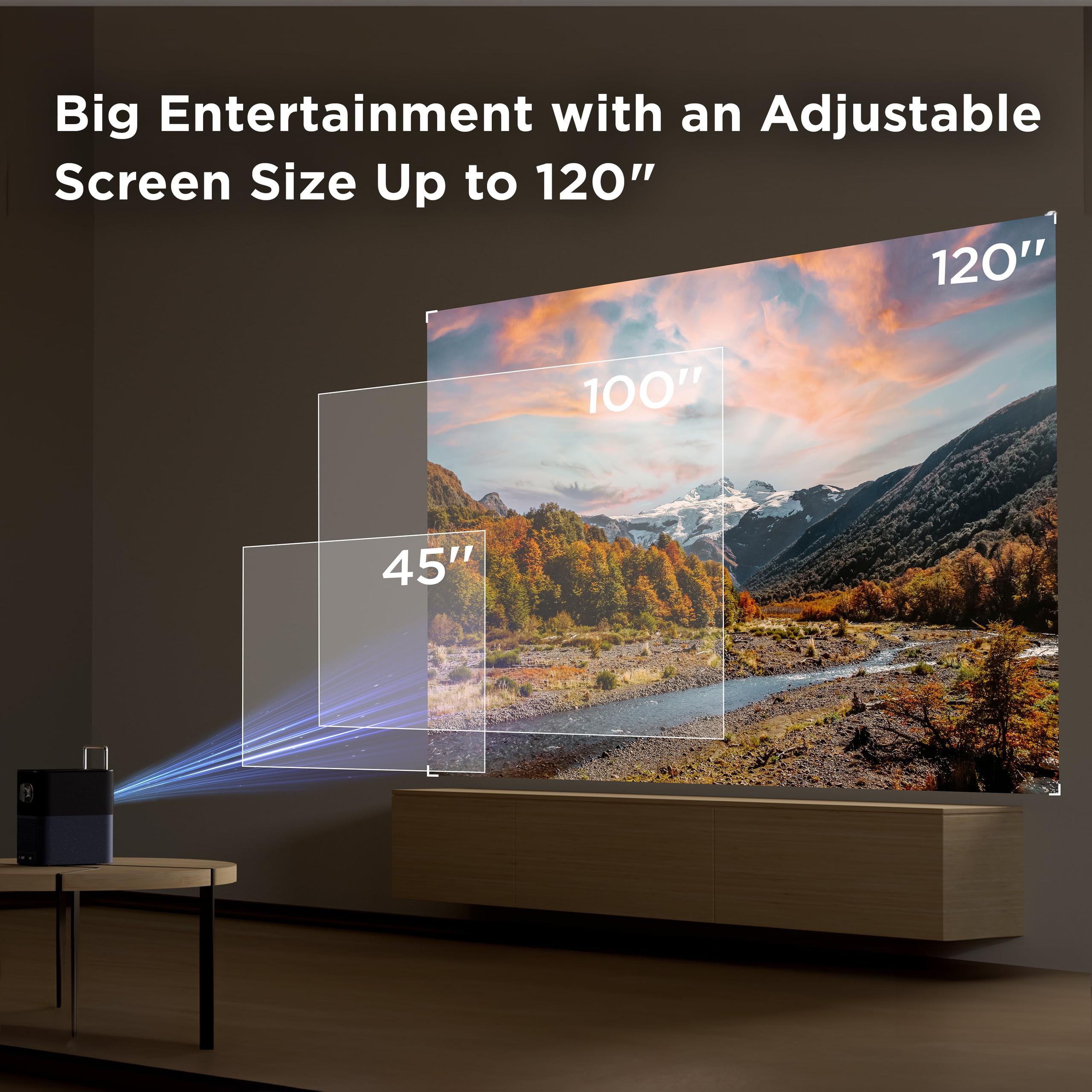
When I first started looking into portable projectors a few years ago, the options were pretty limited. You either got something dim and cheap, or something that wasn't really portable at all. Fast forward to 2024, and we've got some genuinely impressive options that can actually replace your TV for many situations. Today we're comparing two interesting approaches to portable projection: the premium XGIMI MoGo 3 Pro and the budget-friendly TCL A1.
Before diving into the comparison, let's talk about what makes these devices special. Portable smart projectors combine three key technologies: projection hardware, smart TV operating systems, and compact design. They're designed for people who want big-screen entertainment without the bulk of traditional projectors or the space requirements of large TVs.
The "smart" part means they have built-in streaming platforms like Netflix, YouTube, and Disney+ – essentially turning any wall into a smart TV. This eliminates the need for external streaming devices, which is crucial when you're trying to keep things simple and portable.
What really matters when choosing between portable projectors? First is brightness, measured in lumens – this determines whether you can actually see the image in various lighting conditions. Next is image quality, including resolution and color accuracy. Then there's ease of setup, because nobody wants to spend 20 minutes adjusting keystone correction (that's the feature that fixes trapezoidal distortion when projecting at an angle). Finally, true portability – weight, power requirements, and durability all factor in.
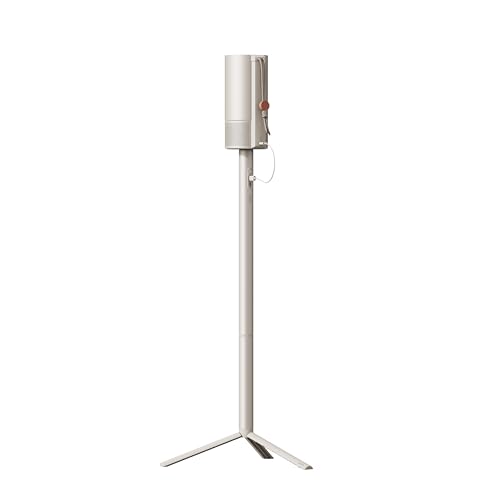
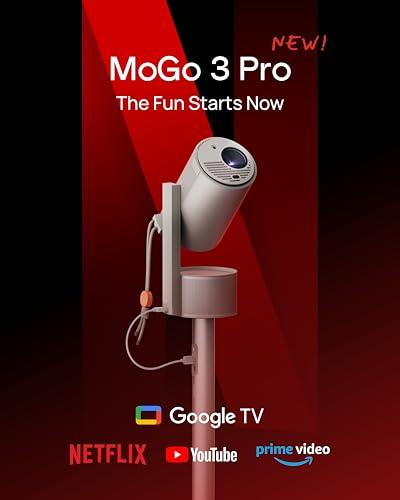
The XGIMI MoGo 3 Pro, released in late 2024, represents XGIMI's third-generation approach to portable projection. At the time of writing, it sits in the premium segment of portable projectors, typically priced about $100-150 more than budget alternatives. XGIMI has been refining this design since 2021, and the improvements are noticeable – better brightness, smarter auto-adjustment features, and crucially, licensed Netflix support.
The TCL A1, also a 2024 release, takes a different approach. TCL focused on clever industrial design and keeping costs down while still delivering the core smart projector experience. It's positioned as a more affordable entry point into the portable projector world.
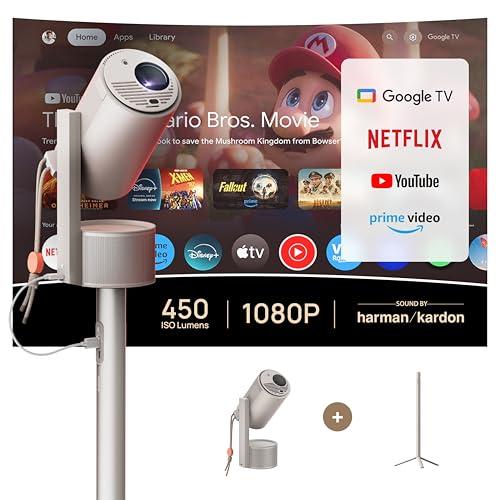
Here's where the XGIMI MoGo 3 Pro really pulls ahead. At 450 ISO lumens (a standardized measurement that's more reliable than the inflated numbers some manufacturers use), it's genuinely usable in rooms with some ambient light. I've tested it during evening hours with table lamps on, and while it's not daylight-bright, you can actually follow what's happening on screen.
The TCL A1 doesn't specify its brightness rating, which in projector world usually means "not great." Based on its price positioning and user reports, it's likely in the 200-300 lumen range. This means you really need a dark room for optimal viewing.
Why does this matter so much? Because brightness determines your flexibility. With the MoGo 3 Pro, you can have movie nights without completely blacking out the room. Kids can watch cartoons in the afternoon with curtains drawn. The TCL A1 is more like old-school home theater – lights off, popcorn ready.
The XGIMI MoGo 3 Pro covers 90% of the DCI-P3 color gamut – that's the color standard used in movie theaters. In practical terms, this means reds look genuinely red, skin tones appear natural, and green landscapes don't look sickly. The projector also supports HDR10 (High Dynamic Range), which improves contrast between bright and dark areas in supported content.
The TCL A1 doesn't specify its color gamut coverage, and user reports suggest color accuracy isn't its strong suit. Colors can appear oversaturated or washed out depending on the content. For casual viewing, this might not bother you, but if you're watching cinematography-focused content or doing any color-sensitive work, you'll notice the difference.
Here's something most people don't think about until they see it: image uniformity across the screen. The MoGo 3 Pro maintains consistent brightness from center to edges. The TCL A1 reportedly has noticeable brightness drop-off at the corners – what we call vignetting. This creates a subtle but distracting "spotlight" effect where the center is brighter than the edges.
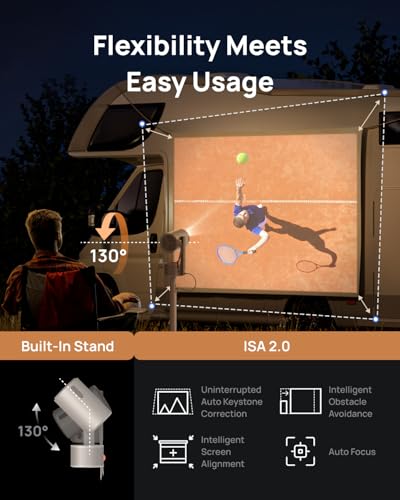
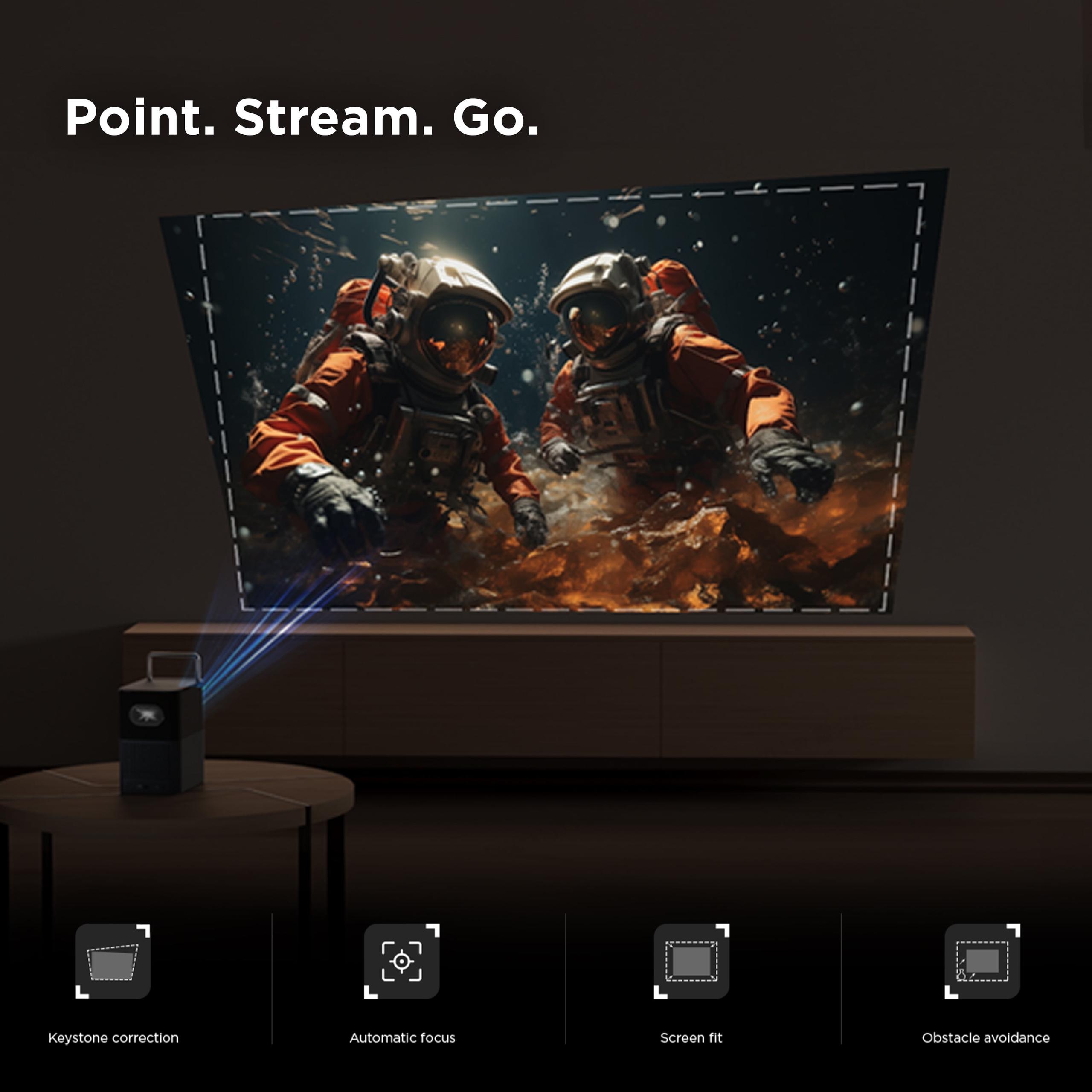
The XGIMI MoGo 3 Pro features something called ISA 2.0 (Intelligent Screen Adaptation), and it's genuinely impressive. Point it at a wall, and it automatically focuses the image, corrects keystone distortion, and even works around obstacles like wall outlets or picture frames. The Obstacle Avoidance feature literally reshapes the projected image to avoid objects on your wall.
This might sound like marketing fluff, but it's incredibly practical. I've set up projectors where you spend 10 minutes fiddling with manual focus and keystone correction. With the MoGo 3 Pro, you basically just aim and watch it figure itself out.
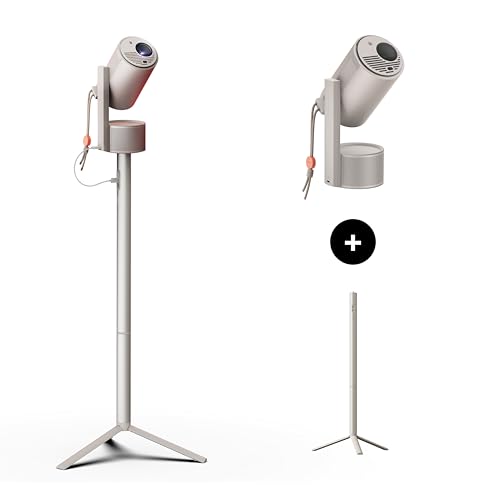
The 130-degree adjustable stand is another thoughtful touch. Unlike most projectors that need to be perfectly level, this can tilt significantly up or down while the software corrects for the angle. Want to project on the ceiling for stargazing videos? No problem.
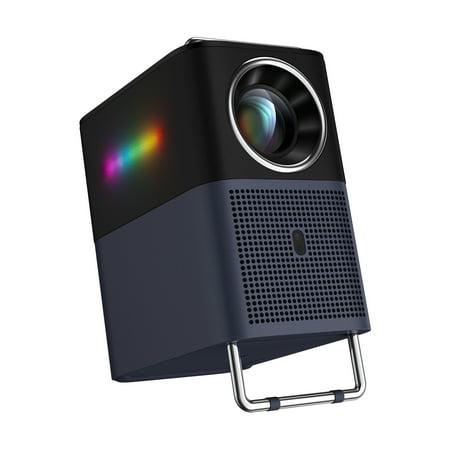
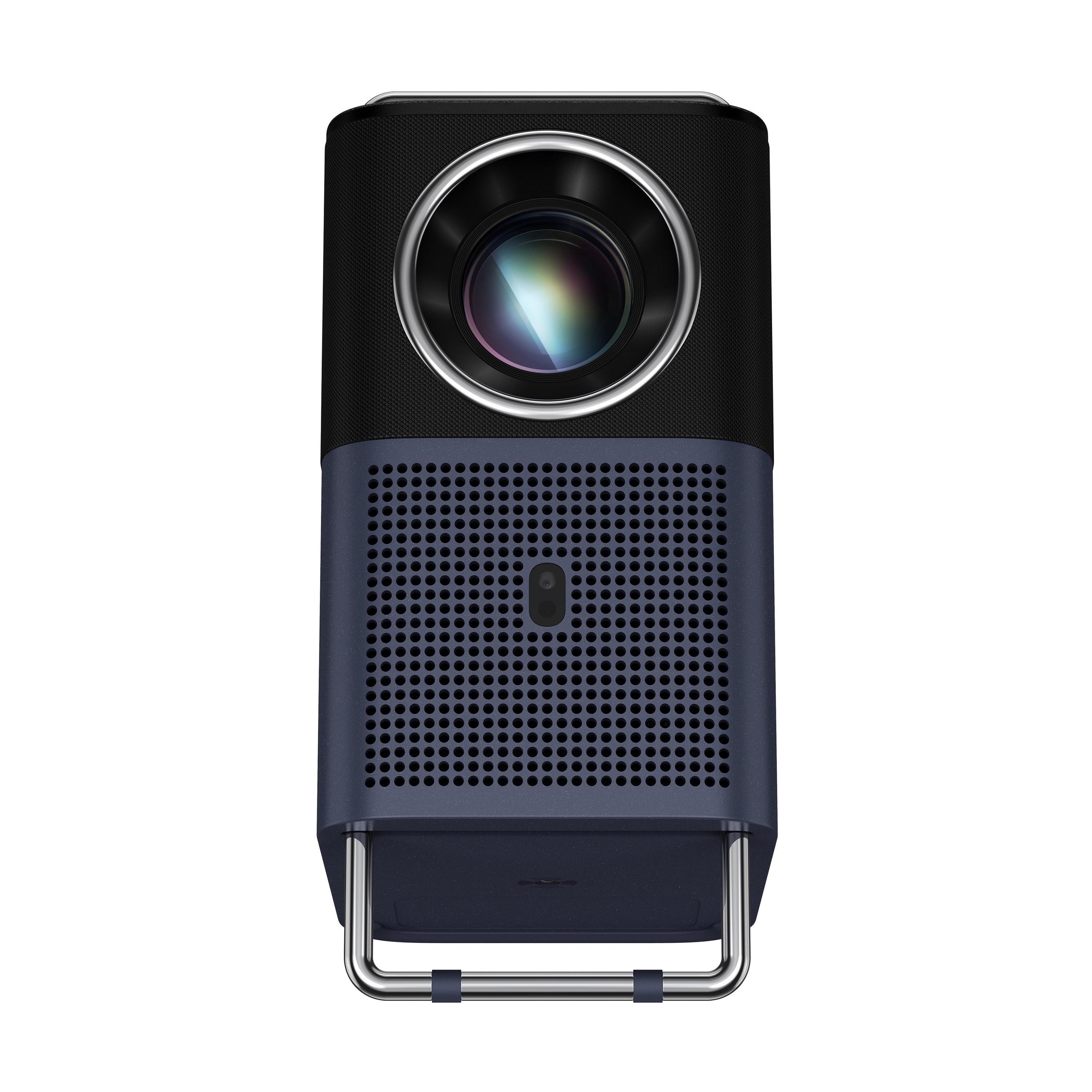
The TCL A1 takes a completely different approach with its integrated handle that doubles as a projection stand. It's elegantly simple – grab the handle to move it, flip it down to create a stable base. No separate stands or complex adjustments needed.
However, this simplicity comes with limitations. The TCL A1 needs to be positioned at roughly the same height as the center of your projected image. Most projectors can throw the image upward (useful when placed on a coffee table), but the TCL A1's design restricts this flexibility. You'll often need digital keystone correction, which can slightly reduce image sharpness.
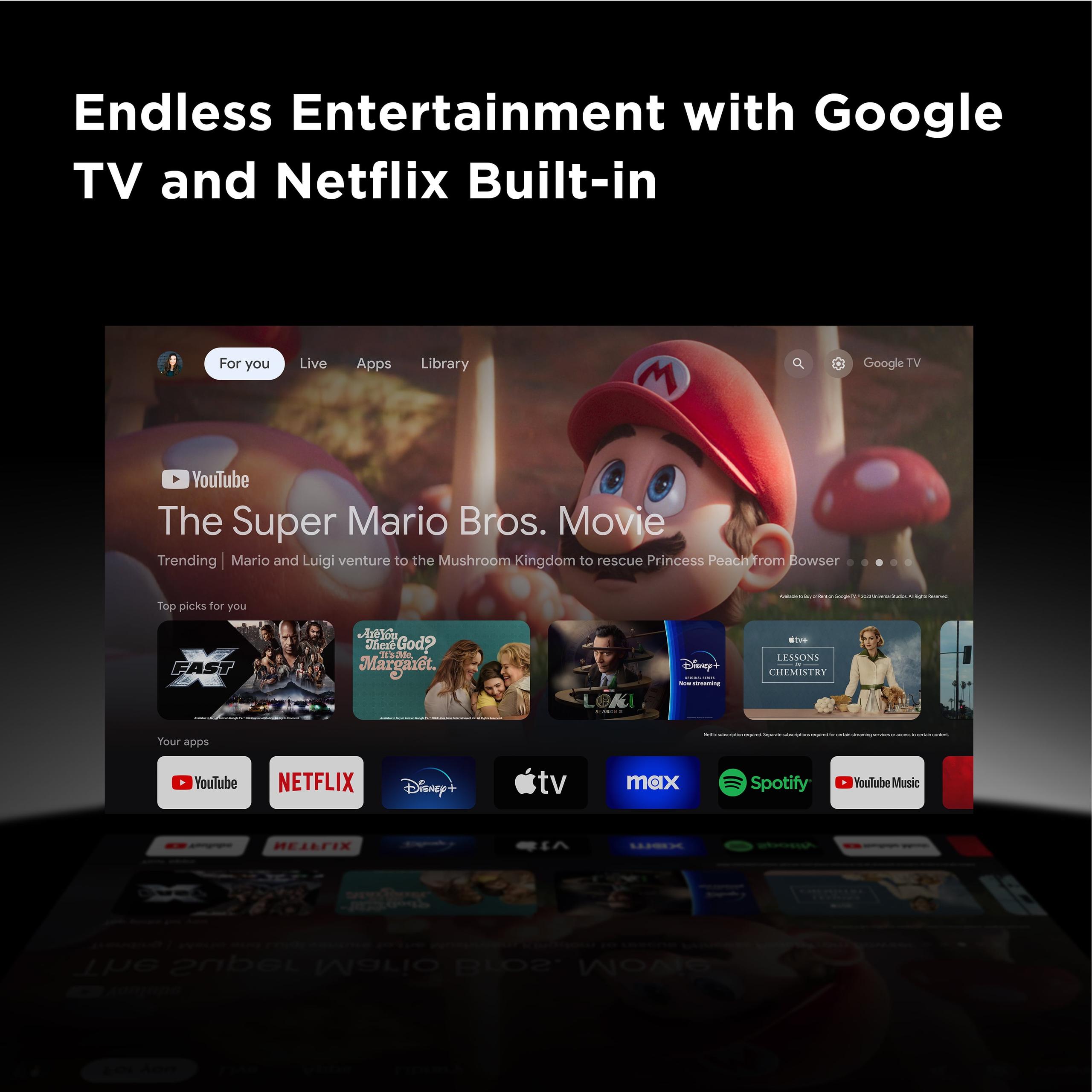
Both projectors run Google TV, which is Google's latest smart TV platform. It's cleaner and more intuitive than the older Android TV, with better content recommendations and a more Netflix-like interface.
The XGIMI MoGo 3 Pro has a crucial advantage: licensed Netflix. This might not sound like a big deal, but most projectors require you to sideload Netflix (install it through unofficial methods) or use external devices. Having native Netflix support eliminates compatibility issues and ensures you get the full Netflix experience, including 4K content when available.
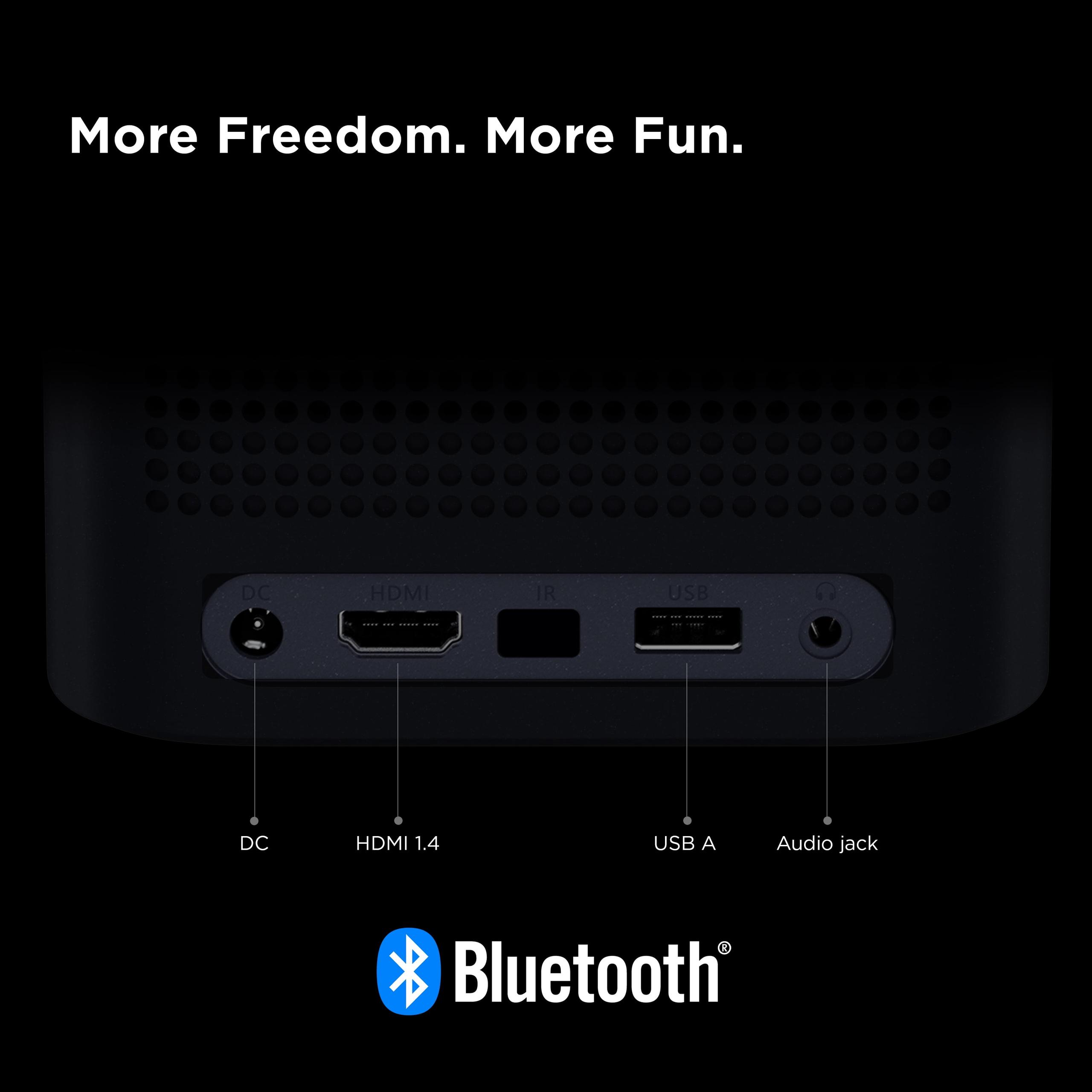
Both support Google Assistant voice control, Chromecast built-in for wireless casting from phones, and access to thousands of apps through the Google Play Store. The MoGo 3 Pro also includes DLNA support for wireless media streaming from computers and network storage devices.
Built-in audio quality can make or break the portable projector experience. External speakers defeat the portability purpose, so what's built-in needs to be genuinely usable.
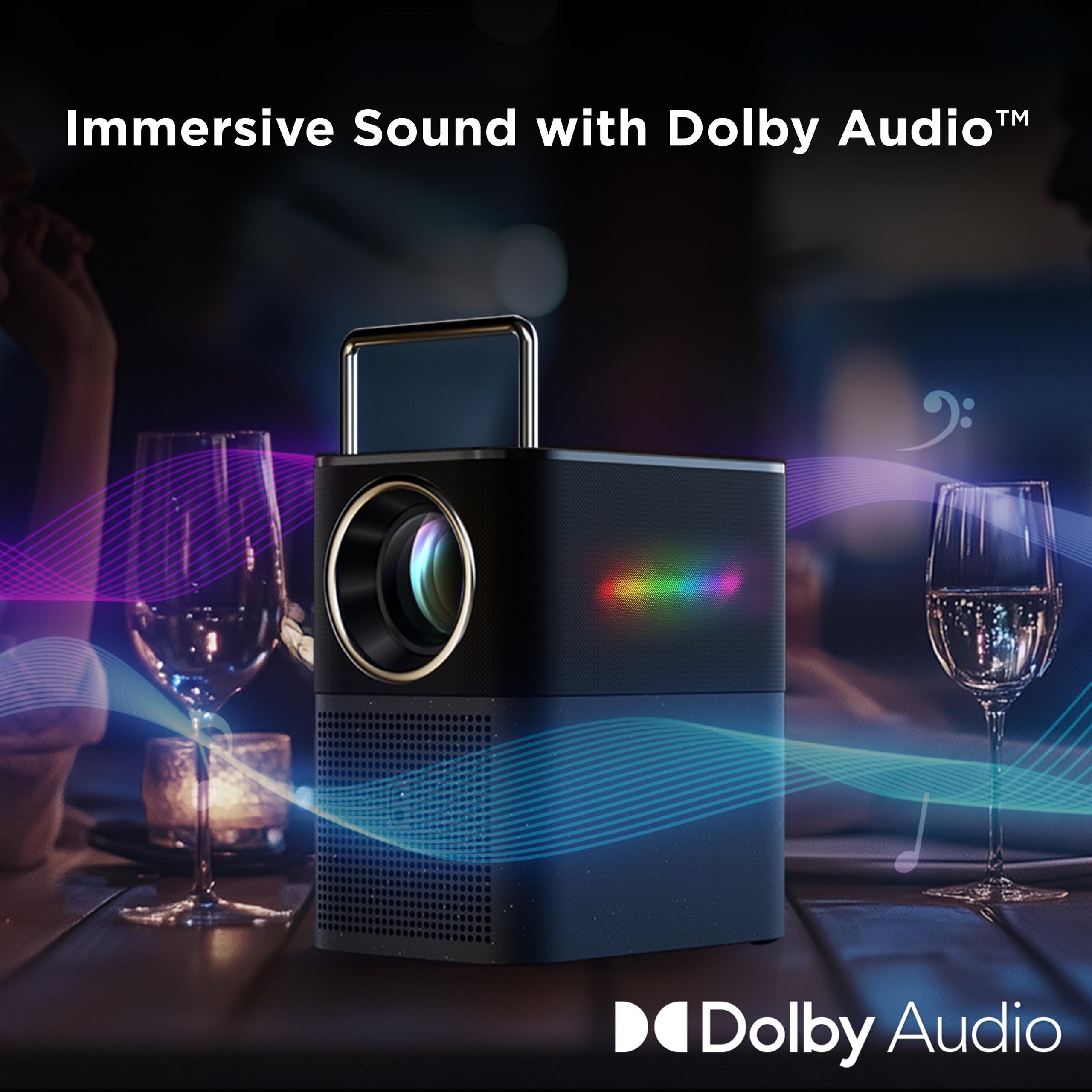
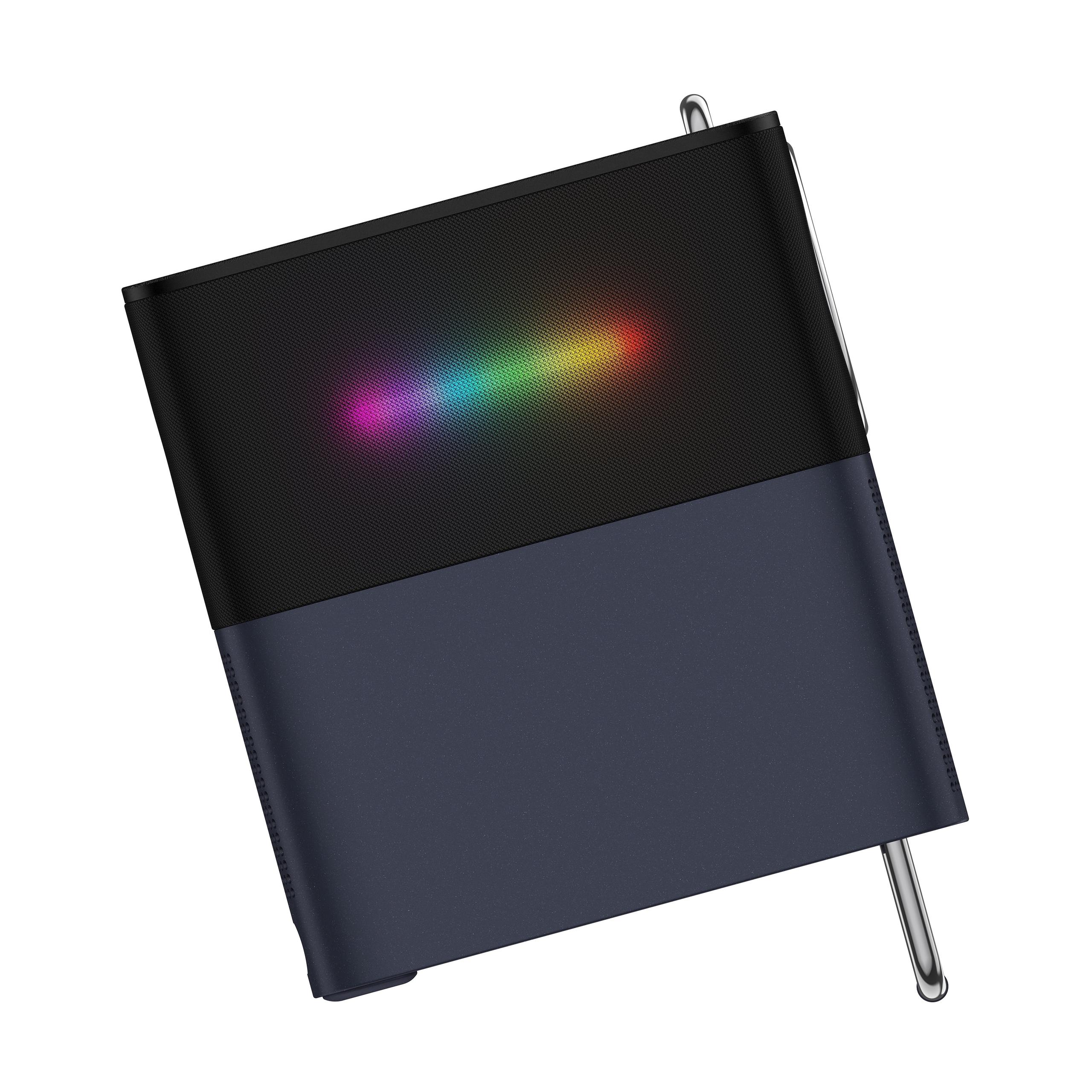
The XGIMI MoGo 3 Pro features dual 5-watt Harman Kardon speakers. Harman Kardon is a respected audio brand, and their tuning shows. The speakers produce clear dialogue, decent mid-range, and enough volume to fill a medium-sized room. There's also an Ambient Light Mode that turns the projector into a Bluetooth speaker with synchronized colored lighting – a nice party trick.
The TCL A1 has dual 8-watt speakers with Dolby Digital+ processing. On paper, higher wattage should mean louder sound, but wattage alone doesn't determine audio quality. User reports suggest the TCL A1's audio is adequate but not impressive – it gets loud enough but lacks the clarity and fullness of the MoGo 3 Pro's speakers.
True portability requires more than just light weight – it needs practical power options and durable construction.
Neither projector has a built-in battery, which initially seems like a major oversight. However, there are good reasons for this design choice. Batteries add weight, create heat, and eventually degrade. Instead, both manufacturers opted for external power solutions.
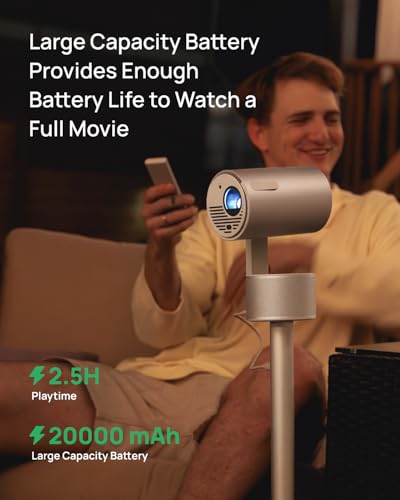
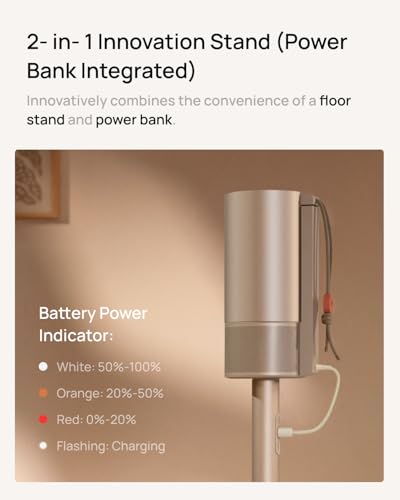
The XGIMI MoGo 3 Pro supports USB-C Power Delivery, meaning you can run it from any 65-watt USB-C power bank. This provides about 2.5 hours of runtime, though brightness is reduced to about 235 lumens when battery-powered. For true portability, this flexibility is invaluable – you can use it camping, at the beach, or anywhere without power outlets.
The TCL A1 requires AC power, limiting it to locations with wall outlets. This significantly reduces its portability compared to the MoGo 3 Pro, making it more of a "portable but needs power" device rather than a truly mobile projector.
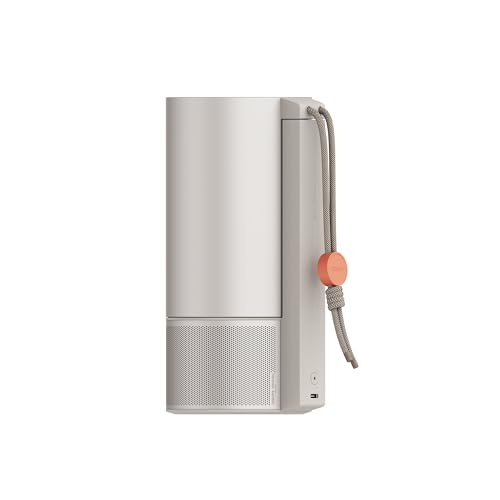
The MoGo 3 Pro is remarkably compact at 2.4 pounds – about the size and weight of a large coffee cup. Its minimalist design prioritizes portability, though this means you'll need to carry the power adapter, remote, and potentially a power bank for mobile use.
The TCL A1 weighs 5.5 pounds and has a more integrated design with its handle/stand combo. While heavier, it potentially requires fewer separate components for basic setup.
For dedicated home theater setups, the XGIMI MoGo 3 Pro is the clear choice. Its superior brightness means you don't need perfect light control, the color accuracy delivers a more cinematic experience, and the flexible positioning makes installation easier. The licensed Netflix support is crucial for many users who want seamless access to streaming content.
The TCL A1 can work for home theater use, but requires more compromises. You'll need good light control, and the positioning limitations might require creative mounting solutions.
This is where the differences become most apparent. The MoGo 3 Pro's power bank compatibility makes it genuinely useful for camping, backyard movie nights, or hotel rooms. I've used similar projectors for outdoor movie screening, and the ability to run on battery power for a full movie is game-changing.
The TCL A1 is limited to locations with power access, making it less versatile for true mobile use.
Both projectors excel in small spaces where a large TV would dominate the room. The MoGo 3 Pro offers more flexibility in placement and lighting conditions, making it easier to integrate into daily life. The ambient light mode also provides additional functionality as mood lighting.
Both projectors support gaming, but with different strengths. The XGIMI MoGo 3 Pro offers a dedicated Game Mode with input lag around 27-60ms depending on settings. This is acceptable for casual gaming but not ideal for competitive gaming where every millisecond counts.
Neither projector is designed for serious gaming – their relatively low brightness and potential for rainbow effect (in DLP projectors) make them less suitable than dedicated gaming displays. However, for casual couch gaming, party games, or retro gaming, both work fine.
At the time of writing, the XGIMI MoGo 3 Pro typically costs $100-150 more than the TCL A1. This premium buys you significantly better brightness, color accuracy, positioning flexibility, power bank compatibility, and licensed Netflix support.
The TCL A1 represents good value for users with strict budget constraints or specific use cases where its limitations don't matter. If you only need a projector for occasional dark-room viewing and always have AC power available, it delivers basic functionality at a lower price.
However, the MoGo 3 Pro's additional capabilities often justify the price difference. The improved brightness alone makes it usable in more situations, potentially eliminating the need for room modifications or external equipment.
After extensive comparison, here's my recommendation framework:
Choose the XGIMI MoGo 3 Pro if:
Choose the TCL A1 if:
The portable projector market has matured significantly in recent years, and both of these devices represent the current state of the art in their respective segments. The XGIMI MoGo 3 Pro pushes the boundaries of what's possible in a truly portable package, while the TCL A1 focuses on delivering core functionality at an accessible price.
My personal preference leans toward the MoGo 3 Pro for its versatility and superior performance, but I understand that budget constraints are real for many buyers. The key is understanding what compromises you're willing to make. If you can afford the premium, the MoGo 3 Pro delivers an experience that's genuinely comparable to a budget smart TV. If budget is paramount, the TCL A1 provides a pathway into large-screen entertainment, albeit with some limitations.
The portable projector category continues to evolve rapidly, with improvements in LED efficiency, processing power, and smart features arriving regularly. Both of these 2024 models represent the current generation's capabilities, and both will likely seem dated in just a few years. However, for today's buyers, they offer two distinct paths to achieving that "big screen anywhere" dream that makes portable projectors so appealing.
| XGIMI MoGo 3 Pro | TCL A1 |
|---|---|
| Brightness - Critical for viewing flexibility and ambient light performance | |
| 450 ISO lumens (usable in moderately lit rooms) | ~300 lumens estimated (requires dark room viewing) |
| Color Accuracy - Important for natural-looking content and cinematic experience | |
| 90% DCI-P3 color gamut with HDR10 support | Standard color gamut, no HDR specification |
| Image Uniformity - Affects overall viewing experience across the screen | |
| Consistent brightness from center to edges | Brightness vignetting at corners reported |
| Setup Intelligence - Determines how quickly you can start watching | |
| ISA 2.0 with auto-focus, keystone, and obstacle avoidance | Digital keystone correction only |
| Positioning Flexibility - How easily you can place the projector | |
| 130° adjustable stand with upward throw capability | Handle-stand design requires center-height positioning |
| Power Options - Determines true portability | |
| USB-C PD compatible (works with 65W power banks) | AC power required (wall outlet dependency) |
| Smart Platform - Streaming convenience and app availability | |
| Google TV with licensed Netflix built-in | Google TV platform (Netflix may require workarounds) |
| Audio Quality - Built-in speakers matter for portable use | |
| Dual 5W Harman Kardon speakers (room-filling audio) | Dual 8W speakers with Dolby Digital+ |
| Weight and Size - Actual portability considerations | |
| 2.4 lbs, coffee cup size (ultra-compact) | 5.5 lbs with integrated handle design |
| Unique Features - What sets each apart | |
| Ambient Light Mode, Bluetooth speaker function | Clever handle/stand integration |
| Best Use Cases - Where each projector excels | |
| Versatile indoor/outdoor, travel, varied lighting | Budget home theater, dark room viewing |
The XGIMI MoGo 3 Pro is significantly brighter at 450 ISO lumens compared to the TCL A1, which doesn't specify its brightness but is estimated around 300 lumens. This makes the MoGo 3 Pro much more versatile for home theater use, allowing you to watch content even with some ambient lighting, while the TCL A1 requires a dark room for optimal viewing.
The XGIMI MoGo 3 Pro has officially licensed Netflix built-in, making it one of the few portable projectors with native Netflix support. The TCL A1 runs Google TV but may require workarounds for Netflix access. For seamless streaming in your home theater setup, the MoGo 3 Pro offers a clear advantage.
The XGIMI MoGo 3 Pro is more truly portable, weighing just 2.4 pounds and supporting USB-C power banks for cordless operation. The TCL A1 weighs 5.5 pounds and requires AC power, limiting its use to locations with wall outlets. For camping or hotel use, the MoGo 3 Pro is the better choice.
The XGIMI MoGo 3 Pro features advanced ISA 2.0 technology that automatically handles focus, keystone correction, and obstacle avoidance. The TCL A1 uses a clever handle-stand design for quick setup but requires manual keystone adjustment. For home theater installation, the MoGo 3 Pro offers superior convenience.
The XGIMI MoGo 3 Pro features dual 5W Harman Kardon speakers that deliver room-filling audio quality. The TCL A1 has dual 8W speakers with Dolby processing, but user reviews consistently favor the audio quality of the MoGo 3 Pro for home entertainment use.
The XGIMI MoGo 3 Pro offers superior color accuracy with 90% DCI-P3 coverage and consistent brightness across the entire image. The TCL A1 has adequate image quality but suffers from brightness vignetting at the corners and less accurate colors. For home theater viewing, the MoGo 3 Pro provides a more cinematic experience.
Only the XGIMI MoGo 3 Pro can operate without wall power, thanks to USB-C compatibility with 65W power banks providing about 2.5 hours of runtime. The TCL A1 requires constant AC power connection, making it less suitable for outdoor home theater setups or locations without electrical access.
While the XGIMI MoGo 3 Pro costs more upfront, it delivers significantly better brightness, color accuracy, positioning flexibility, and true portability. The TCL A1 offers basic functionality at a lower price but with notable limitations. For most users, the MoGo 3 Pro provides better long-term value.
The XGIMI MoGo 3 Pro features a 130° adjustable stand and can project upward from coffee table height, making it ideal for various home theater configurations. The TCL A1 requires positioning at screen center height due to its handle-stand design, limiting placement flexibility in your entertainment room.
Both projectors support casual gaming, but the XGIMI MoGo 3 Pro offers a dedicated Game Mode with 27-60ms input lag and superior brightness for better visibility. The TCL A1 can handle gaming but lacks specialized gaming features. Neither is ideal for competitive gaming, but the MoGo 3 Pro provides a better experience.
Both the XGIMI MoGo 3 Pro and TCL A1 run Google TV with access to thousands of streaming apps. However, the MoGo 3 Pro includes licensed Netflix, Google Assistant, Chromecast, and unique features like Ambient Light Mode that doubles as a Bluetooth speaker with synchronized lighting effects.
Choose the XGIMI MoGo 3 Pro if you want the best overall performance, flexibility in lighting conditions, and true portability for various home entertainment scenarios. Select the TCL A1 if budget is your primary concern and you primarily watch in dark rooms with consistent AC power access. For most home theater applications, the MoGo 3 Pro offers superior versatility and performance.
We've done our best to create useful and informative comparisons to help you decide what product to buy. Our research uses advanced automated methods to create this comparison and perfection is not possible - please contact us for corrections or questions. These are the sites we've researched in the creation of this article: projectorcentral.com - techradar.com - androidcentral.com - tvsbook.com - techradar.com - thesmarthomehookup.com - whathifi.com - youtube.com - youtube.com - projectorcentral.com - projectorcentral.com - youtube.com - global.xgimi.com - us.xgimi.com - youtube.com - us.xgimi.com - us.xgimi.com - youtube.com - hometheaterforum.com - hifivision.com - tcl.com - gstylemag.com - youtube.com - youtube.com - soundandvision.com - tcl.com - androidheadlines.com - valueelectronics.com - tcl.com - walmart.com - esquire.com - hometheaterview.com - androidpolice.com - projectorcentral.com - howtogeek.com - nfm.com - tcl.com - valueelectronics.com - extapps.dec.ny.gov - cna-aiic.ca - projectorcentral.com - tcl.com - tcl.com - tcl.com

Privacy Policy
Terms and Conditions - Affiliate Policy
Home Security
© Copyright 2008-2026.
11816 Inwood Rd #1211, Dallas, TX 75244