

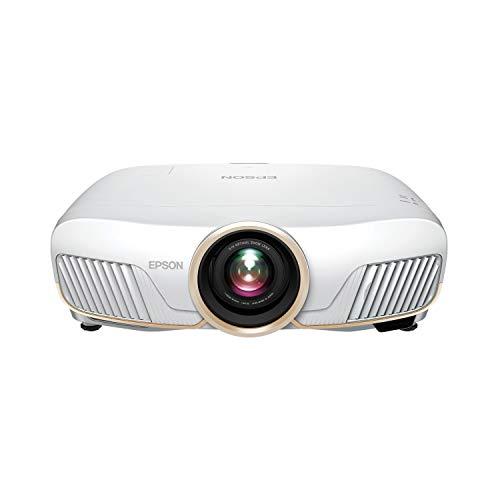
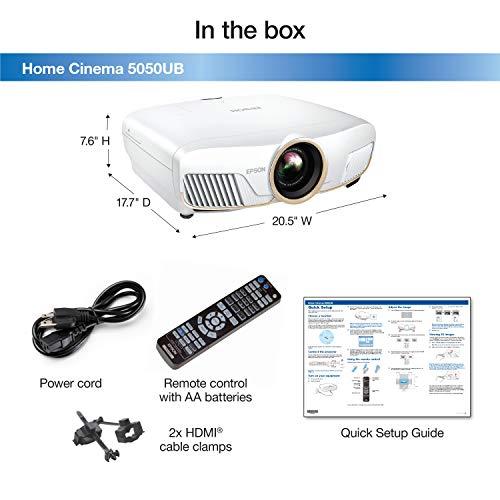
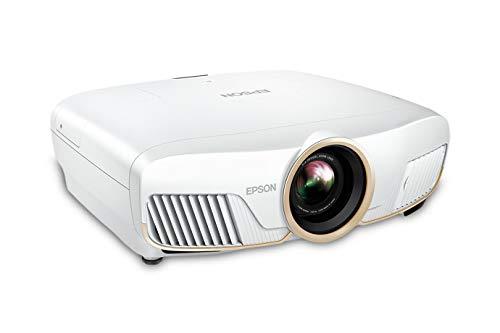
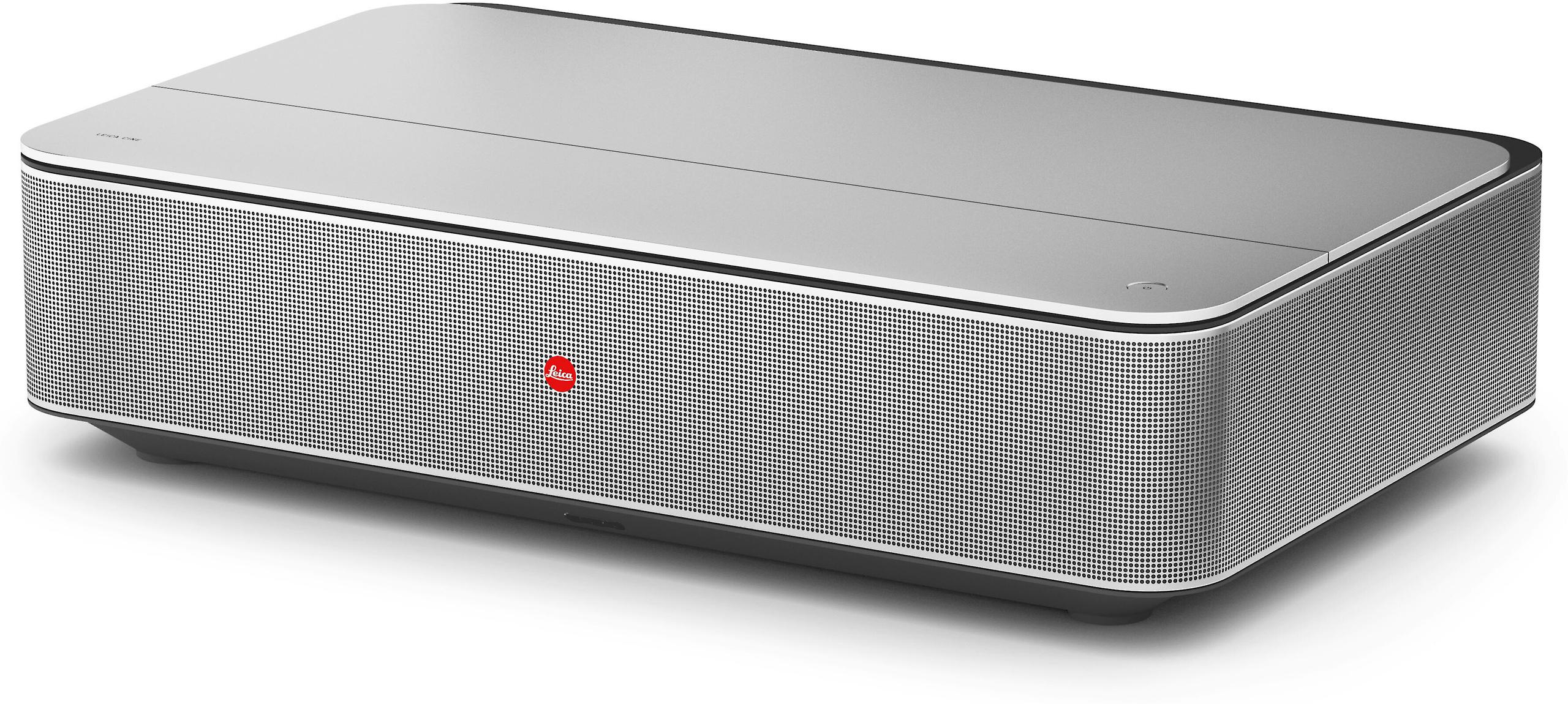
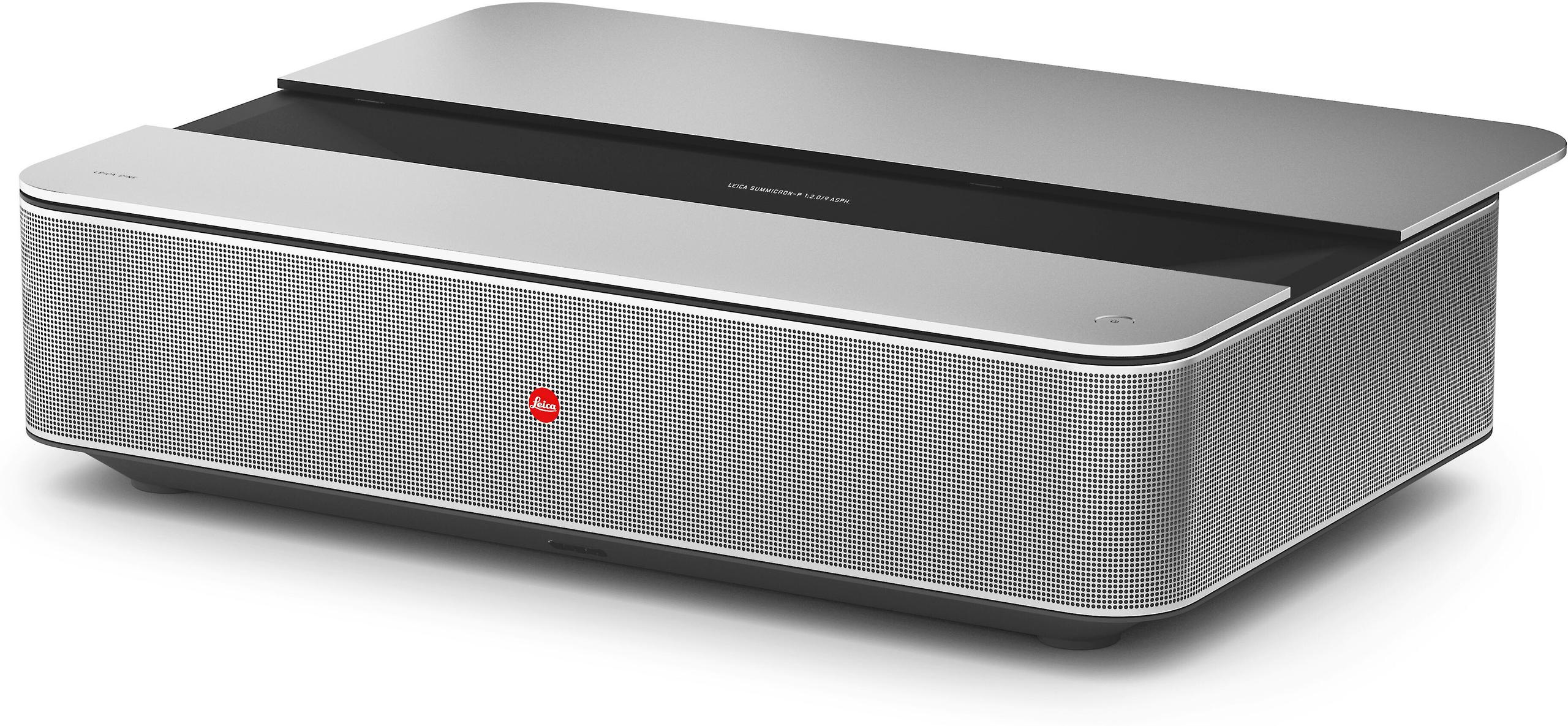

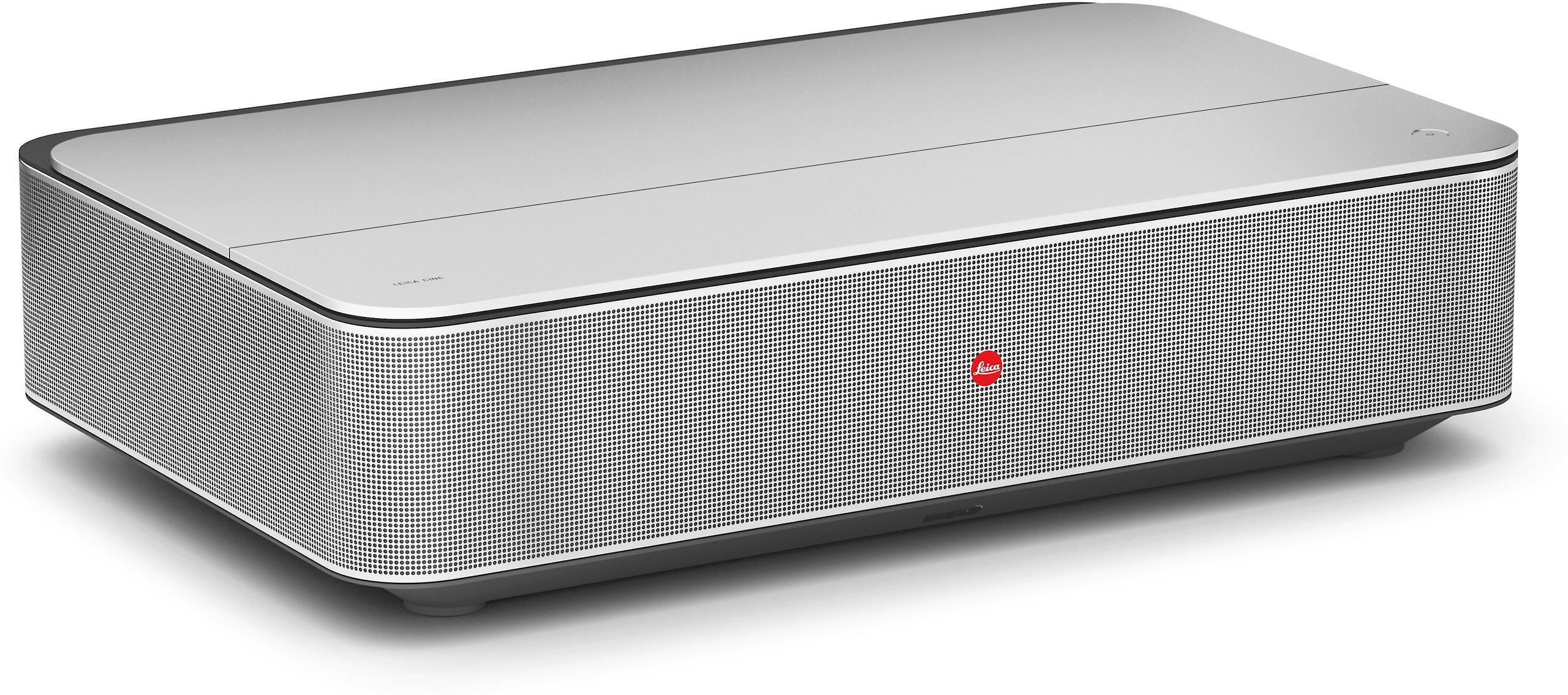
Choosing between the Epson Home Cinema 5050UB and the Leica Cine 1 120" isn't just about picking a projector—it's about deciding how you want to build your home entertainment setup. These two projectors represent fundamentally different philosophies, and at the time of writing, they sit at very different price points that reflect their distinct approaches to home theater.
Released around 2019, the Epson 5050UB has become something of a legend in the traditional projector world, while the Leica Cine 1, launched in 2023, represents the latest evolution in ultra-short throw (UST) laser technology. The gap between their release dates tells an important story about how projector technology has evolved, particularly in the laser and smart features departments.
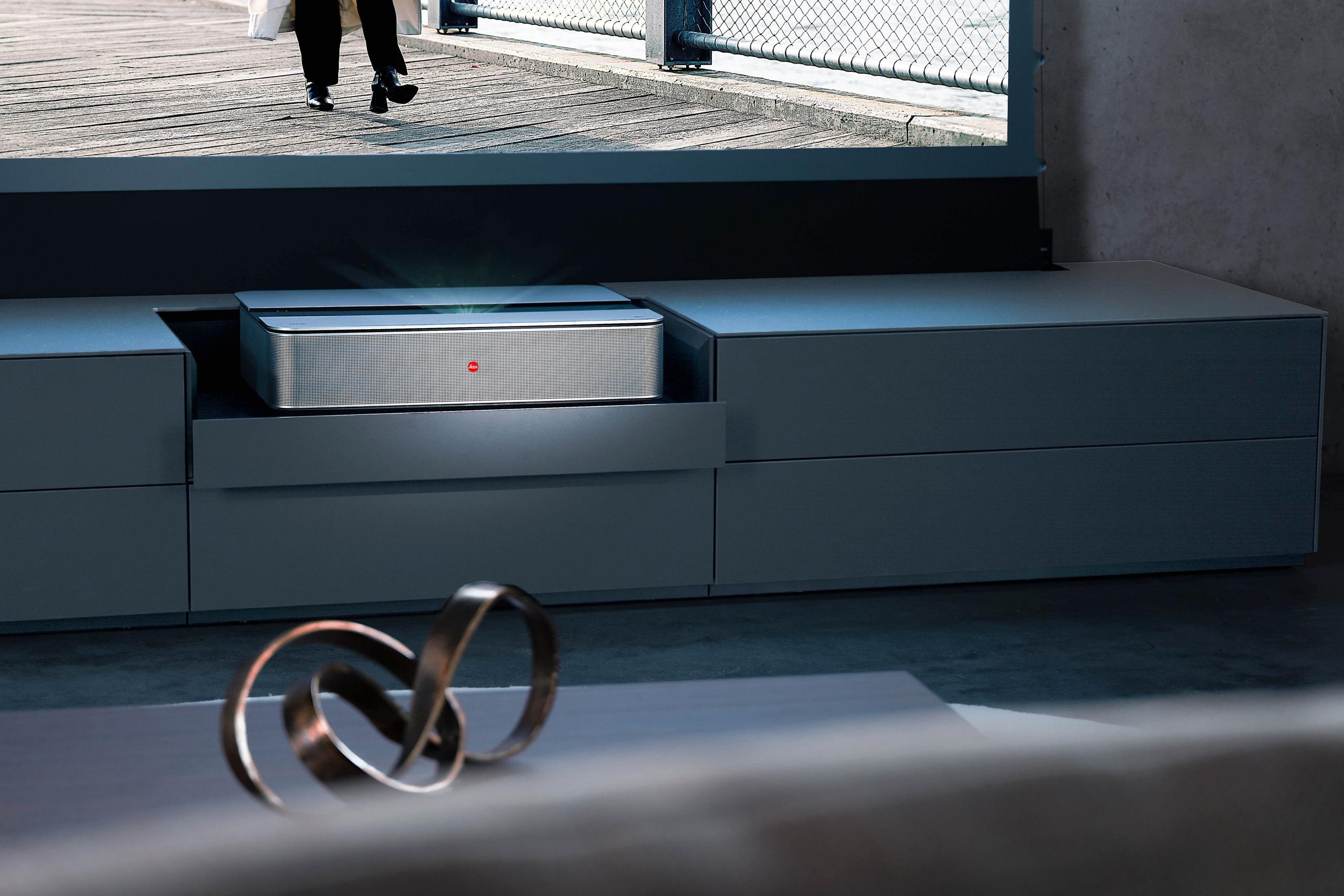
Before diving into specifics, it's crucial to understand that we're comparing two different species of projectors. Traditional long-throw projectors like the Epson 5050UB work like movie theater projectors—they sit far from the screen and throw light across the room. Ultra-short throw projectors like the Leica Cine 1 function more like a piece of furniture, sitting just inches from your wall.
This fundamental difference affects everything: where you can place them, how they handle ambient light, what kind of maintenance they need, and ultimately, what kind of viewing experience they deliver. Neither approach is inherently better—they solve different problems for different living situations.
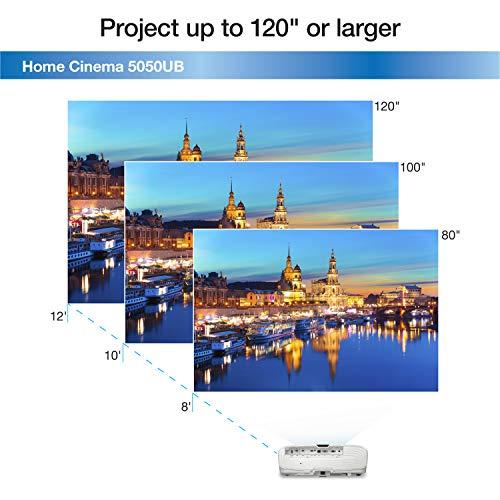
The Epson 5050UB demands respect for traditional home theater principles. You'll need to mount it on your ceiling or place it on a rear shelf, with the projector sitting anywhere from 10 to 29 feet from your screen. This might sound intimidating, but it comes with massive advantages in flexibility.
The motorized lens system is genuinely impressive—it offers lens shift that can move the image up to 96% vertically and 47% horizontally without any image distortion. In practical terms, this means you can mount the projector off-center from your screen and still get a perfectly aligned picture. The 2.1:1 zoom range means you can achieve different screen sizes without moving the projector itself.
This flexibility becomes crucial in real-world installations. Maybe your ceiling joists don't align perfectly with your screen center, or perhaps there's a ceiling fan in the way. The Epson's lens adjustments can accommodate these challenges without compromising image quality.
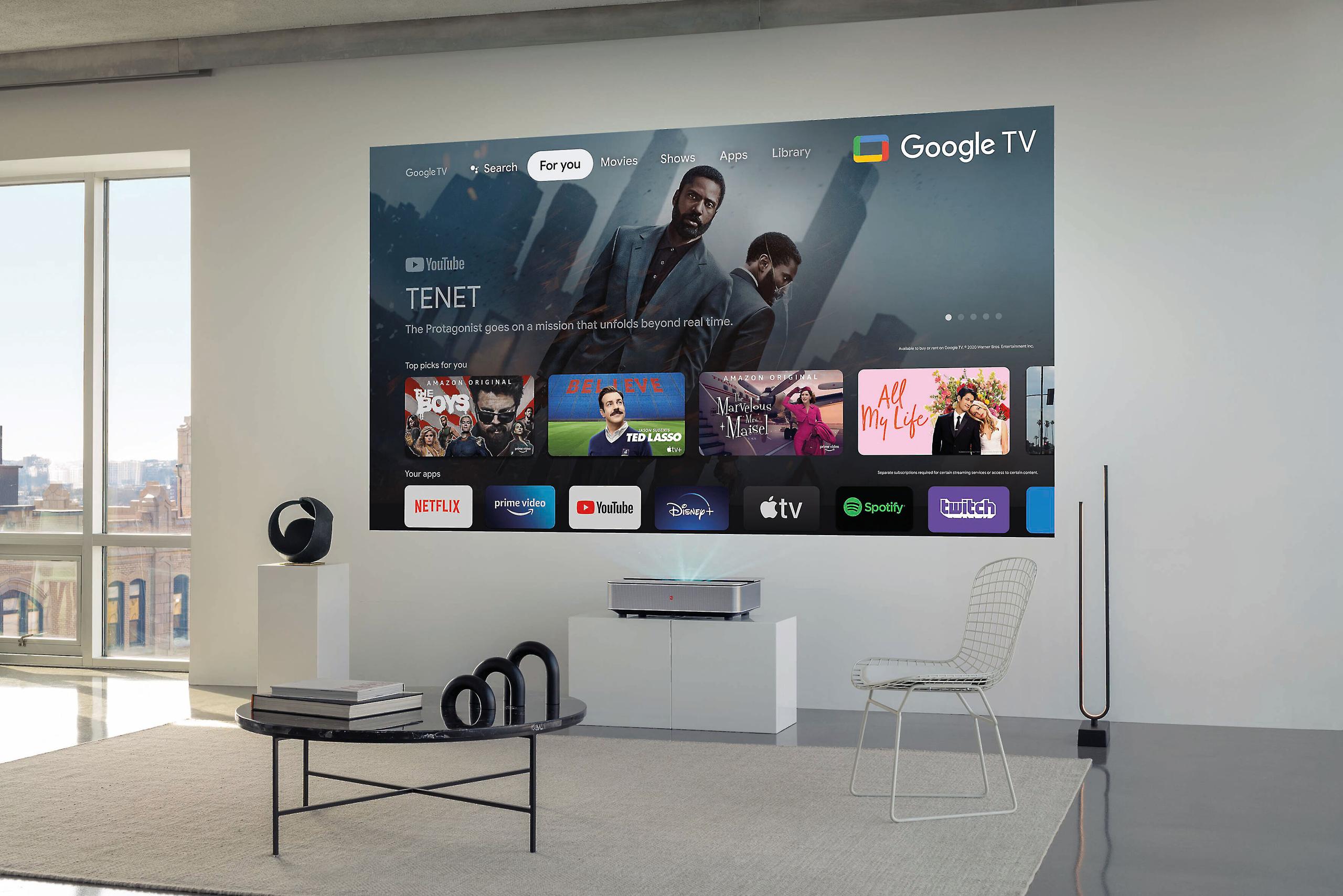
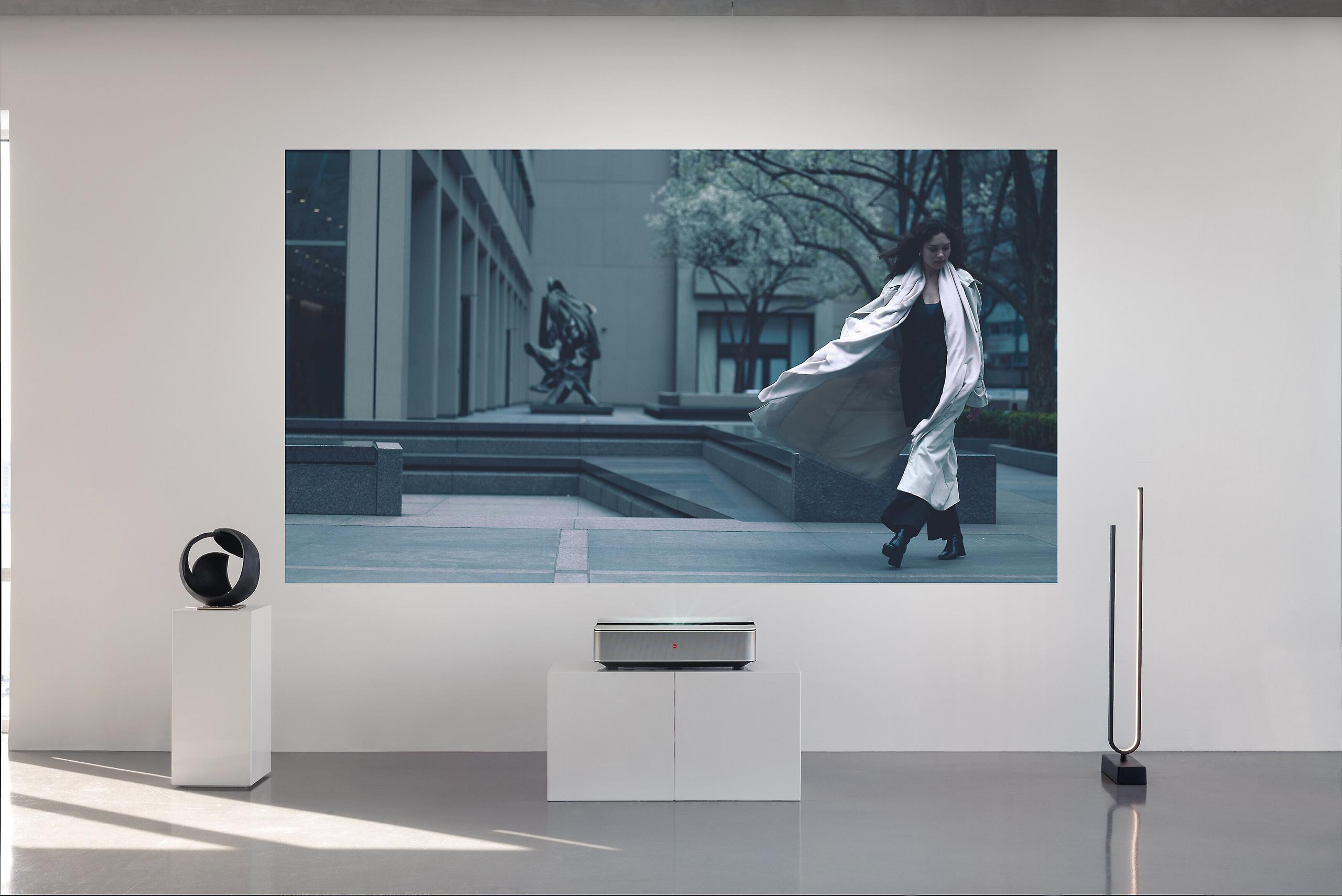
The Leica Cine 1, by contrast, takes the "plug and play" approach. It sits on your media console or entertainment center, roughly 2 feet from your wall. There's no zoom, no lens shift, and no adjustment flexibility—it's a fixed lens system that projects exactly one size image from exactly one distance. This simplicity is both liberating and limiting.
The upside is obvious: no ceiling mounting, no running cables through walls, no complex geometry calculations. You essentially place it like a soundbar and turn it on. The downside becomes apparent when your room doesn't perfectly match the projector's requirements. If your media console is slightly too close or far from the wall, you'll need to use digital keystone correction, which degrades image quality by essentially cropping and stretching the picture.
Here's where these projectors reveal their true personalities. The Epson 5050UB prioritizes what home theater enthusiasts call "reference quality"—the closest possible reproduction to what directors intended when they mastered their films.
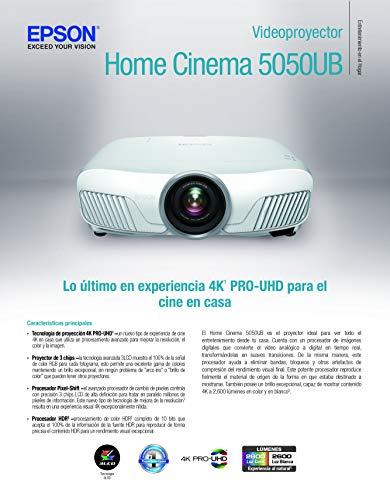
The Epson's secret weapon is something called UltraBlack technology. This isn't marketing fluff—it's a real optical innovation that uses additional filters to control light leakage within the projector. The result is genuinely impressive black levels, which translates to that deep, inky darkness you see in movie theaters. When a scene shows someone walking through a darkened house, you see into the shadows rather than looking at gray mush.
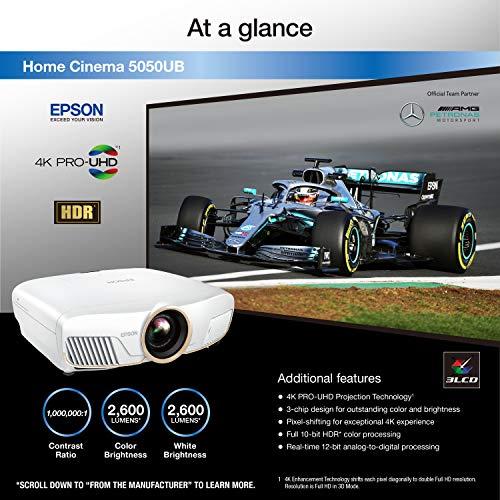
This matters more than you might expect. Contrast ratio—the difference between the darkest blacks and brightest whites—determines how three-dimensional and realistic images appear. The Epson achieves a remarkable 1,000,000:1 dynamic contrast ratio, and based on professional measurements, it delivers on this claim in real-world viewing.
The 3LCD technology also eliminates something called the "rainbow effect"—quick flashes of red, green, and blue that some people see with single-chip DLP projectors, particularly when moving their eyes quickly during bright scenes. If you're sensitive to this phenomenon, it's a deal-breaker for DLP-based projectors.
The Leica Cine 1 takes a different approach, prioritizing color vibrancy and brightness over deep blacks. Its triple RGB laser system creates each primary color with dedicated lasers rather than filtering white light. This results in incredibly saturated, punchy colors that can display 100% of the BT.2020 color space—significantly wider than what most TVs can produce.
Where this becomes noticeable is in nature documentaries, animated films, and HDR content with bright, colorful scenes. The Leica makes these images pop with an almost hyperreal vibrancy that's genuinely impressive. However, it sacrifices black level performance to achieve this. Dark scenes won't have the same depth and shadow detail as the Epson.
The brightness equation favors different use cases for each projector. The Leica Cine 1 produces 3,000 lumens compared to the Epson's 2,600 lumens. While this 400-lumen difference might seem modest, it becomes significant when combined with each projector's intended use environment.
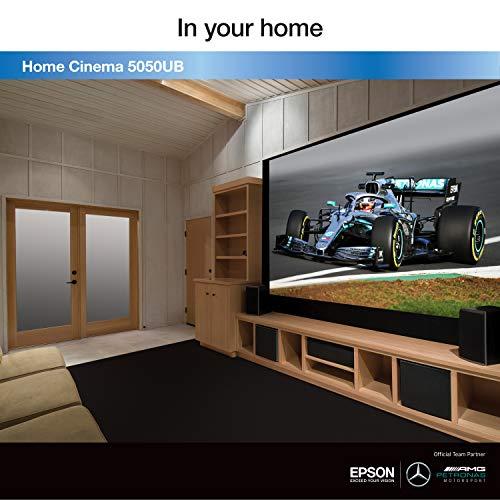
UST projectors like the Leica are designed for rooms with some ambient light—living rooms with windows, family rooms where you might have some lights on while watching. The higher brightness helps overcome this ambient light, and specialized ambient light rejection (ALR) screens can enhance this further by reflecting projected light toward viewers while absorbing room light coming from other angles.
The Epson 5050UB is designed for controlled lighting environments where you can dim or turn off room lights during viewing. In these conditions, its superior contrast ratio creates a more dramatic, theater-like experience. The brightness is sufficient for screen sizes up to 120 inches in darkened rooms, and even larger screens if you're willing to sacrifice some image brightness.
Here's the crucial difference: lamp-based projectors like the Epson gradually lose brightness over their 3,500 to 5,000-hour lifespan. You'll start with those 2,600 lumens, but after a few years of use, you might be down to 2,000 lumens or less. Laser projectors maintain consistent output throughout their 25,000-hour lifespan—the Leica will deliver the same 3,000 lumens in year ten as it does on day one.
High Dynamic Range (HDR) content has become the standard for premium streaming services, Ultra HD Blu-rays, and gaming consoles. Both projectors handle HDR, but they approach it differently based on their underlying philosophies.
The Epson 5050UB supports HDR10 and HLG formats with 10-bit color processing. More importantly, it includes 16-step real-time HDR curve adjustment—essentially a live tone-mapping control that lets you optimize how HDR content appears on your screen. This flexibility proves valuable because HDR content is mastered for displays much brighter than any projector can achieve, so some adjustment is usually necessary.
The 10-bit color processing means the Epson can handle all the color information in HDR sources without banding or compression artifacts. In practice, this creates smoother color gradients, particularly in skies, sunsets, and other scenes with subtle color transitions.
The Leica Cine 1 supports more HDR formats, including Dolby Vision and HDR10+, which offer dynamic metadata for scene-by-scene optimization. However, it processes color at 8-bit depth, which means it can't fully utilize all the color information in HDR sources. For streaming content from Netflix, Apple TV+, and other services increasingly using Dolby Vision, the Leica's broader format support becomes valuable.
In real-world viewing, the Epson's combination of superior contrast and 10-bit processing often produces more nuanced HDR performance, particularly in darker scenes where its black level advantage shines. The Leica excels with bright, colorful HDR content where its laser color system creates particularly vivid results.
Gaming performance differences between these projectors are significant and could be deciding factors for certain users. The Epson 5050UB achieves 22.5ms input lag at 4K/60Hz, which falls into the "acceptable for gaming" category. While not as fast as dedicated gaming displays, it's responsive enough for most gaming genres, including competitive online games if you're not at the highest skill levels.
The Leica Cine 1 measures 60ms input lag, which is noticeably slower. This delay becomes apparent in fast-paced games where quick reactions matter. Racing games, first-person shooters, and fighting games will feel sluggish compared to faster displays. However, for slower-paced single-player games, RPGs, and strategy games, the difference is less noticeable.
Both projectors support 4K/60Hz input from modern gaming consoles, but neither offers the higher refresh rates (120Hz or variable refresh rate) that serious gamers increasingly expect. If gaming is a primary use case, the Epson's lower input lag provides a better experience.
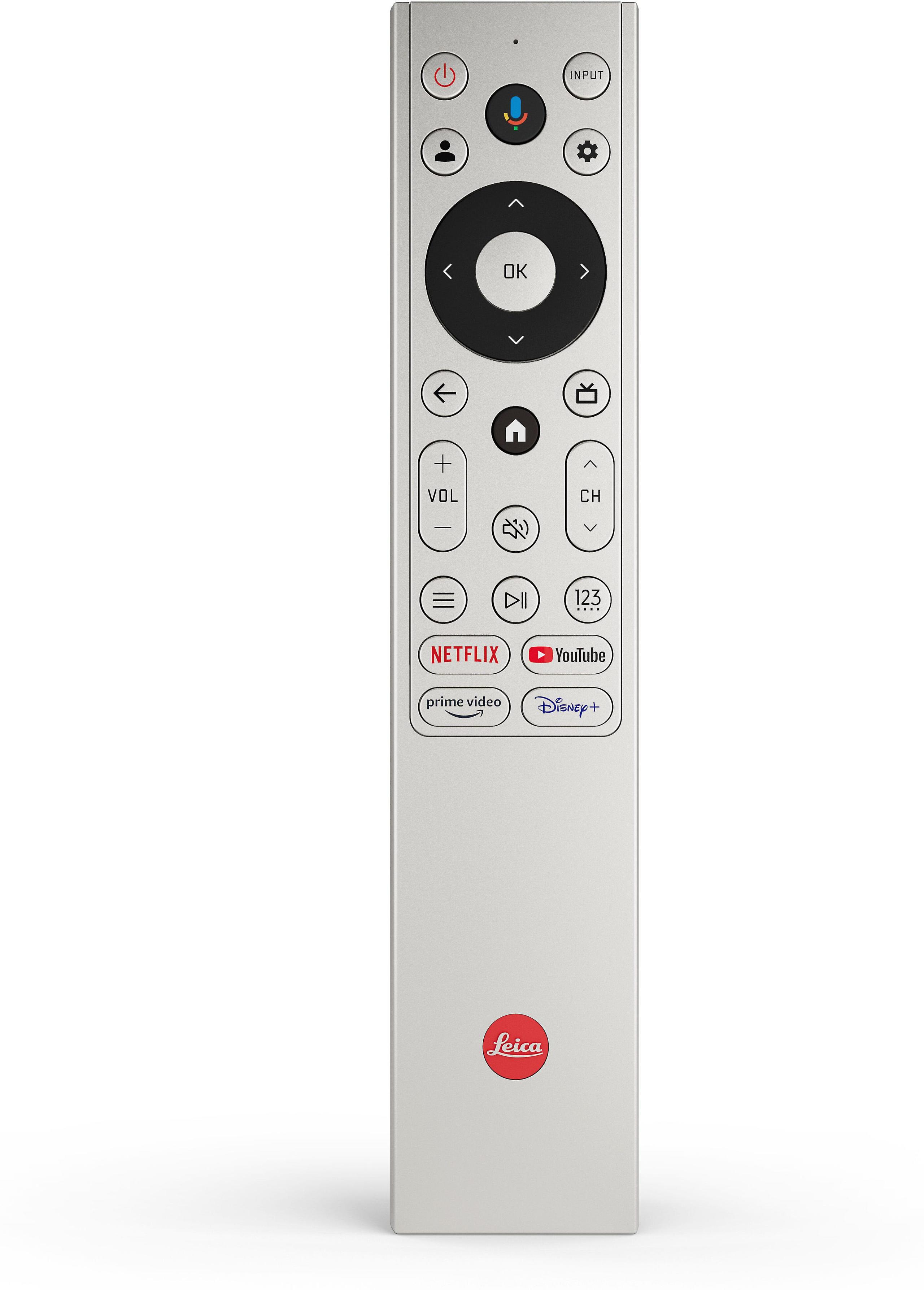
This is where the generational difference between these projectors becomes most apparent. The Leica Cine 1 includes Google TV built-in, WiFi connectivity, and access to all major streaming services directly from the projector. It also includes a TV tuner, effectively making it a complete television replacement.
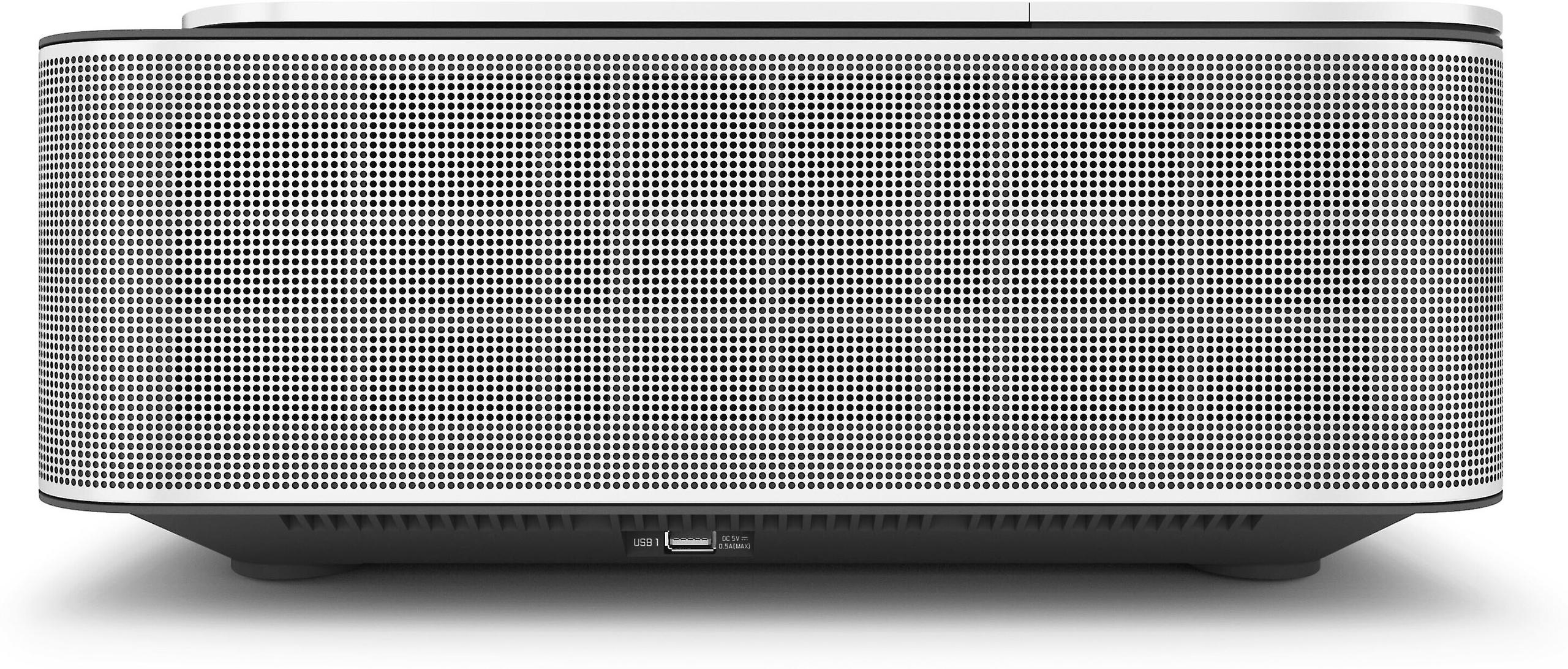
The integrated 50-watt Dolby Atmos sound system is surprisingly capable, producing room-filling audio that eliminates the need for external speakers in smaller rooms. While serious home theater enthusiasts will still want a dedicated audio system, the built-in audio makes the Leica genuinely plug-and-play for casual users.
The Epson 5050UB represents the traditional home theater approach—it's purely a display device. You'll need external streaming devices (Apple TV, Roku, gaming consoles) and a separate audio system. While this requires more components and complexity, it also provides upgrade flexibility. You can change streaming devices as new features emerge, or upgrade your audio system independently.
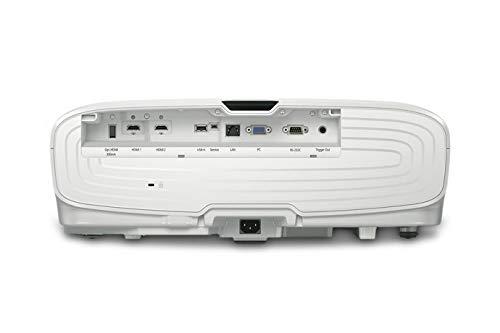
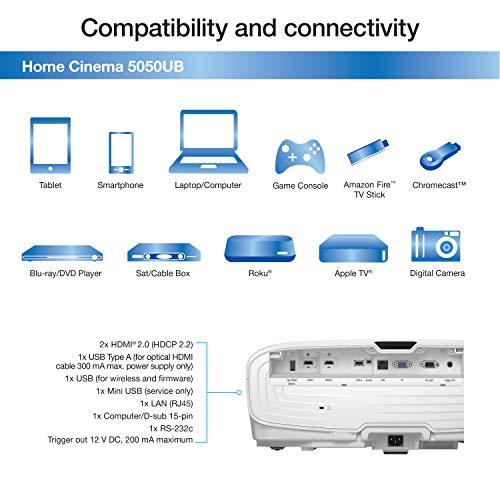
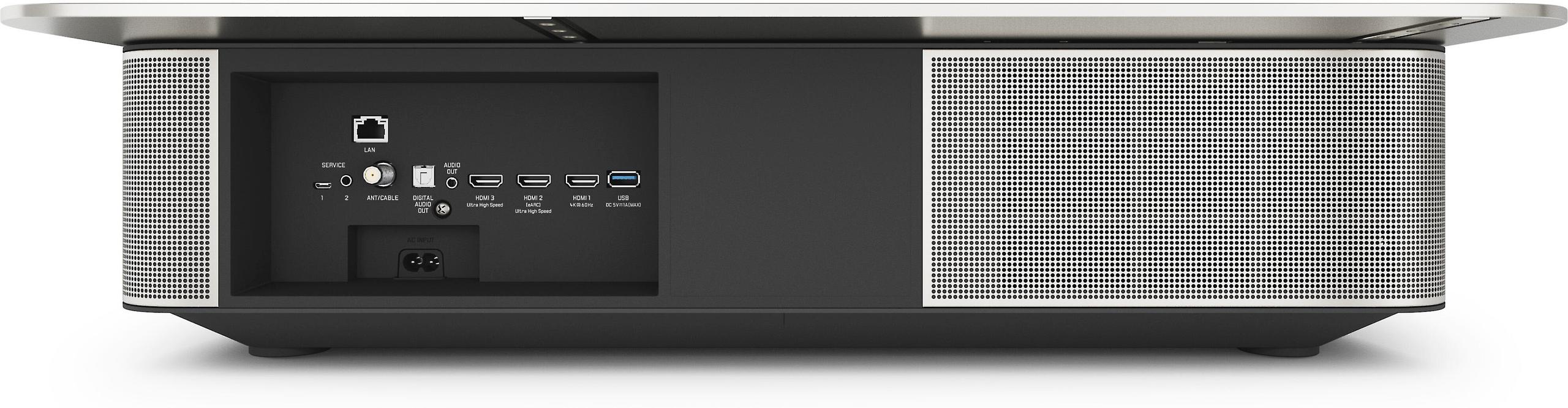
The Epson's two HDMI inputs feel limited compared to the Leica's three inputs (two HDMI 2.1, one HDMI 2.0), though this is less critical if you're using an AV receiver as a central hub.
The maintenance equation strongly favors the Leica Cine 1. Its 25,000-hour laser lifespan means most users will never need to replace the light source—at 4 hours per day, that's over 17 years of use. The laser also maintains consistent brightness and color accuracy throughout its life.
The Epson 5050UB requires lamp replacement every 3,500 to 5,000 hours, depending on usage patterns and brightness settings. Replacement lamps cost several hundred dollars at the time of writing, and brightness gradually degrades as lamps age. Over a 10-year ownership period, you might replace the lamp 3-4 times, adding significant cost to the initial purchase price.
However, lamp replacement also provides an opportunity to refresh the projector's performance. A new lamp restores full brightness and color accuracy, essentially giving you a performance boost every few years.
At the time of writing, these projectors sit at very different price points, with the Leica Cine 1 commanding roughly 2.5 times the price of the Epson 5050UB. This price difference reflects their different market positioning and feature sets.
The Epson delivers flagship-level image quality at what could be considered mid-range pricing for the home theater market. Its combination of superior contrast, excellent color accuracy, and installation flexibility provides tremendous value for users who can accommodate its installation requirements and don't mind managing lamp replacement.
The Leica prices itself as a premium lifestyle product, charging significantly more for convenience, build quality, and modern features. Whether this premium is justified depends largely on how much you value convenience over ultimate image quality.
Choose the Epson Home Cinema 5050UB if you're building a dedicated home theater room or have a family room where you can control lighting and accommodate ceiling mounting. It's the clear choice for users who prioritize image quality over convenience, game regularly, or want the flexibility to use very large screens (over 120 inches). The lamp maintenance requirement is manageable for most users, and the superior contrast performance justifies the occasional lamp replacement.
The Epson also makes sense if you already have or plan to build a separate audio system and prefer the component-based approach that lets you upgrade pieces individually over time.
Choose the Leica Cine 1 120" if you want the large-screen experience without the complexity of traditional projection. It's ideal for living rooms, family rooms, or any space where ceiling mounting isn't practical or desired. The integrated smart features and audio make it genuinely plug-and-play, while the laser longevity means decades of maintenance-free operation.
The Leica suits users who stream most of their content, appreciate premium build quality, and are willing to pay significantly more for convenience. Its wider color gamut also makes it appealing for users who prioritize vibrant, eye-catching images over technical accuracy.
Both projectors excel in their intended roles, but they solve fundamentally different problems. The Epson 5050UB maximizes image quality for dedicated viewing environments, while the Leica Cine 1 maximizes convenience and integration for everyday living spaces. Understanding which priority matters more to you will guide you to the right choice.
| Epson Home Cinema 5050UB | Leica Cine 1 120" UST |
|---|---|
| Projector Type - Determines installation requirements and room compatibility | |
| Traditional long-throw (ceiling mount required) | Ultra-short throw (sits on media console like furniture) |
| Throw Distance - How far from screen the projector needs to be placed | |
| 10.3' - 29.4' (requires significant room depth) | 2.1' - 2.2' (works in shallow rooms and apartments) |
| Display Technology - Affects color accuracy, contrast, and rainbow artifacts | |
| 3LCD, 3-chip (eliminates rainbow effect, excellent color) | Single-chip DLP (potential rainbow effect for sensitive viewers) |
| Light Source - Impacts maintenance costs and brightness consistency | |
| 250W UHE lamp (3,500-5,000 hour life, needs replacement) | Triple RGB laser (25,000 hour life, maintenance-free) |
| Native Resolution - Both use pixel-shifting for 4K enhancement | |
| 1920x1080 with 4K PRO-UHD pixel-shifting | 1920x1080 with 4K XPR pixel-shifting |
| Brightness - Critical for ambient light performance | |
| 2,600 lumens (degrades over lamp life) | 3,000 lumens (consistent throughout laser life) |
| Contrast Ratio - Most important spec for image depth and black levels | |
| 1,000,000:1 dynamic (exceptional blacks with UltraBlack technology) | 1,000:1 native, 2,000,000:1 dynamic (good but not exceptional blacks) |
| Color Processing - Affects HDR quality and color smoothness | |
| 10-bit (handles full HDR color information without banding) | 8-bit (some HDR color compression, but still very good) |
| HDR Format Support - Important for streaming and disc compatibility | |
| HDR10, HLG only | HDR10, HDR10+, Dolby Vision, HLG (better streaming compatibility) |
| Color Gamut Coverage - Determines color vibrancy and accuracy | |
| DCI-P3 (wide enough for all current content) | 100% BT.2020 (wider than any current content requires) |
| Gaming Input Lag - Critical for responsive gaming performance | |
| 22.5ms at 4K/60Hz (acceptable for most gaming) | 60ms at 4K/60Hz (only suitable for casual gaming) |
| Lens Flexibility - Installation versatility and image adjustment | |
| 2.1x motorized zoom, ±96% vertical/±47% horizontal lens shift | Fixed lens, no zoom, no lens shift (requires precise placement) |
| Maximum Screen Size - Determines largest possible image | |
| 300 inches (excellent for large dedicated theaters) | 120 inches maximum (good for most living rooms) |
| Smart Features - Built-in streaming and connectivity | |
| None (requires external streaming devices) | Google TV, WiFi 6, built-in streaming apps |
| Audio System - Determines need for external speakers | |
| No built-in speakers (requires separate audio system) | 50W Dolby Atmos system (eliminates need for basic external audio) |
| HDMI Connectivity - Modern device compatibility | |
| 2x HDMI 2.0 (adequate but limited) | 2x HDMI 2.1 + 1x HDMI 2.0 (future-proof for gaming consoles) |
| 3D Support - For existing 3D content collections | |
| Full 3D support with optional glasses | No 3D support |
| Typical Installation Cost - Professional setup requirements | |
| Higher (ceiling mounting, cable runs, calibration) | Lower (place on furniture, minimal setup) |
| Long-term Operating Costs - Maintenance and replacement expenses | |
| Multiple lamp replacements over projector life | Essentially zero maintenance costs |
The Epson Home Cinema 5050UB is specifically designed for dedicated home theater rooms with its superior contrast ratio of 1,000,000:1 and UltraBlack technology that delivers deep, cinema-quality blacks. Its 3LCD technology eliminates rainbow effects, and the motorized lens system provides installation flexibility for ceiling mounting. The Leica Cine 1 120" is better suited for living rooms and multi-purpose spaces where convenience matters more than ultimate image quality.
The Leica Cine 1 120" sits directly on your media console or TV stand just 2 feet from the wall, making it incredibly easy to install like a piece of furniture. The Epson Home Cinema 5050UB requires ceiling mounting or rear shelf placement 10-29 feet from your screen, which typically means professional installation and cable management through walls or ceilings.
The Epson Home Cinema 5050UB delivers superior picture quality for movie watching with its exceptional contrast ratio and true blacks from UltraBlack technology. It processes 10-bit color for smooth HDR gradients and uses 3LCD technology for accurate colors. The Leica Cine 1 offers more vibrant colors from its triple RGB laser system and wider color gamut, but has weaker black levels and contrast performance.
The Epson Home Cinema 5050UB is much better for gaming with 22.5ms input lag, making it suitable for competitive gaming and fast-paced action games. The Leica Cine 1 120" has 60ms input lag, which creates noticeable delays in responsive games but works fine for slower single-player titles and casual gaming.
The Leica Cine 1 120" produces 3,000 lumens compared to the Epson Home Cinema 5050UB's 2,600 lumens, making it better for rooms with some ambient light. The Leica also maintains consistent brightness throughout its 25,000-hour laser life, while the Epson's lamp gradually dims over time and needs replacement every 3,500-5,000 hours.
The Leica Cine 1 120" includes Google TV built-in with WiFi, so you can stream Netflix, Disney+, and other services directly without additional devices. The Epson Home Cinema 5050UB has no smart features and requires external streaming devices like Apple TV, Roku, or gaming consoles for accessing streaming content.
The Leica Cine 1 120" is essentially maintenance-free with its 25,000-hour laser that never needs replacement during normal use. The Epson Home Cinema 5050UB requires lamp replacements every few years, with each replacement lamp costing several hundred dollars, but this also refreshes the projector's brightness and color performance.
The Leica Cine 1 120" supports Dolby Vision, HDR10+, HDR10, and HLG, making it compatible with the latest streaming content from Netflix and other services. The Epson Home Cinema 5050UB only supports HDR10 and HLG but includes 16-step real-time HDR adjustment for fine-tuning performance to your room and preferences.
The Epson Home Cinema 5050UB can project images from 50 inches up to 300 inches, making it ideal for very large home theaters. The Leica Cine 1 120" is limited to 100-120 inch screen sizes due to its ultra-short throw design, which covers most living room and family room needs but can't achieve theater-sized images.
The Leica Cine 1 120" includes a 50-watt Dolby Atmos sound system that provides decent audio for casual viewing without external speakers. The Epson Home Cinema 5050UB has no built-in audio and requires a separate sound system, which gives you more flexibility to choose your preferred audio setup but adds complexity and cost.
The Epson Home Cinema 5050UB provides exceptional installation flexibility with ±96% vertical and ±47% horizontal lens shift, plus 2.1x motorized zoom, allowing precise image placement even when the projector can't be perfectly centered. The Leica Cine 1 120" has a fixed lens with no adjustment options, requiring precise placement at exactly the right distance from your wall.
The Epson Home Cinema 5050UB supports full 3D playback with optional active shutter glasses, making it compatible with 3D Blu-ray movies and gaming content. The Leica Cine 1 120" does not support 3D content, so if you have a 3D movie collection or want 3D gaming capability, the Epson is your only option.
We've done our best to create useful and informative comparisons to help you decide what product to buy. Our research uses advanced automated methods to create this comparison and perfection is not possible - please contact us for corrections or questions. These are the sites we've researched in the creation of this article: rtings.com - projectorscreen.com - hometechnologyreview.com - thesmarthomehookup.com - youtube.com - rtings.com - techgearlab.com - projectorcentral.com - projectorreviews.com - projectorcentral.com - avsforum.com - rtings.com - projectorreviews.com - projectorreviews.com - avsforum.com - avsforum.com - audiogeneral.com - hifiheaven.net - manuals.plus - crutchfield.com - projectorcentral.com - epson.com - mediaserver.goepson.com - bestbuy.com - ngxptech.com - projectorcentral.com - projectorreviews.com - trustedreviews.com - leicacamerausa.com - hometechnologyreview.com - projectorreviews.com - richersounds.com - whathifi.com - crutchfield.com - projectorcentral.com - cdn11.bigcommerce.com - leicarumors.com - leica-camera.com

Privacy Policy
Terms and Conditions - Affiliate Policy
Home Security
© Copyright 2008-2026.
11816 Inwood Rd #1211, Dallas, TX 75244