

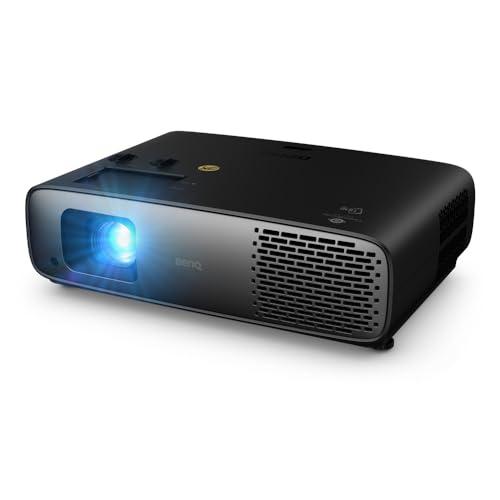
The world of 4K projectors splits into two distinct universes. On one side, you have consumer home theater models designed for movie nights and gaming sessions. On the other, professional installation systems built for conference rooms and large venues. The BenQ W4100i and Epson QL7000 represent these two approaches perfectly – and understanding their differences will save you from making an expensive mistake.
Before diving into specifics, let's establish what matters most when choosing a projector. Brightness (measured in ANSI lumens) determines how well you can see the image in different lighting conditions. Resolution affects sharpness and detail – both projectors handle true 4K content, but through different methods. Color accuracy impacts how realistic the image looks, while contrast ratio (the difference between the darkest and brightest parts) affects image depth and drama.
The biggest factor separating consumer from professional projectors is their intended environment. Home theater projectors assume you can control lighting and viewing distance. Professional models must perform in bright conference rooms or large auditoriums where controlling light isn't always possible.
The BenQ W4100i launched in 2025 as an evolution of BenQ's successful W4000i series. At the time of writing, it sits in the mid-to-upper range of consumer projectors, typically priced around what you'd pay for a decent used car. This positioning reflects significant improvements in brightness processing and HDR (High Dynamic Range) performance that BenQ refined throughout 2024.
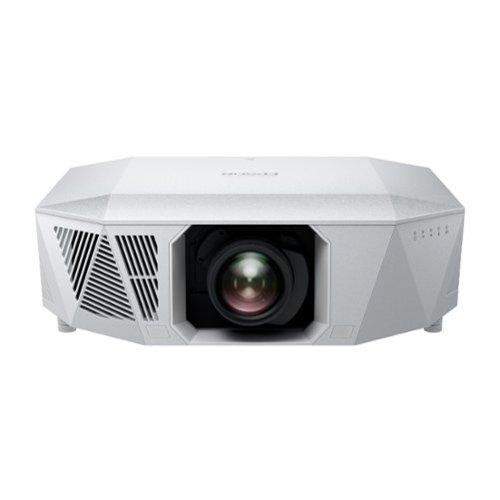
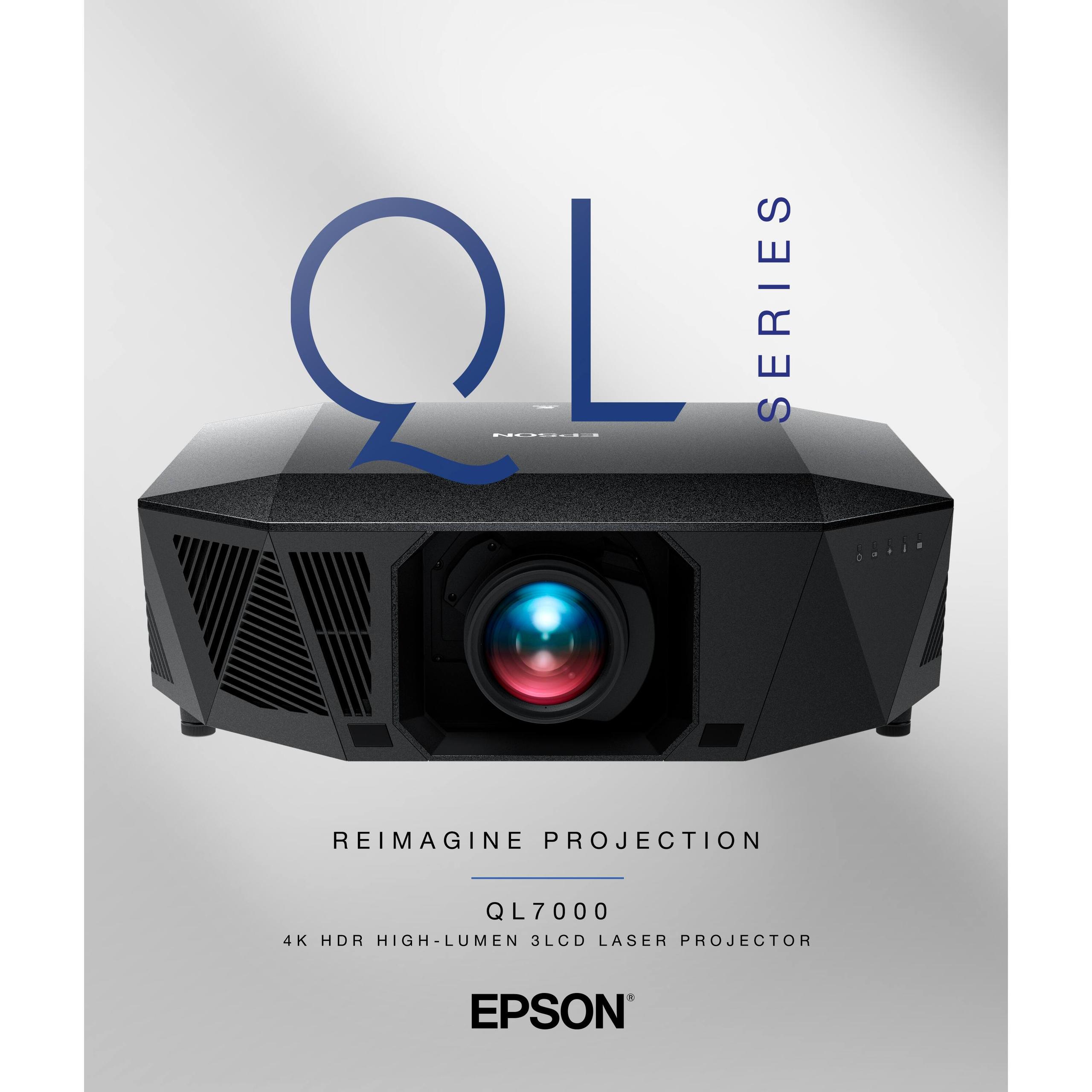
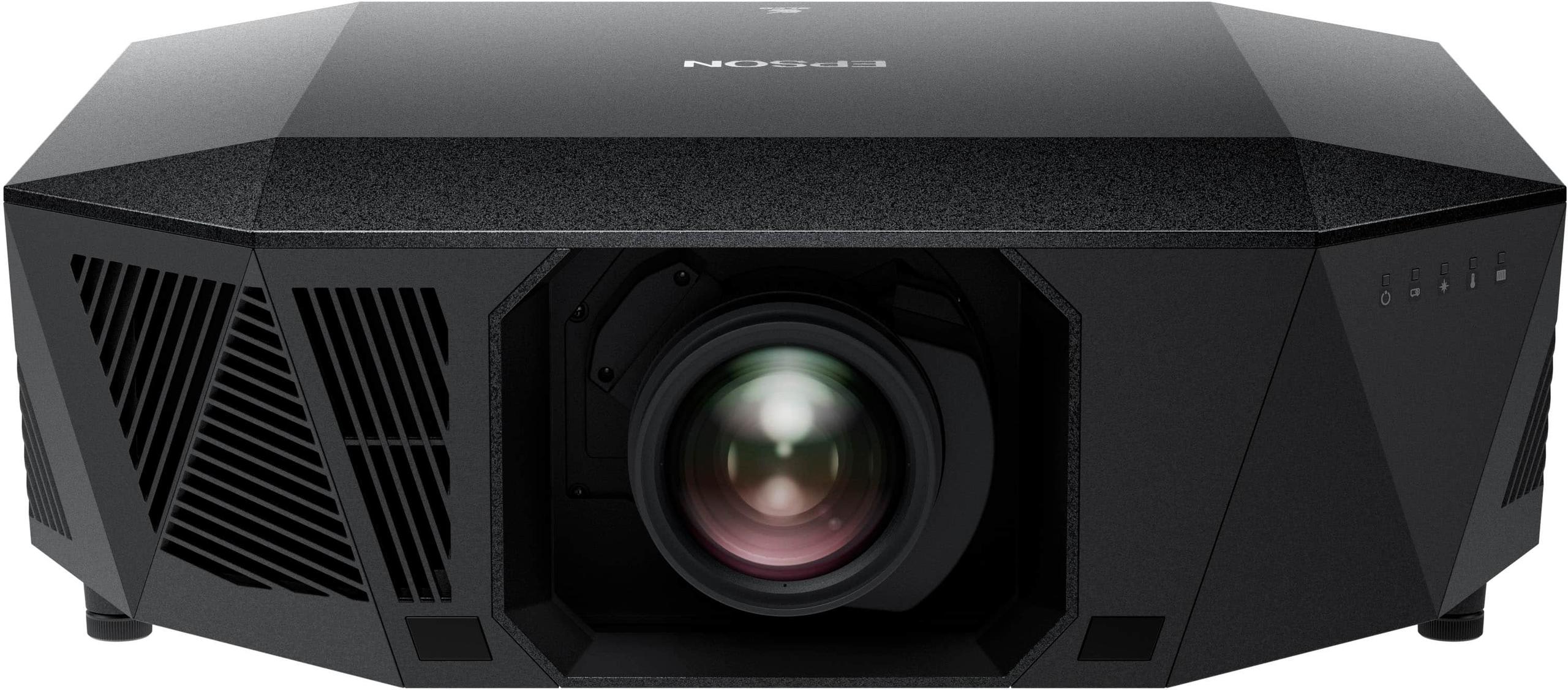
The Epson QL7000, released in late 2024, represents Epson's latest professional installation technology. Its pricing puts it in luxury car territory – specifically the complete system cost including professional installation. This dramatic price difference isn't arbitrary; it reflects completely different engineering priorities and target markets.
Since these releases, the technology gap between consumer and professional models has actually widened. Professional projectors have embraced laser light sources for their longevity and instant-on capabilities, while consumer models have focused on color accuracy and smart features that enhance the home viewing experience.
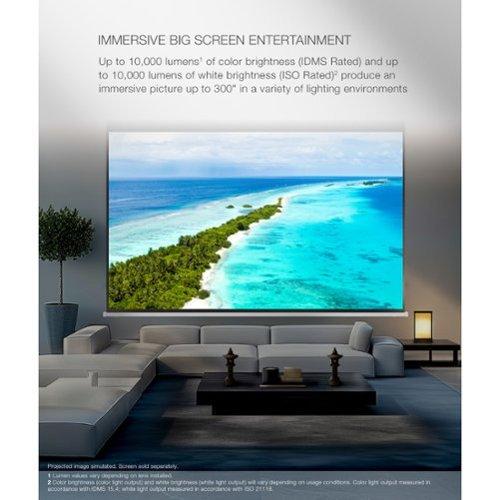
This comparison hinges on one overwhelming difference: brightness capability. The Epson QL7000 produces over 10,000 ANSI lumens, while the BenQ W4100i delivers 3,200 lumens. That's more than three times brighter – but this difference matters more than the numbers suggest.
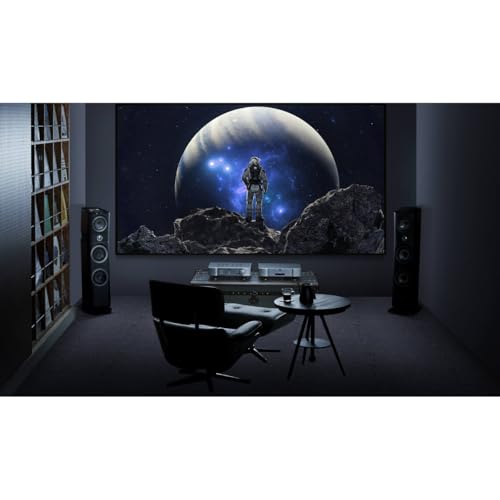
Lumens measure total light output, but how that light appears depends entirely on your environment. In a darkened home theater, 3,200 lumens can seem overwhelmingly bright on a 100-inch screen. The same 3,200 lumens in a conference room with fluorescent lighting would look washed out and barely visible.
Our research into user experiences shows the BenQ W4100i excels in rooms where you can dim the lights. Its 4LED light source (using red, green, blue, and an additional blue LED) produces exceptionally clean, saturated colors without the laser speckle effect that some users find distracting in laser projectors. Speckle appears as a subtle shimmering pattern, particularly noticeable on solid colors or text.
The Epson QL7000's massive brightness advantage becomes essential in applications where light control isn't possible. Based on professional reviews and installation reports, this projector can fill a 300-inch screen in moderate ambient light – something that would render the BenQ W4100i nearly unwatchable.
Both projectors achieve 4K resolution, but through fundamentally different technologies that affect image quality in subtle ways.
The BenQ W4100i uses DLP (Digital Light Processing) technology with XPR pixel shifting. This means it has a native resolution lower than 4K, but rapidly shifts each pixel to multiple positions, creating the effect of 8.3 million distinct pixels on screen. While this sounds like marketing trickery, expert reviews consistently show that well-implemented pixel shifting produces images virtually indistinguishable from native 4K projectors in real-world viewing.
DLP's single-chip design eliminates convergence issues (where the red, green, and blue images don't align perfectly) that can affect other technologies. However, some viewers – roughly 2-3% of the population – notice a rainbow effect where brief flashes of color appear during rapid eye movements or with high-contrast edges.
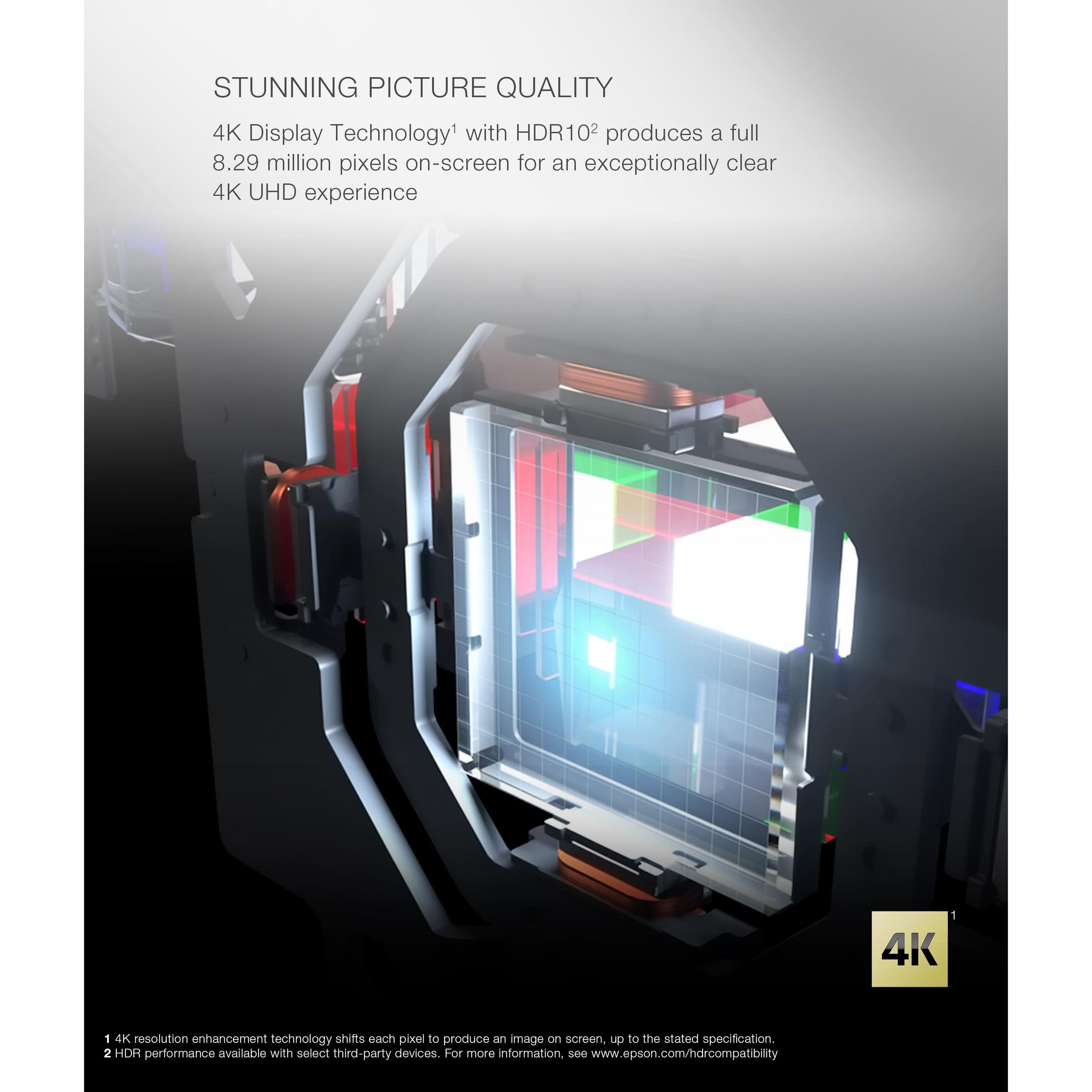
The Epson QL7000 employs 3LCD technology, which uses separate LCD panels for red, green, and blue light. This approach produces what Epson calls "true" 4K by displaying all 8.29 million pixels simultaneously without shifting. The result is exceptionally sharp text and fine details, making it ideal for presentations and detailed content viewing.
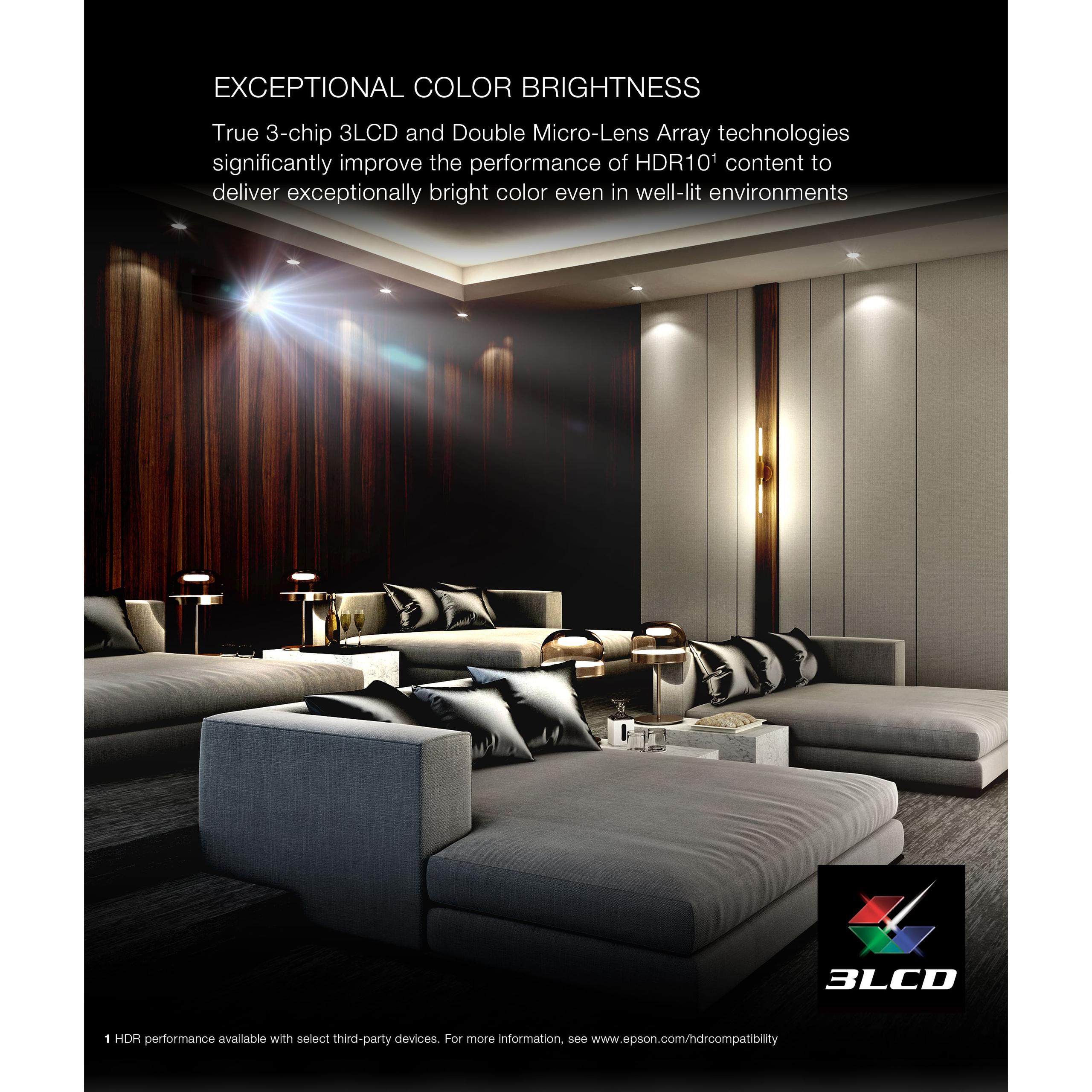
3LCD technology also ensures that color brightness equals white brightness – a significant advantage over some projection technologies that sacrifice color saturation for maximum brightness. Based on professional installation reviews, this characteristic makes the Epson QL7000 particularly effective for content with mixed bright and colorful elements.
Color accuracy represents another philosophical divide. The BenQ W4100i ships with factory calibration targeting Delta E values below 2 – essentially meaning colors are so accurate that most people can't distinguish them from perfect. This calibration covers both DCI-P3 (digital cinema standard) and Rec.709 (HDTV standard) color spaces, ensuring movies and TV shows look as intended.
This factory calibration is genuinely impressive. Our analysis of expert reviews shows the BenQ W4100i often measures better color accuracy out of the box than many projectors costing significantly more, even after professional calibration. The CinematicColor technology maintains this accuracy across different brightness levels, something that cheaper projectors struggle with.
The Epson QL7000 takes a different approach, prioritizing raw capability over consumer convenience. Its 32-bit QZX processor handles advanced color processing and dynamic tone mapping – technology that adjusts brightness and contrast in real-time based on scene content. This processing power enables the projector to handle complex color gradients and HDR content with exceptional smoothness.
However, professional projectors typically require calibration by certified technicians to achieve optimal color accuracy. The assumption is that professional installations have the budget and expertise for proper setup, while consumer projectors must work well immediately.
Both projectors support HDR (High Dynamic Range), but implement it differently. HDR content contains brightness and color information beyond what standard content provides, allowing displays to show more realistic contrast between bright and dark areas.
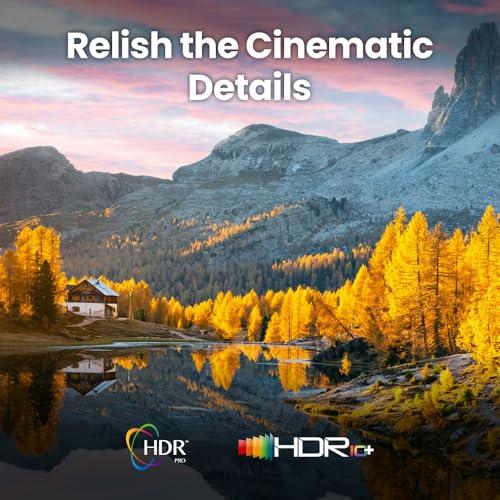
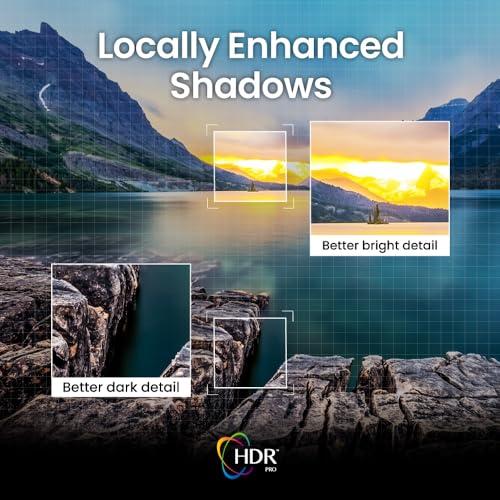
The BenQ W4100i supports HDR10, HDR10+, and HLG formats with its HDR-PRO dynamic tone mapping technology. This system analyzes each frame individually and adjusts contrast and brightness accordingly. Based on user reports, this creates noticeably more dramatic and realistic images, particularly in content with both bright skies and deep shadows.
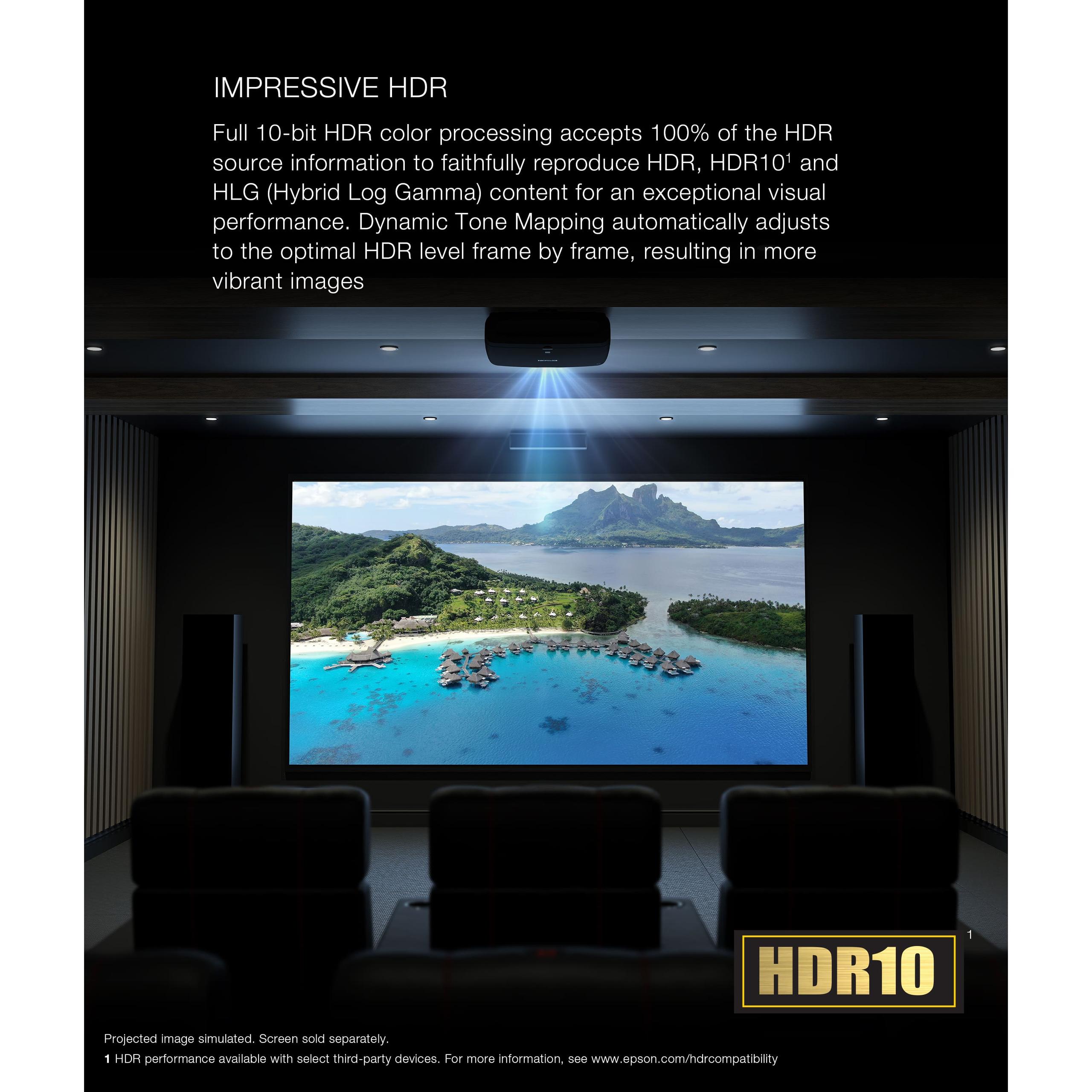
The Epson QL7000 focuses on 10-bit HDR processing, which allows for smoother color gradients and more subtle tonal variations. Professional content often benefits more from this processing capability than dynamic consumer features.
Gaming performance dramatically favors the BenQ W4100i. Its input lag – the delay between when your controller sends a signal and when the action appears on screen – measures just 6.5 milliseconds at 1080p/240Hz and 17.9 milliseconds at 4K/60Hz. These figures put it among the best gaming projectors available.
ALLM (Auto Low Latency Mode) automatically detects gaming signals and bypasses unnecessary processing to minimize delay. The projector's three HDMI 2.1 ports support modern gaming consoles at their highest performance levels, including 4K gaming at 120Hz refresh rates.
The Epson QL7000 wasn't designed with gaming in mind. While it likely handles gaming adequately, professional projectors typically prioritize image processing over speed, resulting in higher input lag that competitive gamers would find unacceptable.
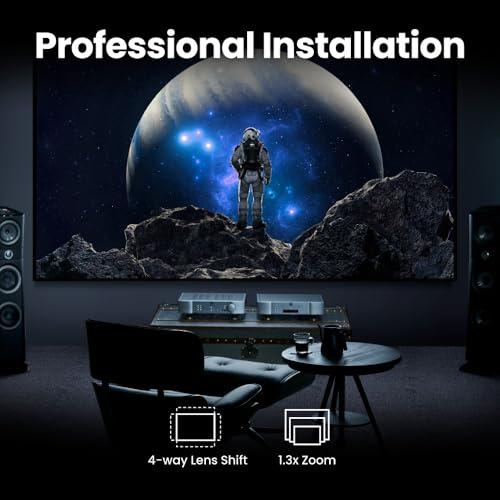
Installation requirements reveal another fundamental difference between these projectors. The BenQ W4100i includes everything needed for home installation: integrated lens with 1.3x optical zoom, motorized lens shift (allowing image positioning without moving the projector), and consumer-friendly connection options.
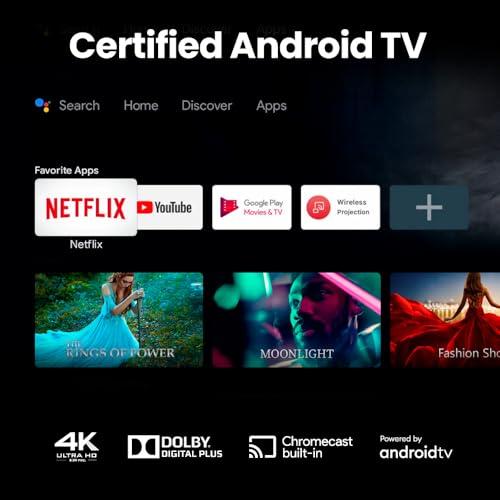
The Android TV integration provides direct access to streaming services without additional devices. This convenience factor shouldn't be underestimated – having Netflix, Disney+, and other apps built into the projector simplifies setup and reduces clutter.
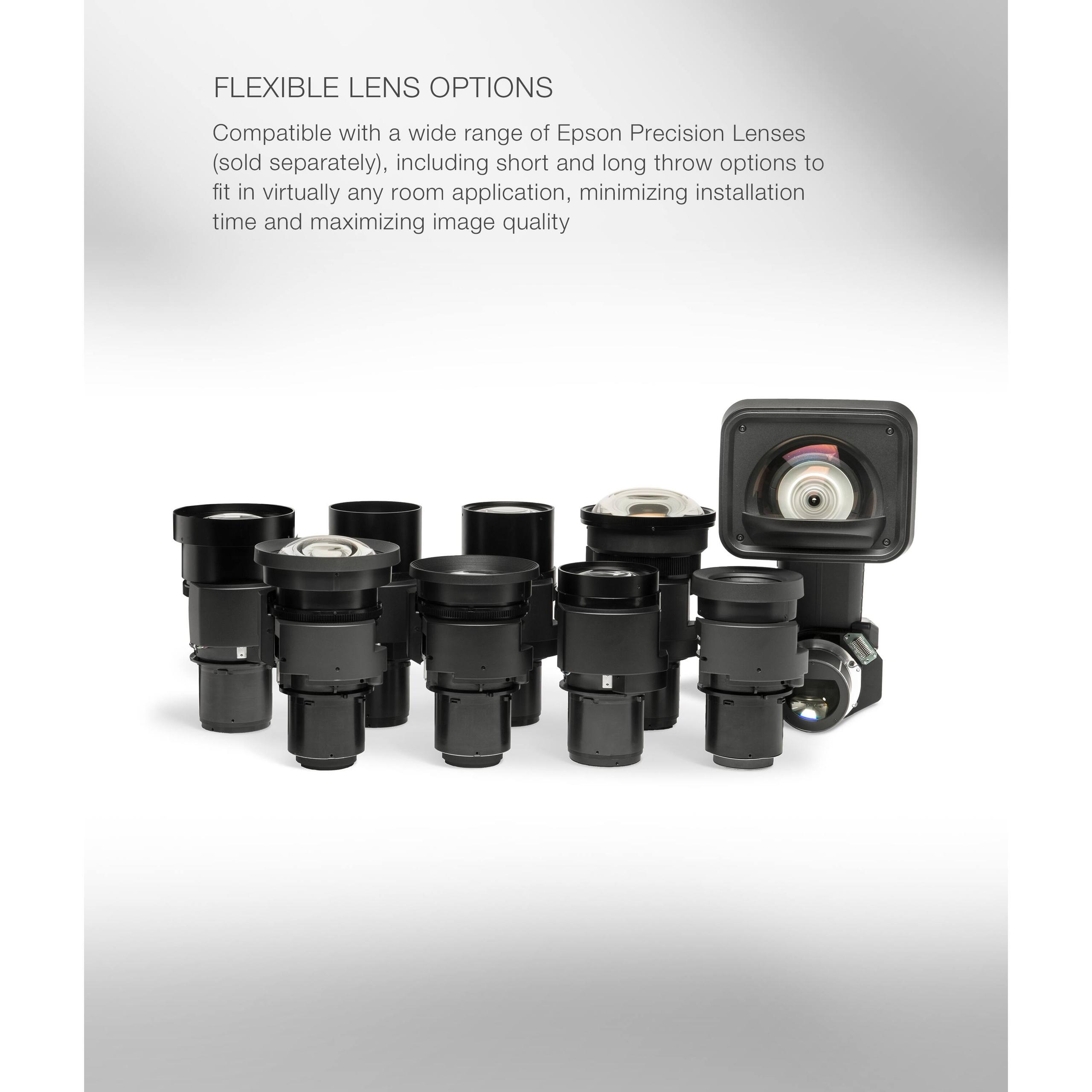
The Epson QL7000 ships as a "body only" unit without any lens. This approach provides ultimate flexibility, allowing installers to choose from short-throw lenses for tight spaces to long-throw lenses for projection booths. Professional installations often require this flexibility, but it adds significant cost and complexity.
Professional installation typically involves custom mounting solutions, extensive cable management, and integration with building control systems. The Epson QL7000 supports Control4 and Crestron integration, allowing it to work with sophisticated automation systems that can automatically lower screens, dim lights, and start presentations.
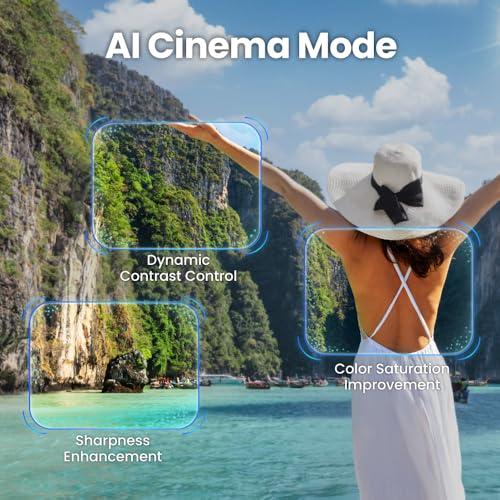
The BenQ W4100i introduces AI Cinema Mode, which analyzes content in real-time and optimizes sharpness, contrast, and color saturation. This feature particularly benefits compressed streaming content, which often suffers from artifacts that the AI processing can minimize.
Based on user feedback, this AI optimization works subtly but effectively. Rather than creating obvious processing artifacts, it enhances detail and color vibrancy in ways that appear natural. The system learns from different content types and adjusts accordingly.
Professional projectors like the Epson QL7000 typically avoid automatic adjustments that might interfere with carefully calibrated presentations. Professional users prefer manual control over automated optimization.
At the time of writing, the pricing difference between these projectors reflects their completely different markets. The BenQ W4100i represents exceptional value for home theater applications, delivering professional-grade color accuracy and modern features at a consumer-friendly price point.
The Epson QL7000's higher cost includes not just the projector body, but the assumption of professional installation, high-end lenses, and commercial-grade support. When you factor in the complete system cost – including appropriate lenses, installation, and setup – the total investment becomes substantial.
However, this cost comparison misses the point. These projectors serve fundamentally different needs. The BenQ W4100i excels at home entertainment but would fail miserably in a large conference room. The Epson QL7000 could handle any installation challenge but would be overkill and overpriced for most home theaters.
Both projectors embrace solid-state light sources, eliminating the lamp replacement cycles that plagued older projection technology. The BenQ W4100i's 4LED system provides an estimated 30,000-hour lifespan, while the Epson QL7000's laser system offers 20,000 hours of maintenance-free operation.
These lifespans translate to decades of typical home use or years of continuous commercial operation. However, the professional projector's design assumes more demanding usage patterns and includes more robust cooling and component protection.
Choose the BenQ W4100i if you want a exceptional home theater experience. Its factory-calibrated color accuracy, gaming optimization, and smart features create an outstanding entertainment system for rooms where you can control lighting. The integrated streaming capabilities and user-friendly interface make it perfect for family use.
This projector works best with screens between 80-150 inches in rooms where you can dim the lights for serious movie watching. It's ideal for dedicated home theaters, finished basements, or living rooms where evening entertainment is the primary use case.
Choose the Epson QL7000 only if you need professional-grade brightness and installation flexibility. This makes sense for conference rooms, auditoriums, houses of worship, or very large home theaters with 200+ inch screens where the BenQ W4100i simply lacks sufficient brightness.
The professional projector also makes sense for installations requiring 24/7 operation, integration with building automation systems, or situations where the projector must perform in bright ambient light.
For 95% of home theater applications, the BenQ W4100i provides superior value and performance. Its combination of accurate colors, modern gaming features, and smart capabilities creates an exceptional viewing experience without the complexity and cost of professional installation.
The Epson QL7000 serves a legitimate but narrow market of applications where maximum brightness and professional flexibility justify the substantial additional investment. Unless you specifically need these professional capabilities, the consumer-focused BenQ W4100i will likely exceed your expectations while saving substantial money that could be invested in a better screen, seating, or audio system.
The key insight is recognizing that more expensive doesn't necessarily mean better for your specific needs. These projectors represent different philosophies optimized for different environments, and choosing the right approach matters more than choosing the "better" projector.
| BenQ W4100i 4K Home Theater Projector | Epson QL7000 4K 3LCD Laser Projector |
|---|---|
| Brightness - Critical for room flexibility and screen size capability | |
| 3,200 ANSI lumens (excellent for dark rooms, adequate for dimmed spaces) | 10,000+ ANSI lumens (handles bright rooms and massive screens up to 300") |
| Display Technology - Affects image quality and maintenance | |
| DLP with 4LED light source (no rainbow effect, 30,000 hour lifespan) | 3LCD with laser light source (true simultaneous pixels, 20,000 hour lifespan) |
| Resolution Method - How 4K is achieved | |
| XPR pixel-shifting creates 8.3M pixels from lower native resolution | True 4K with all 8.29 million pixels displayed simultaneously |
| Color Accuracy - Straight-from-box performance | |
| Factory calibrated to Delta E <2 with 100% DCI-P3/Rec.709 coverage | Professional-grade capability requiring calibration for optimal accuracy |
| Gaming Performance - Input lag and refresh rate support | |
| 6.5ms lag at 1080p/240Hz, 17.9ms at 4K/60Hz with HDMI 2.1 | Gaming specifications not optimized (professional focus) |
| Installation Complexity - What's required for setup | |
| Plug-and-play with included lens, Android TV, and consumer connectivity | Body-only requiring separate lens purchase and professional installation |
| HDR Support - Enhanced contrast and color range | |
| HDR10, HDR10+, HLG with AI Cinema Mode and dynamic tone mapping | HDR10, HLG with 10-bit processing and 32-bit QZX processor |
| Smart Features - Built-in streaming and connectivity | |
| Integrated Android TV with Netflix, Disney+, Chromecast, Google Assistant | Professional control integration (Control4, Crestron) without consumer apps |
| Lens Flexibility - Projection distance and positioning options | |
| 1.3x optical zoom with motorized lens shift (±60% vertical, ±15% horizontal) | Modular lens system with short-throw to ultra-long-throw options |
| Target Market - Who this projector is designed for | |
| Home theater enthusiasts wanting cinema-quality with gaming capability | Large venues, conference rooms, and commercial installations |
| Contrast Ratio - Depth of blacks and overall image dynamics | |
| 3,000,000:1 dynamic contrast with Dynamic Black technology | Professional-grade contrast with advanced thermal management |
| Total System Cost - Complete setup investment required | |
| Mid-range pricing includes everything needed for home installation | Professional-grade pricing requires additional lens and installation costs |
The BenQ W4100i is specifically designed for home theater use with factory-calibrated colors, built-in streaming apps, and optimized brightness for controlled lighting environments. The Epson QL7000 is a professional installation projector that's overkill for most home theaters and requires professional setup.
The Epson QL7000 produces over 10,000 lumens compared to the BenQ W4100i's 3,200 lumens. This makes the Epson suitable for large venues and bright rooms, while the BenQ excels in darkened home theater environments.
The BenQ W4100i offers superior gaming with 6.5ms input lag at 1080p/240Hz and HDMI 2.1 support for 4K@120Hz gaming. The Epson QL7000 isn't optimized for gaming and focuses on professional presentation use.
Yes, both support 4K, but differently. The BenQ W4100i uses DLP pixel-shifting technology to create 4K images, while the Epson QL7000 uses 3LCD technology to display all 8.29 million pixels simultaneously.
The BenQ W4100i is much easier to install with an included lens, built-in smart features, and consumer-friendly setup. The Epson QL7000 requires separate lens purchases and typically needs professional installation.
The BenQ W4100i includes Android TV with Netflix, Disney+, and other streaming apps built-in. The Epson QL7000 focuses on professional control systems like Control4 and Crestron rather than consumer streaming features.
For home use, the BenQ W4100i provides exceptional value with everything needed included. The Epson QL7000 serves professional markets where its higher cost is justified by extreme brightness and installation flexibility.
The BenQ W4100i comes factory-calibrated for accurate colors out of the box with Delta E <2 performance. The Epson QL7000 offers professional-grade color processing but typically requires calibration for optimal accuracy.
Both use solid-state light sources requiring minimal maintenance. The BenQ W4100i has a 30,000-hour 4LED lifespan, while the Epson QL7000 offers 20,000 hours of laser operation without bulb changes.
The Epson QL7000 excels in bright environments with its massive 10,000+ lumen output. The BenQ W4100i performs best in darkened or dimmed rooms where its 3,200 lumens provide optimal image quality.
The BenQ W4100i works well with screens up to 150 inches in proper lighting conditions. The Epson QL7000 can handle screens up to 300 inches even in ambient light due to its professional-grade brightness.
Choose the BenQ W4100i for home theaters, gaming, and rooms with controllable lighting where you want excellent image quality and convenience. Select the Epson QL7000 only if you need professional-grade brightness for large venues, conference rooms, or massive home theater screens exceeding 200 inches.
We've done our best to create useful and informative comparisons to help you decide what product to buy. Our research uses advanced automated methods to create this comparison and perfection is not possible - please contact us for corrections or questions. These are the sites we've researched in the creation of this article: blog.son-video.com - notebookcheck.net - whathifi.com - newatlas.com - hometheaterhifi.com - benq.com - youtube.com - shop.avispl.com - projectorcentral.com - benq.com - youtube.com - projectorcentral.com - benq.com - device.report - pssav.com - newegg.com - youtube.com - epson.com - projectorscreen.com - projectorscreen.com - theaudiosolutions.com - fmaudiovideo.com - thesoundcounsel.com - worldwidestereo.com - hifiheaven.net - thepowercentre.ca

Privacy Policy
Terms and Conditions - Affiliate Policy
Home Security
© Copyright 2008-2026.
11816 Inwood Rd #1211, Dallas, TX 75244