

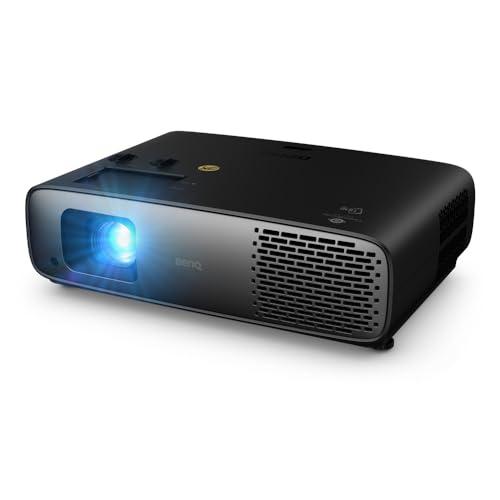
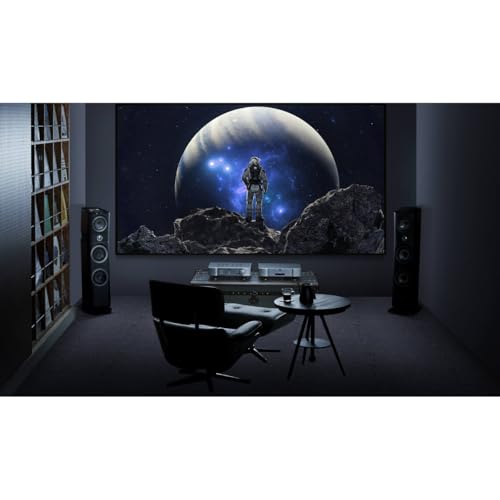
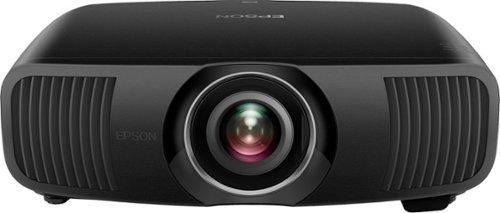
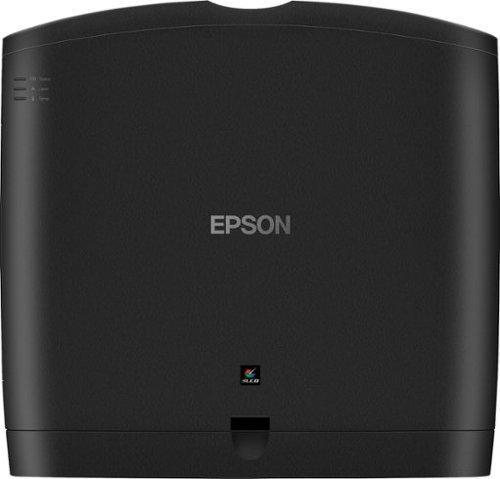
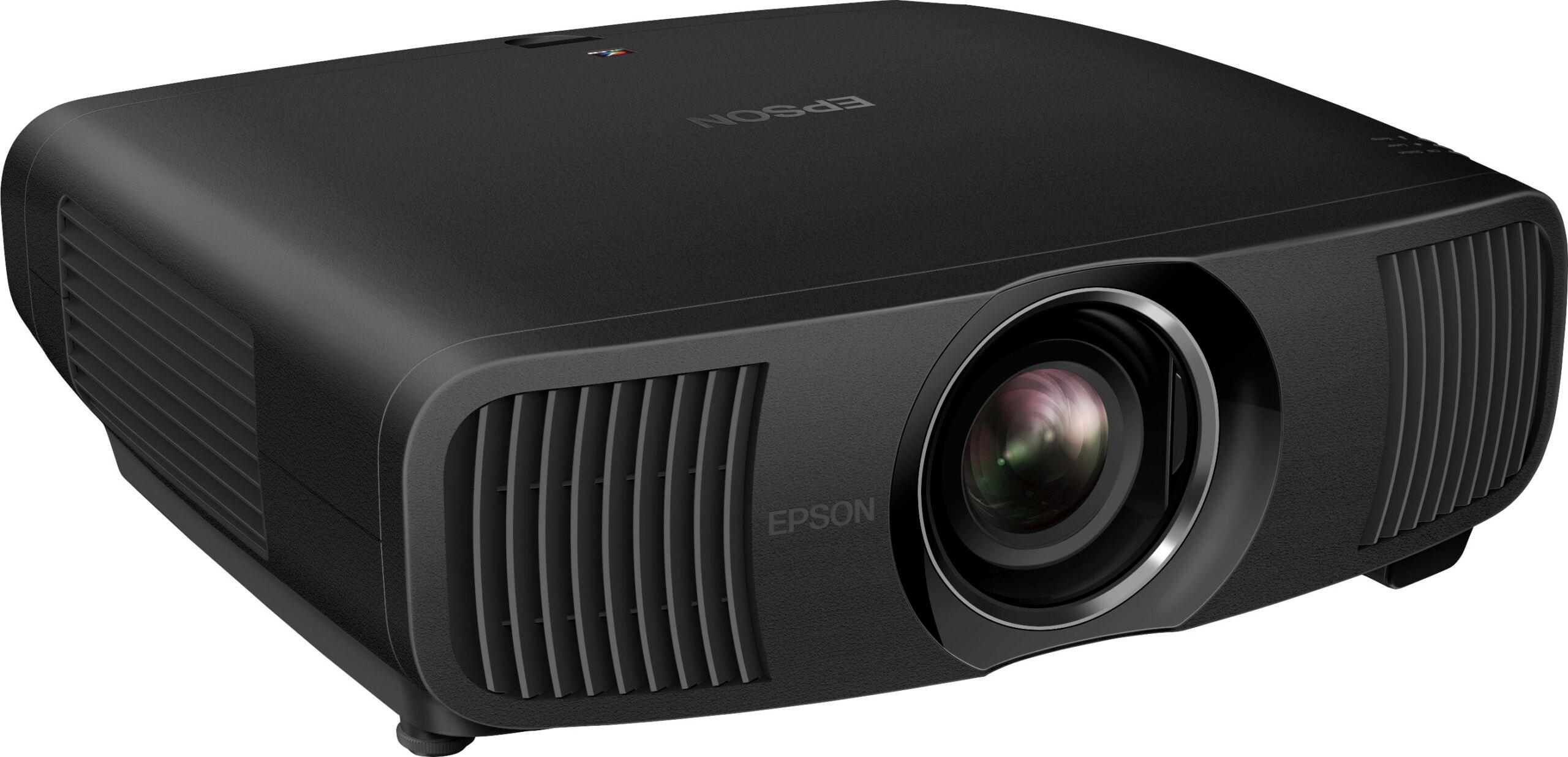
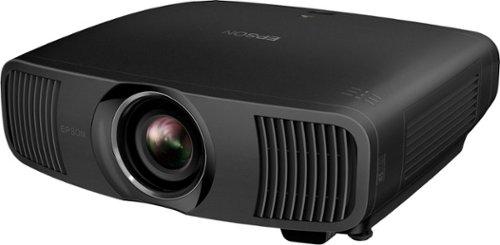
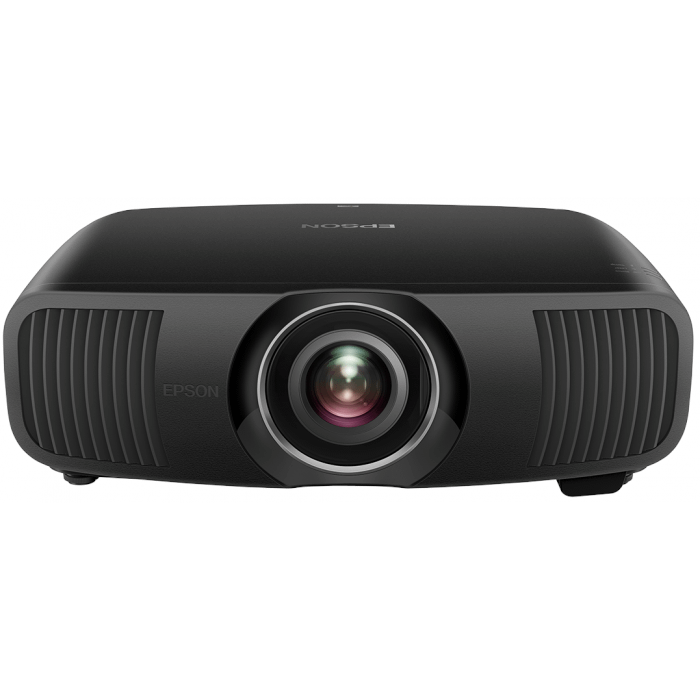
Shopping for a 4K home theater projector can feel overwhelming, especially when you're comparing two very different approaches to large-screen entertainment. The BenQ W4100i and Epson Pro Cinema LS12000 both promise exceptional 4K experiences, but they take fundamentally different paths to get there. One focuses on versatility and modern convenience, while the other pursues pure cinematic excellence. Understanding these differences will help you choose the right projector for your specific needs and budget.
Before diving into specifics, it's worth understanding what separates good projectors from great ones. The most important factors are brightness (measured in lumens), contrast ratio (the difference between the darkest blacks and brightest whites), color accuracy, and how well the projector handles different types of content.
Brightness determines where you can use your projector. Higher brightness lets you watch in rooms with some ambient light, while lower brightness requires darker environments but often delivers better contrast. Contrast ratio affects how realistic and immersive your image looks—better contrast means deeper blacks and more vivid colors that pop off the screen.
Color accuracy is where many projectors stumble. A projector might look impressive in the store with oversaturated colors, but accurate colors that match what filmmakers intended create a more natural, engaging experience. This is measured using something called Delta E, where lower numbers mean more accurate colors.
The light source technology also matters significantly. Traditional lamp-based projectors require regular bulb replacements and lose brightness over time. LED projectors like the BenQ W4100i offer longer life and consistent brightness, while laser projectors like the Epson LS12000 provide the longest lifespan and most stable performance.
The BenQ W4100i, released in 2024, represents the modern approach to home theater projection. BenQ designed it as an all-in-one entertainment hub that works well in various lighting conditions while maintaining professional-grade image quality. It includes built-in streaming, gaming optimization, and smart features that eliminate the need for additional devices.
The Epson LS12000, launched in 2022, takes a purist approach. Epson stripped away smart features and focused entirely on creating reference-quality images for dedicated home theaters. It's designed for enthusiasts who already have high-end audio systems and streaming devices, and simply want the best possible picture quality.
These philosophical differences affect everything from pricing to performance, making direct comparisons challenging but important for buyers.
When it comes to brightness, the BenQ W4100i delivers a significant advantage with 3,200 ANSI lumens compared to the Epson LS12000's 2,700 lumens. This might not sound like much, but that extra brightness translates to real-world flexibility.
The BenQ W4100i works well in family rooms, basements with some ambient light, or spaces where you can't achieve complete darkness. You can watch movies during the day with curtains drawn, or enjoy sports with friends without turning your living room into a cave. This versatility makes it practical for most homes where the projector shares space with other activities.
The Epson LS12000's lower brightness isn't necessarily a weakness—it's optimized for controlled environments where you can manage lighting conditions. In a dedicated home theater with proper light control, those 2,700 lumens deliver exceptional contrast and image depth that can actually look better than the brighter BenQ W4100i.
The light source technology also differs significantly. The BenQ W4100i uses a 4-LED system that combines red, green, blue, and an additional blue LED to boost brightness and color vibrancy. This system provides 20,000-30,000 hours of life while maintaining consistent brightness throughout its lifespan.
The Epson LS12000 uses a laser array light source, which represents the current pinnacle of projector lighting technology. Laser systems provide the most consistent color and brightness over their 30,000-hour lifespan, with virtually no degradation until the very end. However, laser projectors typically cost significantly more to implement.
The image quality comparison reveals fascinating technical differences. The BenQ W4100i uses DLP (Digital Light Processing) technology with a single 0.65-inch chip that creates images using millions of tiny mirrors. These mirrors flip thousands of times per second to create different brightness levels, while a color wheel or LED system provides color information.
DLP's main advantage is sharp, detailed images with excellent motion handling. The BenQ W4100i uses advanced pixel-shifting technology called XPR (eXpanded Pixel Resolution) to create 4K images from its 1080p chip. While not native 4K, this pixel-shifting is so fast and precise that the result is visually indistinguishable from true 4K for most content.
The potential downside of DLP is something called the rainbow effect—brief flashes of color separation that some viewers notice during fast camera movements or bright scene transitions. However, modern DLP projectors like the BenQ W4100i have largely minimized this issue through faster color wheels and LED systems.
The Epson LS12000 uses 3LCD technology, which splits white light into red, green, and blue components using dichroic mirrors, then processes each color through its own LCD panel before recombining them. This creates naturally separated colors without any rainbow effect.
3LCD's strength lies in color reproduction and brightness efficiency. Since each color gets its own panel, 3LCD projectors typically display more accurate colors with better brightness uniformity across the image. The Epson LS12000 combines this with pixel-shifting technology to achieve 4K resolution from 1080p panels, similar to the BenQ W4100i's approach.
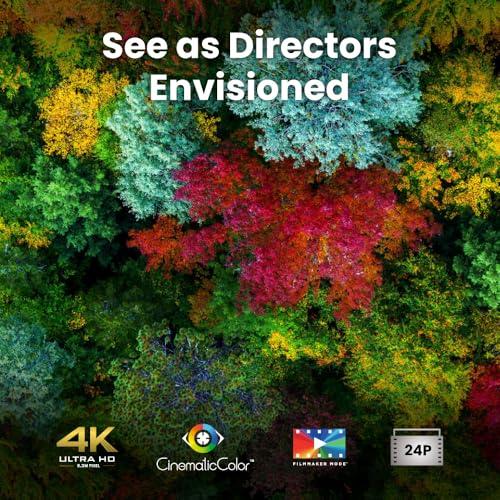
Color performance reveals where these projectors target different audiences. The BenQ W4100i comes factory-calibrated to achieve Delta E values below 2, which is considered reference-grade accuracy. This means colors appear as filmmakers intended, without the oversaturation that makes images look artificially vivid.
BenQ's CinematicColor technology ensures the W4100i covers 100% of both DCI-P3 (digital cinema) and Rec.709 (HDTV) color spaces. This comprehensive coverage means it can accurately display everything from streaming content to Ultra HD Blu-rays. The factory calibration eliminates the need for professional setup, making accurate colors accessible to mainstream users.
The Epson LS12000 takes color accuracy even further with its laser light source and 3LCD system. Laser technology provides an incredibly wide color gamut with precise color points that remain stable over the projector's lifetime. While Epson doesn't specify exact color space coverage, laser projectors typically exceed standard color spaces significantly.
However, the Epson LS12000 often requires professional calibration to achieve its best performance. It's ISF (Imaging Science Foundation) certified, meaning trained technicians can optimize it for specific viewing environments. This adds cost but can deliver reference-grade accuracy that surpasses even high-end consumer projectors.
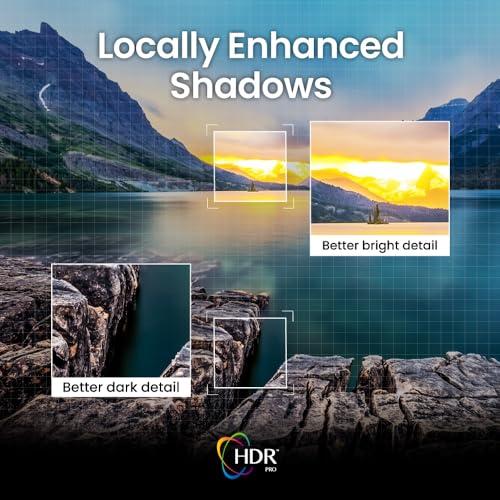
High Dynamic Range (HDR) content presents the biggest challenge for projectors, as they must display bright highlights and deep shadows simultaneously—something that requires both high brightness and excellent contrast.
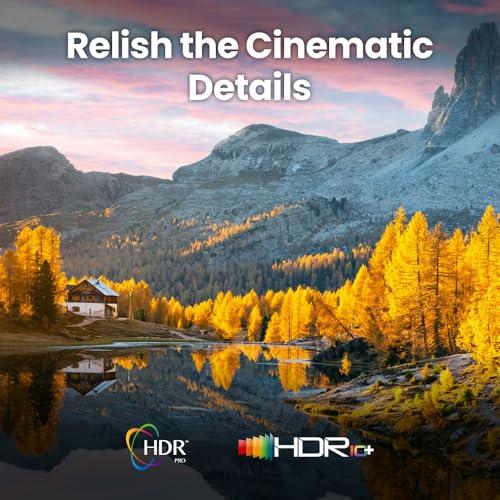
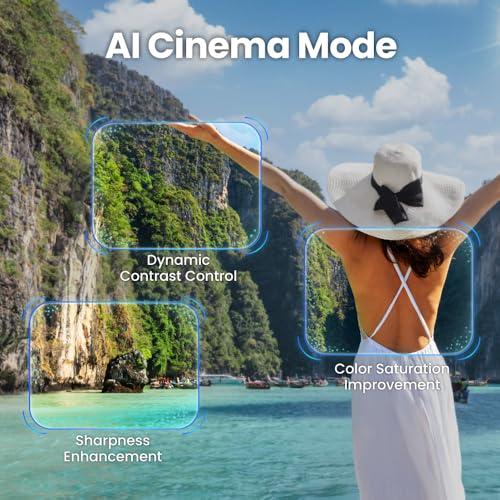
The BenQ W4100i supports HDR10, HDR10+, and HLG formats with its HDR-PRO technology. This system performs dynamic tone mapping, analyzing each frame to optimize the balance between highlights and shadows in real-time. The AI Cinema Mode takes this further by identifying different content types (movies, sports, games) and applying appropriate processing.
Frame-by-frame tone mapping represents a significant advancement over static HDR processing. Instead of applying one setting to entire movies, the BenQ W4100i adjusts its HDR curve thousands of times during viewing to maintain detail in both bright and dark areas.
The Epson LS12000 focuses on processing power rather than automated optimization. Its Epson ZX processor handles full 10-bit HDR processing with 16 levels of manual HDR curve adjustment. This gives experienced users more control but requires more setup knowledge.
In practice, the BenQ W4100i's automated approach works better for most users, while the Epson LS12000 can achieve superior results with proper calibration and manual adjustment.
Gaming reveals the starkest difference between these projectors. The BenQ W4100i was designed with modern gaming in mind, offering input lag as low as 6.5 milliseconds at 1080p/240Hz and 17.9 milliseconds at 4K/60Hz. These numbers rival gaming monitors and make competitive gaming entirely feasible.
The W4100i includes three HDMI 2.1 inputs supporting 4K/120Hz signals, Auto Low Latency Mode (ALLM) for automatic gaming mode activation, and Variable Refresh Rate (VRR) support for tear-free gaming. These features work seamlessly with PlayStation 5, Xbox Series X, and high-end gaming PCs.
The Epson LS12000 wasn't designed for gaming and lacks these optimizations. While it can display gaming content, input lag is likely much higher, making it unsuitable for competitive or fast-paced gaming. This isn't a flaw—it's simply not the projector's intended use case.
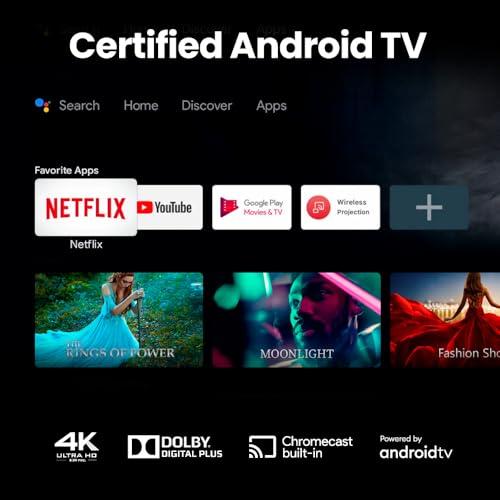
The connectivity and smart feature comparison highlights each projector's design philosophy most clearly. The BenQ W4100i includes Android TV with access to Netflix, Prime Video, Disney+, YouTube, and other streaming services. Google Assistant provides voice control, while Chromecast and AirPlay enable easy content sharing from phones and tablets.
This integration means the BenQ W4100i can serve as your complete entertainment system. You can stream movies, play games, and watch sports without any additional devices. The remote control manages everything from a single interface.
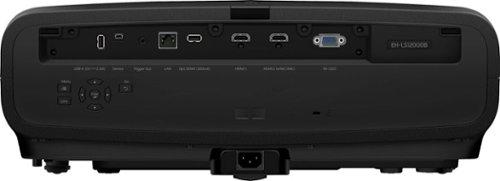
The Epson LS12000 includes no smart features whatsoever. It's purely a projection device that requires external streaming devices, gaming consoles, or media players for content. Even audio requires separate handling, as the projector provides no audio outputs.
For some users, this stripped-down approach is preferable. Dedicated home theater enthusiasts often prefer separate components that excel at specific tasks rather than all-in-one solutions that compromise performance for convenience.
Installation requirements differ significantly between these projectors. The BenQ W4100i offers superior flexibility with its short throw ratio of 1.15-1.50. This means it can create a 100-inch image from just 8-11 feet away, making it suitable for smaller rooms or ceiling mounting closer to the screen.
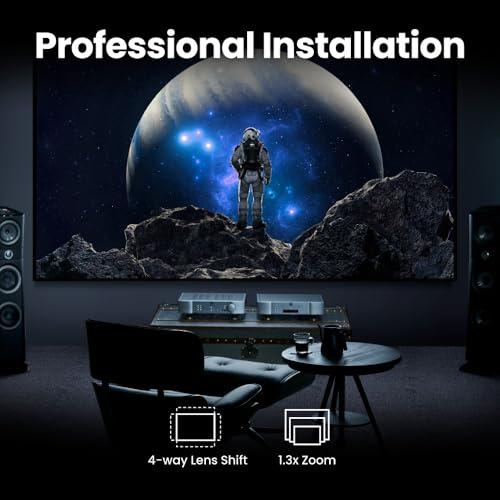
The W4100i's 1.3x optical zoom and motorized lens shift provide additional placement flexibility. You can fine-tune image position without moving the projector, and the compact size makes installation easier.
The Epson LS12000 requires more space with its 2.1:1 throw ratio, needing about 16-17 feet for a 100-inch image. However, it provides wider zoom and lens shift ranges for precise image positioning in dedicated theater rooms. The larger size and weight suggest permanent installation rather than portable use.
At the time of writing, the pricing difference between these projectors is substantial, with the BenQ W4100i positioned in the mid-range market while the Epson LS12000 commands premium pricing. However, total system cost tells a more complete story.
The BenQ W4100i provides everything needed for a complete home theater experience: projection, streaming, and audio integration. You might add a soundbar or surround sound system, but the projector handles video and basic audio independently.
The Epson LS12000 requires additional investments to match the BenQ W4100i's functionality. You'll need streaming devices (Apple TV, Roku, or similar), a complete audio system, and potentially professional calibration. These additions can easily double the total system cost.
Our research into professional reviews and user experiences reveals interesting patterns. The BenQ W4100i consistently impresses users with its out-of-box performance and room flexibility. Many owners report excellent results in family rooms, finished basements, and multipurpose spaces where complete light control isn't possible.
The color accuracy and HDR processing earn particular praise, with many users noting that the automated AI Cinema Mode produces better results than manual adjustments on other projectors. Gaming performance receives universal acclaim from console and PC gamers.
The Epson LS12000 generates enthusiastic reviews from home theater purists who prioritize image quality above all else. Professional reviewers consistently praise its color reproduction, contrast, and overall image quality in controlled environments. However, many note that it requires supporting equipment to reach its potential.
The BenQ W4100i makes the most sense for users who want maximum versatility and value. It's ideal for families, gamers, and anyone using their projector in variable lighting conditions. The all-in-one approach eliminates complexity while delivering professional-grade performance at a reasonable price point.
Choose the BenQ W4100i if you have a multipurpose room, plan to game frequently, want built-in streaming, or prefer simple setup and operation. It offers about 90% of premium projector performance at roughly 60% of the cost when compared to total system prices.
The Epson LS12000 suits dedicated home theater enthusiasts who have controlled environments and existing high-end equipment. Its reference-grade image quality and laser reliability justify the premium for users who prioritize absolute performance over convenience.
Choose the Epson LS12000 if you have a dedicated theater room, own high-end audio equipment, rarely game, and want the absolute best image quality available. Be prepared for higher total system costs and more complex setup requirements.
For most buyers, the BenQ W4100i represents the better choice. It delivers exceptional performance across all use cases while maintaining reasonable pricing and maximum convenience. The combination of high brightness, accurate colors, gaming optimization, and smart features creates a projector that excels in real-world conditions.
The Epson LS12000 serves a specific market segment extremely well, but its high cost and requirement for additional equipment limit its appeal to serious enthusiasts with dedicated theater spaces and substantial budgets.
Both projectors represent excellent engineering, but they target fundamentally different users and use cases. The BenQ W4100i democratizes high-end projection technology, while the Epson LS12000 delivers reference-grade performance for those willing to pay premium prices for ultimate image quality.
| BenQ W4100i 4K Home Theater Projector | Epson Pro Cinema LS12000 4K PRO-UHD Laser Projector |
|---|---|
| Brightness - Critical for room flexibility and daytime viewing | |
| 3,200 ANSI lumens (works well with ambient light) | 2,700 ANSI lumens (requires controlled lighting for best results) |
| Light Source Technology - Affects lifespan and maintenance | |
| 4-LED system, 20,000-30,000 hour lifespan | Laser array, 30,000 hour lifespan with consistent brightness |
| Display Technology - Impacts color reproduction and rainbow effect | |
| DLP with XPR pixel-shifting (possible minor rainbow effect) | 3LCD with pixel-shifting (no rainbow effect, natural colors) |
| Gaming Performance - Essential for console and PC gaming | |
| 6.5ms input lag @ 1080p/240Hz, HDMI 2.1, ALLM support | Not optimized for gaming, higher input lag expected |
| Smart Features - Determines if you need external streaming devices | |
| Built-in Android TV, Netflix, Prime Video, Google Assistant | No smart features - requires external streaming devices |
| Audio Integration - Important for complete home theater setup | |
| eARC, optical out, built-in speaker, full audio integration | No audio outputs - requires separate audio system |
| Installation Flexibility - Affects room placement options | |
| Short throw (1.15-1.50), 1.3x zoom, motorized lens shift | Long throw (2.1:1), wide zoom range, professional installation preferred |
| Color Accuracy - Critical for cinematic image quality | |
| Factory calibrated to Delta E<2, 100% DCI-P3 and Rec.709 | ISF certified, laser provides wider color gamut, professional calibration recommended |
| HDR Support - Enhances contrast and color in modern content | |
| HDR10, HDR10+, HLG with AI-powered dynamic tone mapping | HDR10, manual 16-level HDR curve adjustment |
| Target Market - Helps determine if the projector fits your needs | |
| Versatile all-in-one solution for mixed-use spaces | Dedicated home theater purists with controlled environments |
| Total System Cost - Consider additional equipment needed | |
| Complete system ready to use out of box | Requires streaming devices, audio system, likely professional setup |
The BenQ W4100i is significantly better for bright rooms with its 3,200 ANSI lumens compared to the Epson LS12000's 2,700 lumens. The BenQ W4100i can handle ambient light from windows or lamps, making it suitable for family rooms and multipurpose spaces where you can't control lighting completely.
The BenQ W4100i includes built-in Android TV with Netflix, Prime Video, and other streaming apps, so you can watch content without any external devices. The Epson LS12000 has no smart features and requires separate streaming devices like Apple TV, Roku, or gaming consoles to access content.
The BenQ W4100i is specifically designed for gaming with 6.5ms input lag at 1080p/240Hz, HDMI 2.1 ports, and Auto Low Latency Mode for consoles. The Epson LS12000 isn't optimized for gaming and will have much higher input lag, making it unsuitable for competitive or fast-paced games.
The BenQ W4100i uses a 4-LED system that provides 20,000-30,000 hours of consistent brightness and eliminates rainbow effects. The Epson LS12000 uses laser technology for 30,000 hours of operation with the most stable color and brightness over its lifetime, though laser projectors typically cost more.
Both projectors offer excellent color accuracy but in different ways. The BenQ W4100i comes factory-calibrated to Delta E<2 standards with 100% DCI-P3 coverage, delivering accurate colors out of the box. The Epson LS12000 can achieve superior color accuracy with professional ISF calibration, but requires additional setup costs.
The BenQ W4100i is better for smaller rooms with its short throw ratio of 1.15-1.50, creating a 100-inch image from just 8-11 feet away. The Epson LS12000 needs much more space with its 2.1:1 throw ratio, requiring about 16-17 feet for a 100-inch screen.
For dedicated home theaters with controlled lighting, the Epson LS12000 delivers reference-grade image quality with superior contrast and color reproduction. For multipurpose rooms or casual movie watching, the BenQ W4100i offers better versatility with built-in streaming and works well in various lighting conditions.
Both the BenQ W4100i and Epson LS12000 support 4K resolution using pixel-shifting technology and multiple HDR formats. The BenQ W4100i features AI-powered dynamic tone mapping for automatic HDR optimization, while the Epson LS12000 offers manual HDR adjustment controls.
The BenQ W4100i includes audio integration with eARC support for soundbars, optical output, and a built-in speaker for basic use. The Epson LS12000 has no audio capabilities whatsoever, requiring a completely separate audio system for any sound output.
The BenQ W4100i is much easier to install with motorized lens shift, compact size, and built-in smart features that work immediately. The Epson LS12000 typically requires professional installation due to its size, weight, and need for separate audio and streaming equipment.
While the Epson LS12000 has a higher upfront cost, the total system price difference is even greater when you factor in required streaming devices, audio equipment, and potential professional setup. The BenQ W4100i provides a complete entertainment system ready to use out of the box.
Choose the BenQ W4100i if you want versatility, built-in streaming, gaming capability, and excellent performance in various room conditions at better overall value. Choose the Epson LS12000 only if you have a dedicated dark theater room, existing high-end equipment, and prioritize absolute image quality over convenience and cost.
We've done our best to create useful and informative comparisons to help you decide what product to buy. Our research uses advanced automated methods to create this comparison and perfection is not possible - please contact us for corrections or questions. These are the sites we've researched in the creation of this article: blog.son-video.com - notebookcheck.net - whathifi.com - newatlas.com - hometheaterhifi.com - benq.com - youtube.com - shop.avispl.com - projectorcentral.com - benq.com - youtube.com - projectorcentral.com - benq.com - device.report - pssav.com - newegg.com - techradar.com - projectorreviews.com - safeandsoundhq.com - news.epson.com - youtube.com - projectorcentral.com - bestbuy.com - projectorcentral.com - digitalhomecreations.com - new-age-electronics.com - flanners.com - paulsonsav.com

Privacy Policy
Terms and Conditions - Affiliate Policy
Home Security
© Copyright 2008-2026.
11816 Inwood Rd #1211, Dallas, TX 75244