

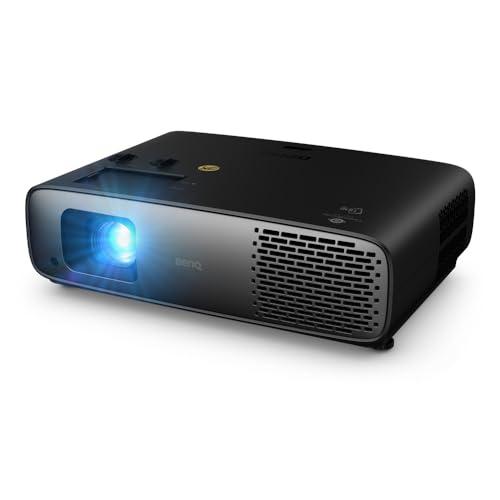


Home theater projectors have come a long way since the days of dim, blurry images that barely resembled what you'd see in an actual movie theater. Today's 4K projectors can deliver stunning visuals on massive screens, but choosing between models can be overwhelming—especially when you're comparing products from completely different price tiers like the BenQ W4100i and Epson QL3000.
The projector market essentially splits into two camps: consumer-friendly models designed for dedicated home theaters, and professional-grade units built for challenging commercial environments. Understanding this distinction is crucial because it explains why two projectors with similar 4K capabilities can cost dramatically different amounts.
The BenQ W4100i, released in 2025, represents the sweet spot of consumer home theater projectors. At roughly one-fifth the cost of the Epson QL3000 (which launched in late 2024), it's designed for movie enthusiasts who want cinema-quality visuals without breaking the bank or hiring professional installers.
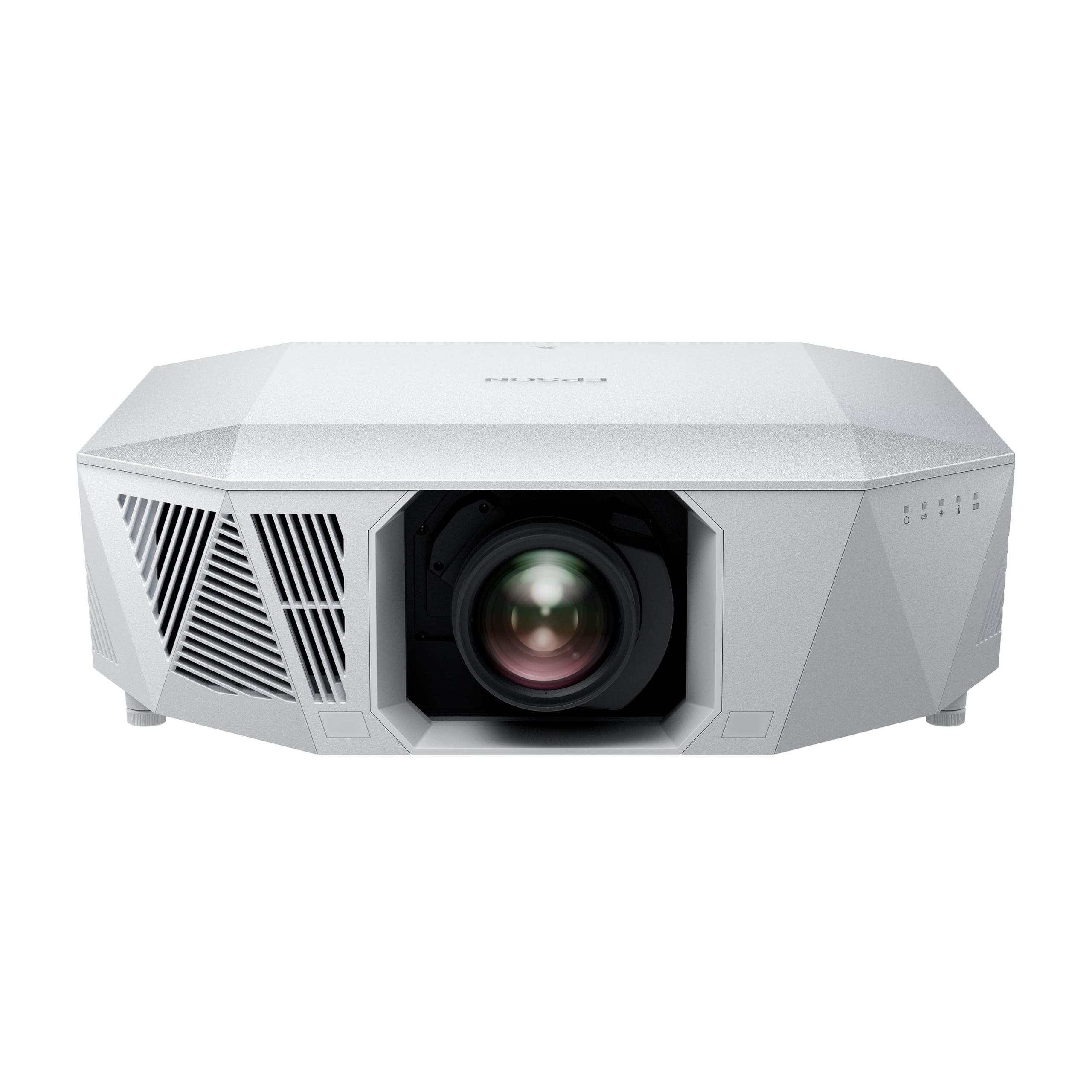
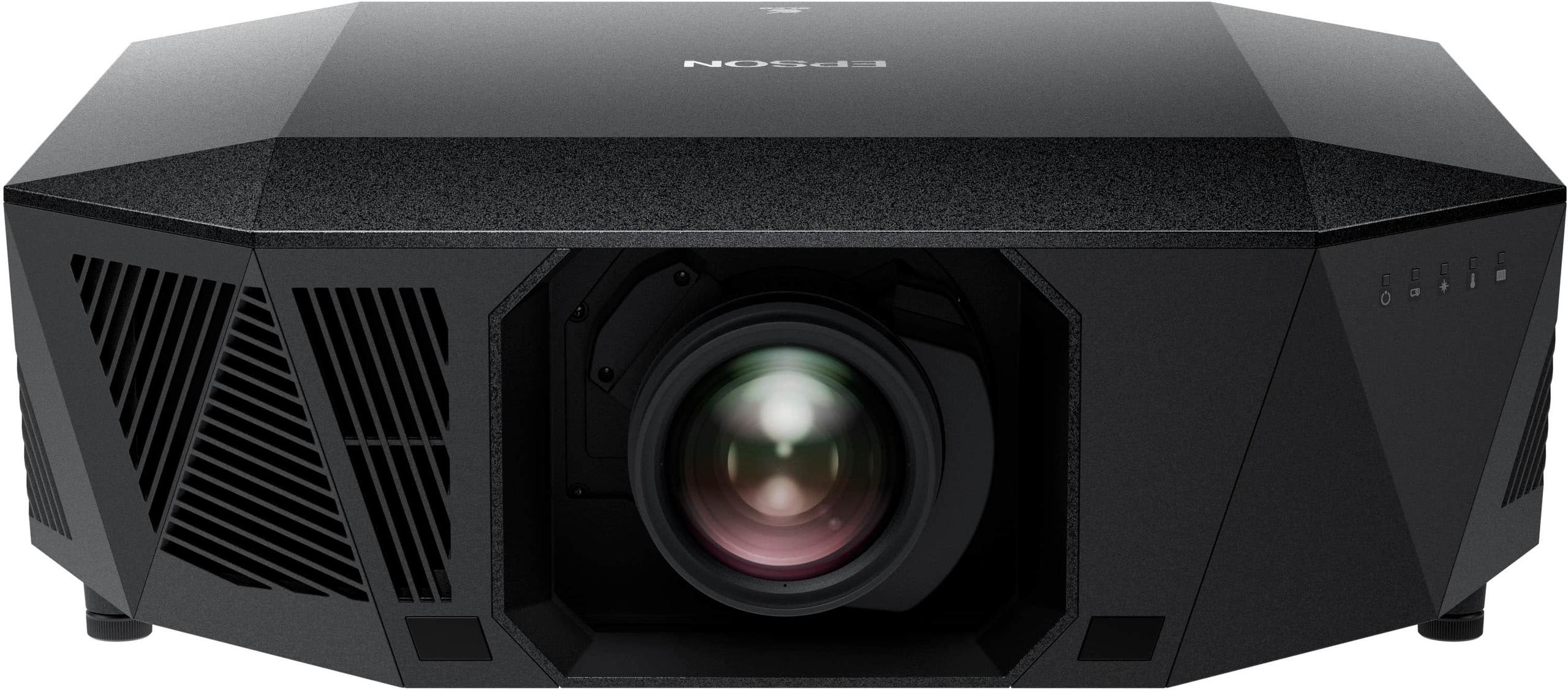
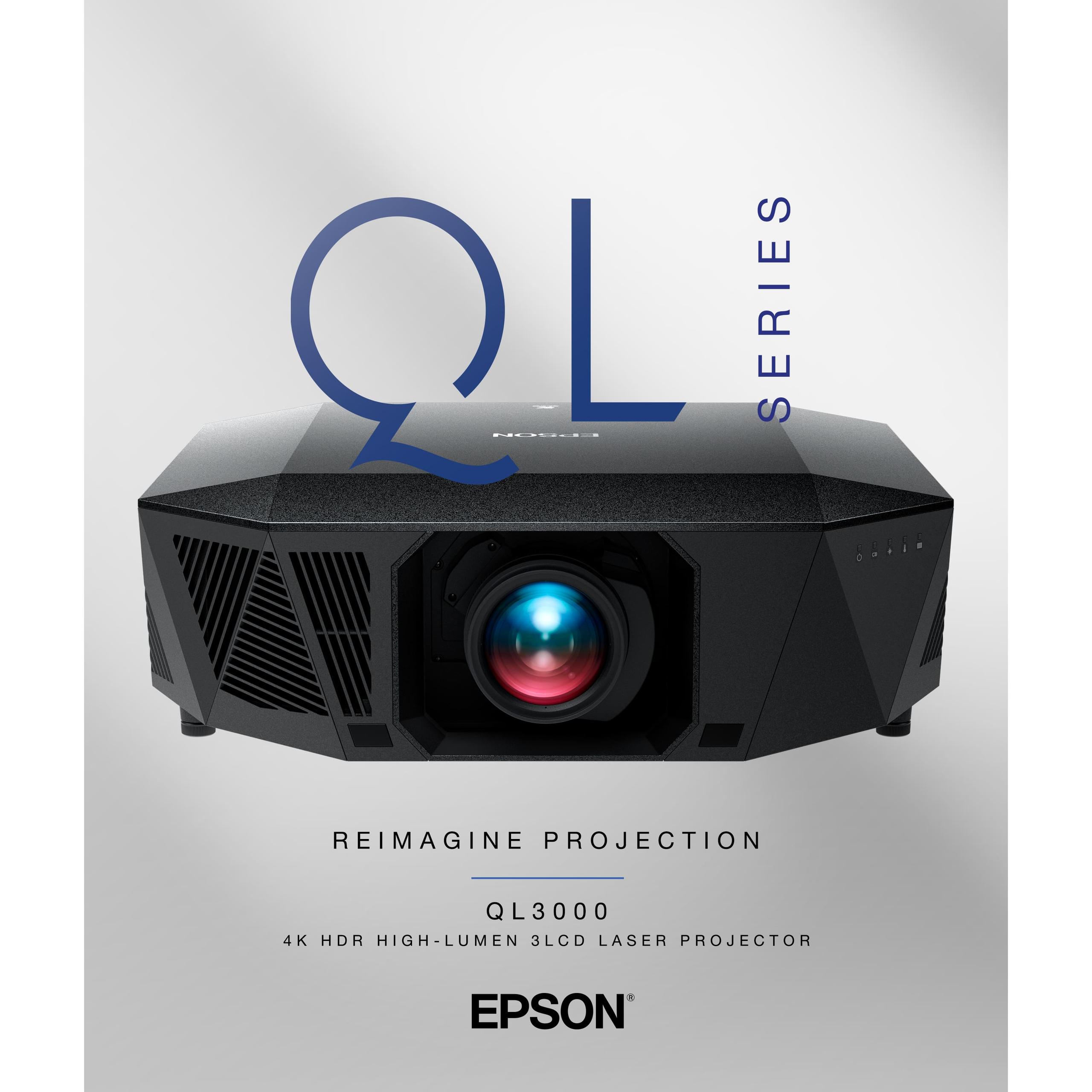
The Epson QL3000, on the other hand, is a professional-grade laser projector that costs significantly more but delivers nearly twice the brightness. It's built for custom home theaters, commercial installations, and situations where you need a projector that can cut through ambient light while filling enormous screens.
Both use pixel-shifting technology to create 4K images, but their approaches to brightness, color, and installation flexibility are fundamentally different. The BenQ W4100i uses a 4LED light source (four separate LEDs: red, green, blue, and an additional blue for extra brightness), while the Epson QL3000 employs true laser technology for maximum output.
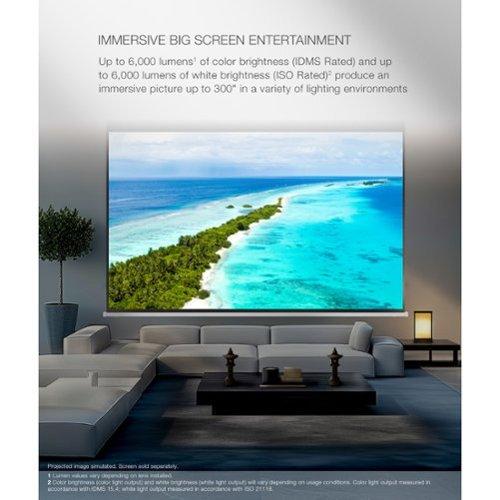
Brightness might be the single most important specification that separates these projectors. The Epson QL3000 produces around 6,000 lumens compared to the BenQ W4100i's 3,200 lumens. To put this in perspective, most premium home theater projectors hover around 2,000-3,000 lumens, making the Epson exceptionally bright.
This brightness difference isn't just about numbers—it fundamentally changes how you can use each projector. The BenQ W4100i performs beautifully in a darkened room with a 120-150 inch screen, delivering rich colors and impressive contrast. But turn on some lights or try to fill a 200+ inch screen, and you'll notice the image starting to look washed out.
The Epson QL3000's extra brightness means it can maintain vibrant colors and strong contrast even with ambient light present. This makes it ideal for multipurpose rooms where you might watch movies with some lights on, or for massive screens where you need every lumen to maintain image quality across 300+ inches of display area.
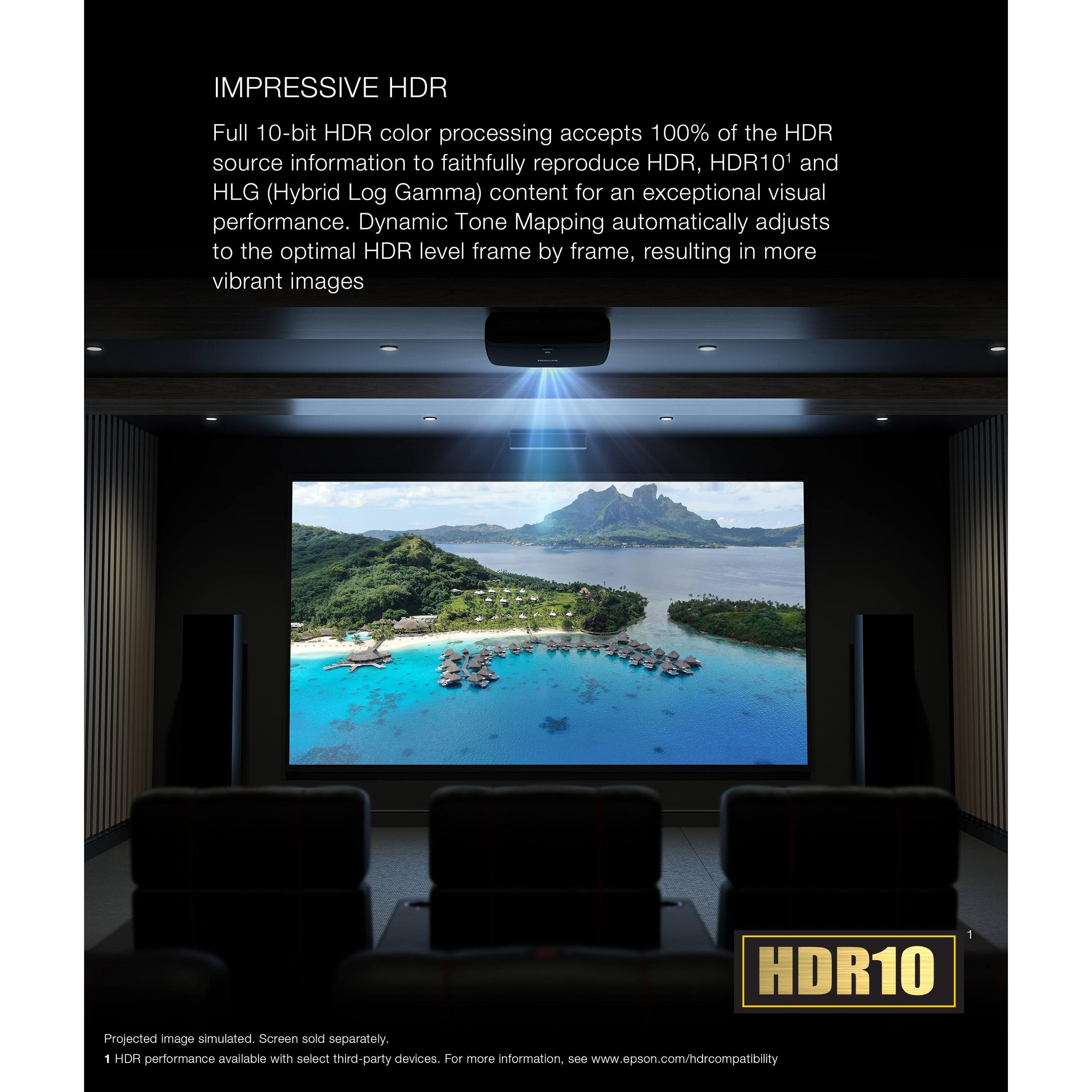
HDR (High Dynamic Range) content particularly benefits from higher brightness. HDR movies contain brightness information that extends far beyond what traditional content offers, showing everything from the faintest shadow details to brilliant sunlight reflections. The Epson QL3000's brightness advantage means HDR highlights can actually pop the way directors intended, while the BenQ W4100i delivers excellent HDR in controlled environments but may compress highlights slightly in brighter rooms.
While the Epson QL3000 wins on raw brightness, the BenQ W4100i takes the lead in out-of-the-box color accuracy. BenQ factory-calibrates each unit to achieve Delta E values under 2—a measurement that indicates how closely the projector's colors match industry standards. Delta E under 3 is considered excellent, so under 2 is remarkable for a consumer projector.
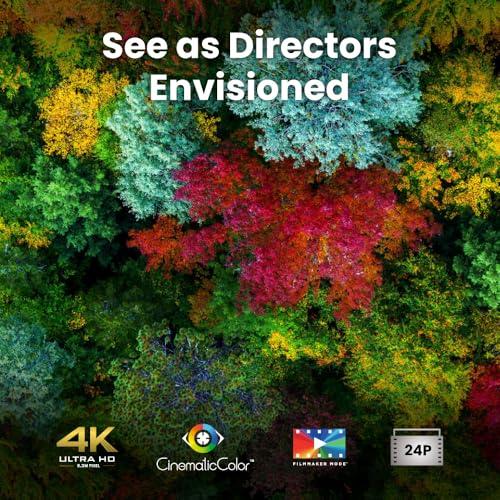
The BenQ W4100i covers 100% of both DCI-P3 and Rec.709 color spaces, which are the standards used for digital cinema and HDTV respectively. Its CinematicColor technology achieves this coverage through precise LED control and advanced color processing. Each projector ships with an individual calibration report showing exactly how accurate the colors are—something typically reserved for much more expensive models.
The Epson QL3000 uses 3LCD technology, which employs separate LCD panels for red, green, and blue light. This approach eliminates the "rainbow effect"—brief flashes of color that some people see with single-chip DLP projectors like the BenQ W4100i. If you're sensitive to rainbow artifacts, the Epson's 3LCD system provides a smoother viewing experience.
However, the BenQ W4100i's factory calibration gives it a significant advantage for most users. Professional calibration can cost $500-1000, so having accurate colors straight out of the box is valuable. The Epson, being a professional-grade unit, typically requires calibration to achieve optimal results.
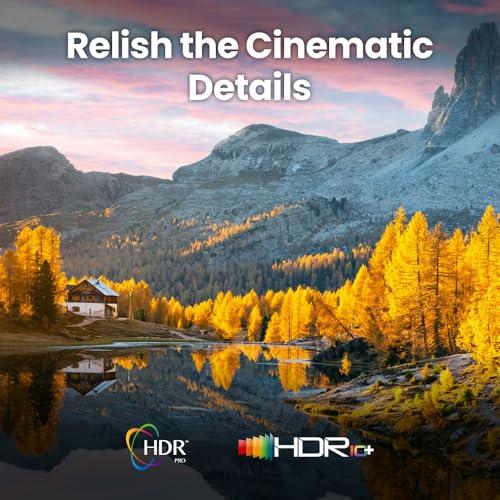
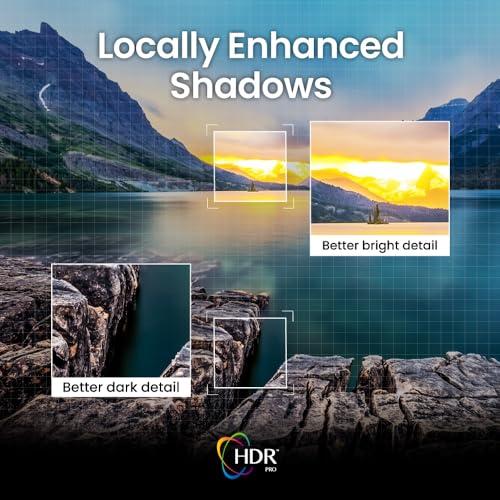
Both projectors handle HDR content, but their approaches differ significantly. The BenQ W4100i features HDR-PRO technology with dynamic tone mapping, which analyzes each frame individually and adjusts brightness and contrast in real-time. This frame-by-frame processing helps maintain shadow detail in dark scenes while preventing highlights from blowing out to pure white.
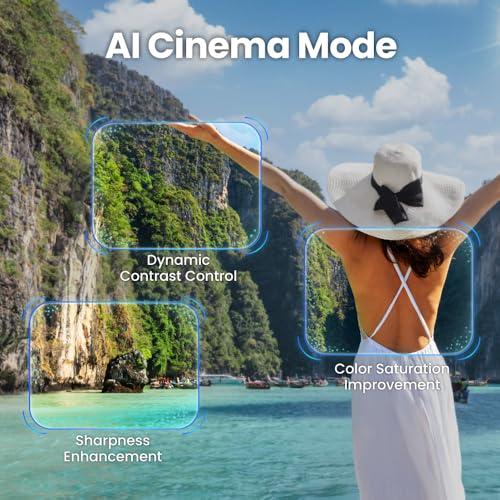
The BenQ W4100i also includes an AI Cinema Mode that's particularly clever for streaming content. Since streaming services often compress video to save bandwidth, this mode analyzes the image composition and enhances sharpness, contrast, and color saturation to compensate for compression artifacts. It's especially noticeable when watching Netflix or Disney+ content that might look slightly soft on other projectors.
The Epson QL3000's HDR advantage comes primarily from its brightness headroom. HDR content can contain brightness information up to 10,000 nits (a measure of luminance), but most projectors can only produce 100-200 nits. The Epson's higher brightness output means it can display more of that HDR range, making sunsets more brilliant and highlights more realistic.
Gaming has become increasingly important for projector buyers, especially with PlayStation 5 and Xbox Series X supporting 4K at 120Hz. The BenQ W4100i clearly targets gamers with impressive input lag figures: just 6.5 milliseconds at 1080p/240Hz and 17.9ms at 4K/60Hz. Input lag is the delay between when your controller sends a signal and when the action appears on screen—lower is better for competitive gaming.
These numbers put the BenQ W4100i in gaming monitor territory, which is remarkable for a projector. It supports Auto Low Latency Mode (ALLM), which automatically switches to the lowest lag setting when it detects a game console, and includes three HDMI 2.1 ports for the latest gaming hardware.
The Epson QL3000 handles gaming competently with around 21ms input lag at 4K/120Hz, which is good but not exceptional. However, its brightness advantage becomes significant for large-screen gaming. Playing games on a 200+ inch screen is an incredible experience, but only if the projector can maintain proper brightness and color saturation across that massive display area.
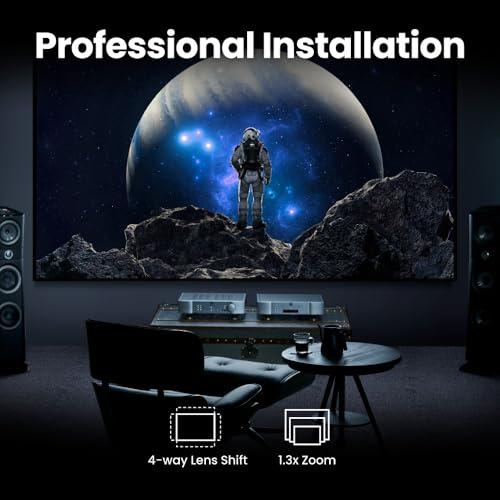
Here's where these projectors diverge most dramatically. The BenQ W4100i is designed for relatively easy installation. It includes a fixed zoom lens, offers 60% vertical and 15% horizontal lens shift for placement flexibility, and weighs just 13.5 pounds. Most enthusiasts can mount it on a ceiling or place it on a shelf without professional help.
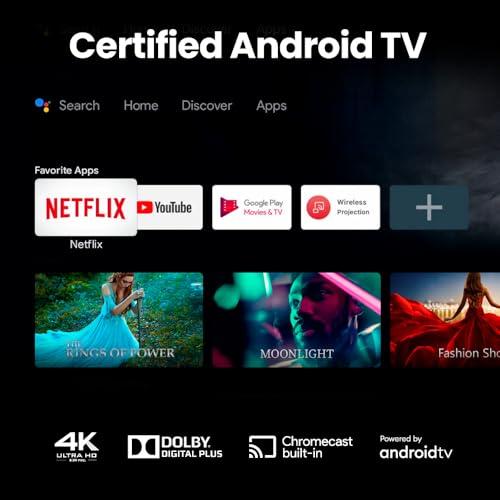
The BenQ W4100i also includes an Android TV dongle, giving you immediate access to Netflix, YouTube, Disney+, and other streaming services without needing additional devices. This integration makes it genuinely plug-and-play for many users.
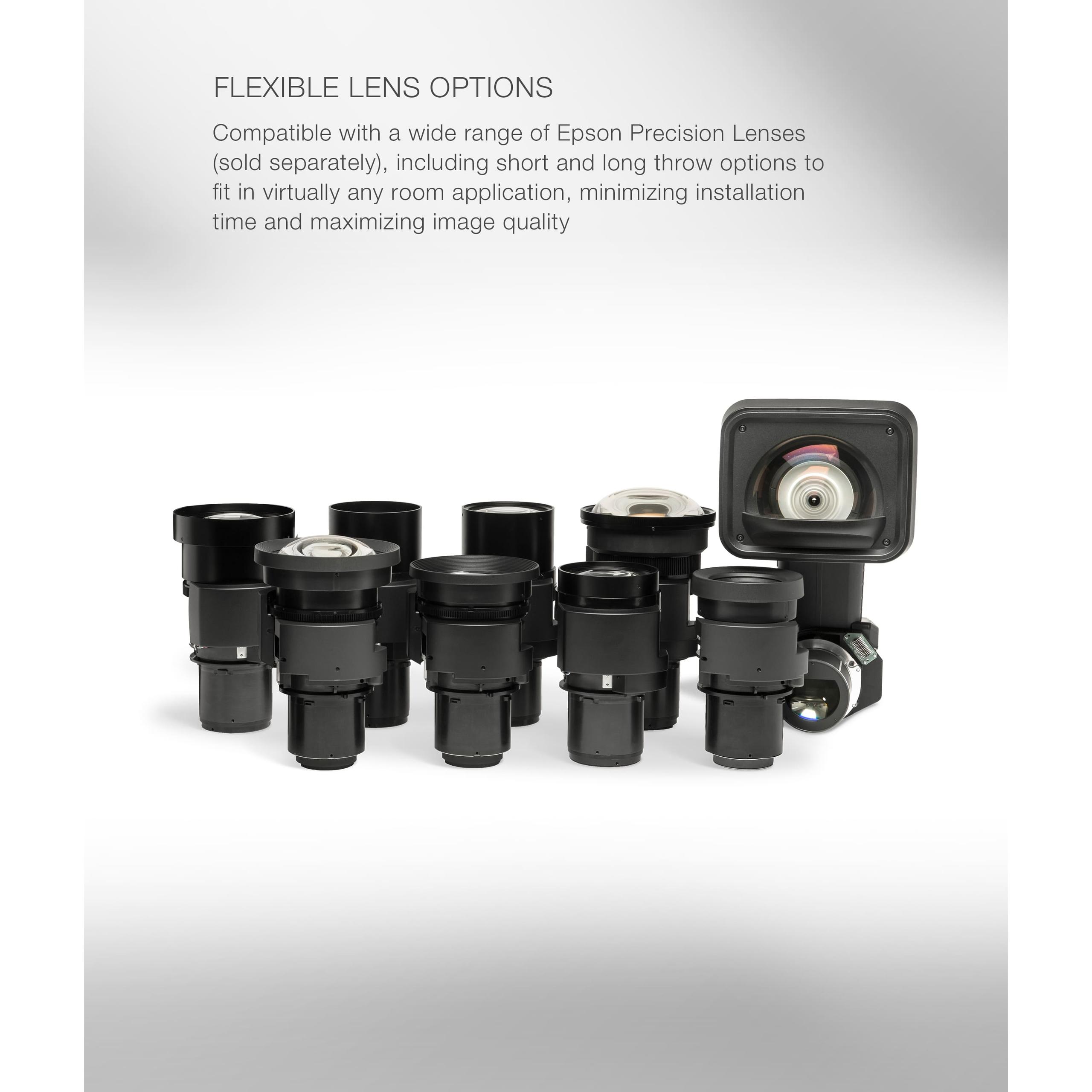
The Epson QL3000 takes a completely different approach. It's sold as a "body only" unit, meaning you must purchase a lens separately. Epson offers multiple lens options ranging from ultra-short throw (allowing a 100-inch image from just 7 inches away) to long throw lenses for rear projection setups. Professional-grade lenses can cost $2,000-5,000 additional, but they offer motorized zoom, focus, and lens shift for precise installation.
This modularity makes the Epson QL3000 incredibly flexible for custom installations, but it also means you're likely looking at professional installation costs. At 46.5 pounds, it requires robust mounting, and the lens selection process requires careful room measurements and throw distance calculations.
The light source technology represents a fundamental difference in approach. The BenQ W4100i's 4LED system uses four separate LEDs—red, green, blue, and an additional blue—to create white light that's then processed through color wheels and the DLP chip. This approach provides excellent color reproduction and a rated lifespan of 30,000 hours, though the LEDs will gradually dim over time.
LED technology has improved significantly since early projector implementations around 2018-2019. Modern LED projectors like the BenQ W4100i achieve much higher brightness than earlier models while maintaining the instant on/off capability and long lifespan that make LEDs attractive.
The Epson QL3000 uses a blue laser array combined with phosphor wheels to create white light, which is then separated into red, green, and blue components by the 3LCD system. Laser light sources maintain consistent brightness throughout their 20,000-hour lifespan, only dropping significantly near the end of life. This consistency is crucial for professional installations where image quality must remain predictable.
Laser technology has evolved rapidly since the first consumer laser projectors appeared around 2020. Early models suffered from "laser speckle"—a grainy texture in the image—but modern implementations like the Epson QL3000 have largely eliminated this issue through advanced beam shaping and phosphor technologies.
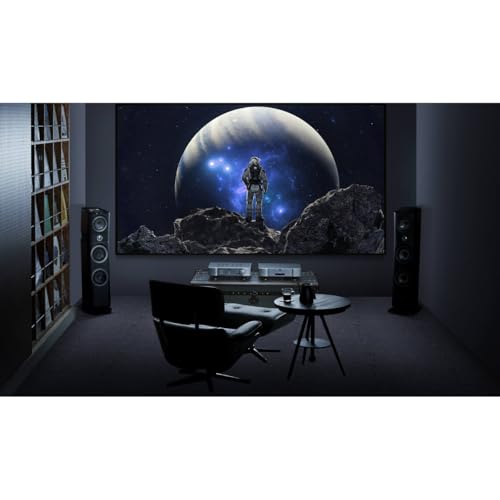
Your room setup heavily influences which projector makes sense. The BenQ W4100i excels in dedicated home theater rooms where you can control lighting. It's perfect for screens up to 150 inches, delivering rich colors and solid contrast that rival much more expensive projectors. The ability to darken the room plays to its strengths, allowing the relatively modest brightness to create an immersive experience.
For screens in the 100-120 inch range, the BenQ W4100i produces remarkably cinema-like images. Colors appear natural and well-saturated, HDR content displays properly, and the overall experience feels much more premium than the price suggests.
The Epson QL3000 becomes necessary when you're dealing with screens over 150 inches or rooms where ambient light is unavoidable. Its brightness advantage means a 200-inch image maintains the punch and vibrancy that would look washed out on the BenQ. For multipurpose family rooms or spaces with windows, the Epson's extra lumens make the difference between a usable image and one that disappears in ambient light.
Both projectors represent significant advances over models from just a few years ago. The BenQ W4100i benefits from improved LED efficiency and processing power that weren't available in 2020-2021. Its HDR processing, color accuracy, and gaming performance would have required much more expensive projectors just three years ago.
The Epson QL3000 showcases how laser projector technology has matured. Earlier laser models were often prohibitively expensive or suffered from reliability issues. Modern laser projectors like this one offer the brightness and longevity that make them practical for demanding installations.
The decision ultimately comes down to your specific situation and priorities. Choose the BenQ W4100i if you're building a dedicated home theater room, want excellent gaming performance, and appreciate plug-and-play simplicity. It delivers remarkable value for enthusiasts who can provide proper room conditions.
The Epson QL3000 makes sense when screen size exceeds 150 inches, ambient light is unavoidable, or you're building a custom installation requiring specific lens characteristics. Its professional-grade brightness and flexibility command a significant price premium, but for the right applications, no consumer projector can match its capabilities.
At the time of writing, the pricing gap between these projectors is substantial—the Epson QL3000 costs roughly five times more than the BenQ W4100i when you include a suitable lens. This isn't just markup; it reflects fundamentally different target markets and capabilities.
For most home theater enthusiasts, the BenQ W4100i provides the better value proposition. Its color accuracy, gaming performance, and ease of setup make it an excellent choice for dedicated viewing rooms. The Epson QL3000 targets users who need maximum brightness and installation flexibility, typically in custom home theaters or commercial applications where the extra cost is justified by specific requirements.
Both projectors represent the current state of their respective market segments, showing how far projection technology has advanced in recent years. Whether you choose the consumer-focused BenQ W4100i or the professional-grade Epson QL3000, you're getting capabilities that would have been impossible at any price just a few years ago.
| BenQ W4100i 4K Home Theater Projector | Epson QL3000 4K HDR 3LCD Laser Projector |
|---|---|
| Brightness - Critical for screen size and ambient light handling | |
| 3,200 ANSI lumens (ideal for dedicated theaters up to 150") | 6,000 lumens (supports 300" screens and multipurpose rooms) |
| Price Category - Determines total investment and target market | |
| Consumer-grade (~$3K complete system) | Professional-grade (~$16-20K+ with lens) |
| Light Source Technology - Affects lifespan and maintenance | |
| 4LED RGBB (30,000 hour lifespan, gradual dimming) | Blue laser array (20,000 hours, consistent brightness) |
| Display Technology - Impacts color reproduction and rainbow effect | |
| Single-chip DLP with XPR pixel shifting | 3-chip 3LCD with dual-axis pixel shifting |
| Color Accuracy - Important for cinematic reproduction | |
| Factory calibrated to Delta E<2 with certification | Professional-grade accuracy, typically requires calibration |
| Gaming Performance - Crucial for console gaming | |
| 6.5ms input lag (1080p/240Hz), optimized for gaming | 21ms input lag (4K/120Hz), adequate but not exceptional |
| Installation Flexibility - Affects setup complexity and costs | |
| Fixed lens included, plug-and-play setup | Body-only, requires separate lens purchase ($2-5K+) |
| Smart Features - Convenience for streaming content | |
| Android TV dongle included with major streaming apps | No built-in smart features, requires external devices |
| HDR Support - Enhanced dynamic range for modern content | |
| HDR10, HDR10+, HLG with frame-by-frame tone mapping | HDR10, HLG with superior brightness headroom |
| Screen Size Capability - Maximum recommended display area | |
| Up to 150" (optimal performance in controlled lighting) | Up to 300" (maintains quality even with ambient light) |
| Weight and Portability - Installation and mounting considerations | |
| 13.5 lbs (easy ceiling mount or shelf placement) | 46.5 lbs (requires professional-grade mounting) |
| Connectivity - Modern device compatibility | |
| 3× HDMI 2.1 ports with 4K@120Hz and eARC | 2× HDMI 2.1 ports with 4K@120Hz support |
| Target User - Best fit scenarios | |
| Home theater enthusiasts, gamers, first-time buyers | Custom installers, commercial use, large residential spaces |
The BenQ W4100i is specifically designed for home theater use with factory color calibration, HDR-PRO processing, and a dedicated Filmmaker Mode. The Epson QL3000 is a professional-grade projector that excels in home theaters requiring very large screens (200+ inches) or rooms with ambient light. For most dedicated home theater rooms up to 150 inches, the BenQ W4100i offers better value and easier setup.
The Epson QL3000 produces 6,000 lumens compared to the BenQ W4100i's 3,200 lumens - nearly double the brightness. This makes the Epson QL3000 better for large screens over 150 inches and rooms with ambient light, while the BenQ W4100i is ideal for controlled lighting environments.
The BenQ W4100i comes factory-calibrated to Delta E<2 with 100% DCI-P3 and Rec.709 coverage, providing exceptional out-of-box color accuracy. The Epson QL3000 offers professional-grade color reproduction but typically requires calibration to achieve optimal results. For most users, the BenQ W4100i delivers better immediate color performance.
The BenQ W4100i is excellent for gaming with 6.5ms input lag at 1080p/240Hz and three HDMI 2.1 ports supporting 4K@120Hz. The Epson QL3000 offers decent gaming performance at 21ms input lag but isn't optimized for competitive gaming. Gamers should choose the BenQ W4100i for superior responsiveness.
The BenQ W4100i includes everything needed for installation - lens, Android TV dongle, and mounting hardware - making it suitable for DIY setup. The Epson QL3000 requires separate lens purchase and typically professional installation due to its 46.5-pound weight and complex setup requirements.
The Epson QL3000 performs significantly better in rooms with ambient light due to its 6,000-lumen brightness output. The BenQ W4100i is designed for controlled lighting environments and may appear washed out in bright rooms. For multipurpose rooms with windows, choose the Epson QL3000.
The BenQ W4100i is optimized for screens up to 150 inches in dedicated theater rooms. The Epson QL3000 can effectively fill screens up to 300 inches while maintaining image quality. For screens over 150 inches, the Epson QL3000 is the better choice.
The BenQ W4100i includes an Android TV dongle with built-in Netflix, YouTube, Disney+, and other streaming apps. The Epson QL3000 has no built-in smart features and requires external streaming devices like Apple TV or Roku.
The BenQ W4100i uses 4LED technology rated for 30,000 hours with gradual dimming over time. The Epson QL3000 employs laser technology lasting 20,000 hours with consistent brightness throughout its lifespan. Both offer maintenance-free operation compared to traditional lamp projectors.
Both projectors support HDR10 and HLG formats. The BenQ W4100i features HDR-PRO with frame-by-frame dynamic tone mapping and HDR10+ support. The Epson QL3000 delivers superior HDR performance due to its higher brightness headroom, making highlights more realistic and impactful.
The BenQ W4100i provides exceptional value for dedicated home theater use with professional-grade color accuracy and gaming performance at a consumer price point. The Epson QL3000 justifies its professional pricing for applications requiring maximum brightness and installation flexibility. Most users will find better value in the BenQ W4100i.
Choose the BenQ W4100i for dedicated home theaters, excellent gaming performance, factory color calibration, and plug-and-play setup. Choose the Epson QL3000 for screens over 150 inches, rooms with ambient light, professional installations, and maximum brightness requirements. The BenQ W4100i suits most home theater enthusiasts, while the Epson QL3000 targets professional and high-end residential applications.
We've done our best to create useful and informative comparisons to help you decide what product to buy. Our research uses advanced automated methods to create this comparison and perfection is not possible - please contact us for corrections or questions. These are the sites we've researched in the creation of this article: blog.son-video.com - notebookcheck.net - whathifi.com - newatlas.com - hometheaterhifi.com - benq.com - youtube.com - shop.avispl.com - projectorcentral.com - benq.com - youtube.com - projectorcentral.com - benq.com - device.report - pssav.com - newegg.com - projectorreviews.com - epson.com - audiogeneral.com - hometechnologyreview.com - mediaserver.goepson.com - hifiheaven.net - epson.com - new-age-electronics.com - stereoeast.com - projectorreviews.com - bestbuy.com - youtube.com - avsforum.com - youtube.com - youtube.com - projectorscreen.com - hifiheaven.net - shopsilica.com - planettv.com - audiogeneral.com - audiogeneral.com

Privacy Policy
Terms and Conditions - Affiliate Policy
Home Security
© Copyright 2008-2026.
11816 Inwood Rd #1211, Dallas, TX 75244