

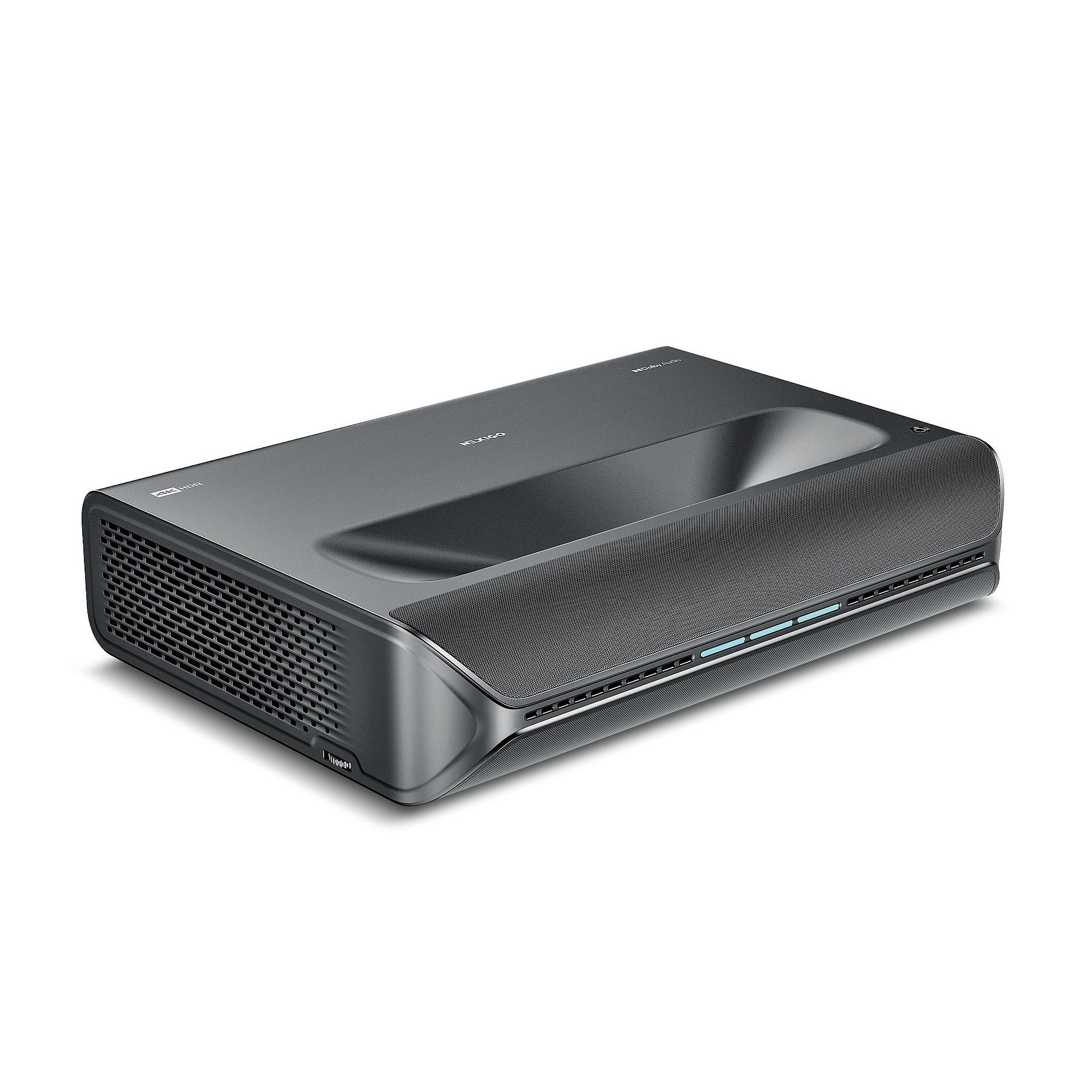
Ultra short throw projectors have transformed how we think about large-screen entertainment at home. Instead of mounting a projector on your ceiling or dealing with long cables snaking across your living room, these clever devices sit just inches from your wall and beam massive 100+ inch images with remarkable clarity. It's like having a movie theater in your living room without the installation headaches.
But choosing the right ultra short throw projector can feel overwhelming, especially when you're comparing models with different approaches to image quality, smart features, and pricing. Today we're diving deep into two compelling options that represent different philosophies in this rapidly evolving market: the Epson QS100 and the NexiGo Aurora Pro.
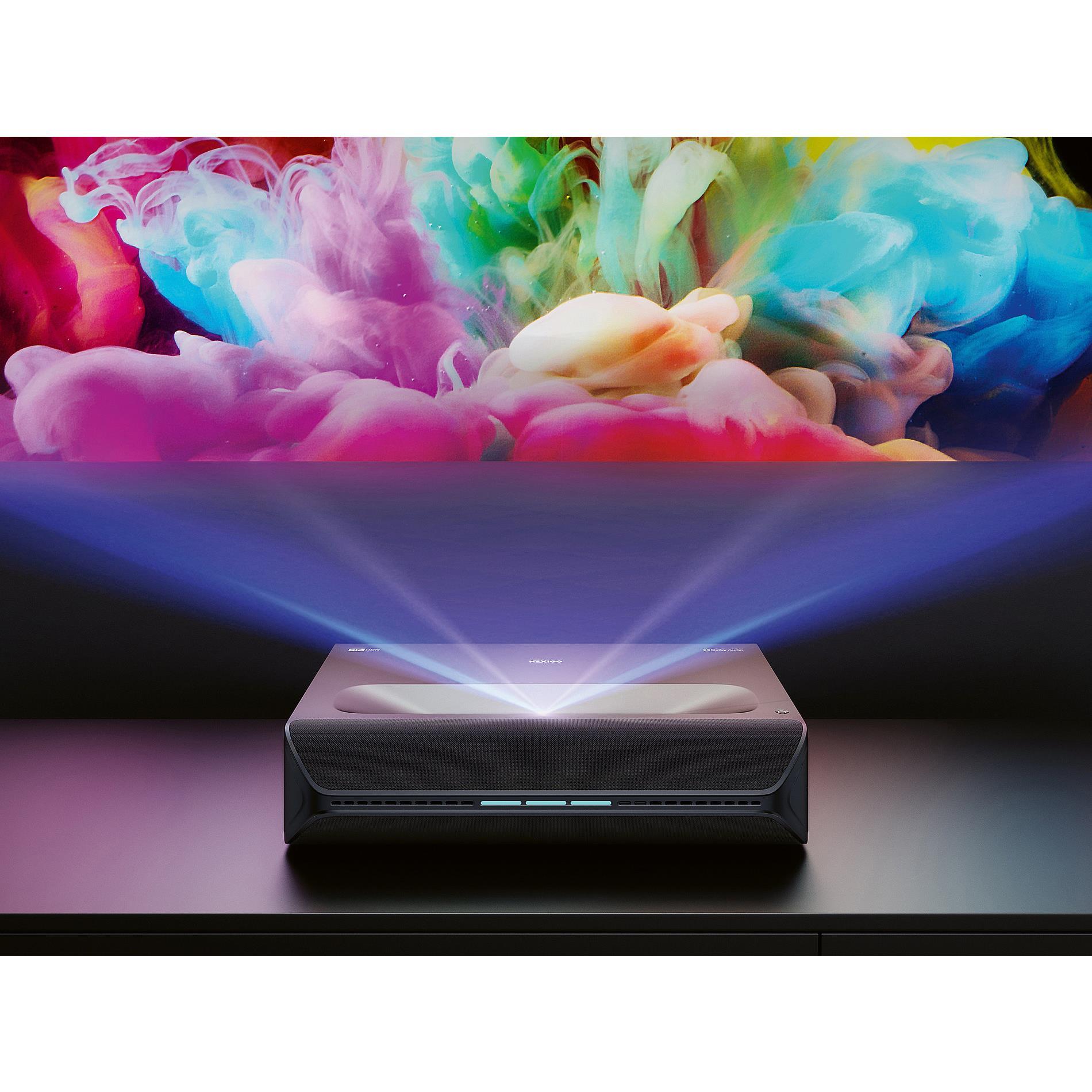
Before we compare these specific models, let's talk about what makes ultra short throw technology so appealing. Traditional projectors need to be positioned far from your screen—often 10-15 feet away for a 100-inch image. Ultra short throw projectors use specially designed wide-angle lenses and mirrors to project that same massive image from just a few inches away from your wall.
This proximity creates several advantages. You'll never walk through the light beam and cast shadows on your image. There's no glare bouncing back into your eyes. Setup is dramatically simpler since you don't need ceiling mounts or long cable runs. And perhaps most importantly, these projectors can work in normal living spaces where ceiling mounting simply isn't practical.
The key considerations when evaluating any ultra short throw projector include brightness (measured in lumens, which determines how well it performs in lit rooms), resolution quality, color accuracy, smart features, audio integration, and gaming performance. Each of these factors affects your daily viewing experience in meaningful ways.
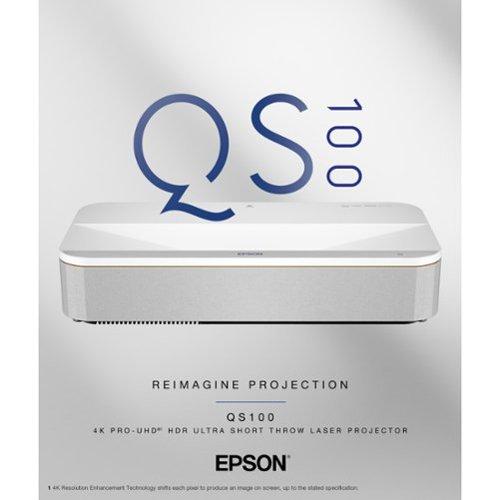
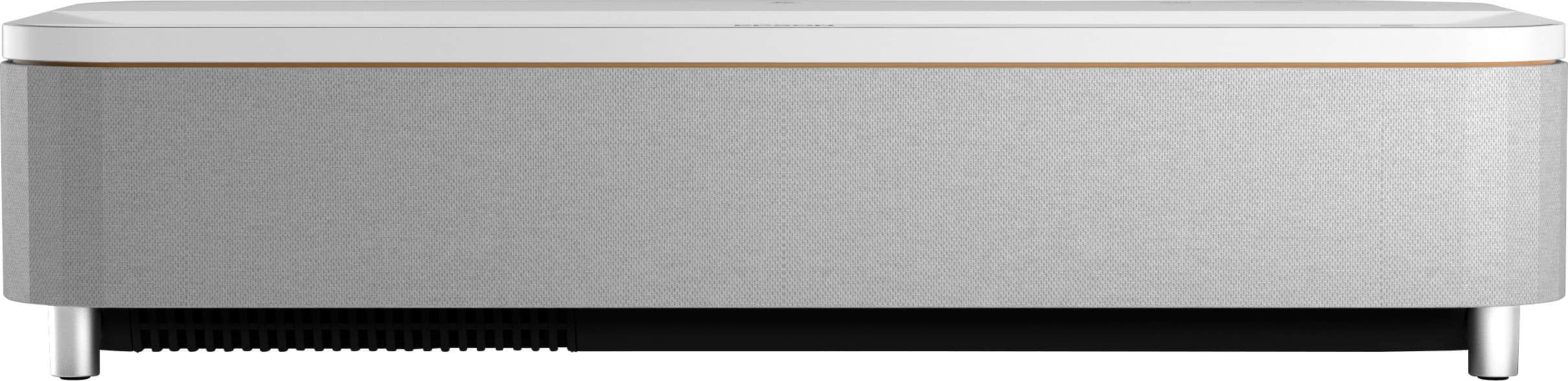
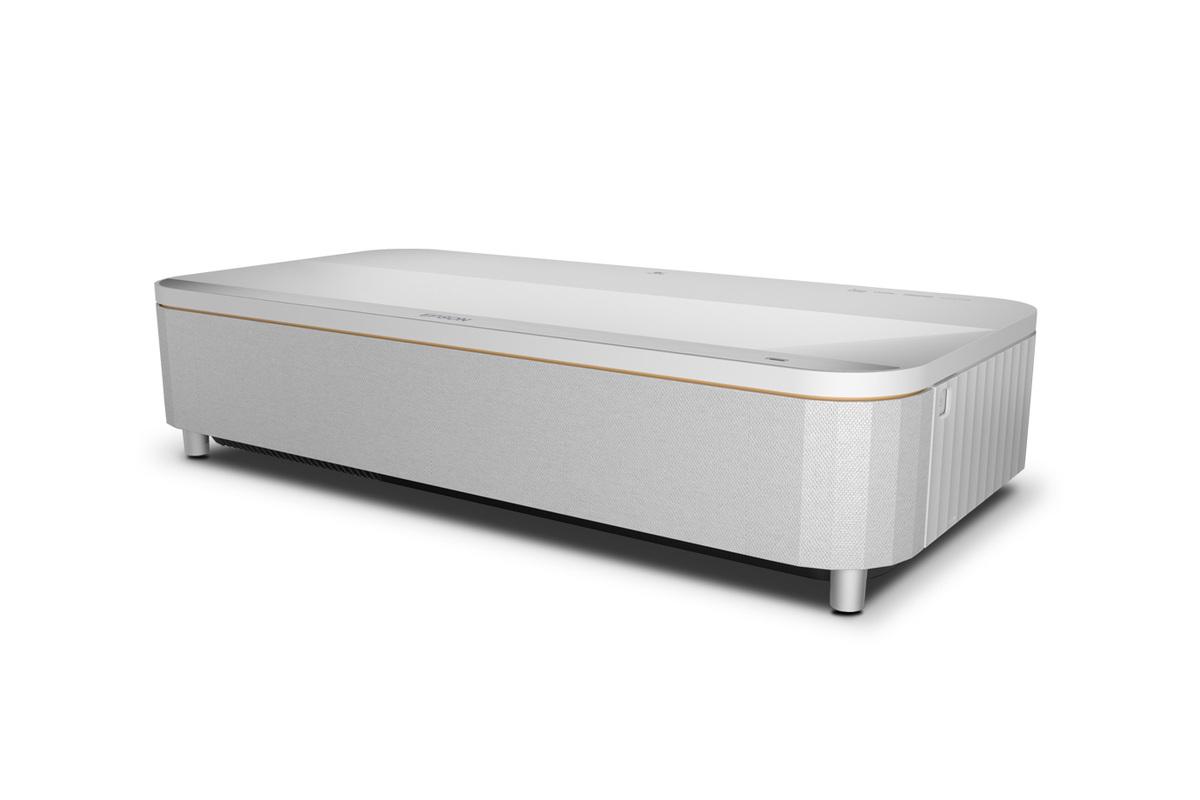
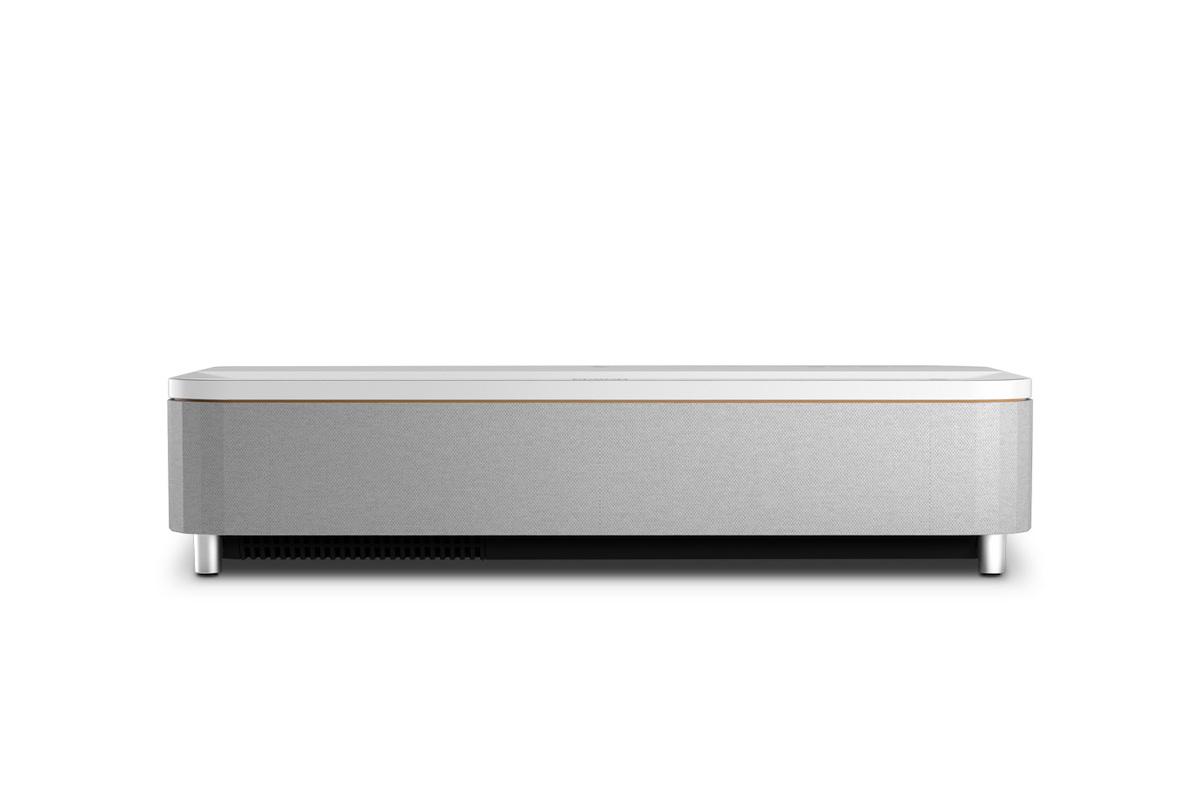
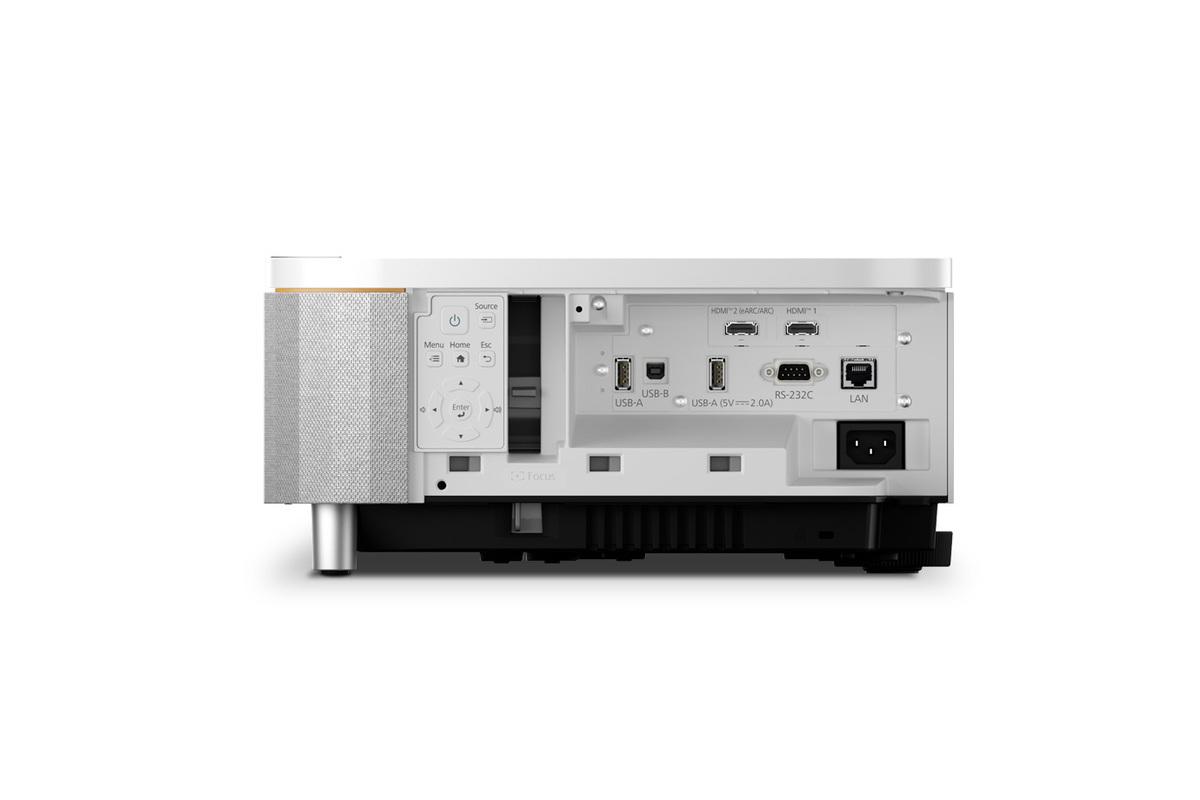
The Epson QS100, released in 2025, represents Epson's premium approach to ultra short throw projection. At the time of writing, it commands a significantly higher price point—roughly double what you'd pay for many competing models. This positioning reflects Epson's focus on professional-grade brightness, advanced image processing, and integration capabilities for custom home theater installations.
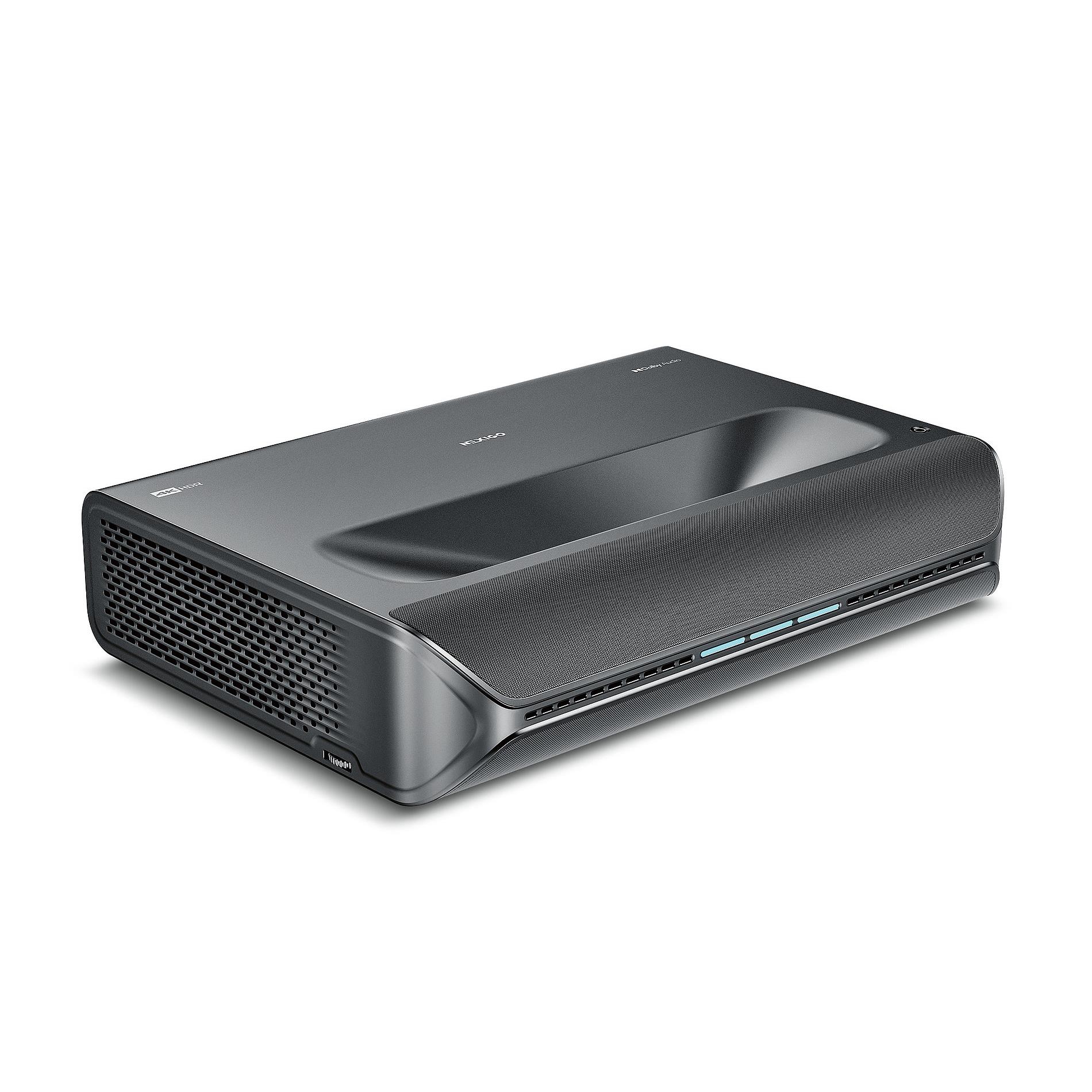
The NexiGo Aurora Pro, which hit the market in 2023, takes a different approach entirely. It's positioned as a premium consumer projector that delivers true native 4K resolution, comprehensive smart features, and integrated high-quality audio at a more accessible price point. At the time of writing, it costs roughly half what you'd pay for the Epson, making it an attractive option for buyers seeking flagship features without the premium price tag.
One of the most significant differences between these projectors lies in how they achieve their 4K image quality, and this distinction matters more than many buyers realize.
The NexiGo Aurora Pro uses true native 4K resolution, meaning its imaging chip physically contains 3840 x 2160 individual pixels—over 8 million pixels in total. When you feed it a 4K movie or game, each pixel corresponds directly to a pixel on the chip. This one-to-one relationship typically produces the sharpest possible image with no processing artifacts.
The Epson QS100, by contrast, uses what Epson calls "4K PRO-UHD" technology. This system takes three native 1080p LCD panels (each containing about 2 million pixels) and uses a sophisticated pixel-shifting mechanism to effectively double the perceived resolution. The projector rapidly shifts these pixels to create the appearance of 4K detail, similar to how some high-end TVs enhance lower-resolution content.
In practice, both approaches can produce excellent image quality that most viewers would struggle to distinguish at normal viewing distances. Epson's pixel-shifting technology has matured significantly over the years and can create remarkably sharp, detailed images. However, if you're someone who sits relatively close to large screens or you're particularly sensitive to image processing artifacts, the Aurora Pro's native 4K approach might appeal to you more.
Here's where the Epson QS100 demonstrates its premium positioning most clearly. With 4,500 lumens of brightness output, it produces nearly double the light of the Aurora Pro's 2,400 lumens. This isn't just a numbers game—it's the difference between a projector that works well in dim rooms versus one that can handle normal living room lighting.
To put this in perspective, most home theater enthusiasts recommend at least 2,500 lumens for ultra short throw projectors used in rooms with ambient light. The Aurora Pro hits this threshold adequately, but the Epson exceeds it by a substantial margin. This extra brightness translates to more vivid colors, better contrast, and improved image quality when you're watching during the day or with lights on.
From our research into user experiences, brightness consistently emerges as the most important factor for living room projector satisfaction. A projector that looks stunning in a dark room but washes out with ambient light will frustrate most users who want the flexibility to watch content throughout the day.
The Epson achieves its brightness advantage through a sophisticated laser light engine that's been redesigned for 2025. This new system not only produces more light but maintains color accuracy across the brightness range—a technical achievement that justifies much of the price premium.
These projectors use fundamentally different display technologies, each with distinct advantages. The Epson QS100 employs 3LCD technology, which uses three separate LCD panels (one each for red, green, and blue light) to create the final image. This approach ensures equal color and white brightness output and completely eliminates the "rainbow effect"—brief color flashes that some viewers notice with single-chip projectors.
The NexiGo Aurora Pro uses Digital Light Processing (DLP) technology with a single imaging chip that rapidly switches between colors. Modern DLP projectors have largely eliminated rainbow artifacts for most viewers, and the technology often produces excellent contrast and color uniformity.
In terms of practical performance, the 3LCD approach in the Epson tends to produce more consistent brightness across different content types and eliminates any possibility of rainbow effects. The DLP system in the Aurora Pro can achieve deeper native contrast ratios and often produces more "punchy" images with strong blacks.
Color reproduction represents another area where these projectors take different approaches. The Aurora Pro excels in color gamut coverage, reproducing 107% of the demanding BT.2020 color space used for modern 4K content. This wide coverage means it can display more vivid, saturated colors than many competing projectors.
The Epson QS100 focuses more on color consistency and accuracy across its entire brightness range. Epson's 3LCD technology ensures that colors remain vibrant even at maximum brightness levels—a common weakness in many projectors that see colors fade as brightness increases.
Professional calibration capabilities also differ between these models. The Epson carries ISF (Imaging Science Foundation) certification, meaning it includes advanced calibration controls that professional installers can use to optimize image quality for specific viewing environments. The Aurora Pro includes some calibration options but focuses more on delivering good out-of-the-box performance for typical consumers.
Both projectors cater to gaming enthusiasts but emphasize different strengths. The Aurora Pro delivers exceptionally low input lag—the delay between when you press a controller button and see the action on screen. With input lag as low as 4.2 milliseconds in optimal settings, it rivals dedicated gaming monitors for responsiveness.
The Epson QS100 supports Auto Low Latency Mode (ALLM), which automatically switches to low-lag settings when it detects gaming content. While it doesn't match the Aurora Pro's absolute speed, it still delivers gaming performance that most players would find entirely satisfactory.
Both projectors handle modern gaming features like 4K resolution at 60Hz refresh rates, and both can accept 120Hz signals for smoother motion in supported games. The practical difference comes down to whether you're playing competitive games where every millisecond matters (favoring the Aurora Pro) or prefer the overall image quality benefits of higher brightness (favoring the Epson).
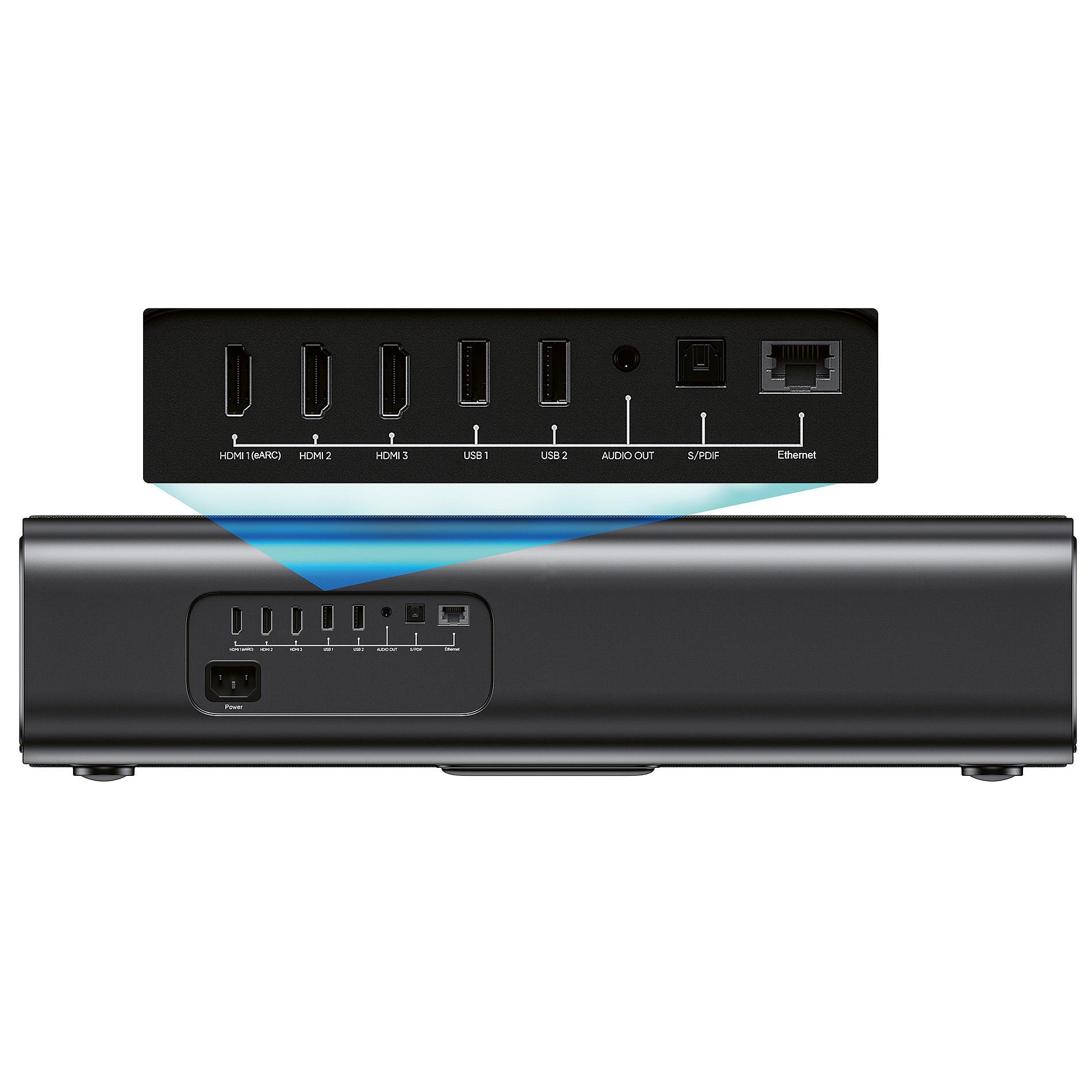
This is where the philosophical differences between these projectors become most apparent. The NexiGo Aurora Pro includes comprehensive smart TV functionality with Android-based operation, Wi-Fi 6 connectivity, and support for popular streaming services. You can literally unbox it, plug it in, and start watching Netflix or YouTube without any additional devices.
The projector also includes a sophisticated 60-watt audio system with dedicated woofers and tweeters that support Dolby Atmos processing. This built-in audio system performs surprisingly well, delivering room-filling sound that many users find adequate for casual viewing.
The Epson QS100 takes the opposite approach, including no built-in speakers and no smart TV functionality. This might seem like a disadvantage, but it reflects Epson's focus on custom installation markets where buyers typically integrate external streaming devices and high-end audio systems.
This modular approach has advantages for serious home theater enthusiasts. You're not paying for built-in features you might not use, and you have complete flexibility to choose your preferred streaming platform and audio equipment. However, it does mean additional expense and complexity for buyers who want an all-in-one solution.
High Dynamic Range (HDR) content has become increasingly important for maximizing the visual impact of modern movies and games. The Aurora Pro supports the widest range of HDR formats, including Dolby Vision, HDR10+, HDR10, and HLG. This comprehensive support ensures compatibility with virtually any HDR content you might encounter.
The Epson QS100 focuses on fewer formats but applies more sophisticated processing to optimize them. Its QZX Picture Processor includes dynamic tone mapping, which analyzes each frame of HDR content and adjusts brightness and contrast in real-time. This processing can significantly improve the viewing experience, especially for content that wasn't mastered with ultra short throw projectors in mind.
The practical difference comes down to format compatibility versus processing quality. If you watch a lot of HDR content from various sources, the Aurora Pro's broad format support provides peace of mind. If you prioritize getting the best possible image quality from HDR content, the Epson's advanced processing might deliver better results.
Setting up the Epson QS100 typically requires more expertise but offers greater flexibility for custom installations. The projector includes extensive calibration options, geometric correction features, and integration capabilities with professional control systems like Crestron and Control4. For buyers planning elaborate home theater setups, these features justify the complexity.
The NexiGo Aurora Pro emphasizes plug-and-play simplicity. Its smart platform handles most setup tasks automatically, and the included calibration tools are designed for typical consumers rather than professional installers. This approach gets you watching content faster but provides less customization for unusual room layouts or specific viewing preferences.
Both projectors use laser light sources rated for 20,000+ hours of operation—roughly 10 years of typical home use. Neither requires regular bulb replacements or significant maintenance. However, their support ecosystems differ considerably.
Epson brings decades of projector experience and extensive service networks, particularly valuable for the custom installation market that the QS100 targets. The company's track record with previous ultra short throw models suggests strong long-term reliability and software support.
NexiGo represents a newer player in the premium projector market, though the company has built a solid reputation for customer service and product support. The Aurora Pro's smart platform receives regular updates that add features and improve performance over time.
After extensive research into user experiences and professional reviews, clear patterns emerge about who should choose which projector.
The NexiGo Aurora Pro makes the most sense for buyers who want flagship projector features at a more accessible price point. If your viewing room has reasonable light control, you appreciate having true native 4K resolution, and you value the convenience of built-in smart features and audio, the Aurora Pro delivers exceptional value. It's particularly appealing for gaming enthusiasts who prioritize low input lag and for buyers who want to minimize the complexity of their setup.
The Epson QS100 justifies its premium pricing for buyers who need maximum brightness performance or plan elaborate custom installations. If you frequently watch content during the day, have a bright living room, or want the flexibility to integrate with high-end audio equipment and smart home systems, the Epson's advantages become compelling. It's also the better choice for commercial applications or situations where professional calibration and service support matter.
The decision ultimately comes down to your specific viewing environment and priorities. At the time of writing, the Aurora Pro offers outstanding value for most home theater applications, while the Epson provides premium performance for buyers willing to pay for maximum brightness and professional features.
Both projectors represent the current state-of-the-art in ultra short throw technology, just aimed at different segments of the market. Your choice should align with your room's lighting conditions, budget considerations, and preferences for simplicity versus customization flexibility.
| Epson QS100 4K PRO-UHD Ultra Short Throw Projector | NexiGo Aurora Pro 4K Ultra Short Throw Projector |
|---|---|
| Brightness - Most critical factor for ambient light performance and daytime viewing | |
| 4,500 lumens (exceptional for bright rooms and daytime use) | 2,400 ANSI lumens (good for dim to moderately lit rooms) |
| Resolution Technology - Affects image sharpness and processing artifacts | |
| 4K PRO-UHD with pixel-shifting on native 1080p panels | True native 4K (3840x2160) with no processing |
| Display Technology - Impacts color consistency and rainbow effects | |
| 3LCD (eliminates rainbow artifacts, consistent brightness) | Single-chip DLP (excellent contrast, minimal rainbow risk) |
| Price Positioning - Value consideration at time of writing | |
| Premium pricing (~2x competitor cost) | Mid-range pricing (strong value proposition) |
| Smart Features - Convenience vs external device flexibility | |
| No built-in smart platform (requires external streaming devices) | Full Android TV with Wi-Fi 6 and streaming apps |
| Audio System - Additional equipment needs | |
| No built-in speakers (requires separate audio system) | 60W integrated system with Dolby Atmos support |
| HDR Format Support - Content compatibility | |
| HDR10, HLG with advanced dynamic tone mapping | HDR10, HDR10+, HLG, and Dolby Vision |
| Gaming Performance - Input lag and refresh rates | |
| Auto Low Latency Mode, 4K/60Hz, 2K/120Hz support | 4.2-8ms input lag, 4K/120Hz input capability |
| Color Performance - Accuracy vs coverage | |
| BT.2020 support with consistent 3LCD color reproduction | 107% BT.2020 coverage with professional Delta E≈1 accuracy |
| Professional Integration - Custom installation capabilities | |
| ISF certified, Crestron/Control4 compatibility | Consumer-focused with Alexa voice control |
| Target Market - Best fit scenarios | |
| Custom installations, bright rooms, professional setups | All-in-one home theater, gaming, value-conscious buyers |
| Total System Cost - Complete setup investment | |
| Requires additional audio and streaming devices | Complete out-of-box solution with minimal extras needed |
The Epson QS100 is significantly better for bright rooms with its 4,500 lumens of brightness compared to the NexiGo Aurora Pro's 2,400 lumens. This nearly double brightness advantage means the Epson can maintain vivid colors and good contrast even with ambient light, while the Aurora Pro performs best in dimmer environments.
The NexiGo Aurora Pro is a complete all-in-one solution with built-in Android TV, Wi-Fi, and a 60W Dolby Atmos sound system. The Epson QS100 requires external streaming devices and audio equipment, which adds to the total system cost but provides more flexibility for custom installations.
The NexiGo Aurora Pro uses true native 4K resolution with 3840x2160 pixels, while the Epson QS100 uses 4K PRO-UHD pixel-shifting technology on 1080p panels. Both produce excellent image quality, but the Aurora Pro delivers genuine 4K pixels without processing, which some users prefer for sharpness.
Both projectors support gaming well, but the NexiGo Aurora Pro excels with 4.2-8ms input lag, making it excellent for competitive gaming. The Epson QS100 offers Auto Low Latency Mode and supports 4K/60Hz and 2K/120Hz, providing solid gaming performance with superior brightness for well-lit gaming rooms.
The NexiGo Aurora Pro provides exceptional value with true 4K resolution, comprehensive smart features, and integrated audio at roughly half the cost of the Epson QS100. However, the Epson justifies its premium pricing with professional-grade brightness and custom installation features.
Both excel in home theater applications but serve different needs. The Epson QS100 is ideal for dedicated theater rooms or bright living spaces requiring maximum brightness. The NexiGo Aurora Pro works best in controlled lighting environments where its superior native resolution and integrated features shine.
The NexiGo Aurora Pro includes full Android TV functionality with Wi-Fi 6, streaming apps, and voice control. The Epson QS100 has no built-in smart features, requiring external devices like Apple TV or Roku, but this allows more flexibility in choosing your preferred streaming platform.
The Aurora Pro includes a robust 60W audio system with Dolby Atmos support that's adequate for most rooms. The Epson QS100 has no built-in speakers, requiring a separate sound system but allowing integration with high-end home theater audio equipment.
The NexiGo Aurora Pro supports more HDR formats including Dolby Vision, HDR10+, HDR10, and HLG. The Epson QS100 supports HDR10 and HLG with advanced dynamic tone mapping that can enhance HDR performance through superior processing.
The Aurora Pro emphasizes plug-and-play simplicity with automatic setup and consumer-friendly calibration tools. The Epson QS100 offers more complex installation options with ISF certification and professional integration capabilities, making it better suited for custom installations.
The Epson QS100 is superior for daytime sports viewing due to its exceptional 4,500-lumen brightness that maintains vivid colors and contrast in ambient light. The NexiGo Aurora Pro can handle some ambient light but performs best with controlled lighting conditions.
Both the Epson QS100 and NexiGo Aurora Pro use laser light sources rated for 20,000+ hours of operation, equivalent to about 10 years of typical home use. Neither requires bulb replacements, making them both excellent long-term investments with minimal maintenance requirements.
We've done our best to create useful and informative comparisons to help you decide what product to buy. Our research uses advanced automated methods to create this comparison and perfection is not possible - please contact us for corrections or questions. These are the sites we've researched in the creation of this article: projectorscreen.com - youtube.com - projectorcentral.com - projectorreviews.com - techradar.com - audioadvice.com - projectorreviews.com - avsforum.com - projectorcentral.com - mediaserver.goepson.com - projectorcentral.com - news.epson.com - epson.eu - epson.com - epson.eu - epson.com - projectorcentral.com - bestbuy.com - projectorreviews.com - thesmarthomehookup.com - nexigo.com - projectorscreen.com - avsforum.com - rtings.com - projectorcentral.com - youtube.com - rtings.com - avsforum.com - avsforum.com

Privacy Policy
Terms and Conditions - Affiliate Policy
Home Security
© Copyright 2008-2026.
11816 Inwood Rd #1211, Dallas, TX 75244