

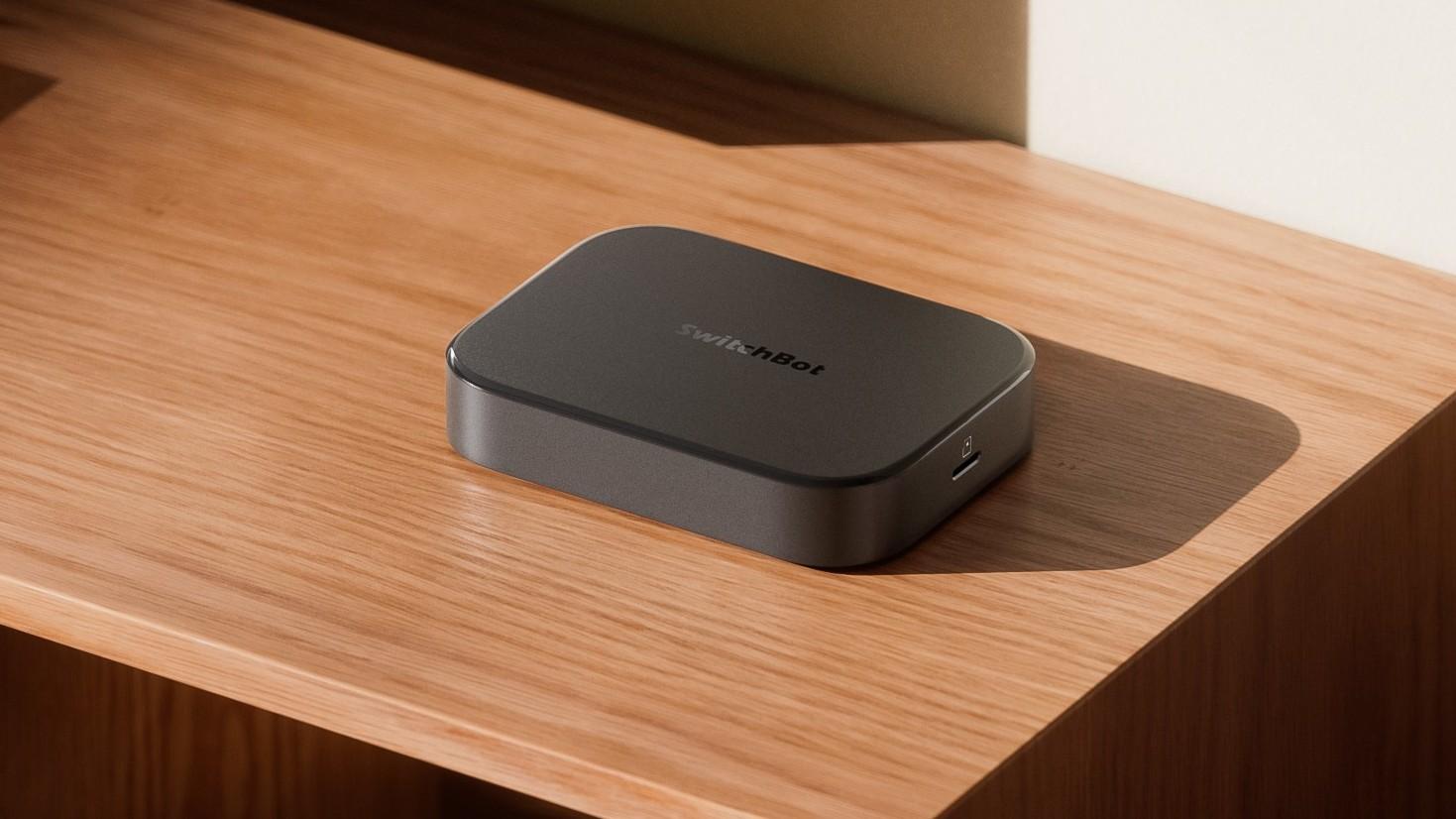
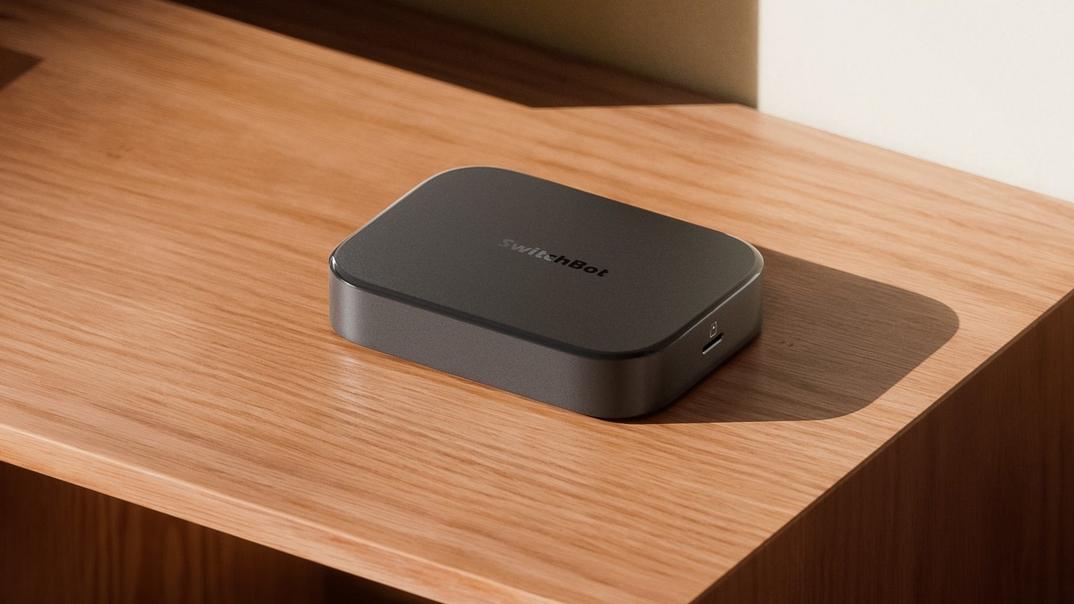
If you’ve ever felt like your smart home is held together by duct tape, cloud logins, and blind faith, SwitchBot’s new AI Hub is basically asking: what if the brains of your home actually lived in your home?
The SwitchBot AI Hub is a local “home AI agent” that combines three jobs in one box:
On top of that, it’s designed to work with OpenClaw, an open-source AI agent framework, so you’ll eventually be able to control a big chunk of your home just by chatting in apps you already use, like WhatsApp or iMessage.
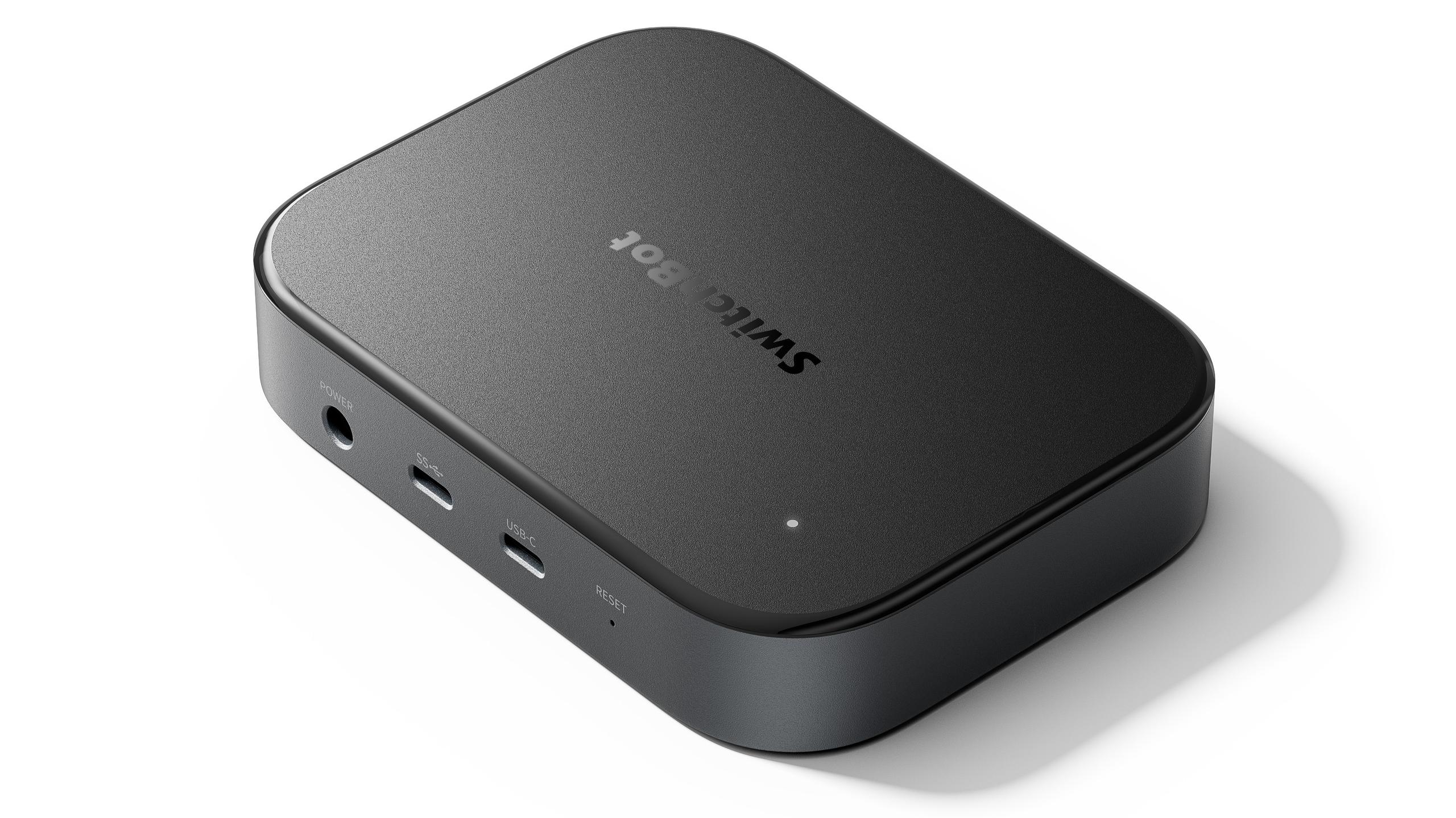
Most smart homes today rely heavily on remote servers. Your camera footage, automations, and voice commands often bounce around the internet before anything actually happens in your living room. The AI Hub takes a different route: it runs AI models on the device itself (“edge AI”), inside your home network.
The box is priced at USD $259.99 / CAD $299.99 / GBP £259.99 / EUR €259.99 and is already available from SwitchBot’s website. Official OpenClaw support is scheduled to roll out via software updates by the end of February, with deeper integration following by the end of March.
Running things locally has a few practical benefits:
The AI Hub is meant to be “always on,” acting as a dedicated environment for AI processing instead of sharing resources with a PC or NAS that’s doing a dozen other jobs.
OpenClaw is an open-source framework that turns AI models into agents that can perform actions, not just answer questions. The interesting part here is how SwitchBot plans to use it: through chat apps.
Once OpenClaw support lands:
OpenClaw can reach beyond SwitchBot’s own ecosystem too. It’s designed to access smart home devices across platforms such as Home Assistant, Apple Home, and Google Home through Skills. By the end of March, SwitchBot’s own Skills are expected to hook into this as well, so devices and automations you create on the AI Hub can be controlled through those same chat conversations.
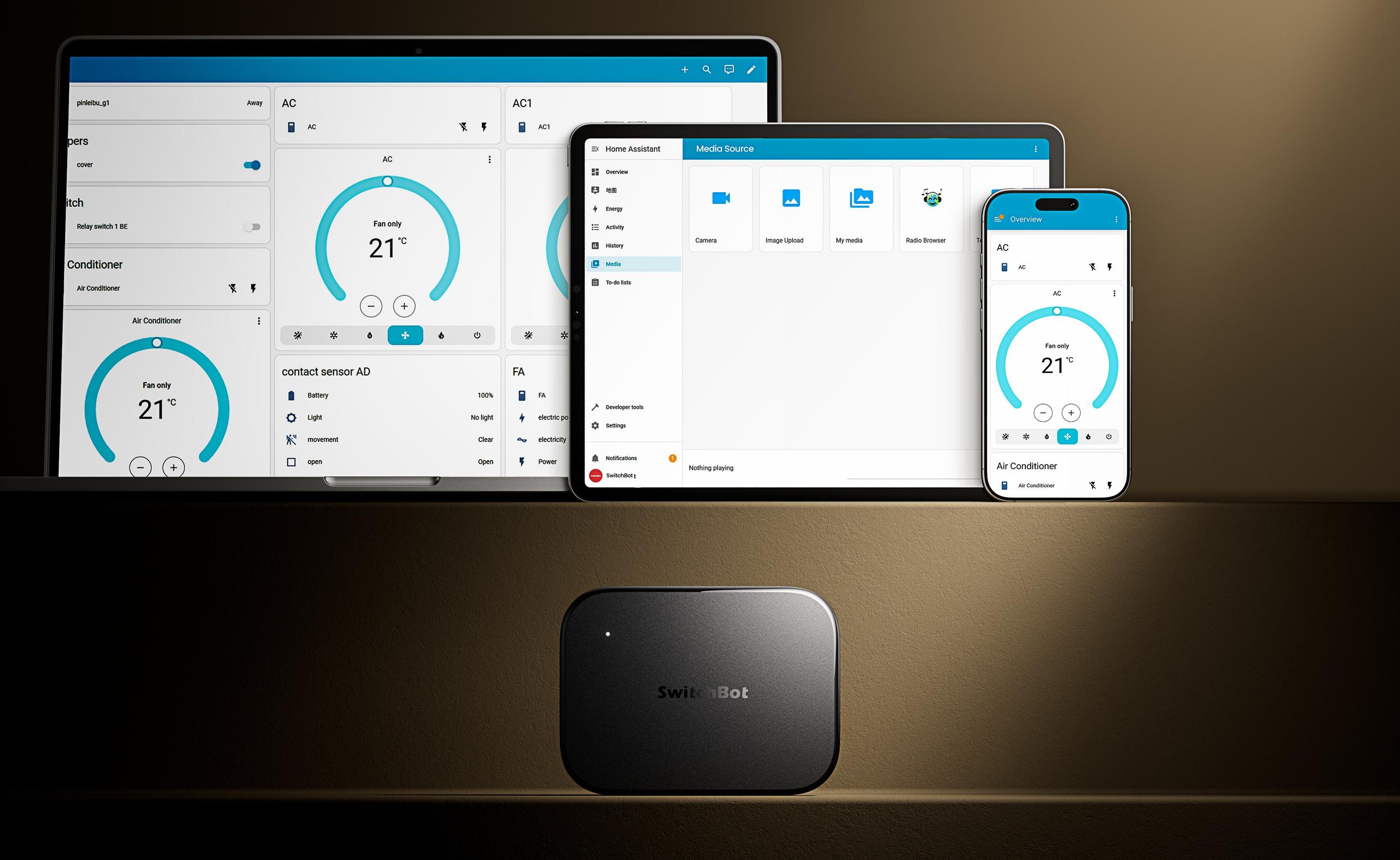
Over time, the agent isn’t just reactive. It can build a picture of your habits and surface suggestions or prompts based on patterns it sees, for instance, nudging you about air quality if your usual window-opening routine doesn’t line up with the day’s readings.
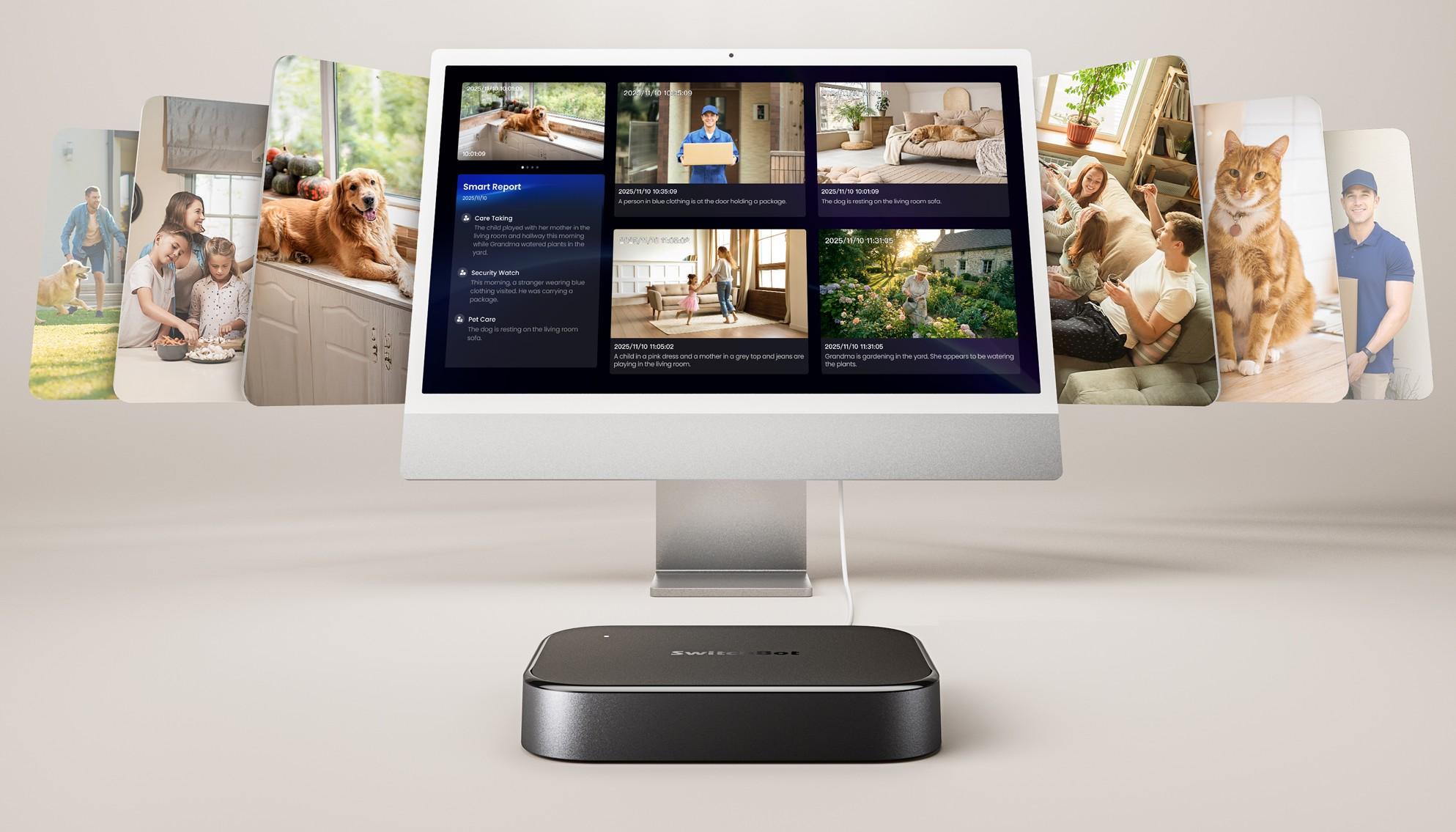
The AI Hub isn’t just about talking to devices; it’s also designed to “see” what’s going on via cameras. When used with SwitchBot’s own cameras, like the Pan/Tilt Cam 2K/3K Plus or Smart Video Doorbell, or third-party RTSP cameras, it leans on Vision-Language Models (VLMs).
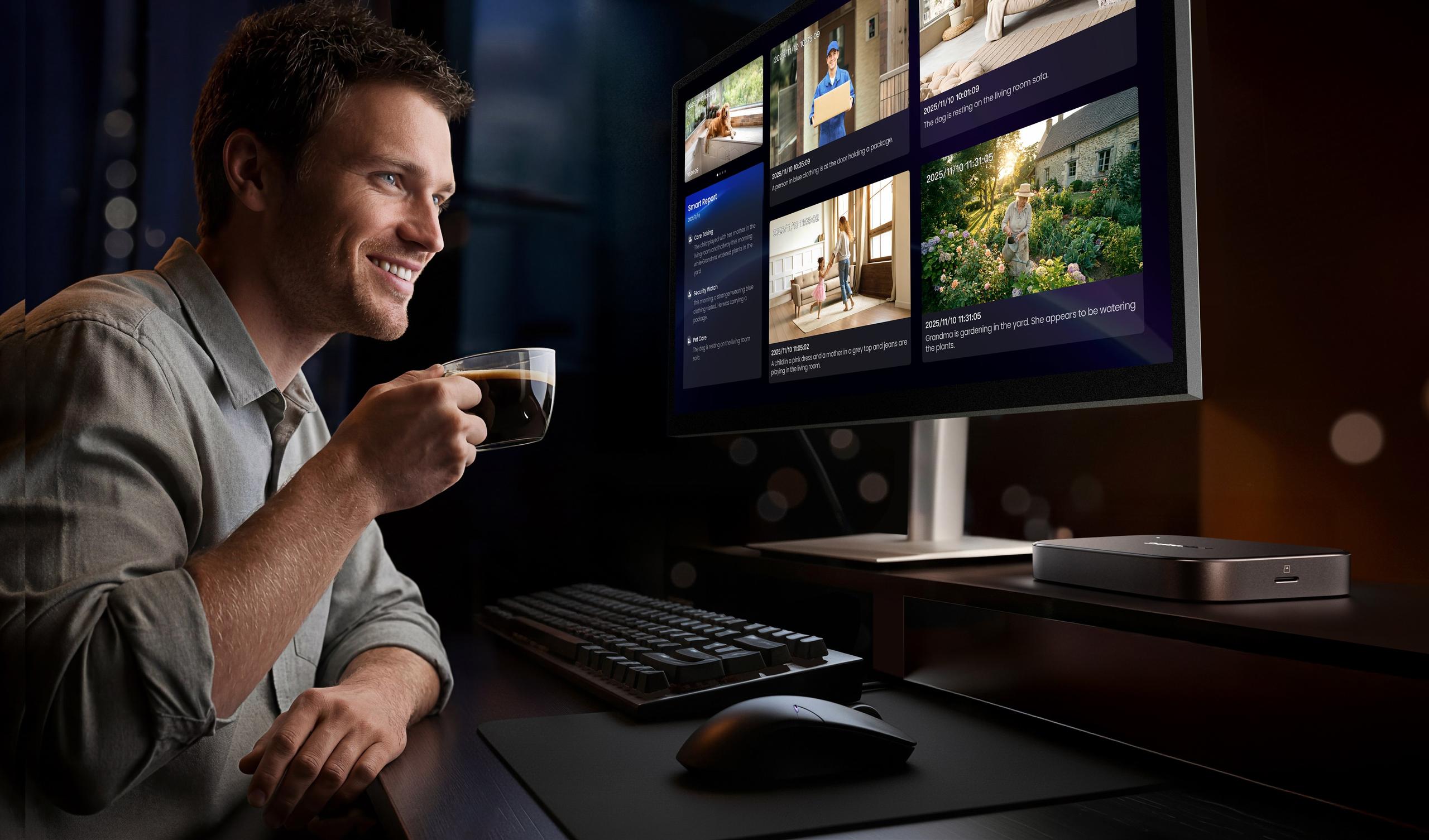
Instead of simply flagging “motion detected,” the system can generate descriptions of what’s happening. That enables a few things:
These AI-generated summaries and descriptions are not just for your benefit; they can also be used as triggers for automations. So instead of an automation that fires any time there’s motion, you might create one that only reacts when a person is detected, or when the system recognizes a specific pattern, such as your pet being in a certain area.

Video storage is handled by a built-in NVR system powered by Frigate, a popular open-source platform. On the practical side, that gives you:
Because processing happens on the AI Hub itself, your video and recognition events can stay local, which will appeal to anyone who prefers not to send camera footage to third-party servers by default.
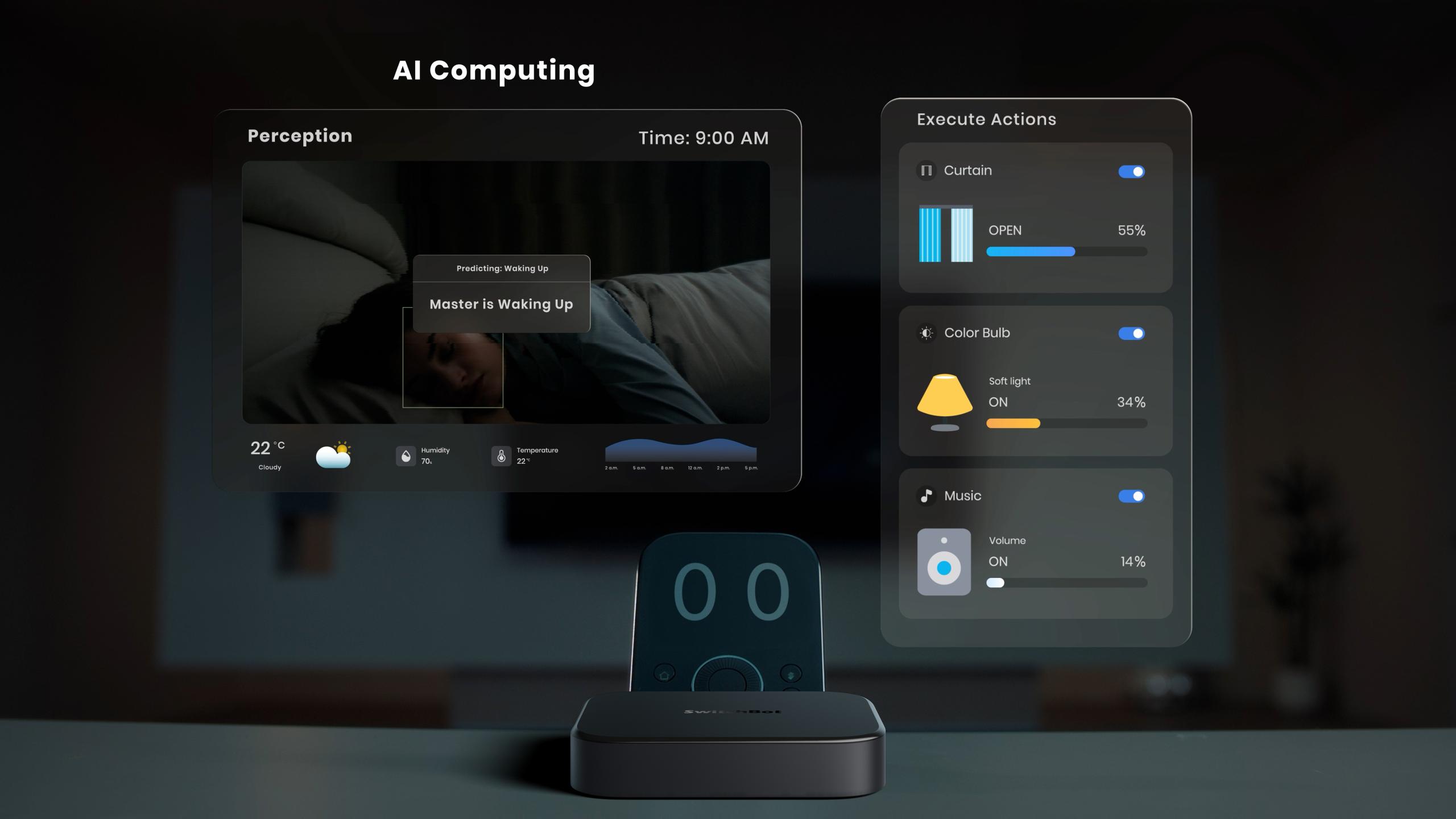
While the AI and camera features are the headliners, the AI Hub is also a full-blown smart home bridge.
From the information shared:
For enthusiasts, there’s another notable detail: the AI Hub includes an integrated Home Assistant Core container that runs without needing a separate dongle for Wi-Fi and Bluetooth devices. That means you can run Home Assistant directly on the box for these radios, instead of using a Raspberry Pi or other dedicated hardware. If you want to add Zigbee, Z-Wave, or Thread devices into the mix, you’ll still need extra hardware (like SwitchBot’s Connect ZWA-2 or ZBT-2), but the AI Hub is effectively doing double duty as a Home Assistant host.
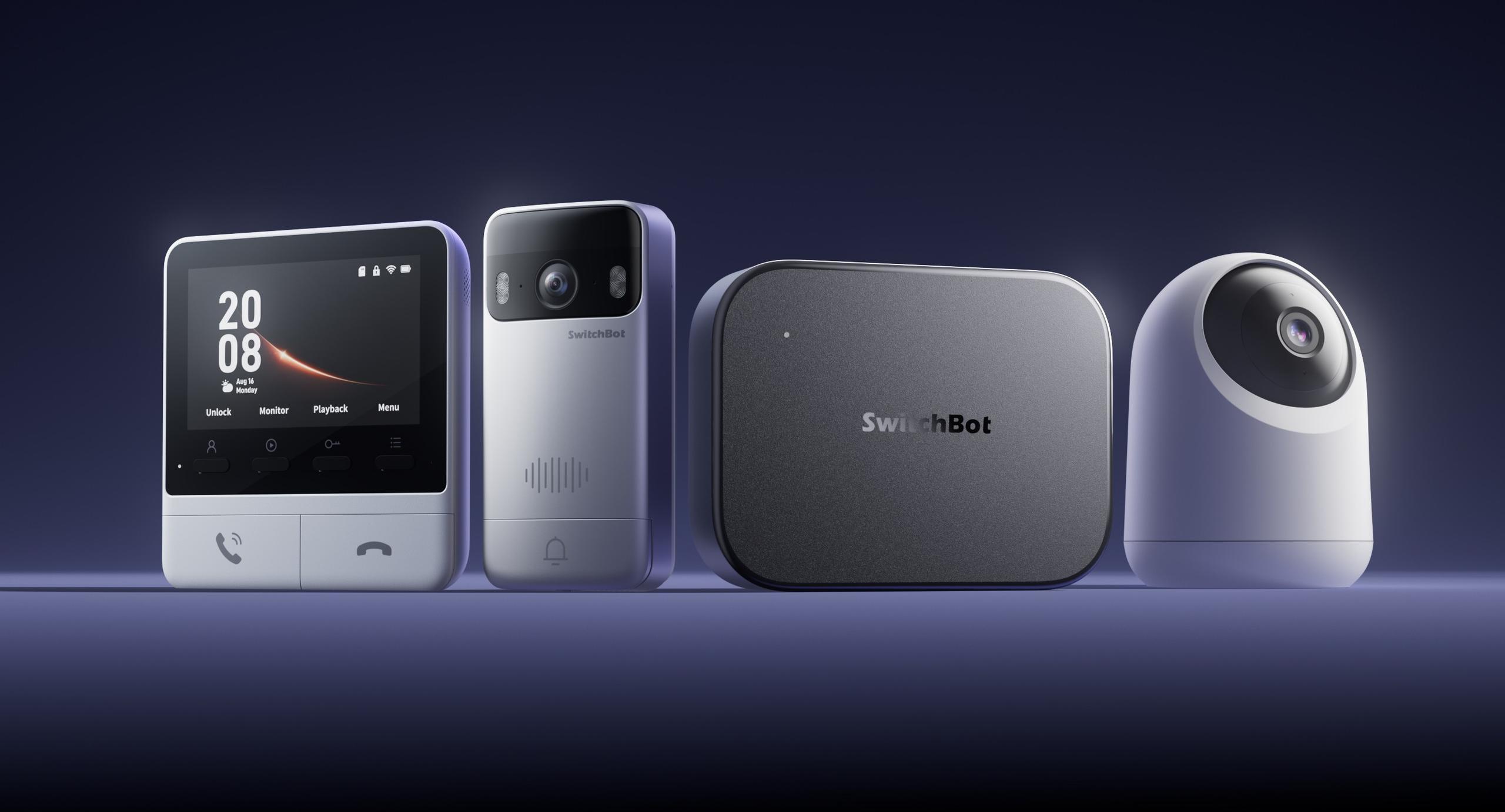
So, how might this change how you actually use your smart home? It’s one thing to say “local AI agent” and “Vision-Language Model,” but what does that look like day to day?
Imagine a typical sequence:
All of this is designed to run primarily on hardware you own, using your existing chat apps as the interface, rather than a separate voice assistant or yet another proprietary control app as the only way in.
The SwitchBot AI Hub is available now via the company’s official site at:
OpenClaw support is slated to arrive by the end of February via software update, with extended access to SwitchBot Skills and deeper integration planned by the end of March.
In practical terms, this hub looks aimed at people who:
If your current smart home feels fragmented or overly cloud-dependent, the SwitchBot AI Hub is an attempt to pull those pieces together, with AI running inside your home instead of somewhere else on the internet.
Related Reading:




Privacy Policy
Terms and Conditions - Affiliate Policy
Home Security
© Copyright 2008-2026.
11816 Inwood Rd #1211, Dallas, TX 75244