

Right out of the gate, this thing did not want to cooperate.
Windows refused to recognize it on the first plug-in. Then the second. Default drivers failed silently — no error, just nothing. For a device sitting around the $300 mark and marketed as a premium external DAC/amp, that's not a great look. There's no indication of what's wrong, no helpful prompt, just the device sitting there doing nothing while Windows shrugs.
Even going in with the intention of using Creative's own software didn't help. A couple separate installation attempts, a few full restarts, and some manual digging around in Device Manager before the system finally acknowledged the unit existed. That's not a minor hiccup — that's 45 minutes of your afternoon gone before you've heard a single note.
Design & Build
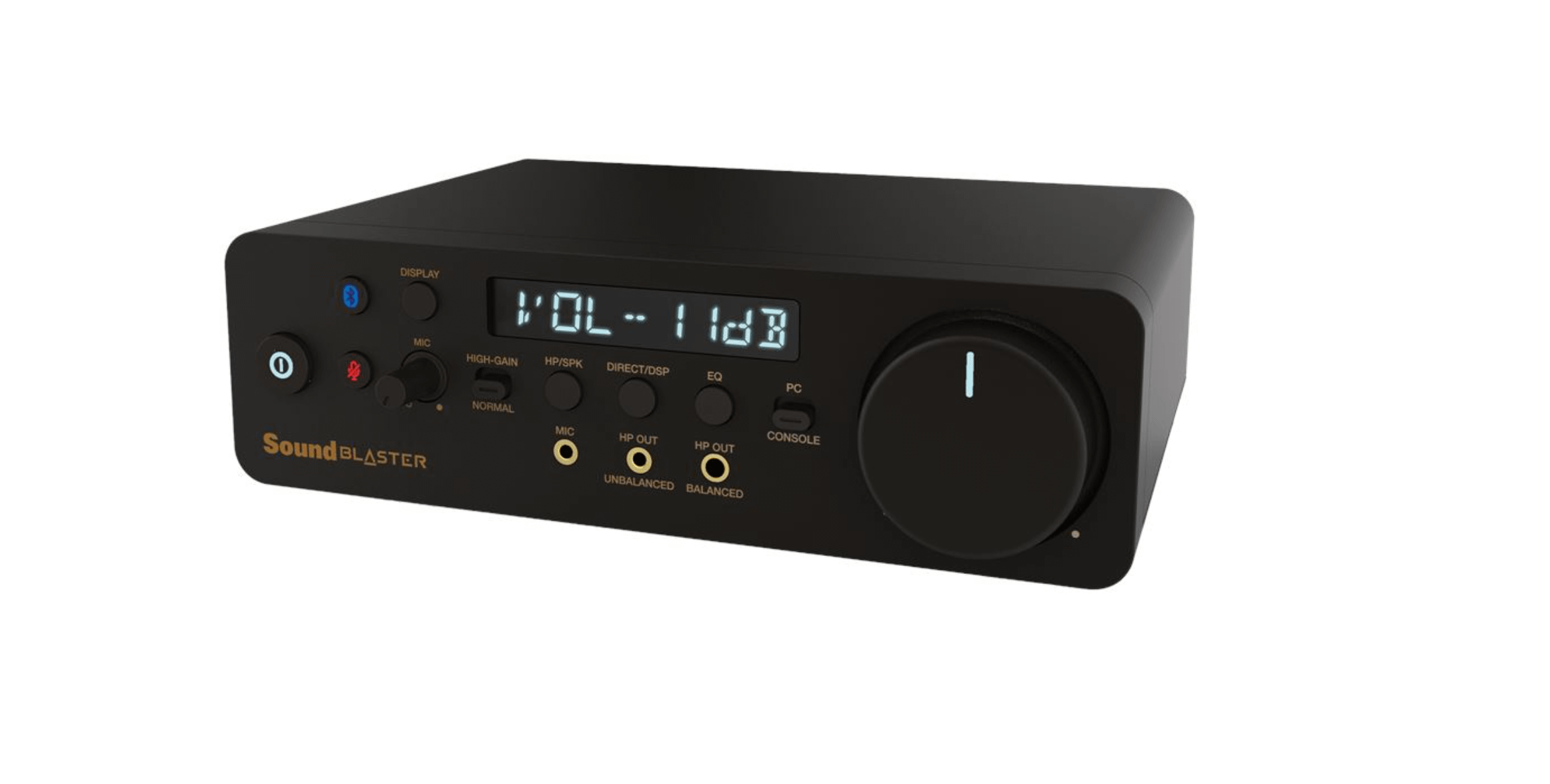
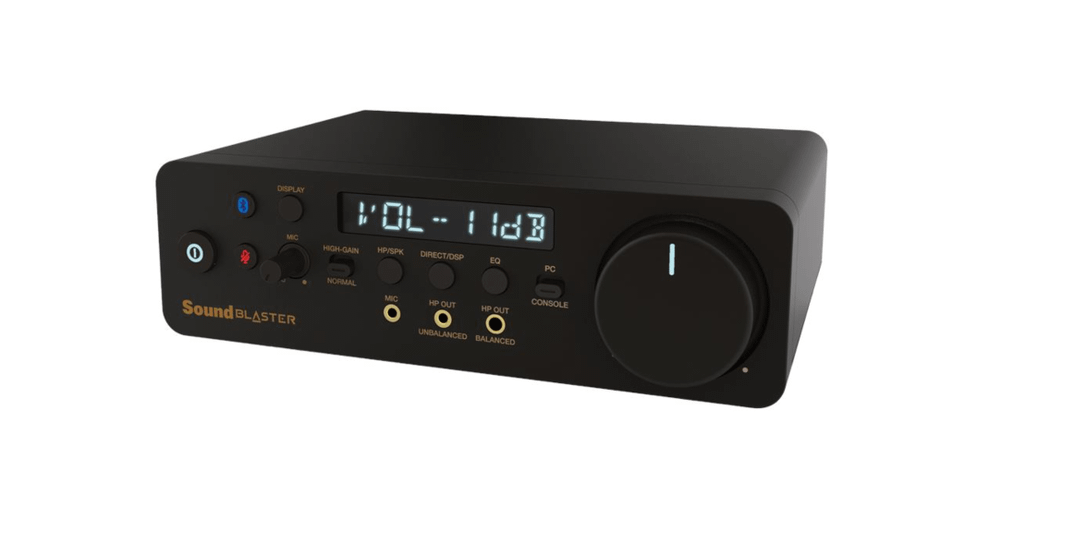
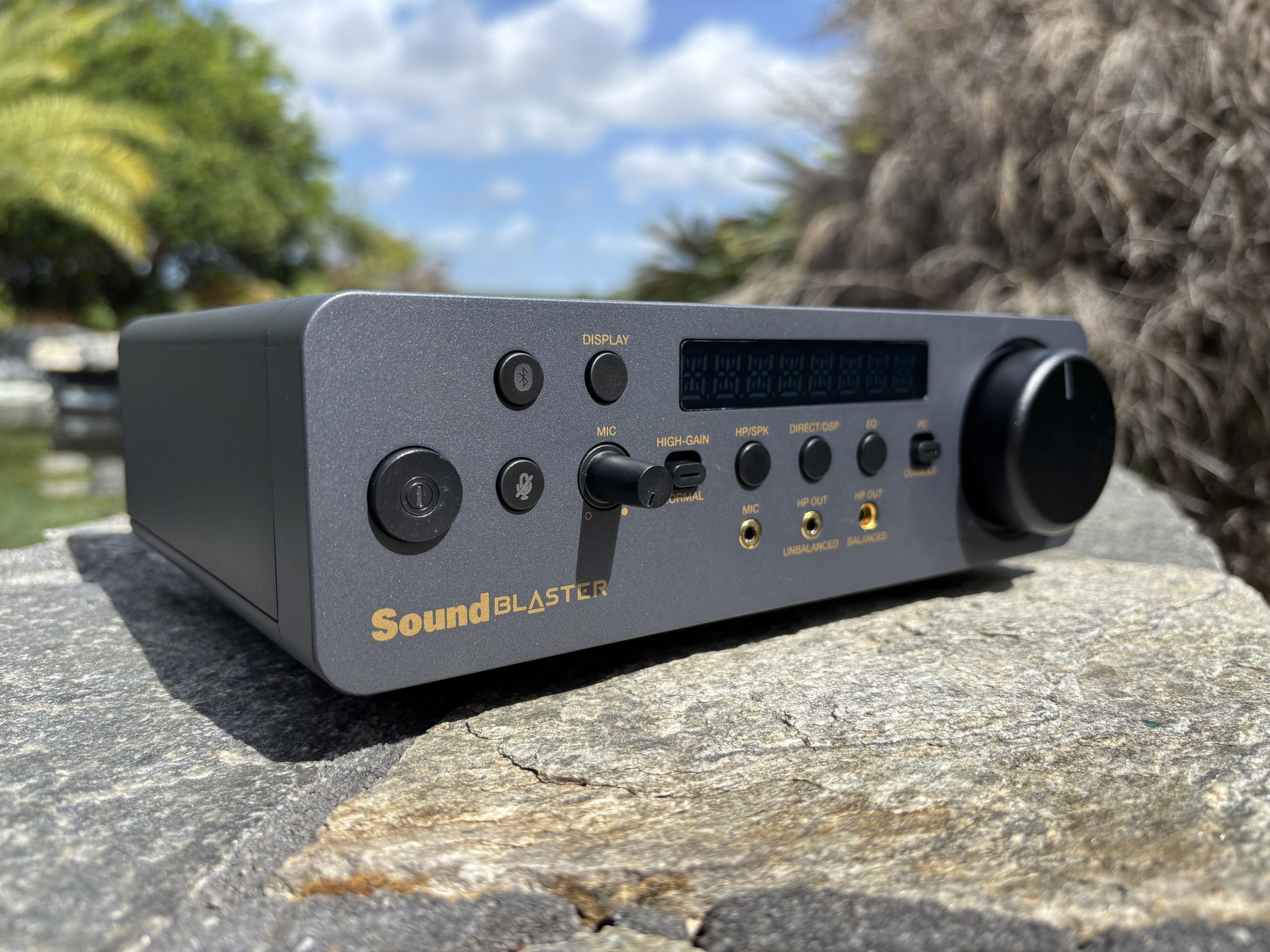
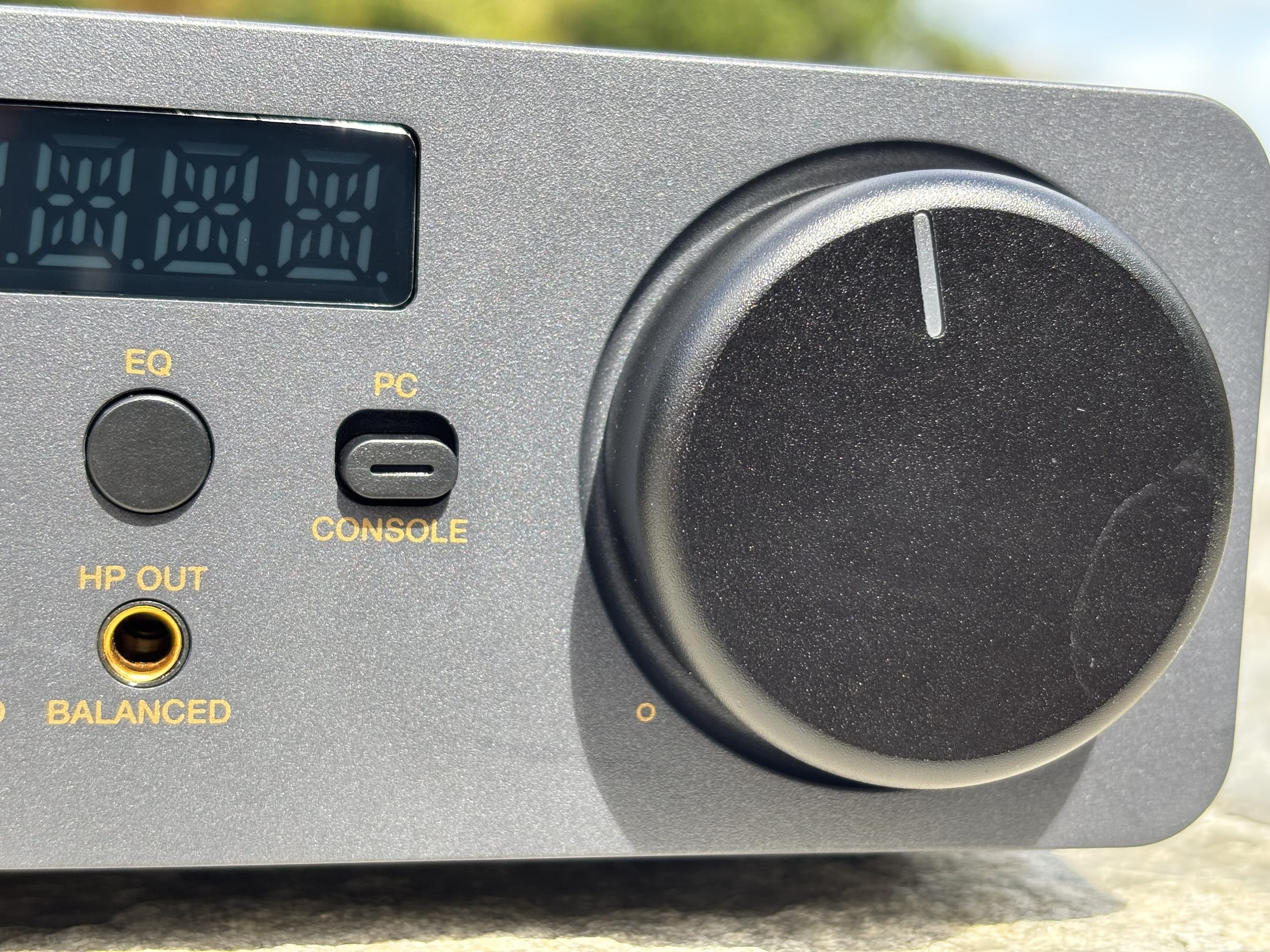
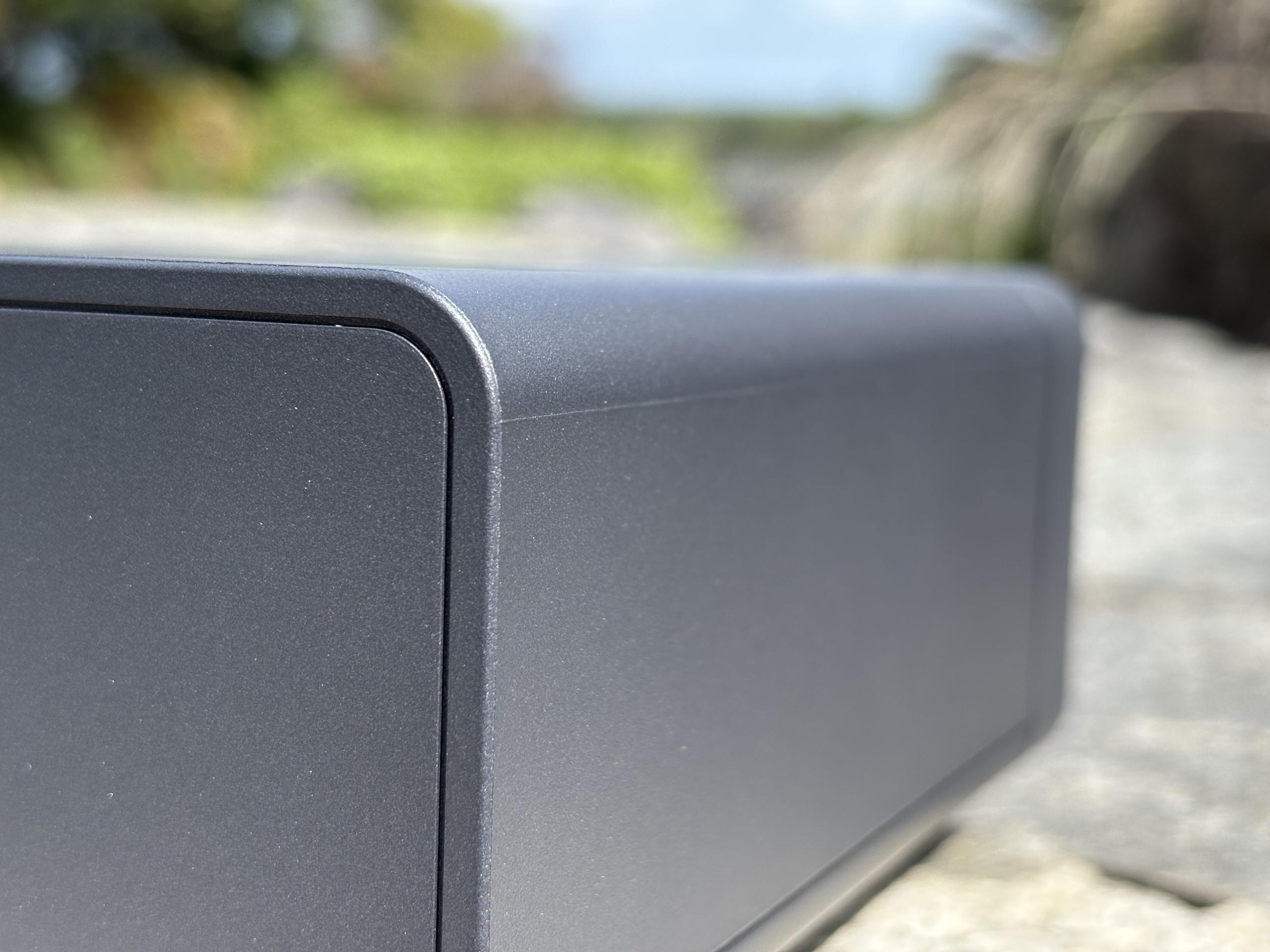
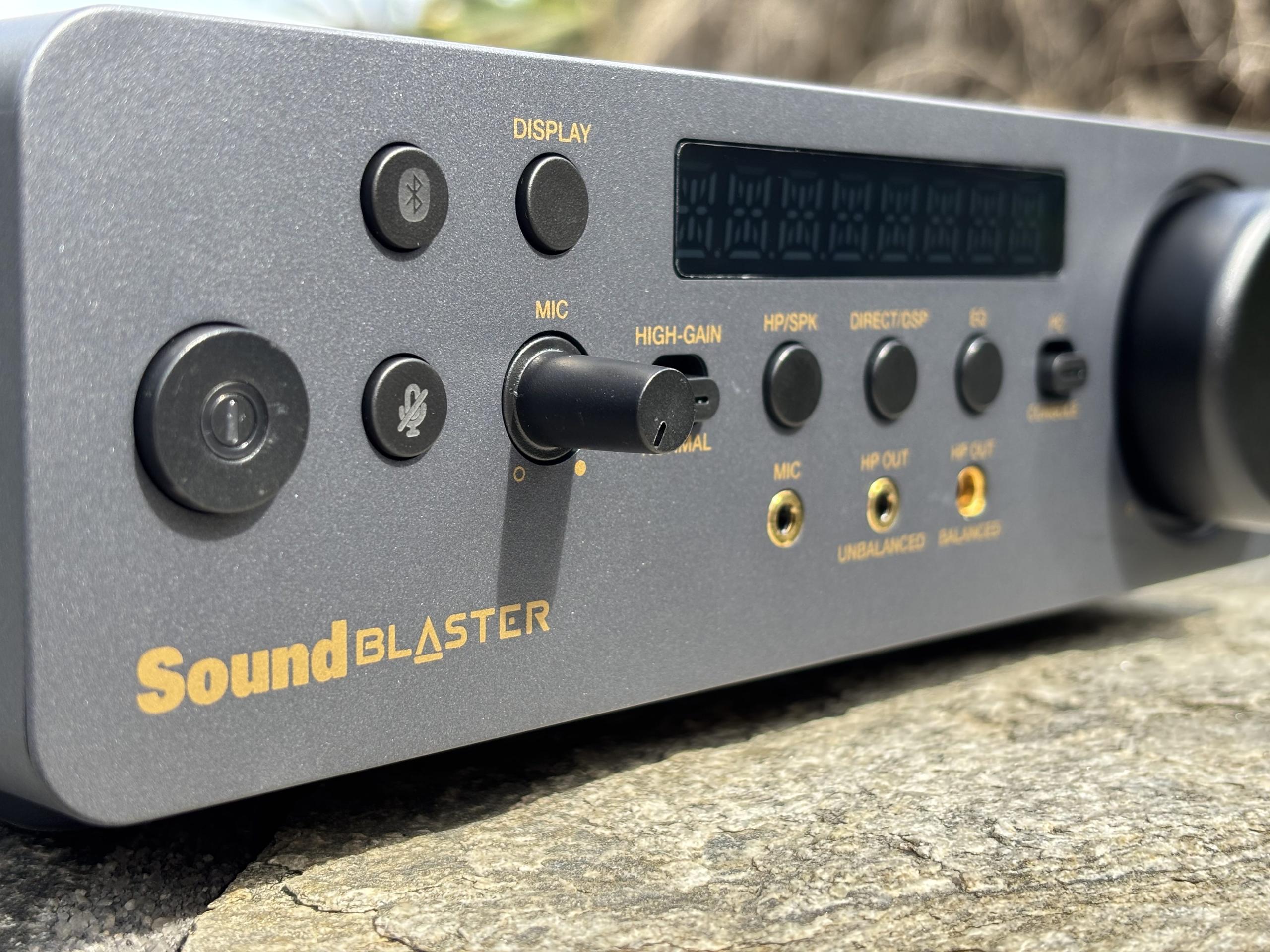
Physically, it's fine. The X5 has that typical Creative aesthetic — chunky but purposeful, doesn't look out of place on a desk, but it's not pretty. The volume knob has a satisfying amount of resistance, the layout is logical, and inputs and outputs are where you'd expect them. The headphone output on the front and the 4.4mm balanced next to it is a sensible arrangement. Nothing to complain about here.
Which makes the software side feel even more jarring by contrast.
Price: ~$299 DAC Chip: ESS ES9038Q2M Max Resolution: 32-bit / 384kHz PCM DSD Support: DSD256 (native) Signal-to-Noise Ratio (SNR): 130 dB Headphone Amp Output:
Headphone Outputs:
Line Outputs:
Inputs:
Mic Input:
Supported Headphone Impedance:
Software:
Features & Functionality
On paper the X5 checks real boxes: balanced outputs, high-res DAC support up to 32-bit/384kHz, DSD256 via the ESS ES9038Q2M chip, a headphone amp rated at 300mW single-ended or 600mW balanced, Bluetooth 5.0 input, a mic jack, optical and coaxial inputs on top of USB-C, and an impedance range that covers everything from sensitive IEMs up to 600Ω cans. It's clearly aimed at the mid-tier buyer who wants more than a basic dongle but isn't ready to spend $400+.
The problem is execution doesn't hold up the spec sheet. When a device spends its first hour fighting to be detected, it raises real questions about what happens six months from now after a Windows update decides to break something.
Sound Performance
Once it's actually running, the X5 delivers. Tested over a few weeks with mid-range headphones — the kind of load the amp section is genuinely built for — it handles the job well. Clean output, no audible noise floor issues, and enough headroom that nothing felt strained even at higher volumes. The balanced output is noticeably tighter than the single-ended, worth using if you have the cable for it.
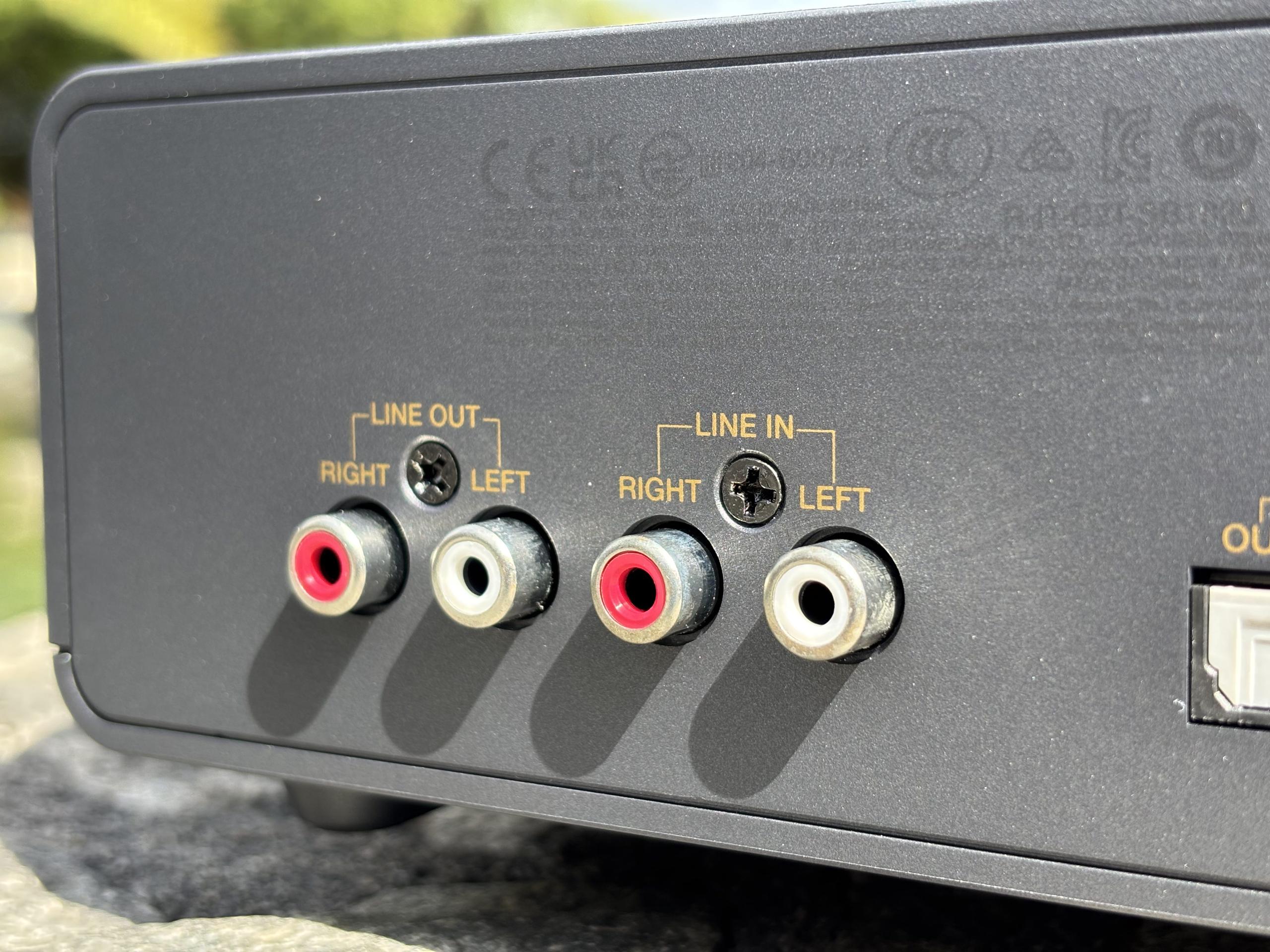
Ran it through a few different sources too — USB from the PC, optical from a TV, and Bluetooth — and the consistency was good. No weird dropouts, no quirks switching between inputs. Once the software was stable, that side of things was mostly fine.
The issue is that "mostly fine once stable" is a hard sell. The sound quality is solid but not so exceptional that it makes you forget the setup experience — there's nothing here that leaves you thinking you'd have put up with the installation process a second time by choice.
Software Experience
Creative's software has a long history of being feature-rich and friction-heavy, and the X5 doesn't break that trend. The Sound Blaster Command app has EQ, a parametric equalizer, virtual surround options, and a Scout Mode aimed at gaming — more processing options than most people will ever use. The issue isn't the feature count, it's that the whole thing feels brittle. Performance depends heavily on the driver behaving, and after a couple of weeks it's already been flaky twice following routine Windows updates. Both times required manually reinstalling. Competitors in this space — iFi, Schiit, even FiiO — don't ask you to babysit their devices like this.
Who's It For
Good fit: desktop headphone users running mid-range cans like a DT 770 or HD 6XX from a permanent desk setup — this is the target use case and it shows. Also decent for gamers who want cleaner audio with mic input and EQ options.
Not a good fit: anyone who wants to plug it in and get on with their day, anyone moving it between machines regularly (the driver situation resets every time), or anyone coming from a pure audiophile angle — at this price, a Schiit stack or iFi Zen DAC gets you cleaner results without the software baggage.
Verdict
The X5 feels like a product that shipped before it was done. The hardware has the bones of something solid, the spec sheet is genuinely competitive at the price, and the audio backs it up when everything is working. But the driver situation and setup process undermine the whole package in a way that's hard to ignore at $300.
Pros: solid feature set, clean audio output, balanced output worth using, flexible inputs Cons: painful initial setup, driver issues out of the box, software needs babysitting after Windows updates
Bottom Line
If you've got patience and don't mind the occasional troubleshooting session, the X5 can get there. But it shouldn't require that. At this price, plug-and-play isn't a luxury — it's a baseline expectation. If Creative sorts the driver situation out it could be a genuinely easy recommendation. Right now it isn't.
For advertising please contact the editor at [email protected]






Privacy Policy
Terms and Conditions - Affiliate Policy
Home Security
© Copyright 2008-2026.
11816 Inwood Rd #1211, Dallas, TX 75244