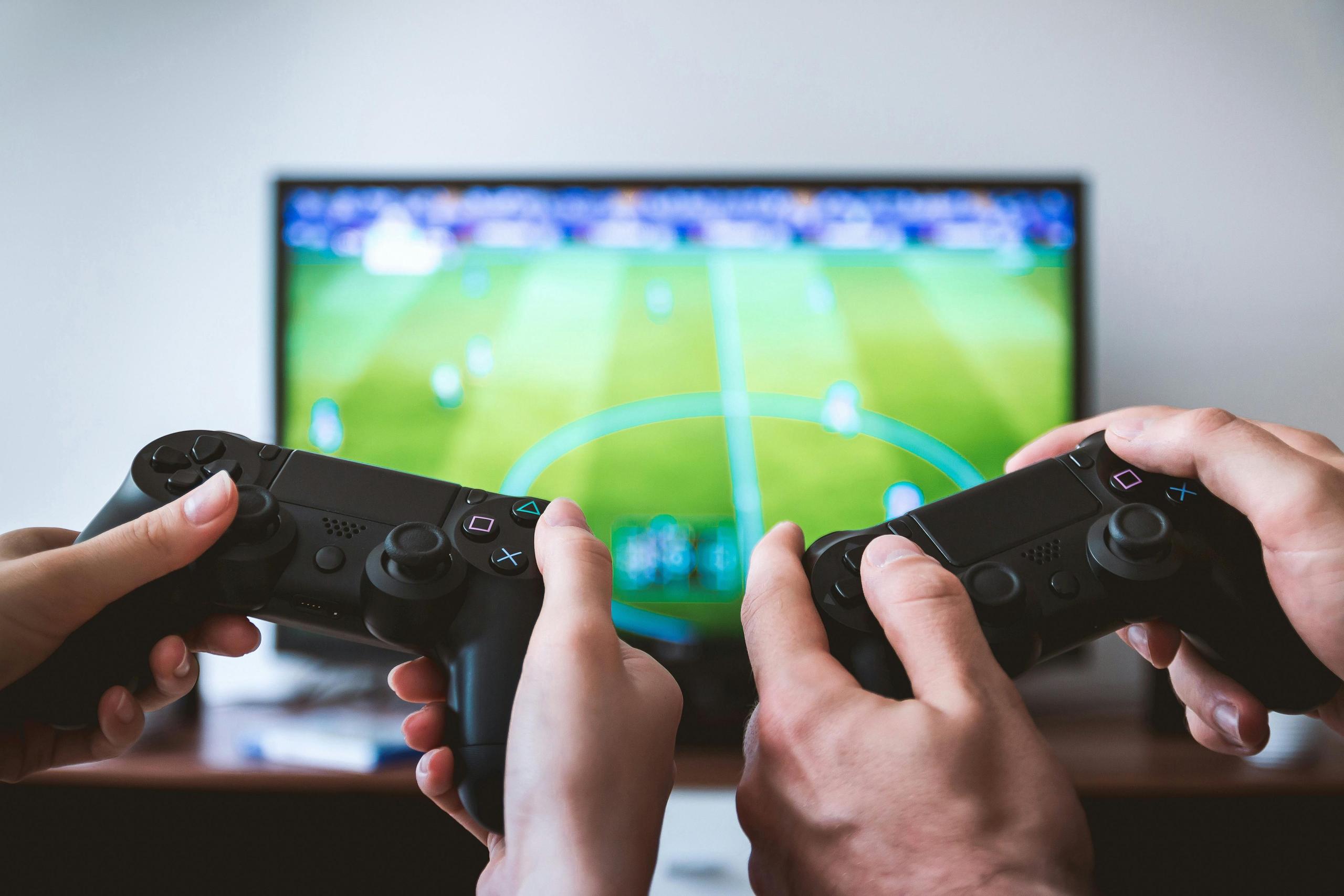
The days of needing an expensive gaming console or PC to enjoy high-quality gaming are rapidly fading. Smart TVs have evolved into powerful gaming hubs, offering access to thousands of games through cloud gaming services and dedicated apps. Whether you're a casual gamer or a serious enthusiast, your smart TV can deliver console-quality gaming experiences with nothing more than a compatible controller and a stable internet connection.
Samsung Gaming Hub stands out as the premier gaming platform for smart TVs, available on 2022 and newer Samsung Smart TVs, select Smart Monitors, and Projectors. This comprehensive gaming ecosystem brings together multiple cloud gaming services under one unified interface, making it incredibly easy to access thousands of games without needing a console.
Gaming Hub is completely free to use and integrates seamlessly into your Samsung device. You can access it by navigating to the left of your home screen and clicking the controller icon. The platform supports major gaming services including Xbox Game Pass, NVIDIA GeForce NOW, Amazon Luna, Utomik, Anstream Arcade, Blacknut Cloud Gaming, and Boosteroid.
Recent partnerships have enhanced the Gaming Hub experience significantly. Samsung has partnered with Electronic Arts and Xbox to bring EA SPORTS FC™ 25 to the platform, and new Xbox Game Pass subscribers can receive a two-month Ultimate Game Pass subscription when purchasing qualifying Samsung TVs.
Samsung has also introduced the "Designed for Samsung Gaming Hub" partner program, ensuring accessories meet the highest standards for compatibility and performance. The first certified controller, PDP's "Replay Midnight Blue," features up to 40 hours of playtime and a dedicated Gaming Hub home button.
GeForce NOW allows players to stream games they already own from digital stores like Steam and Epic Games Store. The service offers exceptional quality for $10 per month, with a free tier providing up to one hour of gaming sessions. It's supported on Samsung and LG smart TVs, along with Shield TV and other devices.
Best For: PC gamers with existing game libraries who want to play on their TV
Xbox Cloud Gaming comes bundled with Xbox Game Pass Ultimate ($15/month) and offers one of the largest libraries of games, including major AAA titles like "Indiana Jones and the Great Circle" and "Call of Duty: Black Ops 6." The service is supported on Samsung smart TVs and Amazon Fire devices, though mobile versions require browser access.
Best For: Console gamers who want access to Xbox exclusives and Game Pass library
Amazon Luna offers a budget-friendly cloud gaming experience starting at $5.99 per month, with some games free for Amazon Prime subscribers. The service is available on Windows PC, Mac, Fire TV, Chromebook, iPhone, iPad, Android devices, and select Samsung and LG Smart TVs.
Luna excels in casual gaming scenarios, offering 4K support, Twitch integration, and seamless device switching. Performance is excellent with 5 GHz Wi-Fi, achieving advertised latency of 17–30ms.
Best For: Amazon Prime subscribers and casual gamers looking for affordable cloud gaming
LG has expanded its Gaming Portal to compete with Samsung's offering, centralizing several cloud gaming platforms including NVIDIA GeForce Now, Amazon Luna, Boosteroid, and Blacknut. The service is expanding to more markets and devices in 2025, including LG Smart Monitors and StandbyMe displays.
Android TV users have access to over 7,000 apps through the Google Play Store, including popular gaming options. The platform supports various controllers and offers gaming apps ranging from casual puzzles to cloud gaming services.
Roku offers several unique gaming experiences that showcase the versatility of smart TV gaming:
Daily Trivia on Roku provides an engaging quiz-based gaming experience perfect for family entertainment and casual gaming sessions. This app demonstrates how traditional game show formats can be adapted for smart TV platforms.
Volley App with Voice Gaming represents an innovative approach to smart TV gaming, utilizing voice commands as the primary control method. This hands-free gaming experience allows players to interact with games using only their voice, making it accessible and convenient for users who prefer not to use traditional controllers.
Simple Gaming Apps: Roku also features a variety of classic and casual gaming options that cater to different preferences. Users can enjoy traditional card games like solitaire and other timeless favorites that translate well to the TV screen format.
Slot Gaming Apps: For those interested in casino-style gaming, Roku offers apps like 'Casino Jackpot Deluxe' and other slot machine simulators. These apps provide the casino gaming experience without real money wagering, making them accessible entertainment options for users who enjoy the visual and audio excitement of slot games.
These Roku-specific gaming options highlight how different smart TV platforms are developing unique gaming experiences that take advantage of their specific features and capabilities, from voice control to classic card games and casino-style entertainment.
Steam Link transforms your smart TV into a gaming display for your existing PC setup. Available on Samsung Smart TVs and other platforms, it lets you stream your entire Steam library to your TV using your home network.
Requirements:
For gaming content consumption, Twitch remains the go-to platform for streaming live gaming content. Whether watching tournaments or following favorite streamers, Twitch on smart TVs delivers high-quality streaming experiences.
YouTube Gaming has evolved into a formidable competitor with seamless integration into YouTube's main platform, offering excellent discoverability and a massive potential audience.
Many smart TV platforms also support retro gaming apps and indie game collections, providing access to classic titles and unique gaming experiences without requiring high-end hardware.
Many gamers who prefer playing on larger displays find that smart TV gaming offers distinct advantages over smaller screens. Larger screens provide a far more immersive gaming experience with massively enhanced visuals, leading to more satisfying and comfortable gameplay sessions.
Modern smart TVs feature smoother and higher refresh rates, delivering better graphics performance while maintaining optimal gameplay through adaptive rendering capabilities. When it comes to immersion and overall gameplay experience, smart TV screens provide a wider field of view, making open-world games more immersive and giving players strategic advantages in competitive gaming scenarios.
Smart TV gaming is essentially reinventing online gaming experiences while slowly eliminating the need for traditional consoles, PCs, or handheld devices. Some games only require a smart TV remote for control, while more sophisticated smart TVs with touchscreen technology enable touch-based gameplay. Others support connected smartphones or various gaming-compatible controllers.
While smart TV gaming continues to expand, casino gaming represents an emerging category with unique considerations. Currently, it's not yet fully possible to play live dealer casino games or slots on legally permitted iGaming platforms using most smart TVs, though this is expected to change in the near future.
Regional Considerations: Casino app availability varies significantly by region. Users in the US have access to completely different options than those in the UK or other jurisdictions, reflecting local gambling regulations.
Sports Betting Content: While actual sports betting functionality isn't widely available through smart TV apps, there are numerous channels that provide daily sports betting content and analysis. The DraftKings Network Roku TV channel is one example of platforms offering sports-related content, analysis, and information rather than direct betting capabilities. These content channels provide users with sports insights, odds discussions, and betting-related programming from their living room.
Licensing Requirements: The best casino apps suitable for smart TV use are those fully licensed and regulated by reputable gaming commissions. Always verify licensing before engaging with any casino gaming platform.
Current Limitations: While smartphone and tablet casino apps have been optimized for smooth performance, iGaming on television with crystal-clear performance may still be some time away as the technology continues to develop.
For optimal gaming performance, aim for at least 25 Mbps for smooth 1080p gameplay. For 4K streaming, faster speeds are recommended. A wired ethernet connection is preferred over Wi-Fi for the most stable experience.
Most smart TV gaming apps support popular controllers including Xbox One, PlayStation 4, and specialized gaming controllers. Some services even work with smartphone apps as controllers.
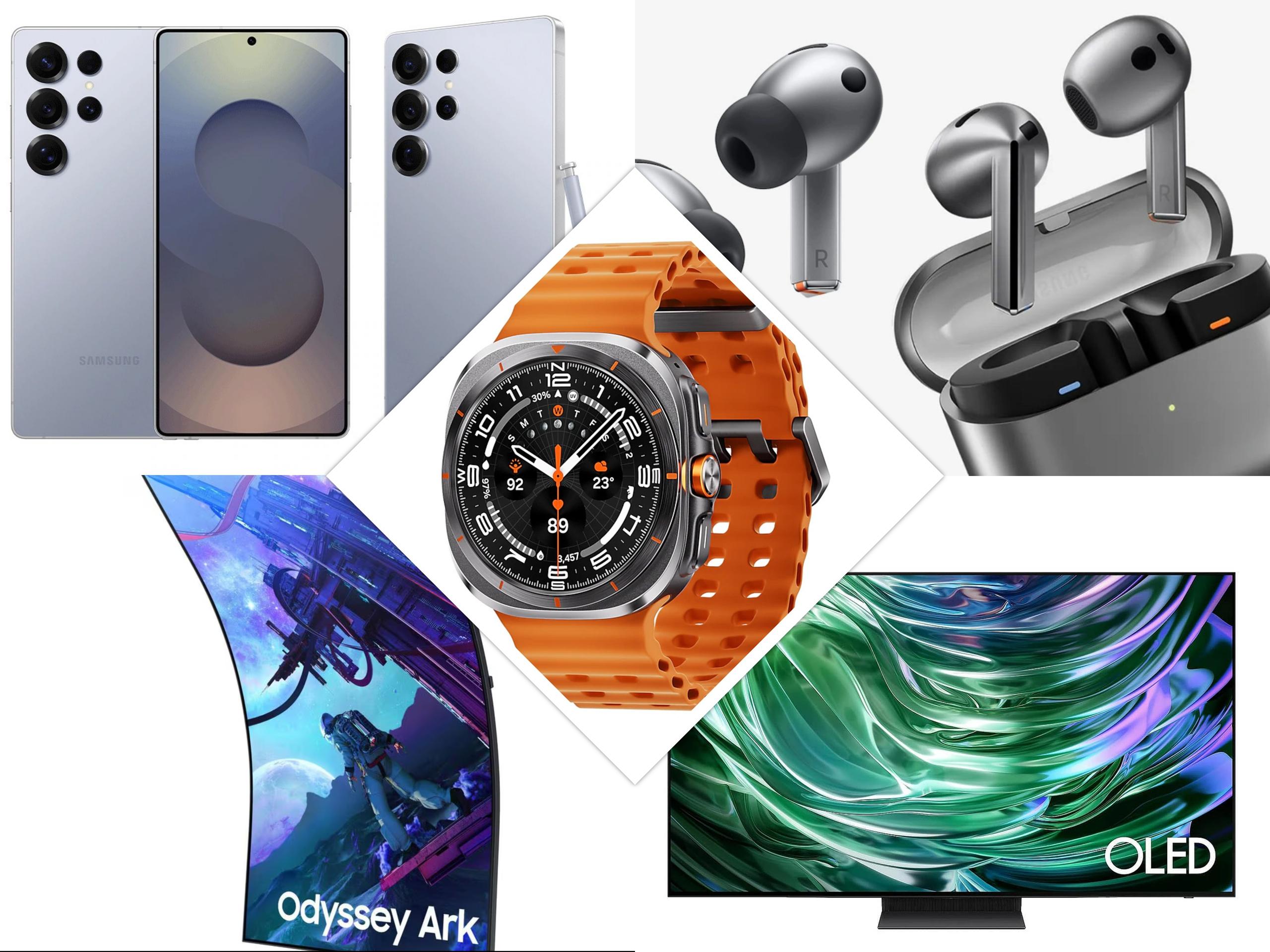
Top gaming TVs include the Samsung S95F OLED for overall performance, Samsung QN90D Neo QLED for value, and LG C4 OLED for webOS compatibility. These TVs offer features like 120Hz refresh rates, VRR support, and low input lag essential for serious gaming.
Cloud gaming continues to evolve, with 2025 being a pivotal year. Smart TV integration is becoming standard, with Xbox and GeForce Now now available directly on LG, Samsung, and Android TVs. VR streaming support is gaining traction, and cross-platform saves are now standard across services.
Smart TV gaming has reached maturity in 2025, offering genuine alternatives to traditional console gaming. Here are our top recommendations:
For Samsung TV Owners: Samsung Gaming Hub is unmatched, providing the most comprehensive gaming experience with multiple services integrated seamlessly.
For Budget-Conscious Gamers: Amazon Luna offers excellent value, especially for Prime subscribers, with a growing library and solid performance.
For Existing PC Gamers: NVIDIA GeForce NOW provides the best way to access your existing game library on the big screen.
For Xbox Ecosystem Users: Xbox Cloud Gaming with Game Pass Ultimate offers incredible value with a massive game library.
The barrier to entry for high-quality gaming continues to lower, and smart TVs are at the forefront of this revolution. Whether you choose Samsung's comprehensive Gaming Hub or individual cloud gaming services, you'll have access to thousands of games without the need for expensive hardware. The future of gaming is in the cloud, and it's available on your smart TV today.
Note: Service availability and features may vary by region and TV model. Always check compatibility before subscribing to gaming services.






Privacy Policy
Terms and Conditions - Affiliate Policy
Home Security
© Copyright 2008-2026.
11816 Inwood Rd #1211, Dallas, TX 75244