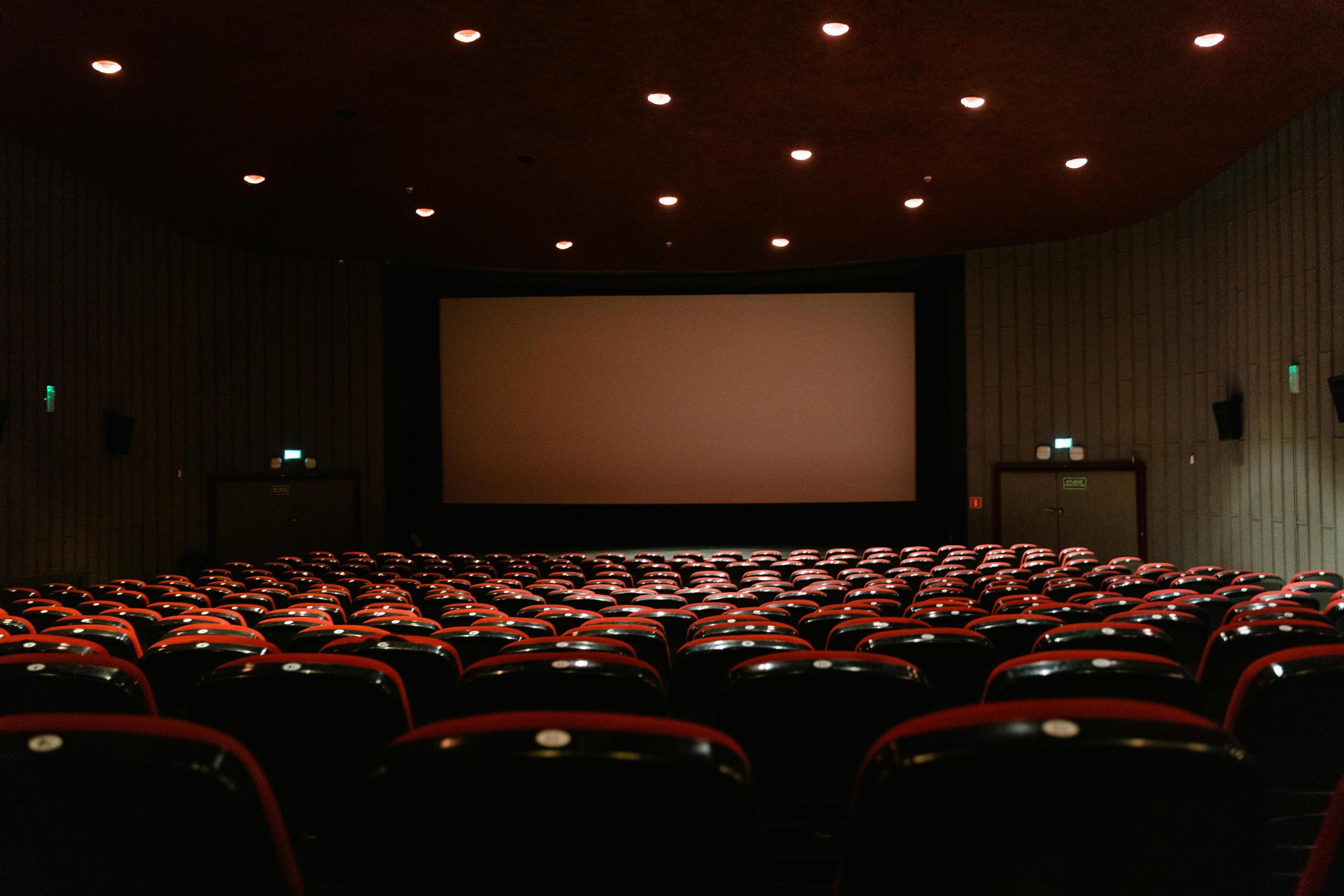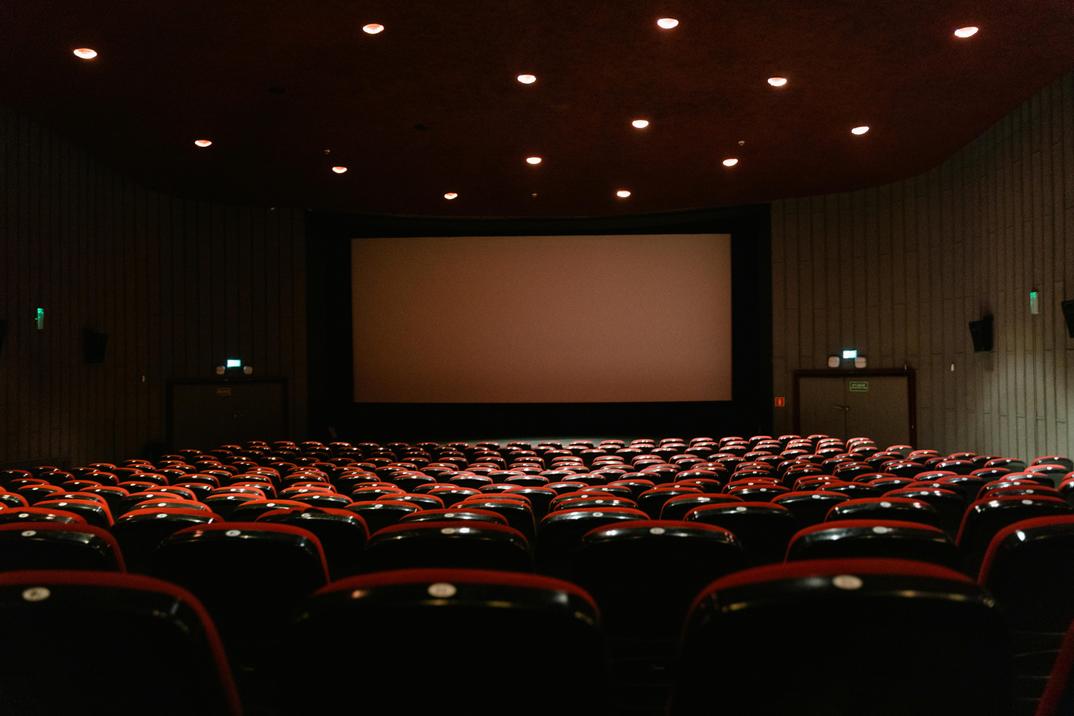
Imagine settling into your home theater, snacks in hand, ready for a movie night. The lights dim, the screen lights up, but—ugh—a glare washes out the action scene, or you're fumbling in the dark for the remote. Sound familiar? Lighting can make or break your home theater experience, setting the mood, enhancing screen clarity, and keeping things comfortable. Whether you're binge-watching Netflix, gaming, or hosting a Super Bowl party, the right lighting ties it all together like the perfect popcorn seasoning.
We’ll show you how to choose lighting that gives your room the immersive feel of a home theater. No tech overload—just straightforward tips to get it right. Let's dive in!
Understand Your Home Theater's Needs
Before you buy cool LED strips, let's figure out what your space actually needs. Every home theater is unique. Here's how to nail the basics.
Assess the room
Start by sizing up your setup. Ask yourself:
Size and layout
What's the room like? Is it a cozy, windowless nook or an open-plan living area? Smaller rooms (10x10 feet) need fewer lights, while larger spaces might require multiple fixtures to avoid shadowy corners.
Wall colors
Wall colors make a difference too—dark shades like charcoal or navy soak up light, which helps cut glare but can feel too dim without enough brightness. Light walls, like beige or white, reflect light, which might bounce onto your screen if you're not careful.
Screen type
Speaking of screens, what are you working with? A flat-screen TV, a projector with a pull-down screen, or a fixed projector screen? Projectors are especially sensitive to ambient light, so you'll need to be extra strategic to keep the picture crisp.
Viewing goals
What's the vibe you're going for? Are you building a cinematic escape for movie nights with the family, or do you need a versatile setup that can handle gaming marathons, Netflix binges, and the occasional March Madness watch party? Your lighting should match how you use the space.
For example:
Think about the ambiance you want, too.
Types of Home Theater Lighting
Now that you know your space, let's explore the types of lighting that can elevate your home theater. Each type serves a different purpose, and mixing them smartly creates the perfect setup. Here's the breakdown:
Ambient lighting
What it does: Provides general illumination for safety and activities like chatting or grabbing snacks before or after the show.
Best options:
Pro tip: Use warm-toned bulbs (2700K–3000K) for a cozy, inviting glow. Picture the subtle lighting in a sophisticated restaurant—just enough to set the mood without being overpowering.
Accent lighting
What it does: Adds flair and highlights cool features like movie posters, shelves, or architectural details.
Best options:
Pro tip: Place accent lights behind the screen or along baseboards for a glowing effect that doesn't distract from the action.
Task lighting
What it does: Helps with specific tasks, like finding the popcorn bowl or adjusting the sound system.
Best options:
Pro tip: Position these away from the screen to avoid glare, and make sure they're dimmable for movie mode.
Bias lighting
What it does: Reduces eye strain and boosts screen contrast by lighting the area behind your TV or screen.
Best options:
Pro tip: Keeping light levels down enhances the image and lets the colors shine through, much like a soft halo surrounding the screen.
Key Features to Look For
Picking the right lights means focusing on features that make them functional and flexible. Here's what to prioritize.
Dimmability
A movie night calls for low, moody lighting, but you might need brighter lights for setup or a post-movie chat.
Dimmable lights give you control to dial them up or down as needed. Like Homebaa's dimmable recessed ceiling lights or wall sconces, which let you tweak brightness for any vibe. Plus, most LED bulbs also pair with standard dimmer switches.
Smart lighting
Imagine adjusting your lights without leaving the couch, using just your phone, or a quick "Hey Alexa, dim the lights." Smart lighting makes this a reality, adding convenience and a wow factor.
Color temperature
The "warmth" or "coolness" of your lights affects the mood. Too cool, and your room feels like an office; too warm, and it might feel stuffy.
Placement
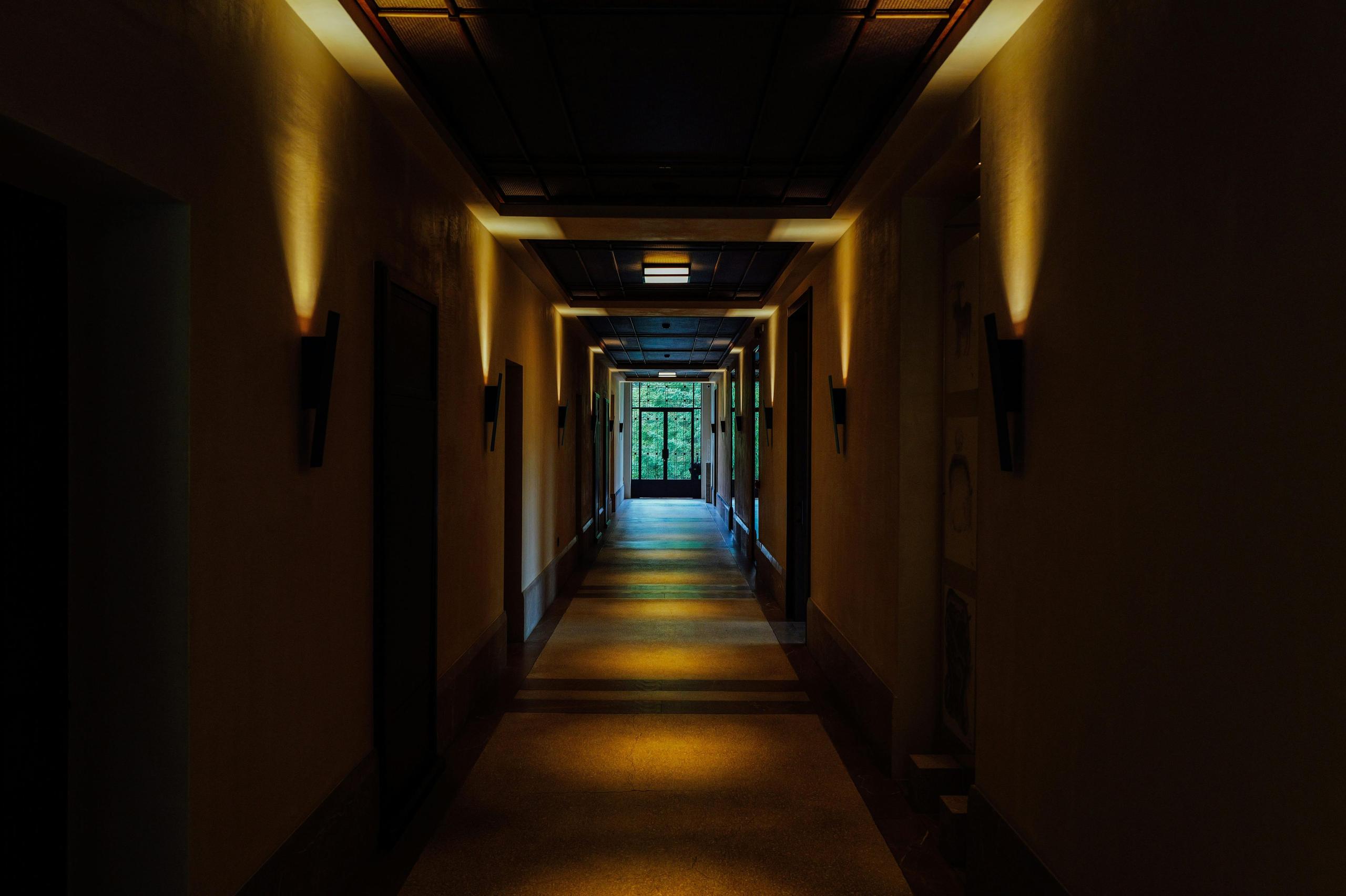
Even the best lights flop if they're shining right on your screen, causing glare that ruins the picture. Opt for indirect lighting, like semi-flush mount lights or LED strips, that cast light away from the screen. Plus, wall sconces or cove lighting are excellent for distributing light evenly without casting glare on the screen.
Pro tip: Sit in your viewing spot and test for reflections before mounting anything permanent. Adjustable fixtures give you the flexibility to fine-tune the lighting just the way you like it.
Energy efficiency
Nobody wants a sky-high electric bill from movie marathons. LEDs are the way to go—they use less power and last for years, saving you money. Pair them with smart controls to turn off lights automatically when the movie starts, keeping your setup eco-friendly.
Practical Tips for Installation
Got your lights? Setting them up right is key to making your home theater feel like a million bucks.
Planning and testing
Before you install anything, sketch out where the lights will go—keep them behind or beside the screen, not above or in front. Sit in your viewing spot and turn on each light to check for glare. If reflections hit the screen, adjust angles or lower the brightness. Projectors might need blackout curtains for extra clarity.
Layer your lighting
Combine ambient (ceiling lights), accent (LED strips), task (floor lamps), and bias (behind-screen LEDs) for maximum flexibility. With smart controls—like those featured in lighting setups from Homebaa—you can easily switch between moods, whether it's a dim, cozy vibe for movie nights or a bright, energetic scene for game nights.
Budget-friendly options
You can achieve excellent lighting without breaking the bank. DIY LED strip kits from brands like Govee or Homebaa's affordable ceiling fixtures are easy to install and wallet-friendly. Pair them with a basic dimmer switch for a big impact on a small budget.
Safety note
Stick to plug-and-play lights for DIY setups. For hardwired fixtures like recessed lights, hire an electrician to stay safe and meet local codes.
Common Mistakes to Avoid
Overlooking details can lead to easy missteps. Here are some pitfalls to dodge.
Overly bright lighting
Issue: Bright, unfiltered lights wash out your screen and kill the cinematic vibe.
Fix: Use dimmable LEDs and stick to warm tones for ambiance.
Skipping dimmers
Issue: Fixed lights limit flexibility, leaving you stuck in "too bright" or "too dark."
Fix: Add dimmer switches or dimmable bulbs for easy adjustments.
Bad placement
Issue: Lights shining directly on the screen cause glare, making your movie look like it's playing through fog.
Fix: Reposition lights behind or to the sides, using indirect fixtures.
Overcomplicating things
Issue: Too many light sources or complex controls can distract from the movie and overwhelm the experience.
Fix: Start with bias and ambient lighting, then add more only if needed. A smart hub makes controlling your lighting effortless and straightforward.
Conclusion
In the final analysis, the lighting combination of a home theater is like sprinkling salt on popcorn - too little tasteless, too much salty, and choking. Choosing the right lighting will not be dazzling or steal the show, allowing you to enjoy the "cinema-level atmosphere" while watching blockbusters, and even your neighbors will envy you and want to watch a movie. Keep in mind: the main light sets the brightness, ambient light adds the mood, and cleverly hiding the source is the ultimate touch. Choose the right lighting and turn your sofa into a VIP viewing area, so that you can double the fun of watching movies at home!






Privacy Policy
Terms and Conditions - Affiliate Policy
Home Security
© Copyright 2008-2026.
11816 Inwood Rd #1211, Dallas, TX 75244