

If you’re using a BluOS-powered system and happen to be a Qobuz subscriber, there’s some good news: starting this month, you can finally stream your music directly from the Qobuz app to your BluOS devices using Qobuz Connect.
That might not sound like a huge deal at first glance, but it’s a quality-of-life upgrade many users have been waiting for. It means you no longer need to fumble between apps or resort to Bluetooth just to get your music playing. Instead, you can stay inside the Qobuz app, pick a song, choose your device, and hit play—just like you already can with Spotify Connect or TIDAL Connect.
Think of Qobuz Connect as a “cast” button for high-resolution audio. It lets you stream music from the Qobuz app straight to compatible speakers, amps, and streamers over your Wi-Fi network. No extra hardware, no Bluetooth compression, and no need to use the BluOS app for music selection.
This all works over your local network, so the audio doesn’t get bounced around or degraded along the way. And since Qobuz offers up to 24-bit/192kHz resolution, that direct connection helps keep the sound as clean as possible.
Qobuz Connect officially launched in May 2025 and quickly rolled out to a number of partner brands like Denon, Marantz, WiiM, McIntosh, and Focal. BluOS, however, was one of the last big holdouts—until now.
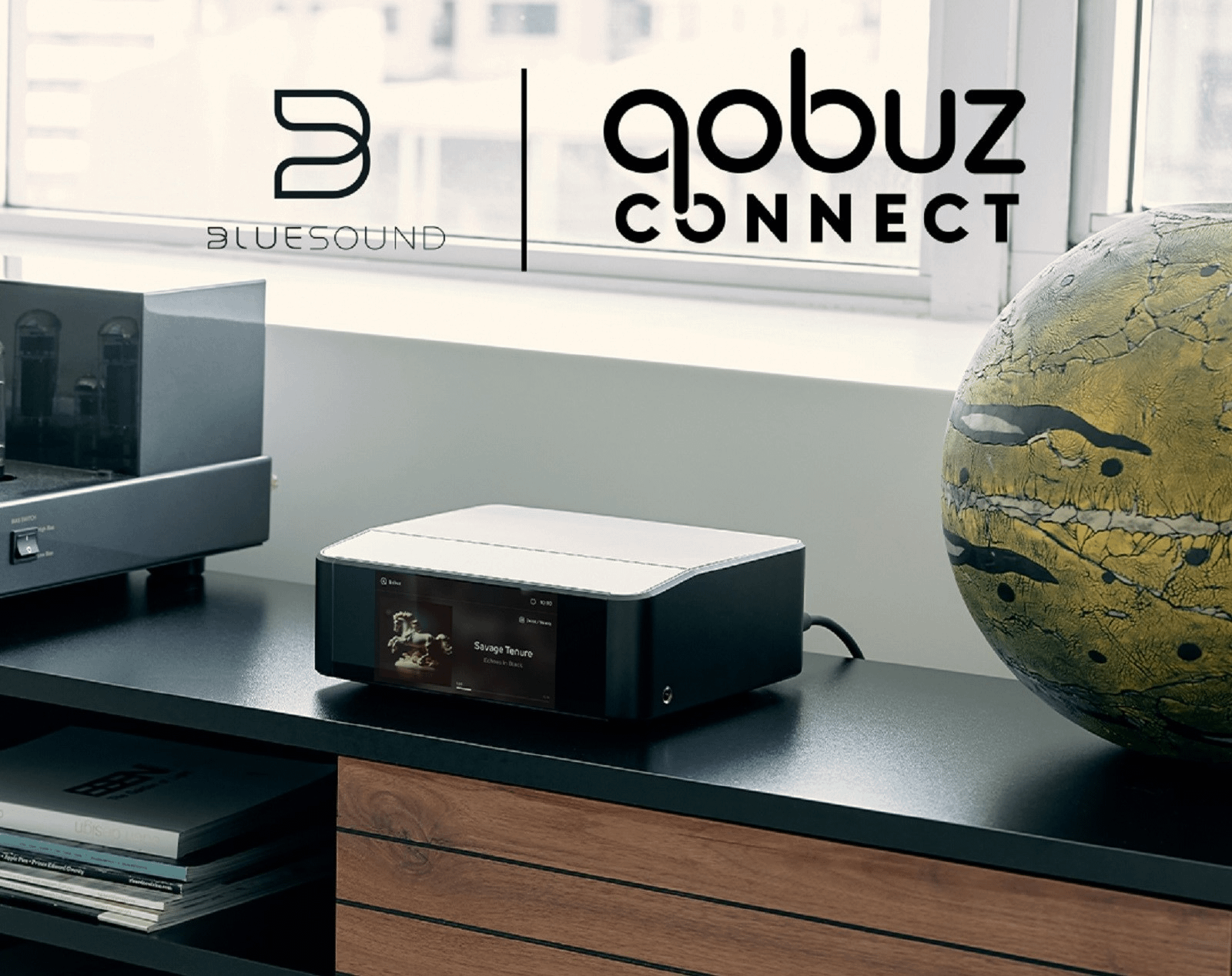
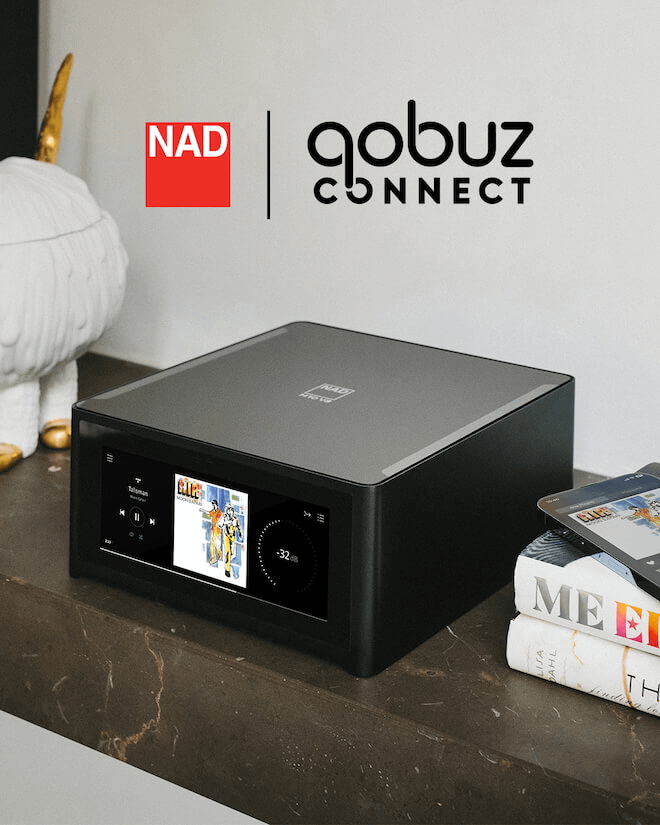
The new feature arrives via a firmware update for all compatible BluOS gear, which includes a wide range of products across several brands. That covers everything from Bluesound streamers like the Node and Vault, to NAD’s streaming amps (including the NAD M66 and C 3050), Cyrus’s 40 Series, and wireless speaker setups from Monitor Audio, PSB, and DALI.
You can check out a full list of devices currently supporting Qobuz Connect here.
Once the update is installed, all you need to do is open the Qobuz app on your phone or tablet, pick a track, and select your BluOS device from the list. Your music will stream directly from Qobuz’s servers to your speaker or amp—no Bluetooth involved.
There’s one caveat: while you’ll use the Qobuz app to browse and play music, you’ll still need the BluOS app to adjust volume or group speakers for multi-room setups. That’s pretty typical for these types of integrations, and similar to how TIDAL Connect or Spotify Connect works.
Compared to other services, Qobuz was late to the “Connect” game. And even after Qobuz Connect officially launched earlier this year, it wasn’t immediately available across all platforms.
That’s partly because building a native casting feature for high-res audio is technically demanding. It requires coordination between the streaming service, hardware makers, and platform developers to make sure everything works smoothly together. It’s not just a matter of adding a button—it’s a full-on backend and firmware project.
But for users who’ve been juggling multiple apps to get their music going, this update is a big step forward. You can now control everything from within the Qobuz app and trust that the audio quality stays intact.
We tried out Qobuz Connect on our hi-fi gear back in May—check out our impressions to see how it performed.
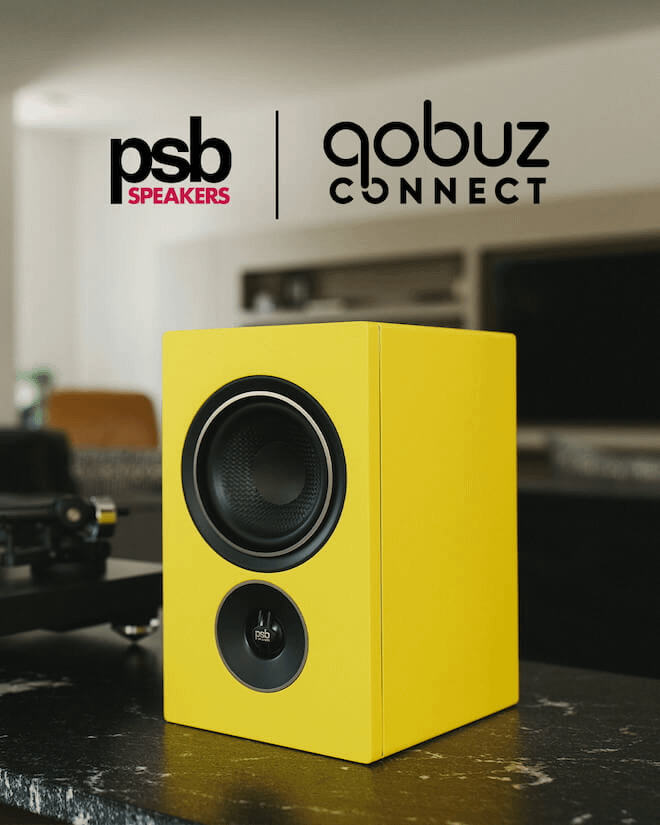
Adding BluOS to the list of Qobuz Connect-compatible platforms brings the service into a lot more homes—especially among users who are serious about sound quality. BluOS is already well known in the hi-fi world for its focus on high-res audio and multi-room setups, so the pairing with Qobuz feels like a natural fit.
With both BluOS and HEOS (used in Denon and Marantz products) now supporting Qobuz Connect, it’s a sign that the streaming service is becoming more accessible for people who don’t want to compromise on sound. You get convenience and quality, without needing a workaround to make your system do what you want.
It’s also part of a broader trend in the streaming world. More and more services are building direct casting into their apps, and more hardware makers are supporting it. People want to use the apps they’re already familiar with—without giving up control or quality.
If you’re a BluOS user and have been waiting to stream from Qobuz without jumping through hoops, the wait is over. This month’s firmware update brings Qobuz Connect to a wide range of audio gear, and it works just as you’d expect—open the Qobuz app, pick your device, and play your music in full resolution.
You’ll still need the BluOS app for speaker grouping and volume, but the core experience is much more seamless now. For Qobuz, it’s a big step forward in reaching more users. And for anyone with BluOS gear and a taste for hi-res music, it’s a long-awaited upgrade that makes everyday listening just a little bit easier.





Privacy Policy
Terms and Conditions - Affiliate Policy
Home Security
© Copyright 2008-2026.
11816 Inwood Rd #1211, Dallas, TX 75244