

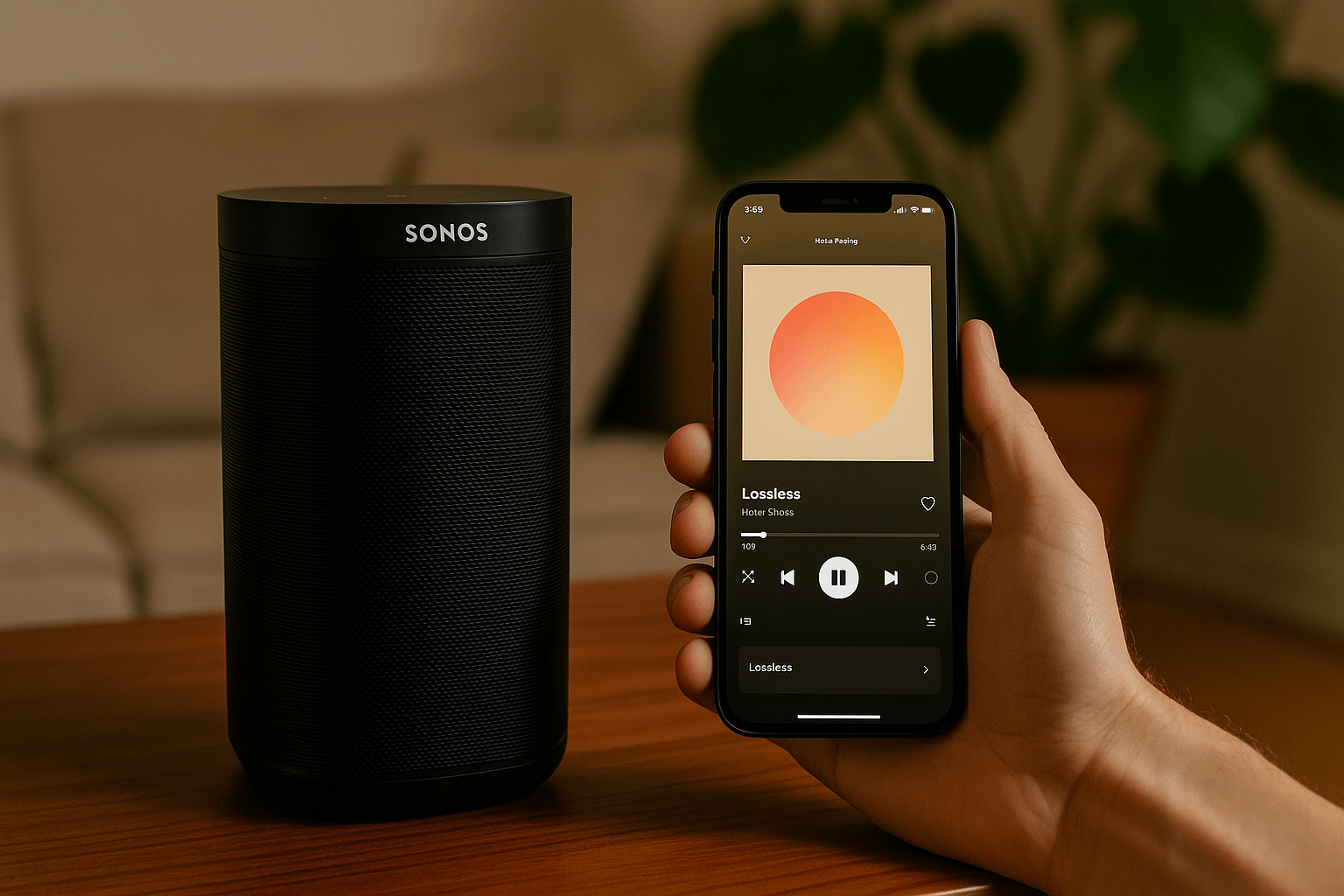
After years of waiting, Spotify’s long-promised lossless audio feature arrived last month and is now quietly rolling out to Sonos speakers. For folks who’ve been eager to ditch compressed audio and hear their music in better quality, this is a pretty big deal, at least in theory. But as the feature lands, some users are noticing it’s not always smooth sailing. And if you’re on Android? Well, you might be running into some frustrating bugs right now.
Let’s break down what’s going on.
Unlike most major feature launches, this one arrived without any fanfare. No big announcement, no blog post, not even a tweet. Instead, Sonos users across Reddit started spotting a new “Lossless” option buried in Spotify’s device settings, specifically when playing to a Sonos speaker through Spotify Connect.
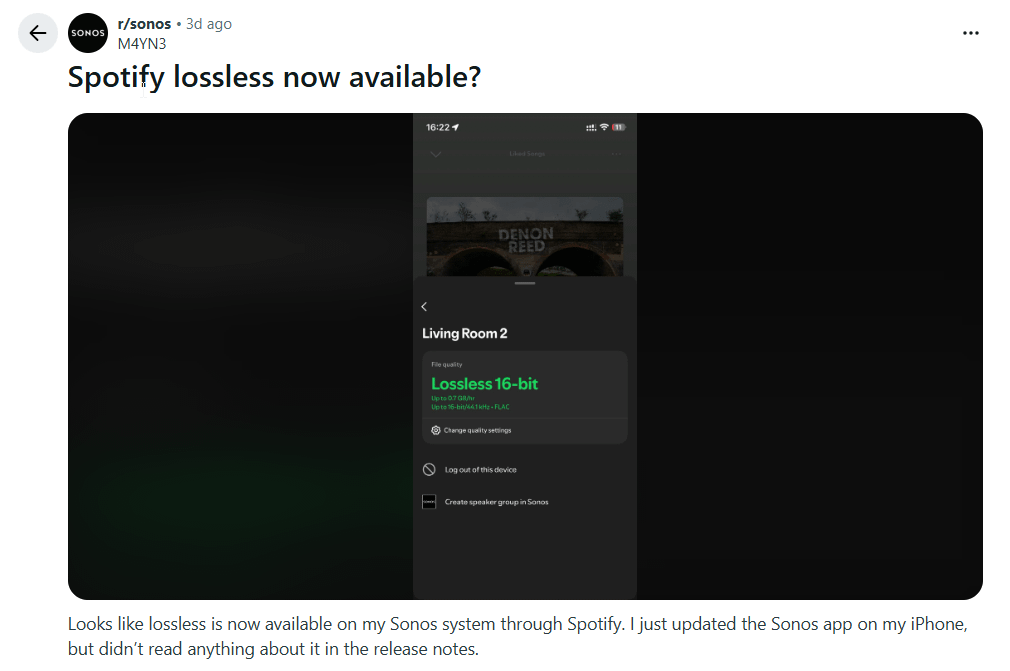
The feature started showing up a few days ago and is slowly making its way to more users. If you’re not seeing it yet, you’re not alone. Some people report that only one of their Sonos speakers showed the setting at first, while others saw it appear, vanish, and come back again. It seems like the update is being rolled out from Spotify’s servers and doesn’t require any app or firmware update to appear.
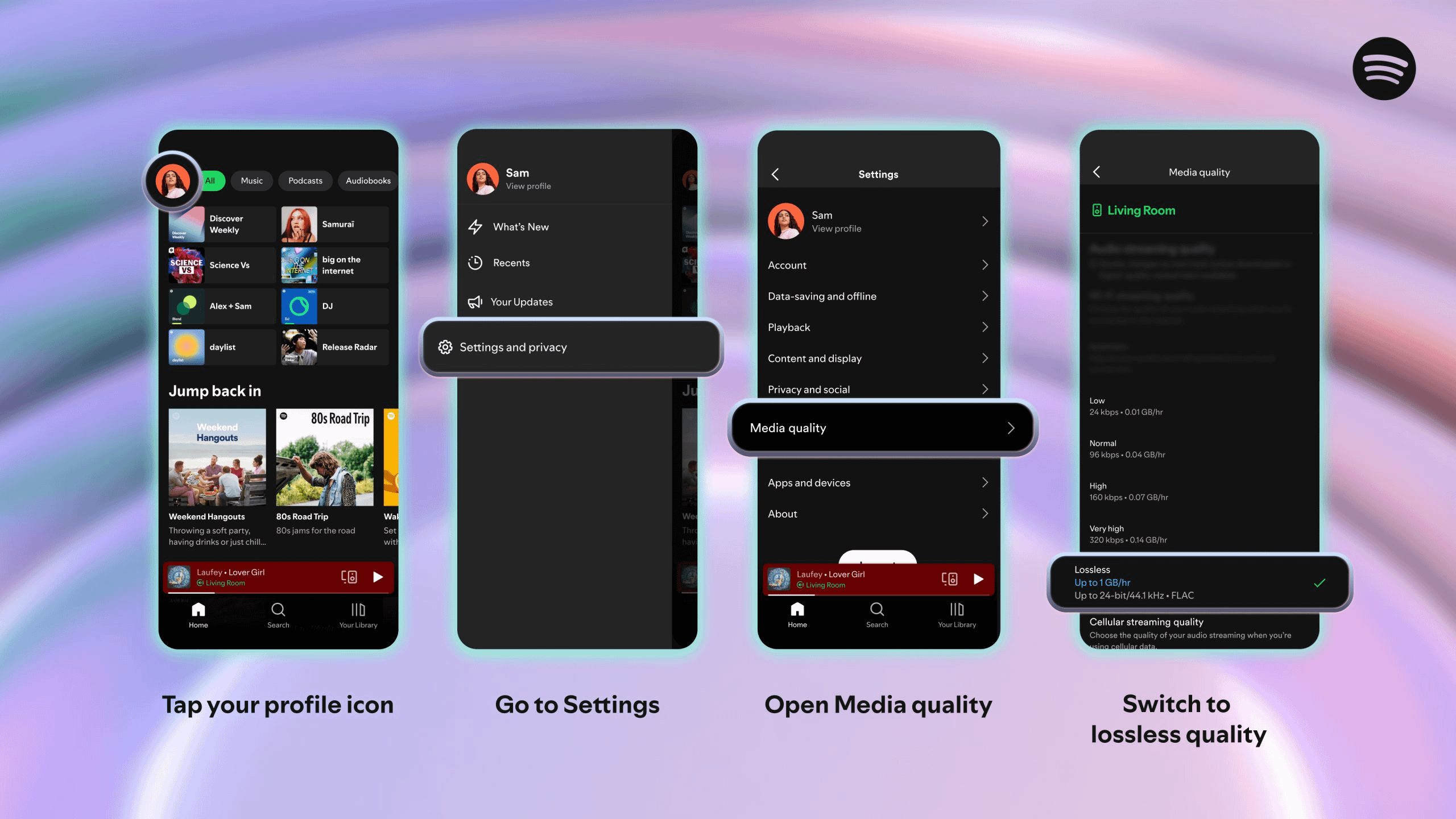
Here’s how to check if you’ve got it:
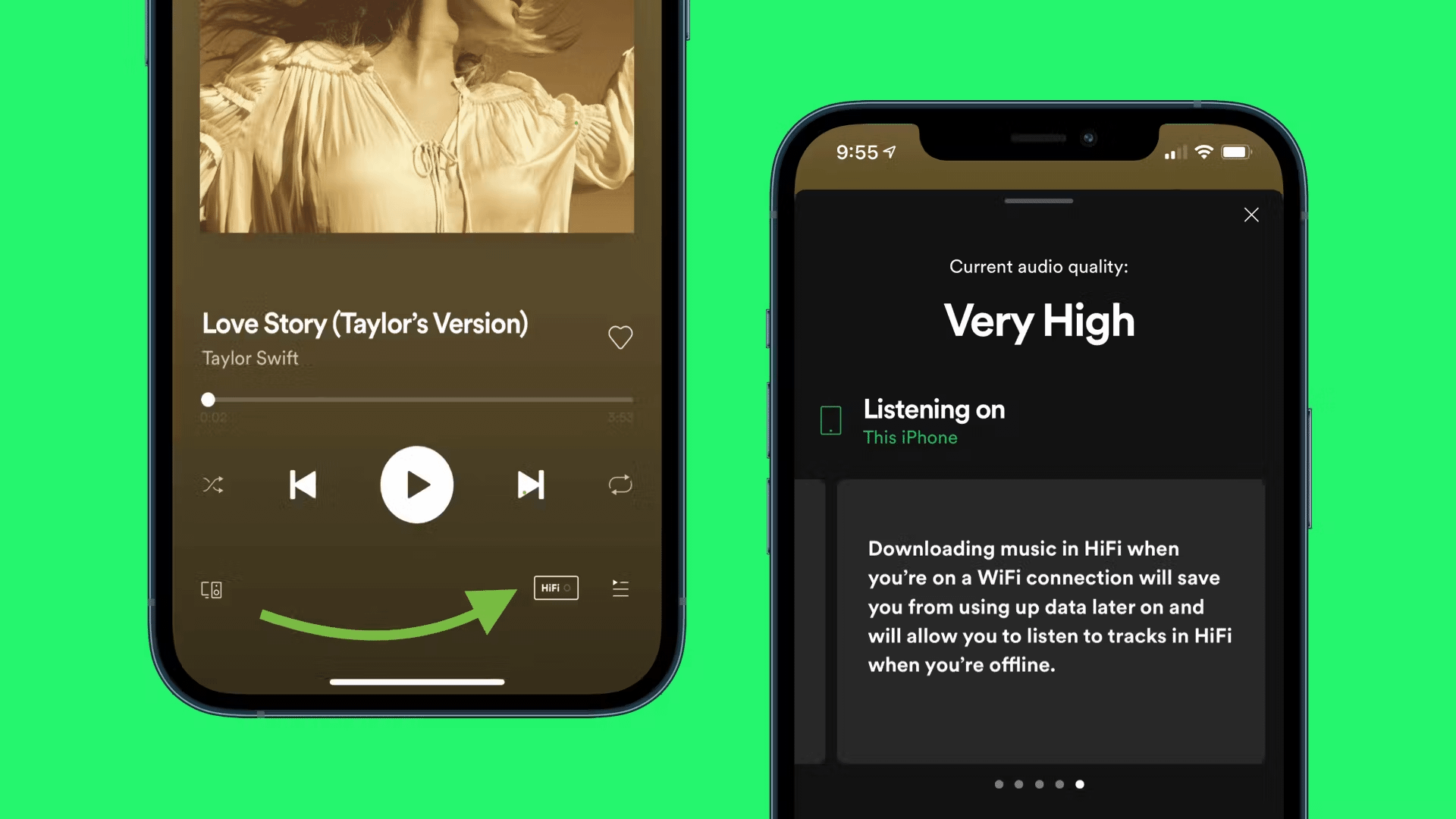
It’s worth noting that this is a per-device setting. So even if your global audio settings say “Very High,” you’ll need to switch each Sonos speaker individually to “Lossless” in the device menu.
If the option is greyed out or missing, users have had luck with some trial-and-error methods — like switching speakers, ungrouping stereo pairs, logging in and out, or force-closing the app. It’s finicky, but usually fixable.
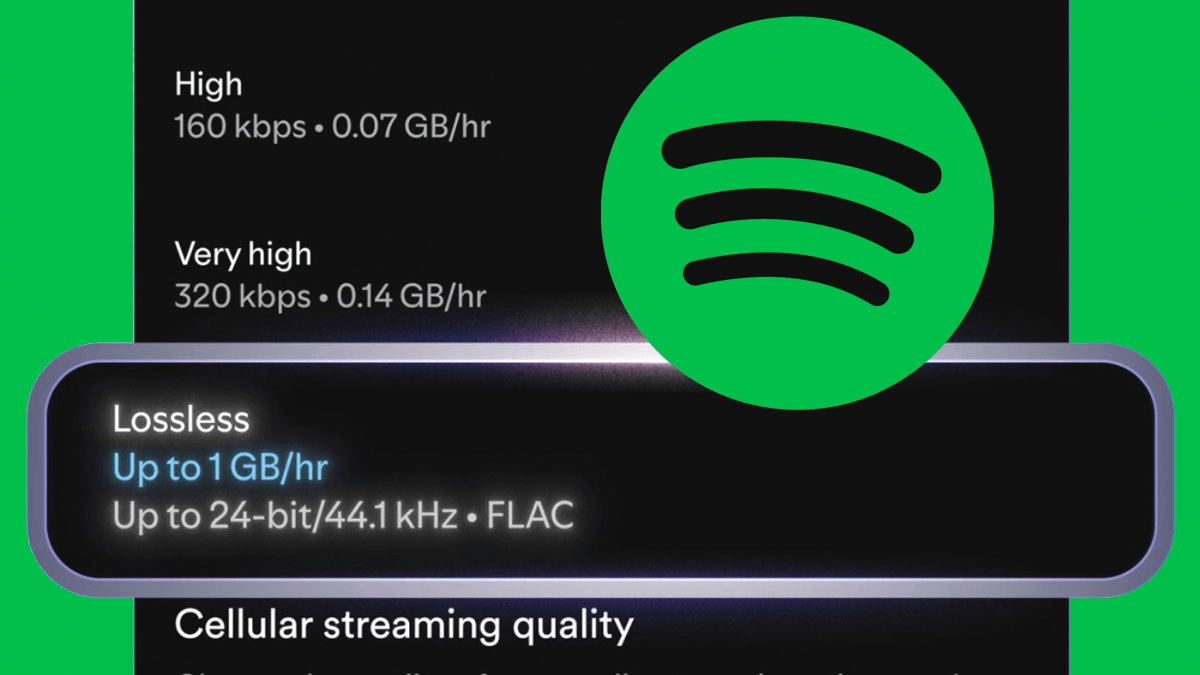
Spotify’s Lossless setting streams FLAC files, a format that delivers CD-quality or better sound. Specifically, users are seeing up to 24-bit/44.1kHz audio playback depending on the track. Some songs show 16-bit instead, depending on the master used.
Third-party tools like Phonos have helped confirm that lossless is working, often displaying FLAC as the active format during playback.
If you’re used to Spotify’s “Very High” setting (which maxes out at 320kbps with lossy compression), switching to FLAC could mean better clarity, cleaner treble, tighter bass, and more room for dynamics, especially at higher volumes.
So, can you hear the difference? That’s where things get interesting. Some users say the upgrade is immediately noticeable, while others don’t hear much of a change — especially when listening casually.
If you’re just putting on music in the background while cooking or cleaning, chances are you won’t notice much. But if you’re sitting down to really listen — maybe with a glass of something and the lights dimmed — you might catch it.
“I’ve been able to listen to music around 20 percent louder than I normally would without the track getting muddy from compression,” one Redditor noted. Others describe clearer cymbals, better instrument separation, and subtle details like reverb trails being more noticeable.
If you’re curious, try an A/B test. Play the same acoustic track at matched volume with Lossless on and off. Use quiet, well-recorded songs and see if anything jumps out.
Even if you’ve got Lossless showing in your app, it doesn’t always mean it’ll work on every speaker. Older Sonos models may not support it, or you might see messages like “device not compatible with lossless.” This could change as the rollout continues, but for now, your results may vary. You should not have any of those problems with the likes of Sonos Era 100, Sonos Era 300, or Sonos Move 2.
And just to be clear: not everyone hears a big difference with lossless. That’s normal. Factors like speaker quality, room acoustics, and even your own hearing play a big role in how noticeable the upgrade is.
While lossless is rolling out, Android users are facing another issue entirely, as 9to5google reports. Over the past few days, many people using Spotify on Android — especially those with Samsung Galaxy or Google Pixel phones — have run into app crashes, freezes, or just plain unresponsiveness.
The common thread? It seems to happen mostly when the phone is connected to Wi-Fi.
Spotify has acknowledged the issue on its community forums, stating:
“We’ve received reports from Android users (mainly Samsung and Google Pixel) experiencing issues where the Spotify app becomes unresponsive, freezes, or crashes when connected to certain Wi-Fi networks. The issue doesn’t occur while using mobile data.”
Some users think it might have something to do with Chromecast-ready devices on their networks, which could explain the Wi-Fi link. Until a fix arrives, the best workaround is to switch to mobile data or use offline playback. Not ideal, but it’s a temporary solution if your app keeps crashing mid-song.
It’s a bit ironic that Spotify’s long-awaited high-res audio rollout is happening at the same time the Android app is breaking for so many people. There’s no evidence that the two are connected, but the timing definitely hasn’t helped with the user experience.
If you’re on Android and were hoping to explore the new Lossless setting on your Sonos speakers, app instability may be getting in the way. Thankfully, you can still enable the feature using another device (like a laptop or iOS phone), and it should stick once set.
Spotify Lossless finally coming to Sonos is a big moment, even if it’s happening quietly, and not everyone can hear the difference. For those with solid speakers and a good ear, it’s a real upgrade. But between the slow rollout and Android crashes, it’s not the seamless experience many were hoping for.
Still, if you’re a Spotify Premium subscriber and own Sonos gear, it’s worth checking out. And if you’re dealing with crashes on Android, hang tight, a fix is (hopefully) on the way.
Lossless audio is here — it’s just taking its time to sound perfect for everyone.





Privacy Policy
Terms and Conditions - Affiliate Policy
Home Security
© Copyright 2008-2026.
11816 Inwood Rd #1211, Dallas, TX 75244