

I’ve been following HDR formats for years now, and if there’s one thing I’ve learned, it’s that picture quality isn’t just about brightness or color—it’s about control. That’s where Dolby Vision made its name: dynamic metadata, scene-by-scene adjustments, and the ability to squeeze the best out of every TV. Now, Dolby is rolling out Dolby Vision 2, and it feels like a true generational leap.
But here’s the kicker: while the features sound amazing, most of us with current Dolby Vision TVs won’t get them. That’s where my excitement and disappointment collide.
In plain English, Dolby Vision 2 is an update to the HDR format that tries to make TVs smarter about how they display content. The original Dolby Vision already analyzed each frame to optimize brightness and color. Dolby Vision 2 takes that a step further with what the company calls Content Intelligence.

Instead of just adjusting to the video signal, Dolby Vision 2 considers everything—the capabilities of your TV, the lighting in your room, and the creator’s intent. The idea is to make every movie, show, or game look exactly as it should, whether you’re watching in a bright living room at noon or in a pitch-dark theater setup at midnight.
And for me, one feature stands out above the rest: Precision Black.
Precision Black is designed to improve how TVs handle shadows. We’ve all been there—watching a thriller, only to squint through a dark alley scene where half the detail gets lost in murky gray. With Precision Black, those details finally come alive.
This isn’t just a tweak to brightness; it’s a smarter way of controlling black levels and contrast. It lets TVs show subtle gradations in dark areas without washing them out. For movie lovers (me included), this is huge. I’m the kind of person who rewinds scenes (and that infamous Game of Thrones episode) just to catch small visual cues, and if those cues are buried in crushed blacks, it kills the experience.

Content Intelligence also brings Light Sense, which adapts the picture based on your environment. Watching during the day? The TV boosts shadow detail so the image doesn’t disappear. Lights off at night? It reins things in so it doesn’t look blown out.
Then there’s bi-directional tone mapping. Think of this as better cooperation between the TV and the content. Instead of the TV making its best guess, Dolby Vision 2 sends more precise instructions, so what you see matches what the director intended—even on ultra-bright or ultra-wide-color TVs.
Content Intelligence also brings Light Sense, which adapts the picture based on your environment. Watching during the day? The TV boosts shadow detail so the image doesn’t disappear. Lights off at night? It reins things in so it doesn’t look blown out.
Then there’s bi-directional tone mapping. Think of this as better cooperation between the TV and the content. Instead of the TV making its best guess, Dolby Vision 2 sends more precise instructions, so what you see matches what the director intended—even on ultra-bright or ultra-wide-color TVs.
Another big piece of Dolby Vision 2—specifically in the Dolby Vision 2 Max tier—is Authentic Motion. Motion handling has always been a sore spot for TVs. Some sets over-smooth scenes, giving movies that dreaded soap-opera effect. Others leave motion juddery, especially during slow pans.

Authentic Motion changes that by letting creators bake motion data directly into the content. That means a director’s slow camera sweep won’t get mangled by your TV’s motion processor. Personally, I think this could be one of the most underrated features of the entire Dolby Vision 2 package—it’s not flashy, but it solves a problem I notice all the time.
Dolby is splitting the rollout into two versions:
So depending on what TV you buy, you may get just the standard upgrades—or the full “Max” treatment.
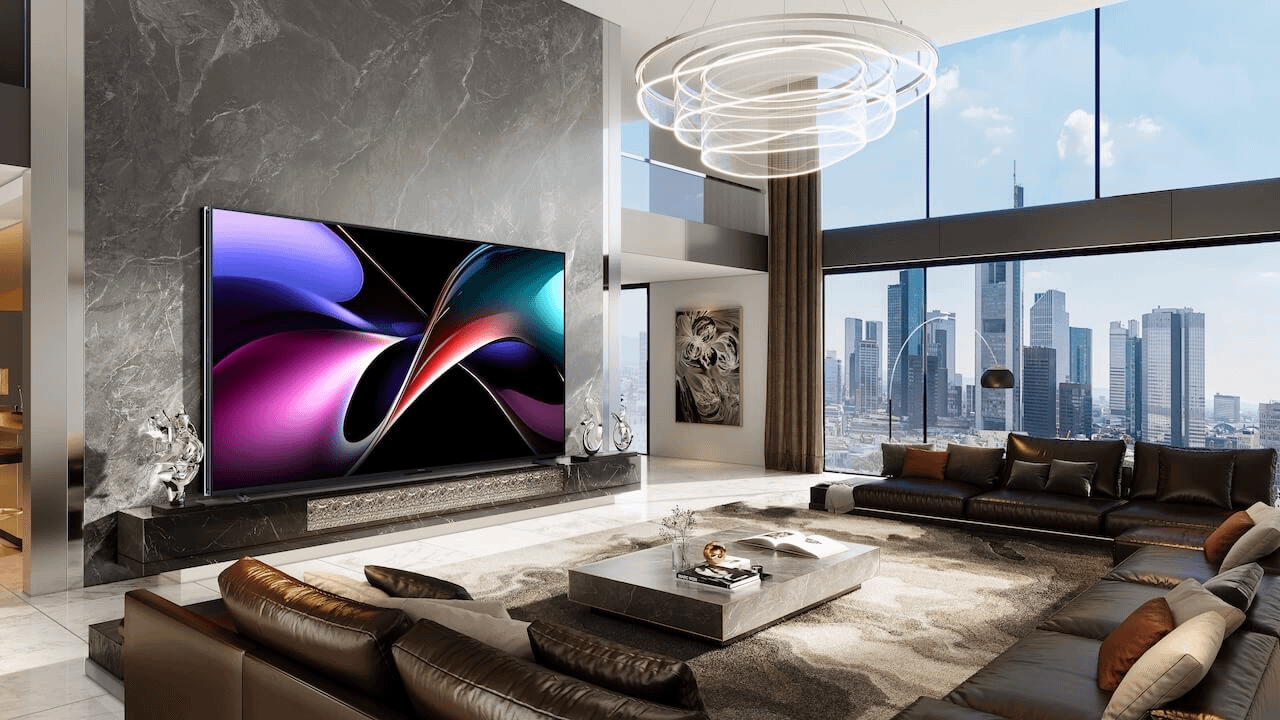
So far, Hisense is leading the charge. Their premium TVs with MediaTek’s Pentonic 800 chipset like the RGB-MiniLED TV will support Dolby Vision 2 right out of the gate. IFA 2025 was basically their coming-out party for this new format.
CANAL+ has also confirmed it’ll be delivering content in Dolby Vision 2. That’s a promising sign for actual adoption—because formats live and die by whether content creators get on board.
Other major players are less clear. Sony and TCL have hinted that they may adopt it in 2026 models. LG, on the other hand, has flat-out said it won’t support Dolby Vision 2 in current TVs—and doesn’t plan to patch it in. That stings, because LG OLEDs are some of the best displays you can buy. Samsung? As usual, they’re sticking with HDR10+. No surprise there.
Here’s where my frustration comes in. Dolby has said that Dolby Vision 2 content will play on current Dolby Vision TVs. So you won’t suddenly be locked out of your favorite Netflix shows if they switch to the new format.
But—there’s a catch. None of the new features, like Precision Black or Authentic Motion, will work unless your TV has the new hardware. And manufacturers have made it clear they won’t be updating 2024 or 2025 models to support Dolby Vision 2.
So, if you’re someone who recently bought a new TV, like Sony Bravia II or LG G5 that’s tough to swallow. HDR formats always evolve, but the lack of backward compatibility makes this feel more like a clean break than a smooth upgrade.
Even with the disappointment, I can’t deny that Dolby Vision 2 is an exciting development. It tackles real problems—dark scenes with no detail, washed-out pictures in bright rooms, motion that looks unnatural. These aren’t marketing gimmicks; they’re improvements you’ll actually see on screen.
For me, it’s all about that sense of consistency. Whether I’m watching a movie in a light-filled living room on a Saturday afternoon or diving into a moody series at night, Dolby Vision 2 promises to deliver an image that feels right, without me fiddling with settings.
Dolby Vision 2 is shaping up to be one of the most important HDR updates in years. It makes TVs smarter, gives creators more control, and fixes issues that have bugged me for a long time.
But the elephant in the room is compatibility. If you own a current Dolby Vision TV, you won’t see most of these benefits. That leaves me both impressed by the vision and annoyed that my relatively new set is already out of date.
Still, if you’re in the market for a high-end TV in 2026, Dolby Vision 2—especially the Max version—should be on your radar. Features like Precision Black and Authentic Motion could make a bigger difference in day-to-day viewing than yet another bump in brightness or resolution.
And honestly? The next time I sit down to rewatch Blade Runner 2049, I want those shadow details and neon lights to look just right. That’s the kind of upgrade I can get behind.





Privacy Policy
Terms and Conditions - Affiliate Policy
Home Security
© Copyright 2008-2026.
11816 Inwood Rd #1211, Dallas, TX 75244