

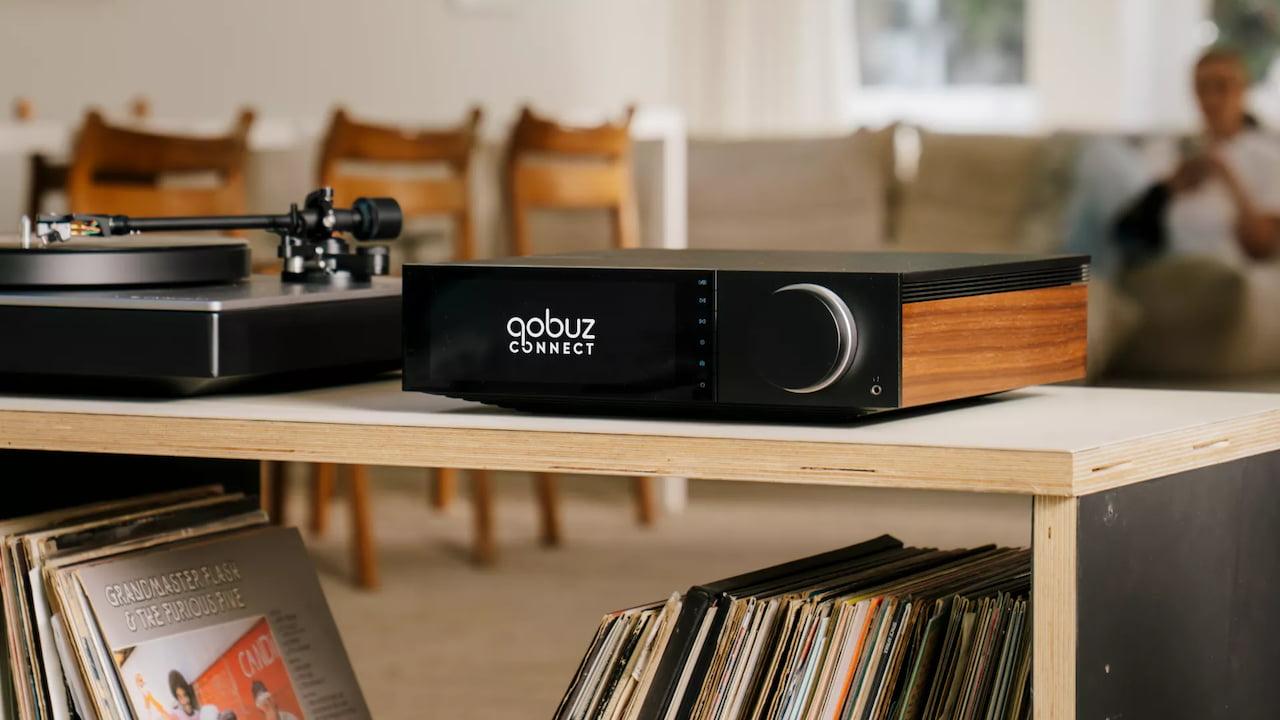
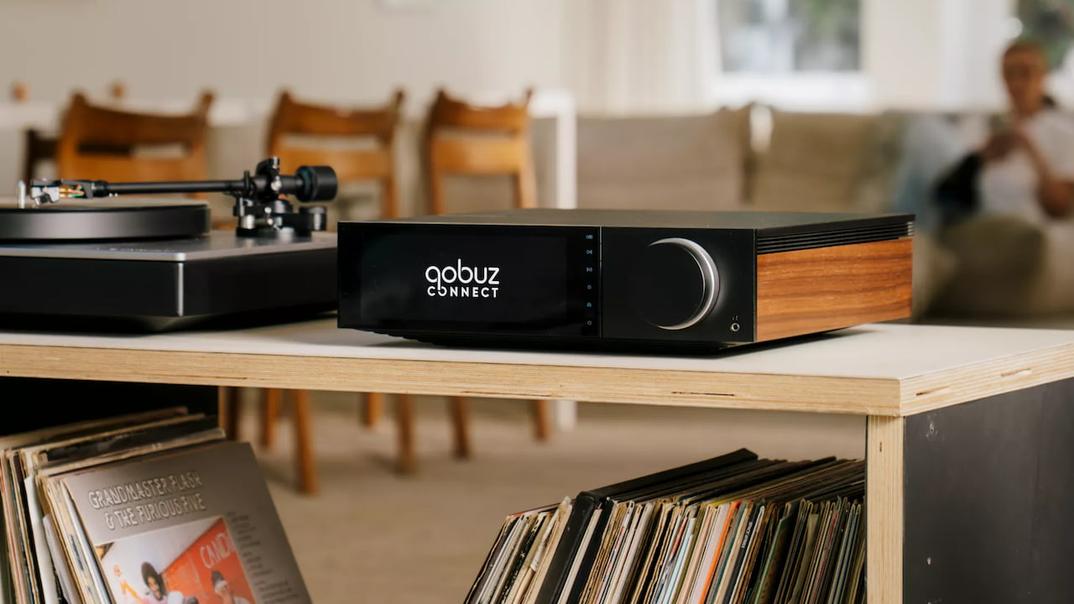
If you own a Cambridge Audio streamer from the current lineup, there’s a new way to play your music. The company has officially rolled out Qobuz Connect to all of its StreamMagic Gen 4 devices, letting you control music playback straight from the Qobuz app — no extra apps, cables, or Bluetooth needed.
Whether you're using an Evo 75, Evo 150, CXN100, EXN100, MXN10, or AXN10, this update means your gear just got a lot more flexible. You can now open the Qobuz app on your phone, tablet, or computer and send music directly to your Cambridge Audio device over your home network.
If you’re familiar with how Spotify Connect or TIDAL Connect works, you’ll feel right at home. Qobuz Connect lets you pick a song, playlist, or album inside the Qobuz app and stream it directly to compatible hardware — no need to keep your phone awake or worry about call interruptions or notification sounds messing with the music.
The audio doesn’t pass through your phone at all. Instead, it streams directly from the Qobuz servers to your Cambridge Audio device using Wi-Fi or Ethernet. That means better sound quality and a more seamless experience overall — especially if you’re listening to hi-res files.
Qobuz Connect officially launched in May 2025 after years in development and is already supported by more than 50 audio brands. That includes Denon, Marantz, WiiM, McIntosh, Nagra, Rotel, and now Cambridge Audio, too.
Cambridge Audio has rolled out Qobuz Connect support to all its StreamMagic Gen 4 products, including:
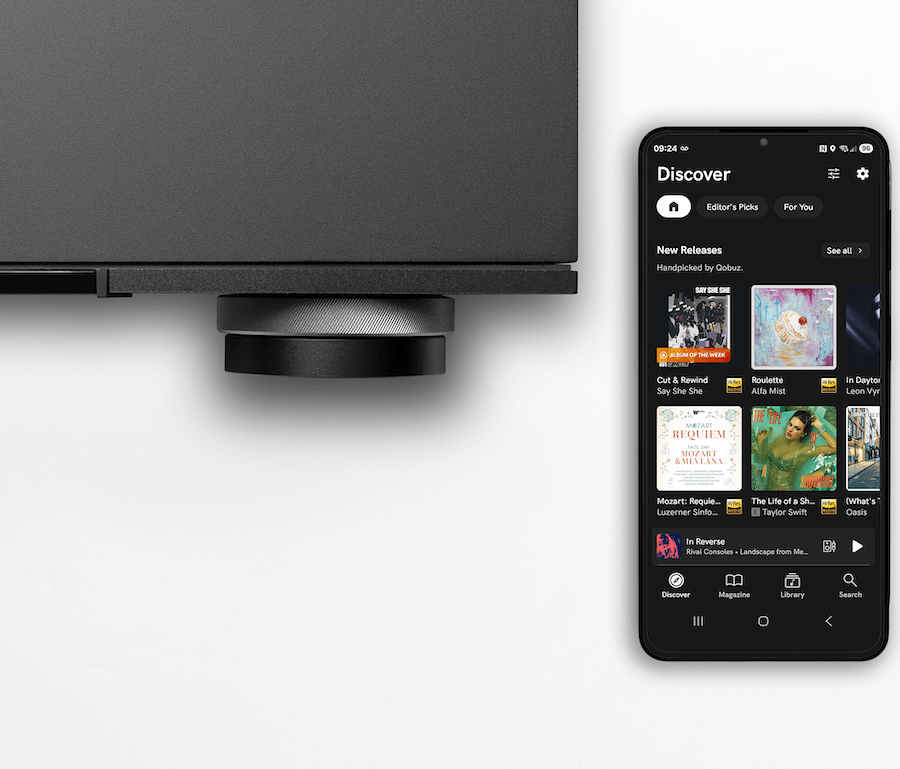
These devices already support services like Spotify Lossless, Amazon Music, TIDAL Connect, and QPlay. With Qobuz Connect now part of the lineup, Cambridge Audio streamers can tap into all the major hi-res music services — and control them natively from the apps people already use.
If you still prefer Cambridge’s own StreamMagic app, that option is still there. But Qobuz Connect makes it easier to play your music your way.
Qobuz isn’t just another music service. It offers over 100 million tracks in lossless CD quality or up to 24-bit/192kHz hi-res audio. But it’s not just about the music files — Qobuz also includes curated playlists, artist interviews, editorial features, and even a revamped Discovery portal for finding new favorites.
With Qobuz Connect, you can use the Qobuz app as a remote control for your Cambridge Audio gear. You’re not limited to Bluetooth or app workarounds. And you’re not stuck with phone notifications cutting into your music. Once the track starts playing, the Qobuz app can go to sleep — the music keeps streaming directly from the cloud to your speakers or amp.
And if you have other gear in your setup, like a Denon or Marantz AVR or a BluOS-enabled device from NAD or Bluesound, Qobuz Connect works across those platforms too. It's becoming a widely supported feature, and Cambridge Audio’s latest update puts its streamers right in the mix.
If you already have a StreamMagic Gen 4 device, you’re good to go. Qobuz Connect support comes through a firmware update — no extra hardware or upgrades required.
Just make sure your Cambridge Audio device is connected to the same Wi-Fi or wired network as your phone or computer, and it should show up inside the Qobuz app as a playback option. From there, it’s just tap and play.
Cambridge Audio’s addition of Qobuz Connect gives its streaming devices a more user-friendly way to enjoy high-resolution music. For fans of Qobuz — or anyone curious about diving into lossless and hi-res audio — this makes Cambridge’s current range even more versatile.
And since no extra setup is needed, it’s a pretty low-effort way to get more out of your system. Open the app, pick a track, and let the music do the rest.






Privacy Policy
Terms and Conditions - Affiliate Policy
Home Security
© Copyright 2008-2026.
11816 Inwood Rd #1211, Dallas, TX 75244