Video storytelling involves color. Each color has significance and provokes a feeling. However, when shooting with fixed backgrounds, there is less control of creativity. You can come across chaotic visuals, bad lighting or ill-matched colors that undermine your message. CapCut Web comes in at this point. It gives you the ability to create backgrounds and control color-based design. Its background remover allows you to clean up scenes and produce professional results without difficulty.
Colors will determine the way viewers identify with the content. The presence of warm colors such as red produces urgency or passion. The shades such as blue are cool and evoke relaxation and confidence. Creators who do it professionally use the accurate color balance to lead to emotions. Advertisers usually change colors so as to make the products more attractive. The filmmakers pair palettes to create the atmosphere/mood. Once you know the psychology of colors, you can control the perceptions. CapCut Web assists you in implementing these principles using basic technical skills.
Background editing with CapCut Web is painless. One click will eliminate distracting details and open new palettes. This is the control that allows you to play with contrasting tints or undertones. The built-in palette is selected so that you will always be able to find the right one. You can turn an ordinary background into a great canvas that brings out your subject. The instruments adjust to your creative vision, whether you want a minimalistic sound or colorful changes.
Videos are given a better focus by changing their background colors. When the background complements the subject, the clarity of the image is enhanced. This also assists in matching the brand identity. As an illustration, cohesion and recognition are enhanced by using company colors. Bold color patterns through projects generate confidence and professionalism. And when all videos follow one common palette, your brand shines through. With CapCut Web you can attain this kind of consistency without having to be an efficient editor.
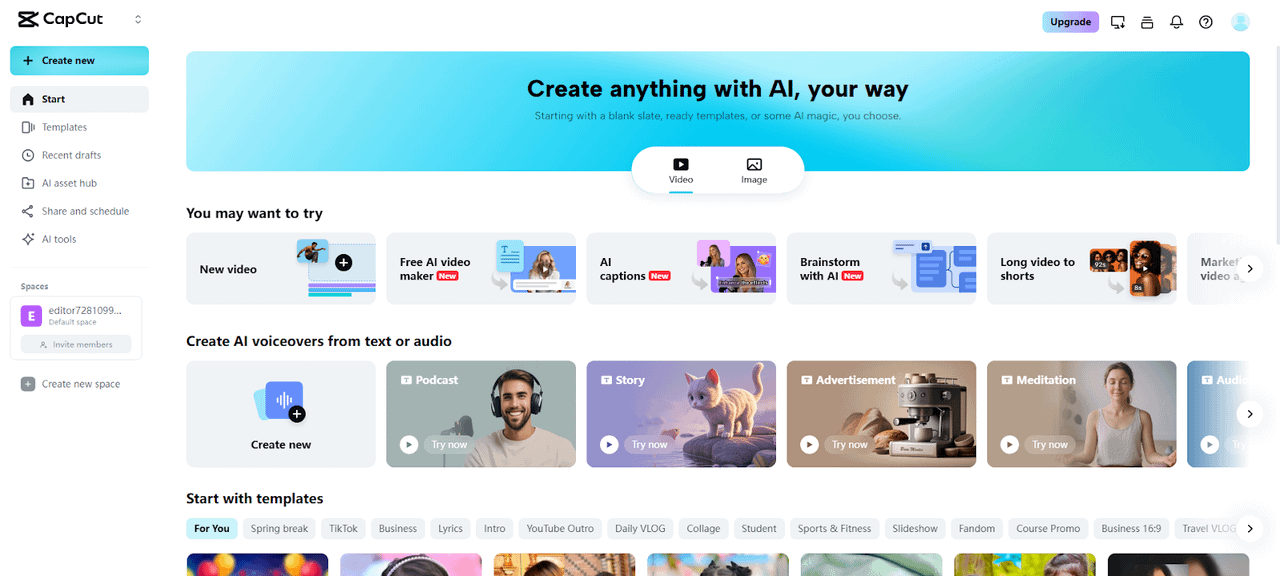
Step 1: Launch and upload Enter CapCut, and then in the main menu, choose Video. To open the video editing screen of CapCut web, click New video. Post your footage using your computer, drag and drop, Google Drive or dropbox. Lacking a file, you may choose elements.
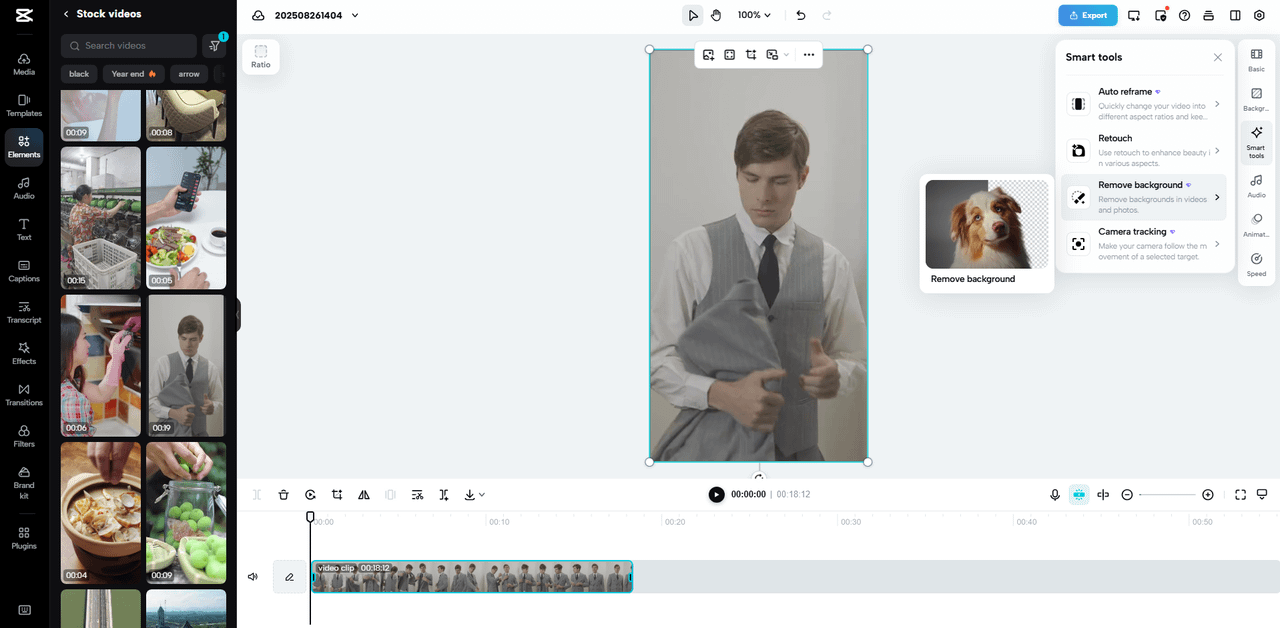
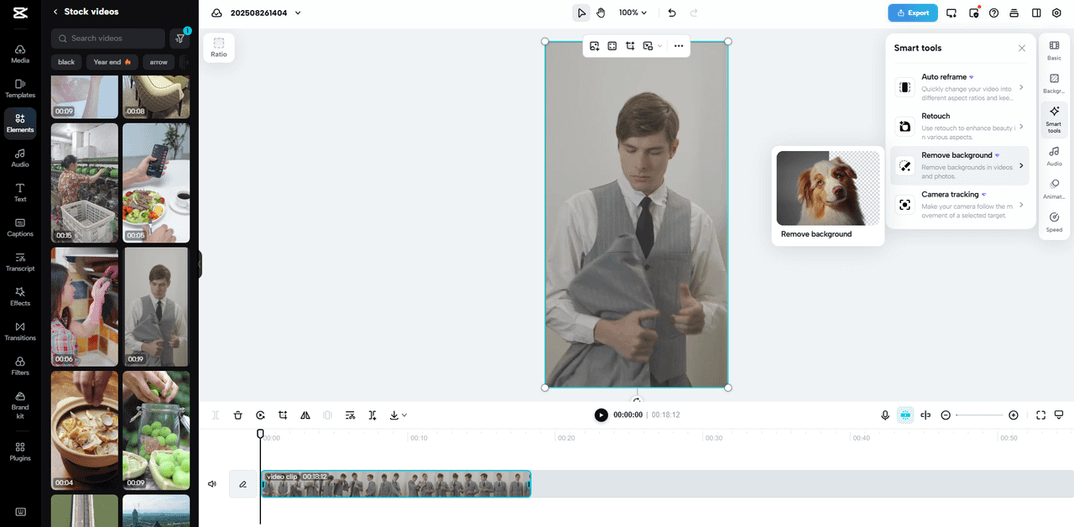
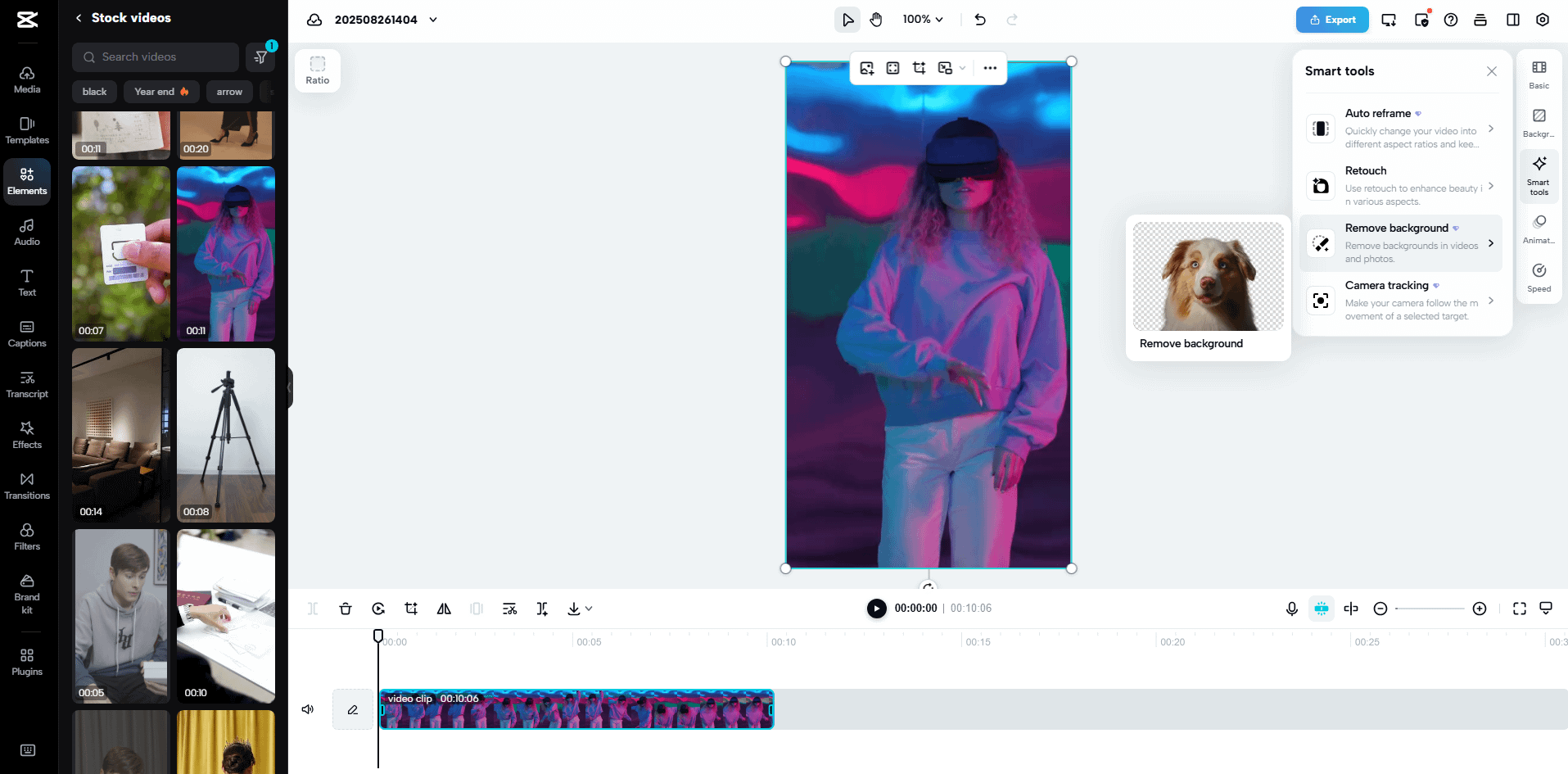
Step 2: Remove and recolor easily With your video ready, select it and open "Smart tools" on the right vertical menu bar. Click on the "Removal background" button and select the auto removal or Chroma key. Once done, use the color palette to replace the background color. You can also add new images or clips to match your desired look.
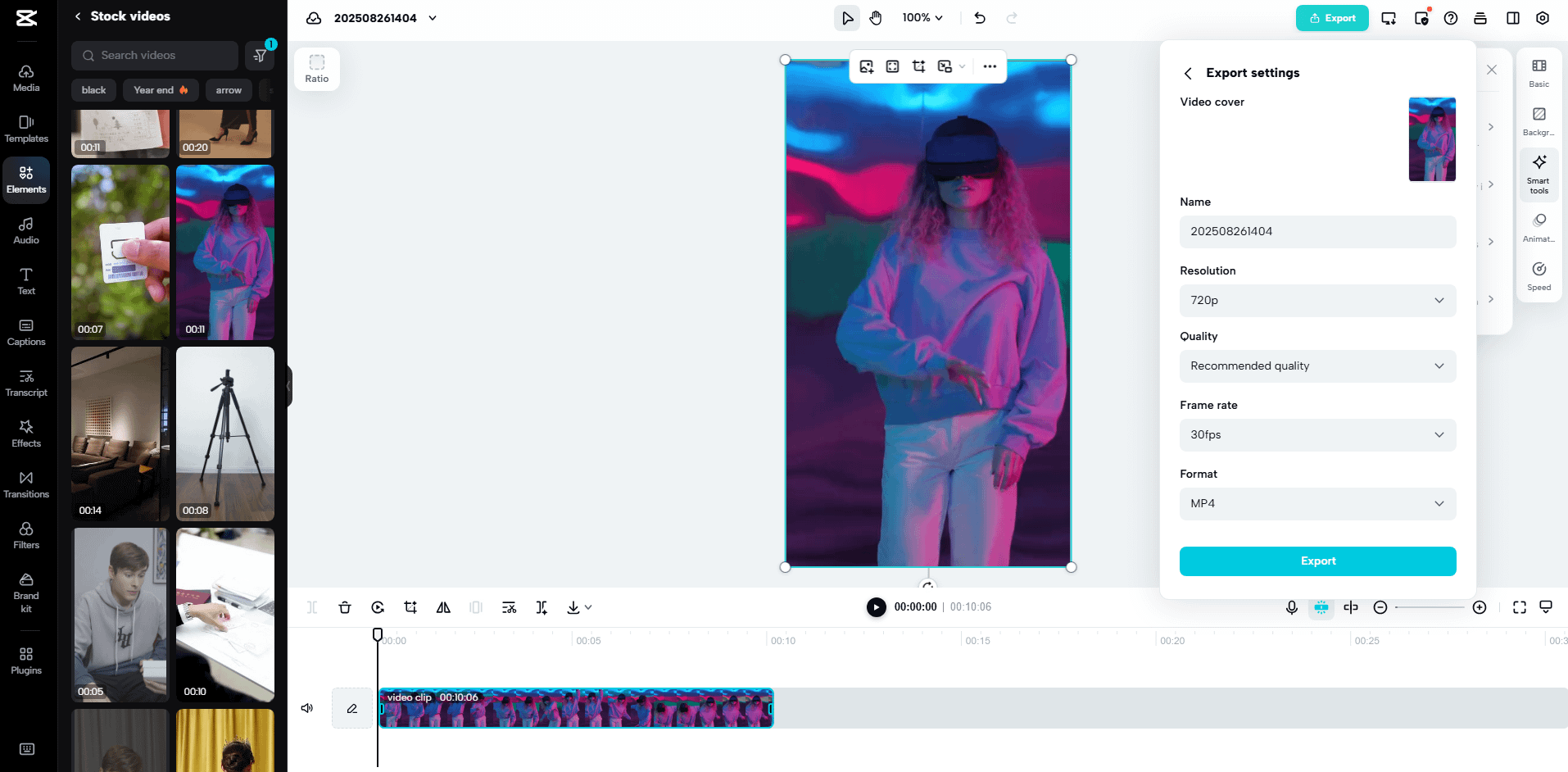
Step 3: Download the pro-style video If the changes suit you, head to the "Export" tab on the top right. Click the download tab to select custom name, resolution, quality, frame rate, and format. Press "Export" to save your updated file.
CapCut Web not only colors swaps. You may match colors with the background pictures to add more depth. Minimalist backgrounds are effective together with solid colors to produce a contrast. To have more advanced appearances, mixed images provide the footage with cinematic appearance. This aspect is handy in the context of advertisement or the initiation of innovative campaigns. It gives you the chance to strike a balance between vivid colors and minor details, which produces a visually abundant narrative.
The possibilities with color control are limitless. Launching of products may involve brand specific shades to enhance awareness. Promotions of events work best when you use seasonal palettes that resonate with people. The clip in the social media usually requires vivid contrasts to get the attention very fast. Using CapCut Web, you are able to modify your images according to any situation. These filters convert regular videos into high-quality material. With them and careful planning, the results can be compared to high-end productions.
Conventional editing software takes considerable time to learn, and to install. CapCut Web eliminates these obstacles. It is a web-based all-in-one video editor. No special hardware or years of editing experience are required. The platform has intelligent automation to streamline activities.
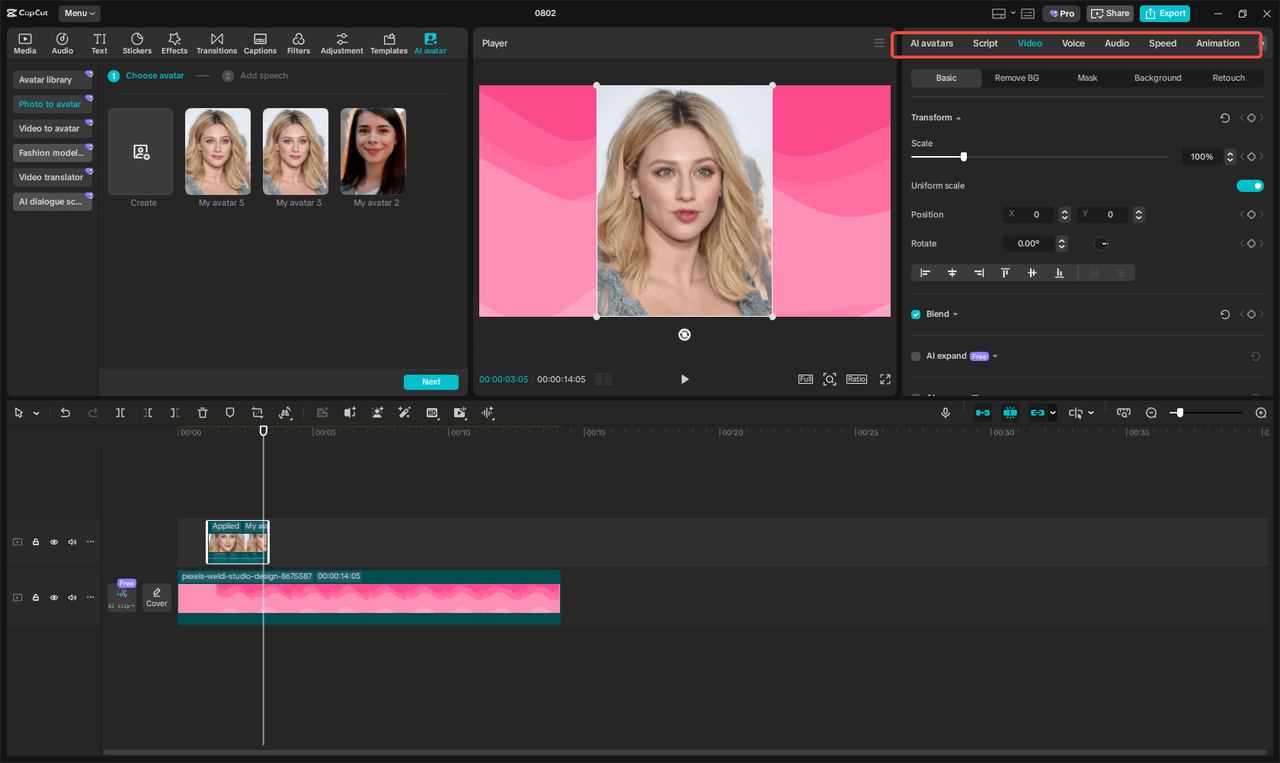
Emphasis is on smooth and accurate cutouts, which is made possible by an AI background generator. This usability is time-saving and yet provides the quality of professionals. To the creators who handle deadlines, efficiency is equivalent to creativity.
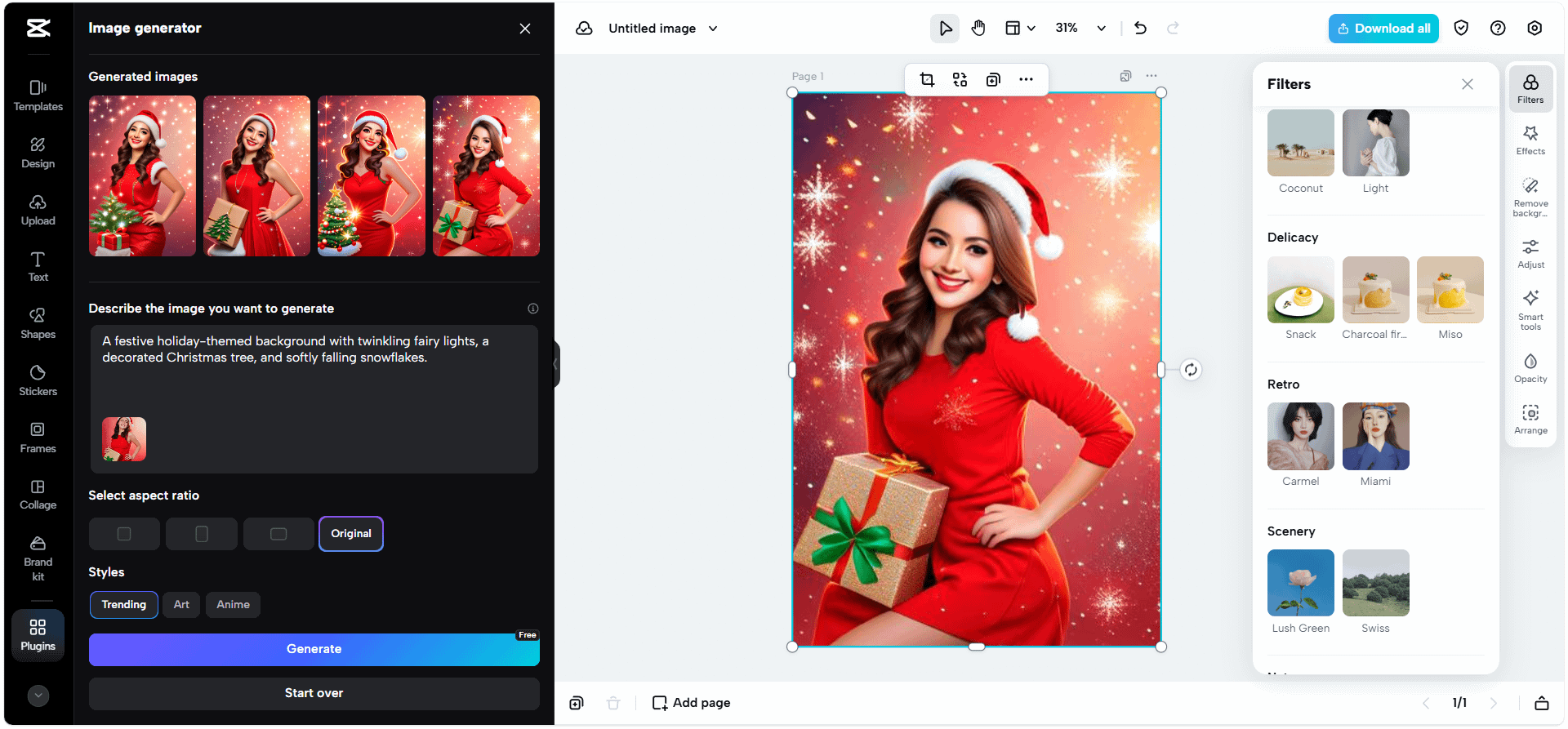
Color is still one of the most potent elements in video production. The correct tones can drive credibility, generate excitement, or narrate a story more closely. CapCut Web lets you manage this power without any superfluous complexity. Its tools allow the ability to take away the backdrop, customize colors, and match images with your brand. There are no more cumbersome configurations or costly programs required to give you professional edits. You take any project to the next level by learning color with CapCut Web. Begin to experiment now and make your videos come to life as professional-looking, colorful works.






Privacy Policy
Terms and Conditions - Affiliate Policy
Home Security
© Copyright 2008-2026.
11816 Inwood Rd #1211, Dallas, TX 75244