

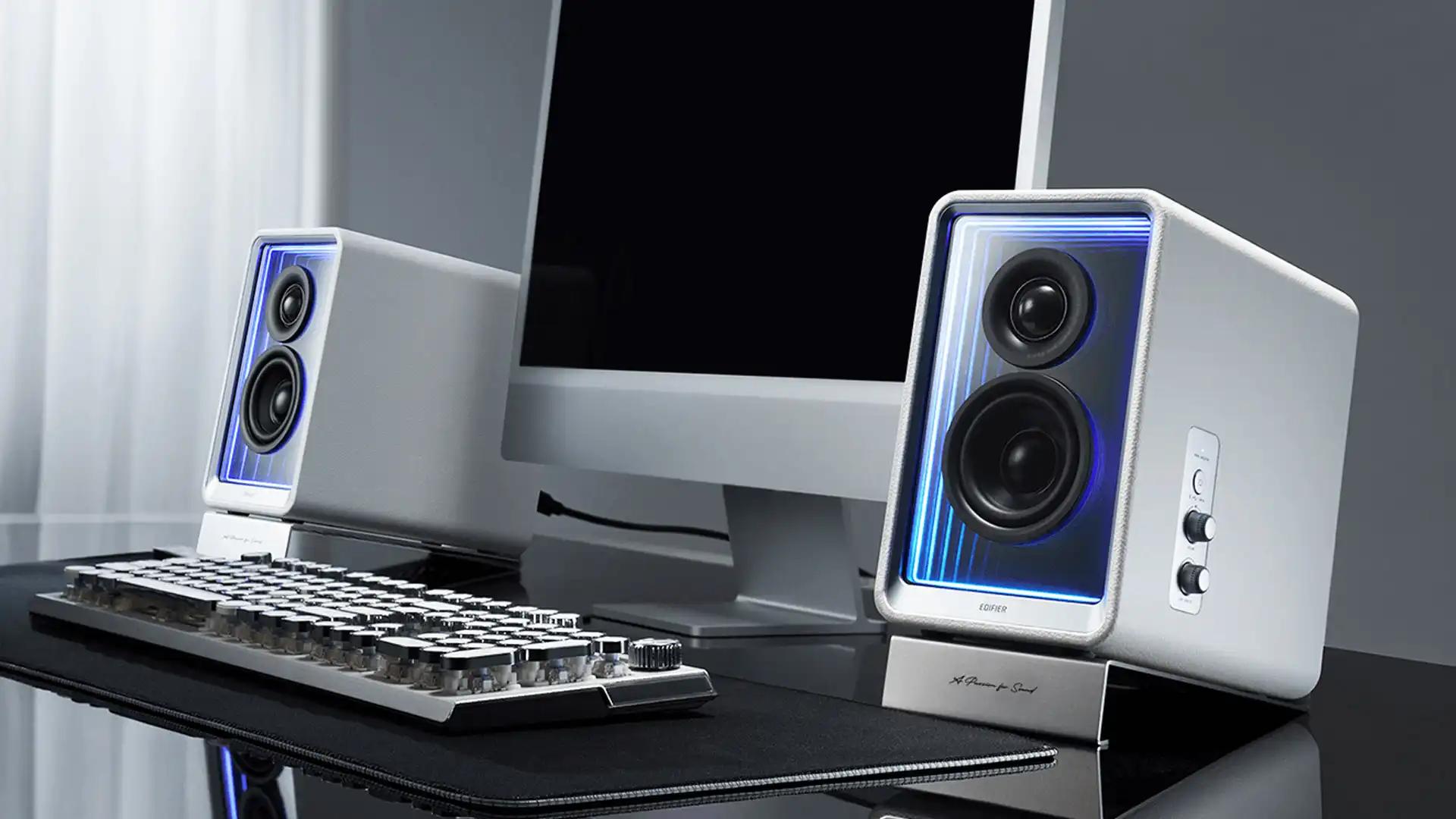
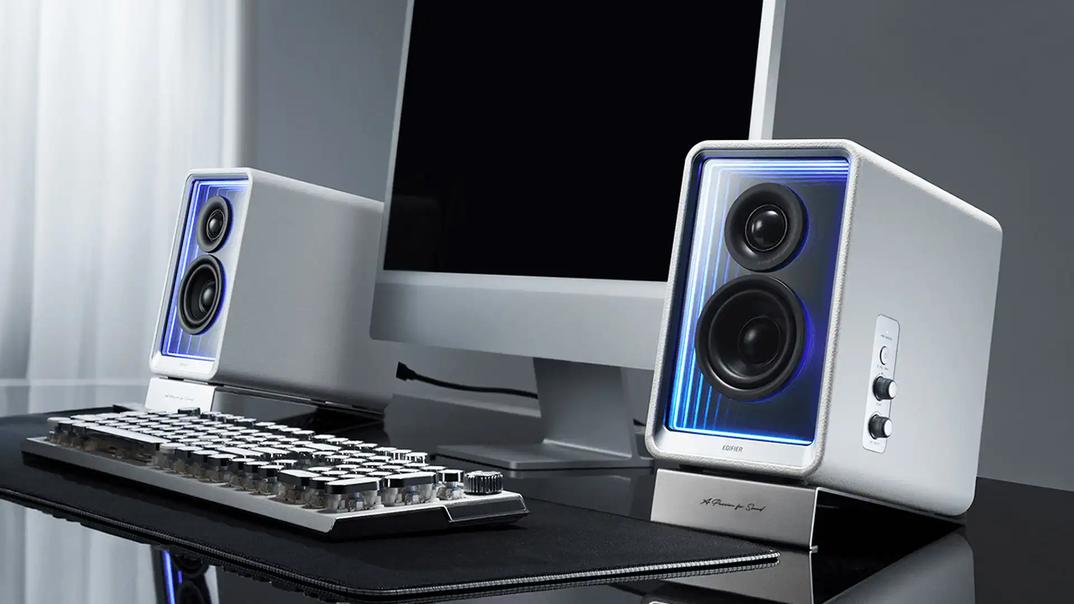
If you spend a big chunk of your day at your desk — whether it’s grinding through work, getting lost in a game, mixing tracks, or just putting on some music while you relax — your audio setup matters more than you think. Great sound isn’t just about volume; it’s about detail, balance, and immersion. Crisp highs, clear mids, and deep, controlled bass can turn “background noise” into something that actually makes you enjoy being at your desk.
But with so many choices out there — DACs, speakers, amps, monitors — it can feel overwhelming. Don’t worry. Let’s break it down step by step so you can find the setup that actually makes sense for your space and your ears.
Every computer has a DAC (digital-to-analog converter). It’s the little chip that takes digital files and turns them into an analog signal your headphones or speakers can play. The catch? Not all DACs are created equal.

Modern laptops and desktops usually come with halfway decent audio chips, and for casual listening, they might be “good enough.” But here’s the thing: built-in DACs often share space with other noisy electronics inside your computer. That means you can run into hiss, interference, weak headphone volume, or just a generally flat sound.
This is where dedicated DACs step in. Brands like Schiit, Topping, SMSL, and iFi make affordable little boxes that clean up your signal and give you better clarity, more dynamic range, and less distortion. Many also include high-quality headphone amps or balanced outputs if you’re running studio monitors.
When should you upgrade?
Good news: even entry-level DACs under $150 can make a noticeable difference. Notable picks include the Qudelix‑5K (compact with Bluetooth and parametric EQ, ~$100) praised as 'amazing sound, good build quality, very affordable'.

Other solid choices are the xDuoo XP‑2 Pro (Bluetooth and desktop power for about $150), the Massdrop x Grace Design SDAC and Topping D10 (both USB-only with clean, transparent sound under $100). Audiophiles on forums also recommend the FiiO K11, iFi Zen Air DAC, Schiit Fulla, and SMSL M300SE as worthwhile low-cost DACs.
Your next big decision is what kind of speakers to go with. This comes down to how you plan to use your system.
Studio monitors (Yamaha, KRK, Adam, Kali, etc.) are built for accuracy. What you hear is what’s in the mix — no artificial bass boost or treble sparkle. They’re active (built-in amps), so you don’t need an extra receiver or amp. The tradeoff? Some people find them a little dry for casual listening, but if you want precision, they’re fantastic.

Bookshelf speakers (think Klipsch, KEF, ELAC, Polk) lean toward a more “fun” or musical sound. Warmer bass, smoother treble, and a more spacious feel. Many are passive, so you’ll need an amp or receiver, though powered versions exist for simpler setups.
Bottom line:
Speaker size isn’t just about volume — it affects how the sound fills your space.

Pro tip: Speaker placement matters just as much as size. Keep them at ear level, angle them toward you, and don’t shove them directly against a wall unless you like boomy bass.
Let’s look at some practical setups depending on your budget and goals:


This setup is for people who want to sit at their desk and just get lost in music.
Your desktop audio setup doesn’t need to be complicated, but it does need to suit you. The biggest improvements usually come from upgrading your speakers and placing them correctly. An external DAC is the icing on the cake — it polishes the sound and lets your gear shine.
At the end of the day, whether you go for the precision of studio monitors or the warmth of bookshelf speakers, the goal is the same: a balanced, fatigue-free sound that makes you actually want to keep listening.
Invest once, set it up right, and you’ll enjoy years of music, movies, and games that sound the way they’re supposed to — no more wondering if your setup is “good enough.”





Privacy Policy
Terms and Conditions - Affiliate Policy
Home Security
© Copyright 2008-2026.
11816 Inwood Rd #1211, Dallas, TX 75244