

If you’ve been around PC speakers long enough, the name “Klipsch ProMedia” probably rings a bell. The original model came out all the way back in 1999 and quickly became one of the go-to choices for people who wanted better sound at their desks. Now, Klipsch is giving that classic setup a modern refresh with the new ProMedia Lumina 2.1 system, and it’s built with today’s tech habits in mind.
“We set out to honor the unmistakable power and precision that made the original ProMedia iconic, while evolving it for how people experience audio today—from gaming and creating to working and relaxing,” said Vincent Bonacorsi, Chief Operating Officer, Klipsch. “With modern connectivity, intelligent controls, and our signature horn-loaded clarity, the ProMedia Lumina proves that true high-performance sound belongs everywhere—even on your desk.”
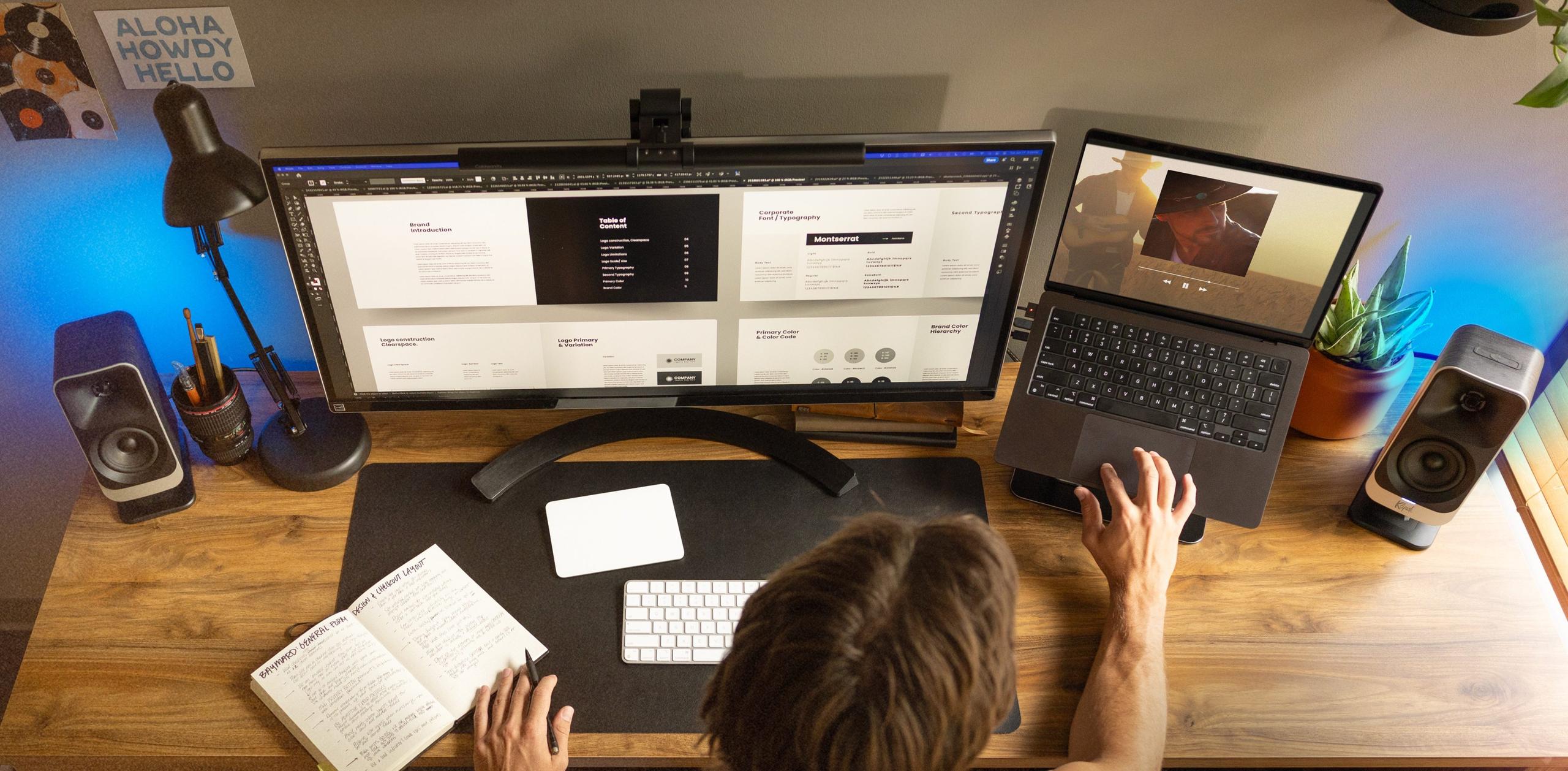
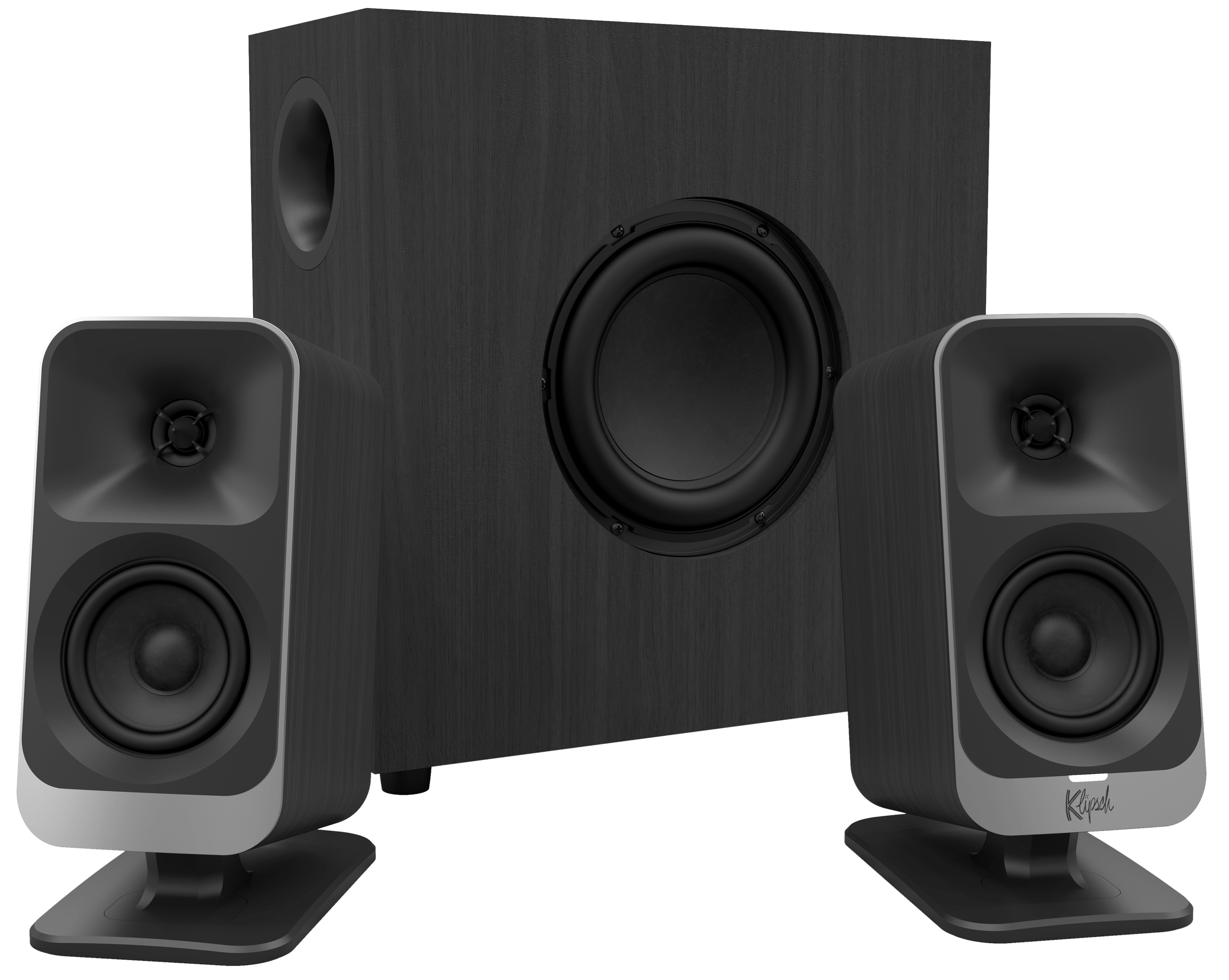
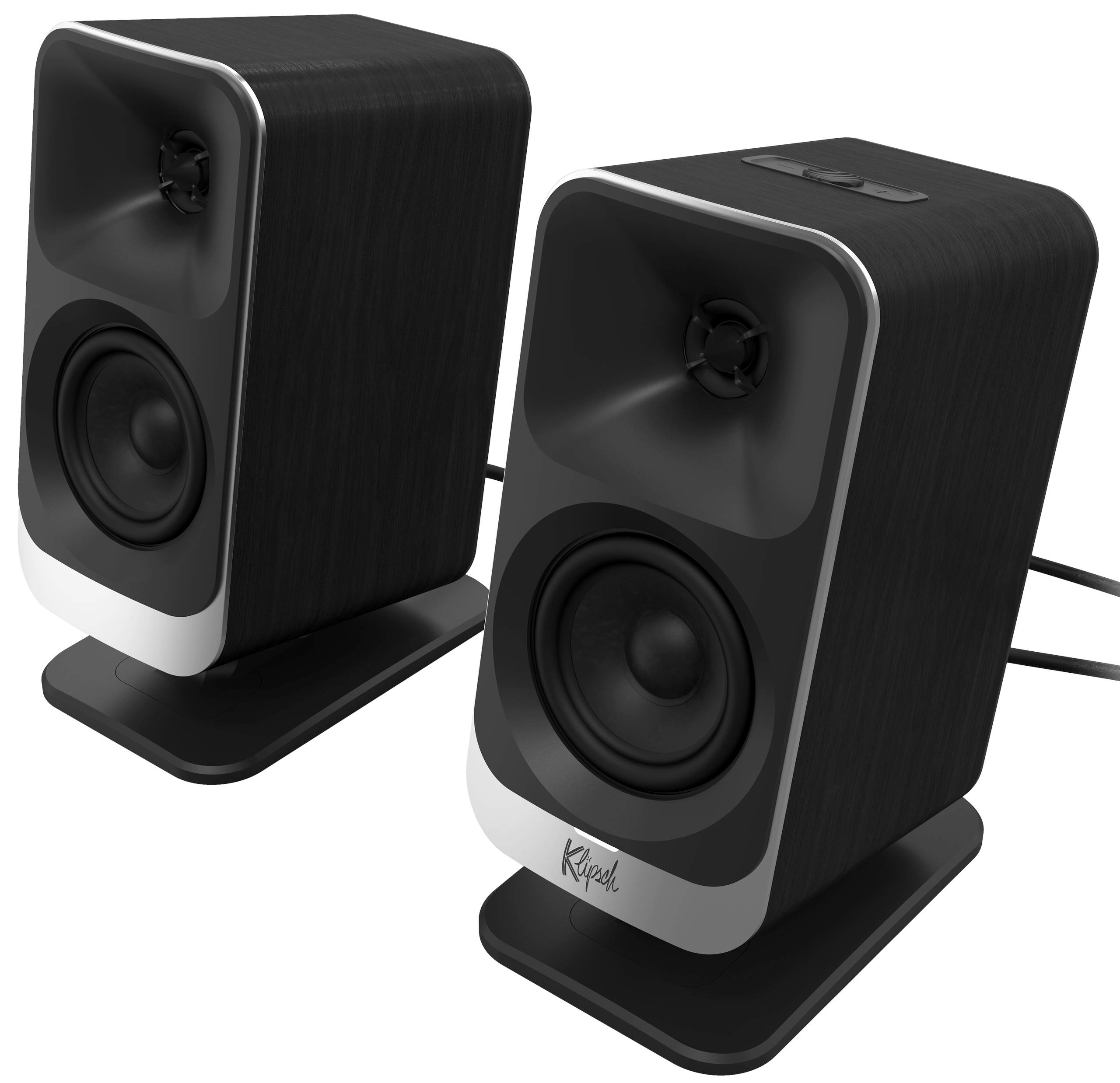
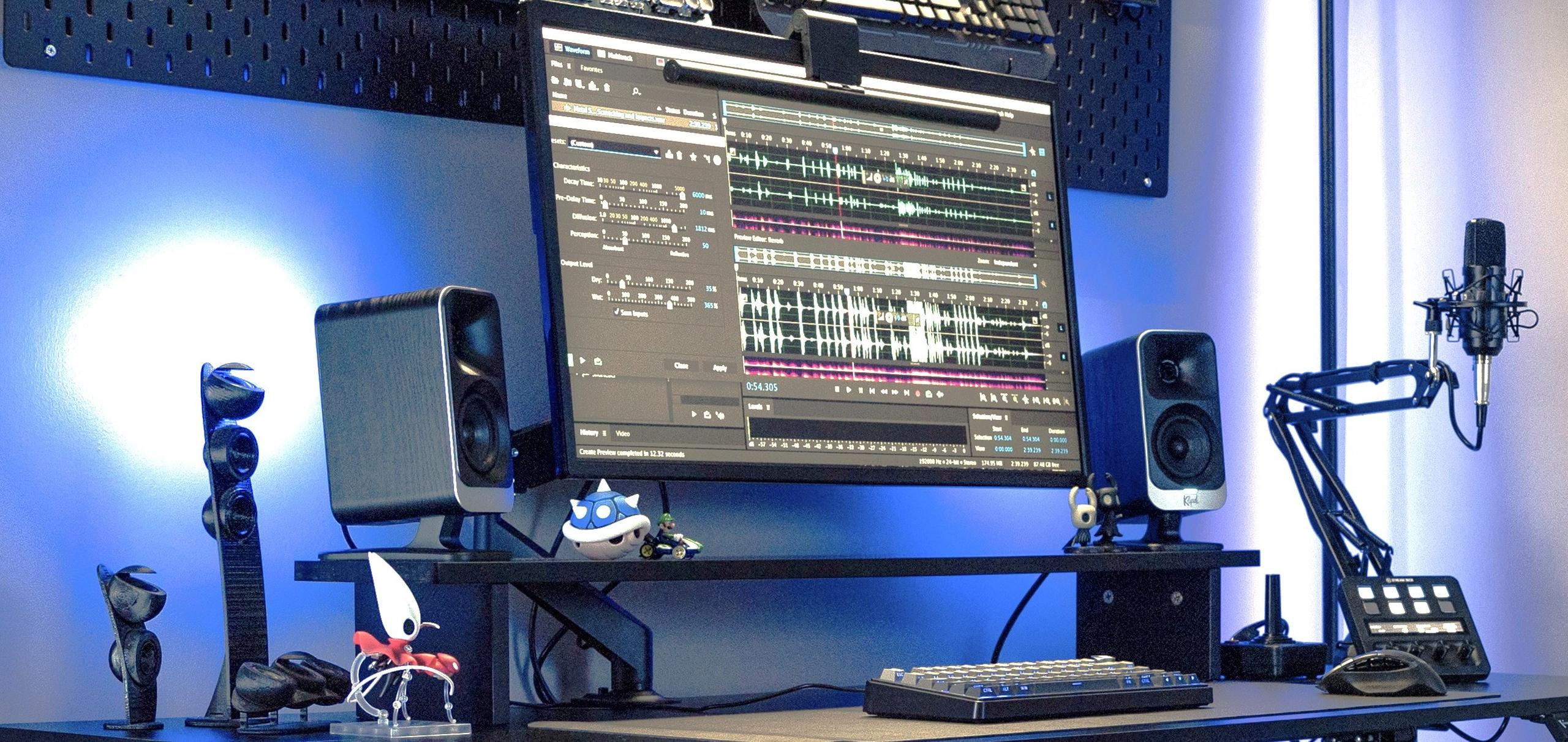
The ProMedia Lumina sticks with a 2.1 setup—two satellite speakers and a subwoofer. That alone might feel nostalgic if you remember building your first rig back in the day, but everything about this system is updated. The satellites use Klipsch’s MicroTractrix horn tech, just like the original, but with a wider design than before. That’s supposed to help with sound clarity without needing a ton of power, especially when you're sitting up close.
Each satellite speaker has a 3-inch driver designed to handle midrange details—dialogue, vocals, and game effects can sound cleaner when the tech’s dialed in properly. For folks who work all day and game all night, that’s a plus.
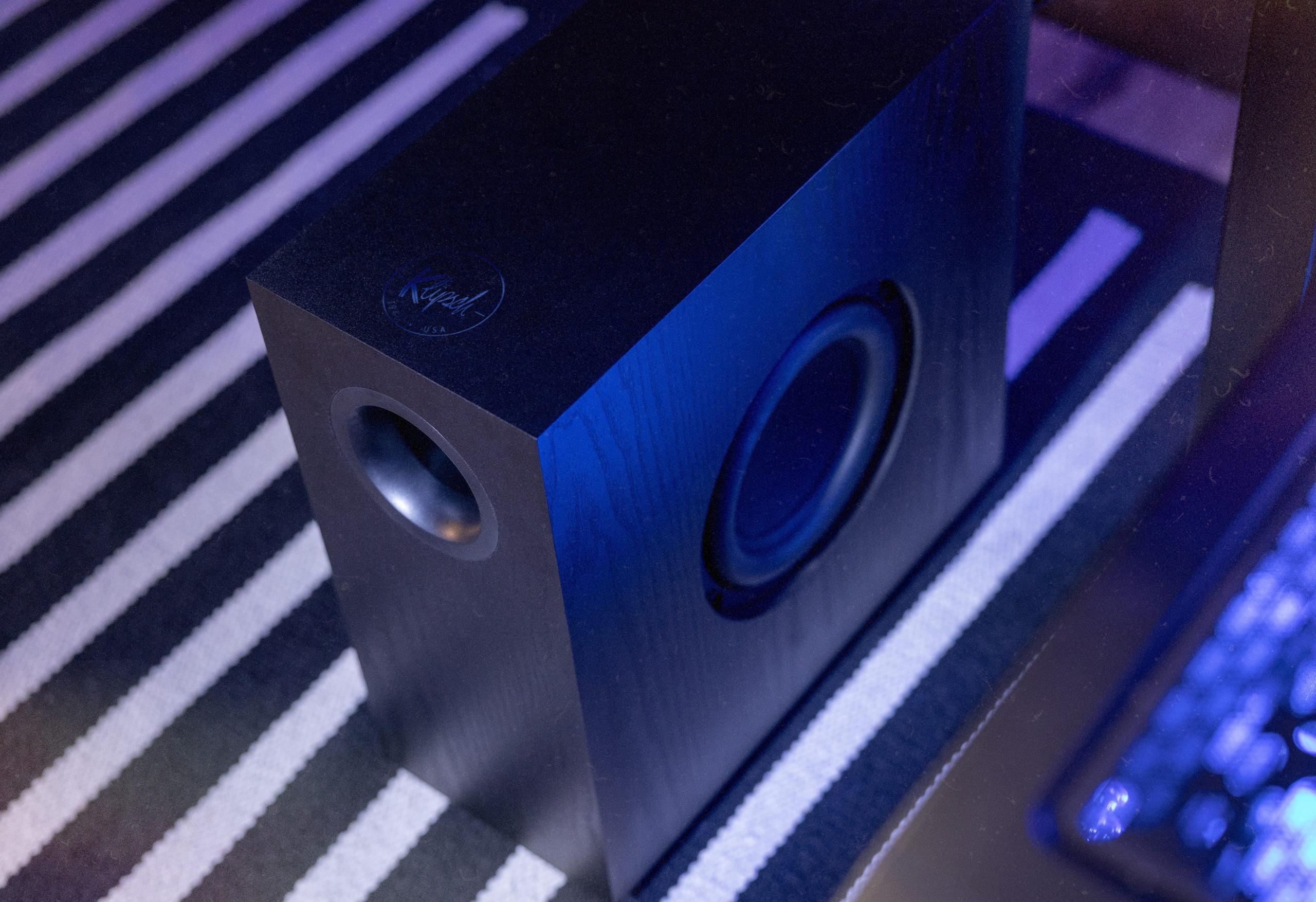
Let’s talk about bass. The subwoofer in this system has a 6.5-inch side-firing driver tucked inside a slim, vertical enclosure. The idea here is simple: give you decent low-end presence without taking up half your floor. There’s a dial on the back to adjust the bass independently, so if you don’t want to shake your desk during a Zoom call, you’re in control.
One interesting touch: the amplifier is built right into the subwoofer. That keeps things neat, no extra boxes on the desk or wires running around just to get powered sound.
Where things really change with the ProMedia Lumina is in how it connects. You get Bluetooth 5.3 for wireless streaming, USB-C for hooking straight into a computer, and a good old 3.5mm aux input. That covers most use cases whether you’re swapping between your PC, Mac, phone, or even a console.
And if you want more control than just turning knobs, Klipsch made two apps: Klipsch Connect Plus for phones, and Klipsch Control for Windows PCs. With these apps, you can tweak EQ settings, swap between Music and Movie modes, enable a virtual surround setting for gaming, and even turn on Night Mode—which cuts bass and overall volume for late-night usage.
No modern desktop speaker system would be complete without some lighting effects, right? Each satellite speaker has six LEDs built in, with five ambient lighting modes you can swap between. Want to go further? You can customize them in the app, or turn on “Music Reactive” mode, which pulses in time with your playlist.
Windows users get some extra perks here: Screen React mode, which scans the colors at the corners of your screen and mirrors them in the LEDs. And if you’re using Windows 11 and have other RGB peripherals, the Lumina can sync with those too, thanks to a Dynamic Lighting mode.
Klipsch also added some quality-of-life features, like auto-on/off that turns the system on when your computer wakes up and shuts it down when you turn it off. And the whole setup is wired, but with options for neat cable routing so things look clean—especially useful if you’ve ever had a desk full of tangled cables from past setups.
Klipsch ProMedia Lumina Specifications
| Spec | Details |
|---|---|
| Frequency Response | 40Hz–20kHz @ -6dB |
| Max Output | 98dB SPL |
| Crossover Frequency | Satellite: 3.5kHz Subwoofer: 150Hz |
| Enclosure Material | Satellites: ABS Subwoofer: MDF |
| Enclosure Type | Satellite: Sealed Subwoofer: Slim Tube-Ported |
| Drivers | Satellite: 1” Mylar Tweeter mated to a MicroTractrix horn, 3” Midrange Subwoofer: 6.5” Side-Firing Woofer |
| Reverse Charging | 5V/2A |
| Inputs | USB-C 3.5mm AUX Bluetooth 5.3 |
| Outputs | 3.5mm AUX Headset Through |
| Finish | Black |
| Voltage | 100/240V Variable |
| Dimensions | Satellite: 9.75” (24.75cm) x 6.5” (16.5cm) x 4” (10.16cm) Subwoofer: 14” (35.56cm) x 6” (15.25cm) x 13 7/8” (35.42cm) |
| Weight | Satellite: 2.1lbs (0.95kg) Subwoofer: 11lbs (4.99kg) |
The Klipsch ProMedia Lumina is already available on Amazon for $379.99. It’s not aiming to replace studio monitors or high-end sound systems, but it’s definitely positioned as an upgrade for people who are still relying on built-in speakers or soundbars for everything they do at their desks.
For anyone who misses the feel of a dedicated 2.1 setup—but wants it to work with modern PCs, gaming setups, and even lighting effects—the Lumina makes a case for itself. Klipsch might just convince a new wave of listeners to go back to speakers that do a little more than just play audio—they become part of the setup.






Privacy Policy
Terms and Conditions - Affiliate Policy
Home Security
© Copyright 2008-2026.
11816 Inwood Rd #1211, Dallas, TX 75244