

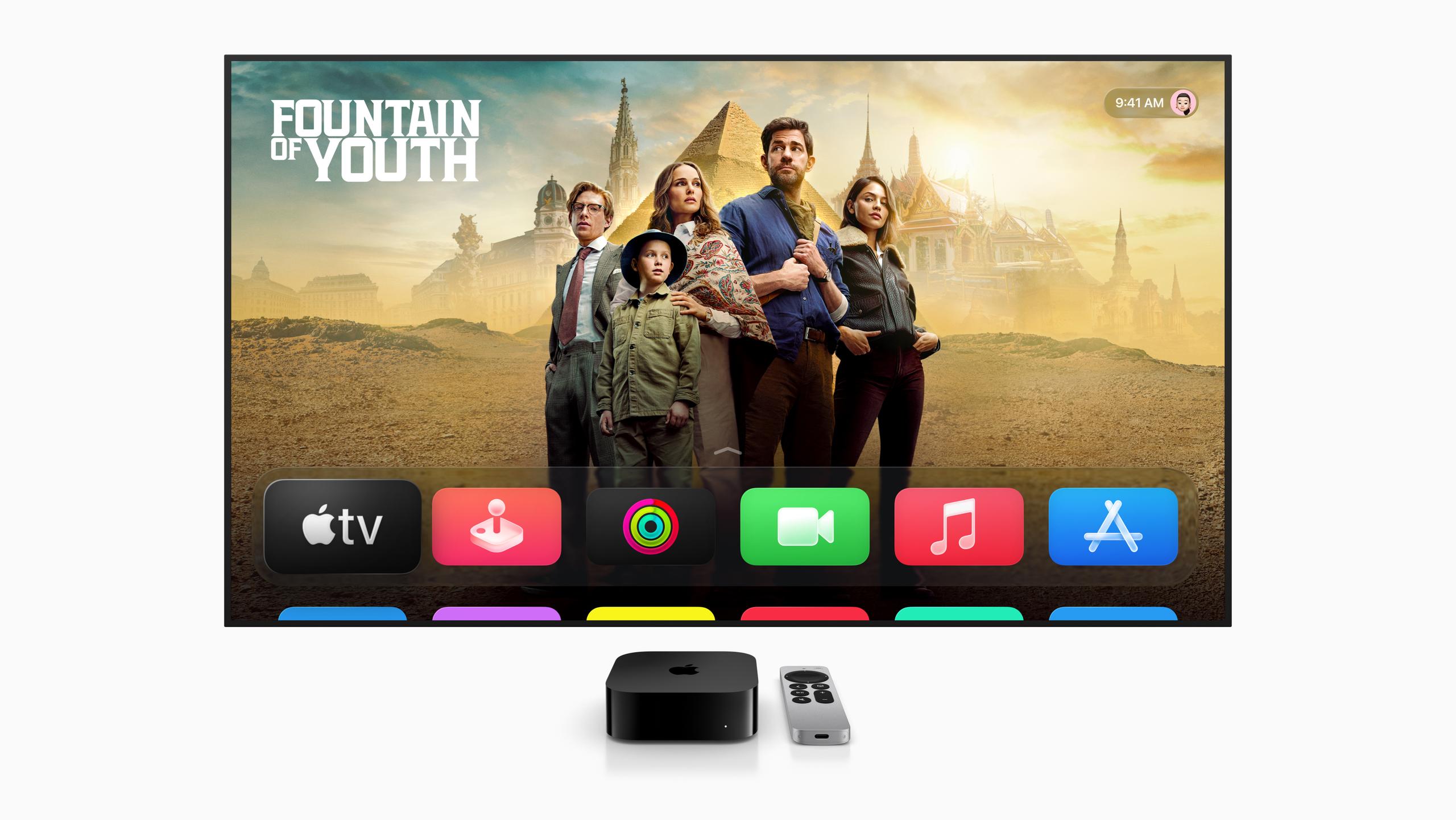
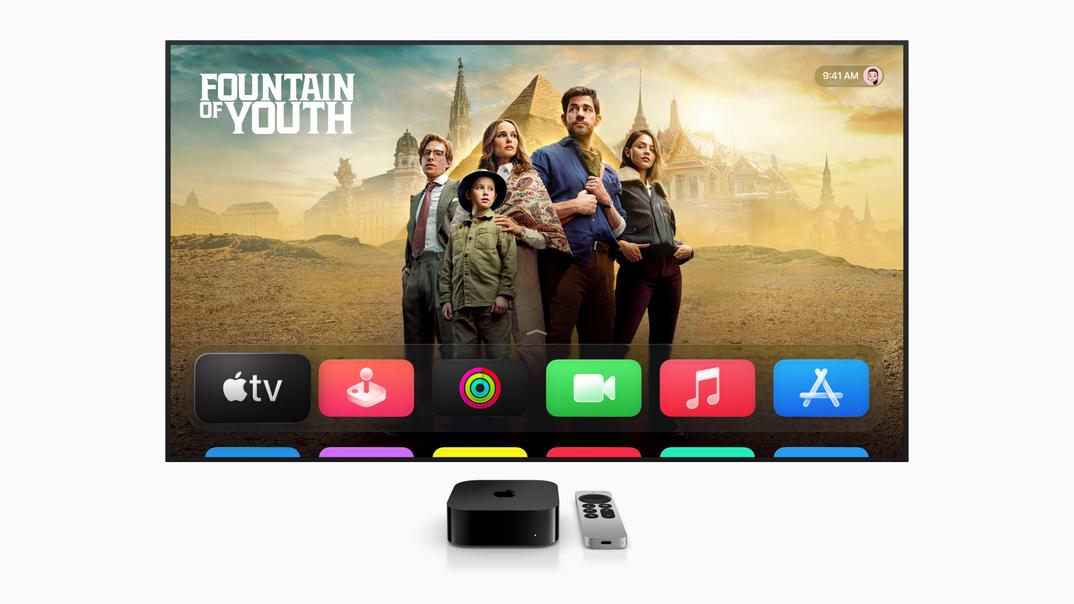
Apple has officially announced tvOS 26, the latest update to the software that powers Apple TV. Introduced at the 2025 Worldwide Developers Conference (WWDC), tvOS 26 brings a sleek new design, handy personalization features, and a few fun upgrades that aim to improve how you use your Apple TV. Whether you're streaming movies, singing karaoke, or just browsing for something to watch, this update offers something for everyone. Let’s break it all down.
The most noticeable change in tvOS 26 is its all-new visual design, called Liquid Glass. Think of it as a shiny, modern refresh that makes everything look more fluid and transparent. The idea is to create a more immersive experience where the interface doesn’t distract from what’s on screen. For example, playback controls and menus now have a see-through look, so you can make adjustments without missing what’s happening in your show or movie.
This design also extends to the Apple TV app itself, which now features a poster-style layout for shows and movies. The bigger, brighter artwork makes it easier (and honestly, more fun) to browse through your options. If you’ve ever spent way too much time deciding what to watch, this update may just make the process a little smoother.

If you share your Apple TV with family or roommates, this next feature might be a game-changer. Personal profiles now pop up automatically when the Apple TV wakes, so you can quickly jump back into your own recommendations, watchlists, and playlists. No more scrolling through someone else’s unfinished shows or music preferences—your profile is front and center.
Apple has also added a new feature that makes logging into apps easier. With a new API for app developers, streaming apps can now link their logins to your Apple ID. This means you’ll spend less time typing passwords (or digging through your email for that reset link) when setting up apps on a new device.

If you’ve ever wanted to use external speakers with your Apple TV, here’s some good news. With tvOS 26, any AirPlay-enabled speaker can be set as your default audio output. Previously, this feature was limited to Apple’s own HomePod speakers. Now, you can connect other AirPlay-compatible speakers or soundbars and have them stay connected, even after you turn off the device. This is especially handy if you want better sound without investing in a full wired home theater setup.
One of the more playful updates in tvOS 26 is the revamped Sing feature in Apple Music. If you love karaoke, you’ll now be able to use your iPhone as a microphone while the lyrics scroll across your TV. Your voice will even be amplified through the TV’s speakers, so you can really bring the performance to life.
Even better, friends can join in with their own iPhones to queue up songs, add reactions with onscreen emojis, and enjoy some interactive fun. The updates also include pronunciation guides and translations for lyrics, so you can sing along to songs in other languages—even if you don’t speak them fluently.

Apple is also making FaceTime more useful on the big screen. With tvOS 26, you’ll see Contact Posters—custom photos and names for your contacts—when you start a FaceTime call on your Apple TV. It’s a small touch, but it makes video calls feel more personal.
Additionally, Live Captions, which display text of what’s being said during a call, now work in six new languages, including French, German, Japanese, Korean, Mandarin, and Spanish. Apple has also made it easier to handle FaceTime audio or phone call notifications directly from your Apple TV, letting you answer on your iPhone or connected HomePod speakers.
If you’re a fan of Apple TV’s iconic screen savers, you’ll love the new additions in tvOS 26. This update includes stunning aerial views from India, featuring landscapes from places like Goa and Kerala. For even more customization, you can now choose specific screen saver themes—like Cityscapes, Earth, or Underwater—or hide ones you’re not interested in.
The update also brings improvements under the hood, ensuring compatibility with older Apple TV devices. In fact, tvOS 26 will work on models going back to the Apple TV HD (2015) and the first-generation Apple TV 4K (2017).
If you’re excited to try out tvOS 26, the developer beta is available now, with a public beta expected in July 2025. The full release will roll out in the fall, likely alongside Apple’s other major software updates like iOS 26 and macOS 26.






Privacy Policy
Terms and Conditions - Affiliate Policy
Home Security
© Copyright 2008-2026.
11816 Inwood Rd #1211, Dallas, TX 75244