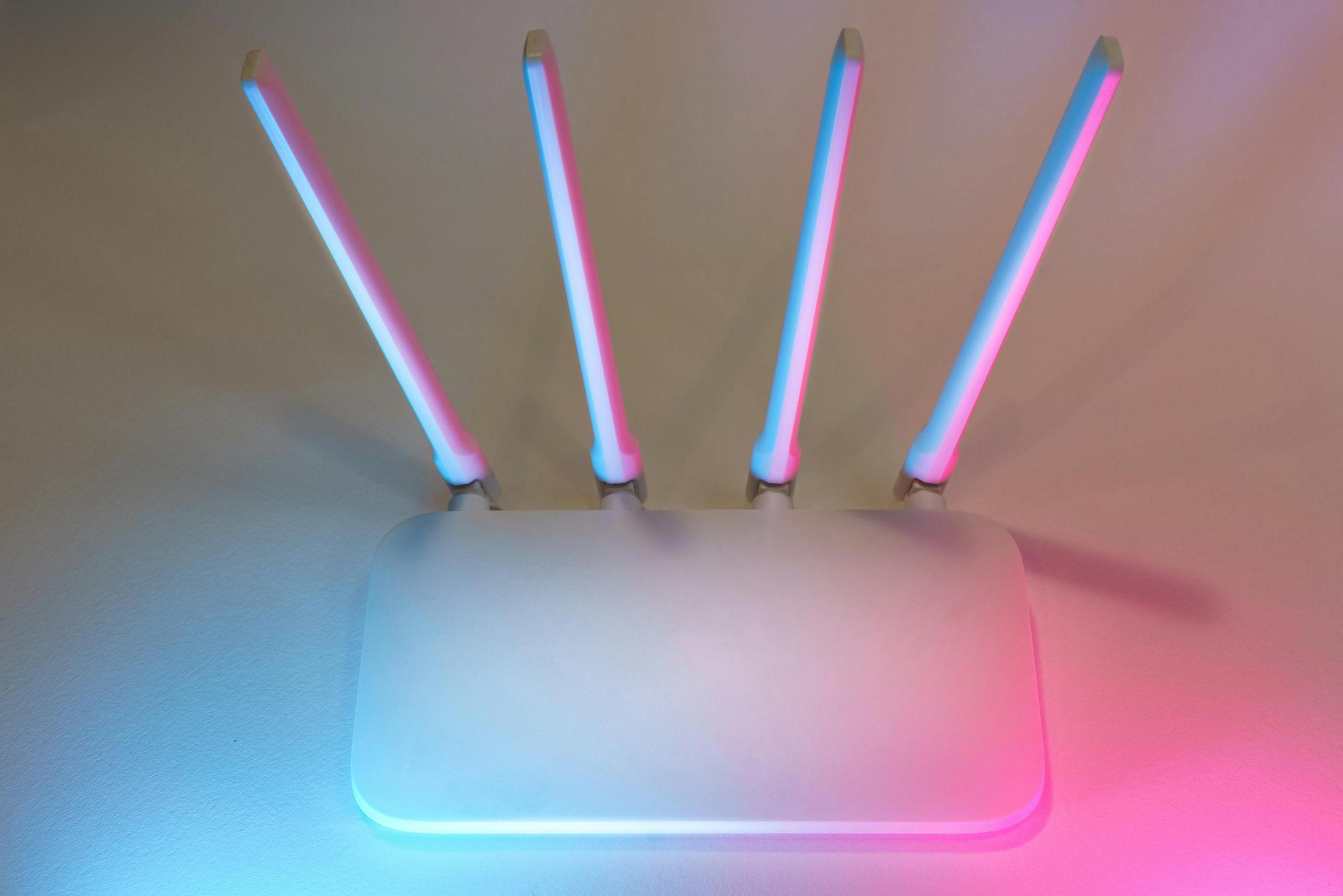
These days, whether you're just watching videos in the evening or working remotely, your router is the foundation of your entire home network security. From smartphones to smart TVs, millions of home devices rely on your router as the first line of defense against external threats. Yet many people never think about the fundamental methods of how to secure your home network. They don't think about it until they encounter an invasion of their privacy or data theft.
Your router functions similarly to your home's front entrance. The only difference is that it is a digital one. If you leave the door unlocked, anyone can enter. The same goes for your home network. Without proper router security, attackers can:
Networks without reliable protection are particularly vulnerable to man-in-the-middle attacks. This happens when a hacker intercepts messages between your devices and the internet. Also, as well as makes brute-force attempts to enter passwords into the router. The conditions for detecting and stopping such attacks are as follows:
When strengthening your network security, it is useful to think not only about your router settings, but also about your general digital habits. The answer to the question of how to secure your home network requires both awareness and the use of additional antivirus and anti-malware solutions. One such solution is Moonlock. It provides Mac users with an additional layer of protection against malware by scanning files and apps. Thanks to this, users may detect threats at the Mac level, even if the last ones entered the device through risky downloads or a potentially vulnerable network environment. If you are looking for advanced tips and examples of proven approaches to digitally protecting your devices and network, be sure to check out the relevant materials in the blog on Moonlock website. There you can learn about real-life situations and practical approaches to security that are useful for any user seeking to protect their digital ecosystem.
These features make connecting new devices easier, but they can also become a backdoor for attacks. WPS is particularly risky. It uses a PIN code that is easily susceptible to brute-force attacks. Disable these features if they are not critically necessary.
Guests, IoT devices, and less secure gadgets often need access to the internet. However, they should not have access to your main resources. Set up a separate guest network with its own isolation password. This is a simple and effective technique. With it you will improve home network security while maintaining performance.
Manufacturers periodically release firmware updates for routers. These updates close new vulnerabilities and improve protection. Check for updates. Install them as soon as they are released. By ignoring updates, you leave the door open to potential attackers.
Even if your home Wi-Fi password appears to be secure, it could be exposed:
Reduce the possibility of illegal access: update your password on a frequent basis.
We all live in a world in which our digital lives are inextricably tied to every gadget in the house. Due to this, secure home Wi-Fi is no longer a technological issue. Now it is a matter of security and privacy. The first step in protecting all of your devices and data is to configure your router properly. Change your default passwords and activate robust encryption. Disable risky features. Update your firmware regularly. This way, you will significantly reduce the risk of attacks. Add to this a conscious attitude towards the files you download and the additional antivirus protection you use, and you will get a much safer digital space for work and life.





Privacy Policy
Terms and Conditions - Affiliate Policy
Home Security
© Copyright 2008-2026.
11816 Inwood Rd #1211, Dallas, TX 75244