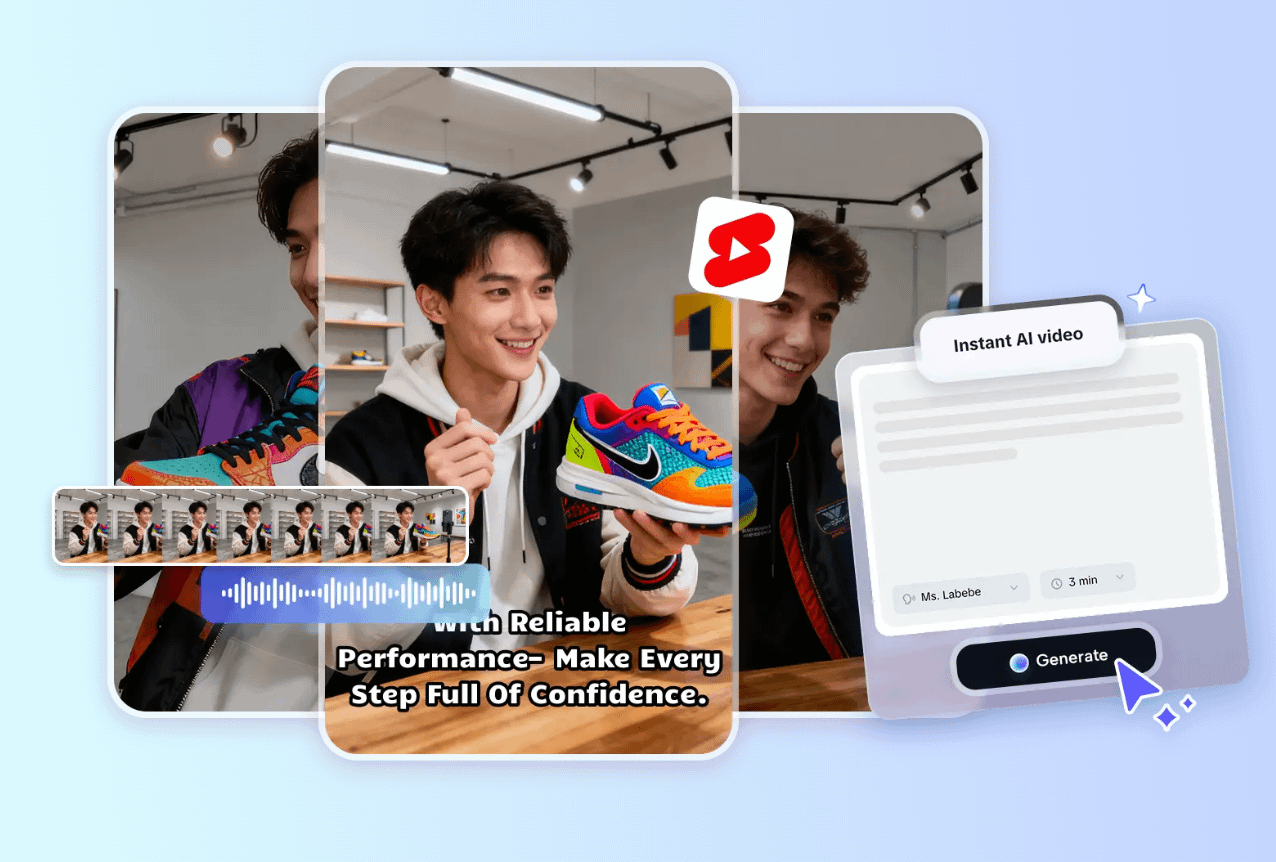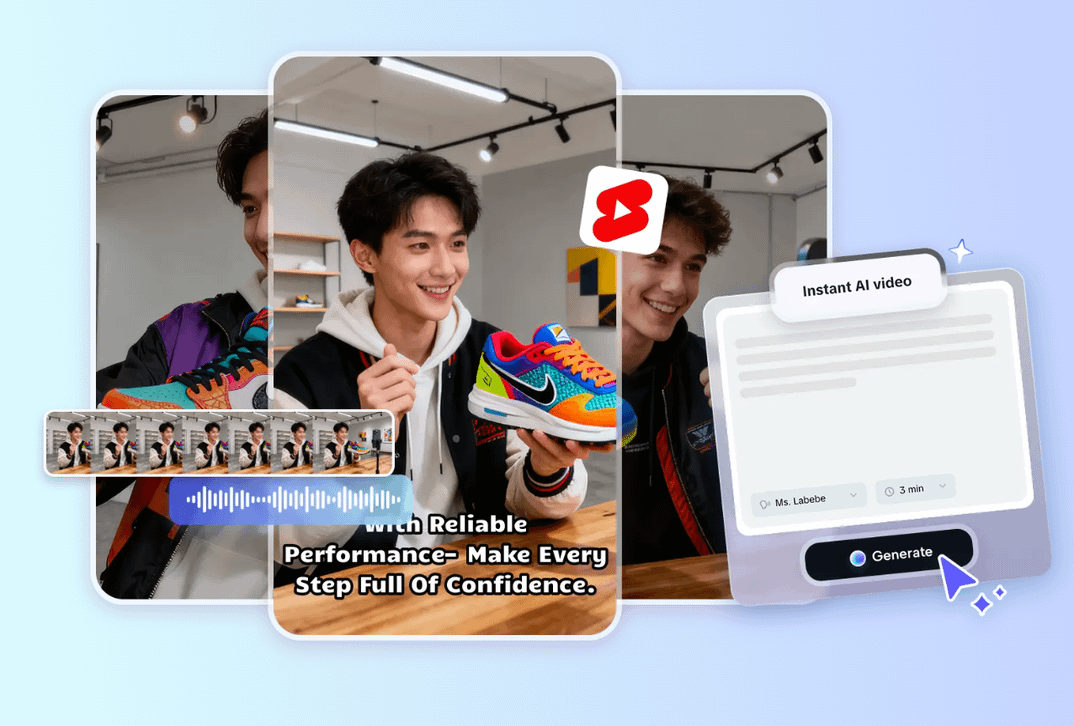
Starting with YouTube Shorts is both exciting and daunting. With short-form content booming, creators are eager to find the best app for making eye-catching Shorts, but the sheer number of tools can make choosing difficult.
Having tested many editing apps, I understand how hard it is to find a balance of simplicity, creativity, and quality. I've selected the five best YouTube Shorts Maker Apps that offer user-friendly interfaces, powerful AI features, and high-quality exports. Whether you're new or experienced, these apps make scroll-stopping content easy.
I've tried nearly every YouTube Shorts maker available, and these are the top tools that stand out in 2025. Each one provides powerful features tailored for creators who want to produce professional-grade Shorts quickly and efficiently. Here's a look at my top recommendations:
Each of these options caters to different editing styles and experience levels, but CapCut leads the list for its AI-powered capabilities, fast rendering, and built-in templates designed specifically for YouTube Shorts creators.
In this article, I personally tested each of these YouTube Shorts maker apps on my Windows PC and Android phone. Over the past year, I've used these apps in real-world scenarios—creating content for YouTube, TikTok, and Instagram Reels—so my insights are based on hands-on experience, not just theory. When selecting the best apps, I focused on several key factors:
With these criteria in mind, I focused on beginner-friendly tools that also offer growth potential. My goal was to find editors who keep creativity fun while reducing technical barriers.
For creators focused on YouTube Shorts, CapCut is a leading choice for an AI-powered video editing app. It combines intelligent automation with creative flexibility, allowing users to transform raw footage or ideas into polished, engaging clips in minutes. Perfect for YouTube Shorts, CapCut makes editing fast, intuitive, and fun as an app. Its suite of AI tools, including text-to-video, smart effects, and automated enhancements, helps creators produce professional-quality YouTube Shorts that stand out and drive engagement.
Pros
Cons
Key Features
CapCut is the most efficient YouTube Shorts makerapp I've used. The AI generator lets me turn ideas into videos in minutes, and captions are automated. Templates and AI enhancements give my videos a professional and consistent look. Direct exports simplify posting. Users can also download the CapCut desktop video editor for YouTube video creation on a computer.
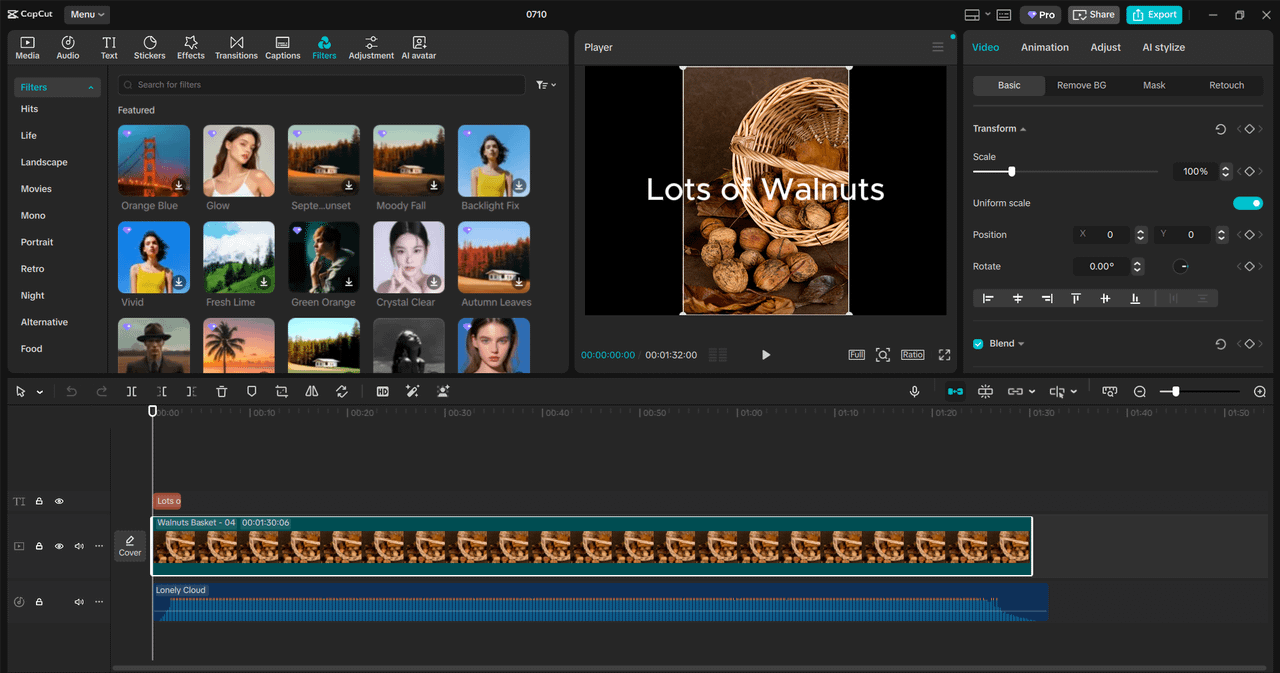
When you need to create and post Shorts on the go, the InShotYouTube Shorts maker app is a reliable app that makes quick editing simple and enjoyable. It's built for creators who want efficiency without sacrificing quality. With its user-friendly interface and built-in effects, you can produce professional-looking videos directly from your phone or computer.
Pros
Cons
InShot is my go-to for quick mobile edits. It's simple, supports easy overlays and filters, and is very convenient for casual creators, even if it lacks advanced AI.
For creators who prefer hands-on control over every frame, the VN InShot YouTube Shorts maker app delivers precision editing with a multi-track timeline. It's perfect for those who want to customize transitions, fine-tune layers, and work like a pro without paying for expensive software. Despite being free, VN offers robust tools for serious content creation.
Pros
Cons
VN Video Editor provides a balance between simplicity and precision. Its multi-track timeline supports smooth transitions, text layers, and audio syncing. It's perfect for users who want a professional workflow without the complexity of traditional software.
VVN's straightforward workflow lets me control transitions and sound for precise edits. It lacks major AI but is strong for manual storytelling.
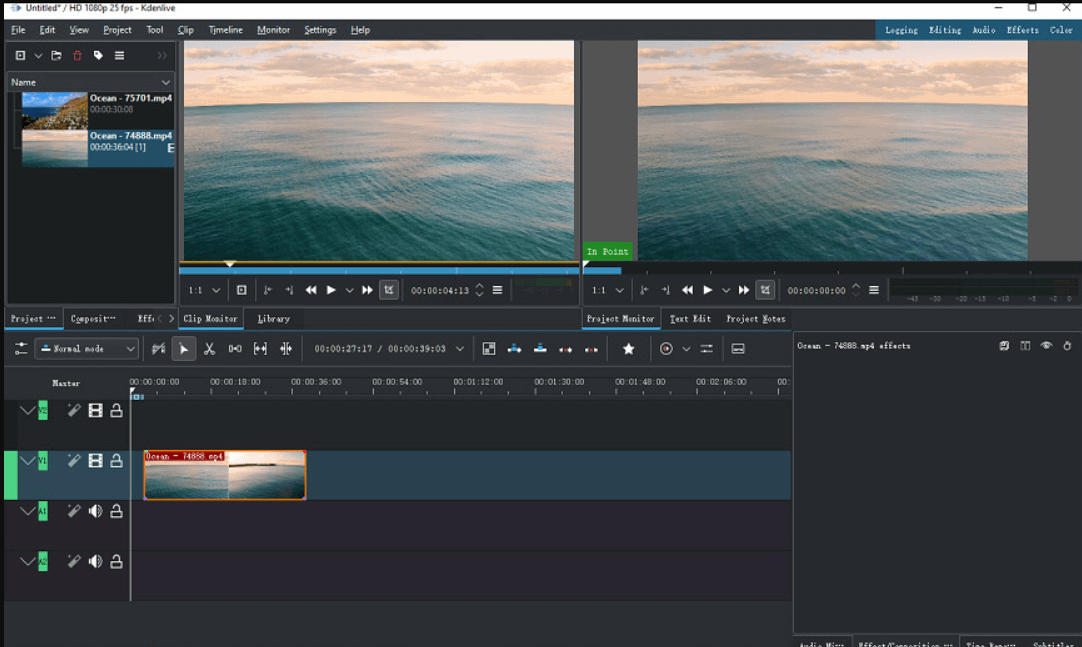
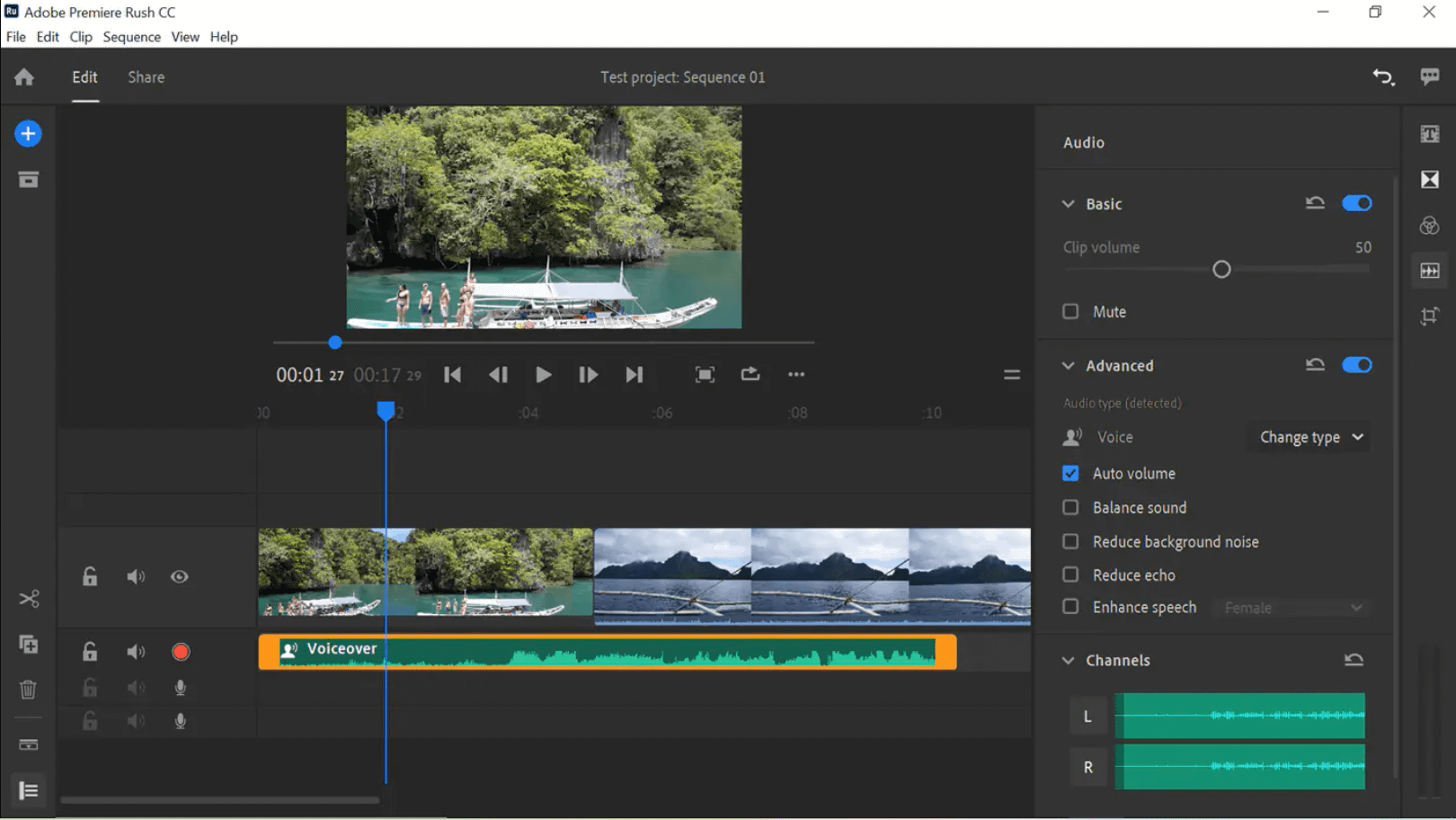
If you're looking for a dependable and professional-grade app to create YouTube Shorts without switching between multiple platforms, Adobe Premiere Rush is a solid choice. Designed for both beginners and intermediate editors, it combines simplicity with Adobe's signature quality and cross-platform support.
Pros
Cons
Premiere Rush simplifies the editing process while offering Adobe-quality performance. It's ideal for creators who want to start on mobile and finish on desktop. The app includes built-in motion graphics templates and allows direct uploads to YouTube Shorts.
Rush bridges mobile and desktop editing, letting me batch content and refine projects in Premiere Pro.
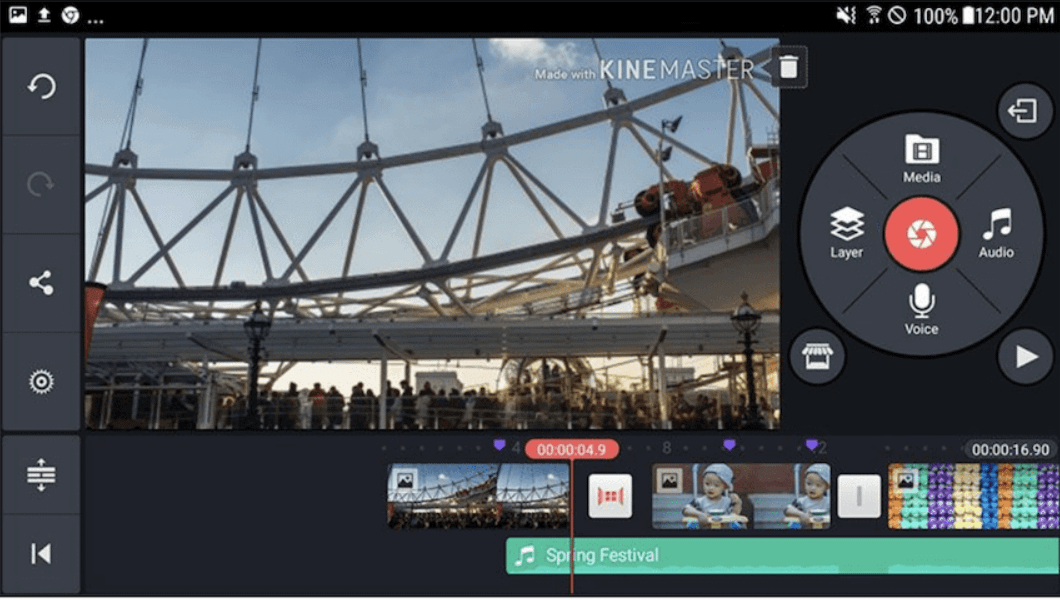
For creators who love editing on the go, the KineMaster YouTube Shorts maker app stands out as a versatile and creative video editing app for mobile devices. Its intuitive interface and real-time preview make it ideal for anyone who wants to produce stylish shorts without needing a desktop setup.
Pros
Cons
KineMaster offers full-featured editing on mobile devices. It supports advanced layering, blending modes, chroma key (green screen), and smooth transitions. Perfect for creators who love adding creative touches to their Shorts.
I use KineMaster for quick edits when I want something playful and stylish. It's especially fun for experimenting with filters and overlays. The real-time preview feature ensures smooth adjustments when editing vertically formatted short videos.
When picking the right app, consider:
Desktop apps like CapCut or Renderforest often provide more advanced features, higher rendering quality, and better control over timeline editing.
Mobile apps are ideal for quick uploads, on-the-go editing, and social media posting, letting you create content anywhere without a heavy setup.
If you want to save time and boost creativity, look for apps with AI-powered tools such as automatic video generation, smart scene editing, or text-to-video features.
AI features can help you automatically add subtitles, generate voiceovers, or enhance visuals, making your shorts look professional even without deep editing skills.
Trending templates, animations, and effects keep your content visually engaging and aligned with what performs well on YouTube Shorts.
Apps with a constantly updated template library allow you to quickly jump on trends without starting from scratch.
Many YouTube Shorts maker apps, like CapCut, are free or offer freemium plans, letting you experiment without financial risk.
Export formats: Ensure the app supports vertical video (9:16) and high-resolution exports for shorts.
Ease of use: If you're a beginner, a drag-and-drop interface can save time.
Integration with other tools: Some apps, like CapCut, allow easy transfer to social media schedulers or other editors, streamlining your workflow.
Paid plans may unlock premium templates, watermark removal, higher resolutions, and advanced AI features, which can be worthwhile as your content grows.
Choosing the right YouTube Shorts maker app depends on your goals, but in my experience, CapCut is the best all-rounder app. It offers the perfect blend of AI innovation, user-friendliness, and flexibility. Whether you're experimenting with short-form storytelling or building a full content strategy, CapCut gives you everything you need—from smart automation to professional templates.
What is the easiest YouTube Shorts maker app? CapCut is the easiest and most efficient app for creators who want professional-quality results without complex tools. Its built-in templates and automatic captions make video creation effortless.
Can I use CapCut for YouTube Shorts? Absolutely. CapCut includes a dedicated YouTube Shorts maker feature that provides vertical templates, optimized resolutions, and direct upload options.
Which app is best for quick YouTube Shorts creation?CapCut and InShot are excellent apps for fast edits. CapCut stands out with AI assistance and automatic syncing, making it ideal for short-form creators.
Do I need a computer to make YouTube Shorts? Not necessarily. Apps like CapCut and KineMaster work on mobile devices, but desktop versions offer greater flexibility and editing precision.




Privacy Policy
Terms and Conditions - Affiliate Policy
Home Security
© Copyright 2008-2026.
11816 Inwood Rd #1211, Dallas, TX 75244